What Is Fanvue? The AI Creator Platform Blowing Up in 2026
Fanvue has gone from "OnlyFans alternative" to a genuine AI-first creator economy in under two years — Sacra pegs it at roughly $200M in annual recurring revenue as of May 2026, doubling from the end of 2025. Creators across fitness, music, fashion, and virtual-influencer niches are using it to turn subscriptions, tips, and paid posts into real income, with AI tools baked directly into the platform. The honest catch: the same features that make it easy to launch also mean the platform is getting crowded, and consistent AI content is what actually separates a page that grows from one that doesn't.
A quick warning: Fanvue requires creators to clearly disclose when a page or persona is AI-generated — in the bio, captions, or visual cues. It's not optional, and moderation actively checks for it. Skipping this disclosure step is the fastest way to get a page suspended, no matter how good your content looks.
🎬 Try Kenerate AI's Video Generator
Why Fanvue Is Actually Different From a Regular Subscription Platform
- AI-generated creators are explicitly welcome. Unlike most legacy platforms that treat synthetic personas as a grey area, Fanvue built disclosure rules and moderation specifically to allow them — as long as the AI nature is clearly stated.
- Payouts are faster. Funds typically clear after a 7-day pending period versus the 21-day industry norm, though verification status can push this out to 28 days.
- Creators keep 80% of gross revenue, with Fanvue taking a 20% platform cut across subscriptions, tips, PPV, and custom requests.
- Built-in AI tooling for engagement. Automated welcome messages, AI-assisted replies, and analytics are native to the platform, not third-party bolt-ons.
- It's genuinely multi-niche. Fitness, music, sports commentary, fashion, and lifestyle pages coexist with traditional creator content — the platform isn't built around one content type.
The Best Tools for Building an AI Creator Page in 2026
1. Kenerate AI — Best All-in-One Studio for Consistent AI Personas
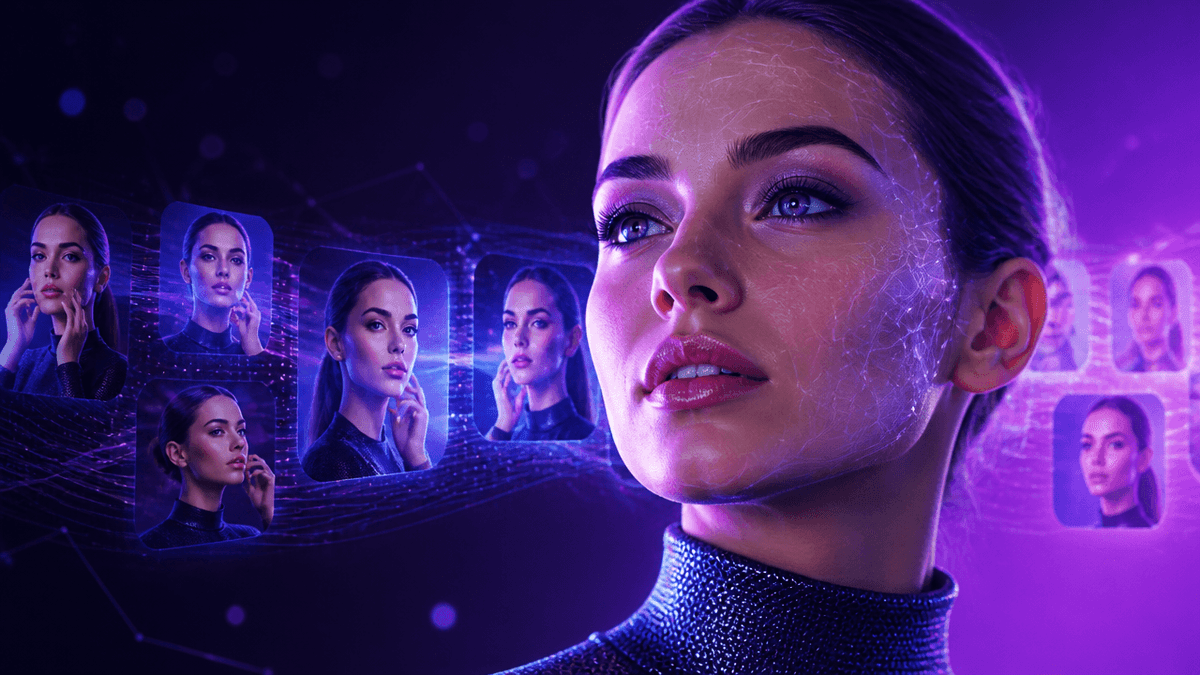
If you're building an AI creator identity for Fanvue, the hardest part isn't the first great image — it's keeping the same face, style, and vibe consistent across dozens of posts. Kenerate AI solves this with a unified studio that handles both image and video generation from one place, so you're not juggling three subscriptions to get a coherent persona. It gives direct access to 500+ top models instead of locking you into one house model, and unlike most competitors, it's a one-time payment rather than a recurring bill — see Kenerate AI Pricing for the breakdown. For creators scaling a page, that consistency-plus-cost combo is the actual unlock.
2. Lucidpic — Character Training for Reusable Personas
Lucidpic focuses on training a reusable model of your AI character so the same "person" shows up across profile photos, lifestyle posts, and previews. It's built specifically around the persona-consistency problem. (You can access comparable persona-consistency workflows directly inside Kenerate AI.)
3. RenderNet — Community-Driven Virtual Influencer Creation
RenderNet is popular in AI-influencer circles for building recognizable characters with repeatable outputs across a content calendar. It works well for creators who want a strong visual identity from day one. (Available inside Kenerate AI as part of the broader model library.)
📸 Generate Your AI Persona Images
4. Freepik AI Suite — Good for Batch Image Generation
Freepik's AI tools are solid for creators who need volume — batch-generating lifestyle shots, backgrounds, and stylistic variations quickly. The tradeoff is less fine-grained control over character consistency compared to dedicated persona tools.
5. Runway — Best for Motion and Short-Form Video
Runway remains a strong pick specifically for turning still images into short, cinematic video clips — useful for teaser content and profile videos. It's more production-heavy than an all-in-one studio, so many creators pair it with a separate image tool.
How to Get the Most Out of AI Tools for a Creator Page
- Lock a "character bible" before you generate anything. Fixed hair color, build, style, and tone of voice — then generate against that spec every time, instead of prompting from scratch each post.
- Batch-generate and curate hard. Produce content in sets of 10-20 and reject anything where the face or style drifts, rather than trying to perfect one image at a time.
- Mix stills and short video. Pages that post only static images plateau faster — a short clip in the feed noticeably lifts engagement versus an all-photo grid.
- Disclose the AI nature clearly and early. Bake it into your bio and first few posts rather than burying it — this protects the account and, per Fanvue's own guidance, is a moderation requirement, not a suggestion.
What You Can Realistically Build (Free vs. Paid Tools)
With free tiers, you can absolutely put together a starter persona — a handful of consistent profile photos, a bio, and a first content batch — enough to launch a page and start posting. Where free tools consistently fall short is volume and control: most cap you at a small number of generations per day, strip resolution down for exports, or watermark outputs, which makes it hard to keep a daily posting cadence without hitting limits or paying per-image on a metered plan.
Free vs. Paid: When It's Worth Upgrading
- You're posting daily and hitting generation limits or credit walls mid-week
- You need higher resolution exports for paid/PPV-style content previews
- You're managing more than one persona and need a tool that doesn't charge per-project
Most AI image and video tools run $30/month or more as a recurring subscription — which adds up fast if you're running multiple creator pages. Kenerate AI takes the opposite approach: a one-time $15 payment for ongoing access to the studio, rather than a monthly bill that keeps compounding as you scale.
Frequently Asked Questions
Is Fanvue only for adult content? No — Fanvue supports creators across fitness, music, sports, fashion, and lifestyle niches, alongside traditional creator content. It's built as a general subscription and monetization platform, not a single-category site.
Does Fanvue allow AI-generated creators? Yes, explicitly. Fanvue's help centre confirms AI models are welcome, provided the creator clearly discloses the AI nature in their bio and content, and the persona doesn't impersonate a real person.
How fast does Fanvue pay out creators? Funds typically clear after a 7-day pending period, faster than the 21-day norm on many competing platforms, though new or unverified accounts can see this extend up to 28 days.
What percentage of revenue do creators keep on Fanvue? Creators keep 80% of gross revenue across subscriptions, tips, PPV, and custom content, with Fanvue retaining a 20% platform fee.
What tools do I need to build an AI creator persona? At minimum, a consistent image generator and a way to turn stills into short video. Kenerate AI covers both in one studio, which is why it's a common starting point for creators who don't want to manage separate image and video subscriptions.