55 image-to-video models · start + end frame
Image to Video AI — bring any picture to life
Upload a picture — a painting, a product shot, a portrait, anime art — describe the motion, and the AI turns it into a video. Add an end frame to control where it lands. Up to 30 seconds with sound. Animating an everyday camera photo — family, pets, travel? Photo to video AI has examples for those.
- Any image as frame one
- Optional end frame
- Up to 30 s (Wan 3)
- Sound on most models
Updated by the Kenerate AI team
Made with Kenerate
On this page
Quick answer
What is image to video AI?
Image to video AI uses your picture as the first frame of a video and generates the motion from your prompt; add a last frame and it fills the motion between. In Kenerate AI's video studio 55 models do image to video, including Wan 3, Seedance 2.5 and Veo 3.1. Describe the motion and camera, not the image. Is it free? Not for video: the account and 25 sign-up credits are free, but video needs a credit pack (from $15 for 1,300 credits), and the cheapest 5-second clip costs 15 credits.
Key facts
- Image-to-video models
- 55
- End frame
- Supported
- Longest clip
- 30 s
- Top resolution
- 4K
- Start + end frame
- Wan 3, Seedance 2.5, Veo 3.1, Kling 3.0, Vidu Q3 Pro
Real results
Pictures, moving
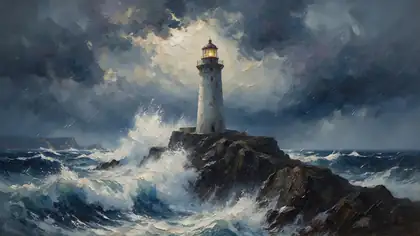
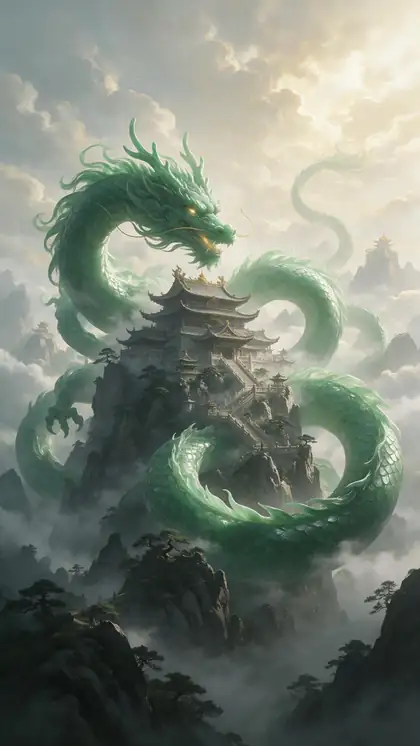
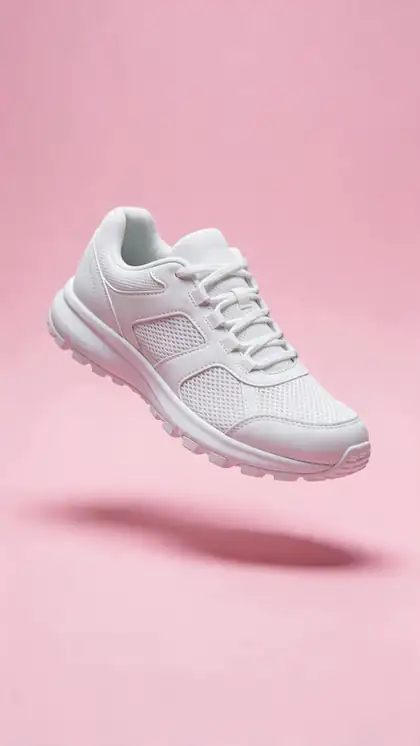
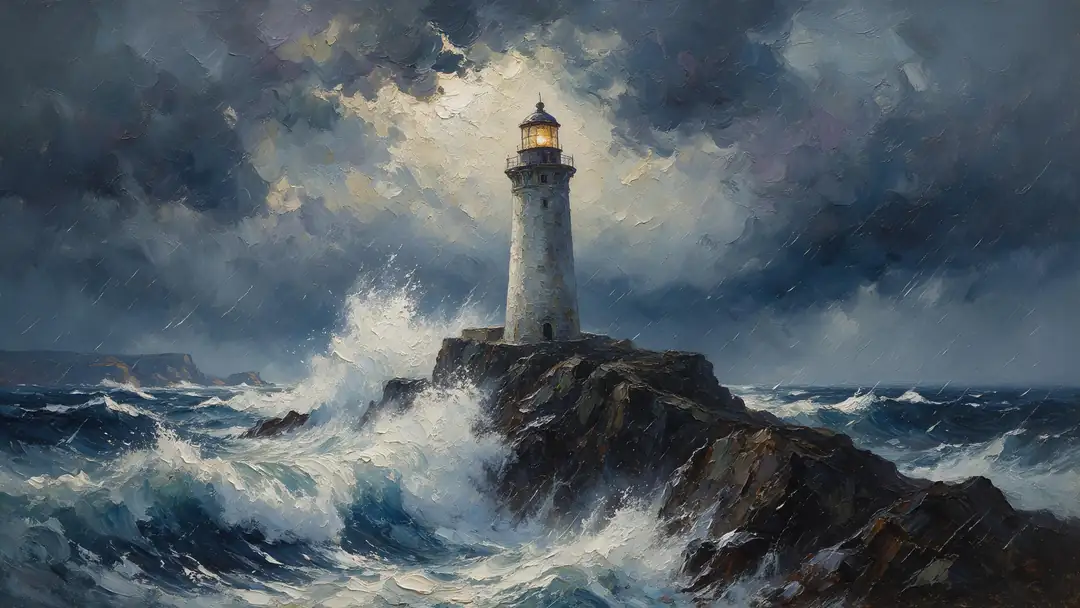
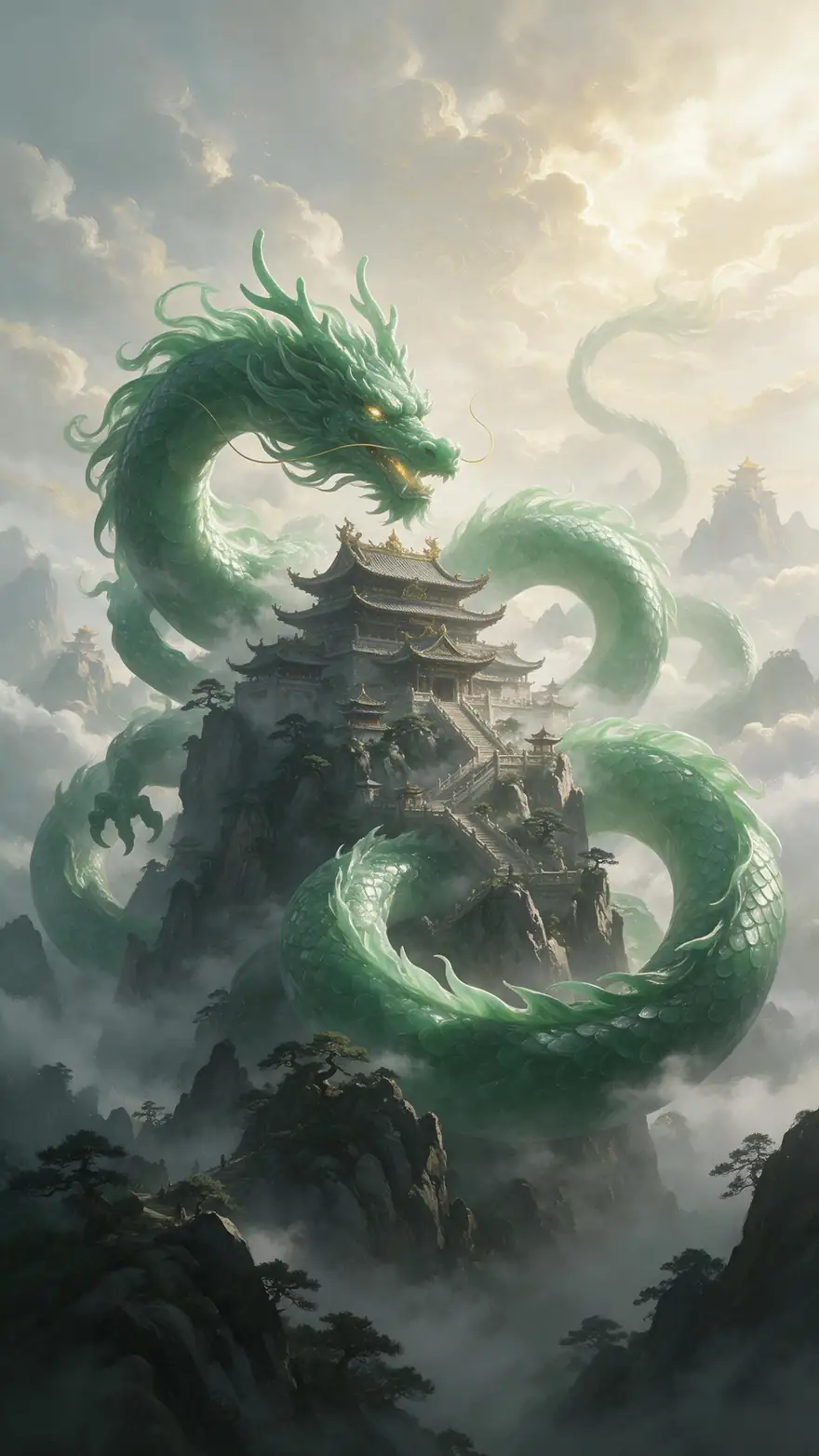
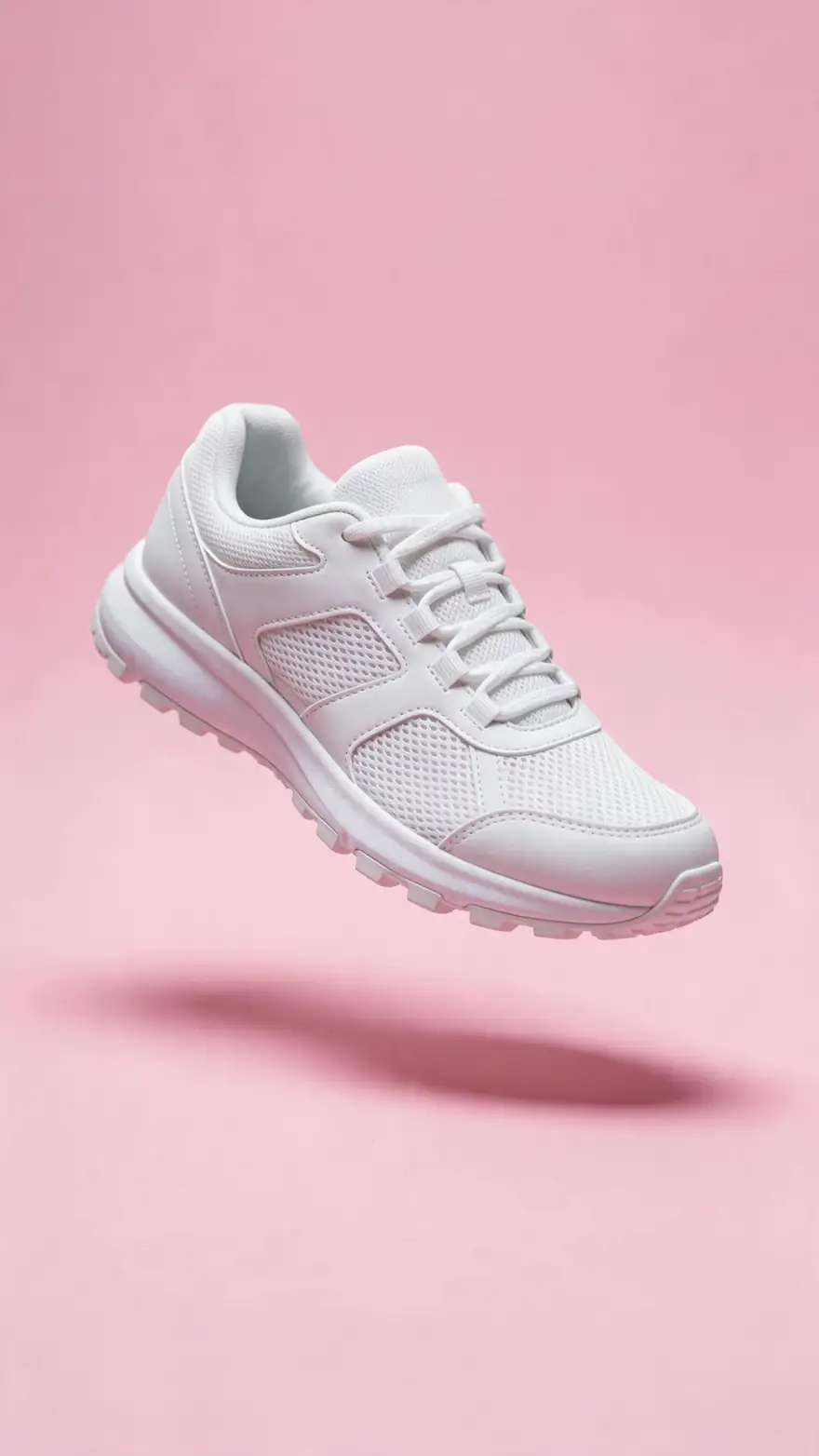
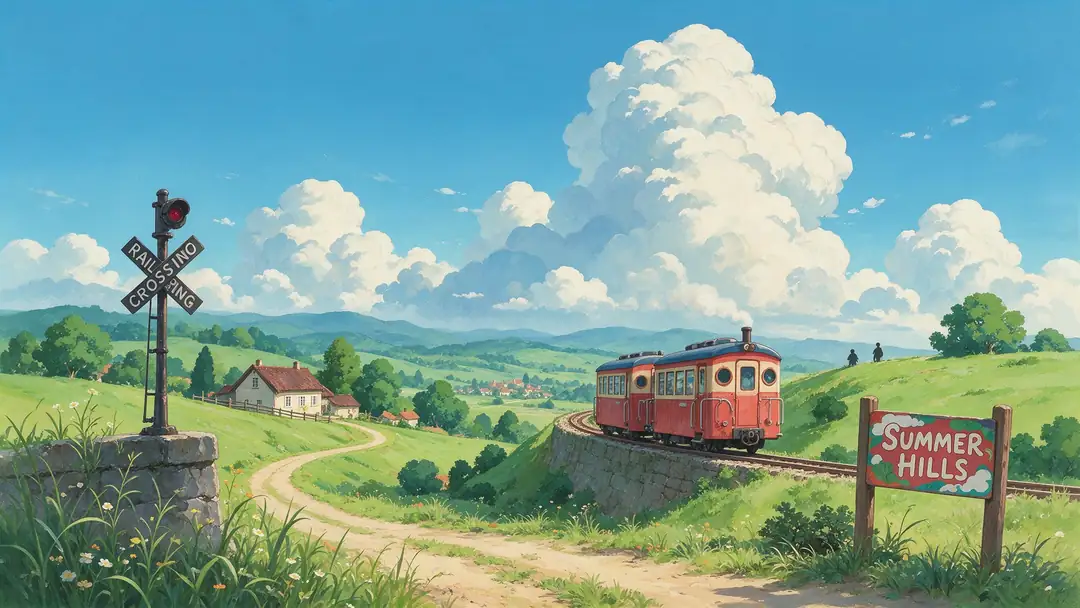
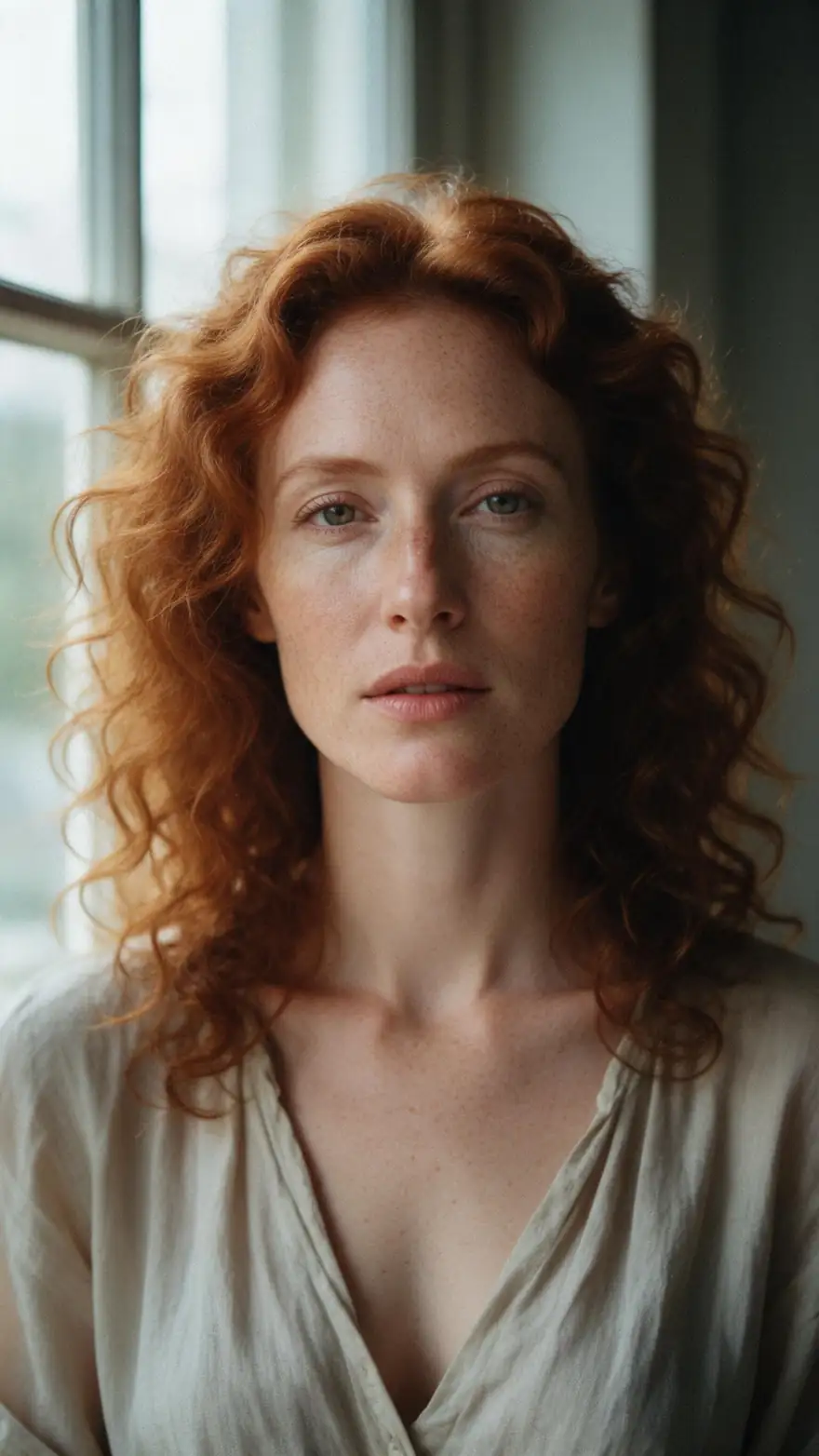
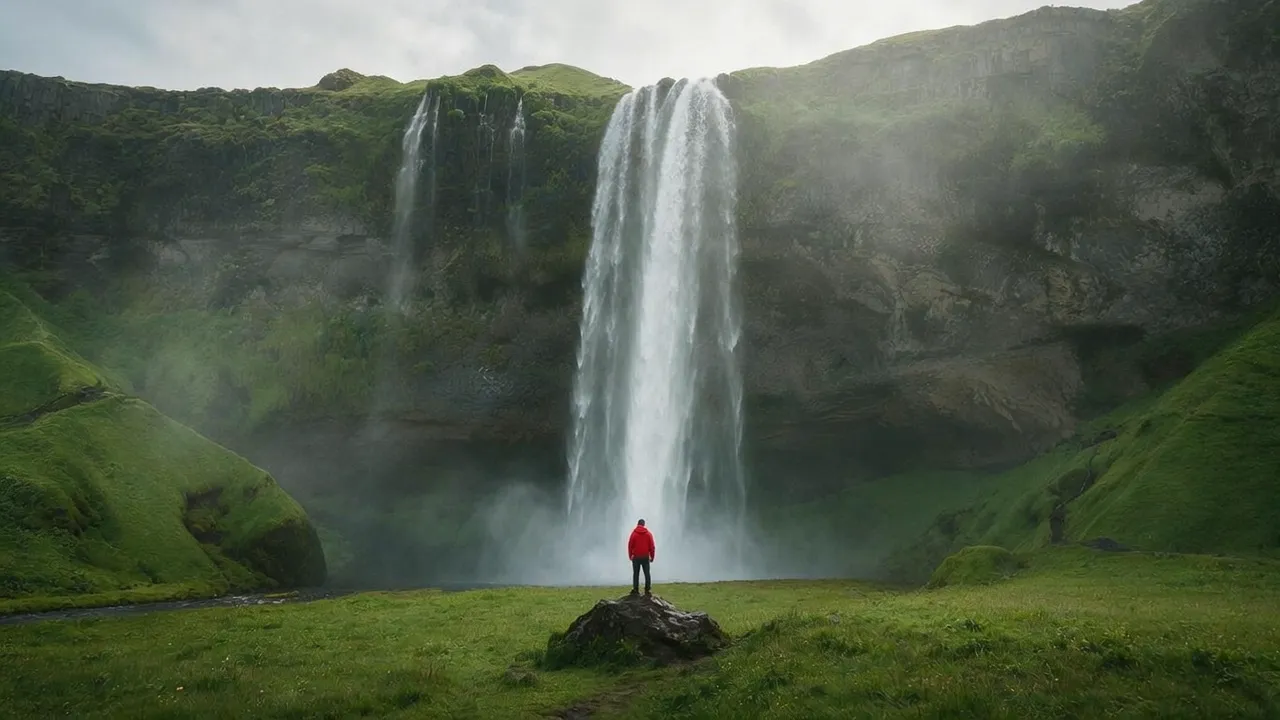
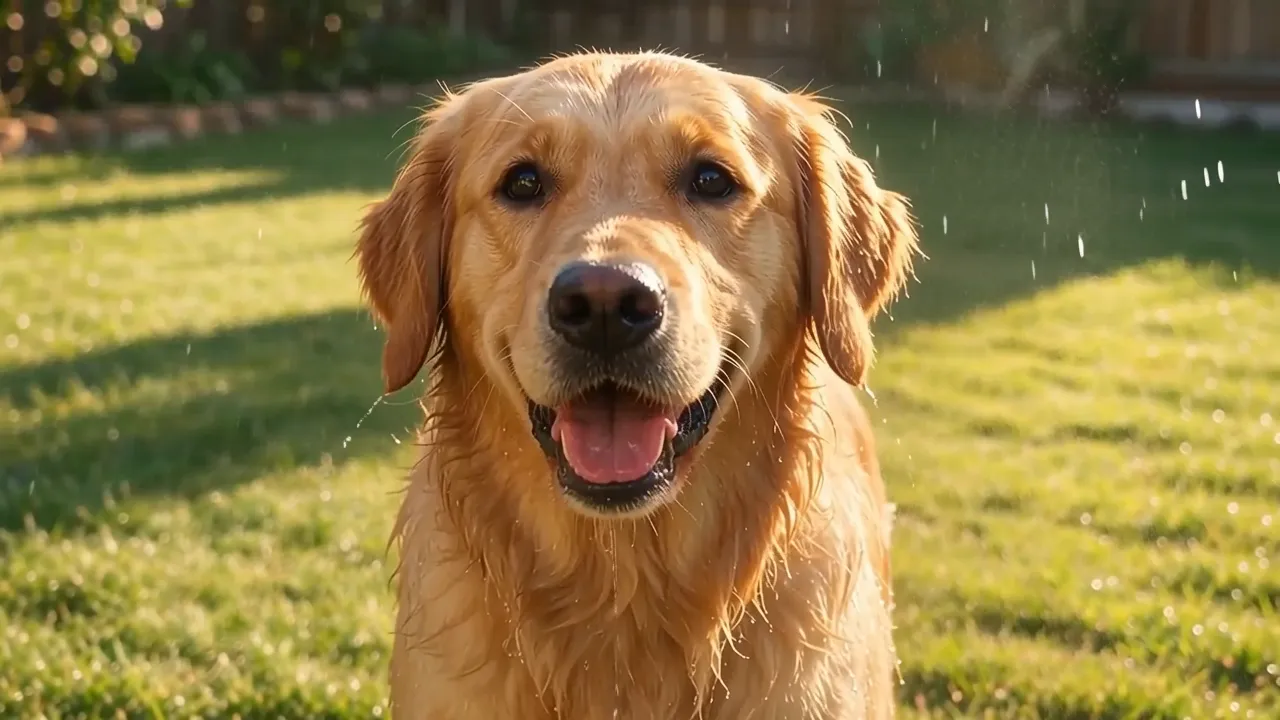
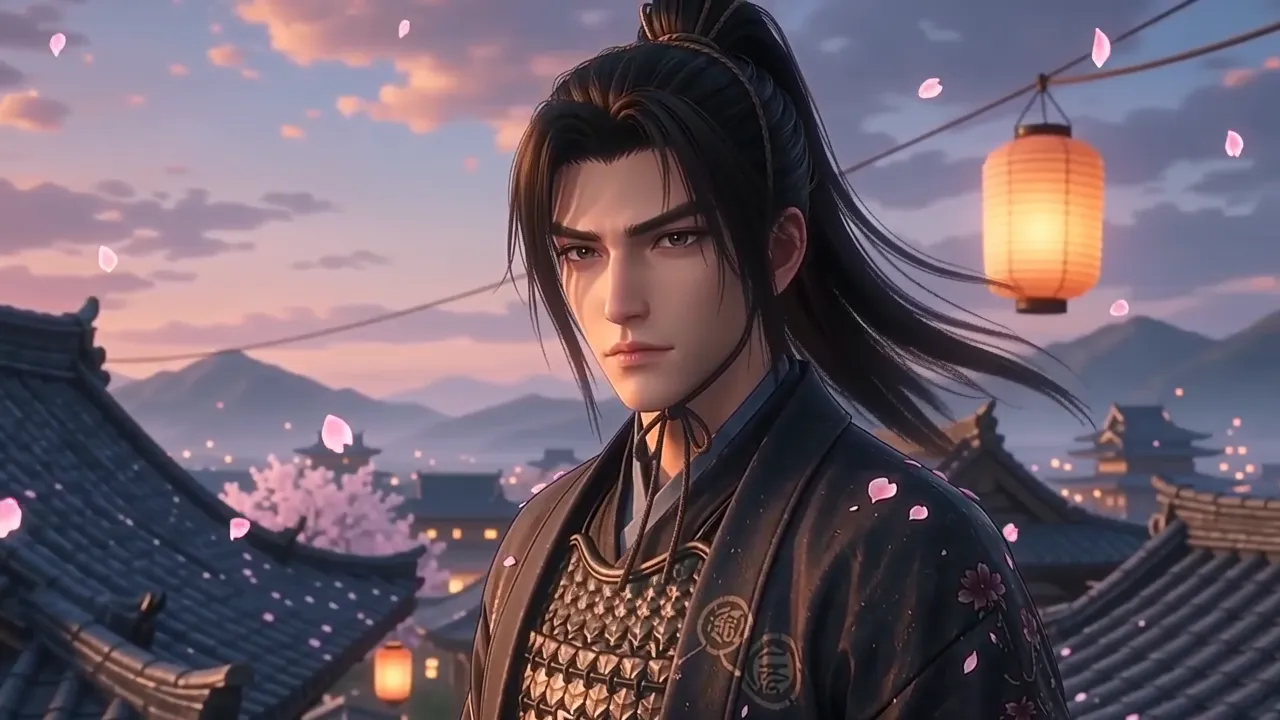
Real Wan 3 clips at 720p, each from one Seedream 5.0 Pro image — 5-second clips with sound and 4-second silent loops: paintings, products, anime, pets, travel and portraits.
The pet and samurai clips came from 9:16 images rendered at 16:9, so the start image was cropped — set the output ratio to match your image when the edges matter.
How to
How to convert an image to video with AI
- Time needed
- Steps
- 4 steps
Step 1
Upload your image
Sharp, well lit, subject clearly in frame. Or make one with Seedream 5.0 Pro.
Step 2
Add an end frame (optional)
Wan 3, Seedance 2.5, Veo 3.1, Kling 3.0 and Vidu Q3 Pro can land on a last image you choose.
Step 3
Describe the motion
Motion + camera, per Alibaba's Wan guide: 'the dragon uncoils, slow push-in'.
Step 4
Pick length and generate
5 s at 720p to test; up to 30 s or 4K when it's right.
See it in the app

Open Video Studio in Text to Video mode and write the shot — subject, action, camera move and light.


Watch the tour · 1:19
Text, image & reference to video, models, edit, extend & chat
Chapters
Checked 27 October 2026
Free image to video AI: what each free plan gives you
Checked on each tool's own page on 11 October 2026. Kenerate AI is our product; free plans change often.
| Kenerate AI | Canva | Magic Hour | Vheer | |
|---|---|---|---|---|
| Free to use? | Free account; video needs a one-time credit pack (from $15) | Yes, on Canva Free | Yes, no sign-up | Yes |
| Free-plan limit | Video studio locked; sign-up credits cover start images | Three-second clips | 3 videos a day (shown in the tool) | 768p (1080p is premium) |
| Clip length | 2–30 s (Wan 3), 4–30 s (Seedance 2.5) | 3 s | Not stated on the page | 5 s or 10 s |
| End frame | Yes, on Wan 3, Seedance 2.5, Veo 3.1, Kling 3.0, Vidu Q3 Pro, LTX 2.5 | Not offered on the page | Not offered on the page | Not offered on the page |
| Models | 55 image-to-video models | Magic Studio Image to Video | Not named on the page | Not named on the page |
| Watermark | None on downloads | Not stated on the page | Not stated on the page | None, per Vheer |
Use a free plan for a quick 3–10 second test; use Kenerate when you need longer clips, sound, an end frame or a specific model.
Sources: Kenerate video studio · Google — Veo image to video · Runway — Image to Video prompting guide · Alibaba — Wan prompt guide · Canva — Image to Video AI (free plan, 3-second clips) · Magic Hour — Image to Video (no sign-up, daily limit) · Vheer — AI Image to Video (768p free, 1080p premium) · Wan 2.2 — open-weight image to video (Apache 2.0)
Engines
Image-to-video models
From the studio's own list — all take a start image; most also take an end frame.
- Used here

Alibaba
Wan 3
- Input
- Text, image or up to 10 refs
- Output
- 2–30 s · 480p–1080p · sound
Open Wan 3Best for
Long clips with sound, start + end frame

ByteDance
Seedance 2.5
- Input
- Text, image or up to 30 ref images
- Output
- 4–30 s · up to 4K · sound
Open Seedance 2.5Best for
Longest 4K clips, multi-shot
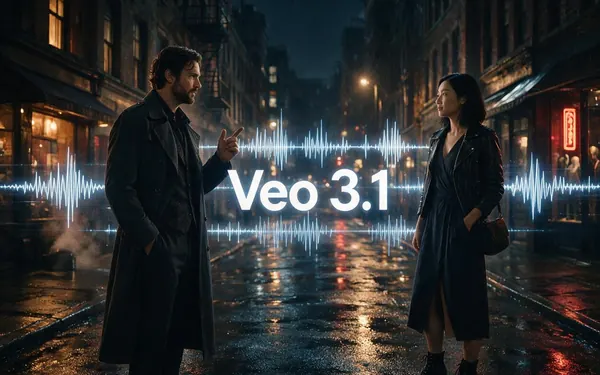
Google
Veo 3.1
- Input
- Text, image or 3 ref images
- Output
- 4, 6 or 8 s · up to 4K · sound
Open Veo 3.1Best for
Cinematic shots with sound
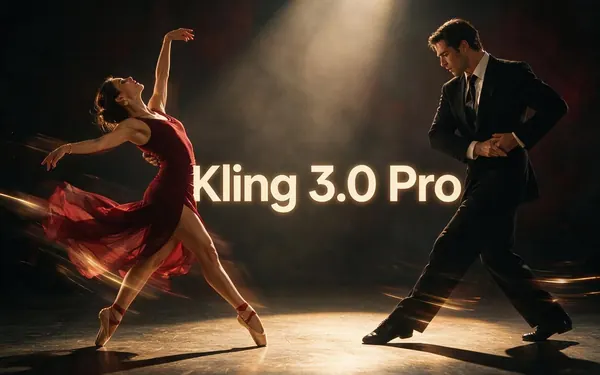
Kuaishou
Kling 3.0 Pro
- Input
- Text or image (+ end frame)
- Output
- 3–15 s · sound
Open Kling 3.0 ProBest for
Expressive motion; 4K version too
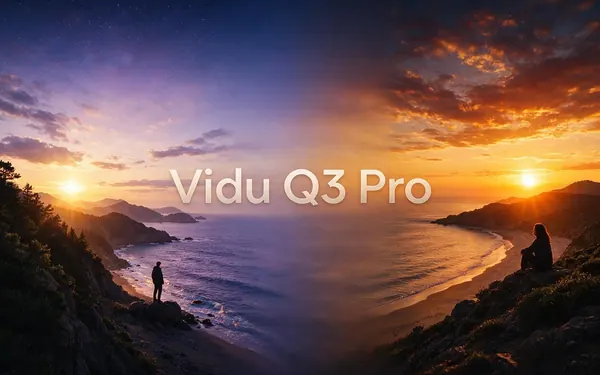
Vidu
Vidu Q3 Pro
- Input
- Text or image (+ end frame)
- Output
- 1–16 s · up to 1080p · sound
Open Vidu Q3 ProBest for
Start-to-end-frame transitions
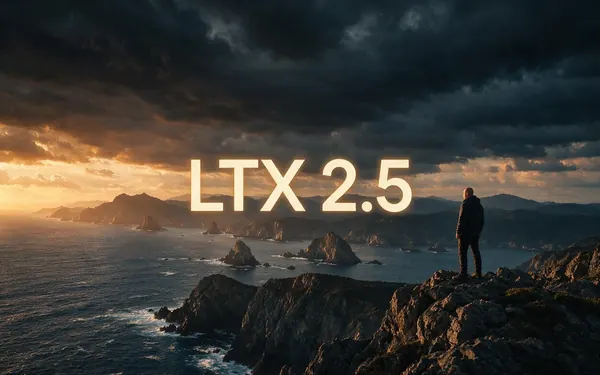
Lightricks
LTX 2.5
- Input
- Text or image (+ end frame)
- Output
- 5–20 s · up to 4K
Open LTX 2.5Best for
Long 4K clips
All models (10)
MiniMax
MiniMax H3 Pro
- Input
- Text, image or up to 9 refs
- Output
- 4–15 s · 768p or 2K
Open MiniMax H3 ProBest for
2K clips from references
xAI
Grok Imagine 1.5
- Input
- Text, image or 7 refs
- Output
- 1–15 s · up to 1080p
Open Grok Imagine 1.5Best for
Fast social clips
PixVerse
PixVerse v6
- Input
- Text, image or 10 refs
- Output
- 1–15 s · up to 1080p · sound
Open PixVerse v6Best for
Stylised social clips
Luma
Luma Ray 3.2
- Input
- Text or image
- Output
- 5 or 10 s · up to 1080p
Open Luma Ray 3.2Best for
Photoreal camera moves
The examples above were made with Wan 3 image to video.
Tips
Images that animate well
From Runway's, Kling's and Alibaba's guides, and our tests.
Use a sharp image — blurry hands or faces get worse in motion.
Describe the motion, not the image.
Leave space around the subject so it can move.
Match the output ratio to the image.
Use an end frame to control the last pose.
Say what should happen, not what to avoid.
Example uses
How creators use image to video AI
Illustrative examples of typical workflows, not customer reviews.
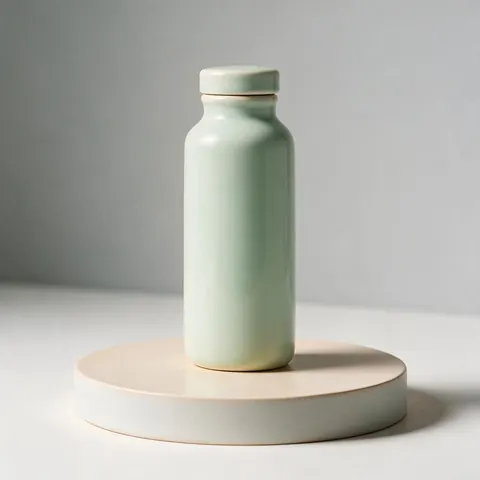
Online store owner
A store owner can turn a product shot into a short spinning reveal clip for ads.
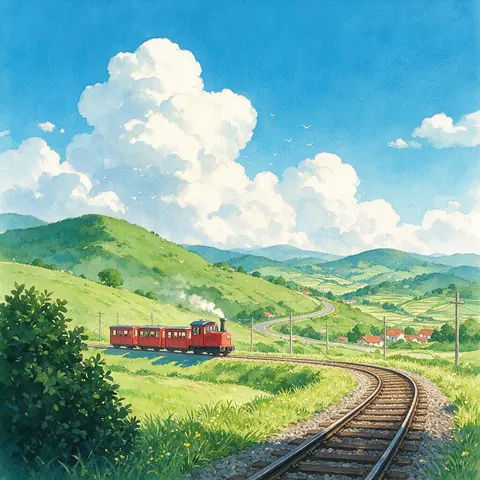
Anime artist
An anime artist can animate hand-painted art, like a small train crossing summer hills.
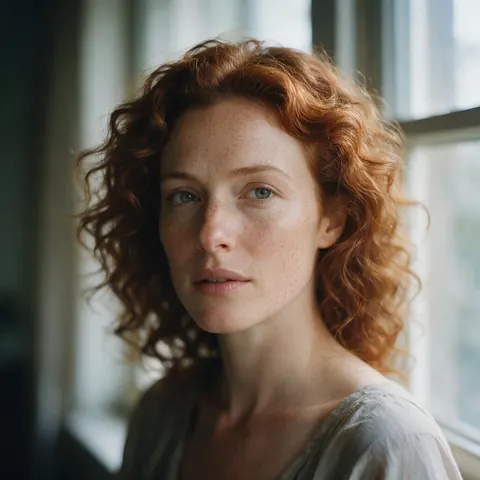
Portrait photographer
A photographer can bring a fine-art portrait to life with a gentle glance and a soft smile.
FAQ
Image to Video AI questions
10 questions
What is image to video AI?
A model that uses your picture as the first frame of a video and generates the motion from a prompt. With an end frame, it fills in the movement between the two images.
Link to this answerHow is image to video different from reference to video?
Image to video keeps your picture as frame one. Reference to video takes images of a character or product and places them in a new scene — better for a series of shots with the same character.
Link to this answerWhy does my photo drift or change?
Usually the prompt describes the image again or asks for big changes. Describe only the motion and camera; keep the start image sharp.
Link to this answerCan I control where the video ends?
Yes — add an end frame on Wan 3, Seedance 2.5, Veo 3.1, Kling 3.0, Vidu Q3 Pro or LTX 2.5.
Link to this answerHow long can the video be?
Up to 30 seconds on Wan 3 and Seedance 2.5, 20 s on LTX 2.5, 15 s on Kling 3.0 and MiniMax H3, 8 s on Veo 3.1.
Link to this answerWhat is the best image to video AI?
It depends on the shot. Wan 3 and Seedance 2.5 make the longest clips, up to 30 seconds with sound; Veo 3.1 and Seedance 2.5 reach 4K; Kling 3.0 is strong on expressive motion; Vidu Q3 Pro suits start-to-end-frame transitions. All 55 image-to-video models run from the same upload, so you can try one picture on two models and keep the better take.
Link to this answerWhat images can I use?
Photos, paintings, illustrations, anime, 3D renders and product shots — anything you have the right to use.
Link to this answerIs image to video AI free?
Not on Kenerate: the account and its 25 sign-up credits are free, but the video studio unlocks with a credit pack — the smallest is $15 for 1,300 credits, and a 5-second 480p clip on Wan 2.2 Ultra Fast costs 15 credits. The sign-up credits work on image models, so you can make the start image first. For a free test, Canva Free makes three-second clips and Magic Hour gives 3 videos a day (both checked on 11 October 2026).
Link to this answerCan I run image to video AI free on my own computer?
Yes, if you have the hardware. Alibaba's Wan 2.2 is open weights under the Apache 2.0 licence; its TI2V-5B model makes 720p, 24 fps video from an image and runs on a 24 GB graphics card such as an RTX 4090, from the command line or in ComfyUI. There is no per-clip cost, but setup takes time and a 5-second clip is slower than in the cloud.
Link to this answerCan I make a GIF from an image with AI?
Yes: animate the image, then export the clip as a GIF or animated WebP. A 4-second 720p clip scaled to 360–480 px wide makes a looping GIF of about 1.3–1.6 MB; the same loop as animated WebP is roughly half that.
Link to this answerIn depth
Image to Video AI, explained
On this page
Can you turn an image into video for free?
On Kenerate, no — and we'd rather say so. Signing in is free (Google, GitHub or Discord, no card) and gives 25 credits for images, but every video model is locked on the free plan. Any credit pack unlocks the video studio; the smallest is $15 for 1,300 credits, and the credits never expire.
The cheapest route on Kenerate is Wan 2.2 Ultra Fast: 3 credits a second at 480p and 6 at 720p, so a 5-second 480p clip costs 15 credits and the $15 pack covers about 86 of them. Draft the motion there, then re-run the keeper on Wan 3 (75 credits for 5 s at 480p, 150 at 720p) or another model.
Genuinely free options exist, each with a catch:
- Free web plans — Canva Free makes 3-second clips, Magic Hour gives 3 videos a day without an account, Vheer's free plan exports at 768p (checked 11 October 2026, compared in the free-plan table on this page).
- Open weights on your own GPU — Wan 2.2 is released under Apache 2.0; the TI2V-5B model makes 720p, 24 fps video and runs on a 24 GB card such as an RTX 4090, from the command line or in ComfyUI [1]. No per-clip cost and no cap, but you supply the hardware and the setup.
- Animate a photo online free, then upgrade — make or fix the start image with Kenerate's free credits, test the motion on a free plan, and only pay for the take you'll keep.
What makes a good start image
Runway warns that flaws in the image, like blurry hands or faces, may be intensified in the video. Use a sharp picture with clear light and a subject that's big enough in the frame.
The prompt formula
Alibaba's Wan guide gives image to video its own formula: motion + camera movement, because the image already fixes the subject, scene and style. Runway adds: describe what should happen — negative phrasing isn't supported.
Is there a free image to video AI?
Yes, with limits. Canva's image to video works on Canva Free and makes three-second clips; Magic Hour gives 3 videos a day without sign-up; Vheer's free plan exports at 768p (all checked on 11 October 2026). Free with no cap means running open weights such as Wan 2.2 on your own GPU. On Kenerate AI the account is free and the sign-up credits make start images, but the video models run on one-time credit packs that never expire.
Image to video AI free, no sign up
Magic Hour's tool runs without an account (3 videos a day, as shown in the tool). Kenerate needs a one-click sign-in with Google, GitHub or Discord, so your clips, start images and history stay in your library.
Image to video AI free and unlimited?
None of the free plans checked above is unlimited: each caps the number of videos, the clip length or the resolution, because every second of video costs GPU time. For many clips, a credit pack that never expires is usually cheaper than a monthly plan you don't fully use.
Image to video AI without a watermark
Kenerate downloads carry no watermark on any model, so a clip can go straight into an edit, an ad or a post.
How to animate a photo for free first
Make or fix the start image with the free sign-up credits, then animate only the frame you like. A 4–5 second 720p draft is the cheapest way to test the motion before a longer or 4K take.
Explore
Every Kenerate video tool
Generators, tools, models and guides — all in one studio.