Up to 4K · clips up to 5 min · free plan
AI Video Upscaler — 720p to 4K, detail rebuilt
Upload a video and the AI rebuilds it at 720p, 1080p, 2K or 4K — real detail, not a stretched copy. Clips up to 5 minutes and 100 MB, and it works on the free plan. Footage blurry, dark or blocky rather than just small? The AI video enhancer page shows how the same engine rescues it.

- 720p, 1080p, 2K or 4K
- Up to 5 min per clip
- Works on the free plan
- No watermark
Updated by the Kenerate AI team
Made with Kenerate

On this page
Quick answer
What is an AI video upscaler?
An AI video upscaler makes higher-resolution frames from low-resolution ones, rebuilding detail from nearby frames instead of just stretching each one. Kenerate AI's AI Video Upscaler takes clips of up to 5 minutes and 100 MB and outputs 720p, 1080p, 2K or 4K, with no watermark, on the free plan. It suits creators reviving soft or old footage.
Key facts
- Output
- 720p–4K
- Longest clip
- 5 min
- File size
- Up to 100 MB
- Free plan
- Yes
- Watermark
- None
Real demo
480p in, 1080p out
Drag the line. Left: a real 480p Wan 3 clip. Right: the same clip after Kenerate's AI Video Upscaler at 1080p.
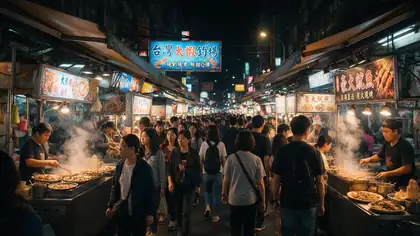
- Original 480p. Wan 3 image to video at 480p — soft neon signs and faces.
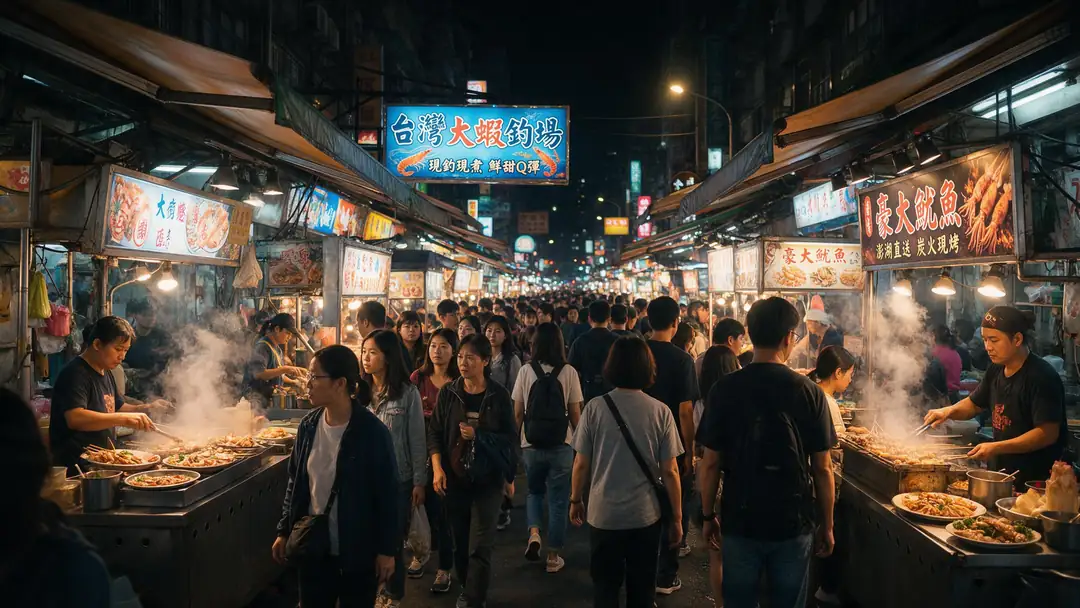
- Upscaled 1080p. The AI Video Upscaler at 1080p — sharper signs, steam and faces.
Both clips are unedited outputs, shown at the same size. Upscaling to 2K or 4K works the same way.
Upscale your videoReal results
Detail-heavy clips worth upscaling
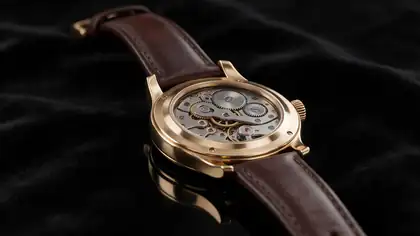
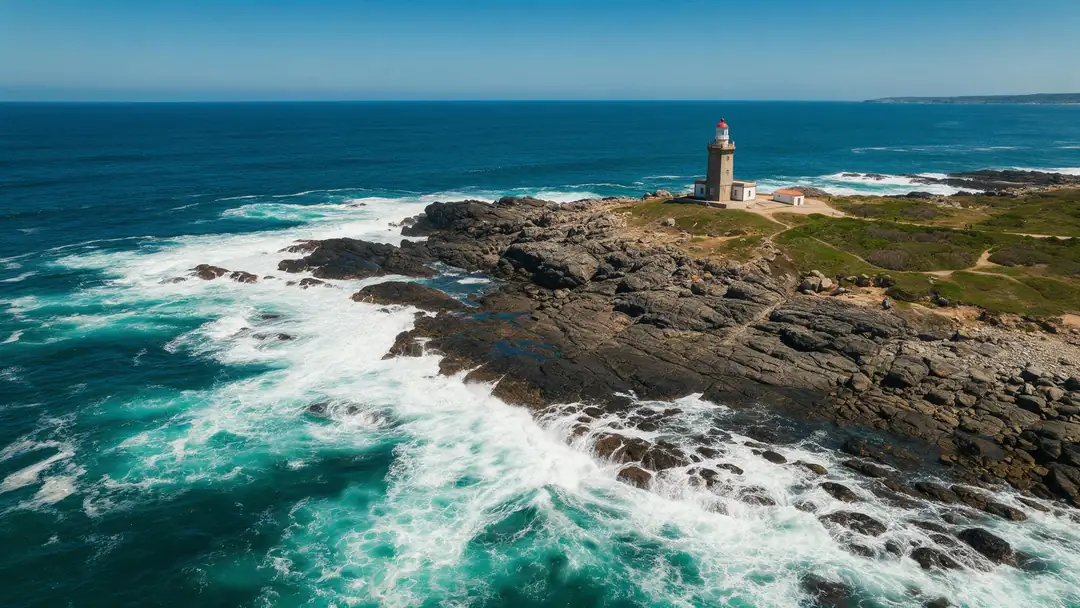
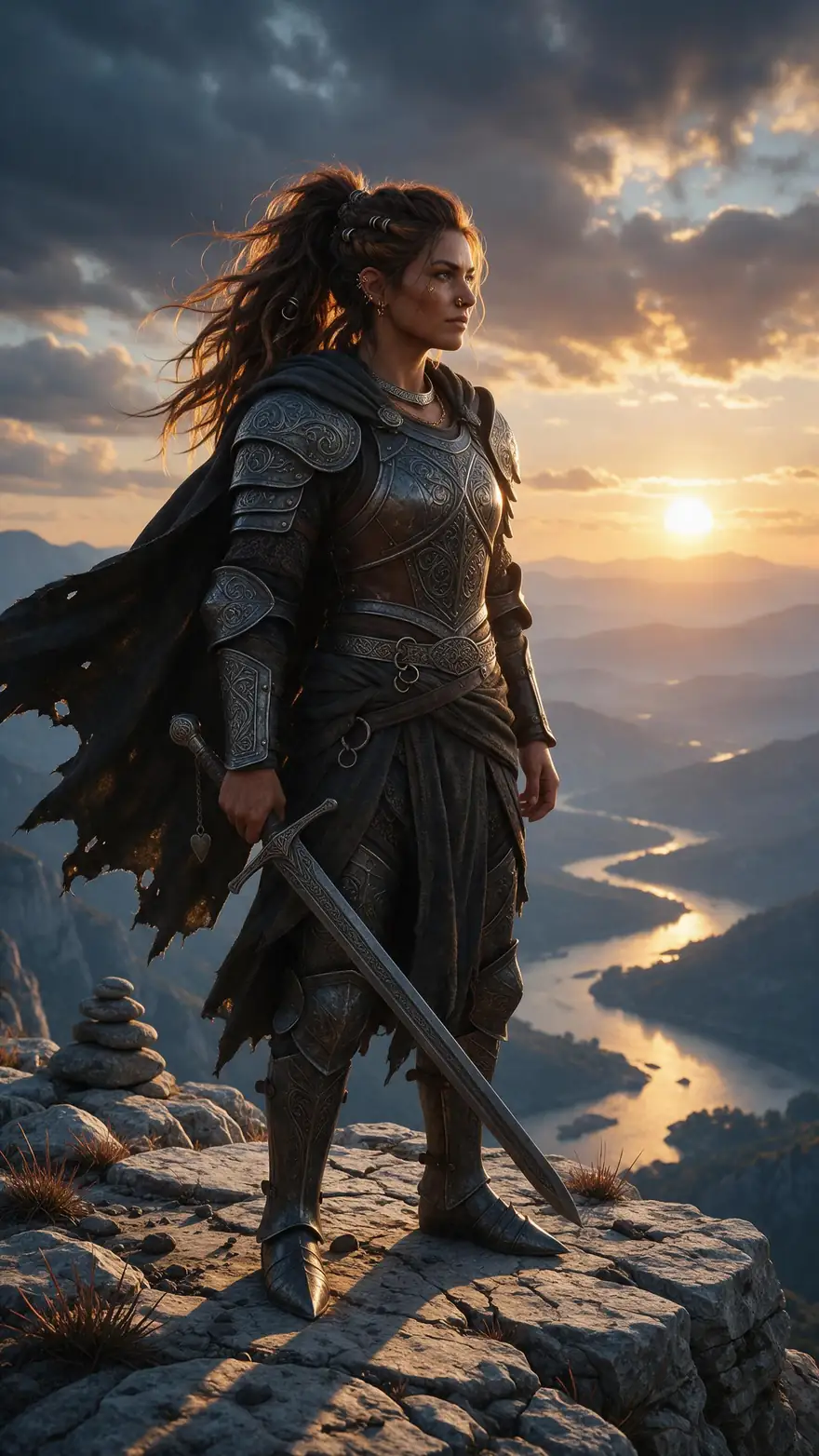
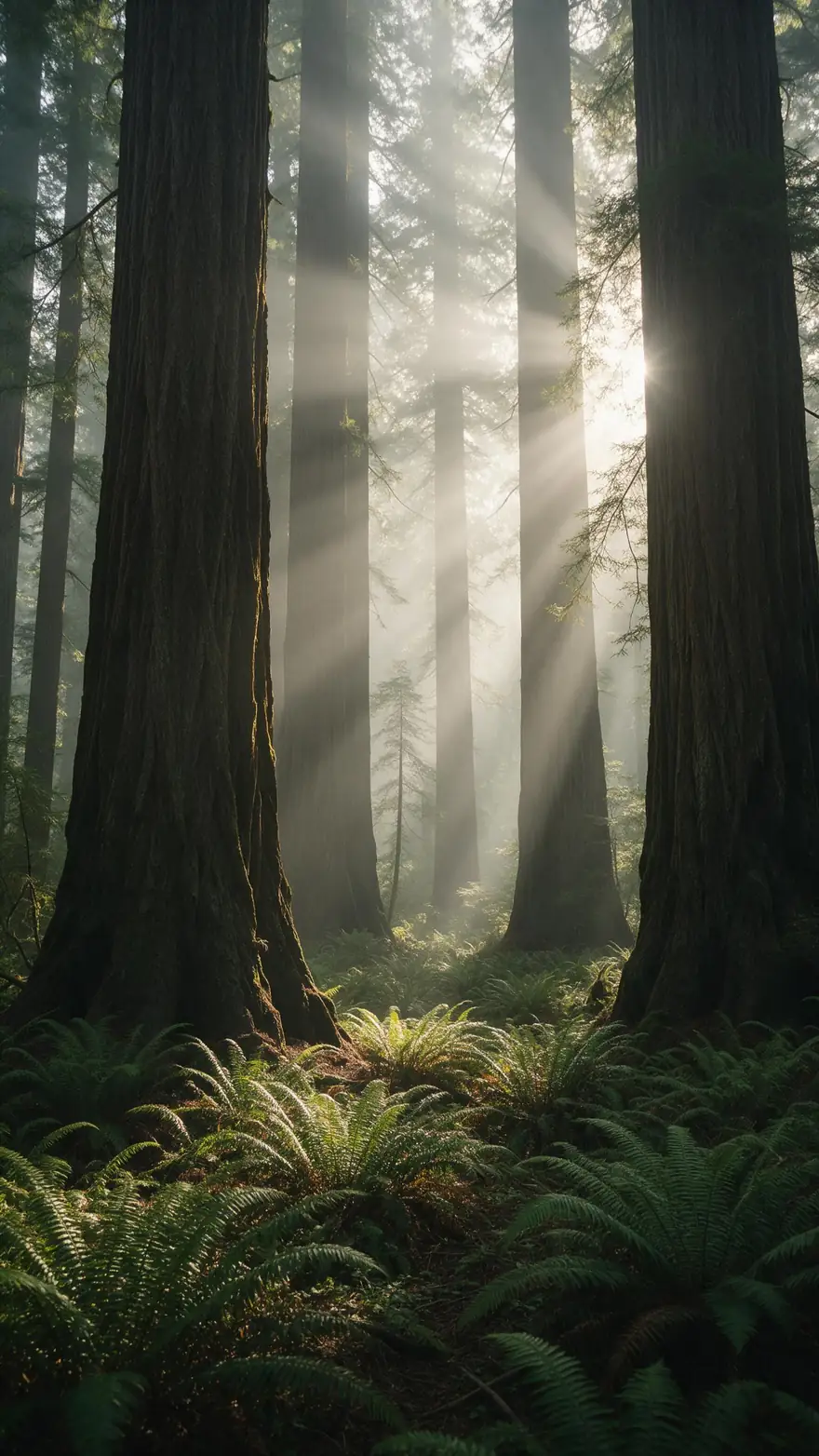
Real 5-second Wan 3 clips at 720p — neon, water, gears, armour and forest light: the fine detail an upscaler rebuilds.
How to
How to use the AI video upscaler
- Time needed
- Steps
- 4 steps
Step 1
Open the video upscaler
Sign in — it works on the free plan with sign-up credits.
Step 2
Upload your clip
Any video file up to 100 MB and 5 minutes.
Step 3
Pick the output
720p, 1080p, 2K or 4K. 1080p is the default.
Step 4
Download
No watermark. Add subtitles or dub it in the same studio.

Open Video Upscaler and upload a clip, or pick one from your library or a link.


Watch the tour · 1:19
Text, image & reference to video, models, edit, extend & chat
Chapters
Engines
The upscaler and the tools around it
One video upscaler, plus the tools you usually need next — all in the same account.
- Free plan
Kenerate
AI Video Upscaler
- Input
- Video up to 5 min / 100 MB
- Output
- 720p, 1080p, 2K or 4K
Open AI Video UpscalerBest for
Sharper, bigger video
7 engines
Image upscaler
- Input
- Photo or AI image
- Output
- Up to 8K or 128 MP
Open Image upscalerBest for
Stills and thumbnails
- Free plan
VEED
Subtitles
- Input
- Video up to 4 min
- Output
- Burned-in captions, 10 styles
Open SubtitlesBest for
Captions after upscaling
- Free plan
ElevenLabs
AI dubbing
- Input
- Video or audio up to 15 min
- Output
- 33 target languages
Open AI dubbingBest for
Translate the upscaled clip
The example clips were made with Wan 3 image to video; the demo above ran on this tool.
Tips
Get the most out of upscaling
What helps the AI rebuild real detail.
Start from the best copy you have — re-downloads lose detail.
Upscale once to the final size; don't chain upscales.
Trim the clip first so you only process what you need.
For 24 fps or 60 fps, set it when you export — the upscaler keeps the frame rate.
Upscale AI clips (Wan, Veo, Kling) before posting them in 4K.
Upscale stills separately with the image upscaler.
Example uses
How creators use AI video upscaler
Illustrative examples of typical workflows, not customer reviews.
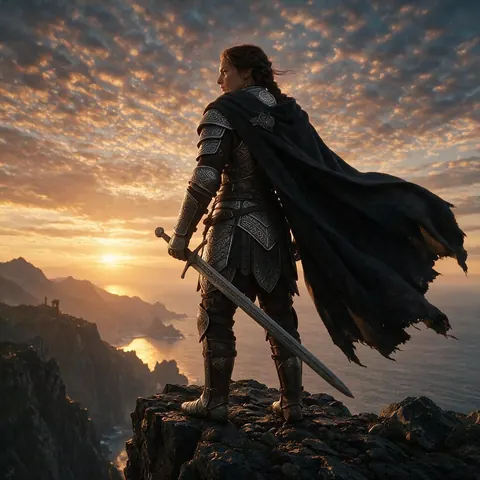
AI filmmaker
An AI filmmaker could upscale finished 720p clips to 4K before posting a short film.
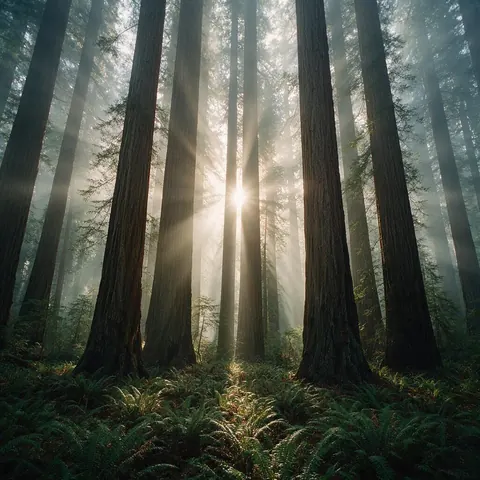
Nature channel
A nature channel could upscale archive footage of forests so it holds up on large screens.
Product team
A product team could upscale a product demo clip so fine details look sharp on a 4K display.
FAQ
AI Video Upscaler questions
8 questions
What is an AI video upscaler?
A tool that makes higher-resolution frames from low-resolution ones. Unlike resizing, which stretches each frame, it uses nearby frames and learned patterns to rebuild detail.
Link to this answerCan AI upscale video to 4K?
Yes — Kenerate's AI Video Upscaler outputs 720p, 1080p, 2K or 4K from clips up to 5 minutes and 100 MB.
Link to this answerIs upscaling the same as frame interpolation?
No. Upscaling adds pixels (720p to 4K); frame interpolation adds in-between frames (24 to 60 fps or slow motion). Kenerate's upscaler keeps your frame rate.
Link to this answerHow do I enhance Sora AI video quality?
Upscale the clips you already have — Sora made 720p and 1080p video. OpenAI shut the Sora API down on 24 September 2026, so there are no new Sora clips; Veo 3.1, Kling 3.0 and Wan 3 are the alternatives.
Link to this answerDoes Canva have a video upscaler?
Canva lists a video upscaler on its own features page. On Kenerate you can upscale to 4K and then dub, subtitle or extend the clip in the same studio.
Link to this answerIs the AI video upscaler also an enhancer?
Yes. Upscaling here isn't a plain resize: the AI rebuilds detail from neighbouring frames as it raises the resolution, which also cleans up softness and compression. If your clip is mainly blurry or dark rather than small, the AI video enhancer page has tips for that job; the upload and the engine are the same.
Link to this answerIs there a free AI video upscaler?
It works on the free plan — sign up and use your free credits. Longer clips use one-time credit packs that never expire. Results have no watermark.
Link to this answerWhat video formats can I upload?
Standard video files up to 100 MB and 5 minutes.
Link to this answerIn depth
AI Video Upscaler, explained
Upscaling vs resizing
A normal resize stretches each frame on its own, so edges blur and text breaks up. AI video super-resolution looks at neighbouring frames and learned patterns to rebuild plausible detail and keep it stable from frame to frame.
Upscaling vs frame interpolation
Upscaling raises spatial resolution — more pixels per frame. Interpolation raises temporal resolution — new frames between existing ones, for 60 fps or slow motion. They solve different problems; Kenerate's upscaler does the first and keeps your frame rate.
Explore
Every Kenerate video tool
Generators, tools, models and guides — all in one studio.