57 text-to-video models · no image needed
Text to Video AI — type a scene, get a video
Describe a scene — subject, action, place, camera, sound — and the AI makes the whole clip from your words. No image needed. Up to 30 seconds with sound on Wan 3 and Seedance 2.5.
- No image needed
- 57 models
- Up to 30 s
- Sound from the prompt
Updated by the Kenerate AI team
Made with Kenerate
On this page
Quick answer
What is text to video AI?
Text to video AI generates a whole video clip, with subject, scene, motion, camera and sound, from a written prompt alone. In Kenerate AI's video studio 57 models do text to video, including Wan 3 (up to 30 s with sound), Seedance 2.5 (up to 4K) and Veo 3.1. Strong prompts name subject, action, scene, camera, style and sound.
Key facts
- Text-to-video models
- 57
- Image needed
- No
- Longest clip
- 30 s
- Top resolution
- 4K
- More models
- Kling 3.0, MiniMax H3, LTX 2.5, Luma Ray 3.2
Real results
Made from text alone
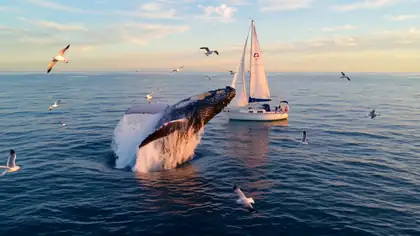
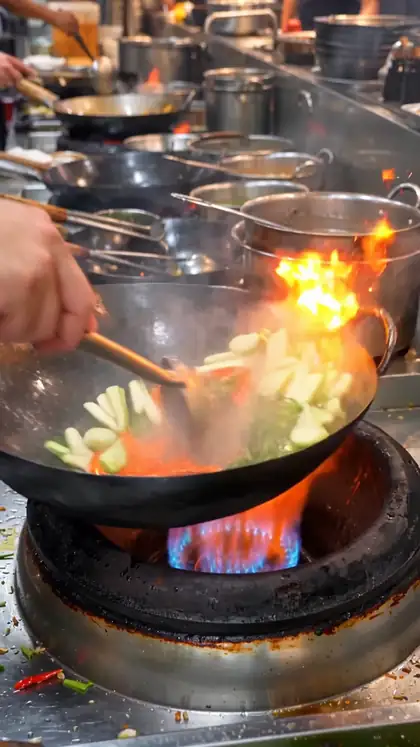
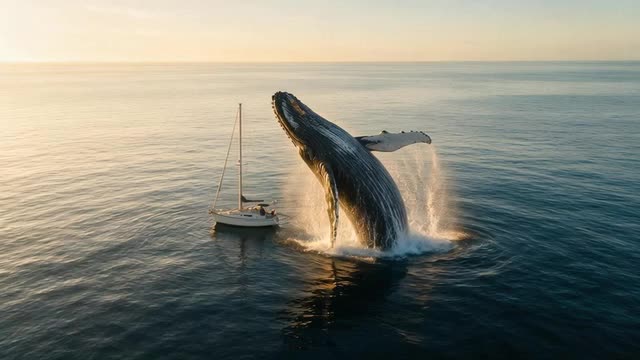
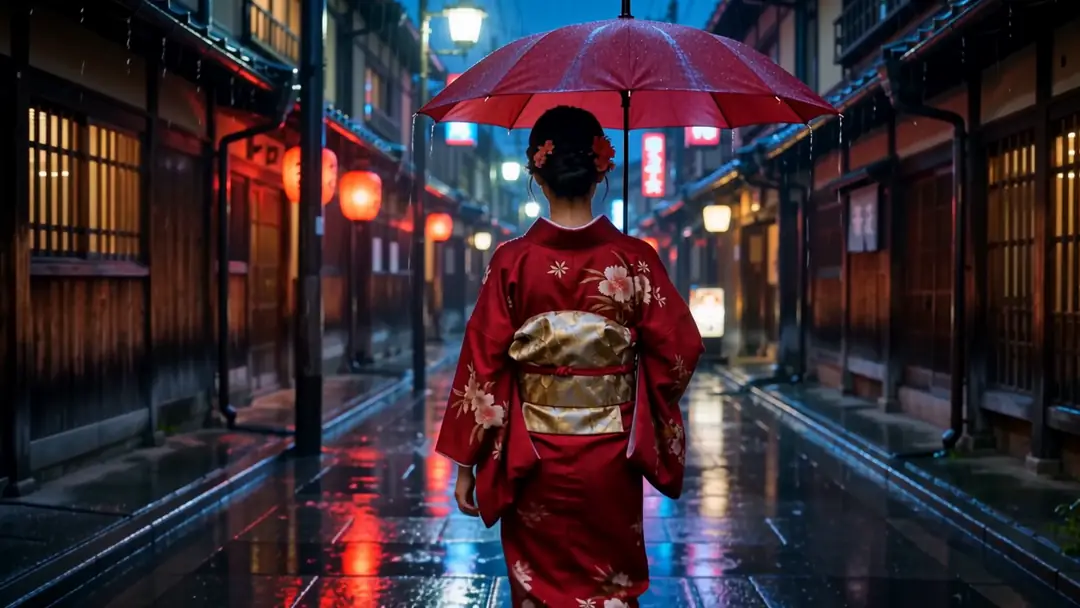
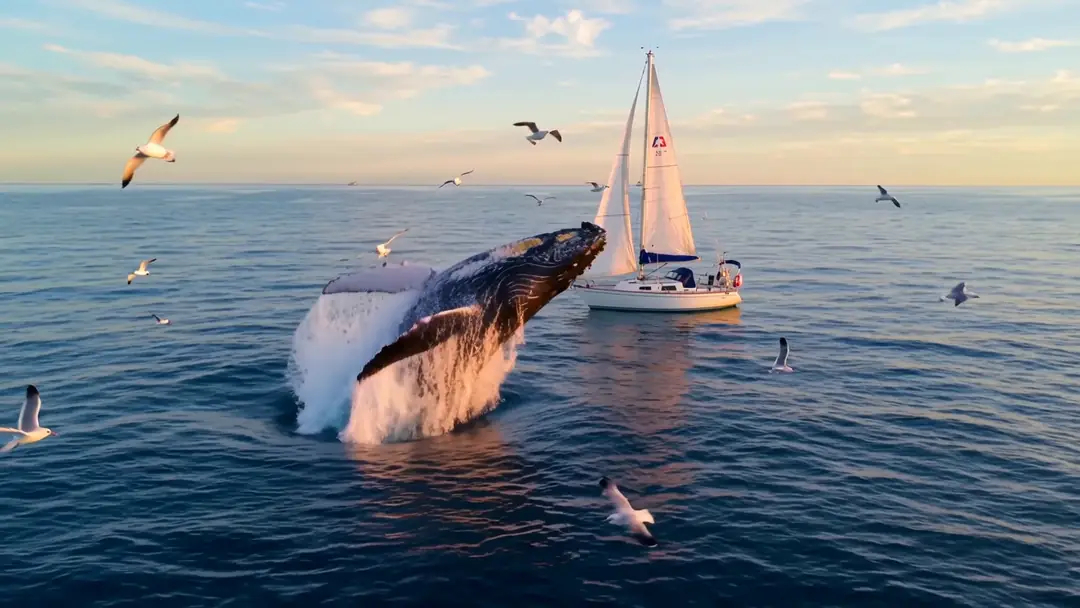
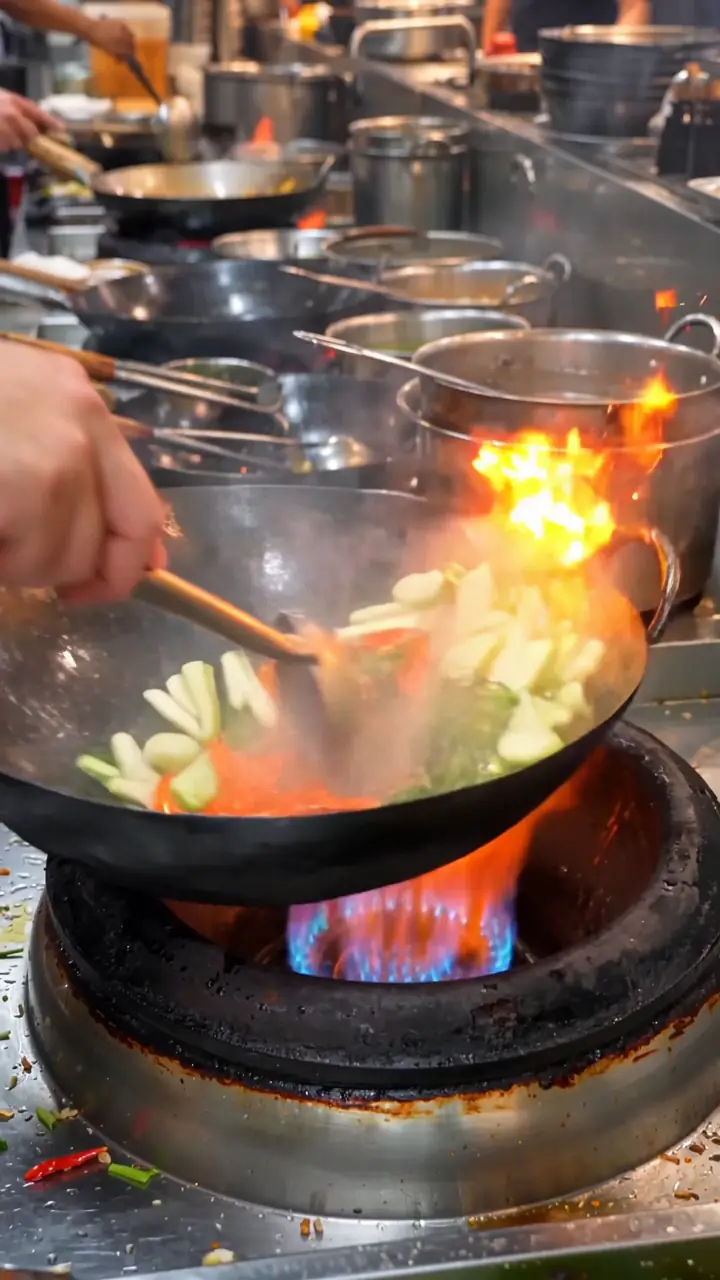
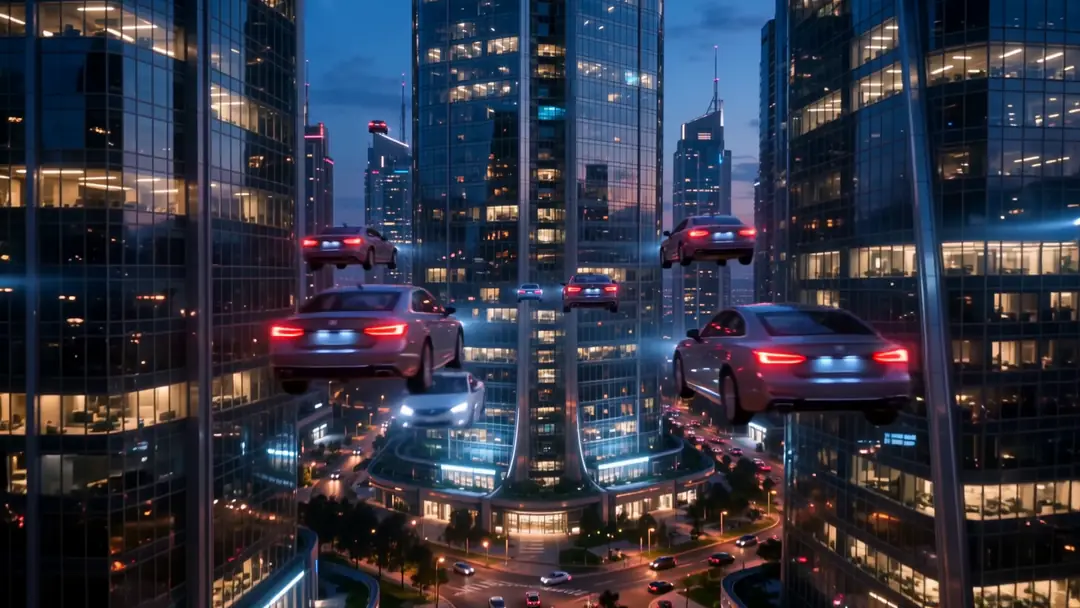
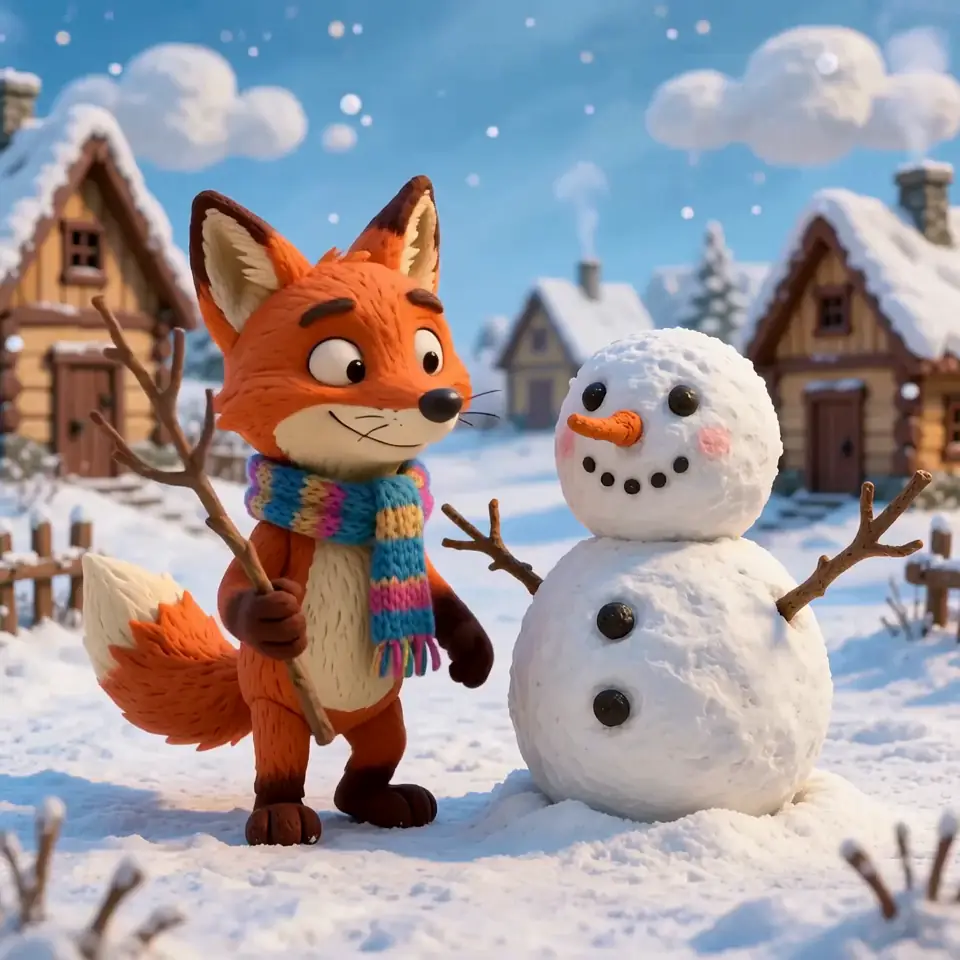
Real Wan 3 text-to-video clips (5 s, 720p, with sound). Each prompt is shown in full — copy it and change one thing.
Real Wan 3 text-to-video clips (5 s, 720p, with sound) — no start image. Open one to copy the prompt.
How to
How to use Kenerate Text to Video AI
- Time needed
- Steps
- 4 steps
Step 1
Open the video studio
Text to video is the default mode — no upload needed.
Step 2
Write the prompt
Subject, action, scene, camera move, style and sounds. Put spoken lines in quotes.
Step 3
Pick a model
Wan 3 or Seedance 2.5 for up to 30 s, Veo 3.1 for cinematic 4K, Kling 3.0 for expressive motion.
Step 4
Set ratio, length and generate
16:9 for YouTube, 9:16 for Reels and TikTok; start with 5 s at 720p.
See it in the app

Open Video Studio in Text to Video mode and write the shot — subject, action, camera move and light.


Watch the tour · 1:19
Text, image & reference to video, models, edit, extend & chat
Chapters
Engines
Text-to-video models
From the studio's own list — every one takes a plain text prompt.
- Used here

Alibaba
Wan 3
- Input
- Text, image or up to 10 refs
- Output
- 2–30 s · 480p–1080p · sound · 15 credits/s at 480p
Open Wan 3Best for
Long clips with sound, start + end frame

ByteDance
Seedance 2.5
- Input
- Text, image or up to 30 ref images
- Output
- 4–30 s · up to 4K · sound · 54 credits/s at 480p
Open Seedance 2.5Best for
Longest 4K clips, multi-shot
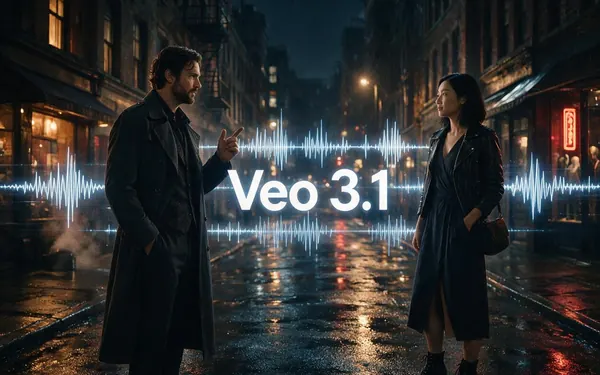
Google
Veo 3.1
- Input
- Text, image or 3 ref images
- Output
- 4, 6 or 8 s · up to 4K · sound
Open Veo 3.1Best for
Cinematic shots with sound
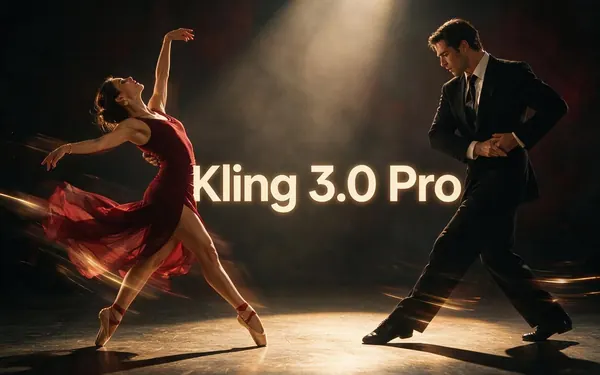
Kuaishou
Kling 3.0 Pro
- Input
- Text or image (+ end frame)
- Output
- 3–15 s · sound
Open Kling 3.0 ProBest for
Expressive motion; 4K version too
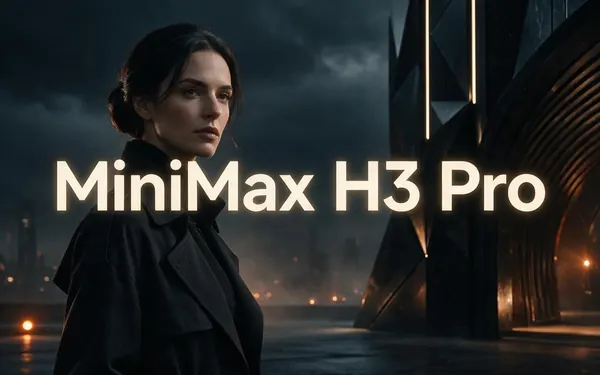
MiniMax
MiniMax H3 Pro
- Input
- Text, image or up to 9 refs
- Output
- 4–15 s · 768p or 2K
Open MiniMax H3 ProBest for
2K clips from references
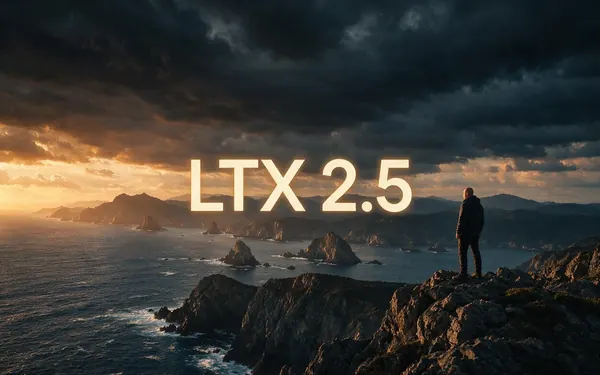
Lightricks
LTX 2.5
- Input
- Text or image (+ end frame)
- Output
- 5–20 s · up to 4K
Open LTX 2.5Best for
Long 4K clips
All models (12)
Luma
Luma Ray 3.2
- Input
- Text or image
- Output
- 5 or 10 s · up to 1080p
Open Luma Ray 3.2Best for
Photoreal camera moves
Black Forest Labs
FLUX 3 Video
- Input
- Text or one image
- Output
- 5–20 s · 720p or 1080p · sound
Open FLUX 3 VideoBest for
Wide 21:9 and 2:1 formats
Vidu
Vidu Q3 Pro
- Input
- Text or image (+ end frame)
- Output
- 1–16 s · up to 1080p · sound
Open Vidu Q3 ProBest for
Start-to-end-frame transitions
PixVerse
PixVerse v6
- Input
- Text, image or 10 refs
- Output
- 1–15 s · up to 1080p · sound
Open PixVerse v6Best for
Stylised social clips
xAI
Grok Imagine 1.5
- Input
- Text, image or 7 refs
- Output
- 1–15 s · up to 1080p
Open Grok Imagine 1.5Best for
Fast social clips
Kenerate AI
Ken 1
- Input
- Text, image or up to 9 refs
- Output
- 3–15 s · up to 1080p
Open Ken 1Best for
Kenerate's own model
The examples above were made with Wan 3 text to video.
Tips
Prompts that work
From Google's Veo guide, Kling's and Alibaba's prompt guides.
Start with the subject and what it does.
Name the place, time of day and light.
Add one camera move: tracking shot, slow push-in, crane up.
Name a style: documentary, claymation, anime, film noir.
Describe the sounds — and put dialogue in quotes.
Start simple, then add detail one thing at a time.
Example uses
How creators use text to video AI
Illustrative examples of typical workflows, not customer reviews.
Explainer creator
An explainer creator could write a scene with subject, action, camera and sound and get a clip for a science short.
Marketing team
A marketing team could test several written concepts for an ad before booking a shoot.
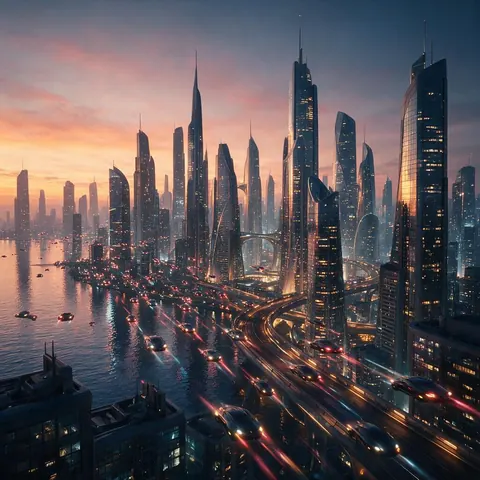
Storyteller
A storyteller could turn a written scene into a moody clip, like a futuristic city coming alive at dusk.
FAQ
Text to Video AI questions
8 questions
What is text to video AI?
A model that generates a whole video — subject, scene, motion, camera and sound — from a written prompt, with no image.
Link to this answerHow do I make AI videos from text?
Open the video studio, write a prompt with subject, action, scene, camera and sound, pick a model like Wan 3 or Veo 3.1, set the length and ratio, and generate.
Link to this answerWhat's the difference between text to video and image to video?
Text to video invents the look from your words. Image to video keeps your picture as the first frame, so you control exactly how it looks.
Link to this answerHow do I write a better prompt?
Google's Veo guide lists subject, action, style, camera, ambiance and audio cues. Alibaba's Wan guide starts with entity + scene + motion and adds lighting, lens and sound. Be specific and add detail step by step.
Link to this answerHow long can a text-to-video clip be?
Up to 30 seconds on Wan 3 and Seedance 2.5; 20 s on LTX 2.5 and FLUX 3 Video; 15 s on Kling 3.0 and MiniMax H3; 8 s on Veo 3.1.
Link to this answerCan the video have dialogue?
Yes on models that generate sound — put the line in quotes, like 'she says: "welcome home"'.
Link to this answerWhat is the best text to video AI?
It depends on the clip. Wan 3 and Seedance 2.5 make the longest text-only clips, up to 30 seconds with sound; Veo 3.1 and Seedance 2.5 reach 4K; Kling 3.0 is strong on expressive motion; FLUX 3 Video does wide 21:9 and 2:1 formats. All 57 text-to-video models run from the same prompt box, so you can compare.
Link to this answerIs there a free text to video AI generator?
Not on Kenerate: text to video runs on the video models, which use one-time credit packs that never expire, and the video studio is locked on the free plan. The free sign-up credits work on image models, so you can test a look from text as a still first.
Link to this answerIn depth
Text to Video AI, explained
The prompt recipe
Every official guide says the same thing in different words: say who or what, doing what, where, how the camera moves, in what style, and what it sounds like. Alibaba notes that the more complete and precise the prompt, the better the result.
When to switch to an image
If you need an exact face, product or brand look, make the image first and use image to video — text alone can't guarantee a specific look.
Explore
Every Kenerate video tool
Generators, tools, models and guides — all in one studio.