
Skip to content
Alibaba · text, image & reference to video · native audio

Happy Horse 1.1 — Alibaba's video model with sound

Happy Horse 1.1 is Alibaba's video model: up to 15-second 1080p clips with sound, from text, an image or up to 9 reference images. We animated five of our own images — watch the real clips below.

  • Real outputs
  • Official sources
  • 25 free credits
  • No watermark

Quick answer

Updated

Happy Horse 1.1 (HappyHorse) is Alibaba's AI video model, developed by Alibaba's Token Hub unit and released on 22 June 2026 as an upgrade to HappyHorse 1.0 (April 2026). It makes 3–15-second clips at up to 1080p and 24 fps with native audio — dialogue, ambient sound and effects — from text, a start image or reference images. Alibaba says 1.1 improves motion, character consistency, instruction following and audio-visual sync. On Kenerate, Happy Horse 1.1 runs at 720p or 1080p in five aspect ratios, with up to 9 reference images.

Maker
Alibaba (Token Hub)
1.1 released
22 June 2026
Clips
3–15 s, up to 1080p, sound
On Kenerate
720p/1080p, up to 9 refs

About the model

What is Happy Horse 1.1?

Facts from the maker's own announcement and repository, linked below.

Happy Horse 1.1 facts
MakerAlibaba Token Hub (ATH)
Released1.0 beta 28 Apr 2026; 1.1 on 22 Jun 2026
ModesText to video, image to video, reference to video
Length3–15 seconds
Resolution480p, 720p, 1080p at 24 fps (Alibaba Model Studio)
AudioNative: dialogue, ambience, effects
Aspect ratios16:9, 9:16, 1:1, 4:3, 3:4 on Kenerate
Official sitehappyhorse.com; API on Alibaba Cloud Model Studio

Real clips

Happy Horse 1.1 clips we made

Five real image-to-video clips from our own images: 720p, 5 seconds, with the sound the model generated. Press play to hear them.

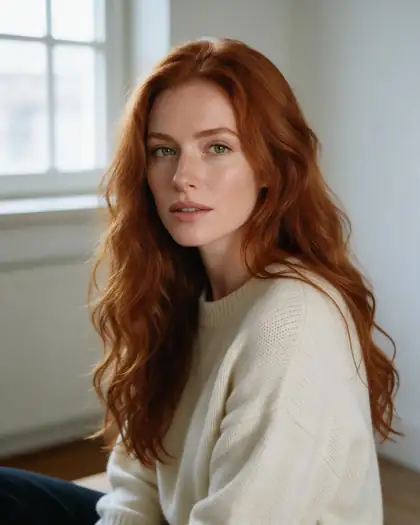
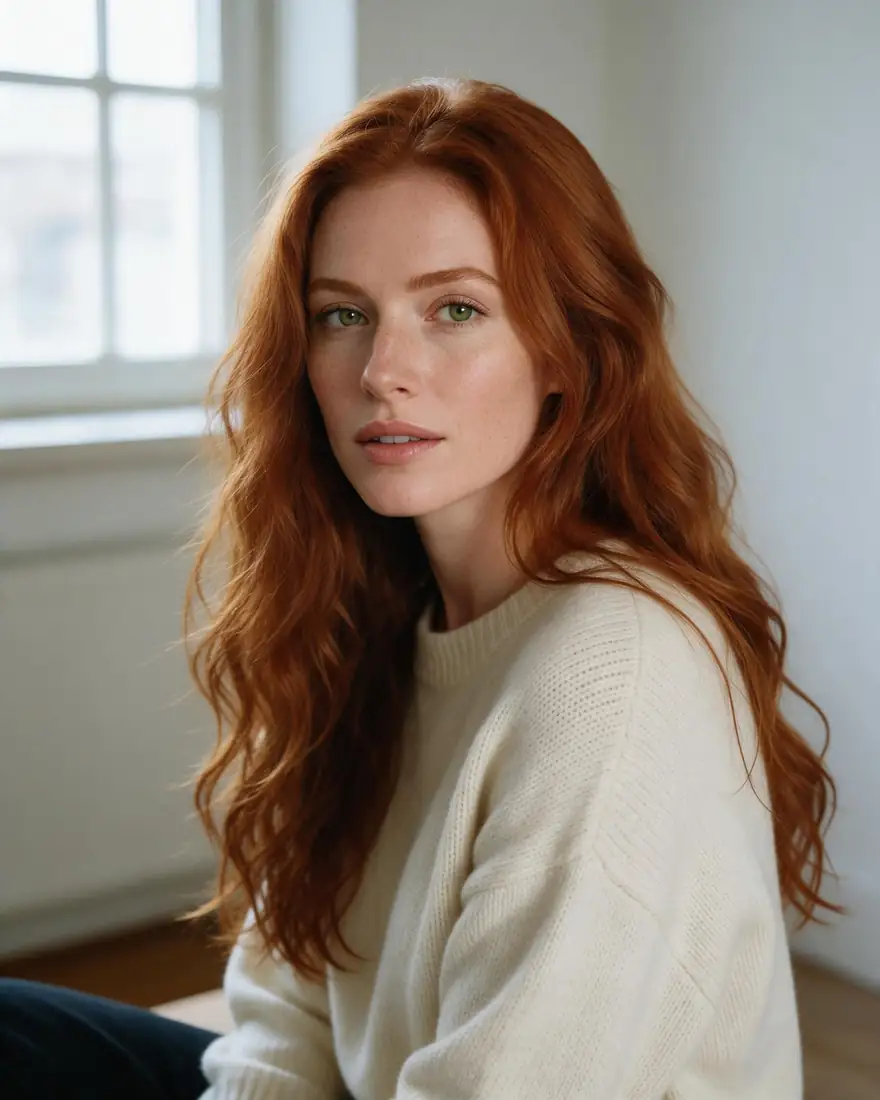
  • Talking portrait with a spoken line

    Happy Horse 1.1 · image to video · 720p · 5 s with sound

    Prompt
    She looks up from the window, smiles and says 'Good morning, everyone!' in a warm voice, soft room tone
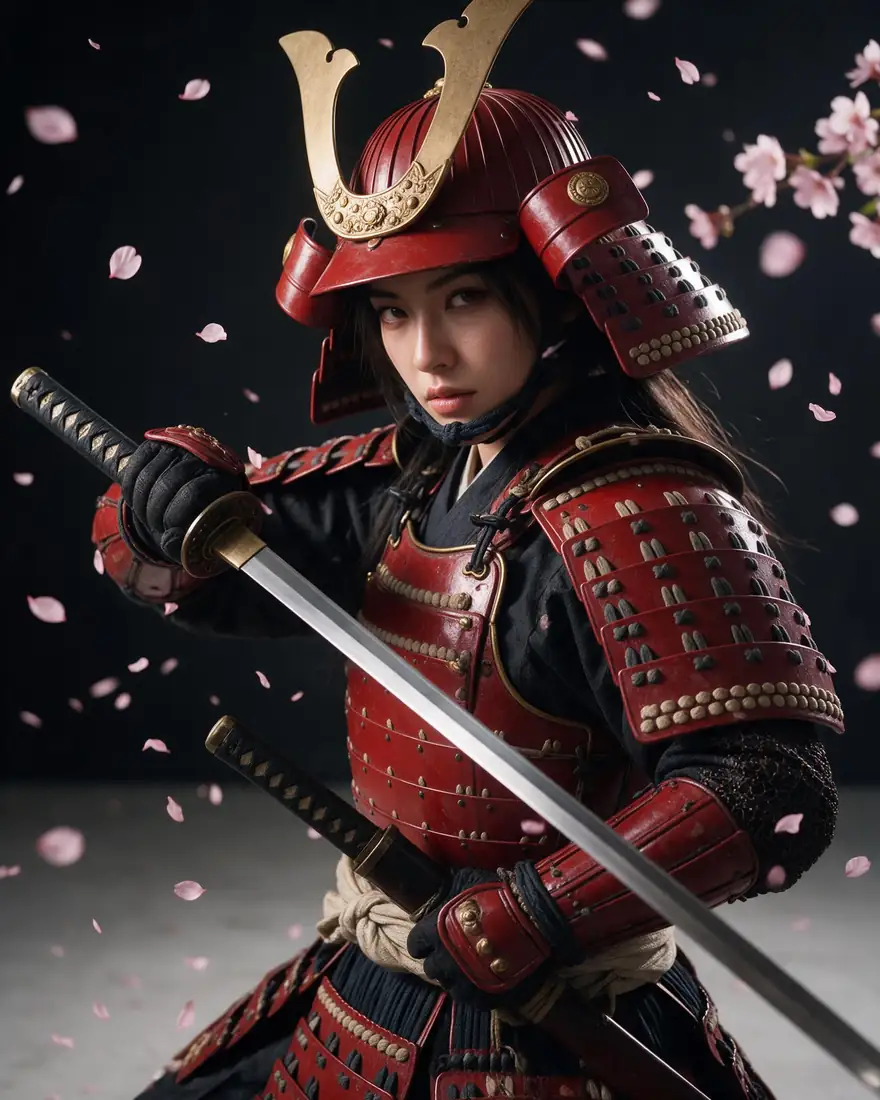
  • Samurai drawing her katana

    Happy Horse 1.1 · image to video · 720p · 5 s with sound

    Prompt
    Cherry blossoms swirl around her as she slowly draws the katana and looks into the camera, wind and a soft metallic ring
  • Lisbon tram street

    Happy Horse 1.1 · image to video · 720p · 5 s with sound

    Prompt
    The yellow tram rolls slowly up the street, people walk past, laundry sways in the breeze, city ambience and a tram bell
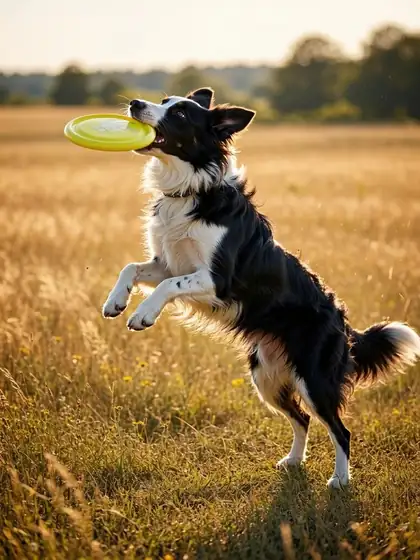
  • Dog catching a frisbee

    Happy Horse 1.1 · image to video · 720p · 5 s with sound

    Prompt
    The border collie leaps and catches the frisbee, lands and runs toward the camera, happy barking, summer field ambience
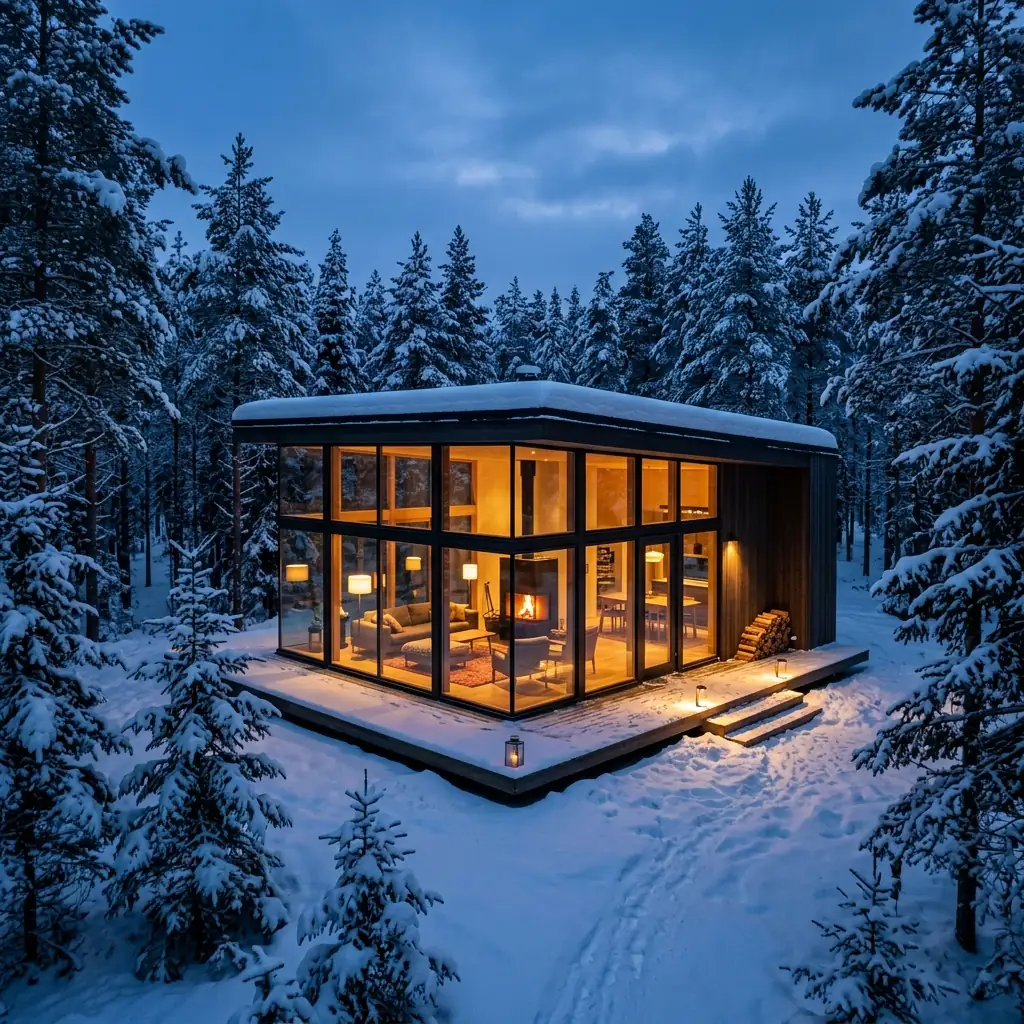
  • Snowy cabin push-in

    Happy Horse 1.1 · image to video · 720p · 5 s with sound

    Prompt
    Slow push-in toward the glass cabin as snow falls, warm light flickers inside, soft wind and crackling fire sounds

Models

Happy Horse 1.1 on Kenerate

Every version in the generator, and what each is good at.

Happy Horse 1.1 on Kenerate
ModelReference imagesMax sizeGood forOpen
Happy Horse 1.1AlibabaUp to 9720p, 1080p · 3–15 sText, image, reference to video; extendOpen
Kenerate Video (Happy Horse 1.0)AlibabaUp to 9720p, 1080p · 3–15 sAdds video editOpen
Veo 3.1GoogleUp to 3720p–4K · 4–8 sPremium alternative with soundOpen

From our tests

Strengths and limits

  • Sound came with every clip — ambience, effects and a spoken line in the portrait.
  • Kept the start image's face and details through the motion.
  • Up to 15 seconds and 9 reference images for consistent characters.
  • Text, image and reference to video in one model, plus extend.
  • Image to video follows the start image's shape — we used square, 3:4 and 4:5 images.
  • No end-frame control on Kenerate.
  • Test prompts at 720p before moving to 1080p.

Alibaba's Happy Horse runs with the provider's own safety checks. For 18+ video as an adult (18+), see the NSFW AI video generator.

How to

How to use Happy Horse 1.1 on Kenerate

  1. Step 1: Open the video studio

    Pick Happy Horse 1.1 in /app/video. Sign in free for 25 credits.
  2. Step 2: Choose a mode

    Text to video, image to video, or up to 9 reference images.
  3. Step 3: Describe motion and sound

    Say what moves, the camera move and what we should hear.
  4. Step 4: Pick length and resolution

    3–15 s at 720p or 1080p; try 720p first.

Try Happy Horse 1.1 on your own prompt — 25 free credits on sign-up.

In depth

Happy Horse 1.1, in depth

Background, how to prompt it, and when to pick something else.

Prompting for sound

Happy Horse generates audio with the picture, so describe it: the ambience (city, wind, a fire), effects (a tram bell, a sword ring) and any spoken line in quotes. In our tests the model followed each of these.

Image to video vs references

Image to video starts from your exact frame — best for animating a finished image. Reference to video takes up to 9 images and keeps characters and products consistent across new scenes.
Sources

    Tried it? Tell us how it went

    We only publish real, verified reviews — never invented quotes. Send a line about your result (and whether we may quote you), and it will appear here.

    Send a review

    FAQ

    Happy Horse 1.1 questions

    6 questions

    Still stuck?

    A real person answers — usually within a day.

    01

    What is Happy Horse 1.1?

    Alibaba's AI video model, released on 22 June 2026, that makes 3–15-second clips at up to 1080p with native audio from text, an image or reference images.

    02

    Who makes Happy Horse?

    Alibaba — its Token Hub business unit. The official site is happyhorse.com, with an API on Alibaba Cloud Model Studio.

    03

    Does Happy Horse make sound?

    Yes — Alibaba lists native audio, including dialogue and ambient sound. Every clip we made came with sound.

    04

    What can I set for Happy Horse 1.1 on Kenerate?

    Text to video, image to video or up to 9 reference images; 3–15 seconds at 720p or 1080p in 16:9, 9:16, 1:1, 4:3 or 3:4.

    05

    What's new in 1.1 vs 1.0?

    Alibaba says 1.1 upgrades motion, character consistency, instruction following, visual texture and audio, with better multi-reference consistency.

    06

    How long can a clip be?

    3 to 15 seconds on Kenerate, and you can extend a clip.

    See more of Kenerate AI in your Google resultsAdd kenerateai.com as a preferred source — Google shows more from your preferred sources in Top Stories and AI answers.

    Explore

    Every Kenerate image tool

    Generators, design tools, photo edits, models and comparisons — all in one studio, on one credit balance.

    Written by the Kenerate AI team

    We run these models in the Kenerate generator. Model facts come from the makers' own pages; specs and limits were checked against our code; the examples are our own outputs. Last updated 27 September 2026. Corrections: hello@kenerateai.com.

    Sources

    Ready when you are

    Try Happy Horse 1.1

    25 free credits on sign-up. No watermark.

    • 25 free credits
    • No watermark
    • Credits never expire