Video edit · extend · subtitles · upscale · dubbing · lip sync
Free AI Video Editor — edit, extend, subtitle and upscale
The AI edits that used to take an afternoon: change a clip's style with one sentence, extend it, burn in captions, upscale to 4K, dub it or re-sync the lips. Every demo here is a real output.
- Prompt edits
- Extend clips
- Auto subtitles
- Upscale to 4K
Updated by the Kenerate AI team
Made with Kenerate



On this page
Quick answer
What is an AI video editor?
Kenerate AI's AI video editor is a set of AI tools that each do one edit well: video edit changes a clip from one sentence, extend adds seconds that continue the shot, and auto subtitles, upscaling to 4K, dubbing and lip sync finish it. It isn't a timeline editor: use one for assembly and these tools for the AI steps.
Key facts
- Edit models
- 11
- Extend
- 17 models
- Subtitles
- 10 styles · up to 4 min
- Upscale
- Up to 4K
- Edit model examples
- Wan 3, Seedance 2.5, Gemini Omni, Grok
- Dubbing
- ElevenLabs
Real demo
Extend: 5 more seconds
Wan 3 continued the shot from the last frame. Play both.
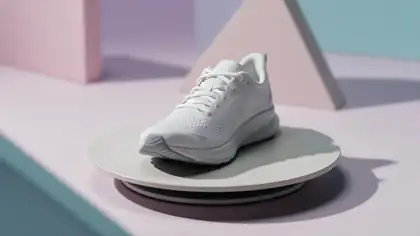
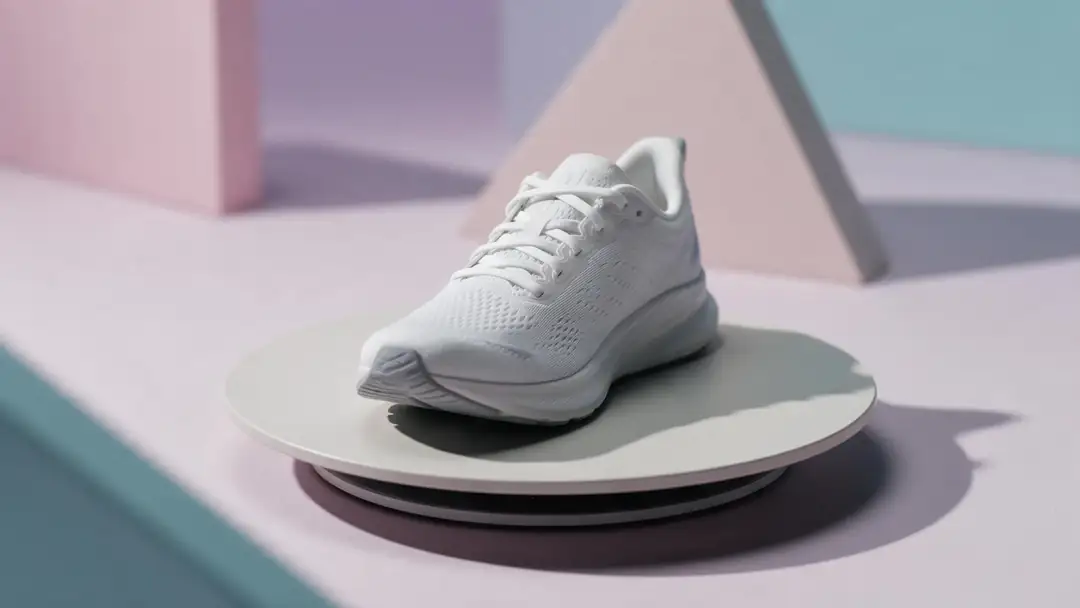
- Extended. The turntable stops, the camera pushes in on the sneaker's logo and the light fades to a soft glow
Wan 3 extend, unedited output.
Extend a clipReal demo
Auto subtitles
The same talking clip, before and after VEED subtitles (Glide Pop style).
- Subtitled. Auto subtitles, Glide Pop style, bottom, English (US).
Real output of the subtitles tool.
Add subtitlesReal demo
Prompt edit
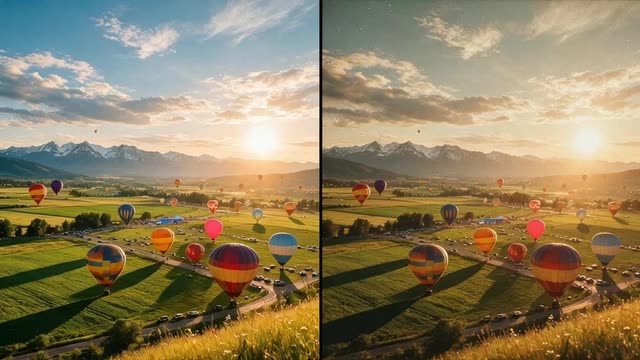
One sentence: a 1980s film look.
- 1980s film. Make it look like a 1980s film: warm grain, faded colours, soft halation, vintage look
Wan 3 video edit, unedited output.
Real results
Clips we edited
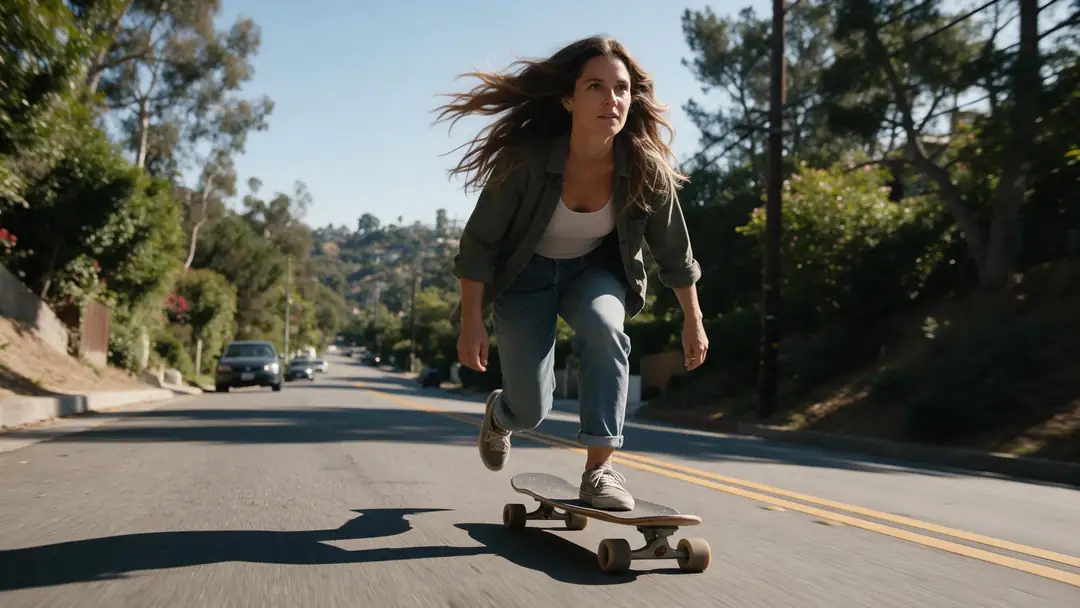
Five Wan 3 clips (5 s, 720p, with sound) — the raw material for the demos above.
Wan 3 clips. The edited, extended and subtitled versions are in the demos.
How to
How to use the AI video editor
- Time needed
- Steps
- 4 steps
Step 1
Pick the edit
Restyle, extend, subtitle, upscale, dub or lip-sync.
Step 2
Add your clip
Upload a video or use one from the studio.
Step 3
Describe or set it
A sentence for edits and extends; a style for subtitles; a size for upscaling.
Step 4
Download
Or chain the next edit: extend, then subtitle, then upscale.
See it in the app

Open Restyle Video and upload a clip, or pick one from your history, library or a link.


Watch the tour · 1:19
Text, image & reference to video, models, edit, extend & chat
Chapters
Engines
The AI editing tools
From the app's own tools and model lists.
- 11 models
Wan 3, Seedance 2.5, Gemini Omni, Grok +7
Video edit
- Input
- Clip + one sentence
- Output
- Same motion, new look
Open Video editBest for
Restyles and scene changes
- 17 models
Wan 3, Seedance, Veo 3.1, LTX 2.3 +13
Extend
- Input
- Clip + what happens next
- Output
- The clip, continued
Open ExtendBest for
Longer shots
VEED
Auto subtitles
- Input
- Clip up to 4 min
- Output
- Burned-in captions · 720p or 1080p
Open Auto subtitlesBest for
10 styles, 11 language options
LTX-2 19B
Video upscaler
- Input
- Clip up to 5 min / 200 MB
- Output
- 720p, 1080p, 2K or 4K
Open Video upscalerBest for
Sharper finals
ElevenLabs
Dubbing
- Input
- Clip with speech
- Output
- The clip in another language
Open DubbingBest for
Voice translation
VEED Lipsync 2, Sync 3, LatentSync +
Lip sync
- Input
- Clip + new audio
- Output
- Mouth re-synced
Open Lip syncBest for
Matching new speech
All models (7)
Kling 3, Wan Animate +
Motion control
- Input
- Photo + a reference video
- Output
- Your character, moving
Open Motion controlBest for
Copying a move
Every row comes from the studio's own tool and model lists.
Tips
A good order of operations
What saves renders.
Edit the look first, extend second.
Subtitle after the final cut, so the timing matches.
Upscale last — only the keeper.
Dub before lip-syncing to a new language.
For assembling many clips, use a timeline editor.
Real people need their permission.
Example uses
How creators use AI video editor
Illustrative examples of typical workflows, not customer reviews.

Travel vlogger
A vlogger can burn captions into a talking clip and upscale the final cut before posting it.
Small product brand
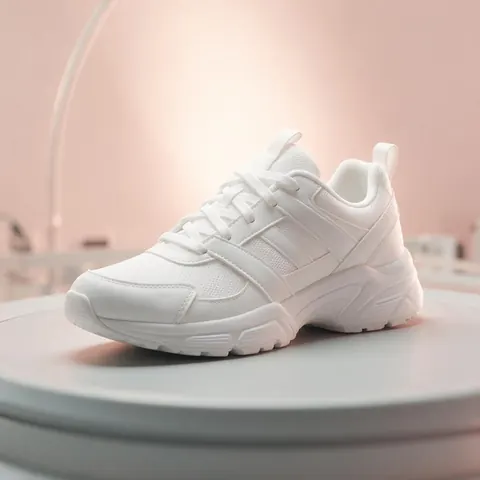
A shop can extend a five-second turntable clip into a longer product shot and upscale it to 4K.
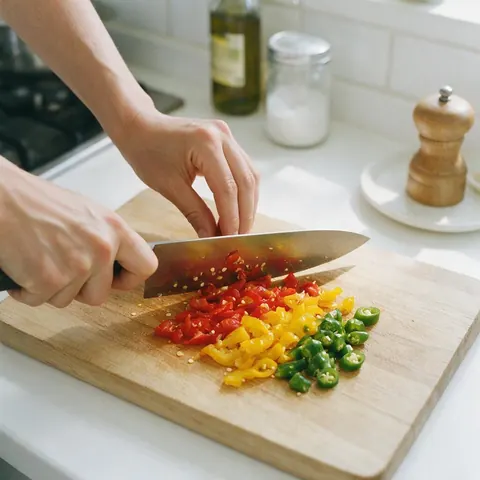
Food creator
A recipe channel can restyle a cooking clip with one sentence and add subtitles after the final cut.
FAQ
AI Video Editor questions
What is the best AI video editor?
For AI edits — restyles, extends, captions, upscaling — a tool with several models per job. Kenerate has 11 edit models and 17 extend models; for cutting many clips together, pair it with a timeline editor.
Link to this answerCan AI edit a video from a text prompt?
Yes — video edit re-renders your clip from one sentence while keeping the motion. The 1980s demo above is a real Wan 3 edit; the Video to video AI page shows more restyles.
Link to this answerCan it make a clip longer?
Yes — extend continues the shot from its last frame. On Wan 3 you choose how many seconds to add.
Link to this answerDoes it add subtitles automatically?
Yes — the subtitles tool transcribes speech and burns in captions in 10 styles, for clips up to 4 minutes.
Link to this answerIs there a free AI video editor?
Partly. A free account gets 25 sign-up credits, and those work on auto subtitles, upscaling, dubbing and lip sync, so you can caption or upscale a clip without buying anything. Prompt edits and extends use the video models, which need a credit pack.
Link to this answerIs it a timeline editor?
No. These are AI tools for single clips; use a timeline editor to assemble many clips.
Link to this answerIn depth
AI Video Editor, explained
AI edits vs timeline edits
A timeline editor cuts, trims and arranges clips. AI editing changes what's inside a clip: its style, its length, its captions, its resolution, its language. Most projects need both — AI tools for the hard parts, a timeline for assembly.
Which extend model?
Wan 3 adds seconds with sound and can take an end image. Seedance 2.5 and Veo 3.1 continue at higher resolutions; LTX 2.3 extends by up to 20 seconds.
Explore
Every Kenerate video tool
Generators, tools, models and guides — all in one studio.