Grok Imagine 1.5 · 1.0 · no SuperGrok needed
Grok Video Generator — Grok Imagine 1.5 AI video, no SuperGrok
Make Grok AI videos with xAI's Grok Imagine — from text, a photo or up to 7 reference images, 1 to 15 seconds, up to 1080p, with sound — without a Grok subscription.

- Text or image to video
- 1–15 s (1.5)
- 7 reference images
- No Grok subscription
Updated by the Kenerate AI team
Made with Kenerate

On this page
Quick answer
What is the Grok video generator?
The Grok video generator is xAI's Grok Imagine, which turns text, a photo or reference images into short clips with sound; Imagine Video 1.5 has been generally available since 16 June 2026. In Kenerate AI's studio you can use it without a Grok plan: Grok Imagine 1.5 makes 1–15 second clips at 480p, 720p or 1080p from 24 credits per second, and Grok Imagine 1.0 adds video edit and extend.
Key facts
- Clip length
- 1–15 s
- Top resolution
- 1080p
- Reference images
- Up to 7
- Grok plan needed
- No
- Versions here
- Imagine 1.5, Imagine 1.0
- Edit + extend
- Imagine 1.0
- Credits (1.5)
- 24 / 42 / 75 per s
- Free credits
- 25 on sign-up
Real demo
Grok Imagine 1.5 vs Wan 3 — same image, same prompt
Switch between the two and turn the sound on. Same start image and motion prompt, two models.
- Grok Imagine 1.5. Grok Imagine 1.5 image to video, 5 s at 720p with sound.
- Wan 3. Wan 3 image to video, 5 s at 720p with sound.
Both are unedited outputs from Kenerate's video studio.
Try Grok Imagine 1.5Real results
Real Grok Imagine clips
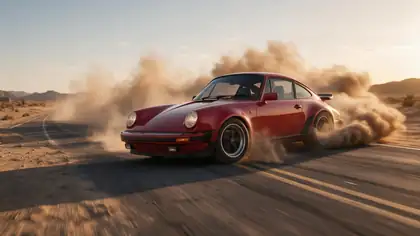
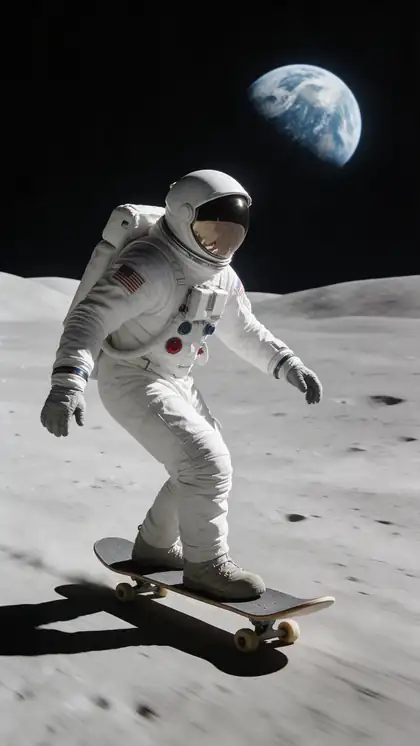
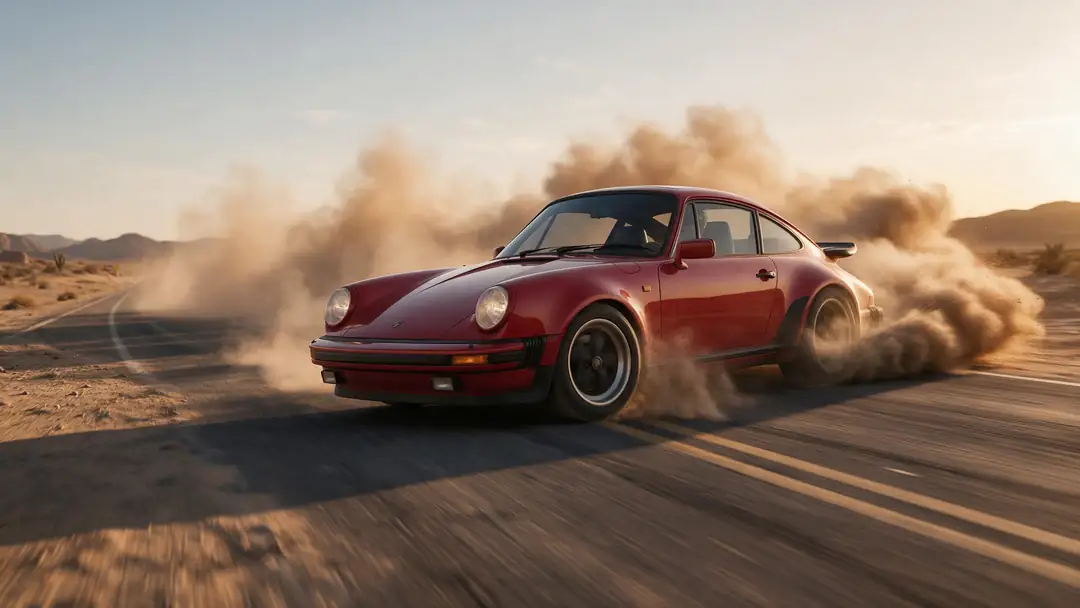
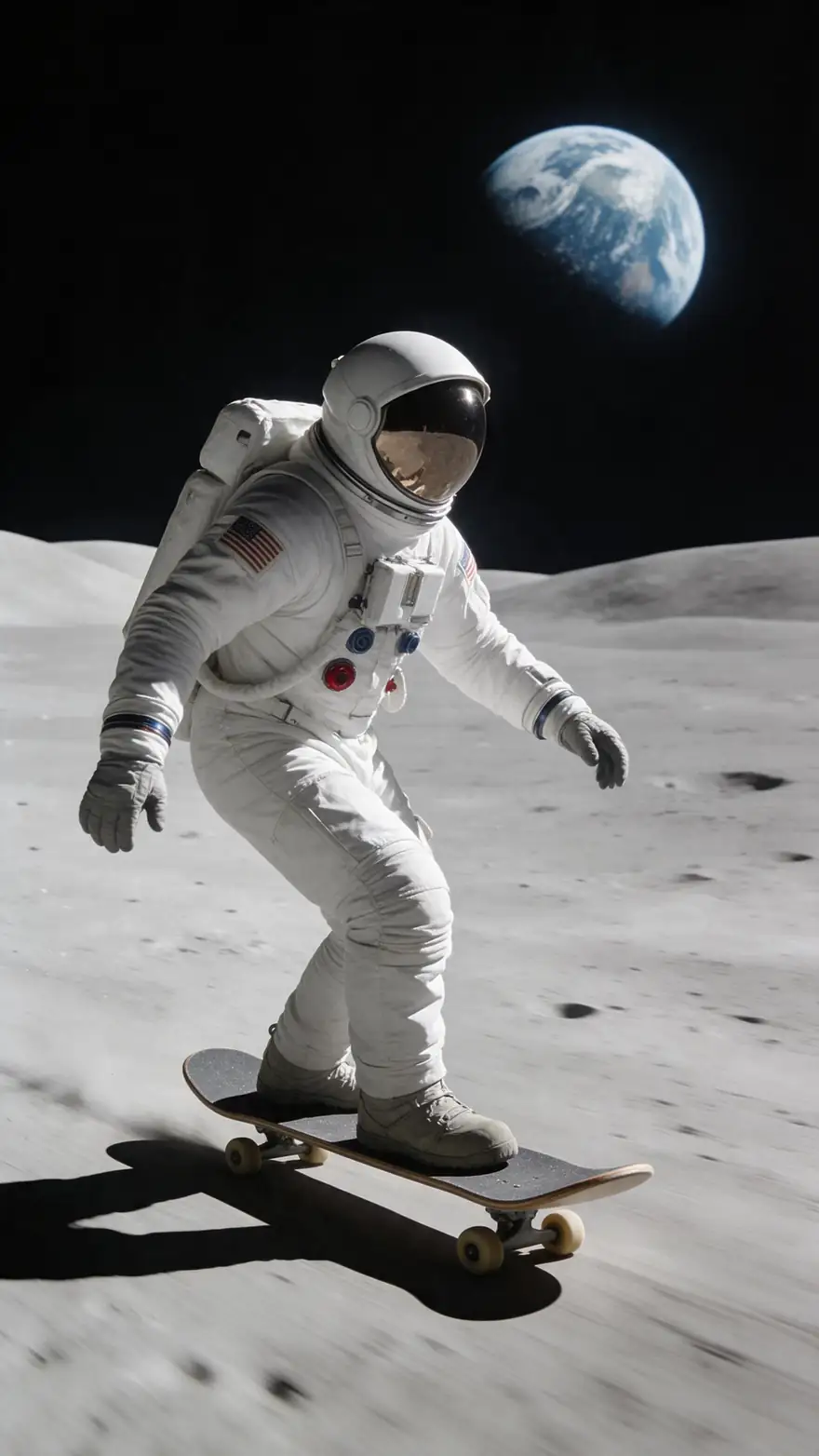
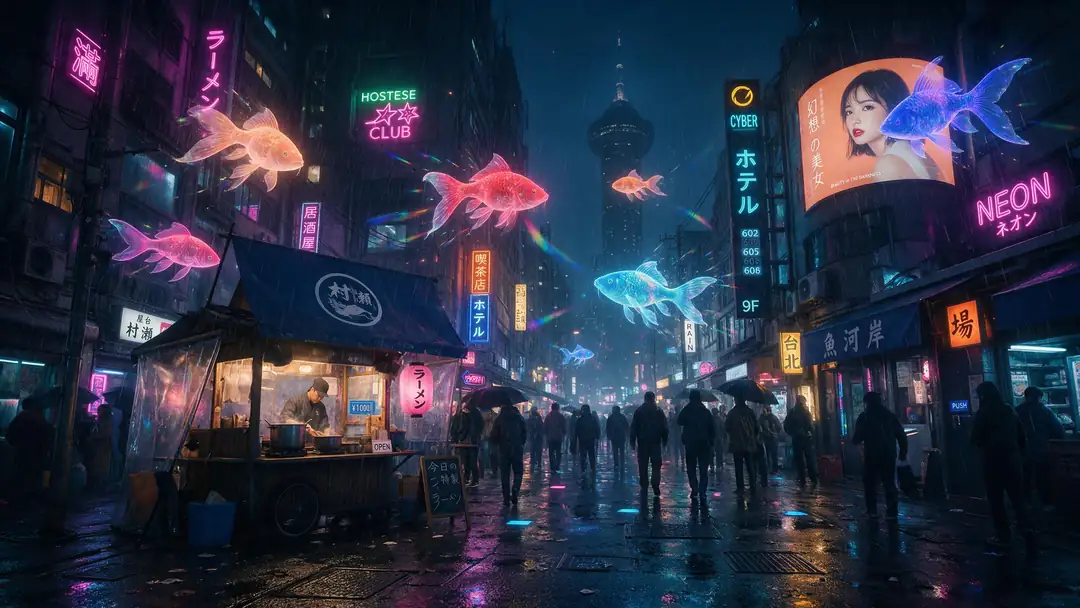
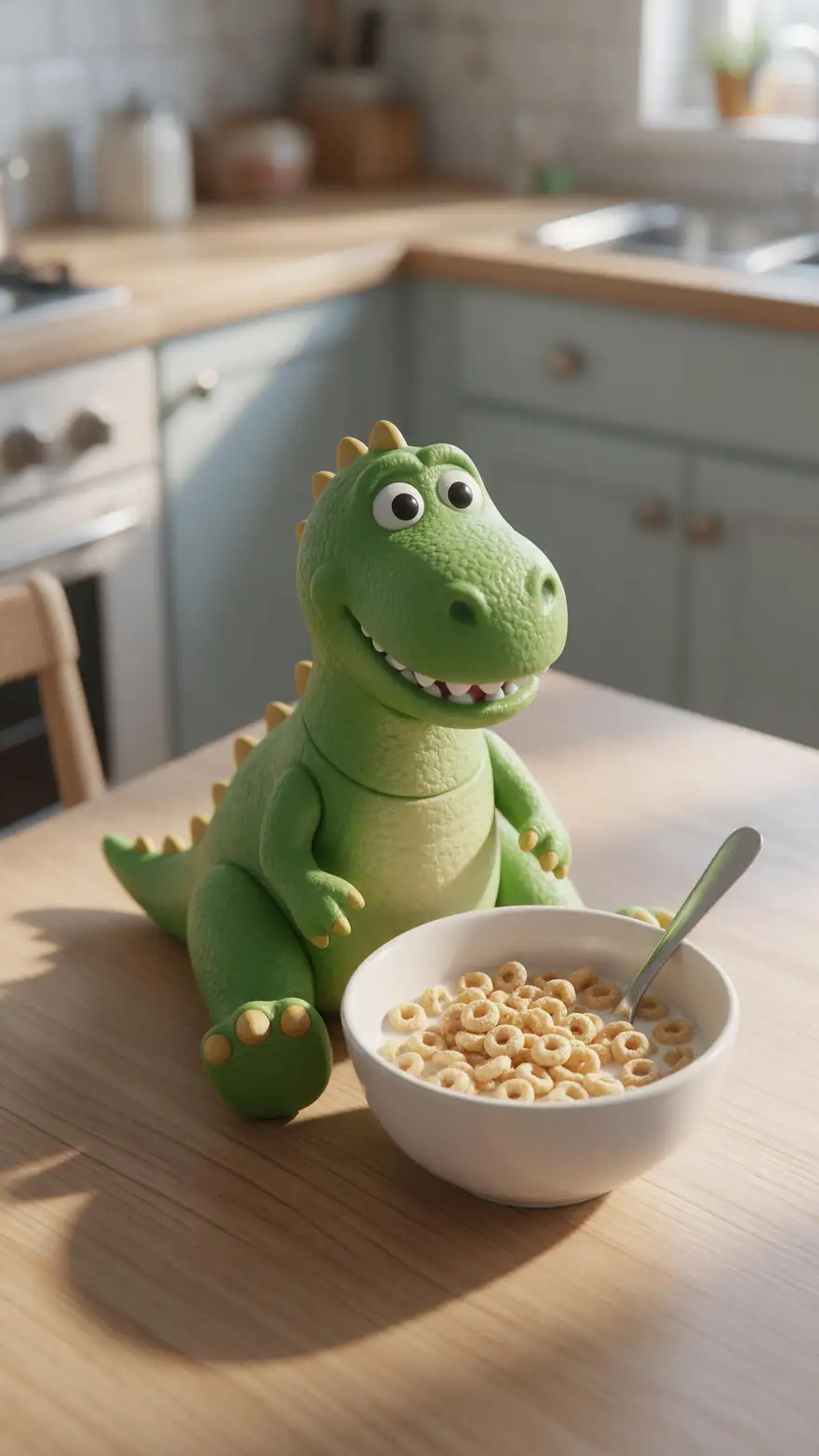
Five Grok Imagine 1.5 image-to-video clips (5 s, 720p, with sound) — meme-ready cats, drifts, moon skating, holo koi and a hungry dino.
Real Grok Imagine 1.5 clips (5 s, 720p, with sound). Open one to copy both prompts.
How to
How to use Grok Imagine on Kenerate
- Time needed
- Steps
- 4 steps
Step 1
Open the video studio
Pick Grok Imagine 1.5 or 1.0 — no Grok subscription needed.
Step 2
Start from text, a photo or references
Up to 7 reference images on both versions.
Step 3
Describe the motion
Name the subject, the action and the camera move; add the sound you want.
Step 4
Pick length and resolution
1–15 s at up to 1080p on 1.5; 6 or 10 s on 1.0.
See it in the app

Open Video Studio in Text to Video mode and write the shot — subject, action, camera move and light.


Watch the tour · 1:19
Text, image & reference to video, models, edit, extend & chat
Chapters
Engines
Grok Imagine versions in the studio
From the studio's own model list.
- Newest
xAI
Grok Imagine 1.5
- Input
- Text, image or 7 reference images
- Output
- 1–15 s · 480p–1080p · sound
Open Grok Imagine 1.5Best for
Quick social clips
xAI
Grok Imagine 1.0
- Input
- Text, image, 7 refs, or a clip to edit/extend
- Output
- 6 or 10 s · 480p or 720p
Open Grok Imagine 1.0Best for
Editing and extending
The clips above were made with Grok Imagine 1.5; the comparison uses Wan 3.
Tips
Grok Imagine tips
What worked in our tests.
Keep prompts short and visual.
Funny and surreal ideas land well.
Use references to keep a character consistent.
Describe the sound you want — Grok 1.5 generates it with the clip.
Use 1.0 to edit or extend a clip.
Real people need their permission.
Example uses
How creators use Grok Imagine video
Illustrative examples of typical workflows, not customer reviews.
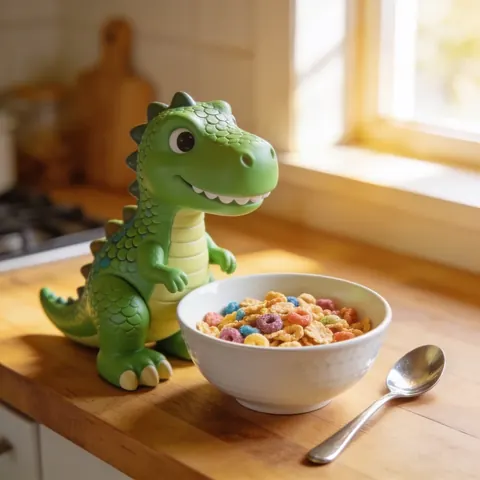
Meme page creator
A meme page creator could turn a funny pet or toy photo into a short clip with one playful line of motion, with no Grok subscription needed.
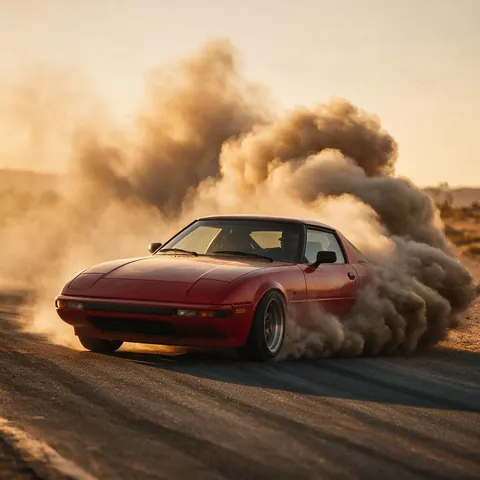
Car content creator
A car content creator could animate a still of a retro car into a dusty drift clip and describe the sound they want with it.
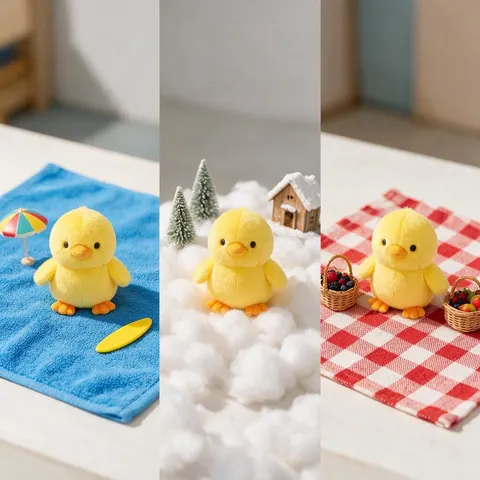
Social media manager
A social media manager could use up to 7 reference images to keep the same mascot character across a run of short, playful clips.
FAQ
Grok Imagine Video questions
11 questions
Can Grok make videos?
Yes. xAI's Grok Imagine makes videos in the Grok app and on grok.com, and Kenerate runs Grok Imagine 1.5 and 1.0 in its browser video studio without a Grok subscription. Grok Imagine 1.5 makes 1 to 15 second clips with sound from text, a photo or up to 7 reference images, at up to 1080p.
Link to this answerHow much does the Grok video generator cost on Kenerate?
Grok Imagine 1.5 costs 24 credits per second at 480p, 42 at 720p and 75 at 1080p, plus 3 credits for each input image, so a 5-second 720p clip from one photo is 213 credits. Grok Imagine 1.0 costs 15 credits per second, so 90 credits for 6 seconds or 150 for 10. New accounts get 25 free credits; credit packs are one-time and never expire.
Link to this answerGrok text to video or image to video — which should I use?
Use text to video when you only have an idea: Grok Imagine 1.5 builds the whole scene from your prompt. Use image to video when the look must stay exact — a product, a character or a photo you made — because the clip starts from that frame. Reference to video sits in between: up to 7 images guide the subject and style, at up to 720p.
Link to this answerHow do I turn an image into a video with Grok?
Open the video studio, pick Grok Imagine 1.5, upload the photo as the start image, describe the motion and any sound in one or two sentences, choose 1 to 15 seconds and a resolution, and generate. Every clip on this page was made that way from a still image, with the prompts shown under each clip.
Link to this answerHow long can Grok videos be?
On Kenerate, Grok Imagine 1.5 makes clips of any whole length from 1 to 15 seconds, and Grok Imagine 1.0 makes 6 or 10 second clips. For something longer, Grok Imagine 1.0 can extend a clip you already made, or you can pick a longer model from the AI video models list.
Link to this answerWhat is the Grok Imagine limit?
xAI doesn't publish fixed usage limits for Grok Imagine. On Kenerate there's no daily cap — you use credits.
Link to this answerDoes Grok Imagine add sound?
Yes. Grok Imagine 1.5 generates sound effects and ambience together with the picture, as the five examples on this page show — turn the sound on when you play them. Describe the sound you want in the prompt, such as splashing water or engine noise, and the model adds it to the clip.
Link to this answerWhat prompts work best for Grok AI video?
Short, concrete prompts: who or what is in the shot, the one action that happens, the camera move and the sound. Funny and surreal ideas, such as a cat lowering its sunglasses, land well. For image to video, describe only the motion — the picture already sets the look. Keep one main action per clip.
Link to this answerIs Grok Imagine free?
Not unlimited. On Kenerate, Grok Imagine runs on credits: new accounts get 25 free credits on sign-up, and after that one-time credit packs never expire, with no Grok or SuperGrok subscription needed. Grok Imagine 1.0 is the cheaper version at 15 credits per second; 1.5 starts at 24 credits per second at 480p.
Link to this answerIs Grok Imagine safe?
Grok Imagine is made by xAI, and on Kenerate it runs in the browser studio without a Grok subscription. Safe use comes down to what you upload and ask for: prompts involving minors are blocked, real people can't be shown without their consent, and you should only use photos and reference images you have the rights to.
Link to this answerDoes Grok Imagine have restrictions?
Yes. On Kenerate, Grok Imagine follows the same content rules as every model: nothing involving minors and no real people without their consent. There are technical limits too — 1–15 seconds at up to 1080p on 1.5 (720p when you use references), and 6 or 10 seconds at up to 720p on 1.0, which can also edit or extend a clip.
Link to this answerIn depth
Grok Imagine Video, explained
Grok Imagine 1.5 vs 1.0 on Kenerate
Both versions come from xAI and run in the same studio. Which to pick depends on length, resolution and whether you need to change an existing clip:
- Grok Imagine 1.5: text, image or up to 7 reference images; 1–15 s; 480p, 720p or 1080p (720p with references); sound; 24, 42 or 75 credits per second.
- Grok Imagine 1.0: text, image, references, or a clip to edit or extend; 6 or 10 s; 480p or 720p; 15 credits per second.
- Both: prompts involving minors are blocked, and real people need their consent.
Imagine Video 1.5
xAI made Imagine Video 1.5 generally available on 16 June 2026 on grok.com, the Grok apps and the xAI API, with better physics and speech sync. The 31 July update added up to 7 reference images, native 1080p and text-to-video without a start image.
Explore
Every Kenerate video tool
Generators, tools, models and guides — all in one studio.