Veo 3.1 · Kling 3.0 · Seedance 2.5 · Wan 3 · MiniMax H3
AI Video Generator — 57 models, one studio
Describe a scene or upload an image and turn it into a video with Veo 3.1, Kling 3.0, Seedance 2.5, Wan 3 and 53 more models — up to 30 seconds, up to 4K, with sound on most.
- 57 video models
- Text, image or references
- Up to 30 s and 4K
- Sound on most models
Updated by the Kenerate AI team
Made with Kenerate
On this page
Quick answer
What is an AI video generator?
An AI video generator turns a text prompt or a still image into a short video clip, for creators, marketers and anyone without a film crew. Kenerate AI runs 57 video models in one studio, including Veo 3.1, Kling 3.0 and Seedance 2.5, for text-to-video, image-to-video and reference-to-video, with clips up to 30 seconds and 4K.
Key facts
- Video models
- 57
- Longest clip
- 30 s
- Top resolution
- 4K
- Reference models
- 23
- Text to video
- 56 models
- Image to video
- 55 models
Real results
What the studio makes
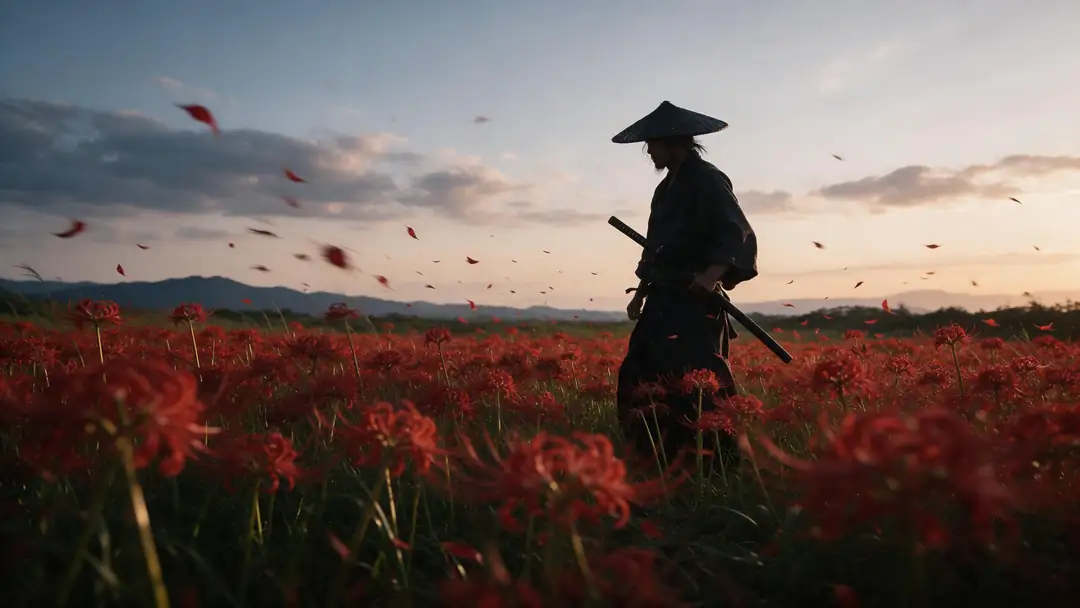
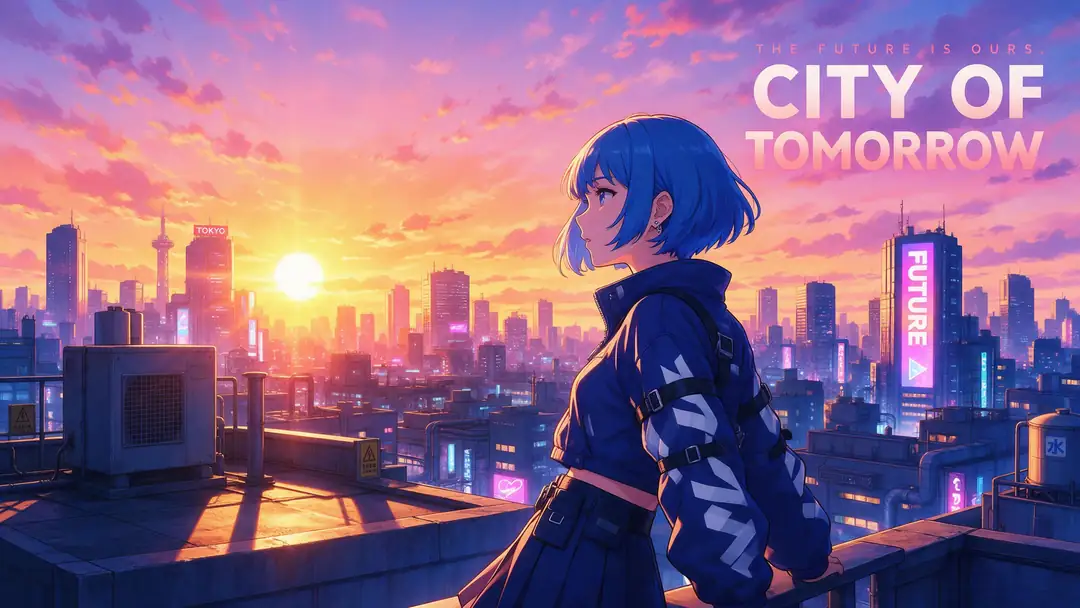
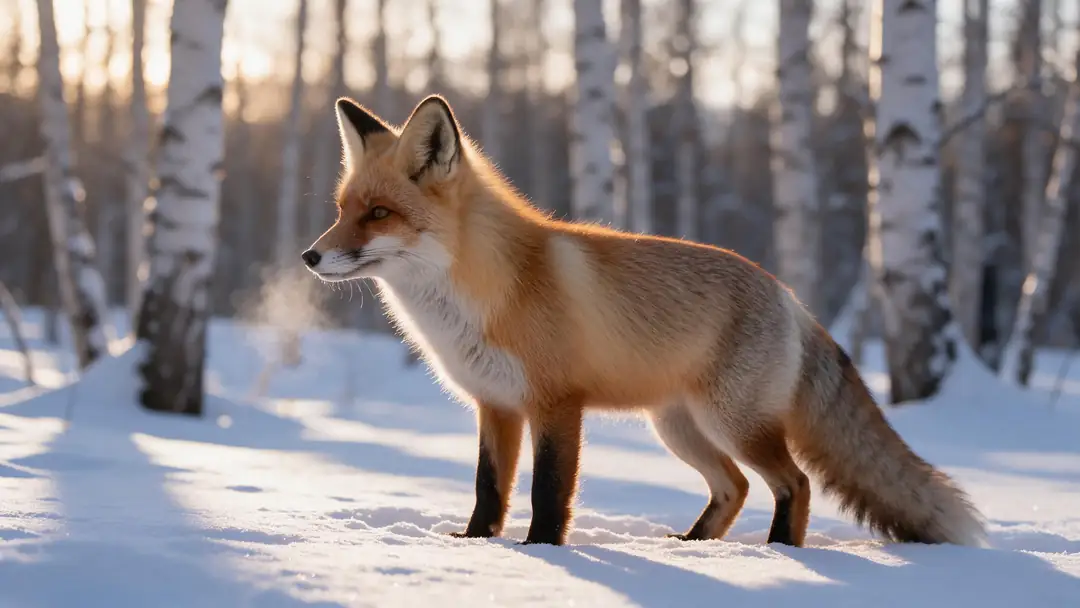
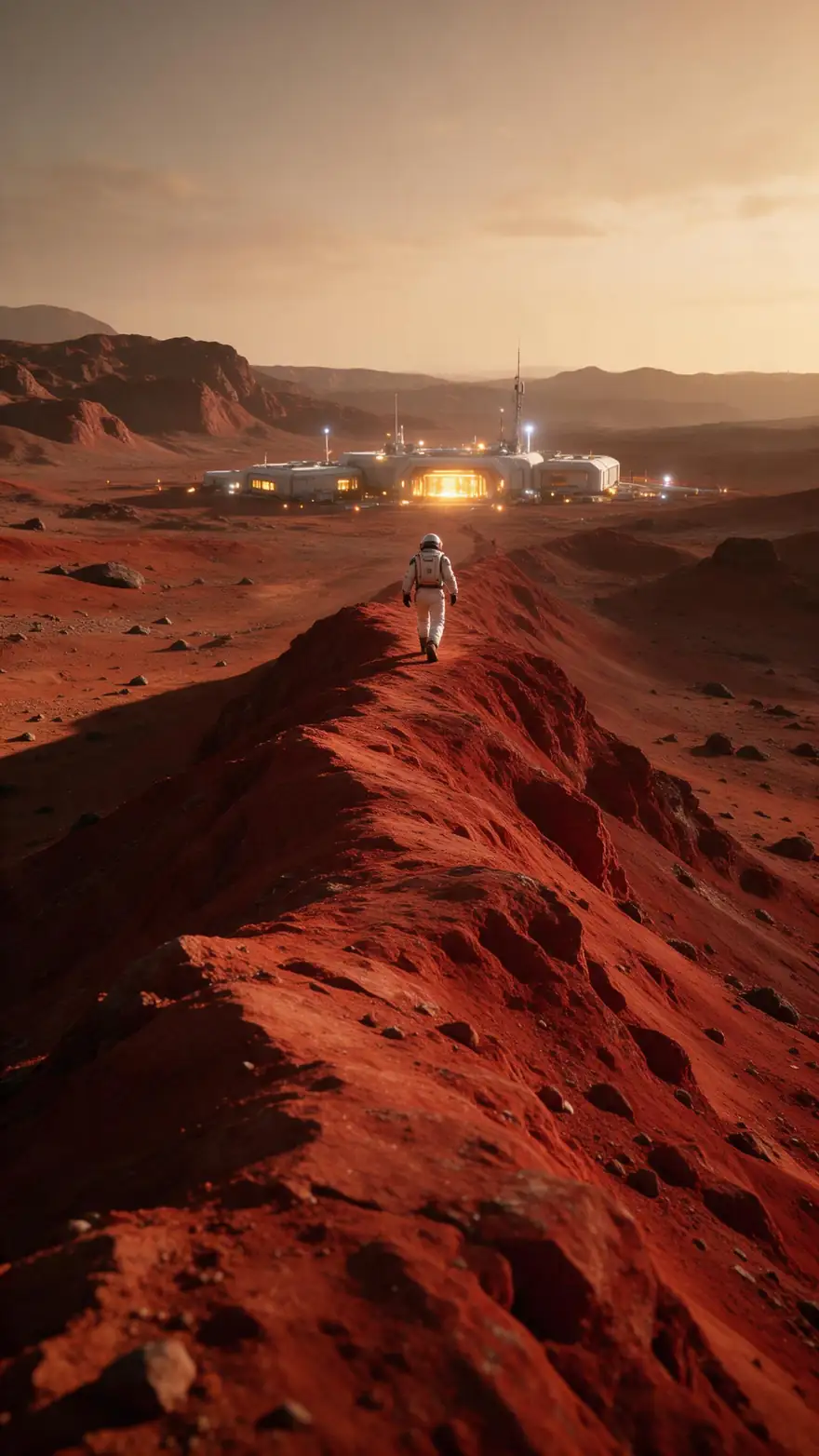
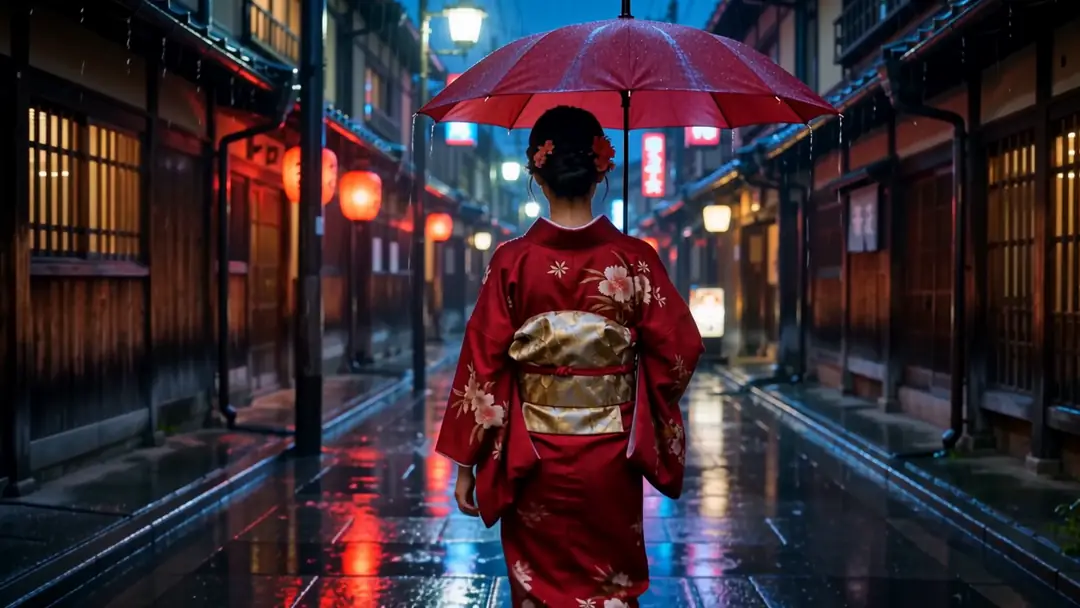
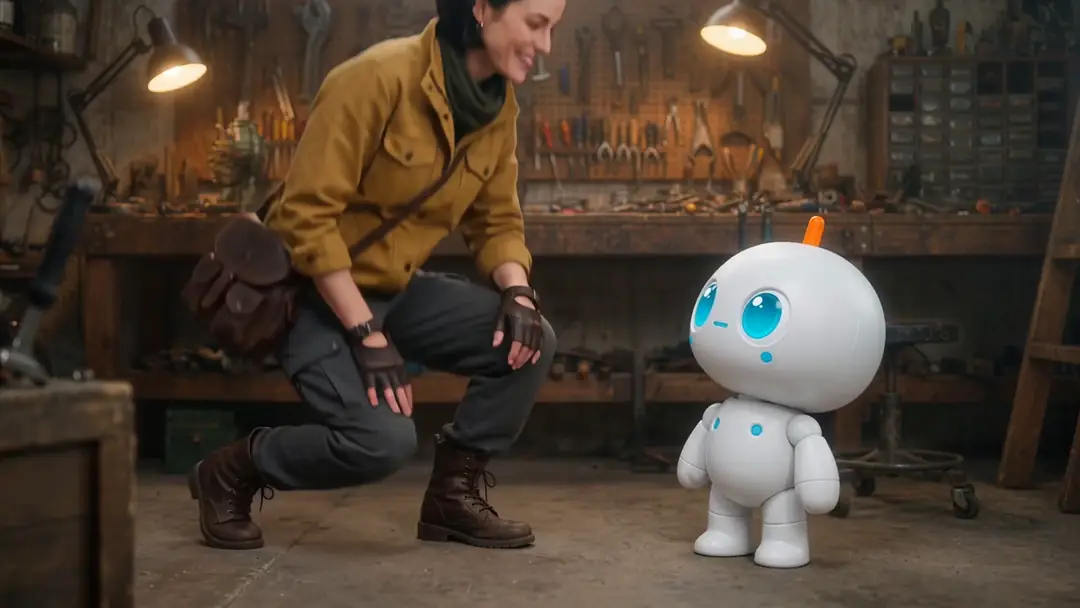
Real 5-second Wan 3 clips at 720p — from an image, from text alone, and from reference images. Filter by style.
Real Wan 3 clips (5 s, 720p, with sound). Open one to watch it and copy the prompts.
How to
How to use the AI video generator
- Time needed
- Steps
- 4 steps
Step 1
Pick how to start
Text only, a start image (plus an optional end frame), or reference images of a character or product.
Step 2
Choose a model
Wan 3 or Seedance 2.5 for up to 30 s, Veo 3.1 or Seedance 2.5 for 4K, Kling 3.0 for expressive motion.
Step 3
Write the prompt
Subject, action, scene, camera and sound — or just the motion if you started from an image.
Step 4
Set length, ratio and resolution
Start short at 720p; extend or re-run at 1080p or 4K once you like it.
See it in the app

Open Video Studio in Text to Video mode and write the shot — subject, action, camera move and light.


Watch the tour · 1:19
Text, image & reference to video, models, edit, extend & chat
Chapters
Engines
The main video models in the studio
16 of the 57 models, from the studio's own model list. Every one runs from the same prompt box.
- Used here

Alibaba
Wan 3
- Input
- Text, image or up to 10 refs
- Output
- 2–30 s · 480p–1080p · sound
Open Wan 3Best for
Long clips with sound, start + end frame

ByteDance
Seedance 2.5
- Input
- Text, image or up to 30 ref images
- Output
- 4–30 s · up to 4K · sound
Open Seedance 2.5Best for
Longest 4K clips, multi-shot
Google
Veo 3.1
- Input
- Text, image or 3 ref images
- Output
- 4, 6 or 8 s · up to 4K · sound
Open Veo 3.1Best for
Cinematic shots with sound
Kuaishou
Kling 3.0 Pro
- Input
- Text or image (+ end frame)
- Output
- 3–15 s · sound
Open Kling 3.0 ProBest for
Expressive motion; 4K version too
MiniMax
MiniMax H3 Pro
- Input
- Text, image or up to 9 refs
- Output
- 4–15 s · 768p or 2K
Open MiniMax H3 ProBest for
2K clips from references
Kenerate AI
Ken 1
- Input
- Text, image or up to 9 refs
- Output
- 3–15 s · up to 1080p
Open Ken 1Best for
Kenerate's own model
All models (16)
Google
Gemini Omni 1.1 Flash
- Input
- Text, image or 4 refs
- Output
- 3–10 s · up to 4K
Open Gemini Omni 1.1 FlashBest for
Edit a clip by describing the change
xAI
Grok Imagine 1.5
- Input
- Text, image or 7 refs
- Output
- 1–15 s · up to 1080p
Open Grok Imagine 1.5Best for
Fast social clips
Lightricks
LTX 2.5
- Input
- Text or image (+ end frame)
- Output
- 5–20 s · up to 4K
Open LTX 2.5Best for
Long 4K clips
Vidu
Vidu Q3 Pro
- Input
- Text or image (+ end frame)
- Output
- 1–16 s · up to 1080p · sound
Open Vidu Q3 ProBest for
Start-to-end-frame transitions
PixVerse
PixVerse v6
- Input
- Text, image or 10 refs
- Output
- 1–15 s · up to 1080p · sound
Open PixVerse v6Best for
Stylised social clips

Alibaba
Happy Horse 1.1
- Input
- Text, image or 9 refs
- Output
- 3–15 s · 720p or 1080p
Open Happy Horse 1.1Best for
Quick everyday clips
Luma
Luma Ray 3.2
- Input
- Text or image
- Output
- 5 or 10 s · up to 1080p
Open Luma Ray 3.2Best for
Photoreal camera moves
Black Forest Labs
FLUX 3 Video
- Input
- Text or one image
- Output
- 5–20 s · 720p or 1080p · sound
Open FLUX 3 VideoBest for
Wide 21:9 and 2:1 formats

ByteDance
Seedance 2.0
- Input
- Text, image or up to 9 ref images
- Output
- 4–15 s · up to 4K · sound
Open Seedance 2.0Best for
Seedance 2 quality
Alibaba
Wan 3 Prime
- Input
- Text, image or up to 10 refs
- Output
- 2–30 s · 480p–1080p · sound
Open Wan 3 PrimeBest for
Wan 3's higher-quality tier
The examples above were made with Wan 3. All models run in the video studio on a credit pack.
Tips
Better AI videos, faster
From the official prompt guides (Google, Kling, Alibaba) and our own tests.
Write subject + action + scene + camera + style + sound.
Name one camera move: slow push-in, tracking shot, crane up.
Put spoken lines in quotes and describe the sounds.
From an image, describe only the motion — the image sets the look.
Test at 5 s and 720p, then go longer or sharper.
Use references to keep a character the same across shots.
Example uses
How creators use AI video generator
Illustrative examples of typical workflows, not customer reviews.

Brand marketer
A brand marketer could turn one product photo into a short animated clip for a launch post, then try the same idea on other models.
Short-form creator
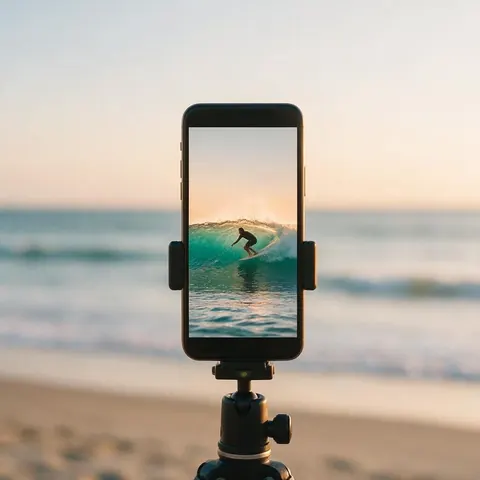
A short-form creator could write a scene with camera and sound cues and get a vertical clip for Reels or TikTok.
Animator
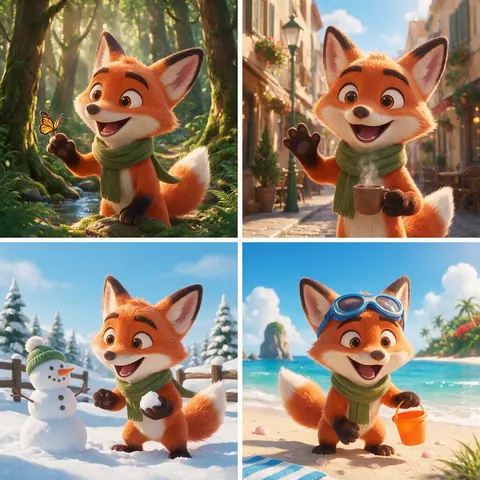
An animator could keep one original character the same across several shots by starting from reference images.
FAQ
Free AI video generator FAQ
11 questions
What is the best AI video generator in 2026?
It depends on the shot: Seedance 2.5 and Wan 3 make the longest clips (30 s), Veo 3.1 and Seedance 2.5 go up to 4K with sound, and Kling 3.0 is strong on expressive motion. Kenerate runs all of them — and 53 more — in one studio.
Link to this answerCan ChatGPT make videos?
Not any more. OpenAI shut the Sora app down on 26 April 2026 and scheduled the Sora 2 API to close on 24 September 2026, and ChatGPT has no built-in video generation now. You can still use ChatGPT to write a prompt, then make the clip with Veo 3.1, Kling 3.0 or Wan 3.
Link to this answerHow long can AI videos be?
Up to 30 seconds per generation on Wan 3 and Seedance 2.5, 20 s on LTX 2.5 and FLUX 3 Video, 15 s on Kling 3.0 and MiniMax H3. Extend a clip to make it longer.
Link to this answerIs there a Kling AI video generator on Kenerate?
Yes — Kling 3.0 Pro, Kling 3.0 Standard and a Kling 3.0 4K version, plus Kling 2.6 and 2.1, for text and image to video. Kling 3.0 motion control is in the motion tool.
Link to this answerCan I make a video from a photo?
Yes — upload it as the start image and describe the motion. 55 of the 57 models do image to video.
Link to this answerIs there a free AI video generator?
Not for the video models themselves, and we won't pretend otherwise: on Kenerate the video studio is locked on the free plan, and its models run on one-time credit packs that never expire. The 25 free sign-up credits do work on talking photos, motion control and dubbing, plus image models, so you can make and test a start image before you pick a pack.
Link to this answerWhat is the cheapest AI video model on Kenerate?
For a 5-second clip at the lowest resolution: Wan 2.2 Ultra Fast uses 15 credits (480p), LTX 2 and Seedance 1 Pro Fast 18 credits each (480p). Wan 3 costs 15 credits a second at 480p, 30 at 720p and 60 at 1080p, so a 5-second 480p draft is 75 credits. Draft cheap, then re-run the keeper at a higher resolution.
Link to this answerIs any AI video generator really free and unlimited?
Running a video model costs real compute for every second, so a tool that offers unlimited free clips is usually limiting them some other way: a watermark, low resolution, a daily cap, a long queue or a trial that turns into a subscription. Kenerate's packs are one-time, never expire and add no watermark.
Link to this answerIs there a Hailuo AI video generator on Kenerate?
Yes. MiniMax's Hailuo 2.3 Pro, Hailuo 02 Pro and Hailuo 02 Standard run in the same studio for text and image to video, with 6 or 10-second clips. The newer MiniMax H3 and H3 Pro sit next to them and reach 15 seconds and 2K, with up to 9 reference images.
Link to this answerAre AI video generators safe to use?
They are safe when you use them within clear rules. On Kenerate, prompts involving minors are blocked on every model, and real people can't be shown without their consent. Use start images and references you have the rights to, check facts before you post, and label AI clips wherever a platform asks you to.
Link to this answerDo AI videos have sound?
Most new models generate sound with the video — Veo 3.1, Seedance, Wan 3, Kling 3.0, Vidu Q3 and PixVerse among them. Describe the sounds in the prompt.
Link to this answerIn depth
AI Video Generator, explained
On this page
Free AI video generator: what is free and what is not
Free on sign-up: 25 credits, the image models (to make a start frame), talking photos, motion control and dubbing. Not free: the video models in the video studio — Wan, Seedance, Kling, Veo and the rest are locked on the free plan and unlock with any one-time credit pack.
Credits per 5-second clip at the lowest resolution, from the studio's own model list:
- Wan 2.2 Ultra Fast — 15 credits (480p)
- LTX 2 — 18 credits (480p)
- Seedance 1 Pro Fast — 18 credits (480p)
- Wan 3 — 15 credits a second at 480p (75 for 5 s), 30 at 720p, 60 at 1080p
- Credit packs are one-time, never expire and add no watermark — no subscription needed.
Three ways to start a video
Text to video invents everything from the prompt. Image to video keeps your picture as the first frame and adds motion. Reference to video takes several images of a character or product and keeps them the same in a new scene — the best route for a series of shots.
The 2026 model landscape
Google's Veo 3.1 makes 4–8 second clips up to 4K with sound. Kling 3.0 (February 2026) makes up to 15 seconds with native audio. Seedance 2.5 (July 2026) and Wan 3.0 (August 2026) both reach 30 seconds in one pass. MiniMax H3 (July 2026) makes 15-second 2K clips. OpenAI's Sora is no longer available.
How to write a prompt
Google's Veo guide lists subject, action, style, camera, ambiance and audio cues; Alibaba's Wan guide starts from entity + scene + motion and adds lighting, lens and sound. The same structure works on every model in the studio.
Explore
Every Kenerate video tool
Generators, tools, models and guides — all in one studio.