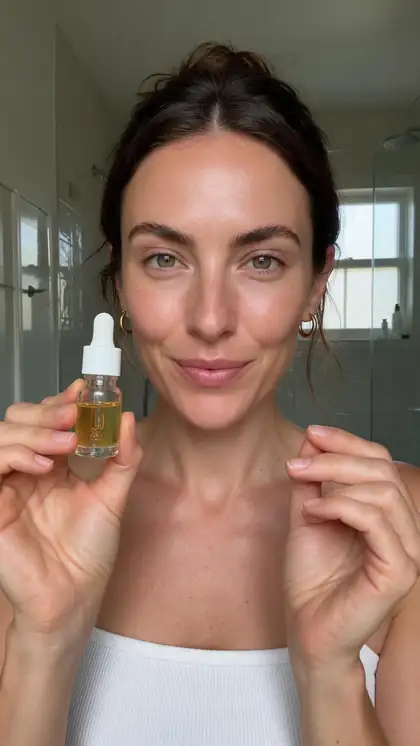
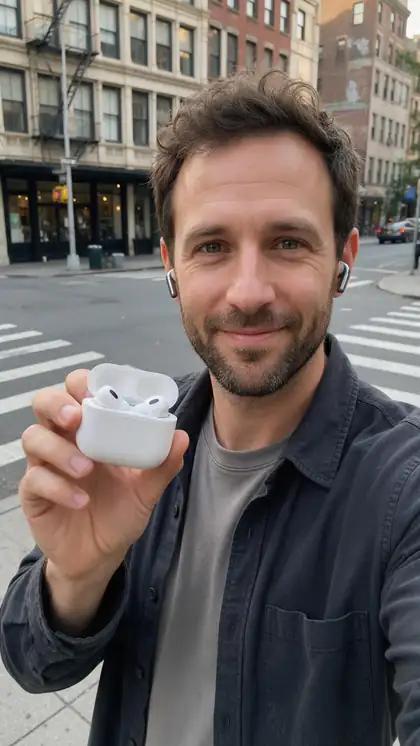
Marketing Studio · UGC · Seedance 2.0 · Wan 3 · AI creators
AI UGC Video Generator — creator clips from a product photo
Pick an AI creator, add your product photos and get selfie-style review, unboxing, try-on and tutorial clips in 9:16. The creators are AI-generated, never real customers, and every word they say comes from your script.
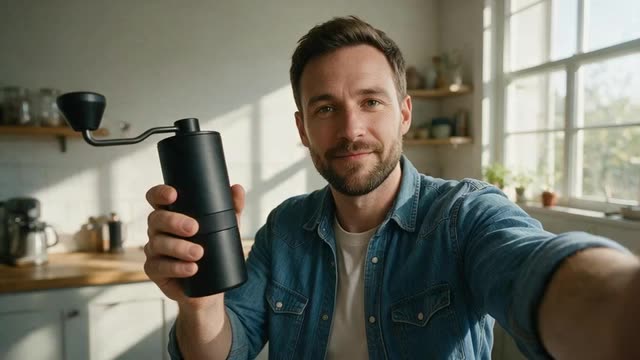
- Hair dryer brush unboxing
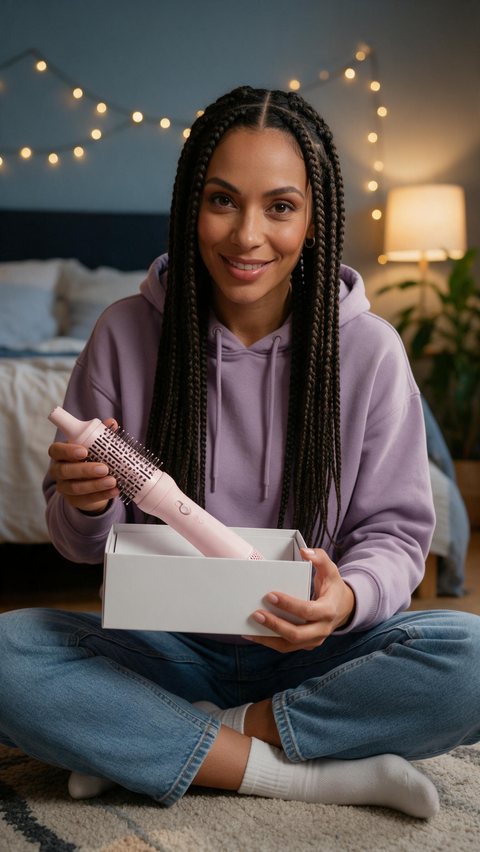
- Coffee grinder tutorial

- Travel mug creator review

Made in Marketing Studio · Seedream 5.0 Pro + Wan 3.0
- Nine UGC styles
- AI creator or your own avatar
- Up to 9 product photos
- Dub into other languages
Updated by the Kenerate AI team
Made with Kenerate

On this page
Quick answer
What is an AI UGC video generator?
An AI UGC video generator makes selfie-style creator videos about your product without a shoot. In Kenerate AI's Marketing Studio you pick an AI creator or your own avatar, add up to nine product photos, choose a UGC style such as Review, Unboxing or Try-on, and get a 9:16 clip. The creators are AI-generated, not real customers.
Key facts
- UGC styles
- Review · Unboxing · Tutorial · Try-on · At home · Delivery · Shopping · Before/after · Testimonial
- Product photos
- Up to 9
- Creator
- AI-generated, or your own avatar
- Video models
- Seedance 2.0 (default, 720p) · Wan 3.0 · Ken 1 · MiniMax H3
- Access
- Paid plan or one-time pack · no subscription required
Ad showcase
5 ad videos made with Kenerate AI
Short ads of fictional, unbranded products: each starts as a Seedream 5.0 Pro frame and is animated with Wan 3.0. Open one to see the prompt and the Marketing Studio style it matches.
Real results
Five UGC-style ads
Wan 3 clips (5 s, 720p) with generated speech. The creators and products are fictional and AI-generated; each clip is a creator photo plus one line of script.
Real Wan 3 clips. Open one to copy the image prompt and the script.
How to
How to use the UGC video generator
- Time needed
- Steps
- 4 steps
Step 1
Pick a UGC style
In the Marketing Studio, choose Video › UGC: Review, Unboxing, Try-on, Tutorial and more.
Step 2
Add the creator and the product
An AI creator or your own avatar, plus up to nine product photos.
Step 3
Write the hook
Hook, body and CTA in your words, or leave a field empty and the writer fills it in.
Step 4
Make variants
Swap the hook, the creator or the language (dubbing) and test.
See it in the app

Open Marketing Studio and pick Image for product shots and posters, or Video for UGC and motion ads.


Watch the tour · 1:19
Text, image & reference to video, models, edit, extend & chat
Chapters
Engines
Which Marketing Studio UGC style to use
The nine UGC styles, plus the tools around them. From the app's own style and model lists.
- UGC
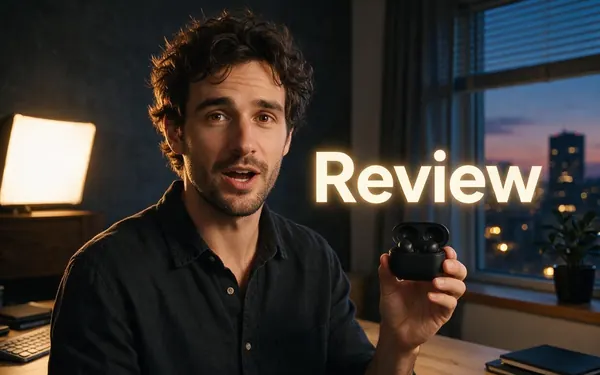
Marketing Studio · UGC
Review
- Input
- AI creator + product photos + script
- Output
- 9:16 sit-down review
Open ReviewBest for
What they liked, one thing they'd change, who it's for
- UGC
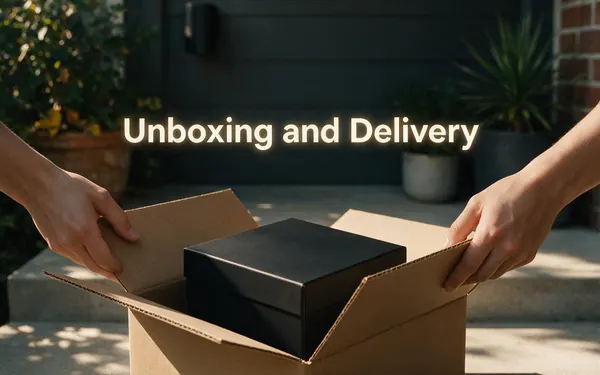
Marketing Studio · UGC
Unboxing and Delivery
- Input
- AI creator + product photos
- Output
- 9:16 first-reaction clip
Open Unboxing and DeliveryBest for
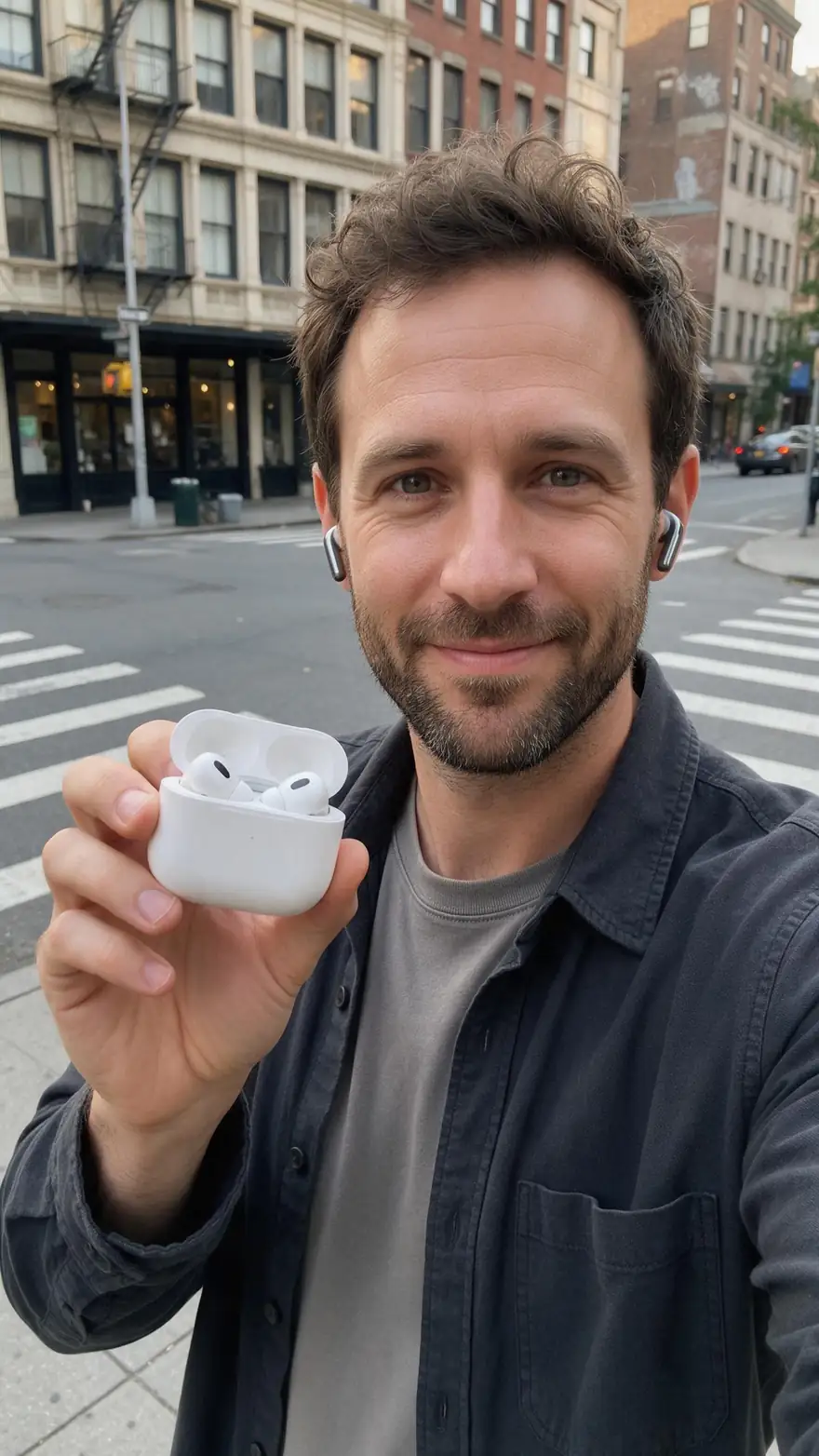
New launches and gift products
- UGC
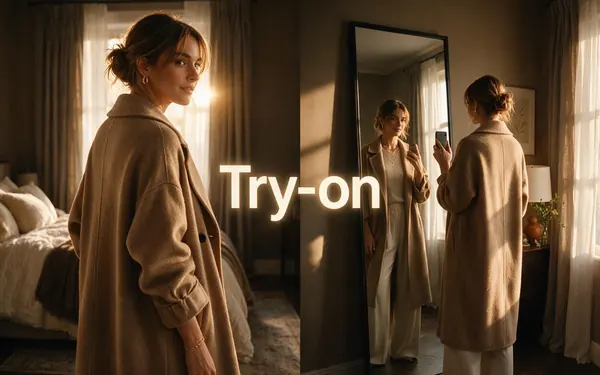
Marketing Studio · UGC
Try-on
- Input
- AI creator + garment photo
- Output
- 9:16 mirror try-on
Open Try-onBest for
Clothing, shoes and accessories
- UGC
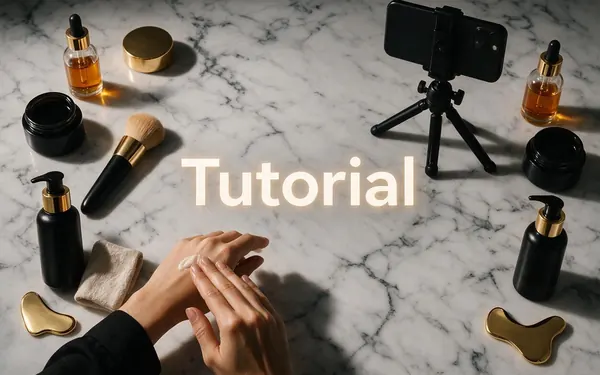
Marketing Studio · UGC
Tutorial
- Input
- AI creator + product photos + steps
- Output
- 9:16 how-to in two to four steps
Open TutorialBest for
Products that need a demo
- UGC
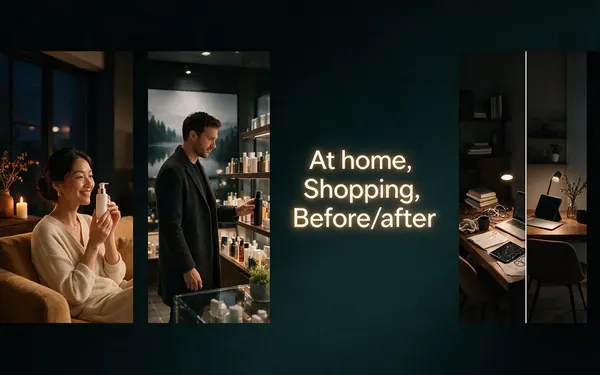
Marketing Studio · UGC
At home, Shopping, Before/after
- Input
- AI creator + product photos
- Output
- 9:16 everyday-moment clip
Open At home, Shopping, Before/afterBest for
Routines, store finds and honest results
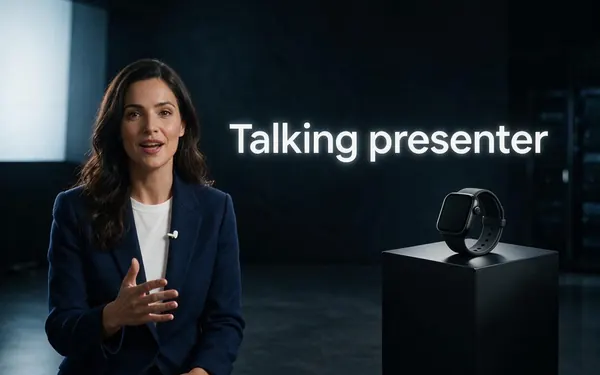
Marketing Studio · Ads
Talking presenter
- Input
- Presenter photo + voice-over
- Output
- Lip-synced spokesperson
Open Talking presenterBest for
Longer scripts to camera
All models (8)
- Used here
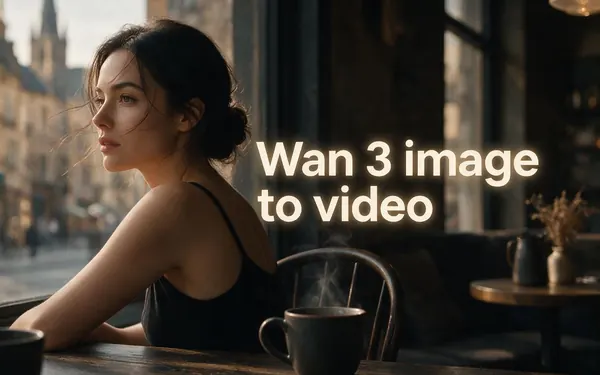
Alibaba · Video Studio
Wan 3 image to video
- Input
- Creator photo + script line
- Output
- 2–30 s · up to 1080p · speech
Open Wan 3 image to videoBest for
Building a talking clip yourself
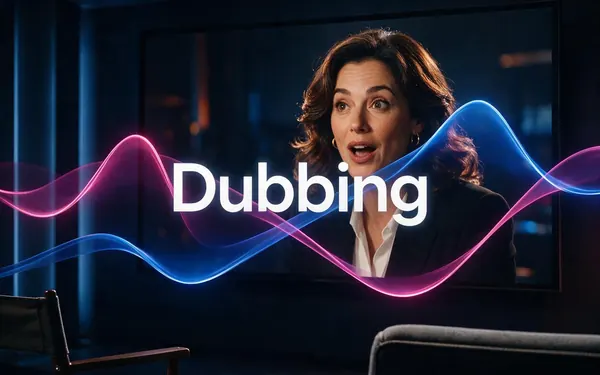
ElevenLabs
Dubbing
- Input
- Your finished video
- Output
- The video in another language
Open DubbingBest for
Localising winners
Marketing Studio and video models need a paid plan or a one-time credit pack.
Tips
AI UGC videos that don't feel fake
From our tests and common ad practice.
Open with the hook in the first second.
Keep lines short and conversational.
Show the product in hand, not floating.
Selfie framing and natural light read as real.
Make several hooks and test them.
Don't invent reviews — scripts must be truthful, and label AI people where platforms require it.
Example uses
How creators use UGC video generator
Illustrative examples of typical workflows, not customer reviews.
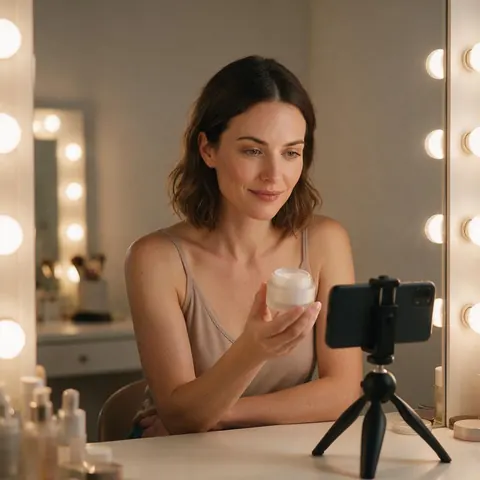
Skincare brand
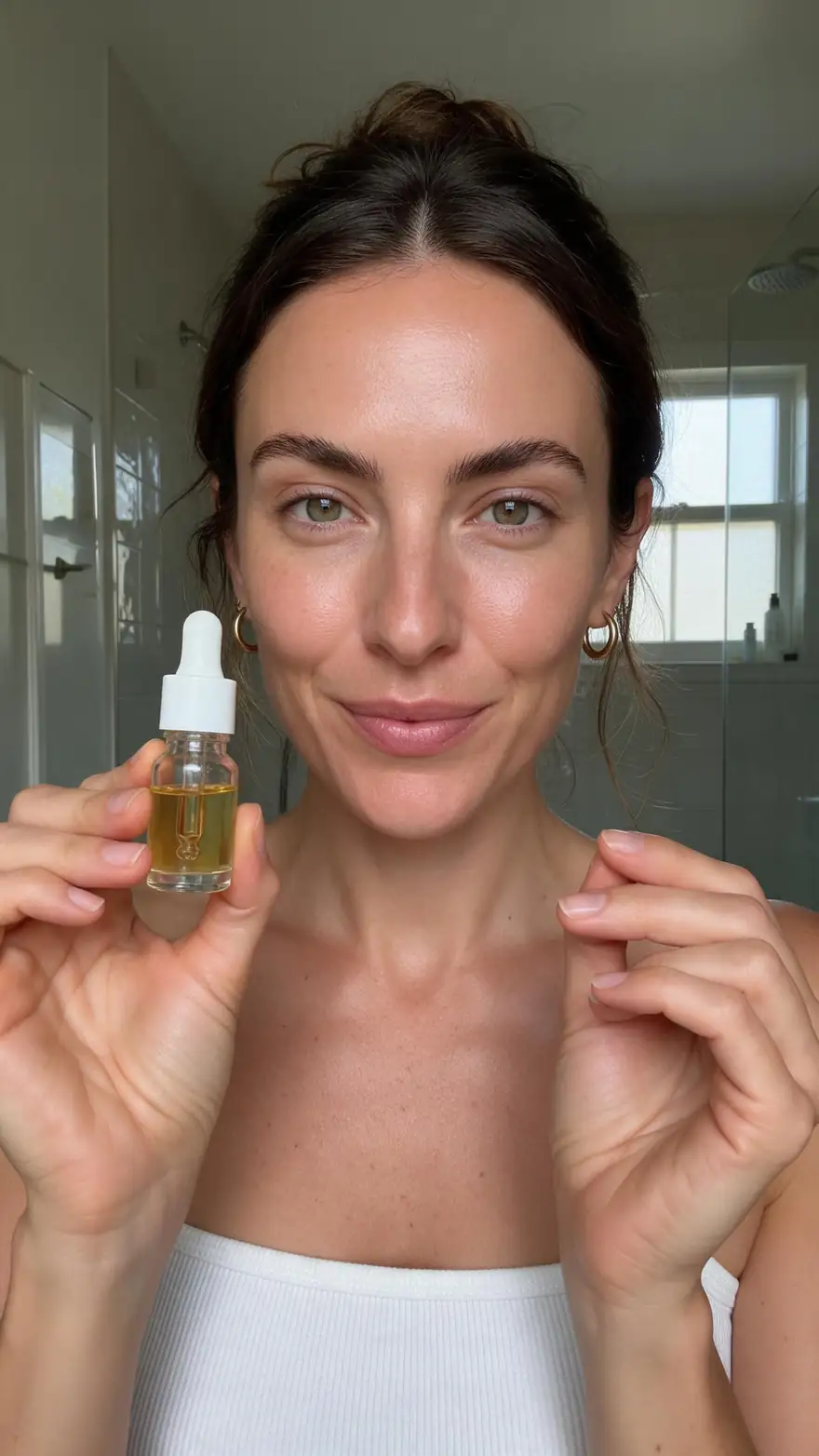
A skincare brand can make review, tutorial and at-home clips with one AI creator and test which hook keeps viewers.

Kitchen gadget seller
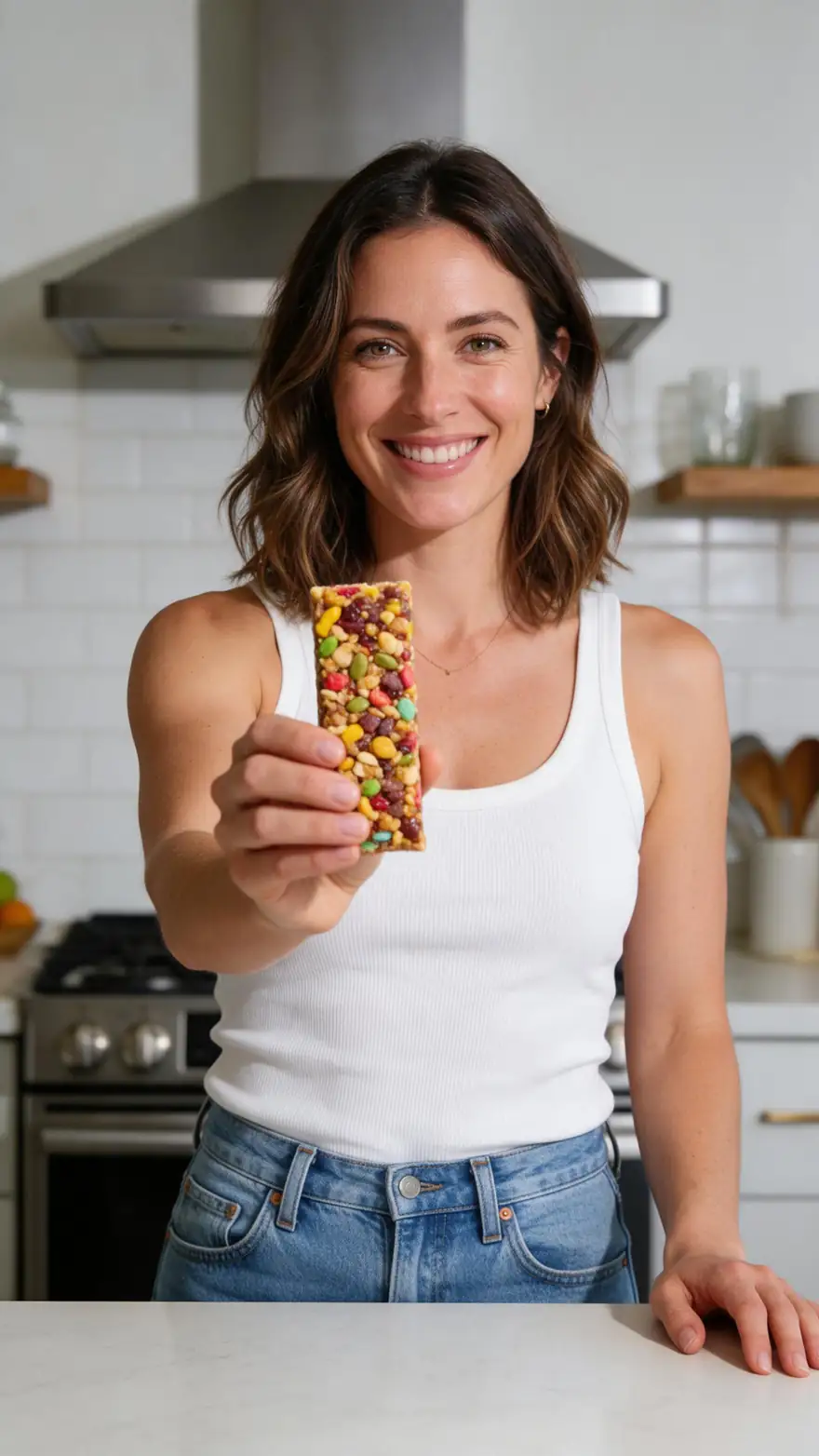
A gadget seller can show the product mid-use in a real-looking kitchen without booking a creator or a set.
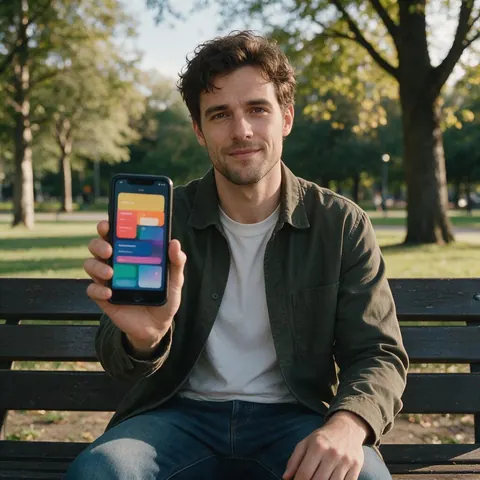
App marketer
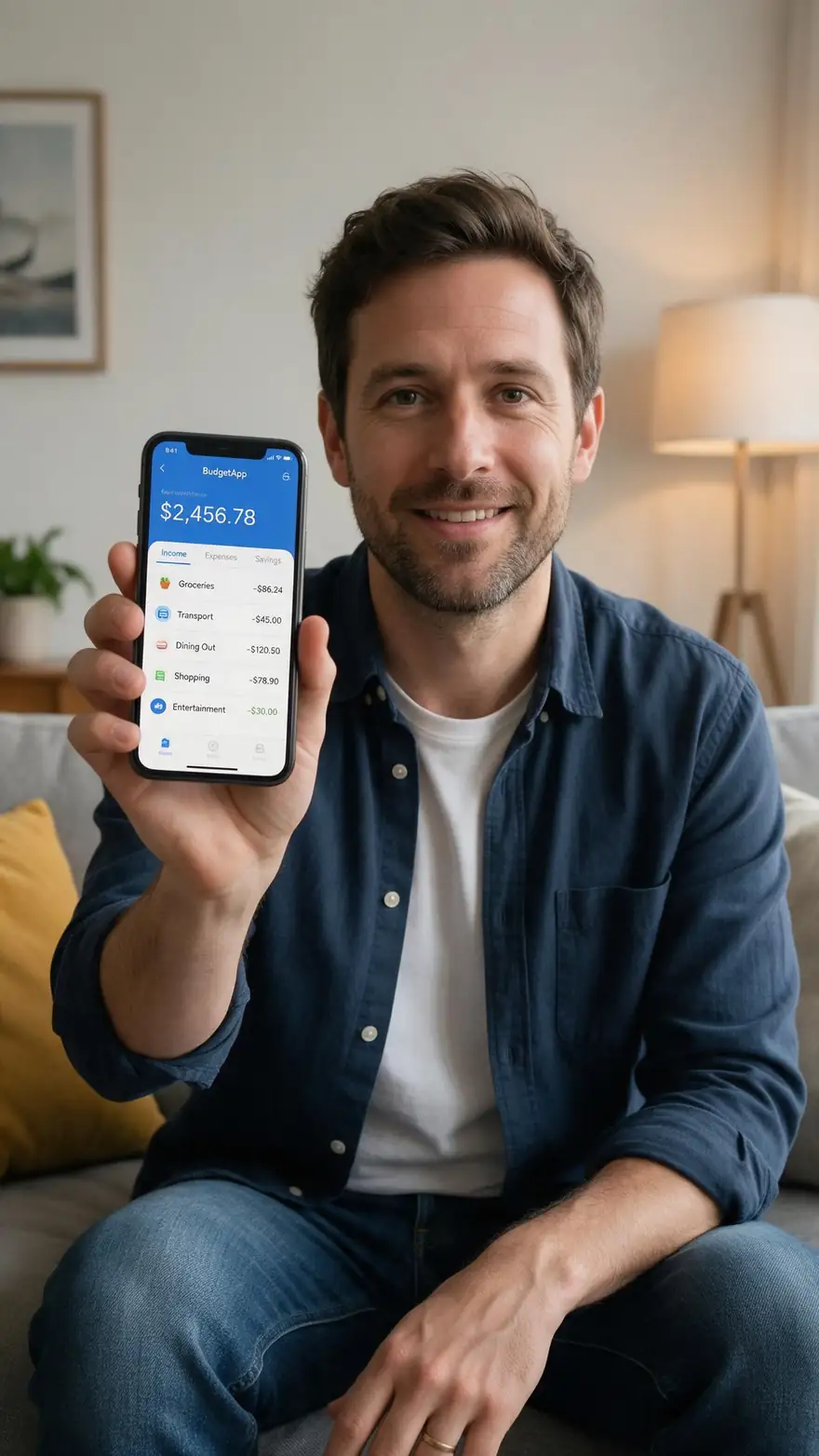
An app team can have an AI creator hold a phone with their own screens and talk through one feature.
FAQ
UGC Video Generator questions
7 questions
What is AI UGC?
AI UGC is advertising made to look like user-generated content, a creator filming themselves with a product, where the creator and the video are generated by AI. On Kenerate AI, the Marketing Studio's UGC styles make these clips on Seedance 2.0 by default, or Wan 3.0, Ken 1 and MiniMax H3, from an AI creator, your product photos and your script.
Link to this answerHow do you create AI UGC videos?
Open the Marketing Studio, choose Video and a UGC style such as Review, Unboxing, Try-on or Tutorial. Pick an AI creator or upload your own avatar, add up to nine product photos, and write the hook, body and CTA, or leave a field empty and the writer fills it in. Generate a 9:16 clip, then make variants with new hooks.
Link to this answerWhich AI tool is best for UGC?
The best AI UGC video generator keeps your product readable in the creator's hand and lets you control every word. Kenerate's Marketing Studio has nine UGC styles on Seedance 2.0 at 720p by default, with Wan 3.0 and MiniMax H3 as options, plus dubbing for other languages. Test two or three hooks before you judge any tool.
Link to this answerDo the creators look real?
They look like people filming on a phone, but they are fictional and AI-generated. Kenerate never presents them as real customers, and the studio won't add star ratings, review counts or quotes you didn't write. Many ad platforms require AI-generated people to be labelled, so check each platform's rules and say the creator is AI where needed.
Link to this answerShould UGC look polished or lo-fi?
Lo-fi usually reads as more native in a feed. The UGC styles use a phone front-camera look, natural window light and a real room, so the clip feels like a friend's recommendation. Keep the product sharp and the label readable, though: casual framing works, a blurry product doesn't. For a polished look, use an Ads style instead.
Link to this answerCan I make UGC ads for an app?
Yes. Use a phone with your app's real screens as the product photos, and pick Review or Tutorial so the AI creator holds the phone and talks through one feature. For a designed promo instead of a creator, the Ads › App promo and Motion › SaaS styles slide your own screens through a phone. The studio never invents app screens.
Link to this answerIs there a free AI UGC video generator?
Not for the clip itself: the Marketing Studio and the video models need a paid plan or a one-time credit pack, and free accounts can't run them. No subscription is required. A free account can start on the free image models, for example to design a creator portrait or a product scene, before you unlock the studio.
Link to this answerIn depth
UGC Video Generator, explained
On this page
Why UGC-style videos work
They look like a recommendation from a person, not a brand — selfie framing, a real room, a product in hand. AI makes it cheaper to test many hooks, creators and languages before you spend on the winners.
Keep it honest
An AI creator's script is still advertising: claims must be true, the creator must not be presented as a real customer, and many platforms require AI-generated people to be labelled.
What is AI UGC video?
A short selfie-style clip in which an AI-generated creator shows and talks about a product, made from product photos and a script instead of a shoot.
What is UGC AI?
Another name for AI UGC: tools that generate user-generated-style ad content. The people in it are AI-generated and should be labelled as AI where platforms require it.
Is this a UGC maker for ads?
Yes, but ad-specific formats and hooks are covered on the UGC ads page. This page is about the videos themselves and the UGC styles that make them.
Explore
Every Kenerate video tool
Generators, tools, models and guides — all in one studio.