

Text · photo · multi-view → 3D
AI 3D model generator nine engines, one studio
Describe an object or upload a photo and get a textured 3D model you can rotate, download and print. Pick from nine engines — or run the same idea on two and keep the better mesh.
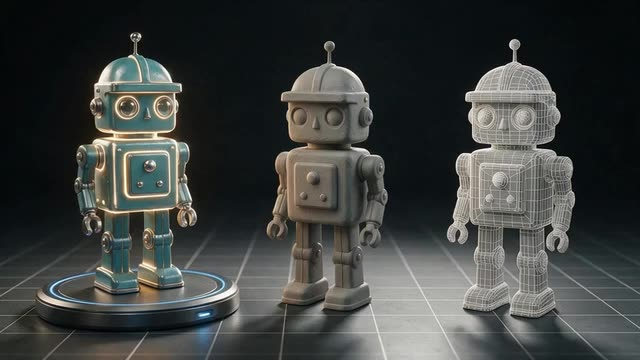
- Meshy, Tripo, Rodin, Hunyuan 3D, GPT-6 Astra
- GLB · FBX · OBJ · USDZ · STL
- paid plans & credit packs
Updated by the Kenerate AI team
Made with Kenerate
On this page
Quick answer
What is an AI 3D model generator?
An AI 3D model generator turns a text description or a photo into a textured 3D mesh. Kenerate AI's 3D Studio runs nine engines from five makers, and most finish in 1–5 minutes. Every engine returns GLB, with FBX, OBJ, USDZ or STL on some, and 3D generation is part of every paid plan and credit pack.
Key facts
- Engines
- Meshy 7.1, 7 and 6 · Tripo P2 and H3.1 · Hyper3D Rodin 2.5 and 2 · Tencent Hunyuan 3D 3.1 Rapid · OpenAI GPT-6 Astra
- Inputs
- Text · one photo · 2–10 photos (multi-view, by engine)
- Files
- GLB on every engine; FBX, OBJ, USDZ (Meshy); FBX (Tripo P2); FBX, OBJ, USDZ, STL (Rodin)
- Typical time
- About 1 min (Hunyuan Rapid) to 2–5 min; GPT-6 Astra is slowest (our test runs: 3.5–9 min)
- Extras
- PBR materials, quad meshes, polygon budgets, auto-rigging (Meshy)
- Access
- 3D generation on any paid plan or credit pack; free 3D tools need no account
Start from a picture
Pictures you can turn into 3D models
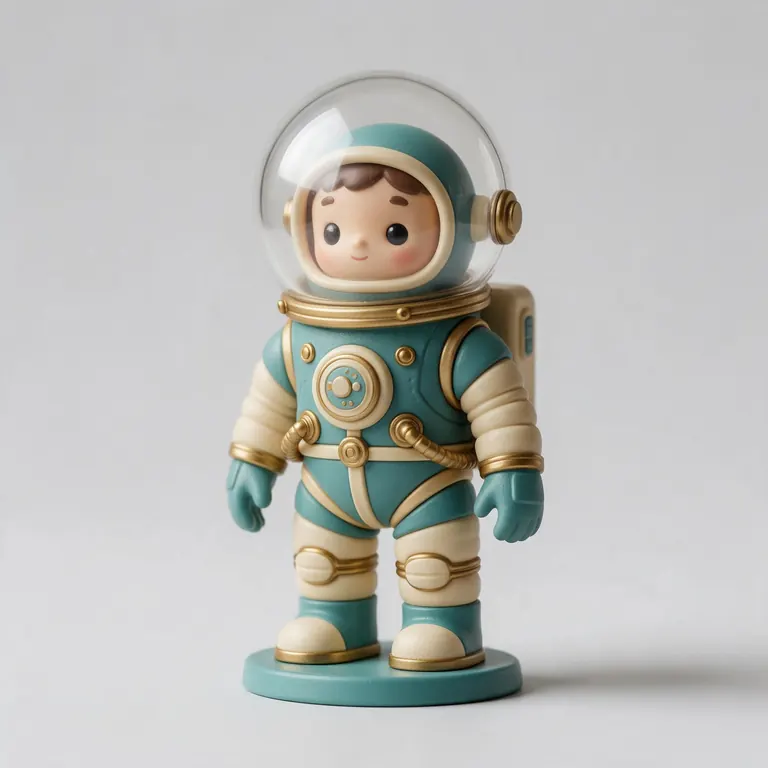
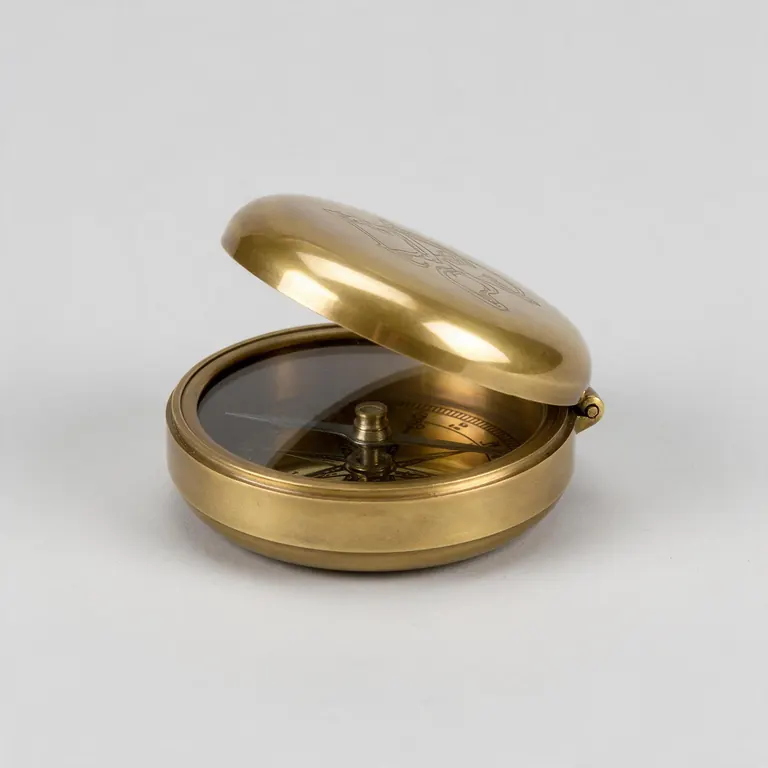
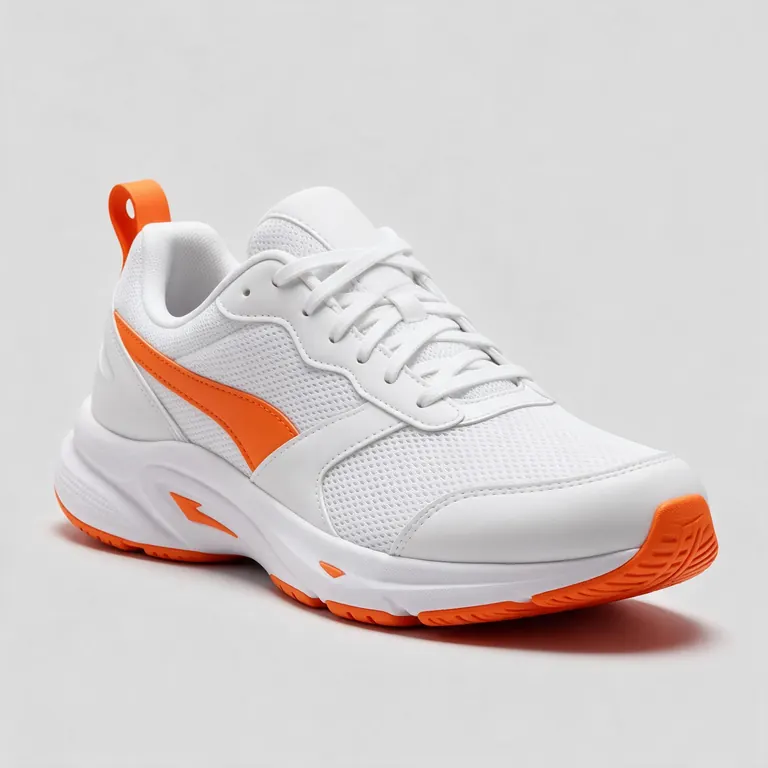
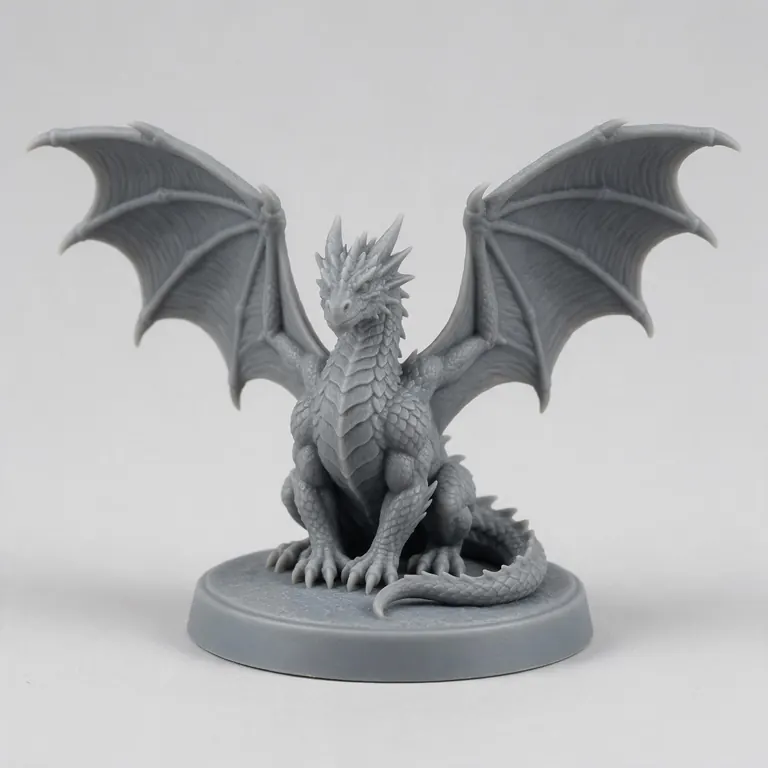
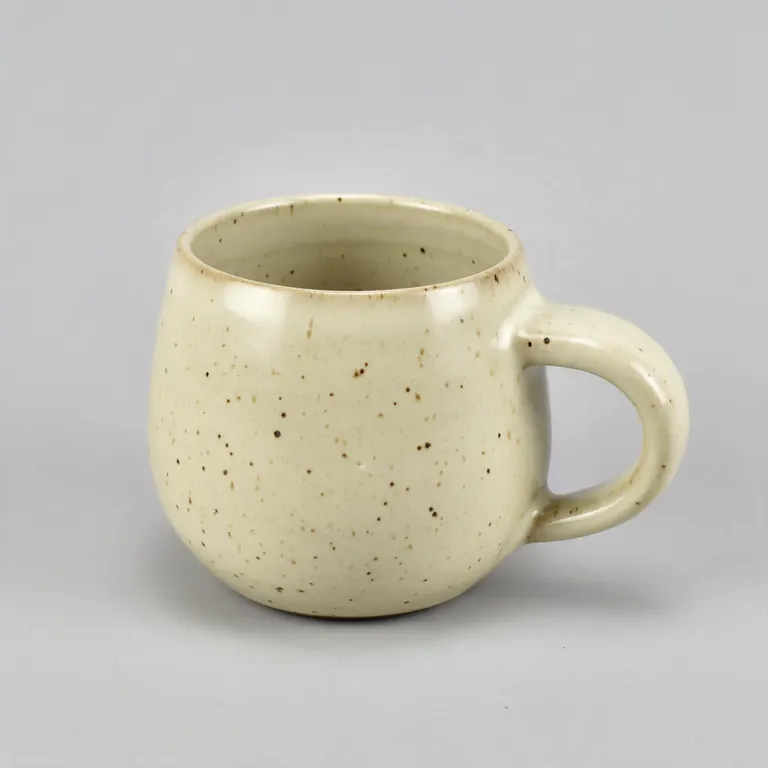
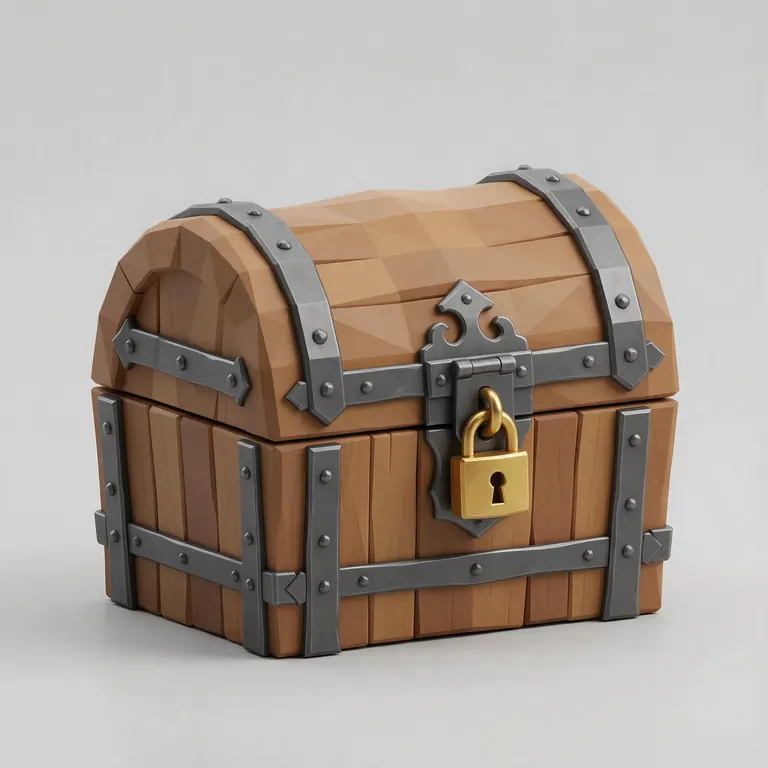
Clean, single-object photos like these make the best starting point for image to 3D. Tap “To 3D” to open one in the studio.
Reference images made with Seedream 5.0 Pro. “To 3D” opens Image to 3D in the 3D Studio with that picture.
Why Kenerate
Why make 3D models in Kenerate
Other 3D generators run one engine. Here you can pick the right one for each object — and see real results before you choose.

Every major engine family
Meshy for production assets and rigging, Tripo for value and multi-view, Rodin for high-poly detail and STL, Hunyuan 3D for fast drafts, GPT-6 Astra for long briefs.
Try it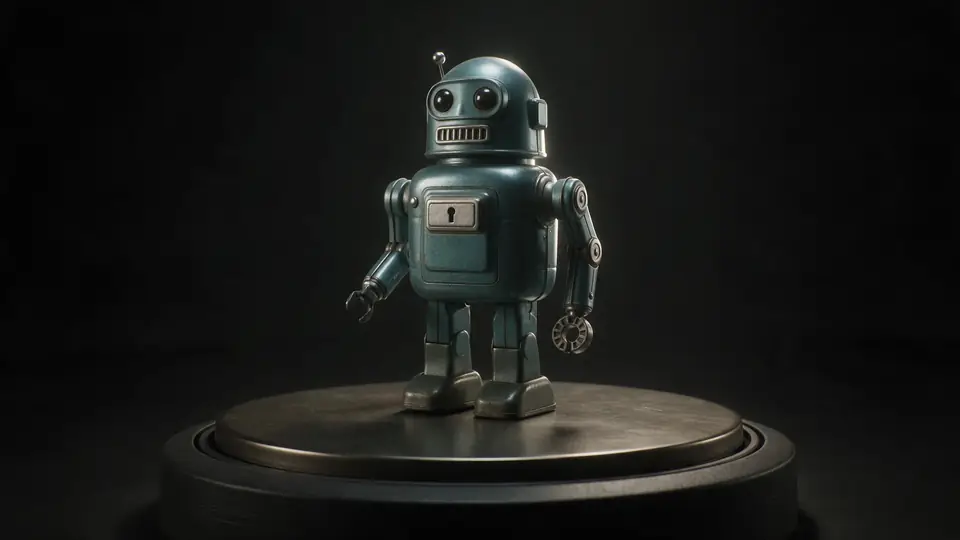
Same idea, two engines
Run one prompt or photo on two engines and keep the better mesh — the viewer shows each model's triangle count.
Try it
Also
What else it does
A real 3D viewer
Orbit, switch Textured, Clay, Wire and Normals, read the stats and save a screenshot or a 360° turntable.
Files for every next step
GLB for web and AR, FBX for engines, OBJ for 3D apps, STL for printing (Rodin) — or convert with the free tools.
Part of one creative studio
Make or clean up the reference photo in Image Studio, then build the model in 3D Studio and record a 360° turntable right in the viewer — one account.
Honest about time
Most engines take 1–5 minutes; GPT-6 Astra plans and builds the model step by step and can take much longer.
Engines
Nine engines in one 3D Studio
Pick per job — draft fast, then rebuild your favourite on a stronger engine.
Meshy
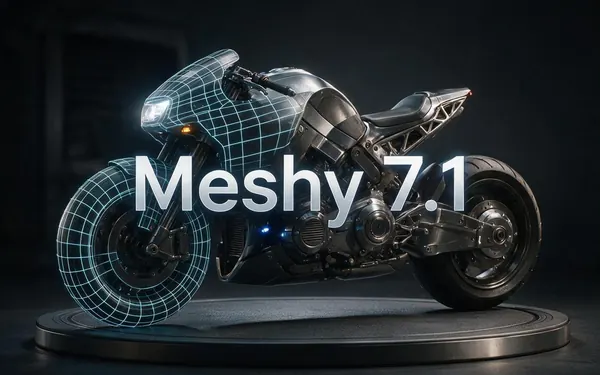
Meshy 7.1
- Inputs
- Text · Photo · Multi-view (up to 4 views)
- Files
- GLB, FBX, OBJ, USDZ
- Typical time
- about 3–4 min
Open Meshy 7.1Best for
Production assets with the finest Meshy geometry (2K / 4K), smart topology, rigging and animation.
Meshy
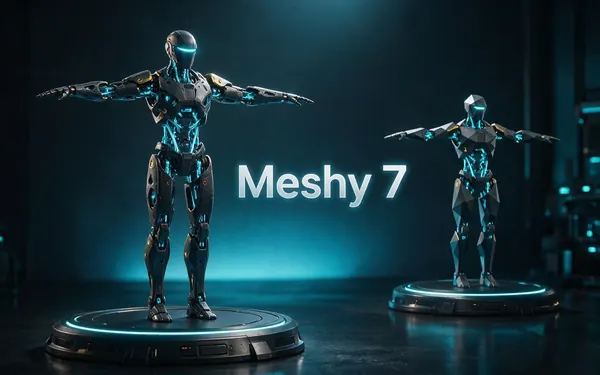
Meshy 7
- Inputs
- Text · Photo · Multi-view (up to 4 views)
- Files
- GLB, FBX, OBJ, USDZ
- Typical time
- about 3–4 min
Open Meshy 7Best for
Detailed game and product assets, with an Ultra detail switch, low-poly mode and auto-rigging.
Meshy
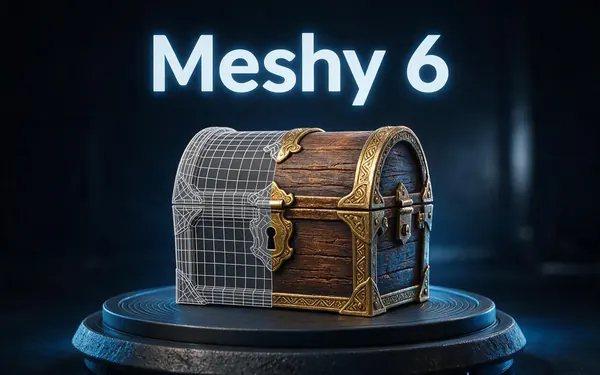
Meshy 6
- Inputs
- Text · Photo
- Files
- GLB, FBX, OBJ, USDZ
- Typical time
- about 3–4 min
Open Meshy 6Best for
Reliable textured meshes with a polygon budget you control — the engine 3D Studio started on.
Tripo
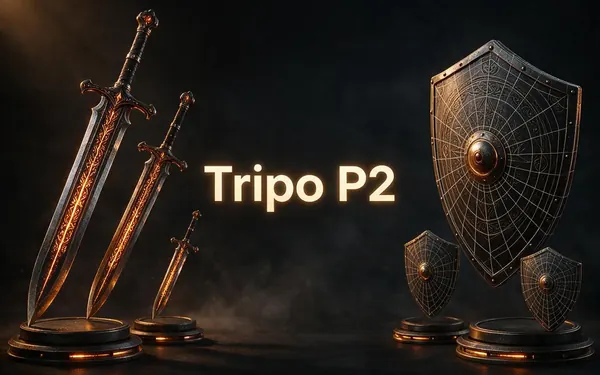
Tripo P2
- Inputs
- Text · Photo
- Files
- GLB, FBX
- Typical time
- about 3–4 min
Open Tripo P2Best for
Crisp, game-ready meshes with pro texture tiers up to Extreme and clean quad remeshing.
Tripo
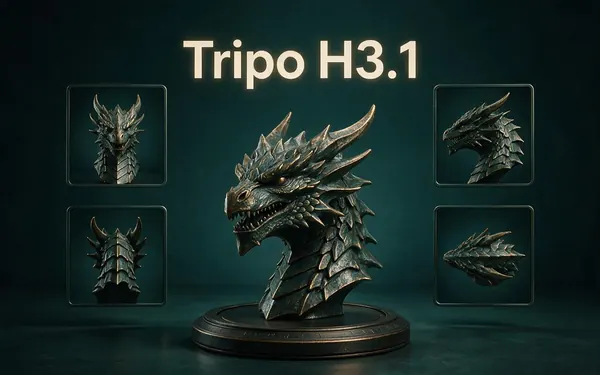
Tripo H3.1
- Inputs
- Text · Photo · Multi-view (up to 4 views)
- Files
- GLB
- Typical time
- about 4–5 min
Open Tripo H3.1Best for
High-quality meshes, with detailed geometry and a four-view mode for exact shapes.
OpenAI
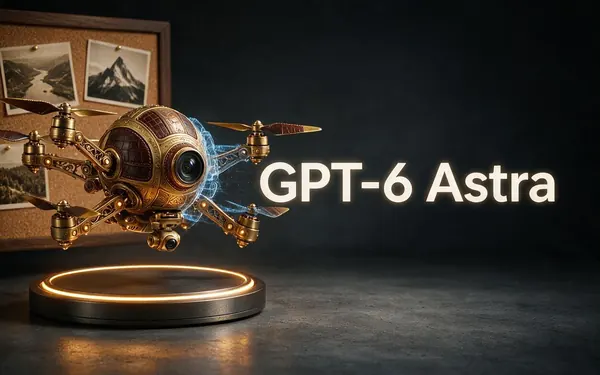
GPT-6 Astra
- Inputs
- Text · Photo · Multi-view (up to 10 views)
- Files
- GLB
- Typical time
- about 5–6 min
Open GPT-6 AstraBest for
OpenAI's general GPT-6 Astra model run as a 3D job — follows long, detailed briefs and up to 10 reference photos, returns a GLB with PBR textures at real-world size. The slowest engine.
All models (9)
Hyper3D
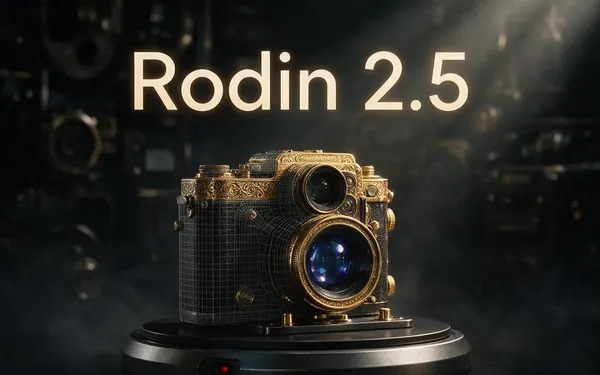
Rodin 2.5
- Inputs
- Text · Photo · Multi-view (up to 5 views)
- Files
- GLB, FBX, OBJ, USDZ, STL
- Typical time
- about 2–3 min
Open Rodin 2.5Best for
Studio-grade meshes from 2K to 500K faces, quad or triangle, with a HighPack for 4K textures.
Hyper3D
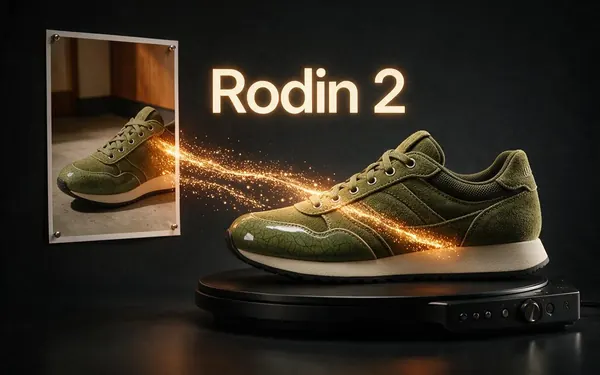
Rodin 2
- Inputs
- Text · Photo · Multi-view (up to 5 views)
- Files
- GLB, FBX, OBJ, USDZ, STL
- Typical time
- about 2–3 min
Open Rodin 2Best for
Clean, detailed meshes — the first photo drives the materials.
Tencent
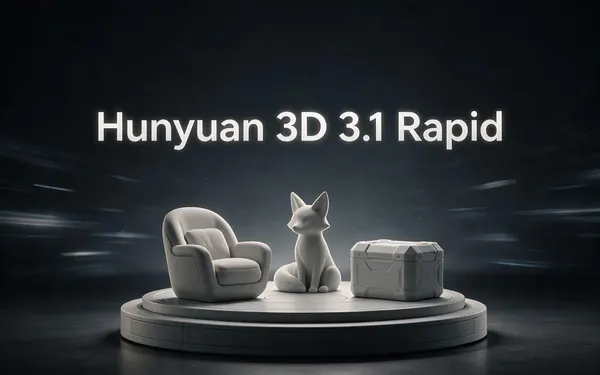
Hunyuan 3D 3.1 Rapid
- Inputs
- Text · Photo
- Files
- GLB (untextured)
- Typical time
- about 1 min
Open Hunyuan 3D 3.1 RapidBest for
The fastest geometry — an untextured (clay) GLB for quick blockouts, drafts and ideas.
Typical times are the studio’s own estimates; real runs vary with load and settings. Formats are what each engine returns — GLB previews in the browser, other formats download.
How it works
From idea to downloadable model
What happens between your prompt and your GLB.
Input
A prompt, one photo, or several views of the same object.
Shape
The engine predicts the 3D geometry — a closed mesh of triangles or quads.
Texture
Colour and, on most engines, PBR maps (metal, roughness, normal) are painted onto the mesh.
Deliver
The model lands in your gallery as GLB (and other formats where the engine supports them).
How to
How to use the AI 3D Model Generator
- Time needed
- Steps
- 4 steps
Step 1
Open 3D Studio
Pick Text to 3D, Image to 3D or Multi-view.
Step 2
Describe or upload
Write one object clearly, or upload a clean photo of it.
Step 3
Choose an engine
Tripo H3.1 is the default; pick Meshy for rigging, Rodin for STL, Hunyuan for a fast draft.
Step 4
Generate and download
Inspect it in the viewer, then download GLB or another format.
Watch the tour · 1:48
Text, photo or multi-view to a textured GLB, nine engines, the viewer & lighting, compare engines, gallery, download & chat
Chapters
Use cases
What people make
Game assets
Props, characters and environment pieces as GLB or FBX.
3D printing
Figures, miniatures and gifts — STL from Rodin or via GLB to STL.
Product visuals
Turntables and AR previews from a product photo.
Prototyping
Quick shapes to discuss an idea before modelling it properly.
AR and the web
GLB for model-viewer, USDZ for iPhone.
Education
Models of objects, animals and cells for lessons.
Tips
Get better models
Describe one object, not a scene — engines make single assets.
Name the material and colours: “glazed ceramic”, “brushed steel”, “teal paint”.
For photos: plain background, whole object in frame, soft light, no heavy shadows.
Use Multi-view when the back or sides matter — a single photo can only guess them.
Draft on Hunyuan 3D Rapid, then rebuild the keeper on Tripo, Meshy or Rodin.
Prompt guide
Prompts that make good 3D models
A retro toy robot with roun…
A retro toy robot with round glass eyes and a teal painted metal body
A carved wooden treasure ch…
A carved wooden treasure chest with iron straps and a gold lock
A ceramic coffee mug with a…
A ceramic coffee mug with a speckled cream glaze and a thick handle
Example uses
How creators use the AI 3D model generator
Illustrative examples of typical workflows, not customer reviews.
Indie game developer
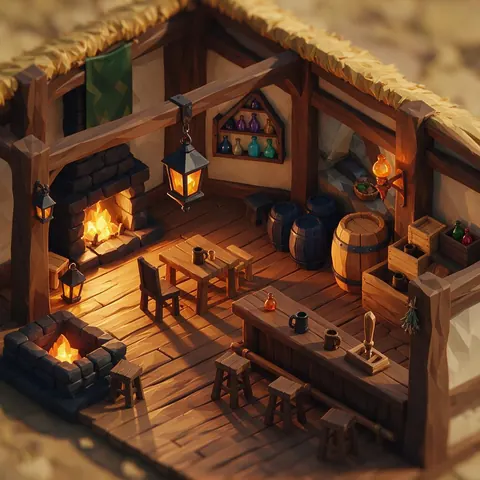
An indie game developer can generate props and environment pieces from short prompts and export them as GLB or FBX for the engine.

Product marketer
A product marketer can turn a product photo into a 3D model for a turntable video or an AR preview on a shop page.
Science teacher
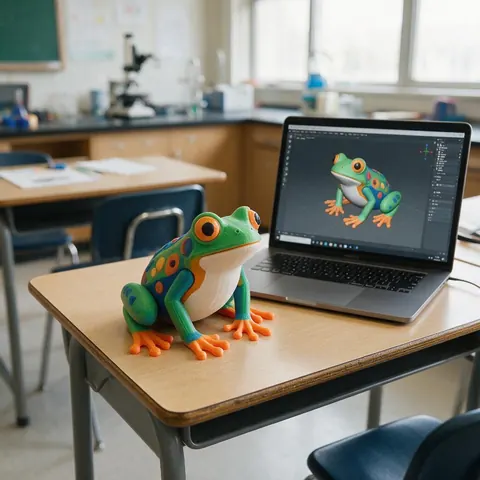
A teacher can generate simple models of objects, animals or cells for a lesson and show them in the viewer or print them.
FAQ
AI 3D Model Generator questions
8 questions
What is an AI 3D model generator?
Software that creates a 3D mesh, usually with textures, from a text prompt or images. The result is a file like GLB, FBX, OBJ or STL that 3D apps, game engines and slicers can open.
Link to this answerWhich is the best AI 3D model generator engine?
It depends on the job. Tripo H3.1 is a strong default. Meshy 7.1 for production assets, smart topology and rigging; Rodin 2.5 for dense detail and STL; Hunyuan 3D 3.1 Rapid for a fast untextured draft; GPT-6 Astra (OpenAI's general model, run as a 3D job) for long, detailed briefs and up to 10 photos.
Link to this answerHow long does it take?
About a minute for Hunyuan 3D Rapid and roughly 2–5 minutes for Meshy, Tripo and Rodin. GPT-6 Astra is the slowest — our test runs took about 3.5–9 minutes and long jobs can take more.
Link to this answerHow do AI 3D model generators work?
They work in two stages. The engine first predicts the 3D shape — a closed mesh of triangles or quads — from your prompt or photos, then paints colour and, on most engines, PBR maps (metal, roughness, normal) onto it. In Kenerate AI's 3D Studio the finished model lands in your gallery as GLB, with FBX, OBJ, USDZ or STL on some engines.
Link to this answerIs it free?
3D generation is part of every paid plan and credit pack. The free 3D tools — viewers, converters, image to STL, 3D text — need no account.
Link to this answerCan I use it as an AI 3D model generator for 3D printing?
Yes. Rodin can output STL directly; any GLB can be converted with the free GLB to STL tool. Check thin parts and floating pieces before printing.
Link to this answerCan I use the models commercially?
You can use models you generate in your projects; check each maker's terms for any limits on their engine's outputs.
Link to this answerCan it make rigged, animated characters?
Meshy engines can auto-rig humanoid characters and add one preset animation.
Link to this answerIn depth
AI 3D Model Generator, explained
How AI 3D generation works, why engines differ, and how to choose.
On this page
Two steps: shape, then texture
Most current engines first predict geometry, then paint textures onto it. That's why some offer an untextured option — Hunyuan 3D 3.1 Rapid returns geometry only — and why texture quality and mesh quality are separate settings on Tripo and Rodin.
Why the same photo gives different models
A single photo shows one side. Each engine has learned different guesses for what's hidden, how smooth surfaces should be and how dense the mesh gets — the same photo can come back with very different triangle counts and surface detail. Multi-view inputs remove much of the guesswork.
Picking a file format
Printing an AI model
AI meshes are made for screens: check that the model is closed and that thin parts are at least about 0.9 mm on a 0.4 mm nozzle [11]. Convert GLB to STL or 3MF with the free tools, scaled in millimetres.
Try the AI 3D Model Generator
3D generation is part of every paid plan and credit pack. The free 3D tools — viewers, converters, image to STL — need no account.
Tried it? Tell us how it went