AI art enhancer · Midjourney, SD, Flux
Enhance AI art — 4K and beyond, style intact
Take a small Midjourney, Stable Diffusion, Flux or DALL·E render to 4K, 8K or print size. Faithful engines keep your style; Clarity Pro can add new detail when you want it.


- Exact 4K / 8K
- Up to 128 MP
- Style kept
- No watermark
Updated by the Kenerate AI team
On this page
Quick answer
What is an AI art enhancer?
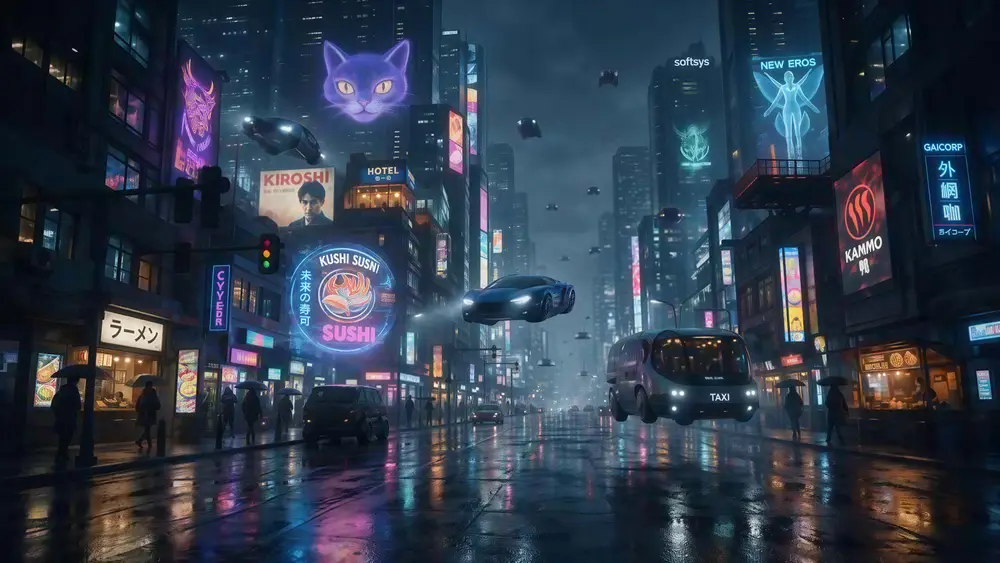
An AI art enhancer is an upscaler that enlarges and sharpens Midjourney, Stable Diffusion, Flux and DALL·E renders without flattening the style. Kenerate AI's enhancer outputs 4K, 8K or up to 128 MP, and Clarity Pro can add new detail with a creativity dial. In our tests a 640 px sci-fi render came out at 5461 × 3072.
Key facts
- 4K / 8K
- Image Upscaler, style kept
- 3D & anime
- Real-ESRGAN, clean edges
- Add detail
- Clarity Pro, -10 to +10
- Max size
- 8K or 128 MP
How it works
How to enhance and upscale AI art
Three steps. Image Upscaler is already selected when you open the tool from this page.
- Time needed
- Steps
- 3 steps
Step 1
Add your render
Upload a Midjourney, Stable Diffusion, Flux or DALL·E image — JPG, PNG or WEBP up to 25 MB. Use the biggest copy you have.
Step 2
Pick the engine
Image Upscaler for an exact 4K or 8K that keeps the style; Real-ESRGAN for 3D, anime and clean line art; Ultimate for painted portraits; Clarity Pro if you want the AI to add new detail.
Step 3
Download
Compare at 100% and download PNG, JPG or WEBP. No watermark.
See it in the app

Open Image Upscaler and upload a photo, or pick one from your library or a link.


Watch the tour · 1:47
7 engines, 2K · 4K · 8K & exact size, portraits, old-photo restore, before/after & chat
Chapters
Real results
What kind of AI art can it enhance?
Real outputs from small renders. Tap one to try the same image.
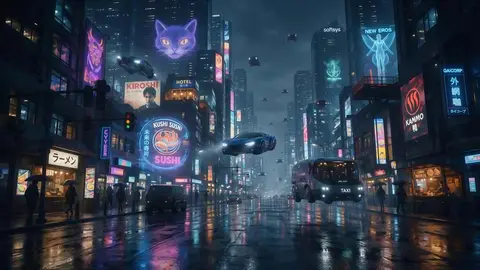
- Before · 640 px renderAfter · 4K · 5461 × 3072
Concept art & wallpapers
640 px to 5461 × 3072 with Image Upscaler — signs and reflections stay sharp.
Image Upscaler
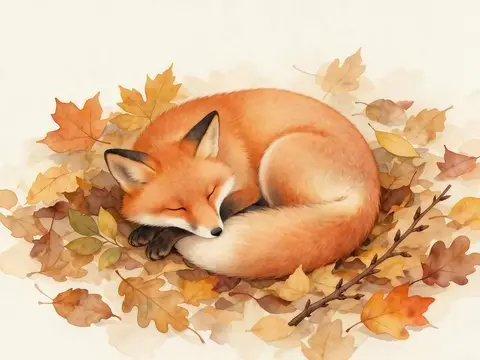
Try this photo 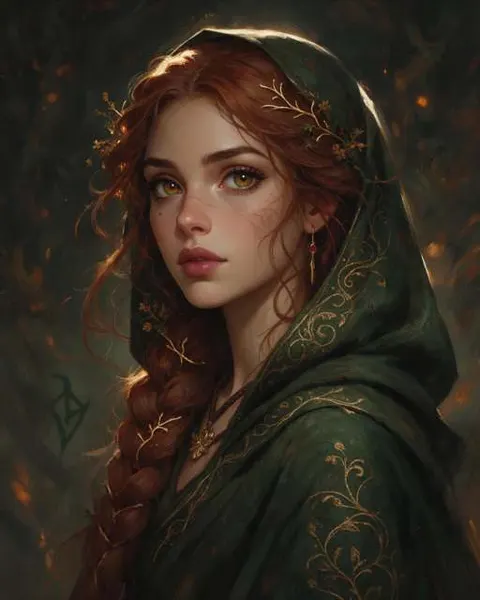 Before · 512 px renderAfter · 4K · 3664 × 4579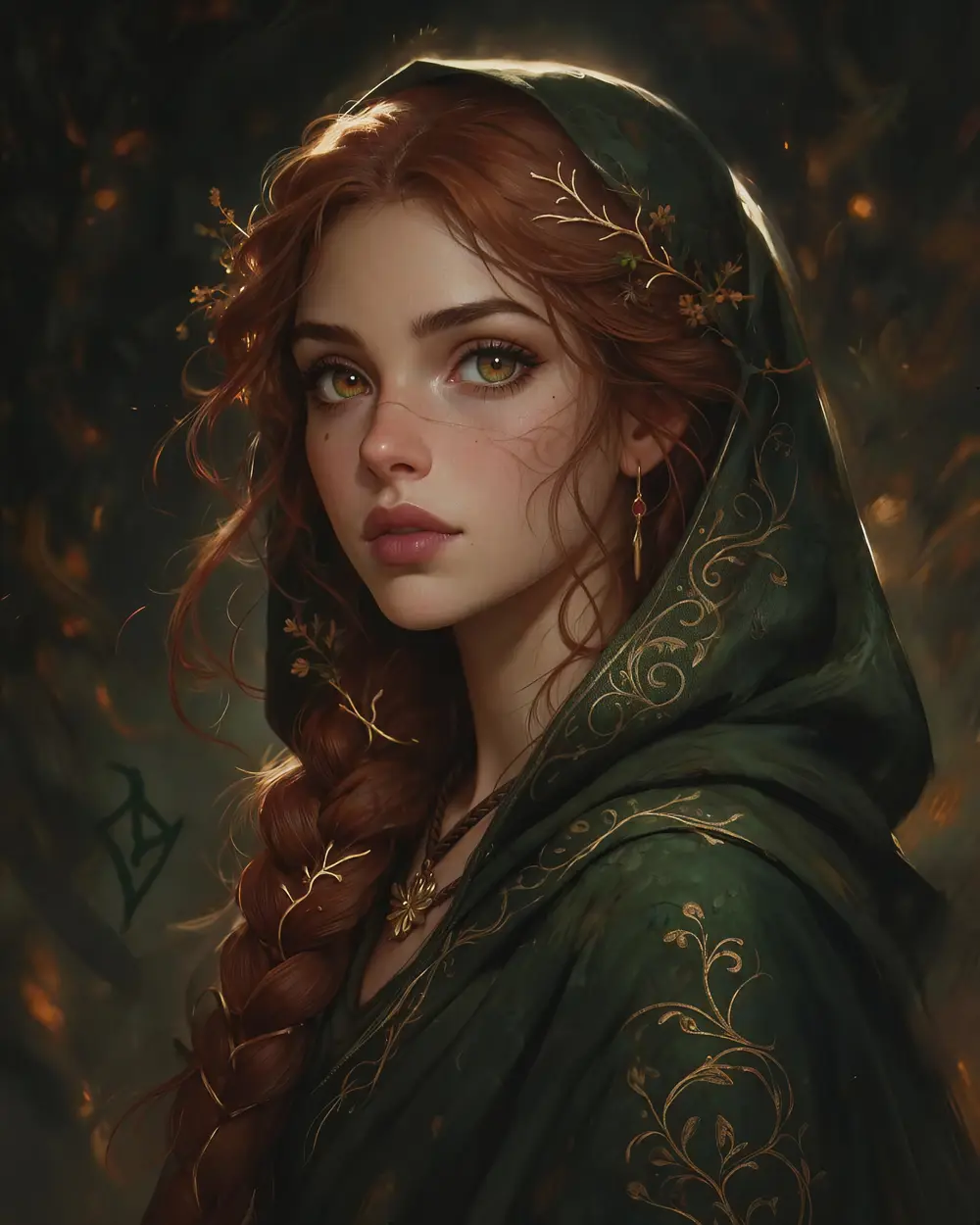
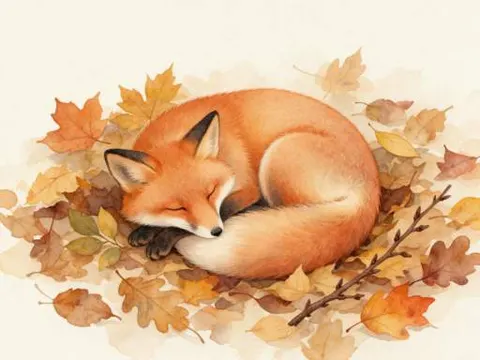 Before · 512 px renderAfter · 4K · 4730 × 3547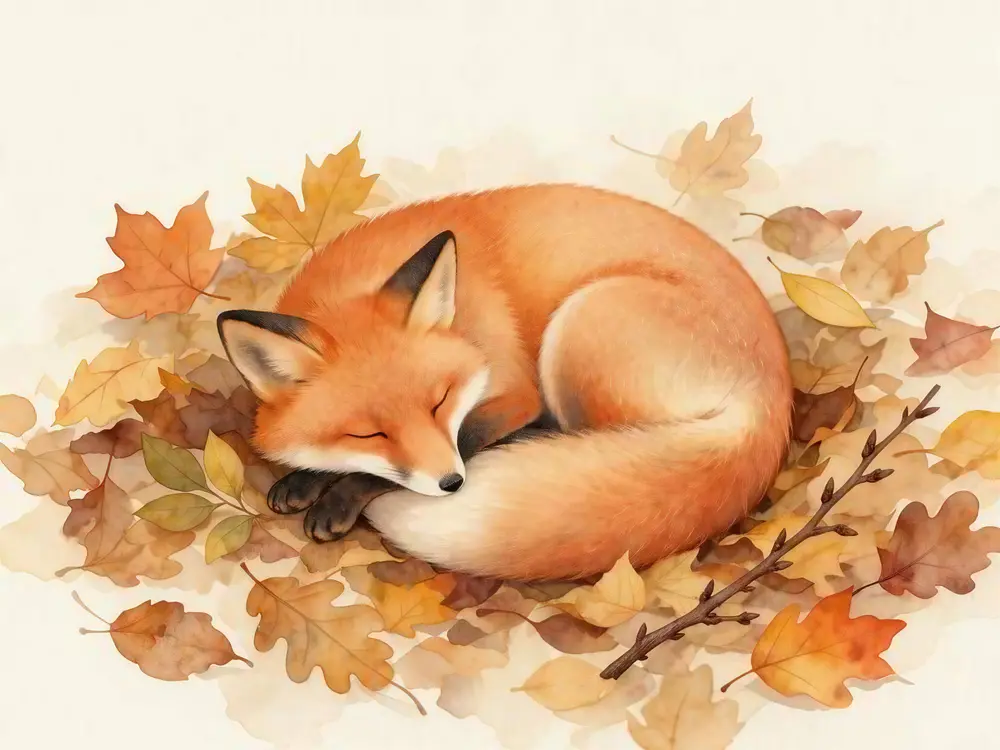
 Before · 512 px renderAfter · 2048 px
At 100%
AI art upscaled vs stretched, zoomed in
The same crop at 100%: a normal resize goes soft; the AI upscale rebuilds edges and texture.
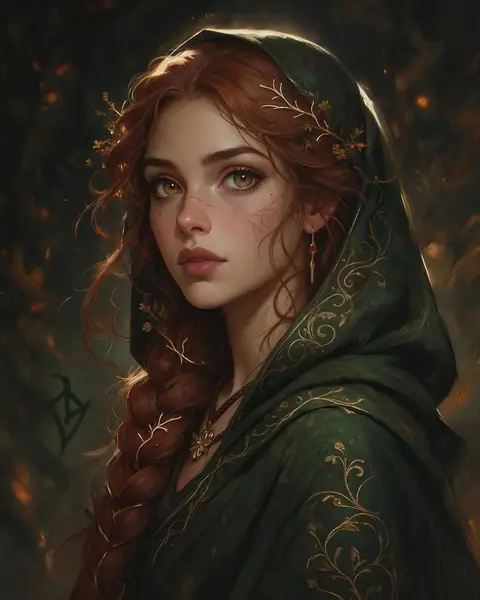
Zoom into a painted portrait
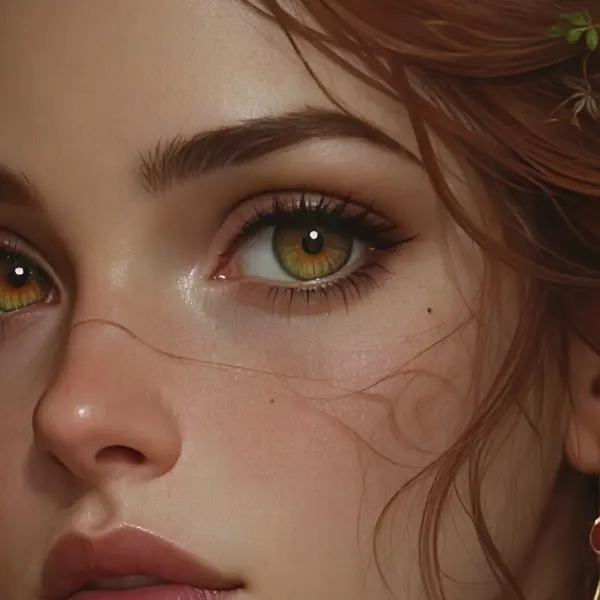
A 512 px render after the Ultimate upscaler. Move over it to check the eyes, braids and embroidery.
- Brush strokes and gold thread rebuilt
- Eyes and lashes sharp at 4K
- A few freckles smoothed — check faces at 100%
Better results
Tips for enhancing AI art
- Start from the biggest copy. Download the original render, not a screenshot or a re-compressed social post.
- Fix before you upscale. Hands, faces and garbled text won't fix themselves — correct them with AI Edit in Edit Studio, then upscale.
- Match the engine to the style. Image Upscaler for painterly and photographic art; Real-ESRGAN for 3D, anime and line art; Clarity Pro when you want new texture.
- Raise creativity slowly. On Clarity Pro, start at 0 and go up in small steps — high values can change faces.
- Anime or manga? See the anime upscaler guide.
This page picks engines by art style and render size. If privacy is the main concern, Enhance AI explains how uploads stay in your private history.
Engines
Which engine should you use for AI art?
Five engines cover almost every render.
WaveSpeed
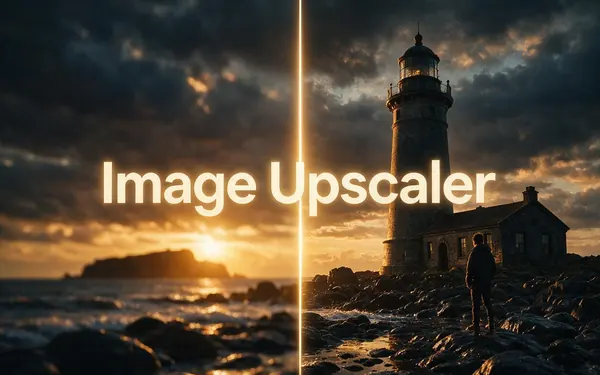
Image Upscaler
- Style
- Faithful
- Speed
- About 45 s
- Output
- 2K · 4K · 8K
- Size
- 2048+ px, 4096+ px, 8192+ px
Open Image UpscalerBest for
Everyday photos and AI art to a standard 2K, 4K or 8K size.
Open source
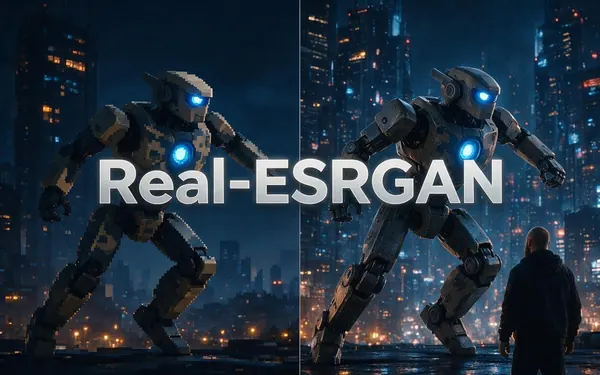
Real-ESRGAN
- Style
- Faithful
- Speed
- About 25 s
- Output
- 2048 px
Open Real-ESRGANBest for
Quick clean-ups of small AI renders, web images and product shots (under 2048 px).
WaveSpeed
Ultimate Upscaler
- Style
- Faithful
- Speed
- About 19 s
- Output
- 2K · 4K · 8K
- Size
- 2048+ px, 4096+ px, 8192+ px
Open Ultimate UpscalerBest for
Marketing assets and photo restoration where fine detail matters.
Clarity AI
Clarity Pro
- Style
- Creative
- Speed
- About 81 s
- Output
- Up to 64 MP
Open Clarity ProBest for
Campaign visuals and artwork for print. On faces keep creativity low — higher values can change the person.
Kenerate AI
Kenerate Upscale
- Style
- Faithful
- Speed
- About 14 s
- Output
- Up to 128 MP
Open Kenerate UpscaleBest for
E-commerce and design assets at a precise size, fast.
FAQ
AI art enhancer questions
7 questions
How do I enhance AI art?
Upload the render to Kenerate's upscaler, pick an engine — Image Upscaler for a clean 4K or 8K, Real-ESRGAN for 3D and anime, Clarity Pro for extra invented detail — and download. It takes a few seconds to about a minute and a half, depending on the engine.
Link to this answerWill upscaling change my art style?
Faithful engines (Real-ESRGAN, Image Upscaler, Kenerate Upscale) enlarge and sharpen without redrawing, so the style stays. Ultimate can smooth small marks — in our painted-portrait test it softened a few freckles. Clarity Pro above 0 deliberately paints new detail.
Link to this answerCan it fix bad hands or faces in AI art?
An upscaler makes the image bigger and sharper; it does not redraw a wrong hand. Fix the hand or face first with AI Edit in Edit Studio — describe the change — then upscale the fixed image.
Link to this answerHow big can I upscale a Midjourney image?
Midjourney's own Subtle and Creative upscalers double the size. Kenerate takes the result further: Image Upscaler to 2K, 4K or 8K, and Kenerate Upscale up to 128 megapixels for large prints.
Link to this answerWhich engine is best for Stable Diffusion renders?
For most renders, Image Upscaler at 4K. Stable Diffusion 1.x images are often 512 × 512 — our 512 px test renders came out at 4K in one pass. For 3D and anime-style renders, Real-ESRGAN is very clean.
Link to this answerIs it free?
Free to start with starter credits on sign-up to test it, then one-time credit packs that never expire. No watermark, no subscription required.
Link to this answerDoes it add a watermark?
No. Free and paid results download the same — PNG, JPG or WEBP, with no watermark.
Link to this answerIn depth
How AI art gets from 1K to print size
Why renders start small, what built-in upscalers do, and when to go creative — with sources.
On this page
Why AI renders come out small
Image models are trained at a fixed size and generate best near it. Stable Diffusion v1 was trained at 512 × 512 [1]; SDXL moved to about one megapixel, 1024 × 1024 [2]. Going far above the training size in one step tends to repeat subjects and break composition, so most workflows generate small and upscale afterwards.
What the built-in upscalers do
Midjourney offers Upscale (Subtle) and Upscale (Creative); both double the image, and Creative changes it a little as it adds detail [3]. Stable Diffusion tools use a second pass ("hires fix") or a separate super-resolution model such as Real-ESRGAN [4]. Either way, a 2× step is rarely enough for a poster or a 4K wallpaper.
Faithful or creative?
Pick by what the art needs:
- Keep the look exactly: Image Upscaler (4K/8K) or Kenerate Upscale (up to 128 MP).
- 3D, anime, flat colour and line art: Real-ESRGAN — clean edges.
- Soft or low-detail render that needs texture: Clarity Pro, starting at 0 and raising creativity step by step.
Fix first, then upscale
Upscalers enlarge what is there — including extra fingers and warped text. Edit those first (in Kenerate, AI Edit in Edit Studio), then upscale once at the final size, so you never enlarge a mistake.
Enhance your first AI render free
Free credits on sign-up. No watermark, no subscription required.
Tried it? Tell us how it went