80+ models · one account
AI Image Generator
Seedream, GPT Image, Nano Banana, Grok Imagine, MAI, Recraft, Krea, Flux and 70+ more in one generator. Pick the right model for each image — or compare five at once.
- 80+ models
- Up to 4K
- Free credits
- No watermark
Updated by the Kenerate AI team
Made with Kenerate
On this page
Quick answer
What is an AI image generator?
An AI image generator turns a text prompt into a picture. Kenerate AI offers 80+ image models — including Seedream 5.0 Pro, GPT Image 2 and Nano Banana 2 — so you can pick the right one for each job or compare several in Arena. Generate from text, restyle or combine images, free to start, with no subscription required or watermark.
Key facts
- Models
- 80+
- Arena
- Up to 5 models side by side
- Max resolution
- Up to 4K
- Upscale
- Up to 8K in Edit Studio
- Combine
- Up to 16 images
- Free start
- Starter credits
- Subscription
- None — one-time packs
- Watermark
- None
What do you want to make?
Start from your task
Each guide shows real results and the best model for the job.
Text to image
Describe it, generate it
Image to image
Restyle your photo or sketch
Edit a photo
Change one thing with a sentence
Combine images
Merge up to 16 images
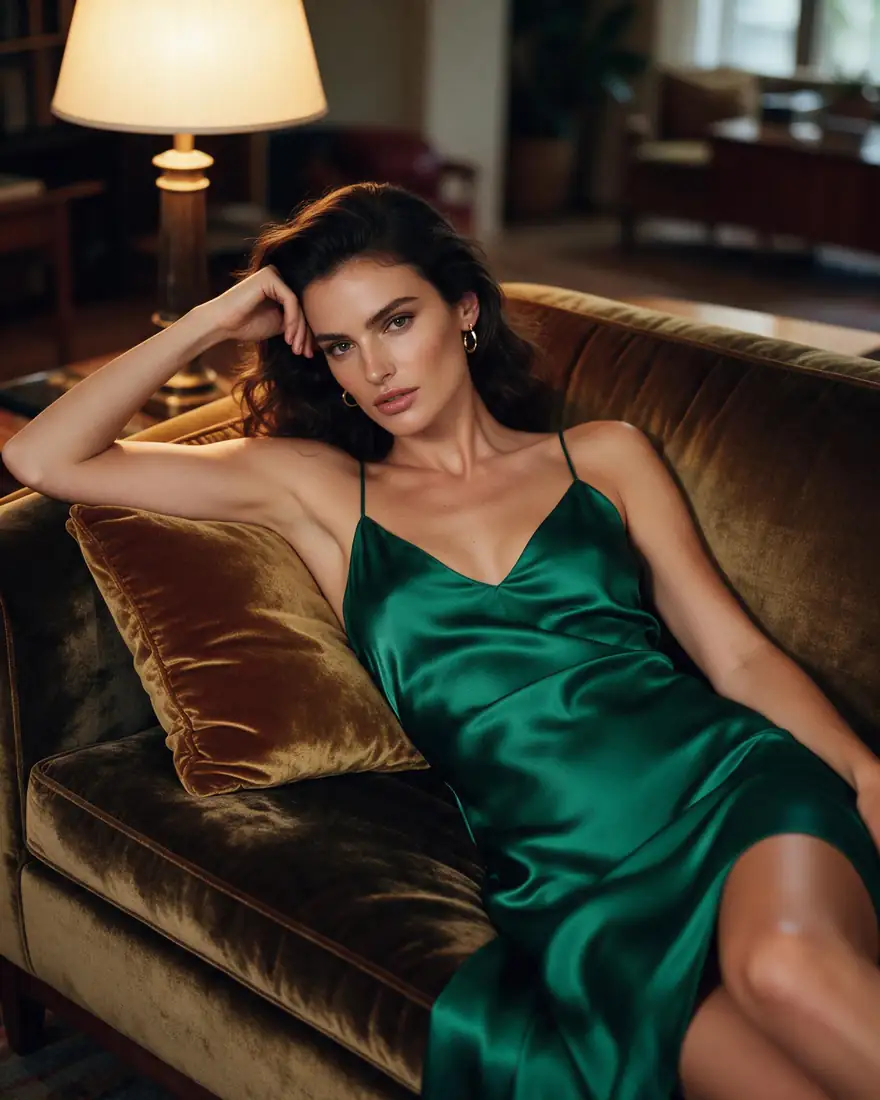
Realistic photos
Photoreal portraits and scenes
Characters
Any style, kept consistent
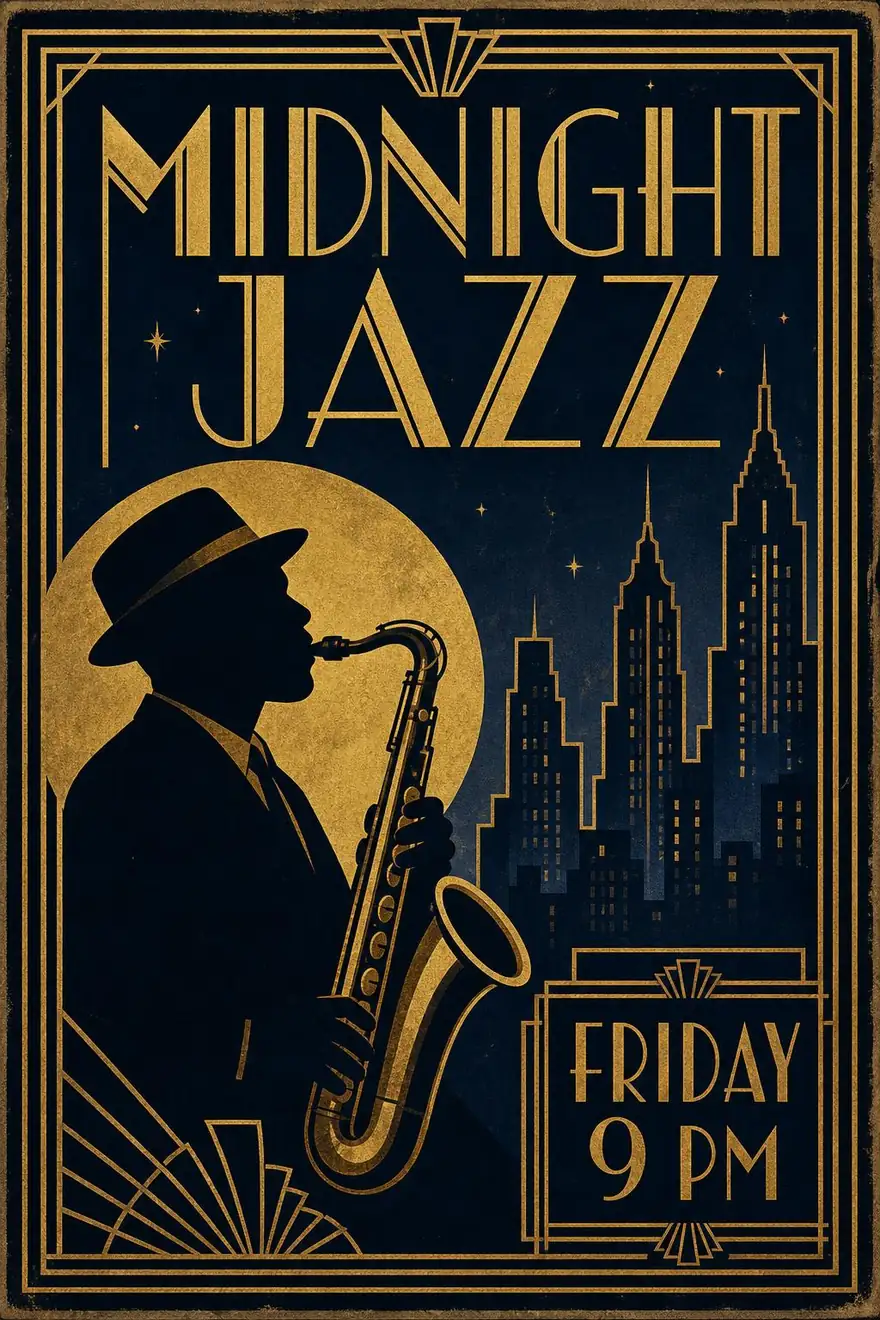
Posters
Real, readable text
Thumbnails
16:9 with bold text
Wallpapers
Phone and desktop, up to 4K
Tattoo designs
Any style, try-on preview
Stickers
Transparent PNG
Sketch to image
Drawing to finished image
Hairstyles
Try a new cut on your photo
Family crests
Coat of arms with your motto
AI influencers
Fictional personas
Better prompts
Free prompt enhancer
Headshots
Selfie to professional photo
Logos
Your brand name, spelled right
Colorize photos
Black and white to colour
Anime
Photo to anime
Cartoons
3D, 2D or comic
Pixel art
16-bit from any photo
Album covers
Artist and title in the image
Hair colour
Try any colour
Same prompt, 19 models
One prompt on 19 AI image models
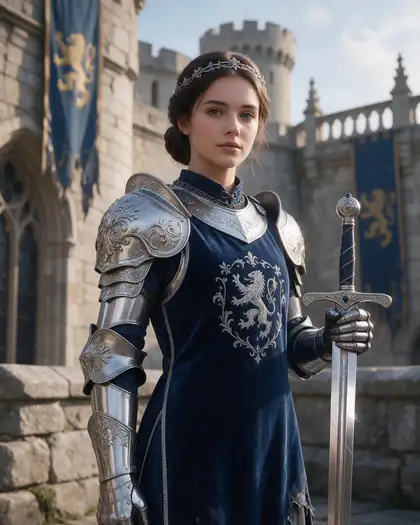
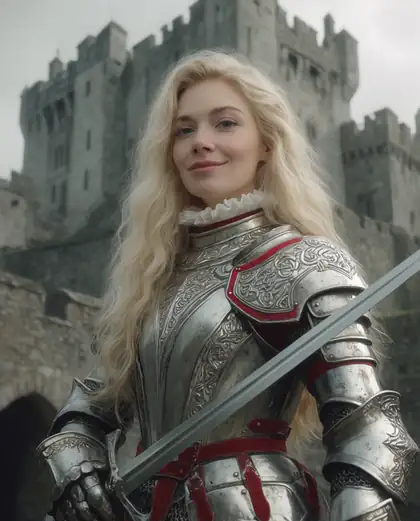
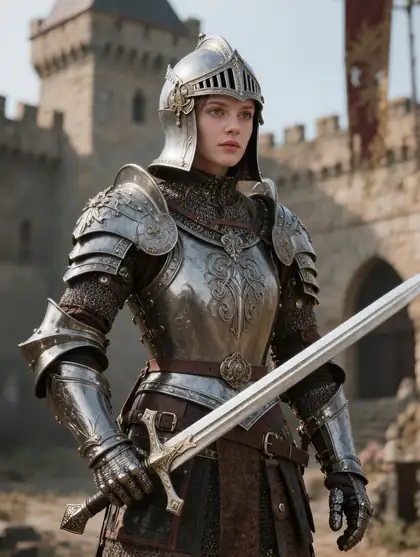
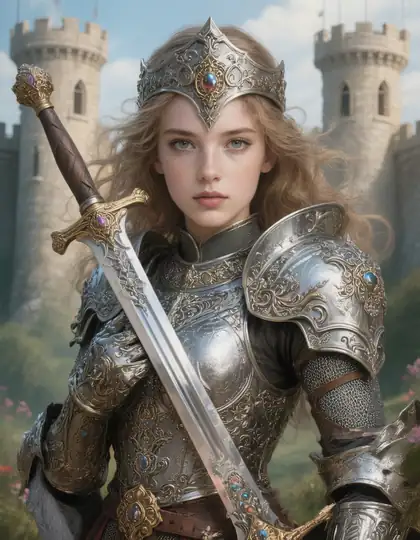
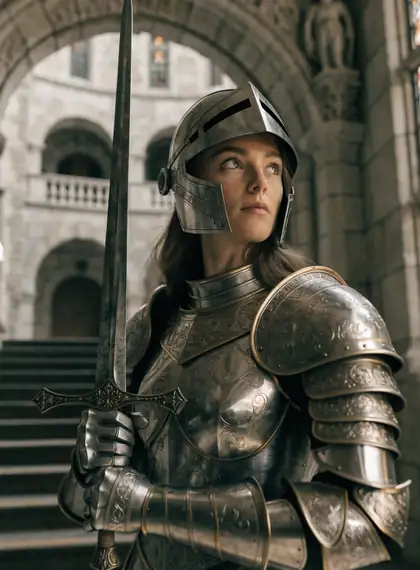
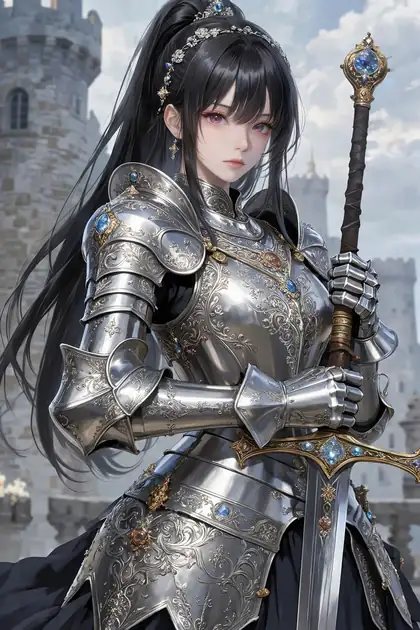
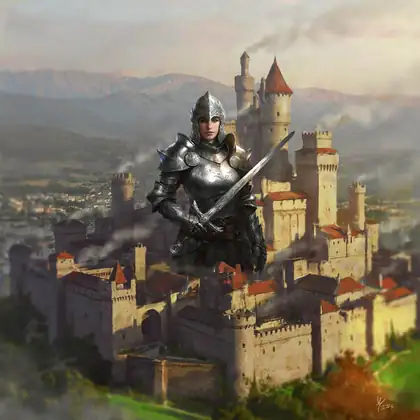
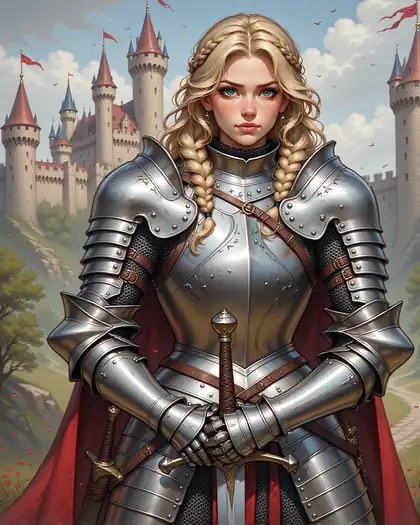
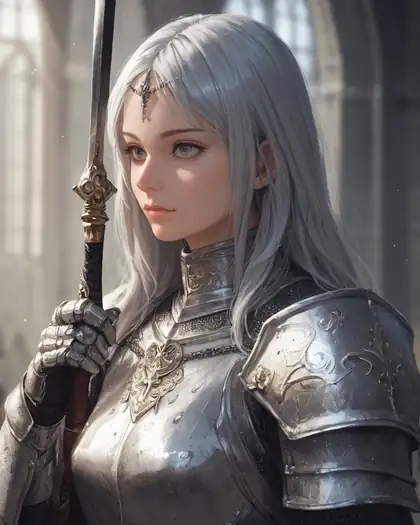
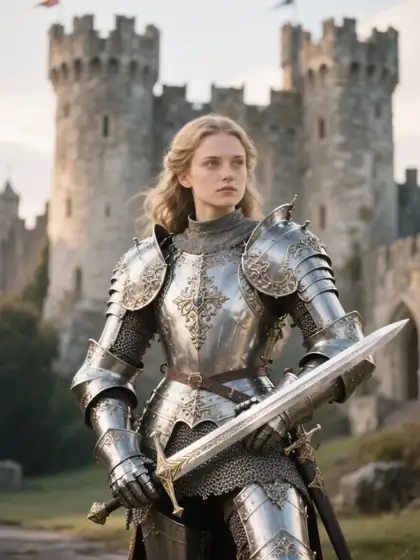
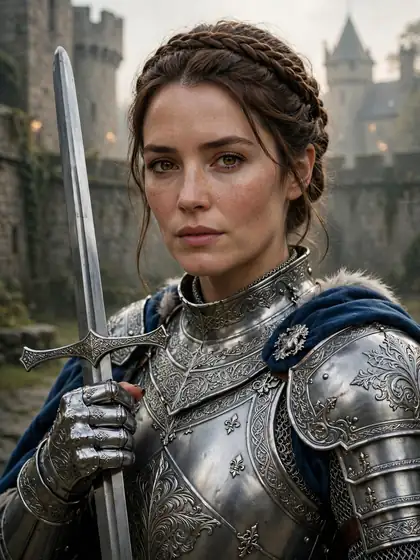
The same knight prompt on every major model in Kenerate. Same words — very different pictures. Run your own prompt on up to 5 models at once with Arena in the generator.
PromptPortrait of a female knight in ornate silver armor holding a sword, castle background, detailed, soft light
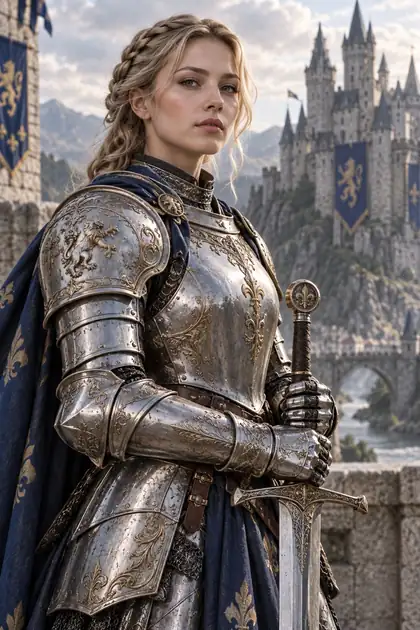
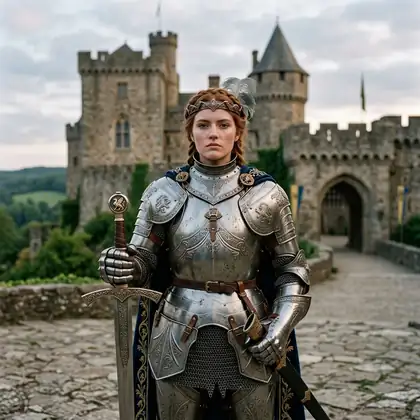
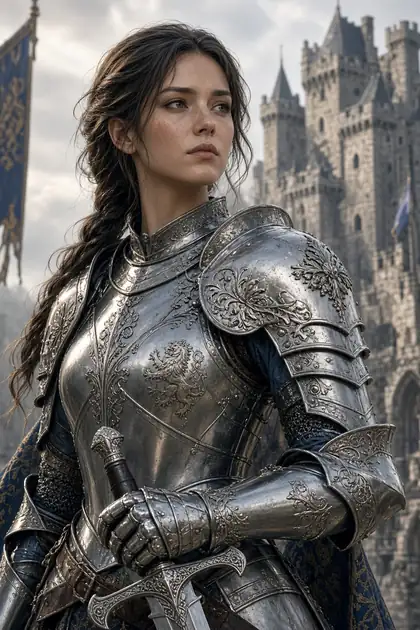
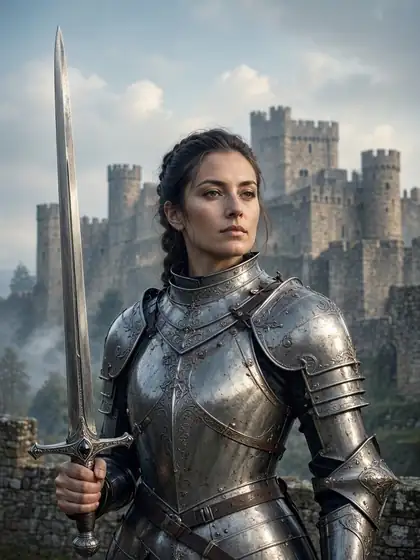
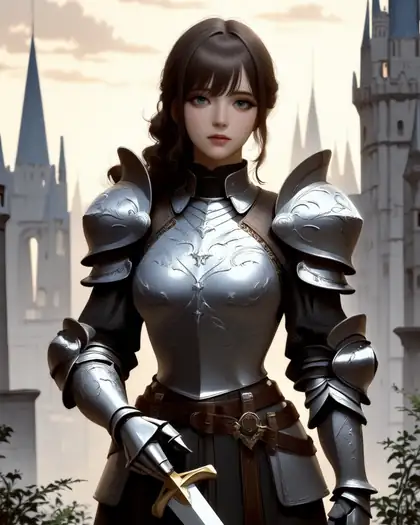
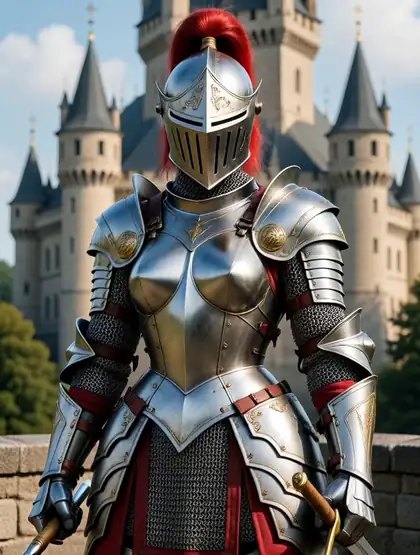
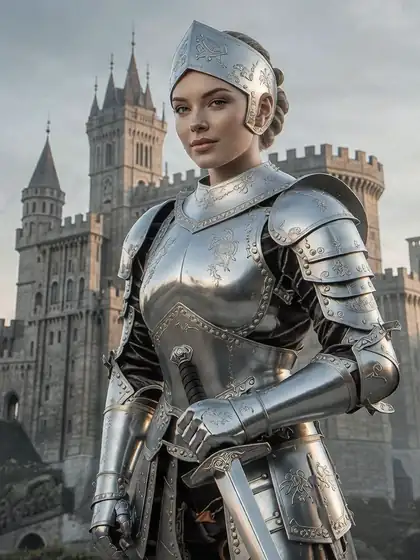
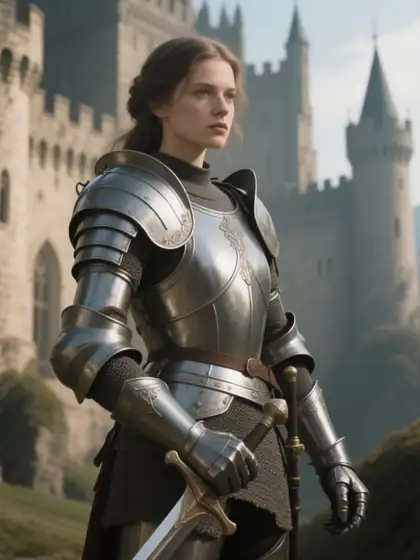
Pick a model
The best model for each job
Our picks after testing.
Most polished photos and portraits
Seedream 5.0 Pro
Text in images — posters, menus, UI
GPT Image 2
Logos, packaging, design
Recraft V4.1
Many reference images
GPT Image 2 (16) · Nano Banana 2 (14)
Cinematic mood and style references
Krea 2 Large
Natural everyday photos
MAI Image 2.5
Drafts on the free plan
Flux 2 Dev
4K output
Seedream 5.0 Lite
Image to image with a strength slider
Z Image Base
Anime and illustration
Neta Lumina · Pony XL
Every model, with its limits: all AI image models.
Gallery
Made with Kenerate's AI image generator
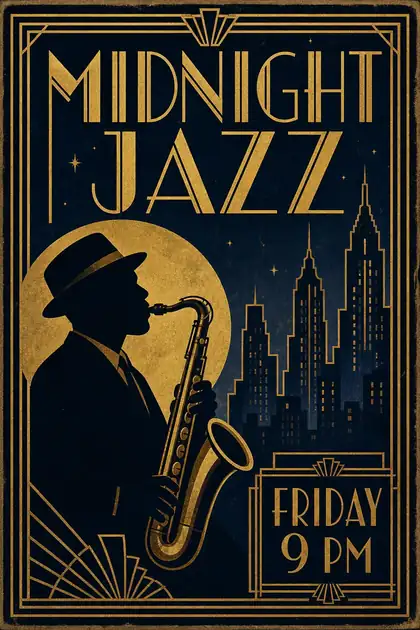
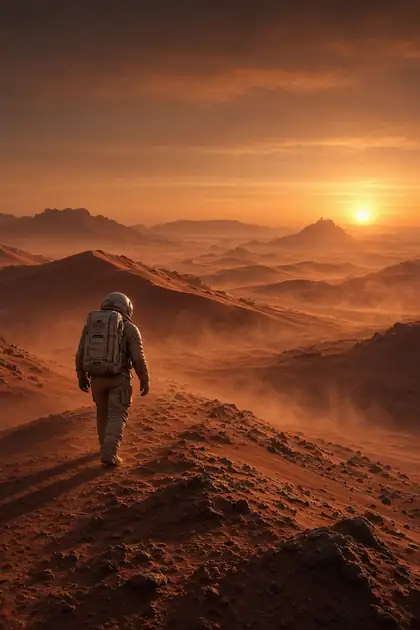
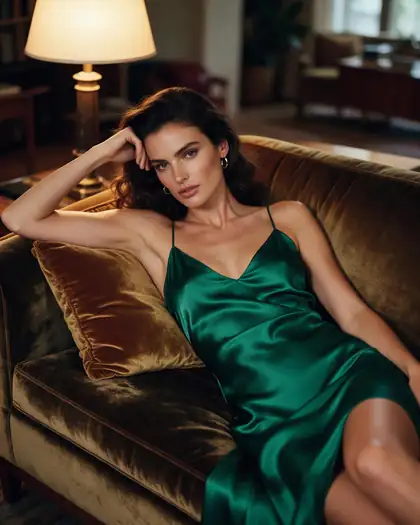
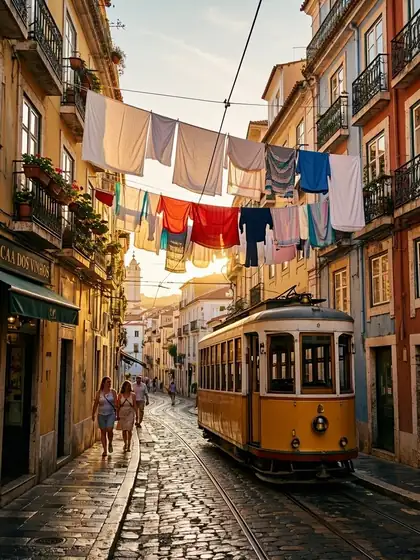
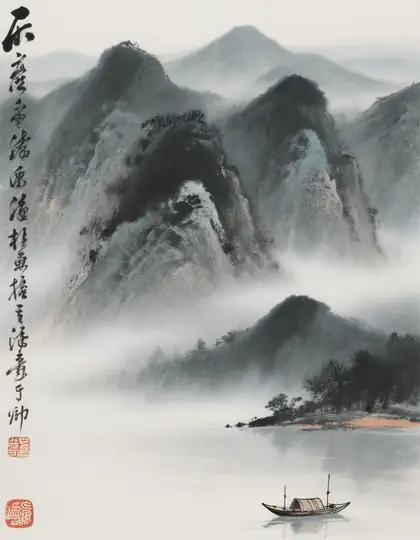
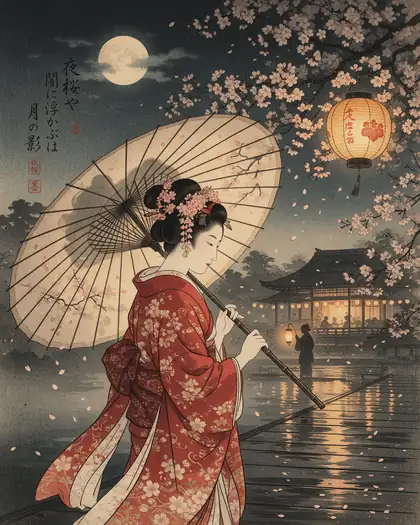
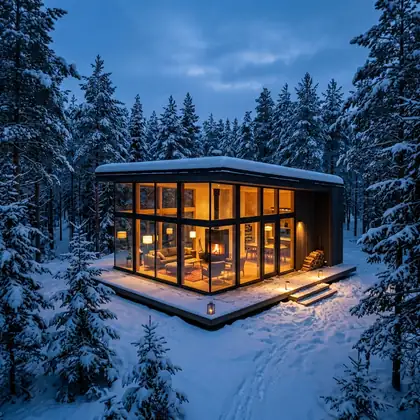
Real outputs from ten different models. Open any image to see its model and copy the prompt.
Free AI image generator
Free AI image generator: seven models on the free plan
Every new account gets starter credits. These models run on the free plan; the rest use one-time credit packs that never expire.
Qwen Image 3.0
Free plan · text in images · 2K
Flux 2 Dev
Free plan · Flux AI drafts · 2048 px
Flux 2 Klein, Turbo and Flash
Free plan · fast drafts
Qwen Image 2.0 and 2.0 Pro
Free plan
No subscription required and no watermark, on free and paid credits alike.
How to
How to generate AI images
Four steps, about a minute.
- Time needed
- Steps
- 4 steps
Step 1
Sign in free
One click with Google, GitHub or Discord — starter credits are added.
Step 2
Describe your image
Style, subject, setting, light. Short idea? Press Enhance.
Step 3
Pick a model — or compare several
Choose from 80+ models, or open Arena to run your prompt on up to 5 at once.
Step 4
Refine and download
Edit with a sentence, upscale, and download without a watermark.
See it in the app

Open Image Studio and type what you want to see — subject, style, lighting and mood.


Watch the tour · 1:23
Prompts, styles, references, edit, Arena & chat
Chapters
Example uses
How creators use AI image generator
Illustrative examples of typical workflows, not customer reviews.
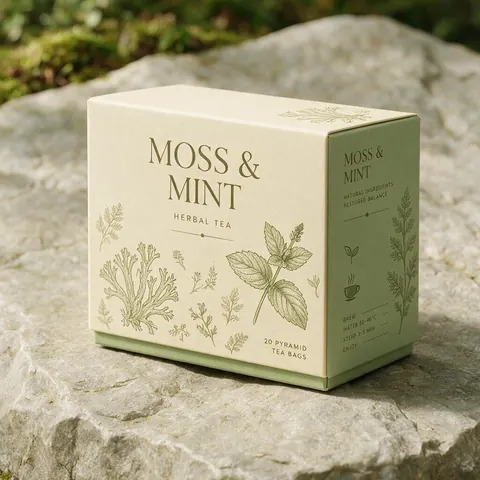
Packaging designer
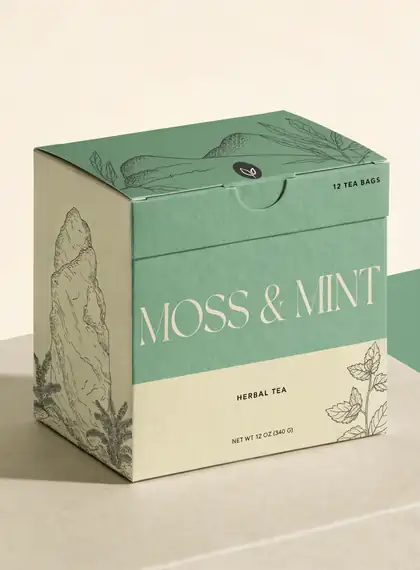
A designer drafts a fictional tea box mockup with the product name spelled right on a text-strong model.
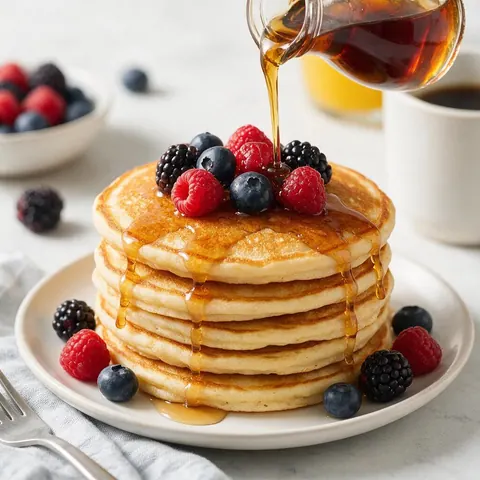
Food blogger
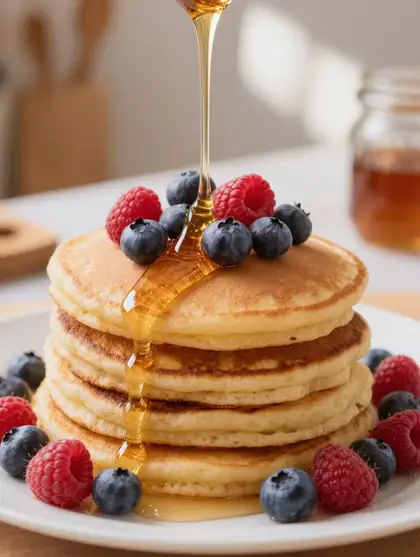
A food blogger generates a bright breakfast shot to test layouts before the real photo shoot.
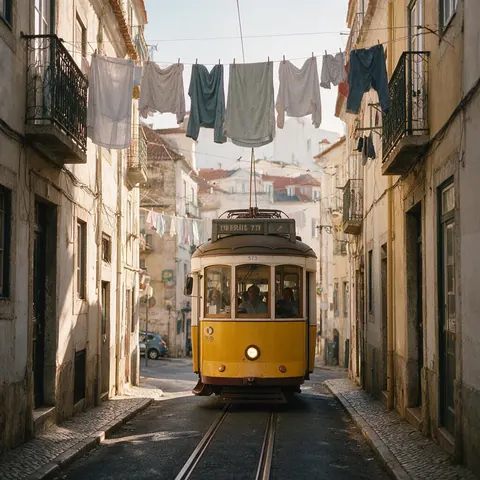
Travel writer
A travel writer compares the same street prompt on several models and keeps the most natural photo.
FAQ
AI image generator questions
7 questions
What is the best AI image generator?
It depends on the job: Seedream 5.0 Pro for polished photos, GPT Image 2 for text, Recraft V4.1 for design, Krea 2 Large for mood and Flux 2 Dev for drafts on the free plan. Kenerate puts all of them in one account, and Arena runs the same prompt on up to 5 models so you can compare before you pick.
Link to this answerIs Kenerate's AI image generator free?
Yes, to start. A new account gets starter credits on sign-up to test, and seven models are on the free plan, including Flux 2 Dev for drafts. Bigger jobs use one-time credit packs rather than a subscription, and credits never expire. Sign-in takes one click with Google, GitHub or Discord, and downloads have no watermark.
Link to this answerHow many models does Kenerate have?
80+ image models from ByteDance, OpenAI, Google, xAI, Microsoft, Alibaba, Black Forest Labs, Tencent, Kuaishou, Recraft, Krea and open-source projects. In our test, the same knight prompt on 19 of them ranged from painterly to photographic to anime. The full list, with each model's limits, is on the models page.
Link to this answerDo I need a subscription?
No. You buy one-time credit packs when you need them, and credits never expire, so there is nothing to cancel. A new account starts with free starter credits, and seven models are on the free plan. Having 80+ models in one account also means you don't juggle separate subscriptions for each image tool.
Link to this answerDoes it add a watermark?
No. Images download without a watermark, whether they come from starter credits, a credit pack or a free-plan model such as Flux 2 Dev. The same goes for edits, combines and Edit Studio upscales, so the file you download is ready to use as it is, with nothing to crop out.
Link to this answerCan I edit my own photos?
Yes. Upload a photo and describe the change in one sentence, combine up to 16 images into one scene with GPT Image 2, or use the 14 tools in Edit Studio, from background removal to an upscaler that reaches 8K. You can also restyle your own photo or sketch with image to image.
Link to this answerWhat resolution can I get?
Up to 4K on models such as Seedream 5.0 Lite and GPT Image 2; Seedream 5.0 Lite is our pick for 4K output and for phone and desktop wallpapers. For anything bigger, generate at the size you need and use the upscaler in Edit Studio, which goes up to 8K, before you download without a watermark.
Link to this answerIn depth
AI image generation, explained
Why one generator with many models, how the models work, and habits that improve every image.
On this page
Why one generator, many models
No single model wins everything. In our 19-model test on the same prompt, the results ranged from painterly to photographic to anime. Having them in one account means you can draft, compare, and finish on the model that suits the image, without juggling subscriptions.
How AI image generators work
Most models are diffusion models: they start from noise and refine it step by step toward your prompt. Latent diffusion does this in a compressed space, which made image generation fast enough for everyday use [1]. Newer models add stronger text understanding, reference images and editing.
Getting better results
Habits that help on every model:
- Lead with the medium: photo, oil painting, anime, 3D render, poster.
- Describe light and camera: golden hour, softbox, 50mm, film grain.
- Put any text in quotes and say where it goes.
- Keep the seed when you like a result and change one detail at a time.
Every top image model, one account
Free to start. No subscription required. No watermark.
Tried it? Tell us how it went