23 reference models · Wan 3 · Seedance 2.5 · MiniMax H3
Reference to Video AI — the same character in every shot
Upload images of your character, mascot or product, then describe a new scene — the AI keeps them looking the same in every shot. Up to 30 reference images on Seedance 2.5, and images, videos and audio on Wan 3.

- Consistent characters
- Products stay on-brand
- Up to 30 ref images
- Videos and audio too (Wan 3)
Updated by the Kenerate AI team
Made with Kenerate
On this page
Quick answer
What is reference to video AI?
Reference to video AI takes several reference images, like a face, an outfit or a product, and generates a new scene that keeps them looking the same, for a series of shots with one consistent character. In Kenerate AI's studio 23 models support it; Seedance 2.5 takes up to 30 images and Wan 3 takes images, videos and audio.
Key facts
- Reference models
- 23
- Most ref images
- 30 · Seedance 2.5
- Wan 3 refs
- 10 img · 5 video · 5 audio
- Longest clip
- 30 s
- Up to 9 images
- MiniMax H3 Pro, Ken 1
- Veo 3.1
- Up to 3 images
Real results
One character, many shots
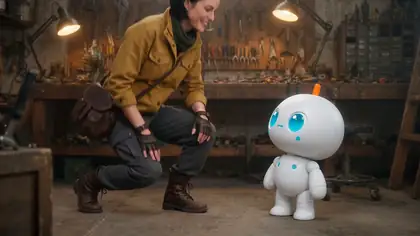
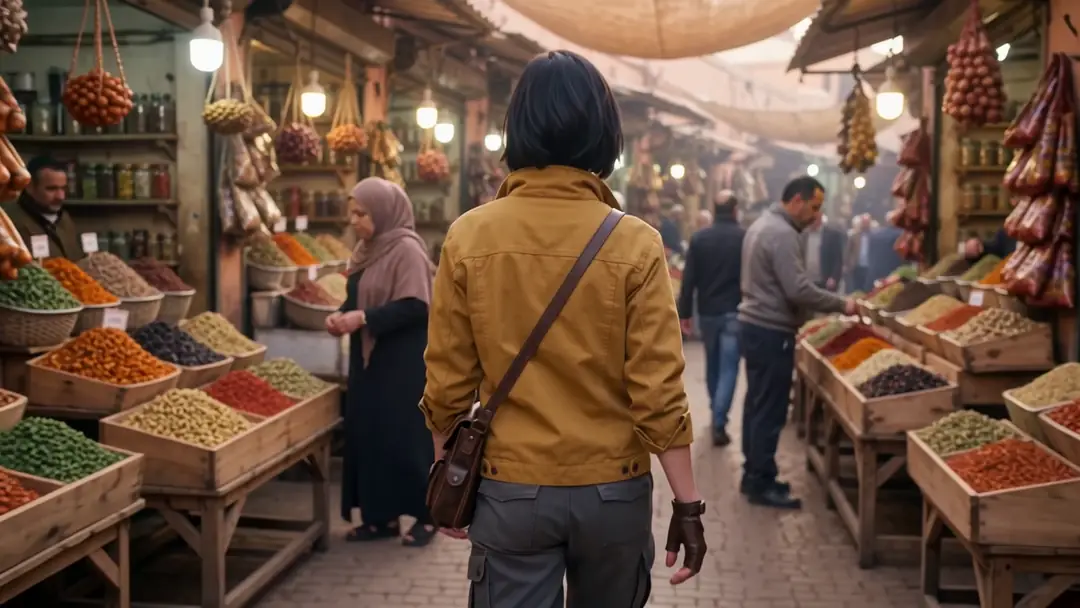
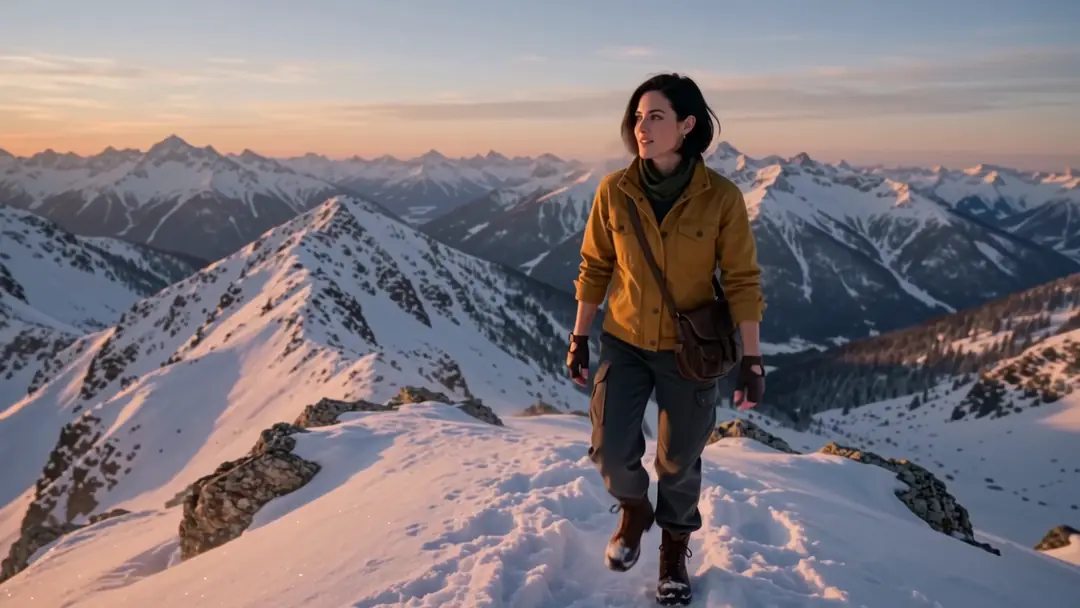
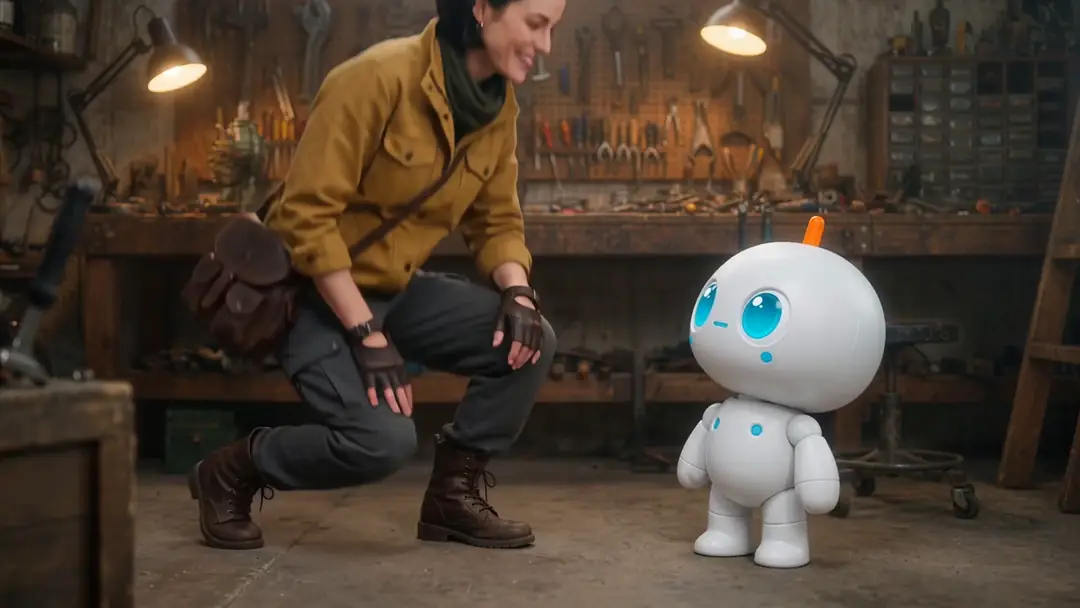
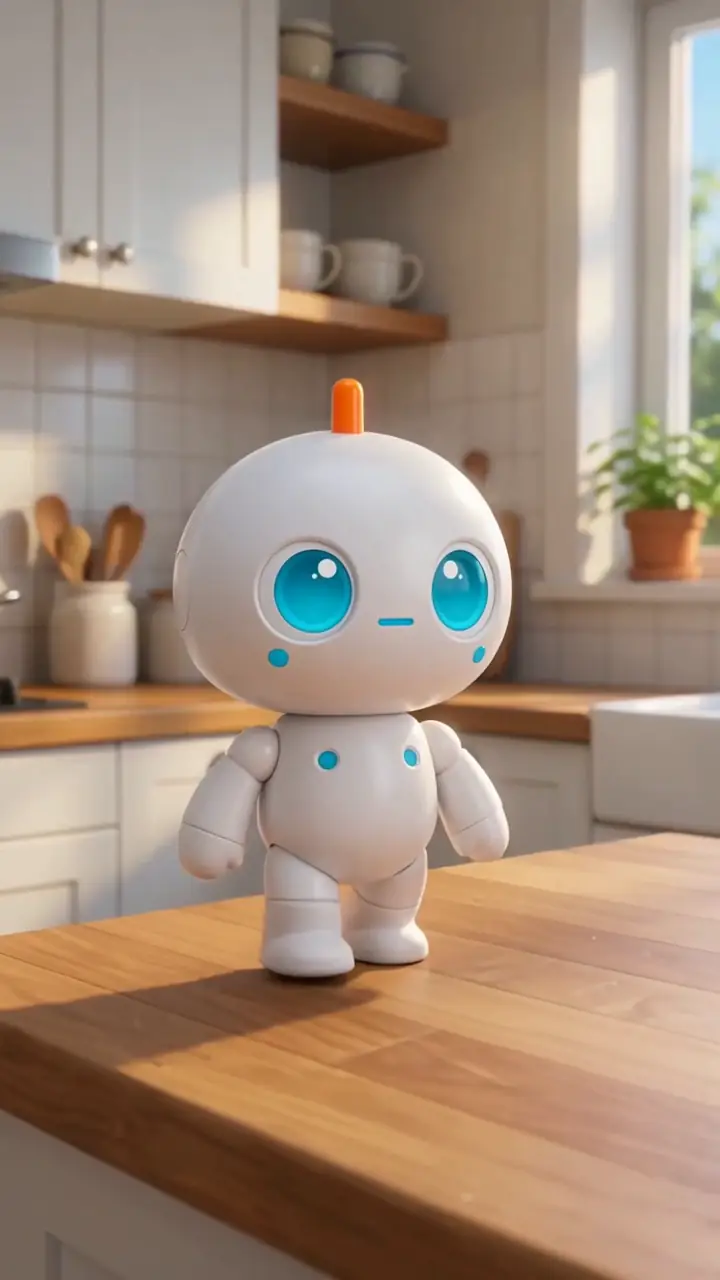
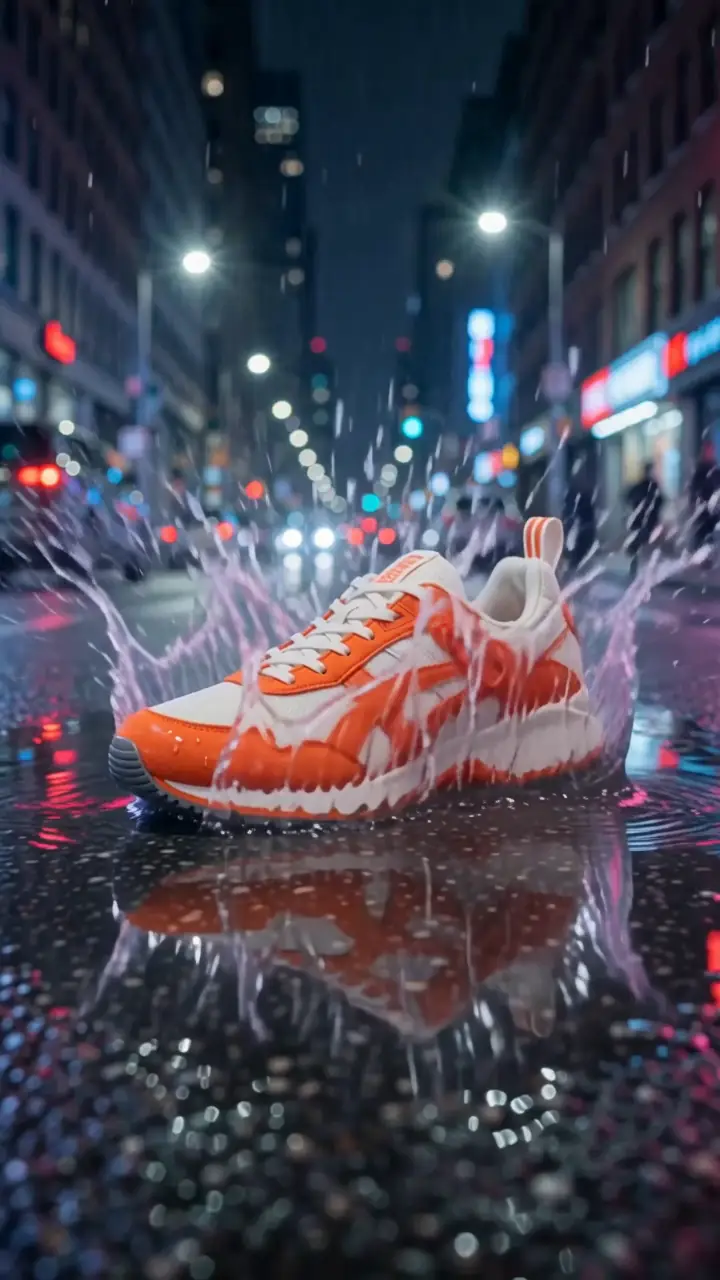
Real Wan 3 reference-to-video clips (5 s, 720p, sound). The same explorer, robot and sneaker — from three Seedream 5.0 Pro reference images.
Real Wan 3 reference-to-video clips (5 s, 720p, with sound). Open one to see its reference images and prompt.
How to
How to use Kenerate Reference to Video AI
- Time needed
- Steps
- 4 steps
Step 1
Make clean reference images
One subject per image on a plain background — like the explorer, robot and sneaker here, made with Seedream 5.0 Pro.
Step 2
Open the video studio in reference mode
Pick Wan 3, Seedance 2.5, MiniMax H3 Pro or Ken 1 and add your references.
Step 3
Name them in the prompt
On Wan 3, refer to uploads by order: 'Image 1 kneels and high-fives Image 2'.
Step 4
Generate every shot the same way
Reuse the same references for each scene to keep the character consistent.
See it in the app

Open Video Studio in Text to Video mode and write the shot — subject, action, camera move and light.


Watch the tour · 1:19
Text, image & reference to video, models, edit, extend & chat
Chapters
Engines
Models that take references
From the studio's own model list, with how many references each takes.
- Used here

Alibaba
Wan 3
- Input
- Up to 10 images, 5 videos, 5 audio clips
- Output
- 2–30 s · up to 1080p · sound
Open Wan 3Best for
Most reference types at once

ByteDance
Seedance 2.5
- Input
- Up to 30 images, 3 videos, 10 audio clips
- Output
- 4–30 s · up to 4K · sound
Open Seedance 2.5Best for
The most reference images
ByteDance
Seedance 2.0 (Fast, Mini, Turbo)
- Input
- Up to 9 images, 3 videos, 3 audio clips
- Output
- 4–15 s · up to 4K · sound
Open Seedance 2.0 (Fast, Mini, Turbo)Best for
Seedance 2 quality
MiniMax
MiniMax H3 Pro
- Input
- Up to 9 images, 3 videos, 3 audio clips
- Output
- 4–15 s · 768p or 2K
Open MiniMax H3 ProBest for
2K reference clips
Kenerate AI
Ken 1
- Input
- Up to 9 images, 3 videos, 3 audio clips
- Output
- 3–15 s · up to 1080p
Open Ken 1Best for
Kenerate's own model
Google
Veo 3.1
- Input
- Up to 3 images
- Output
- 8 s · up to 1080p · sound
Open Veo 3.1Best for
Google's 'ingredients to video'
All models (10)
PixVerse
PixVerse v6
- Input
- Up to 10 images, 2 videos
- Output
- 1–15 s · up to 1080p
Open PixVerse v6Best for
Stylised multi-reference clips
xAI
Grok Imagine 1.5
- Input
- Up to 7 images
- Output
- 1–15 s · up to 720p
Open Grok Imagine 1.5Best for
Quick reference clips
Alibaba
Happy Horse 1.1
- Input
- Up to 9 images
- Output
- 3–15 s · 720p or 1080p
Open Happy Horse 1.1Best for
Everyday reference clips
Vidu
Vidu Q3
- Input
- Up to 4 images
- Output
- 1–16 s · up to 1080p · sound
Open Vidu Q3Best for
Vidu's reference mode
The examples above were made with Wan 3 reference to video.
Tips
Consistency that holds
From Kling's, Alibaba's and ByteDance's guides, and our tests.
One subject per reference image, plain background.
Add more angles of the same character for turns and close-ups.
Refer to references by order on Wan 3: Image 1, Image 2.
Keep the outfit in the reference if it should stay.
Reuse the exact same references for every shot in a series.
For a voice, add a reference audio clip on Wan 3 or Seedance.
Example uses
How creators use reference to video AI
Illustrative examples of typical workflows, not customer reviews.
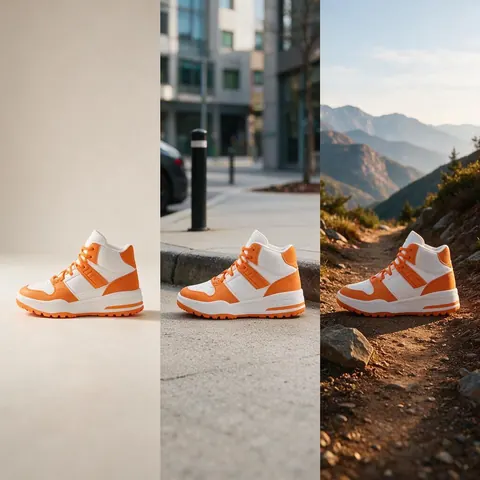
Brand marketer
A marketer can reuse one clean product reference so a sneaker looks identical in every ad shot.
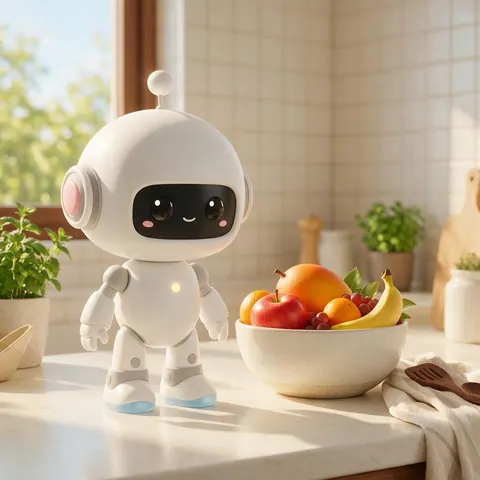
Mascot designer
A mascot designer can keep a 3D character identical across a series of short scenes.

Indie filmmaker
A filmmaker can keep the same lead character across shots, from a market to a snowy ridge.
FAQ
Reference to Video AI questions
7 questions
What is reference to video in AI?
A mode where you upload images (and on some models videos and audio) of a character or product, and the model puts them into a new scene while keeping them looking the same.
Link to this answerWhat's the difference from image to video?
Image to video keeps your picture as the first frame. Reference to video uses the images as a guide for who or what appears, then builds a new scene around them.
Link to this answerHow do I keep the same character in every shot?
Use the same reference images for every clip, one subject per image on a plain background, and name the subject the same way in each prompt.
Link to this answerHow many reference images can I use?
Up to 30 on Seedance 2.5, 10 on Wan 3 (plus 5 videos and 5 audio clips), 9 on MiniMax H3 Pro, Ken 1 and Happy Horse 1.1, 3 on Veo 3.1.
Link to this answerCan I put two characters in one clip?
Yes — add both references and describe what each does, like the explorer and robot example: 'Image 1 kneels and high-fives Image 2'.
Link to this answerCan I keep a product on-brand across videos?
Yes — use a clean product reference, like the sneaker here, and reuse it in every ad.
Link to this answerIs reference to video free?
Video generation runs on one-time credit packs that never expire. The free sign-up credits work on image models, so you can make the reference images first.
Link to this answerIn depth
Reference to Video AI, explained
Why references keep characters consistent
A single start image shows one angle, so the model has to guess the rest as soon as the camera moves. Several references tell it who the character is from every side. Kling puts it simply: one image shows what a character looks like from one angle; several show what the character actually is.
How the big models handle references
ByteDance's Seedance 2.5 takes up to 30 images, 10 videos and 10 audio clips per its announcement, and keeps several characters' looks and voices. Alibaba's Wan guide builds prompts from a reference identifier + action + scene, with optional lines and music. Kling's Elements hold 2–4 photos or a short video per character.
Explore
Every Kenerate video tool
Generators, tools, models and guides — all in one studio.