Enhance AI · private upscaler
Enhance AI images privately — upscales up to 8K
Upscale AI art, renders and photos without a content filter added by Kenerate. No prompt to write, results stay in your private history, and nothing is watermarked.


- No filter added by Kenerate
- Private history
- AI art & renders
- Up to 8K
Updated by the Kenerate AI team
On this page
Quick answer
How do you enhance AI images privately?
To enhance AI art or photos privately, upload the image to Kenerate AI's enhancer and pick an engine: it upscales to 8K or 128 MP, reads no prompt, adds no content filter of its own and keeps results in your private history. Downloads have no watermark. You still need the rights to the image.
Key facts
- Filter
- None added by Kenerate
- Privacy
- Private history, no public feed
- Watermark
- None
- Output
- Up to 8K or 128 MP
- Engines
- Real-ESRGAN · Image Upscaler · Clarity Pro · Recraft Creative
How it works
How to upscale an AI image privately
No prompt, no gallery, no watermark.
- Time needed
- Steps
- 3 steps
Step 1
Upload the image
Add an AI render, artwork or photo — JPG, PNG or WEBP up to 25 MB. There is no prompt to write and nothing to describe.
Step 2
Pick an engine
Real-ESRGAN or Image Upscaler to 4K/8K keep the image exactly as it is. Clarity Pro adds new fine detail; Recraft Creative refines skin and fabric texture.
Step 3
Download privately
The result is saved to your private history — not a public feed — and downloads with no watermark.
See it in the app

Open Image Upscaler and upload a photo, or pick one from your library or a link.


Watch the tour · 1:47
7 engines, 2K · 4K · 8K & exact size, portraits, old-photo restore, before/after & chat
Chapters
Privacy
What does “uncensored” mean here?
- No content filter added by Kenerate. The upscaler doesn't read a prompt and doesn't sort images by subject — it only makes them bigger and sharper.
- Private by default. Uploads and results go to your own history, not a public feed or community gallery.
- Your rights, your rules. You need the rights to what you upload and must follow the Terms: nothing illegal and no real people without their consent.
Looking for the general tool for everyday photos? See the AI image enhancer. For engine picks by art style — Midjourney, Stable Diffusion, 3D or watercolour — see enhance AI art.
Real results
What people enhance here
Real outputs from the inputs shown in the slider above.
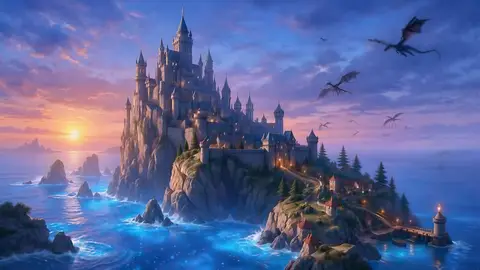
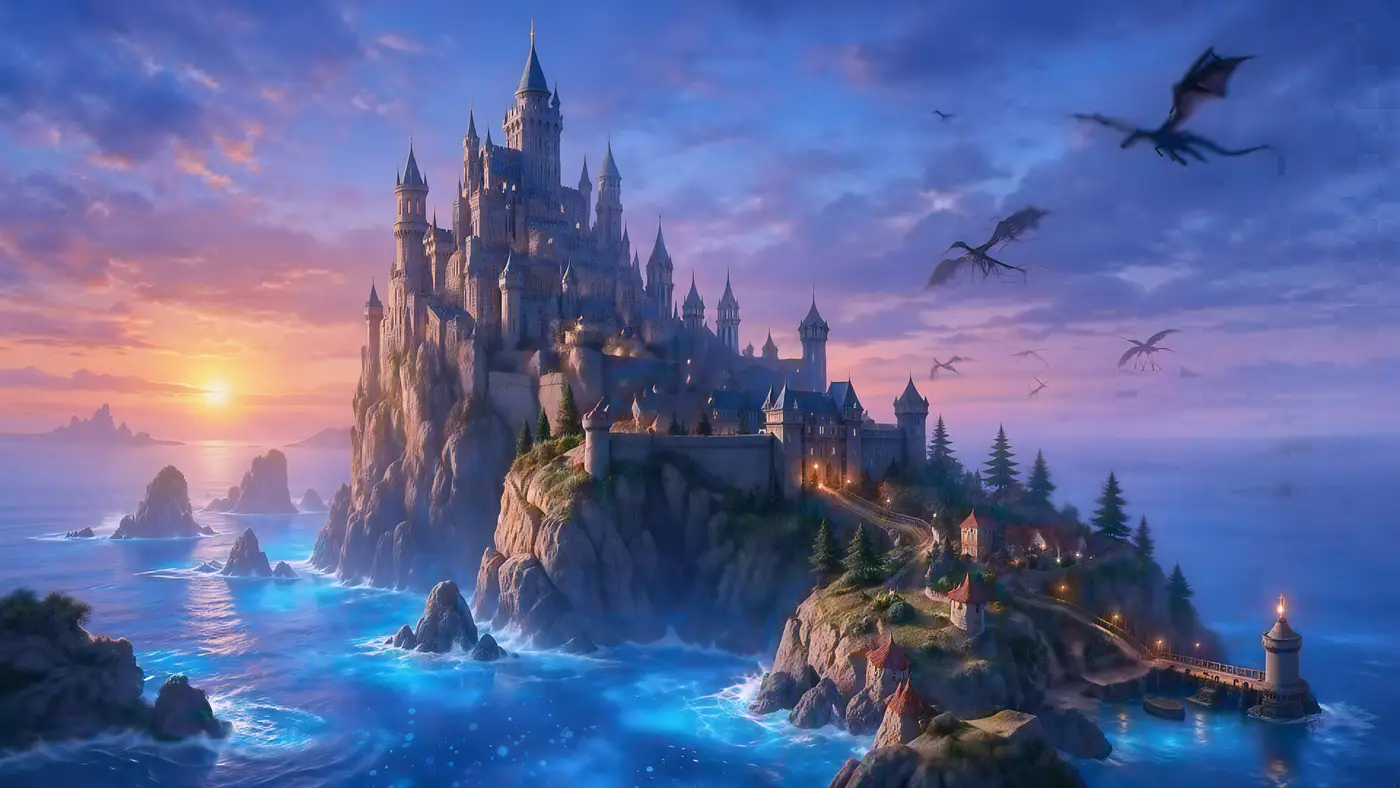
- Before · 512 px renderAfter · 4K · 5461 × 3072
AI renders to 4K
A 512 px fantasy render to 5461 × 3072 with Ultimate.
Ultimate Upscaler
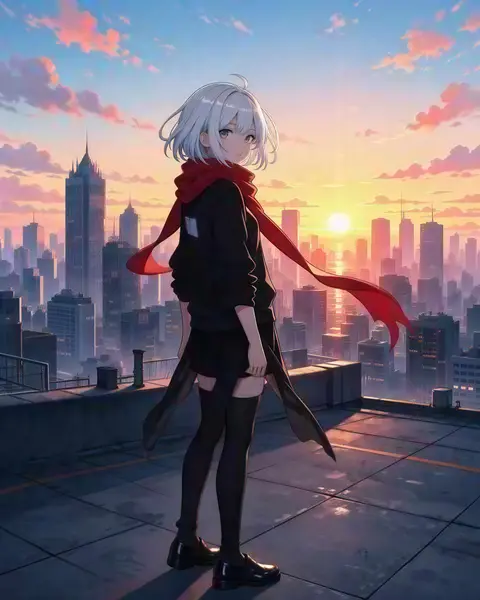
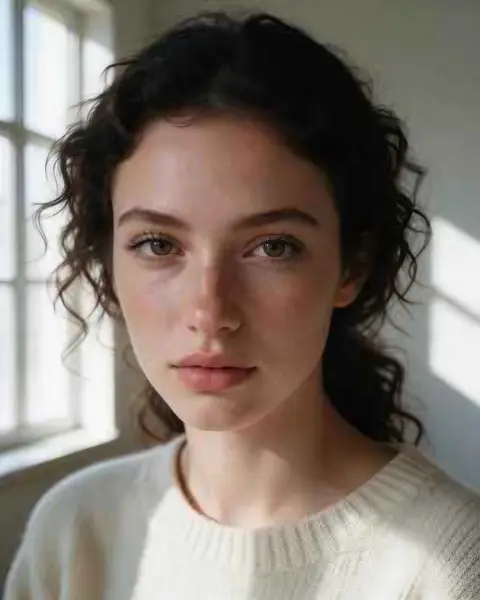
Try this photo  Before · 300 pxAfter · 1832 × 2290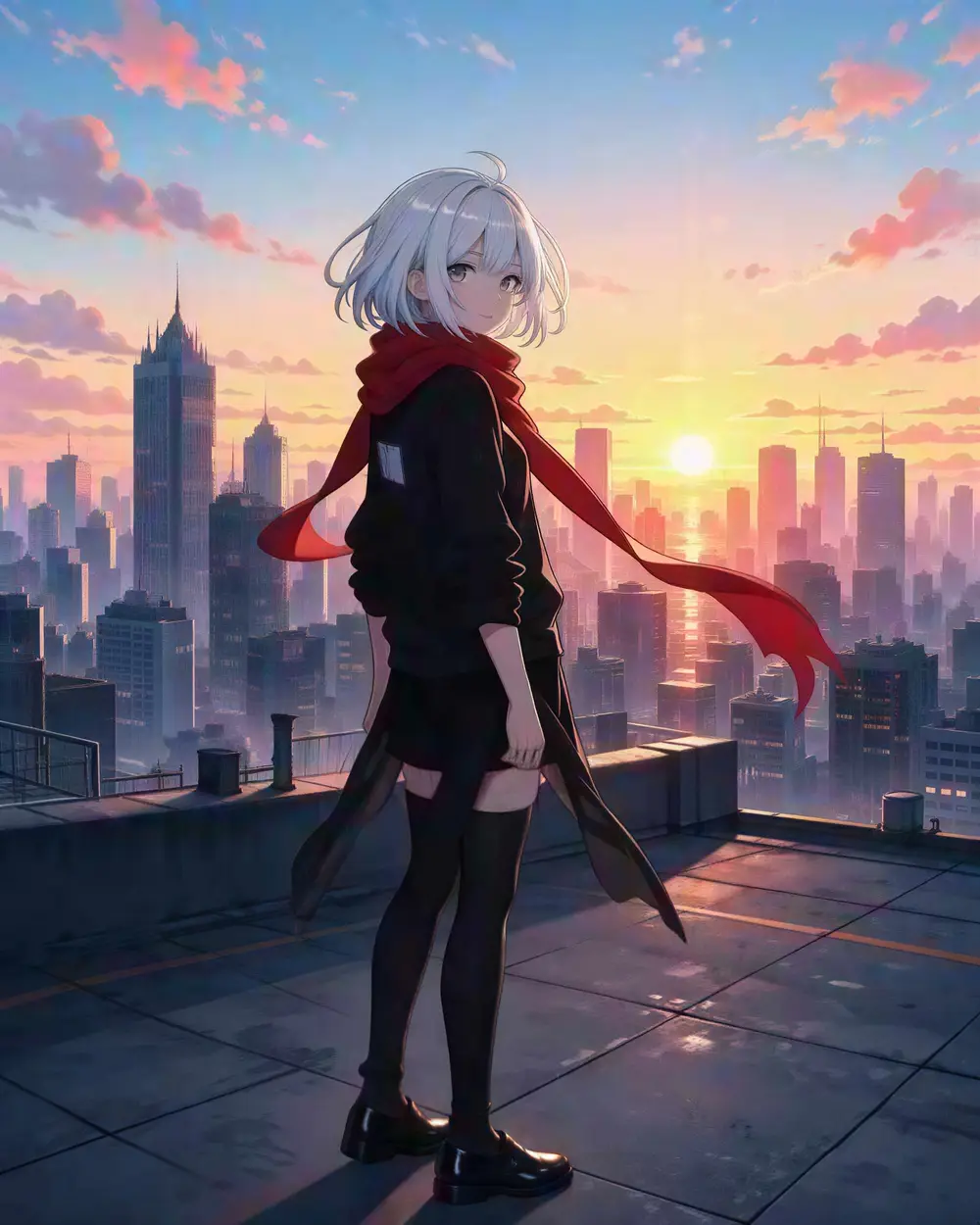
 Before · 300 px JPEGAfter · 4K · 3664 × 4579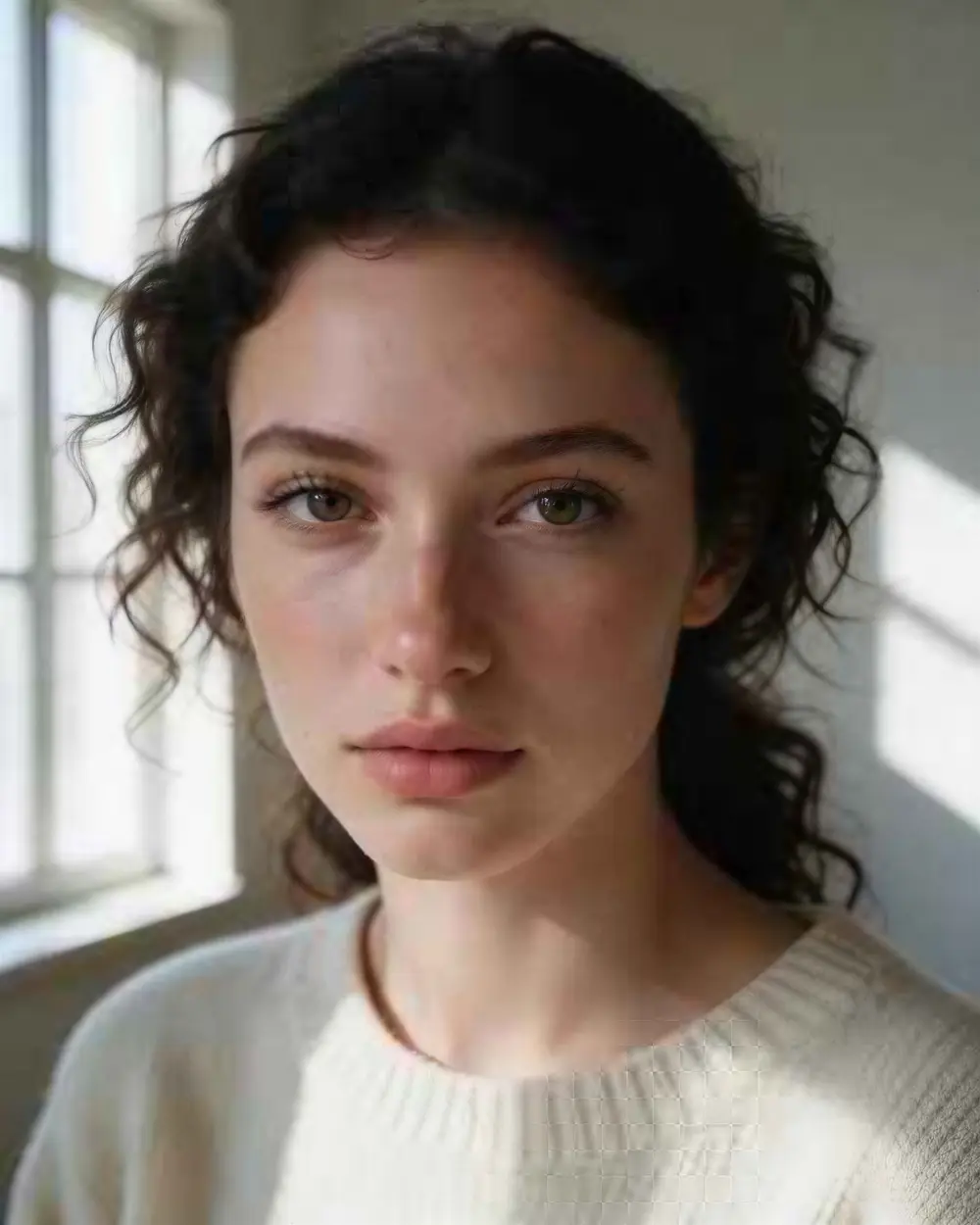
 Before · 112 px, blown upAfter · 4 MP · creativity +6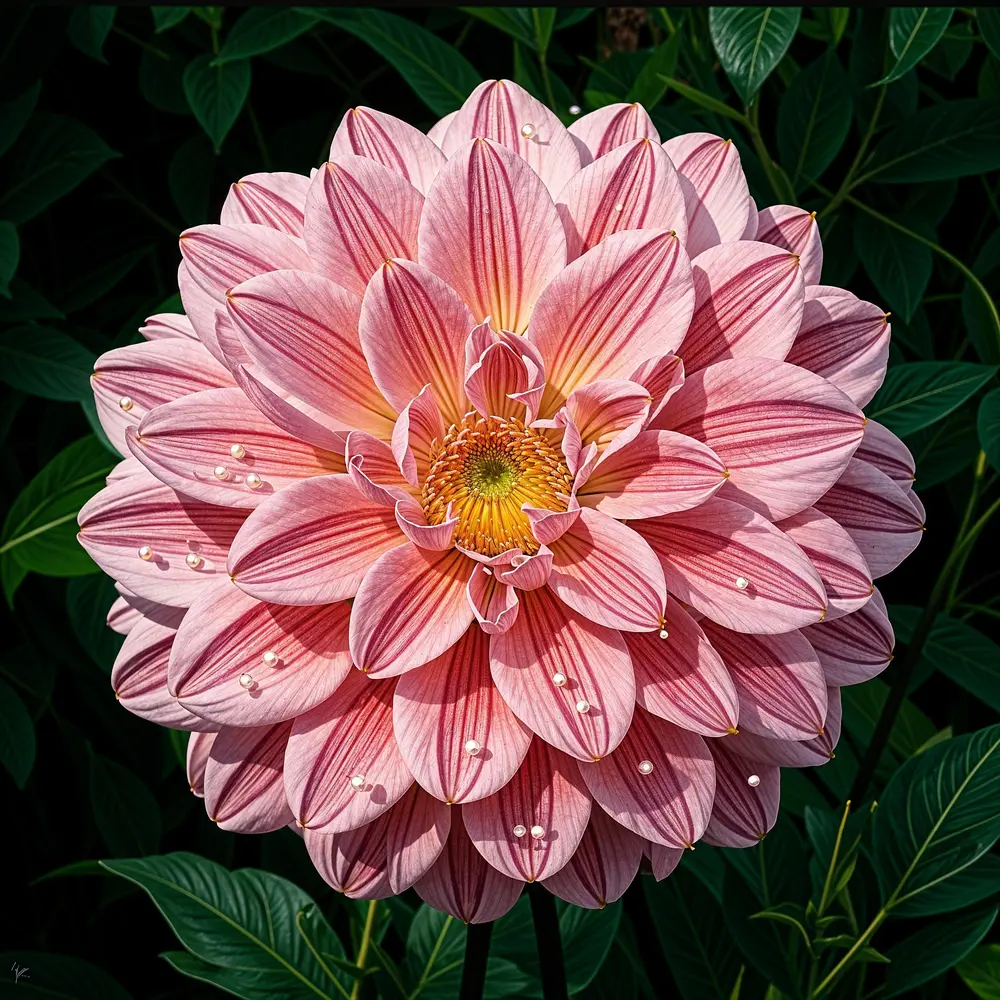
At 100%
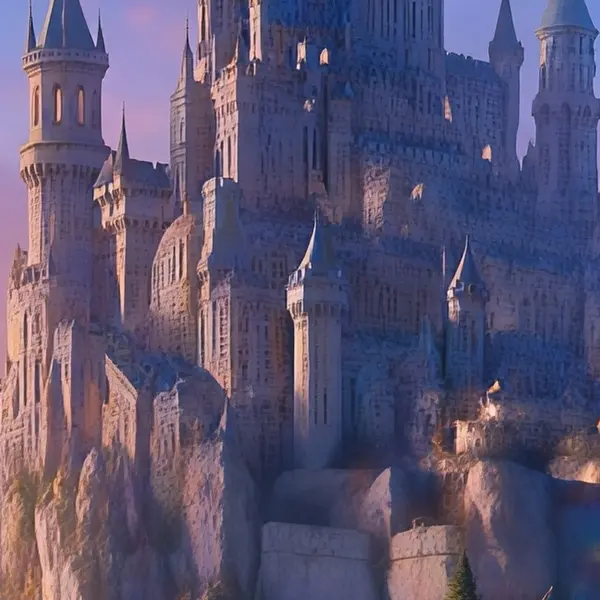
AI art upscaled, zoomed in
The render stretched with a normal resize, next to the real upscale.
Engines
Which engine should I use for AI art?
Faithful engines keep the render exactly as generated; creative ones add detail.
Open source
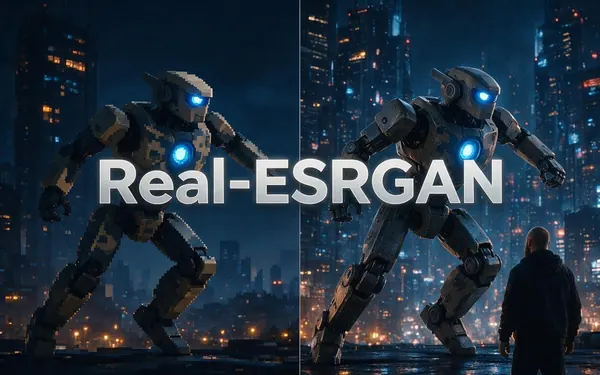
Real-ESRGAN
- Style
- Faithful
- Speed
- About 25 s
- Output
- 2048 px
Open Real-ESRGANBest for
Quick clean-ups of small AI renders, web images and product shots (under 2048 px).
WaveSpeed
Image Upscaler
- Style
- Faithful
- Speed
- About 45 s
- Output
- 2K · 4K · 8K
- Size
- 2048+ px, 4096+ px, 8192+ px
Open Image UpscalerBest for
Everyday photos and AI art to a standard 2K, 4K or 8K size.
WaveSpeed
Ultimate Upscaler
- Style
- Faithful
- Speed
- About 19 s
- Output
- 2K · 4K · 8K
- Size
- 2048+ px, 4096+ px, 8192+ px
Open Ultimate UpscalerBest for
Marketing assets and photo restoration where fine detail matters.
Clarity AI
Clarity Pro
- Style
- Creative
- Speed
- About 81 s
- Output
- Up to 64 MP
Open Clarity ProBest for
Campaign visuals and artwork for print. On faces keep creativity low — higher values can change the person.
Recraft
Recraft Creative
- Style
- Creative
- Speed
- About 29 s
- Output
- 4096 px
Open Recraft CreativeBest for
Portraits and product shots that need richer texture.
Kenerate AI
Kenerate Upscale
- Style
- Faithful
- Speed
- About 14 s
- Output
- Up to 128 MP
Open Kenerate UpscaleBest for
E-commerce and design assets at a precise size, fast.
FAQ
Enhance AI questions
Is this AI image enhancer uncensored?
Kenerate does not add a content filter of its own to the upscaler: it does not read a prompt and does not block images by subject. You still need the rights to the image and must follow the Terms — nothing illegal, and no real people without their consent.
Link to this answerAre my images private?
Yes. Uploads and results are saved to your own private history so you can download them again; they are not posted to a public gallery.
Link to this answerCan I upscale AI art from Stable Diffusion or Midjourney?
Yes. Renders at 512–1024 px are exactly what the upscaler is for. In our example a 512 px fantasy render came out at 5461 × 3072 with the Ultimate upscaler.
Link to this answerWhich engine keeps my image exactly the same?
Real-ESRGAN and Image Upscaler are faithful: they add pixels and sharpen without repainting. Clarity Pro and Recraft Creative are creative and can change small details.
Link to this answerCan it fix AI artefacts like bad hands?
No. An upscaler sharpens and enlarges; it does not redraw anatomy. For that, edit the image in Edit Studio with AI Edit and then upscale.
Link to this answerIs it free?
New accounts get free credits on sign-up to test it, with no watermark; bigger jobs use one-time credit packs that never expire.
Link to this answerIn depth
What an AI enhancer does to AI art
Faithful upscalers, generative ones and face restorers — what each changes in your image, with sources.
On this page
Faithful upscalers keep the render as generated
Real-ESRGAN was trained on synthetic blur, noise, resizing and JPEG damage so it can clean up real-world images without repainting them [1]. It is open source (BSD-3-Clause) and has a lighter model tuned for anime [2]. That is why it is the default here: a 512 px render comes back bigger and cleaner, but still the image you generated.
Generative upscalers can add — and change — detail
Diffusion upscalers such as Stability AI's x4 upscaler [3], StableSR [4] and SUPIR [5] regenerate fine detail from a learned image prior. StableSR exposes one setting to trade quality against fidelity — the same idea as Clarity Pro's creativity dial. Blau and Michaeli showed this trade-off is unavoidable: more natural-looking detail means less faithfulness to the input [6].
Use creative engines for concept art and wallpapers where extra texture is welcome; keep faithful ones for characters that must stay on-model.
Face restorers rebuild faces from a prior
What an upscaler can't fix
An upscaler sharpens and enlarges; it does not redraw anatomy, so extra fingers or a warped hand stay as they are. Fix those first in Edit Studio with AI Edit, then upscale the corrected image.
Enhance your first image privately
Free credits on sign-up. No watermark, no public gallery.
Tried it? Tell us how it went