

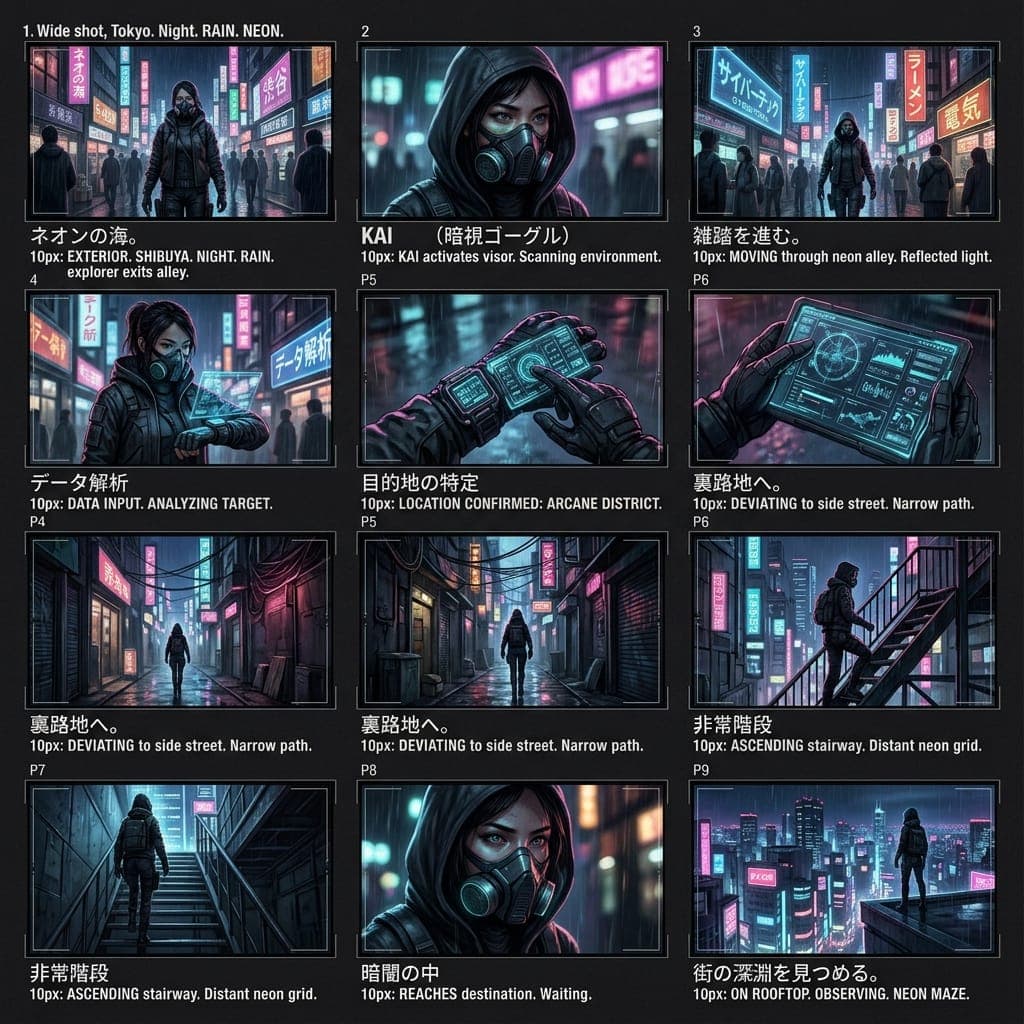
Generative AI has completely transformed 3D modeling in 2026. Creators, game developers, and 3D printing enthusiasts can now convert simple text prompts or 2D photos into production-ready 3D meshes in under 30 seconds—eliminating hours of manual retopology and vertex modeling.
A quick warning on 3D AI tools in 2026:
Many online 3D generators hide high-resolution exports, PBR texture maps, or commercial licenses behind steep $30–$60 monthly subscriptions. Always check whether export formats (.GLB, .OBJ, .FBX, .STL) and commercial rights are included before locking into a paid plan.
Why AI 3D Generation Matters in 2026
- Speed & Prototyping: Go from visual idea to fully textured 3D asset in under 30 seconds.
- Clean Quad Topology: Modern AI mappers generate smooth quad face flows ready for Blender modifier stacks.
- Automated PBR Textures: Base Color, Normal, Metallic, and Roughness maps bake automatically up to 4K resolution.
- Multi-Engine Compatibility: Export directly to .FBX, .GLB, and .STL for Unity, Unreal Engine 5, and 3D printers.
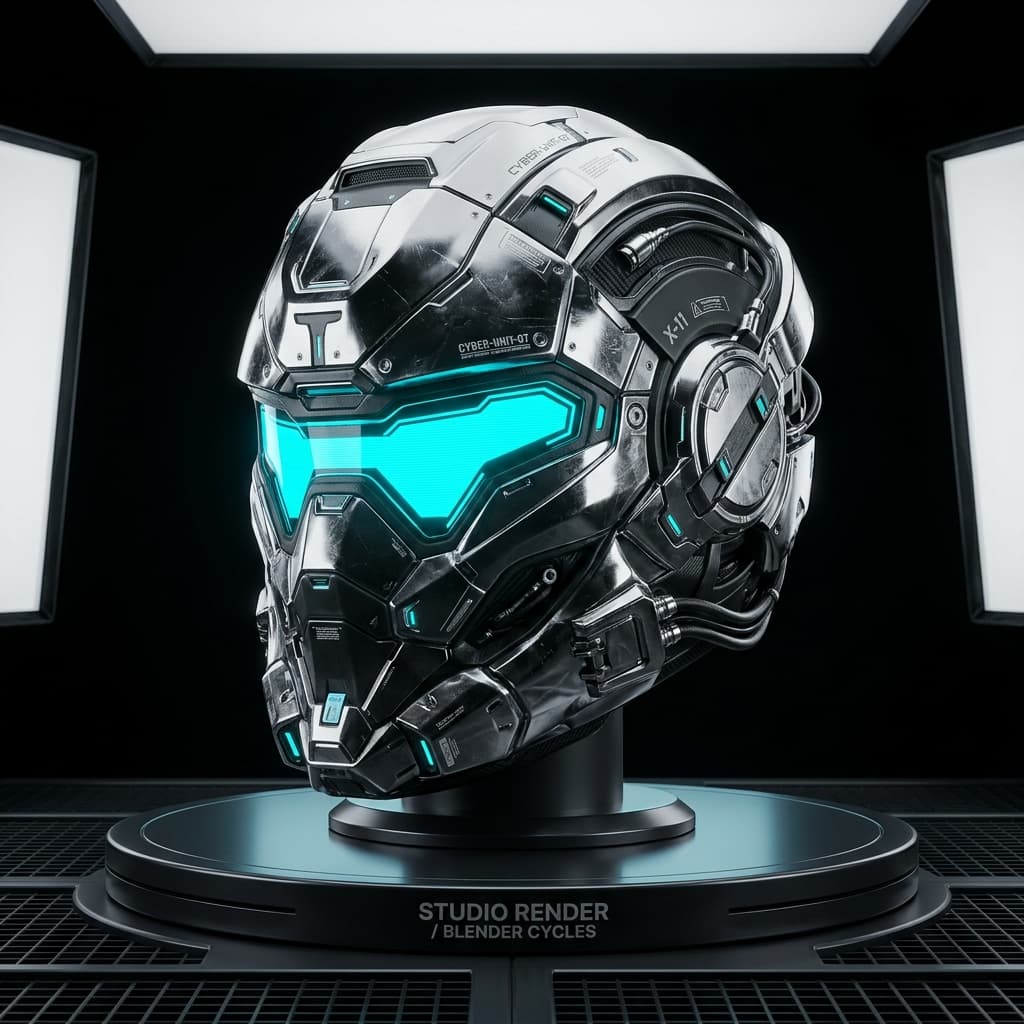
AI 3D Mesh Output Examples

Top AI 3D Model Generators Reviewed
1. KenerateAI — Best Overall Free 3D AI Generator
RANK #1KenerateAI leads the industry with an all-in-one spatial studio that converts text prompts and 2D photos into high-fidelity 3D models in under 30 seconds. Featuring clean quad-dominant mesh topology, non-overlapping UV unwrapping, pre-baked 4K PBR material maps, and universal export (.GLB, .OBJ, .FBX, .STL), KenerateAI offers generous free credits with zero watermarks. Check out KenerateAI Pricing for one-time credit top-ups without subscription traps.
2. Meshy AI — Fast Mesh Generator
Meshy AI offers fast text-to-3D and image-to-3D generation. However, high-resolution exports and commercial usage rights require a $20–$60 monthly subscription. (Available inside KenerateAI for free with full commercial rights.)
3. Tripo AI — Rapid Prototyping Tool
Tripo AI excels at fast draft generations for game props. However, credit expiration policies and subscription gates can limit casual creators. (Access Tripo-level speed directly inside KenerateAI.)
4. Rodin (Hyper3D) — Detailed Sculpt Engine
Rodin produces detailed surface sculpting for organic models, but per-generation token costs can add up quickly for large pipelines.
Actionable Workflow Tips for 3D AI
- Be Specific with Form: Mention material finishes like "carved dark oak wood" or "brushed metallic titanium".
- Use Clear 2D References: Upload isolated subject photos on clean background for optimal image-to-3D depth inference.
- Select the Right Export Format: Use .GLB for web viewports, .FBX for Unreal/Unity, and .STL for 3D printing.
Free vs Paid: When to Upgrade
- Upgrade when producing batch assets for commercial game releases.
- Upgrade if you need 4K PBR material texture map baking.
- Upgrade for priority cloud queue processing during peak studio hours.
Instead of paying $30/month to single-purpose tools, KenerateAI offers a unified suite with one-time credit top-ups and zero expiring subscriptions.