

AI → STL → your printer
AI 3D printing model generator from a prompt or a photo
Describe the object or upload a photo, let an AI engine build the mesh, then turn it into a print-ready STL or 3MF in millimetres with the free tools — figurines, miniatures, props, keychains and replacement parts.
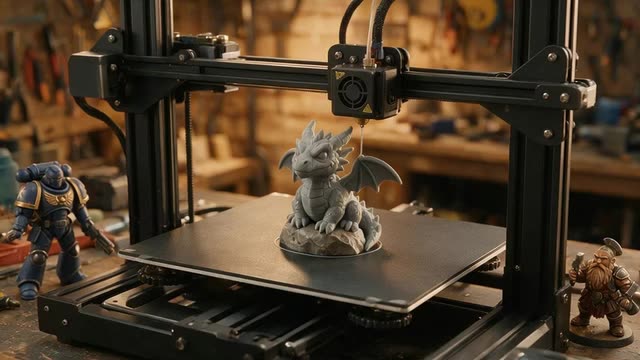
- STL directly from Rodin
- Free GLB → STL in mm
- Up to 500K triangles
- paid plans & credit packs
Updated by the Kenerate AI team
Made with Kenerate
On this page
Quick answer
What is an AI 3D printing model generator?
An AI 3D printing model generator creates a printable 3D model from a text prompt or a photo. In Kenerate AI's 3D Studio, Rodin returns STL directly; the free browser tools convert any GLB to STL or 3MF, set the size in millimetres and stand it upright for your slicer. Generation needs a paid plan or credit pack.
Key facts
- STL from the engine
- Rodin 2.5 and Rodin 2 (GLB, FBX, OBJ, USDZ, STL)
- Other engines
- GLB → convert free to STL or 3MF
- Mesh density
- Up to 500K triangles (Rodin), 300K polygons (Meshy)
- Print prep (free)
- GLB to STL, STL editor, STL to 3MF — sizes in mm
- Min wall (FDM)
- ≈0.45 mm (one perimeter), ≈0.9 mm safer, on a 0.4 mm nozzle
- Access
- Generation on paid plans and credit packs; print tools free, no account
Start from a picture
Things people print
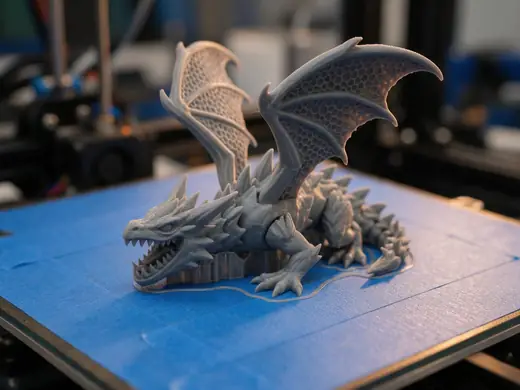
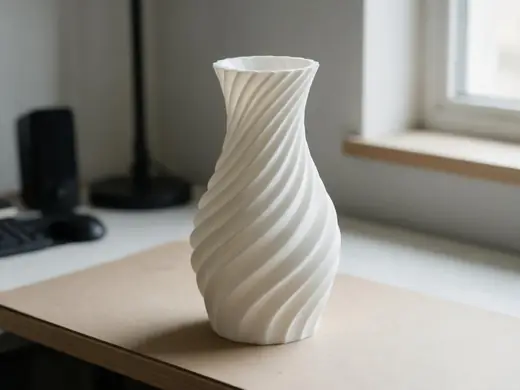
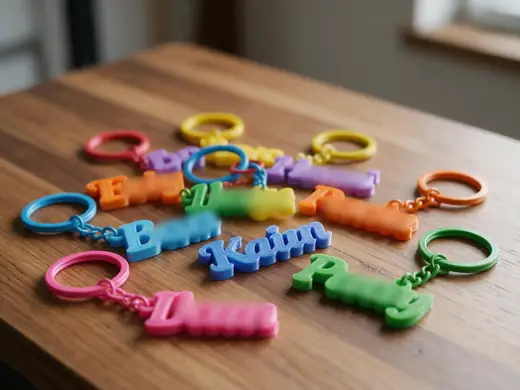
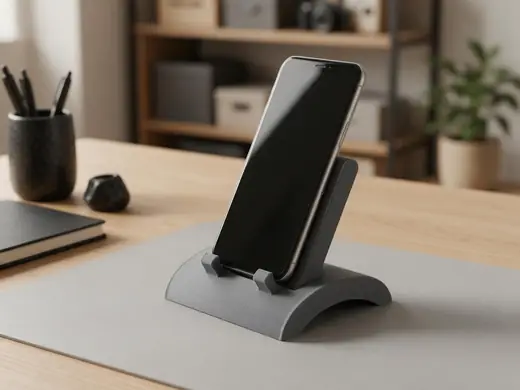
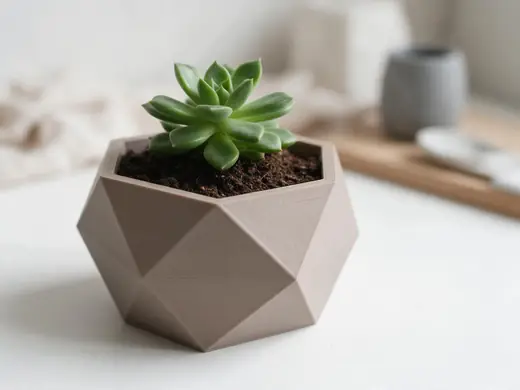
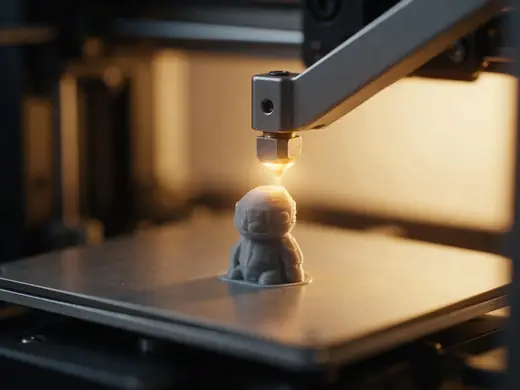
Figurines, vases, keychains, stands and planters — ideas for your next AI-made print.
Reference images made with Seedream 5.0 Pro. “To 3D” opens Image to 3D in the 3D Studio with that picture.
Why Kenerate
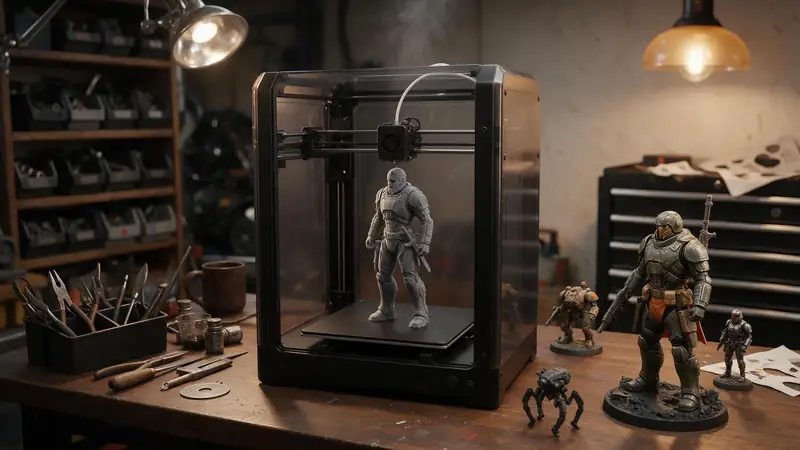
An AI 3D model generator for 3D printing, start to finish
This page is the tool: generate the model with AI, then prepare the print file. Comparing every way to make a print file — CAD, Blender, AI or a picture? Read our guide on how to make 3D models for 3D printing.
Also
What else it does
Fix size and orientation
The free STL editor sets exact dimensions, converts inches to mm, rotates and mirrors.
Check before slicing
Clay and wireframe views show thin parts, floating pieces and rough areas before you waste filament.
Engines
Nine engines in one 3D Studio
Pick per job — draft fast, then rebuild your favourite on a stronger engine.
- This page
Hyper3D
Rodin 2.5
- Inputs
- Text · Photo · Multi-view (up to 5 views)
- Files
- GLB, FBX, OBJ, USDZ, STL
- Typical time
- about 2–3 min
Open Rodin 2.5Best for
Studio-grade meshes from 2K to 500K faces, quad or triangle, with a HighPack for 4K textures.
- This page
Hyper3D
Rodin 2
- Inputs
- Text · Photo · Multi-view (up to 5 views)
- Files
- GLB, FBX, OBJ, USDZ, STL
- Typical time
- about 2–3 min
Open Rodin 2Best for
Clean, detailed meshes — the first photo drives the materials.
Meshy
Meshy 7.1
- Inputs
- Text · Photo · Multi-view (up to 4 views)
- Files
- GLB, FBX, OBJ, USDZ
- Typical time
- about 3–4 min
Open Meshy 7.1Best for
Production assets with the finest Meshy geometry (2K / 4K), smart topology, rigging and animation.
Meshy
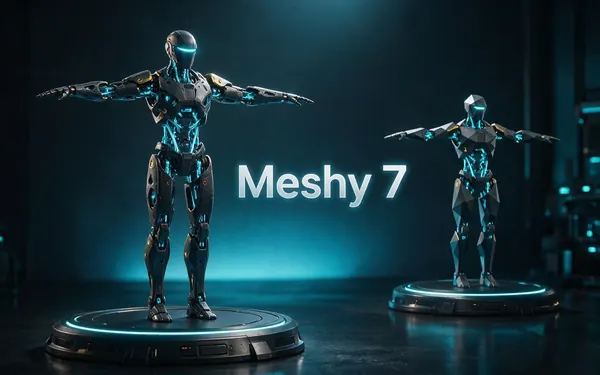
Meshy 7
- Inputs
- Text · Photo · Multi-view (up to 4 views)
- Files
- GLB, FBX, OBJ, USDZ
- Typical time
- about 3–4 min
Open Meshy 7Best for
Detailed game and product assets, with an Ultra detail switch, low-poly mode and auto-rigging.
Meshy
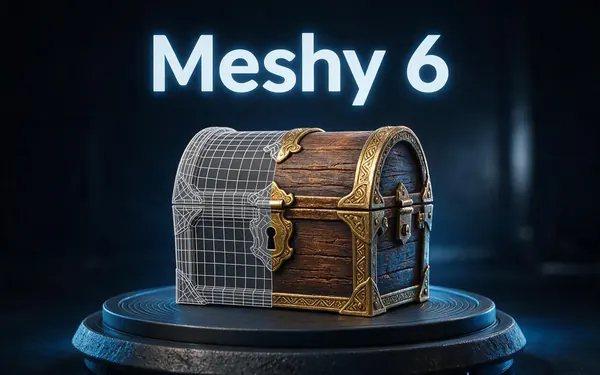
Meshy 6
- Inputs
- Text · Photo
- Files
- GLB, FBX, OBJ, USDZ
- Typical time
- about 3–4 min
Open Meshy 6Best for
Reliable textured meshes with a polygon budget you control — the engine 3D Studio started on.
Tripo
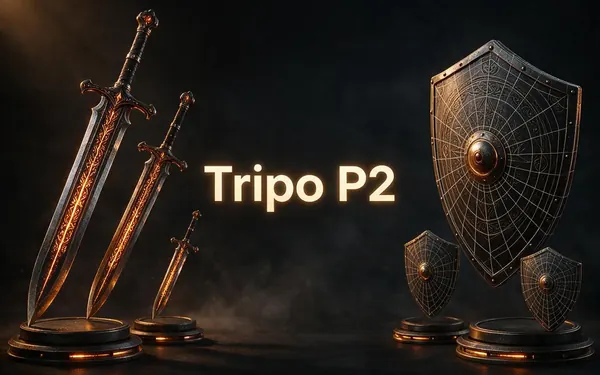
Tripo P2
- Inputs
- Text · Photo
- Files
- GLB, FBX
- Typical time
- about 3–4 min
Open Tripo P2Best for
Crisp, game-ready meshes with pro texture tiers up to Extreme and clean quad remeshing.
All models (9)
Tripo
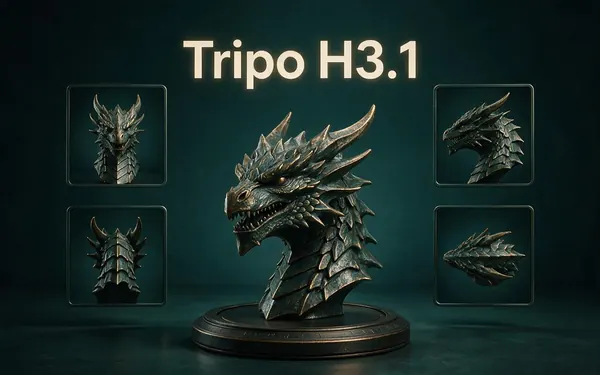
Tripo H3.1
- Inputs
- Text · Photo · Multi-view (up to 4 views)
- Files
- GLB
- Typical time
- about 4–5 min
Open Tripo H3.1Best for
High-quality meshes, with detailed geometry and a four-view mode for exact shapes.
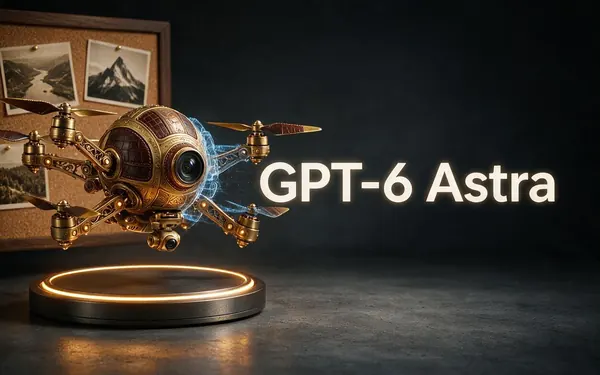
OpenAI
GPT-6 Astra
- Inputs
- Text · Photo · Multi-view (up to 10 views)
- Files
- GLB
- Typical time
- about 5–6 min
Open GPT-6 AstraBest for
OpenAI's general GPT-6 Astra model run as a 3D job — follows long, detailed briefs and up to 10 reference photos, returns a GLB with PBR textures at real-world size. The slowest engine.
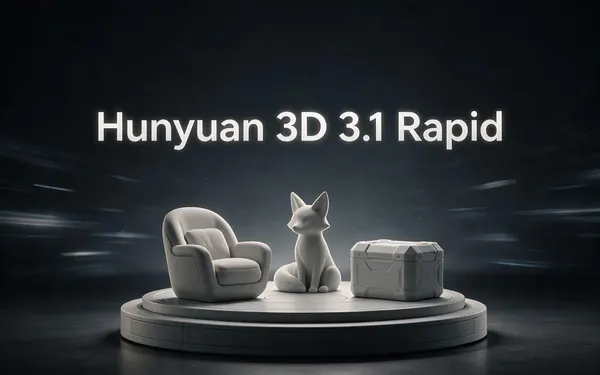
Tencent
Hunyuan 3D 3.1 Rapid
- Inputs
- Text · Photo
- Files
- GLB (untextured)
- Typical time
- about 1 min
Open Hunyuan 3D 3.1 RapidBest for
The fastest geometry — an untextured (clay) GLB for quick blockouts, drafts and ideas.
Typical times are the studio’s own estimates; real runs vary with load and settings. Formats are what each engine returns — GLB previews in the browser, other formats download.
How it works
The AI-to-print workflow
Four steps from prompt to plate.
Generate
Make the model in 3D Studio — Rodin for detail and STL, Tripo H3.1 for photos, Hunyuan for quick drafts.
Convert
Download STL, or convert GLB to STL / 3MF with the free tools.
Size and orient
Set the real size in mm and stand it Z-up for the slicer.
Slice and print
Repair small holes in the slicer, add supports where overhangs exceed ~45°, print.
How to
How to use the AI 3D Printing Model Generator
- Time needed
- Steps
- 4 steps
Step 1
Describe or upload
One object, chunky forms, no thin floating parts.
Step 2
Pick Rodin for STL
Choose 150K–500K triangles for detail, then STL as the file format.
Step 3
Size it
Use the STL editor or GLB to STL to set the size in millimetres.
Step 4
Slice and print
Open in your slicer, check supports and print.
Watch the tour · 1:48
Text, photo or multi-view to a textured GLB, nine engines, the viewer & lighting, compare engines, gallery, download & chat
Chapters
Use cases
What people print
Action figures
Collectible figures on display bases.
Tabletop miniatures
Characters and monsters on round bases.
Figurines and gifts
Pets, mascots and keepsakes.
Props and cosplay
Helmet parts, badges and accessories.
Keychains and signs
With the free 3D text tool.
Prototypes
Quick physical mock-ups of a product idea.
Tips
Design for printing
Ask for “chunky”, “solid”, “on a round base” — thin swords, fingers and capes break.
Keep walls at least about 0.9 mm for a 0.4 mm nozzle.
Overhangs past about 45° need supports — a base and upright poses help.
Use dense triangle meshes (150K+) for small, detailed prints.
Print a small test first, then scale up.
Prompt guide
Prompts that make good 3D models
A collectible action figure…
A collectible action figure of a heroic space marine on a round display base
A tabletop miniature of a d…
A tabletop miniature of a dwarf warrior with a hammer on a round base
A cute chunky dragon figuri…
A cute chunky dragon figurine sitting on a rock, no thin parts
Compare
Which engine for 3D printing?
All engines can feed a printer; they differ in detail and file type.
| Engine | For printing | Notes |
|---|---|---|
| Rodin 2.5 / 2 | STL directly, up to 500K triangles | Most control over mesh detail |
| Tripo H3.1 | Very dense GLB from photos | Decimate before slicing |
| Meshy 7.1 | GLB / OBJ, up to 4K geometry detail | Clean surfaces |
| Hunyuan 3D Rapid | Untextured GLB in ~1 min | Test prints and drafts |
Example uses
How creators use the AI 3D printing model generator
Illustrative examples of typical workflows, not customer reviews.
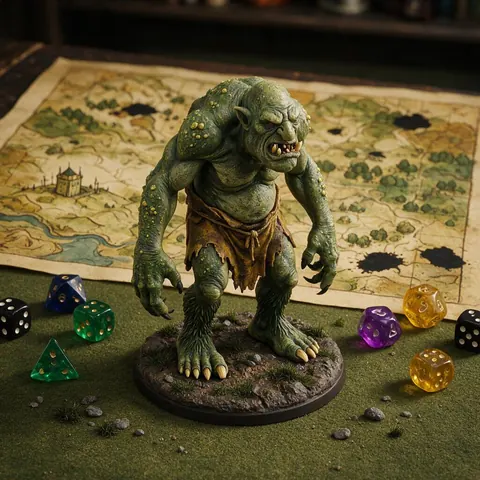
Tabletop gamer
A tabletop gamer can describe a monster for the next session, generate it and print it as a miniature on a round base.
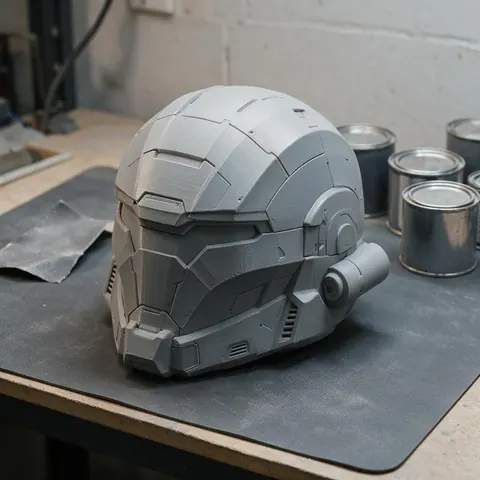
Cosplayer
A cosplayer can generate a prop or badge, size it in millimetres and print the parts for a costume.
Product designer
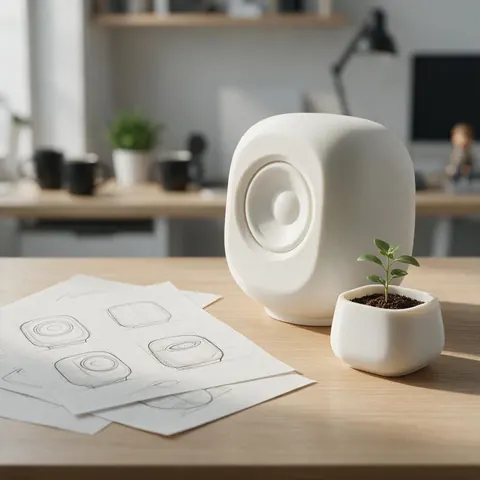
A designer can generate a quick physical mock-up of a product idea and print it to discuss the shape.
FAQ
AI 3D Printing Model Generator questions
7 questions
Can AI make 3D printable models?
Yes. AI engines create a 3D mesh from a prompt or photo; with a closed mesh, sensible wall thickness and the right size, it prints like any other STL.
Link to this answerWhich is the best AI 3D model generator for 3D printing?
For a ready print file, Rodin: in the 3D Studio, Rodin 2.5 and Rodin 2 return STL directly. Other engines return GLB, which converts to STL for free in your browser.
Link to this answerAre AI models watertight?
Usually close. Slicers repair small holes automatically; check the clay view and your slicer's warnings.
Link to this answerHow do I make an AI model the right size?
STL has no units. Use the free STL editor or GLB to STL tool to set the longest side in millimetres.
Link to this answerFDM or resin?
Both work. Resin suits small detailed figures and miniatures; FDM suits larger, chunkier parts.
Link to this answerIs it free?
3D generation is on any paid plan or credit pack. Converting, editing and viewing files is free and needs no account.
Link to this answerCan I make a photo of a person into a figure?
You can turn photos into figures; use photos you have the right to use, and no images of real people without their consent.
Link to this answerIn depth
AI 3D Printing Model Generator, explained
Turning AI meshes into reliable prints.
On this page
What makes a mesh printable
Printers need a closed (manifold) surface, walls thicker than about one perimeter — 0.45 mm on a 0.4 mm nozzle, 0.9 mm to be safe — and overhangs under about 45° or supports [11]. AI meshes are made for screens, so a quick check in clay view and the slicer catches most issues.
Units and orientation
Detail vs file size
Each triangle costs 50 bytes in binary STL [1]. 150K–500K triangles hold fine sculpted detail for figures; larger, simpler parts print fine from far fewer.
Try the AI 3D Printing Model Generator
3D generation is part of every paid plan and credit pack. The free 3D tools — viewers, converters, image to STL — need no account.
Tried it? Tell us how it went