

Anime · realistic · stylised
AI 3D character generator ready to rig, animate or print
Describe a character or upload a drawing and get a textured 3D character — in A-pose for rigging, auto-rigged on Meshy, or posed for a print.
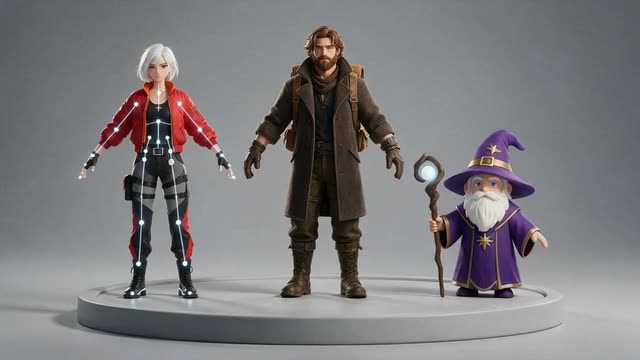
- A-pose / T-pose
- Auto-rig + animation (Meshy)
- GLB · FBX · OBJ
- paid plans & credit packs
Updated by the Kenerate AI team
Made with Kenerate
On this page
Quick answer
What is an AI 3D character generator?
An AI 3D character generator turns a description or a drawing into a textured 3D character model. In Kenerate AI's 3D Studio, characters can come out in A-pose or T-pose, humanoids can be auto-rigged with a preset animation on Meshy, and downloads in GLB, FBX, OBJ or USDZ open in Blender, Unity or Unreal.
Key facts
- Inputs
- Prompt · character drawing · multi-view sheet
- Poses
- A-pose / T-pose (Meshy, Rodin)
- Rigging
- Humanoid auto-rig + one preset animation (Meshy)
- Styles
- Anime, stylised, realistic, low-poly
- Files
- GLB, FBX, OBJ, USDZ (by engine)
- Access
- paid plans and credit packs
Start from a picture
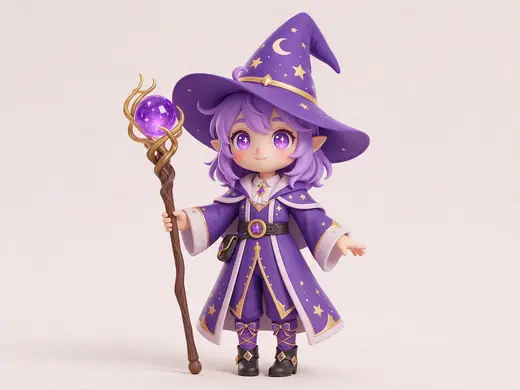
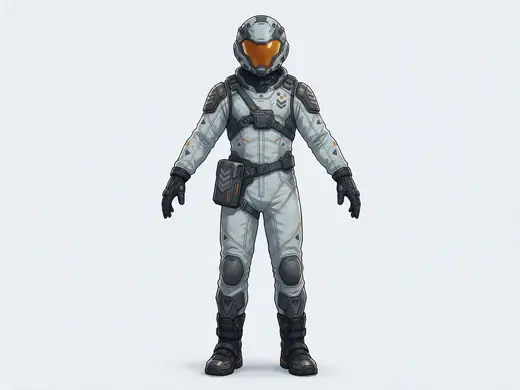
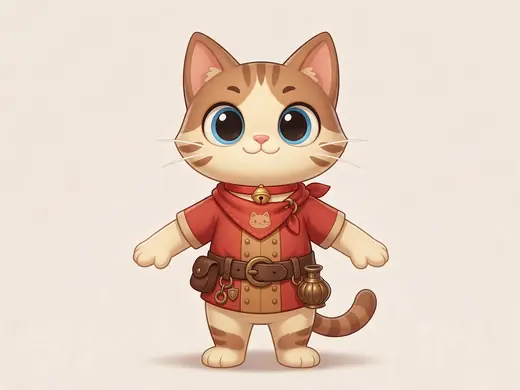
Character ideas
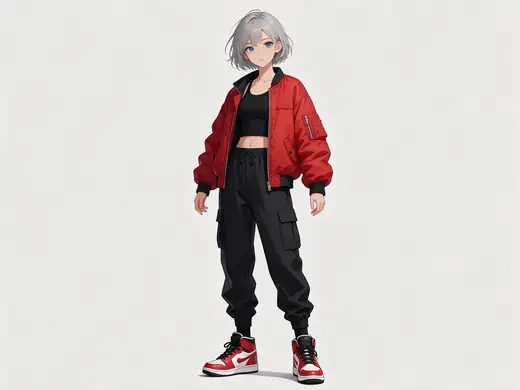
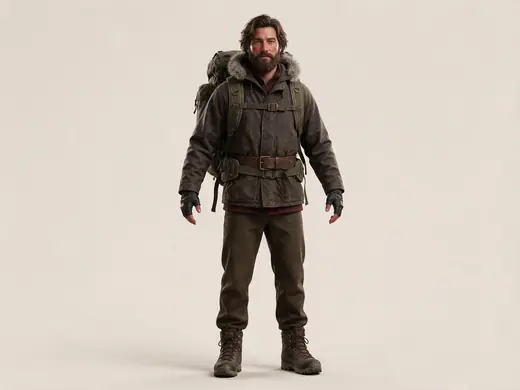
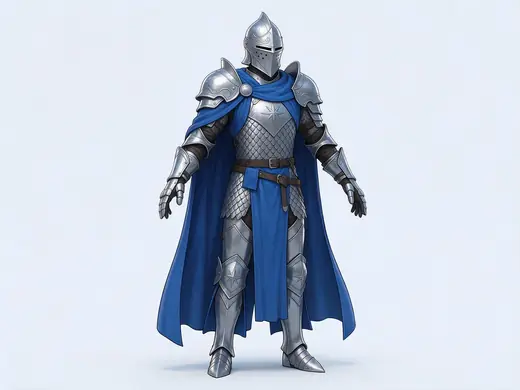
Full-body characters in A-pose — the best kind of reference for a rig-ready model.
Reference images made with Seedream 5.0 Pro. “To 3D” opens Image to 3D in the 3D Studio with that picture.
Why Kenerate
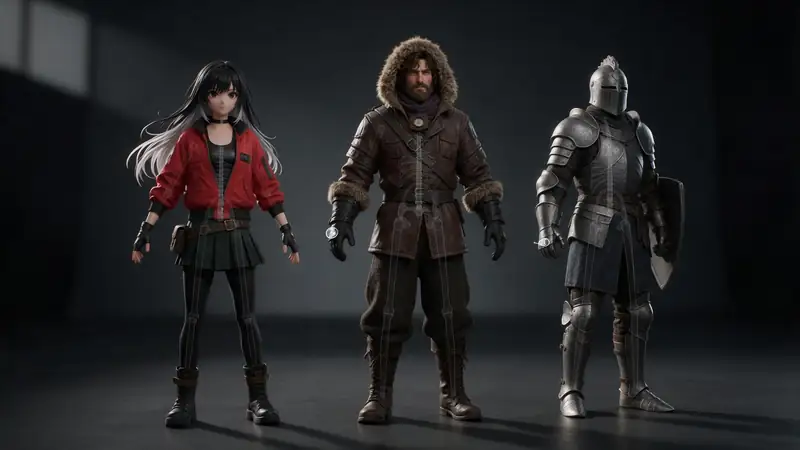
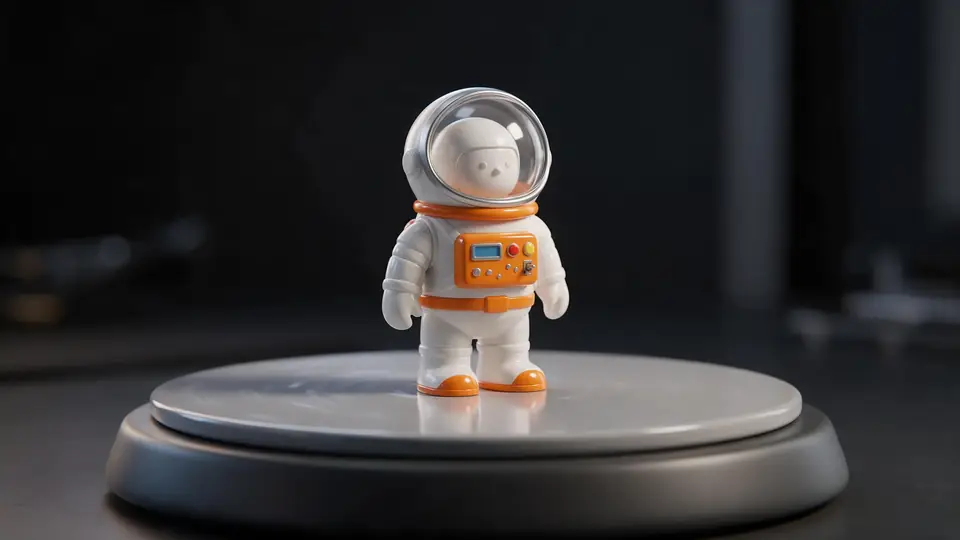
Text to 3D character, for every pipeline
Games, animation, VTubing, printing — the same character, different exports.
Also
What else it does
Any style
Anime, cartoon, realistic, low-poly — say it in the prompt or pick Meshy's low-poly mode.
Export anywhere
FBX for Unity and Unreal, GLB for the web and Blender, OBJ for sculpting tools.
Engines
Nine engines in one 3D Studio
Pick per job — draft fast, then rebuild your favourite on a stronger engine.
- This page
Meshy
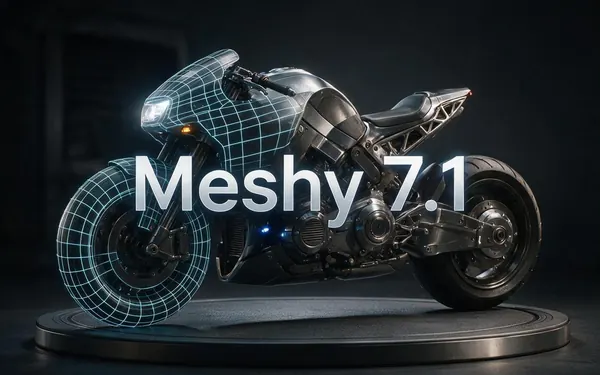
Meshy 7.1
- Inputs
- Text · Photo · Multi-view (up to 4 views)
- Files
- GLB, FBX, OBJ, USDZ
- Typical time
- about 3–4 min
Open Meshy 7.1Best for
Production assets with the finest Meshy geometry (2K / 4K), smart topology, rigging and animation.
- This page
Meshy
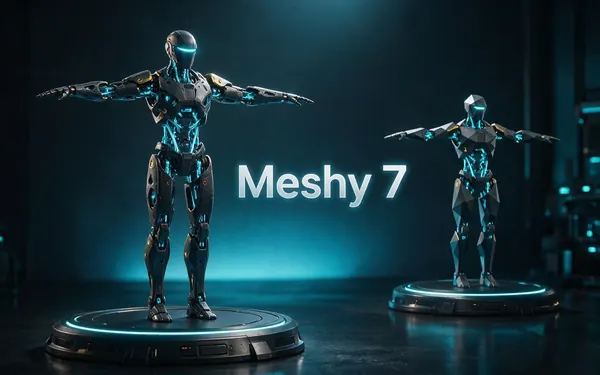
Meshy 7
- Inputs
- Text · Photo · Multi-view (up to 4 views)
- Files
- GLB, FBX, OBJ, USDZ
- Typical time
- about 3–4 min
Open Meshy 7Best for
Detailed game and product assets, with an Ultra detail switch, low-poly mode and auto-rigging.
- This page
Meshy
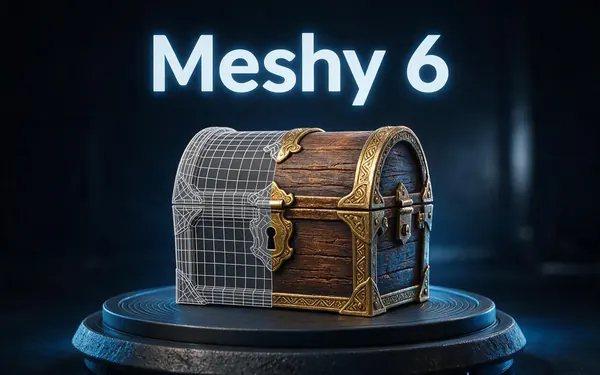
Meshy 6
- Inputs
- Text · Photo
- Files
- GLB, FBX, OBJ, USDZ
- Typical time
- about 3–4 min
Open Meshy 6Best for
Reliable textured meshes with a polygon budget you control — the engine 3D Studio started on.
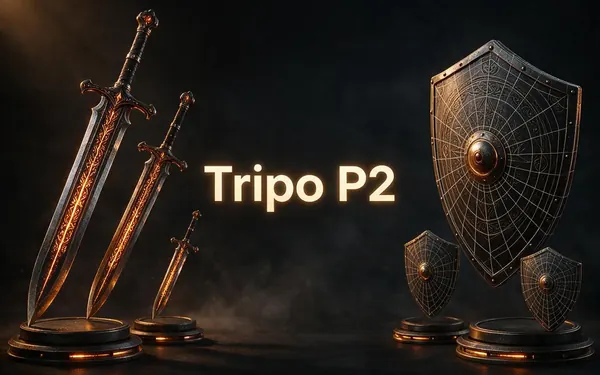
Tripo
Tripo P2
- Inputs
- Text · Photo
- Files
- GLB, FBX
- Typical time
- about 3–4 min
Open Tripo P2Best for
Crisp, game-ready meshes with pro texture tiers up to Extreme and clean quad remeshing.
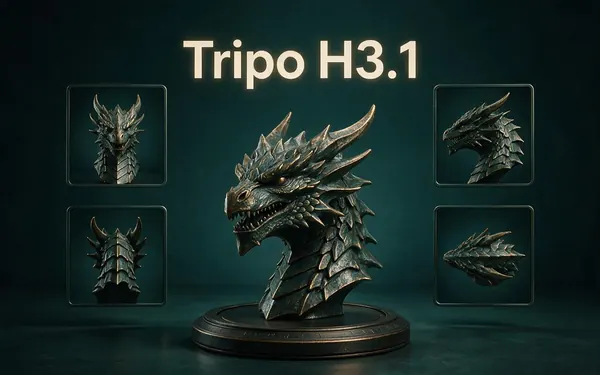
Tripo
Tripo H3.1
- Inputs
- Text · Photo · Multi-view (up to 4 views)
- Files
- GLB
- Typical time
- about 4–5 min
Open Tripo H3.1Best for
High-quality meshes, with detailed geometry and a four-view mode for exact shapes.
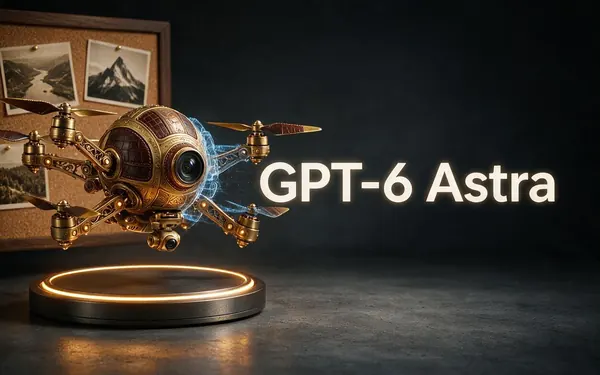
OpenAI
GPT-6 Astra
- Inputs
- Text · Photo · Multi-view (up to 10 views)
- Files
- GLB
- Typical time
- about 5–6 min
Open GPT-6 AstraBest for
OpenAI's general GPT-6 Astra model run as a 3D job — follows long, detailed briefs and up to 10 reference photos, returns a GLB with PBR textures at real-world size. The slowest engine.
All models (9)
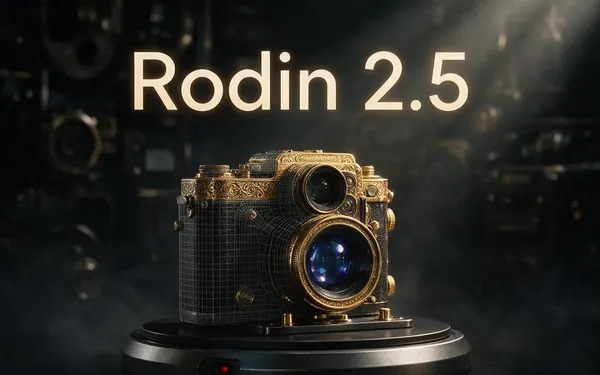
Hyper3D
Rodin 2.5
- Inputs
- Text · Photo · Multi-view (up to 5 views)
- Files
- GLB, FBX, OBJ, USDZ, STL
- Typical time
- about 2–3 min
Open Rodin 2.5Best for
Studio-grade meshes from 2K to 500K faces, quad or triangle, with a HighPack for 4K textures.
Hyper3D
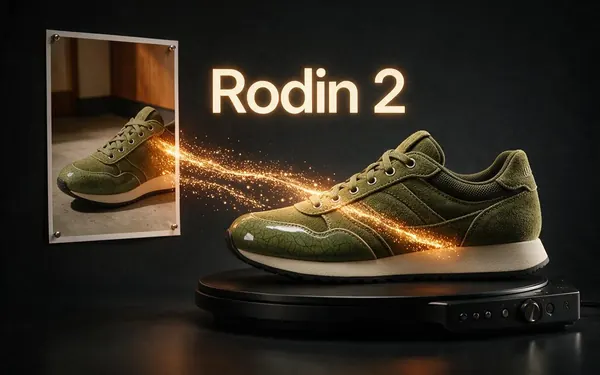
Rodin 2
- Inputs
- Text · Photo · Multi-view (up to 5 views)
- Files
- GLB, FBX, OBJ, USDZ, STL
- Typical time
- about 2–3 min
Open Rodin 2Best for
Clean, detailed meshes — the first photo drives the materials.
Tencent
Hunyuan 3D 3.1 Rapid
- Inputs
- Text · Photo
- Files
- GLB (untextured)
- Typical time
- about 1 min
Open Hunyuan 3D 3.1 RapidBest for
The fastest geometry — an untextured (clay) GLB for quick blockouts, drafts and ideas.
Typical times are the studio’s own estimates; real runs vary with load and settings. Formats are what each engine returns — GLB previews in the browser, other formats download.
How it works
From idea to animated character
The usual path.
Describe or draw
Prompt the look and outfit, or upload a drawing or turnaround.
Generate in A-pose
Meshy 7.1 or Rodin with A/T-pose for rigging.
Rig (optional)
Meshy auto-rigs humanoids and adds a preset animation.
Export
FBX / GLB into your engine or Blender.
How to
How to use the AI 3D Character Generator
- Time needed
- Steps
- 4 steps
Step 1
Write the character
Body type, outfit, colours, style — and “full body, A-pose”.
Step 2
Pick Meshy 7.1
Turn on A-pose and auto-rig if you'll animate.
Step 3
Generate and check
Inspect in the viewer: hands, face, back.
Step 4
Download
FBX for game engines, GLB for Blender and web.
Watch the tour · 1:48
Text, photo or multi-view to a textured GLB, nine engines, the viewer & lighting, compare engines, gallery, download & chat
Chapters
Use cases
Popular character uses
Indie games
NPCs and heroes in a consistent style.
Animation tests
Rigged characters for previs.
VTuber and avatars
A base mesh to refine and rig further.
Figures
Print your character as a figure.
Tips
Better AI characters
Always say “full body” and the pose (A-pose) for rigging.
Keep outfits simple at first — capes and loose hair complicate rigs.
Use a front/side/back drawing for consistent proportions.
Auto-rigging is humanoid only; creatures need manual rigging.
Prompt guide
Prompts that make good 3D models
A stylised adult anime woma…
A stylised adult anime woman with short silver hair, red bomber jacket and sneakers, full body, A-pose
A realistic middle-aged exp…
A realistic middle-aged explorer with a beard, wool coat and backpack, full body
A stylised old wizard with…
A stylised old wizard with a long beard, big hat and staff, chunky cartoon proportions, game character
Example uses
How creators use the AI 3D character generator
Illustrative examples of typical workflows, not customer reviews.
Indie game developer
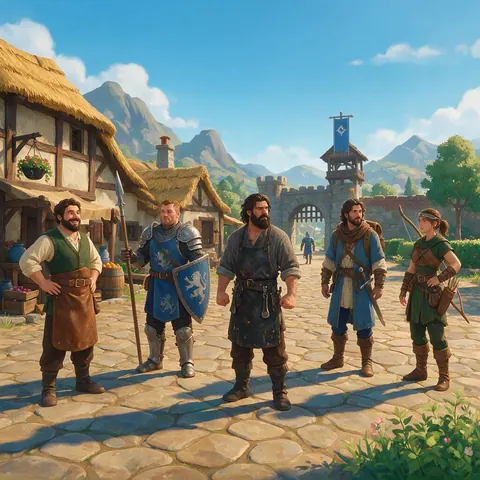
An indie game developer can describe each NPC and hero in the same style and export them as FBX for the engine, keeping the cast visually consistent.
Animator
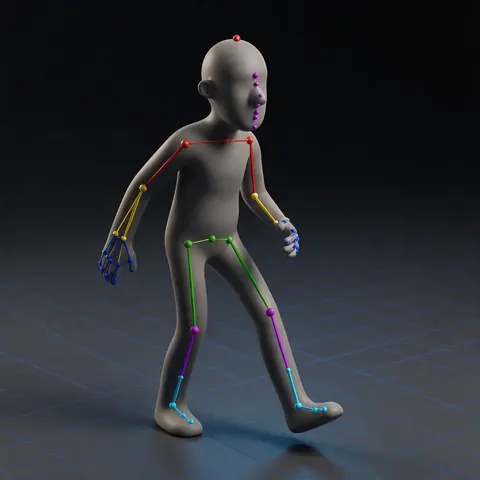
An animator can generate a character in A-pose, auto-rig it and drop it into a previs scene to test timing before final modelling.
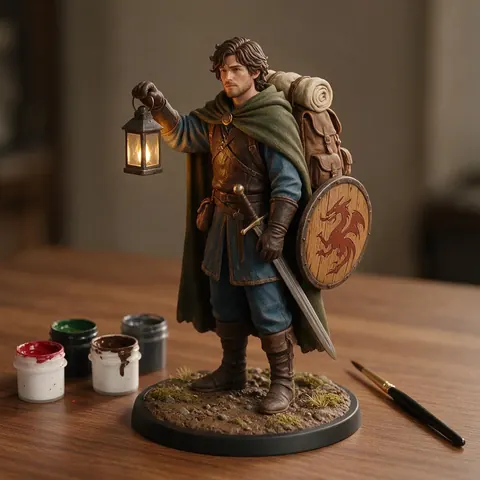
Figure maker
A hobbyist can take a generated character, pose it and send it to a printer to keep a physical figure of their own design.
FAQ
AI 3D Character Generator questions
Can AI create 3D characters?
Yes. An AI character 3D model generator creates textured character meshes from a description (text to 3D character) or a drawing, ready to refine, rig or print.
Link to this answerCan the characters be rigged?
Meshy auto-rigs humanoid characters and can add one preset animation. Other engines give A/T-pose meshes you can rig in Blender or Mixamo-style tools.
Link to this answerCan I make an anime 3D model?
Yes — describe the anime style and outfit, or upload an anime drawing.
Link to this answerWhich file format for Unity or Unreal?
FBX (Meshy, Tripo P2, Rodin) or GLB; both engines import them.
Link to this answerCan I make a 3D avatar of myself?
You can generate from a photo you have the right to use. Results are stylised approximations, not exact likenesses.
Link to this answerIs it free?
Generation is on any paid plan or credit pack.
Link to this answerIn depth
AI 3D Character Generator, explained
Getting rig-ready characters from AI.
Why A-pose matters
Auto-rigging and skinning work best when arms are away from the body and legs slightly apart. In the studio, Meshy offers A-pose and T-pose generation plus humanoid auto-rigging, and Rodin offers an A/T-pose option.
From one drawing to a full character
A single drawing only shows one side; multi-view input (front, side, back) lets engines like Tripo H3.1 match the whole body [23].
Try the AI 3D Character Generator
3D generation is part of every paid plan and credit pack. The free 3D tools — viewers, converters, image to STL — need no account.
Tried it? Tell us how it went