

Unity · Unreal · Godot
AI game asset generator props, characters, ready for your engine
Fill a level fast: generate props, weapons, furniture and characters with PBR textures at the polygon budget your game needs, then drop the FBX or GLB into your engine.
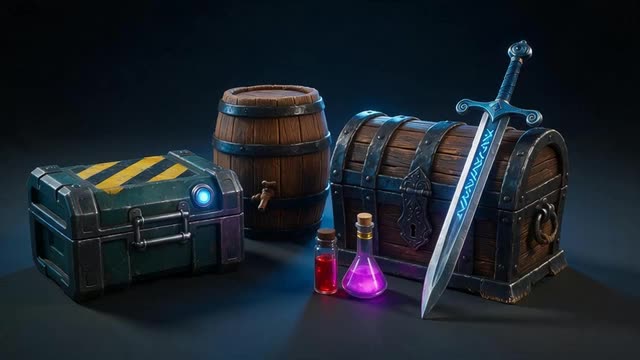
- Quad meshes and face budgets
- PBR textures
- FBX · GLB
- paid plans & credit packs
Updated by the Kenerate AI team
Made with Kenerate

On this page
Quick answer
What is an AI game asset generator?
An AI game asset generator creates 3D props and characters from text or images for use in game engines. Kenerate AI's 3D Studio makes them with PBR textures at a polygon budget you choose, with quad meshes and humanoid rigging on some engines, and exports FBX or GLB, which Unity, Unreal Engine and Godot all import.
Key facts
- Topology
- Native quads (Tripo P2), quad remesh (Meshy, Tripo H3.1, Rodin)
- Budgets
- Tripo P2 up to 25k quads / 50k tris; Meshy 1k–300k; Rodin 2K–500K
- Materials
- PBR (base colour, metal, roughness, normal)
- Files
- FBX (Meshy, Tripo P2, Rodin), GLB (all)
- Characters
- A/T-pose; humanoid auto-rig on Meshy
- Access
- paid plans and credit packs
Start from a picture
Game prop ideas
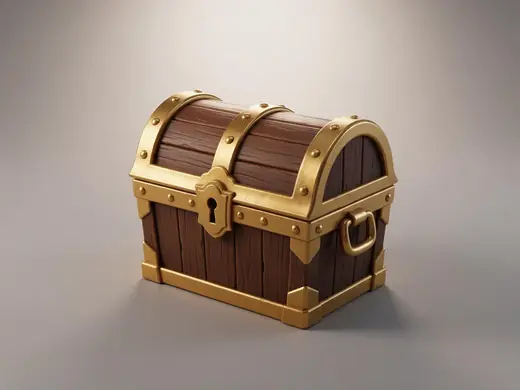
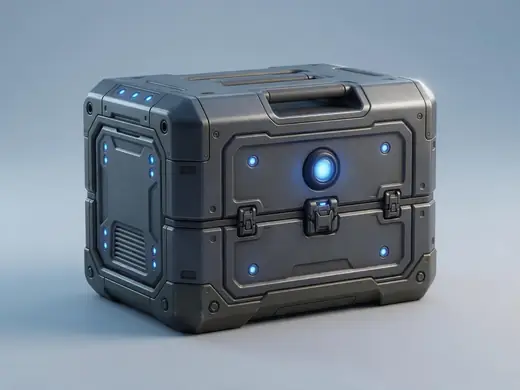
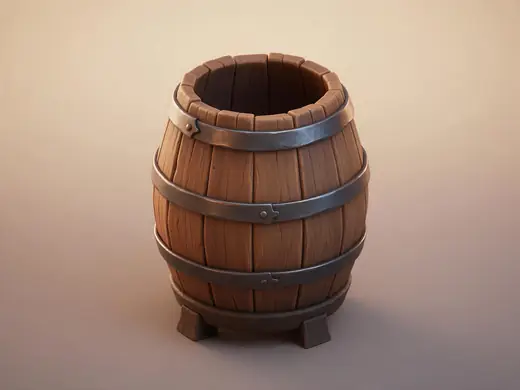
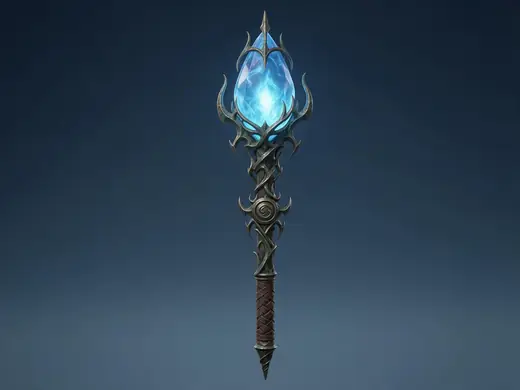
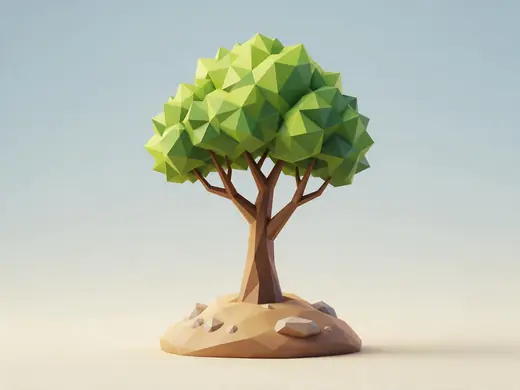
Chests, potions, crates and props — one object per picture, ready to turn into an asset.
Reference images made with Seedream 5.0 Pro. “To 3D” opens Image to 3D in the 3D Studio with that picture.
Why Kenerate
An AI game asset creator that fits your engine
Engines care about polygons, UVs and materials — so do these options.
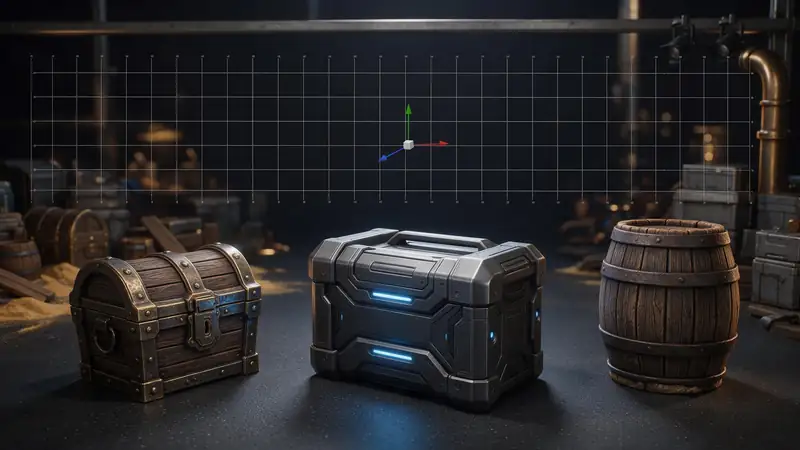
Polycount you control
Face budgets on Tripo P2, polygon targets on Meshy, exact quad/triangle budgets on Rodin.
Try it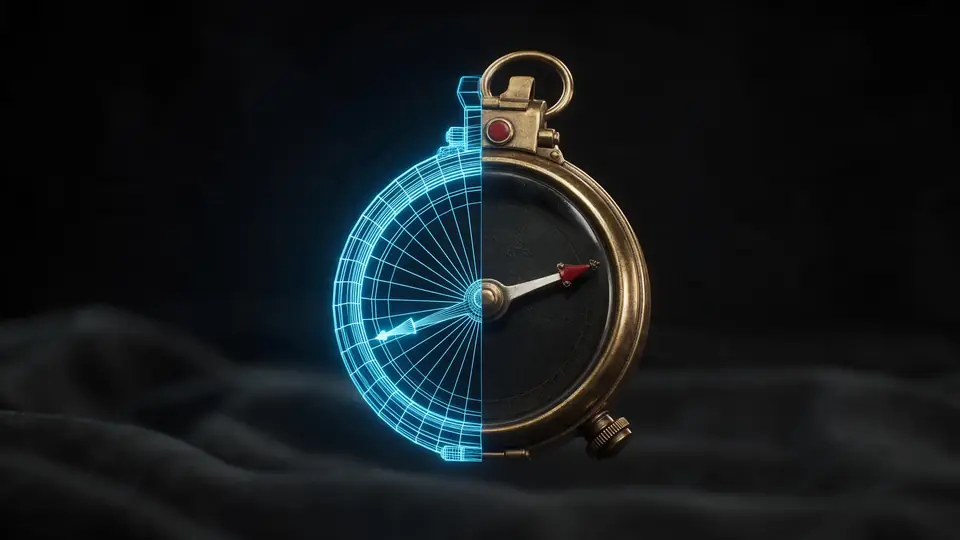
Also
What else it does
PBR out of the box
Base colour, metalness, roughness and normal maps that relight in any modern engine.
Characters too
A-pose characters with humanoid auto-rigging on Meshy.
Engines
Nine engines in one 3D Studio
Pick per job — draft fast, then rebuild your favourite on a stronger engine.
- This page
Tripo
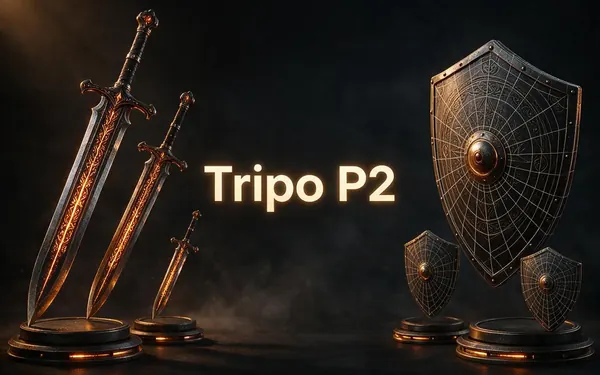
Tripo P2
- Inputs
- Text · Photo
- Files
- GLB, FBX
- Typical time
- about 3–4 min
Open Tripo P2Best for
Crisp, game-ready meshes with pro texture tiers up to Extreme and clean quad remeshing.
- This page
Tripo
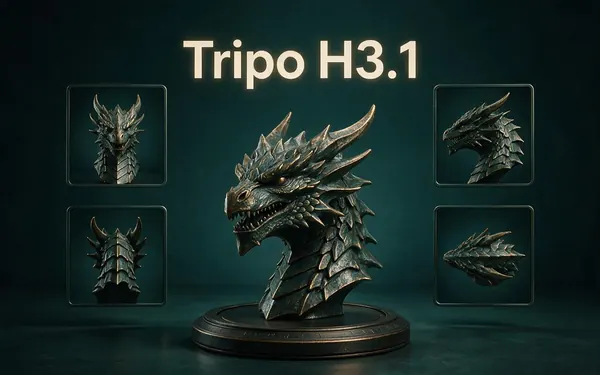
Tripo H3.1
- Inputs
- Text · Photo · Multi-view (up to 4 views)
- Files
- GLB
- Typical time
- about 4–5 min
Open Tripo H3.1Best for
High-quality meshes, with detailed geometry and a four-view mode for exact shapes.
Meshy
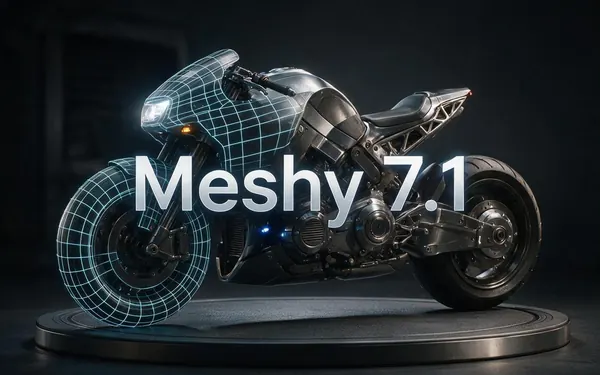
Meshy 7.1
- Inputs
- Text · Photo · Multi-view (up to 4 views)
- Files
- GLB, FBX, OBJ, USDZ
- Typical time
- about 3–4 min
Open Meshy 7.1Best for
Production assets with the finest Meshy geometry (2K / 4K), smart topology, rigging and animation.
Meshy
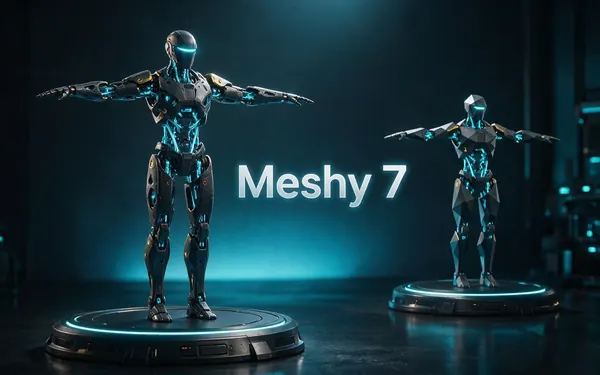
Meshy 7
- Inputs
- Text · Photo · Multi-view (up to 4 views)
- Files
- GLB, FBX, OBJ, USDZ
- Typical time
- about 3–4 min
Open Meshy 7Best for
Detailed game and product assets, with an Ultra detail switch, low-poly mode and auto-rigging.
Meshy
Meshy 6
- Inputs
- Text · Photo
- Files
- GLB, FBX, OBJ, USDZ
- Typical time
- about 3–4 min
Open Meshy 6Best for
Reliable textured meshes with a polygon budget you control — the engine 3D Studio started on.
OpenAI
GPT-6 Astra
- Inputs
- Text · Photo · Multi-view (up to 10 views)
- Files
- GLB
- Typical time
- about 5–6 min
Open GPT-6 AstraBest for
OpenAI's general GPT-6 Astra model run as a 3D job — follows long, detailed briefs and up to 10 reference photos, returns a GLB with PBR textures at real-world size. The slowest engine.
All models (9)
Hyper3D
Rodin 2.5
- Inputs
- Text · Photo · Multi-view (up to 5 views)
- Files
- GLB, FBX, OBJ, USDZ, STL
- Typical time
- about 2–3 min
Open Rodin 2.5Best for
Studio-grade meshes from 2K to 500K faces, quad or triangle, with a HighPack for 4K textures.
Hyper3D
Rodin 2
- Inputs
- Text · Photo · Multi-view (up to 5 views)
- Files
- GLB, FBX, OBJ, USDZ, STL
- Typical time
- about 2–3 min
Open Rodin 2Best for
Clean, detailed meshes — the first photo drives the materials.
Tencent
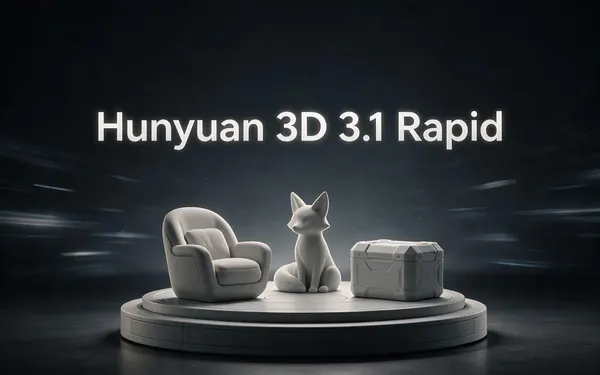
Hunyuan 3D 3.1 Rapid
- Inputs
- Text · Photo
- Files
- GLB (untextured)
- Typical time
- about 1 min
Open Hunyuan 3D 3.1 RapidBest for
The fastest geometry — an untextured (clay) GLB for quick blockouts, drafts and ideas.
Typical times are the studio’s own estimates; real runs vary with load and settings. Formats are what each engine returns — GLB previews in the browser, other formats download.
How it works
From prompt to engine
A typical prop workflow.
Describe
One prop per prompt, with style and materials.
Budget
Pick an engine and face budget for the target platform.
Generate
PBR textures, quad or triangle mesh.
Import
FBX / GLB into Unity, Unreal or Godot; set colliders and LODs.
How to
How to use the AI Game Asset Generator
- Time needed
- Steps
- 4 steps
Step 1
Describe one asset
Name the object, style (stylised / realistic / low-poly) and materials.
Step 2
Choose Tripo P2 for props
Set a face limit and quad mesh.
Step 3
Generate and inspect
Check wireframe and texture in the viewer.
Step 4
Export
FBX for Unity / Unreal, GLB for Godot and the web.
Watch the tour · 1:48
Text, photo or multi-view to a textured GLB, nine engines, the viewer & lighting, compare engines, gallery, download & chat
Chapters
Use cases
Popular game assets
Props
Crates, barrels, chests, furniture.
Weapons and items
Swords, guns, potions, pickups.
Characters and NPCs
A-pose, rigged on Meshy.
Prototyping
Greybox levels with real shapes.
Tips
Tips for game-ready assets
Mobile: aim for a few thousand triangles per prop; PC/console can go higher.
Turn on quads when you'll edit or LOD the mesh.
Keep a consistent prompt style across a set for a cohesive look.
Add colliders and LODs in the engine — AI meshes don't include them.
Prompt guide
Prompts that make good 3D models
A sci-fi supply crate game…
A sci-fi supply crate game asset with hazard stripes and a glowing status light
A low-poly stylised wooden…
A low-poly stylised wooden barrel with iron hoops, game prop
A fantasy sword with a rune…
A fantasy sword with a runed blade and leather grip, game-ready
Example uses
How creators use the AI game asset generator
Illustrative examples of typical workflows, not customer reviews.
Indie game developer
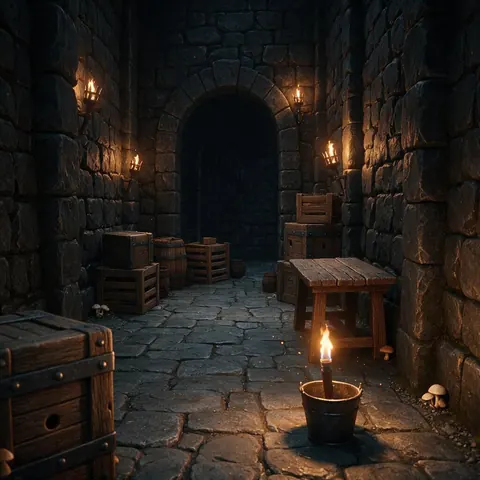
An indie developer can fill a greybox level with crates, barrels and furniture at a face budget, then drop the FBX into Unity or Unreal.

Mobile game artist
A mobile artist can generate low-poly chests, potions and pickups that stay within a few thousand triangles per prop.
Character artist
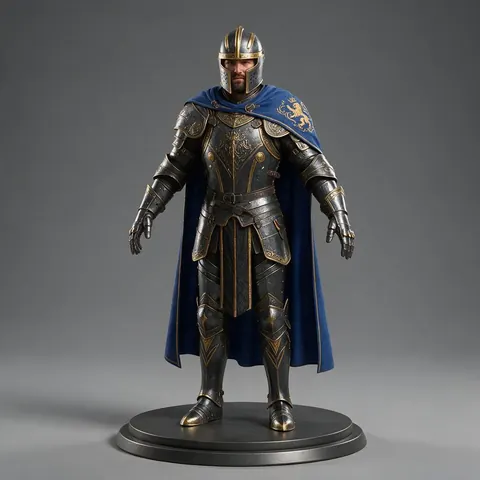
A character artist can start from an A-pose character with PBR textures and auto-rig it for animation tests.
FAQ
AI Game Asset Generator questions
Can AI make game-ready assets?
Yes — props and characters with PBR textures at a chosen polygon budget, exported as FBX or GLB.
Link to this answerDo AI assets work in Unity and Unreal?
Yes. Both import FBX and glTF/GLB; add colliders, LODs and materials as usual.
Link to this answerWhat about Godot?
Godot imports GLB natively — the format every engine in the studio exports.
Link to this answerCan I control the polygon count?
Yes: face limit on Tripo P2, polygon target on Meshy, and exact quad/triangle budgets on Rodin.
Link to this answerCan I use the assets commercially?
You can use generated assets in your projects; check each engine maker's terms for limits.
Link to this answerIs it free?
Generation is on any paid plan or credit pack; the free tools convert and view files.
Link to this answerIn depth
AI Game Asset Generator, explained
Polycount, topology and formats for real-time games.
Native quads vs remeshing
Tripo P2 is described as generating native quad meshes with face budgets [24]; other engines generate triangles and offer a quad remesh. Quads make editing, UVs and LODs easier.
Try the AI Game Asset Generator
3D generation is part of every paid plan and credit pack. The free 3D tools — viewers, converters, image to STL — need no account.
Tried it? Tell us how it went