
Skip to content
18+ · 720p to 4K · clips up to 5 min

NSFW AI Video Enhancer upscale adult clips to 4K

Sharpen a soft or low-resolution clip with Kenerate's video upscaler — 720p, 1080p, 2K or 4K, for clips up to 5 minutes. Or re-render the shot at up to 4K with Seedance 2.5 Spicy.

  • Up to 4K
  • Clips up to 5 min
  • Free credits work
  • No frame interpolation
Upscale to
720p · 1080p · 2K · 4K
Max input
5 min · 200 MB
Frame rate
Unchanged
Nightclub
Scene 1 / 3

Low light

Nightclub

She dances under the neon haze, lights sweeping across the crowd, heavy bass

Wan 3 SpicyAnimate

Quick answer

Kenerate's AI video enhancer is its video upscaler, built on LTX-2 19B: upload a clip of up to 5 minutes and 200 MB and choose 720p, 1080p, 2K or 4K. It sharpens detail and texture at the new size; it doesn't change the frame rate or add frame interpolation. The tool runs on credits, including the 25 free sign-up credits (enough for a few seconds of test). For a new adult clip, rendering at a higher resolution in the first place is often better: Seedance 2.5 Spicy outputs up to 4K and Wan 3 Spicy up to 1080p.

Updated 27 September 2026 · specs read from Kenerate's code

  • Upscale to720p · 1080p · 2K · 4K
  • Max input5 min · 200 MB
  • Frame rateUnchanged
  • Free creditsYes, on the upscaler

Short answers

What people ask first

  • Can I upscale an NSFW video with AI?

    Kenerate's video upscaler takes clips up to 5 minutes and 200 MB and outputs 720p, 1080p, 2K or 4K. It's a general tool with no separate adult mode.

  • Does it add 60 fps or frame interpolation?

    No. The upscaler keeps the clip's frame rate; Kenerate has no frame-interpolation tool.

  • Is it free?

    It runs on credits, and the 25 free sign-up credits work on it — enough for a short test. Spicy video generation needs a credit pack.

  • Upscale or re-render?

    For a clip you already have, upscale. For a new clip, render at a higher resolution to begin with — up to 4K on Seedance 2.5 Spicy.

Start images

Clips worth enhancing

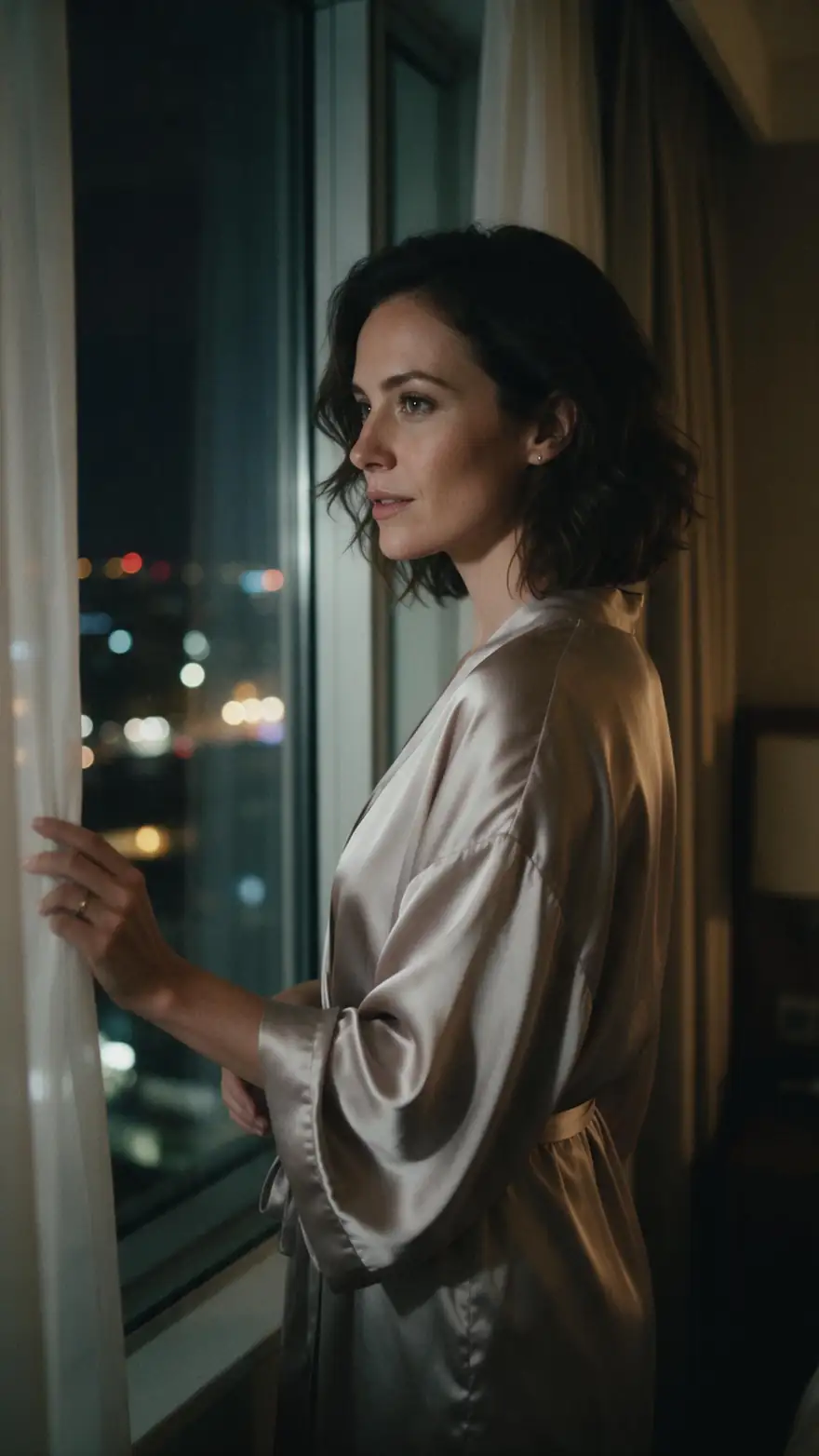
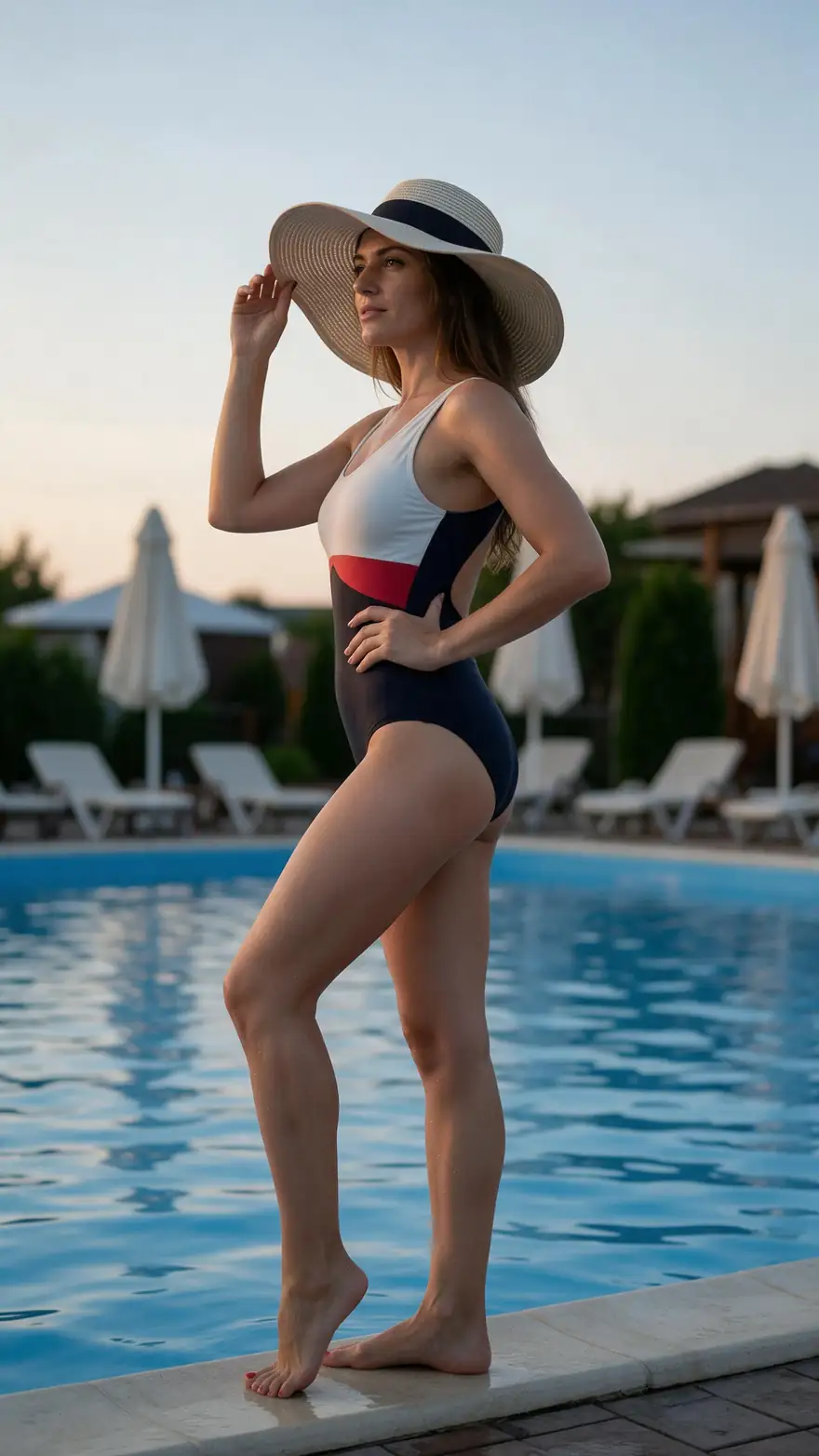
Real Seedream 5.0 Pro stills (SFW): low light, grain and fine detail — the shots an upscaler helps most.

Real Seedream 5.0 Pro images (SFW). Open one for its image prompt, a motion prompt and the model to use.

Nightclub
Start image

How it works

Render, then enhance

Draft at 720p, keep the best take, upscale only that.

  1. 01

    Start image

    Seedream 5.0 Pro at 2K — or upload your own photo.

  2. 02

    Motion prompt

    She dances under the neon haze, lights sweeping across the crowd, heavy bass

  3. 03

    Wan 3 Spicy

    Up to 30 s · up to 1080p · with sound. Long clips up to 30 s, with sound.

Animate this scene

Tips

Getting the most from an upscale

What made a visible difference in our tests.

  • Start from the cleanest source you have — upscaling can't fix heavy blur.
  • Go one or two steps up (720p → 1080p or 2K) before jumping to 4K.
  • Upscale the final cut, not every draft.
  • For new clips, render at a higher resolution on Seedance 2.5 Spicy instead.
  • Frame rate stays the same — there's no interpolation.
  • Only clips of fictional adults or yourself.

Step by step

How to use the nsfw ai video enhancer

  1. Step 1: Sign in

    The upscaler runs on credits, including the 25 free sign-up credits.
  2. Step 2: Upload your clip

    Up to 5 minutes and 200 MB.
  3. Step 3: Pick the output size

    720p, 1080p, 2K or 4K.
  4. Step 4: Download

    Compare it with the original and keep the better one.

Engines

Ways to get a sharper adult clip

From the app's own tools and model list.

  • LTX-2 19B upscaler

    Video upscalerFree credits

    Sharpening an existing clip

    You give it
    A clip up to 5 min / 200 MB
    You get
    720p, 1080p, 2K or 4K
    Open Video upscaler
  • ByteDance

    Seedance 2.5 Spicy

    Rendering a new clip in 4K

    You give it
    Start image (+ end frame)
    You get
    4–30 s · up to 4K · sound
    Open Seedance 2.5 Spicy
  • Alibaba

    Wan 3 Spicy

    Long clips at 1080p

    You give it
    Start image (+ end frame)
    You get
    2–30 s · up to 1080p · sound
    Open Wan 3 Spicy
  • MiniMax

    MiniMax H3 Pro Spicy

    2K clips

    You give it
    Start image
    You get
    4–15 s · 768p or 2K
    Open MiniMax H3 Pro Spicy

The upscaler is a general tool with no separate adult mode; a provider can still refuse a file.

Rules and privacy

Adult video for adults 18+, with one rule that never changes.

  • 18+ and fictional adults only

    Adult prompts are for adults. Every character you create must be a fictional adult.

  • Blocked and not allowed

    Kenerate's prompt filter blocks prompts involving minors on every model, and it can't be switched off. Sexual images of real people aren't allowed.

  • Blurred by default

    Results flagged as adult are shown blurred in your gallery grid.

  • Private switch

    Turn on Private in Advanced settings to keep a generation out of the public feed.

Make the start image first — then animate it with the model that fits the shot.

In depth

NSFW AI Video Enhancer, explained

What the models can do, how to prompt them, and what isn't allowed.

What an AI upscaler actually does

It predicts the detail a sharper camera would have caught — skin texture, fabric, hair — and renders the clip at the new size. It works best on clean, slightly soft footage; heavy blur, blocky compression or very dark frames limit what it can recover.

Frame rate and motion

Upscaling changes resolution, not motion. Pages that promise '60 fps enhancement' are describing frame interpolation, which Kenerate doesn't offer; smooth motion comes from the video model itself.


Sources

    FAQ

    NSFW AI Video Enhancer questions

    6 questions

    Still stuck?

    A real person answers — usually within a day.

    01

    Can I upscale an NSFW video with AI?

    Kenerate's video upscaler takes clips up to 5 minutes and 200 MB and outputs 720p, 1080p, 2K or 4K. It's a general tool with no separate adult mode.

    02

    Does it add 60 fps or frame interpolation?

    No. The upscaler keeps the clip's frame rate; Kenerate has no frame-interpolation tool.

    03

    Is it free?

    It runs on credits, and the 25 free sign-up credits work on it — enough for a short test. Spicy video generation needs a credit pack.

    04

    Upscale or re-render?

    For a clip you already have, upscale. For a new clip, render at a higher resolution to begin with — up to 4K on Seedance 2.5 Spicy.

    05

    What's the maximum length?

    5 minutes, up to 200 MB.

    06

    What isn't allowed?

    Only clips of fictional adults or of yourself. Sexual content of real people without consent and anything involving minors are not allowed.

    See more of Kenerate AI in your Google resultsAdd kenerateai.com as a preferred source — Google shows more from your preferred sources in Top Stories and AI answers.

    Explore

    Every Kenerate video tool

    Generators, tools, models and guides — one studio, one credit balance.

    Written by the Kenerate AI team

    We build and run Kenerate's video studio. Every image here is a real Seedream 5.0 Pro output; model specs and limits were read from the app's code; facts about other tools link to their own pages. Last updated 27 September 2026. Corrections: hello@kenerateai.com.

    Sources

    Ready when you are

    Try the nsfw ai video enhancer

    Adults 18+ only. Minors are always blocked.

    • 25 free credits
    • No watermark
    • Credits never expire