

Skip to content
Motion control or image to video · clothed, fun, adults

AI Twerk Video Generator — fun dance clips from one photo

Turn one full-body photo into a playful twerk or hip-hop dance clip — copy the moves from a dance video with motion control, or describe the dance and let Wan 3 animate it, with music.

  • From one photo
  • Copy a real dance video
  • Or describe the moves
  • Motion tool on the free plan
Ways to make it
2
Motion engines
12
Wan 3 clip
Up to 30 s · sound
Studio routine
Real clip 1 / 5

Hip-hop

Studio routine

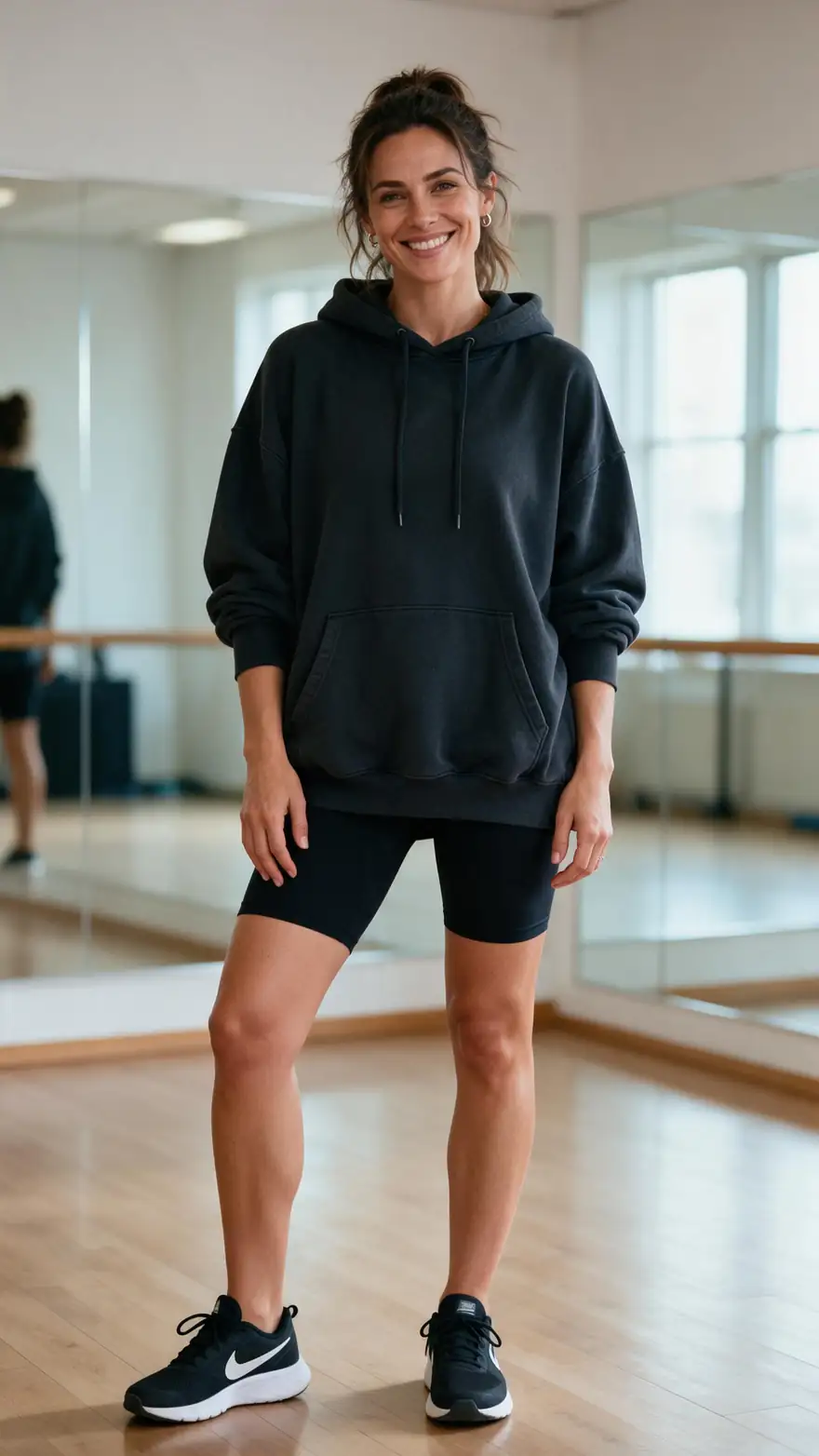
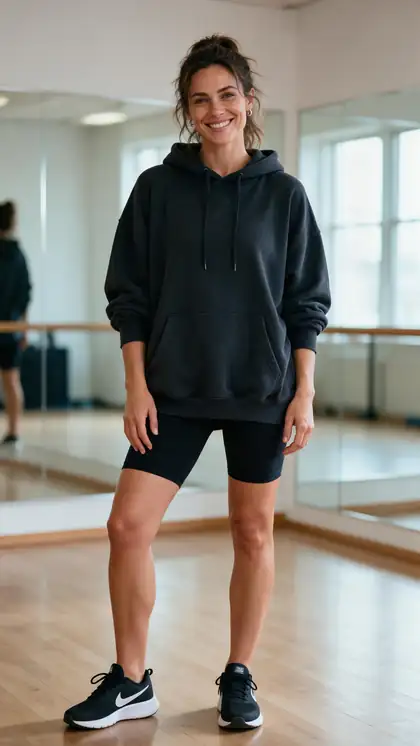
She dances an upbeat hip-hop routine in the studio, bouncing to the beat with hip shakes and arm moves, laughing, reflections in the mirrors, hip-hop beat

Wan 3 · 5 s · 720p · with soundAnimate

Quick answer

An AI twerk video generator turns one full-body photo into a short dance clip. Most apps apply a stored dance template — which is really motion transfer. On Kenerate you have two ways: the motion tool copies the moves from any dance video you upload onto your photo (Kling 3.0 Motion, SCAIL 2, SteadyDancer; works on the free plan), or Wan 3 image to video animates the dance from a text prompt, with music, like the 5-second examples here. Keep it fun and clothed, and only use photos of yourself or people who agreed.

Updated 27 September 2026 · specs read from Kenerate's code

  • Ways to make it2
  • Motion engines12
  • Wan 3 clipUp to 30 s · sound
  • Photo needed1 full-body

Short answers

What people ask first

  • How does an AI twerk generator work?

    It animates one full-body photo with a dance. Most apps use a stored dance template, which is motion transfer; on Kenerate you can copy any dance video with the motion tool, or describe the dance for Wan 3.

  • What photo works best?

    A clear full-body photo — head to feet in frame, arms free, good light. Cropped or sitting photos give stiff results.

  • Can I copy a specific TikTok dance?

    Yes — upload the dance clip as the reference video in the motion tool. Kling 3.0 takes 3–30 seconds; SCAIL 2 and SteadyDancer up to 2 minutes.

  • Does it add music?

    Wan 3 generates sound, so describe the beat in the prompt. On Kling motion, the original sound of your dance clip is kept.

Real clips

Dance clips from one photo

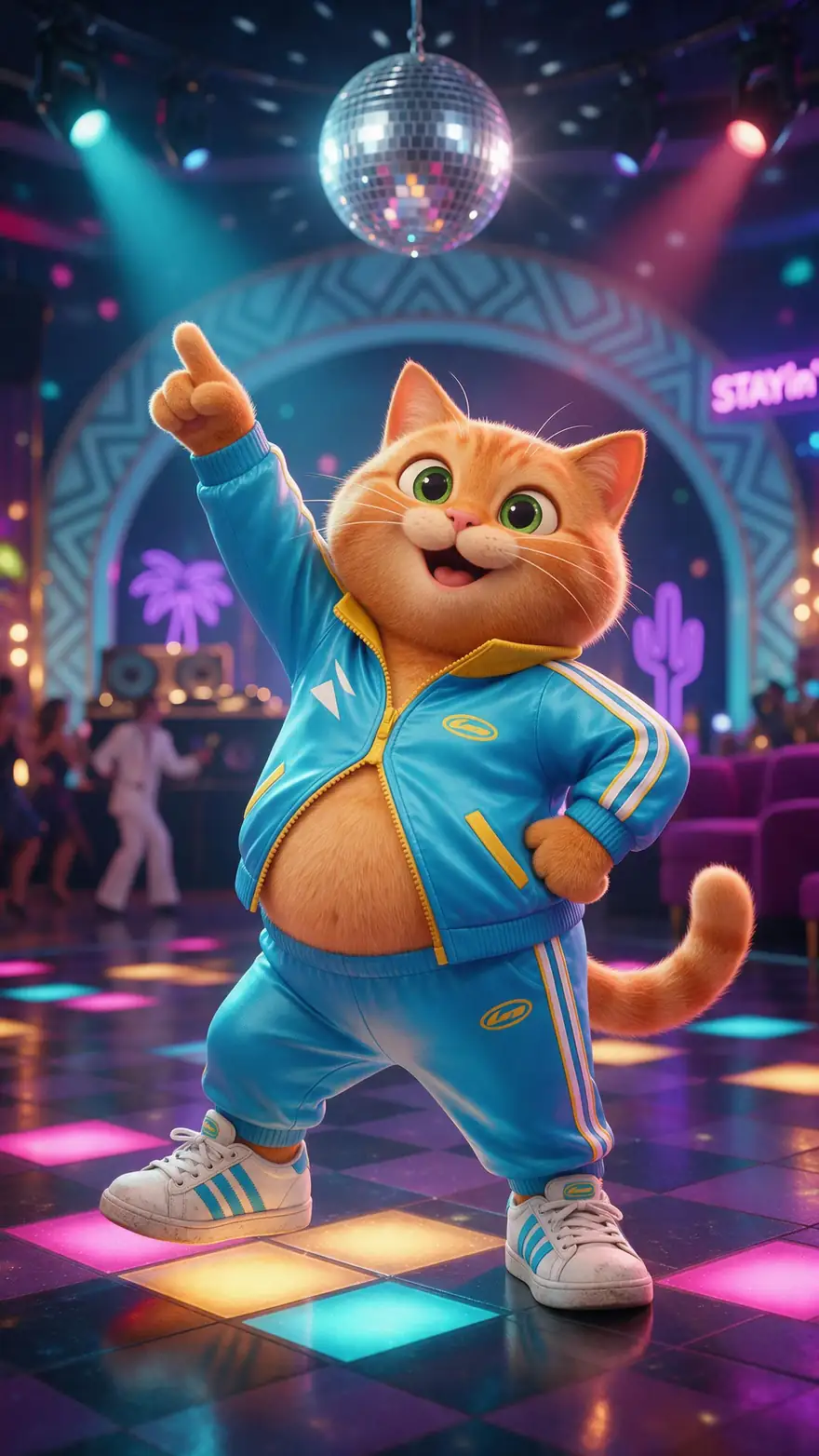
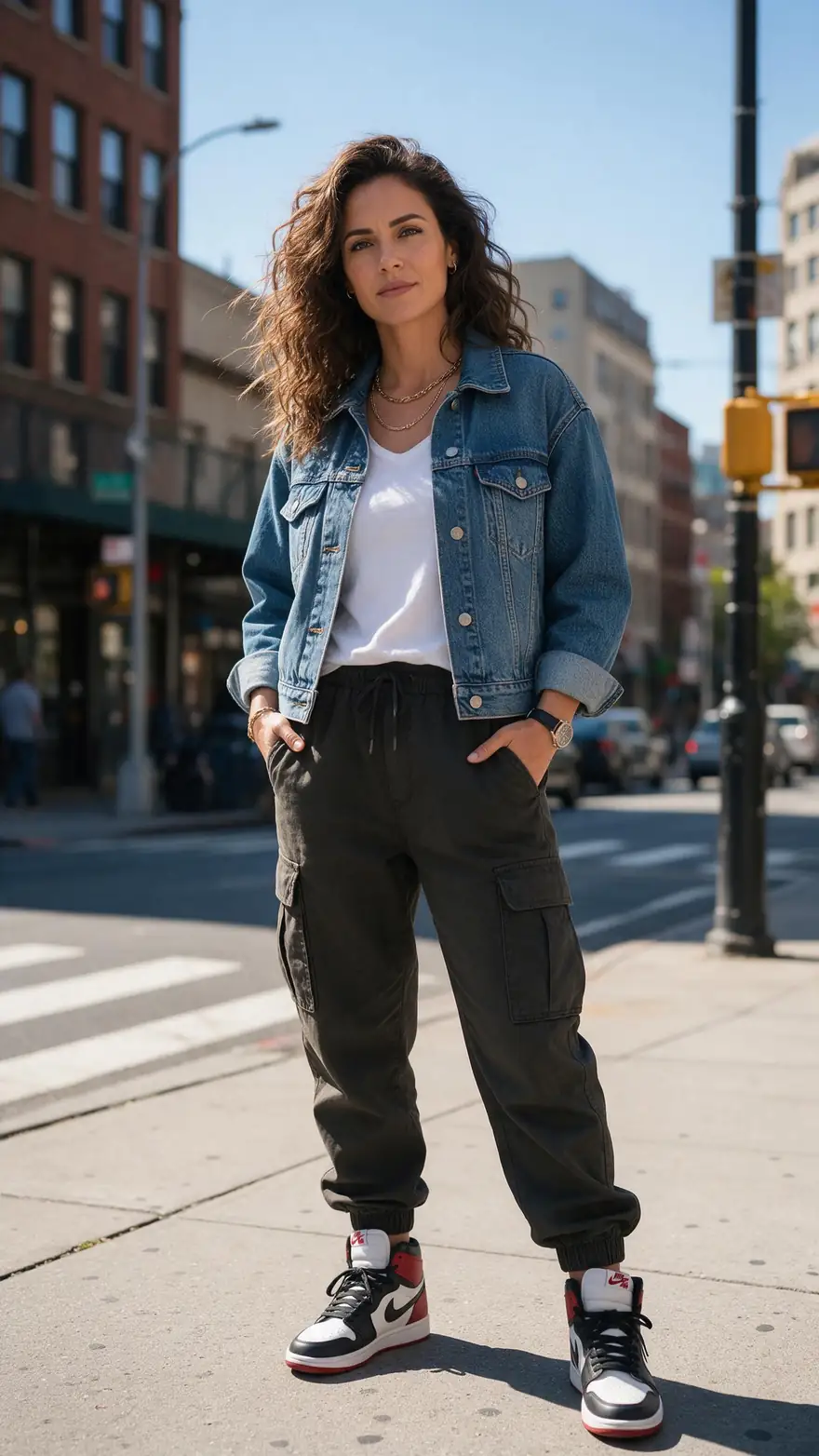
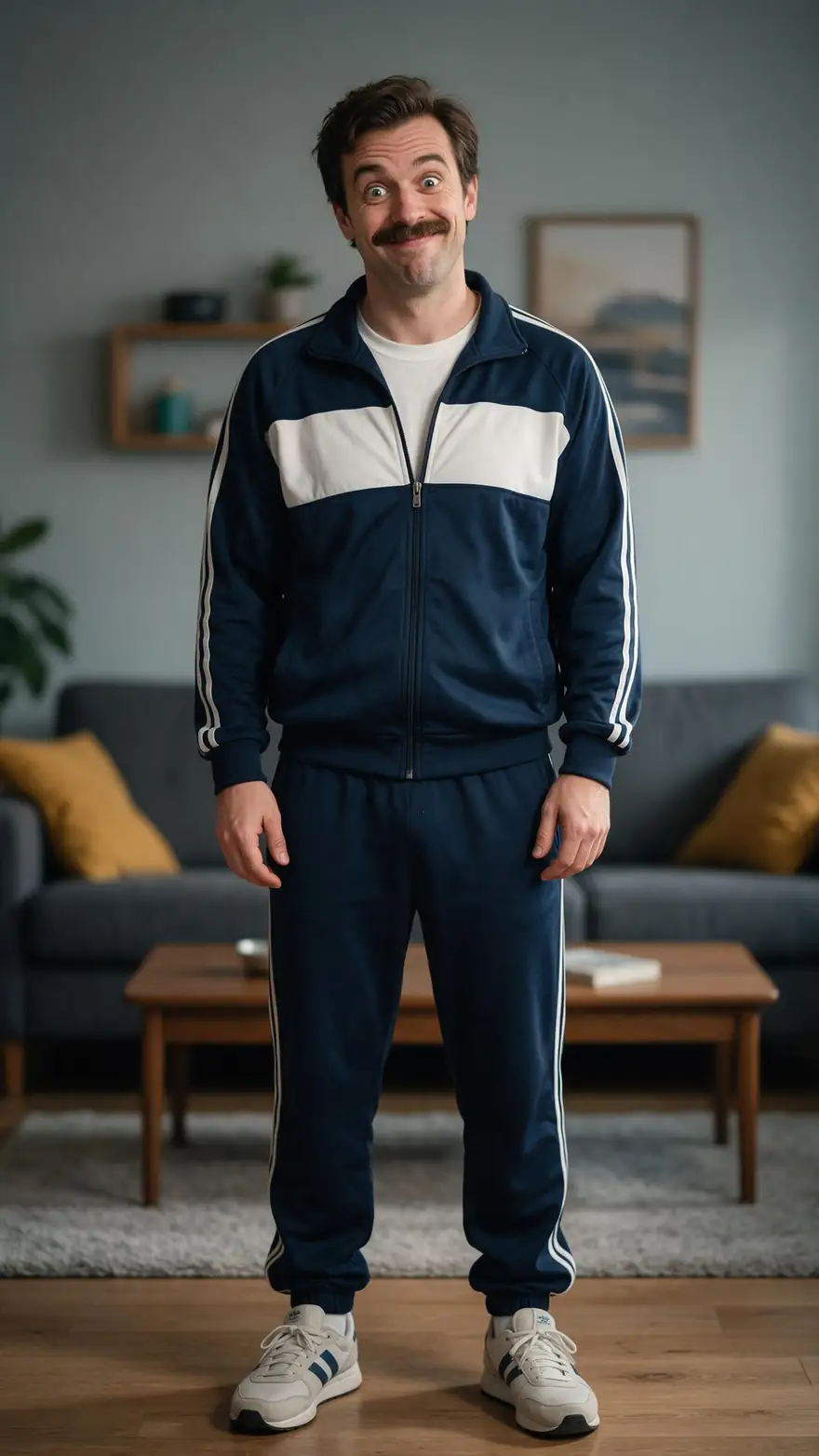
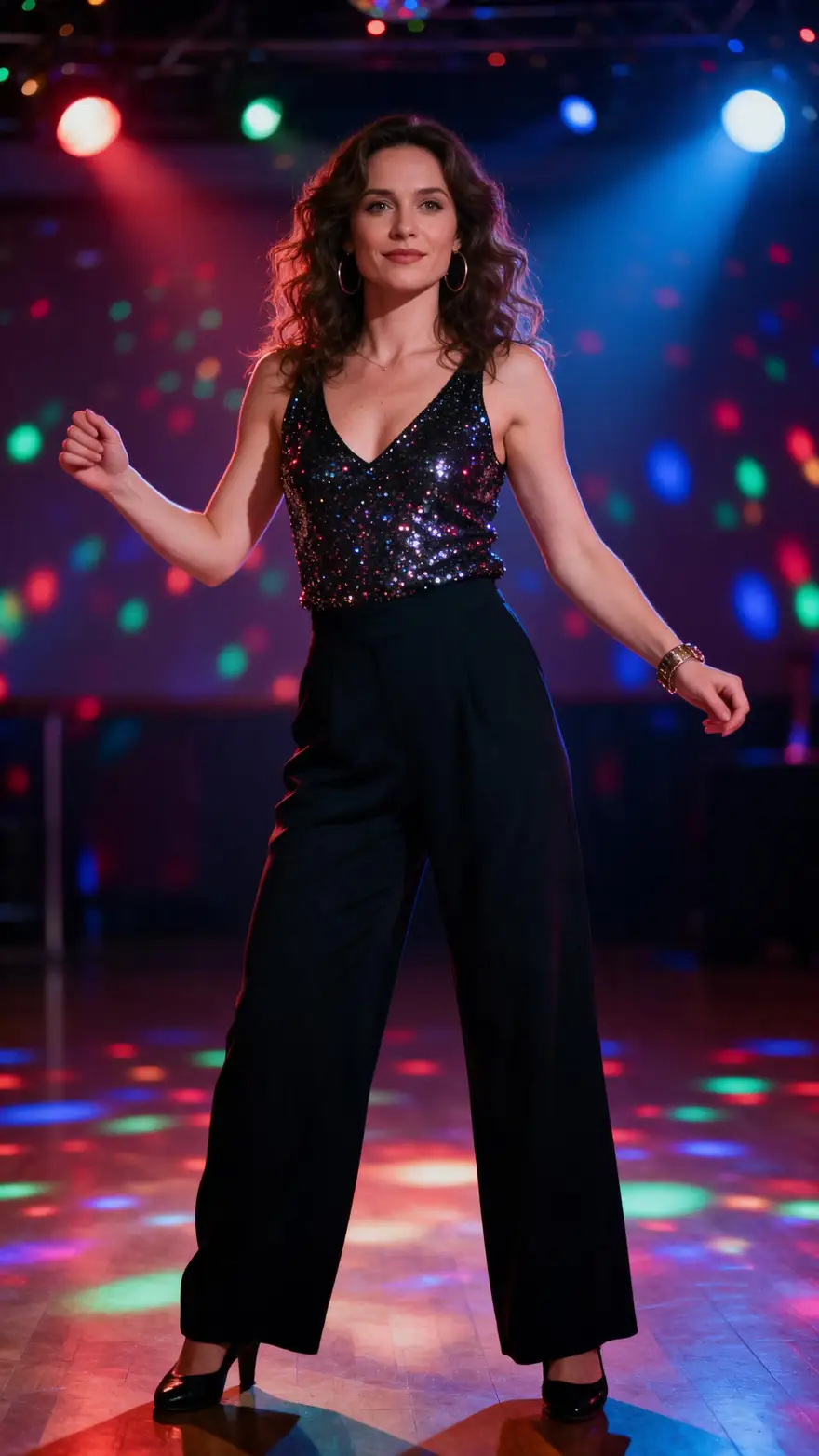
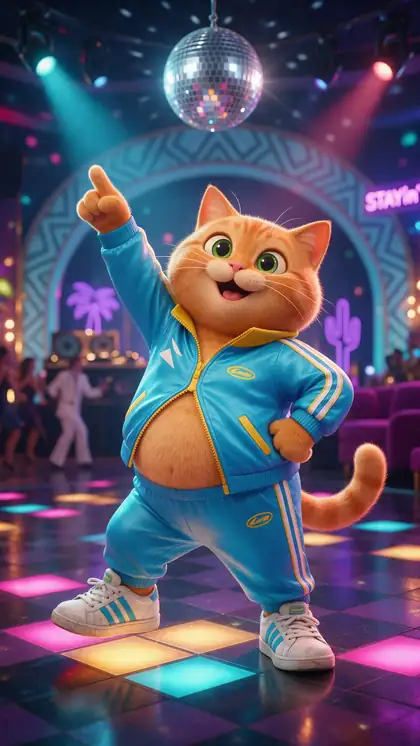
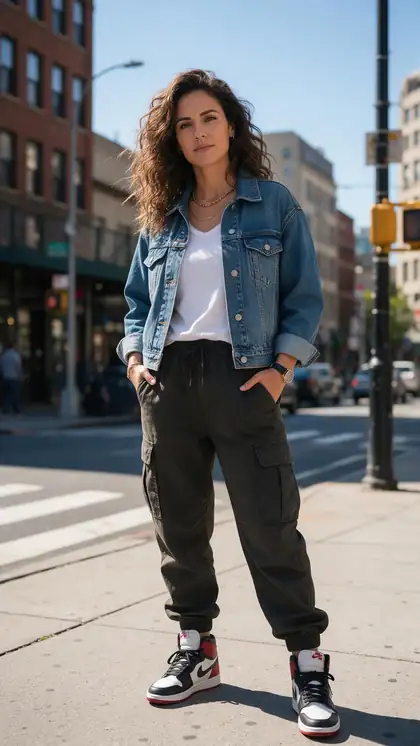
Real 5-second Wan 3 clips with music, each from one Seedream 5.0 Pro photo. Funny, clothed, adults and cartoons.

Real Wan 3 clips (5 s, 720p) from Seedream 5.0 Pro stills. Open one to watch with sound and copy both prompts.

Start image for Studio routine
Result · start image top right

How it works

Photo in, dance clip out

A full-body photo and one line describing the dance — or a dance video to copy.

  1. 01

    Start image

    Seedream 5.0 Pro at 2K — or upload your own photo.

  2. 02

    Motion prompt

    She dances an upbeat hip-hop routine in the studio, bouncing to the beat with hip shakes and arm moves, laughing, reflections in the mirrors, hip-hop beat

  3. 03

    Wan 3

    Wan 3 · 5 s · 720p · with sound. The clip on the left is the real result.

Animate this scene

Tips

Dance clips that look fun, not weird

What worked in our tests.

  • Use a full-body photo — cropped legs can't dance.
  • Loose clothes and sneakers move more naturally.
  • Name the beat and mood: 'upbeat hip-hop, laughing'.
  • Cartoons and pets-as-characters are great for memes.
  • For an exact routine, copy a real dance video with motion control.
  • Never use someone's photo without their OK — and no celebrities.

Step by step

How to use the ai twerk video generator

  1. Step 1: Pick a full-body photo

    Head to feet in frame, arms free, good light. Your own photo or a character you made.
  2. Step 2: Choose how to add the dance

    Copy a real dance video in the motion tool, or describe the moves for Wan 3 in the video studio.
  3. Step 3: Add the moves

    Upload the dance clip (Kling 3.0 takes 3–30 s), or write: 'bounces to the beat with hip shakes, laughing'.
  4. Step 4: Generate and share

    Wan 3 adds music and sound; the motion tool keeps the sound of your dance clip on Kling.

Engines

Tools for dance clips

Two routes: copy a real dance, or describe it.

  • Kuaishou

    Kling 3.0 Pro MotionMotion

    Copying an exact routine

    You give it
    Photo + 3–30 s dance video
    You get
    Your photo doing the dance
    Open Kling 3.0 Pro Motion
  • WaveSpeed

    SteadyDancerMotion

    Long, steady dance transfers

    You give it
    Photo + dance video up to 2 min
    You get
    480p or 720p
    Open SteadyDancer
  • WaveSpeed

    SCAIL 2Motion

    Long routines

    You give it
    Photo + video up to 2 min
    You get
    480p or 720p
    Open SCAIL 2
  • Alibaba

    Wan 3Prompt

    Dance from a description

    You give it
    Photo + dance prompt
    You get
    2–30 s · up to 1080p · music
    Open Wan 3
  • ByteDance

    Seedance 2.5Prompt

    Highest-resolution dance clips

    You give it
    Photo + dance prompt
    You get
    4–30 s · up to 4K · sound
    Open Seedance 2.5

The examples above were made with Wan 3 image to video from one prompt each.

Every clip on this page started as one still image. Make yours, then animate it.

In depth

AI Twerk Video Generator, explained

What the models can do, how to prompt them, and what isn't allowed.

Template apps vs motion control

Twerk apps usually give you a handful of preset routines. Motion control does the same job with any dance you upload — so you pick the exact moves, length and song.

Keep it fun

The best-performing dance clips are funny: a dad dance in the living room, a cartoon cat on a disco floor. Keep outfits clothed and the tone playful, and only animate people who said yes.
Sources

    FAQ

    AI Twerk Video Generator questions

    6 questions

    Still stuck?

    A real person answers — usually within a day.

    01

    How does an AI twerk generator work?

    It animates one full-body photo with a dance. Most apps use a stored dance template, which is motion transfer; on Kenerate you can copy any dance video with the motion tool, or describe the dance for Wan 3.

    02

    What photo works best?

    A clear full-body photo — head to feet in frame, arms free, good light. Cropped or sitting photos give stiff results.

    03

    Can I copy a specific TikTok dance?

    Yes — upload the dance clip as the reference video in the motion tool. Kling 3.0 takes 3–30 seconds; SCAIL 2 and SteadyDancer up to 2 minutes.

    04

    Does it add music?

    Wan 3 generates sound, so describe the beat in the prompt. On Kling motion, the original sound of your dance clip is kept.

    05

    Is it free?

    The motion tool works on the free plan with sign-up credits. Wan 3 image to video runs on a credit pack.

    06

    Can I make a celebrity or a friend twerk?

    Not without their clear permission — and never celebrities. Use your own photo, a character you made, or a cartoon.

    See more of Kenerate AI in your Google resultsAdd kenerateai.com as a preferred source — Google shows more from your preferred sources in Top Stories and AI answers.

    Explore

    Every Kenerate video tool

    Generators, tools, models and guides — one studio, one credit balance.

    Written by the Kenerate AI team

    We build and run Kenerate's video studio. Every clip here is a real, unedited Wan 3 output (5 s, 720p) and every start image a real Seedream 5.0 Pro output; model specs and limits were read from the app's code; facts about other tools link to their own pages. Last updated 27 September 2026. Corrections: hello@kenerateai.com.

    Sources

    Ready when you are

    Try the ai twerk video generator

    One studio for images and video.

    • 25 free credits
    • No watermark
    • Credits never expire