Why glamour clips work from an image
Glamour is about the look — outfit, light, pose. Getting that right in a still first, then adding one movement, gives cleaner results than asking a model to invent both at once.
Make glamorous, confident video clips — red carpet, dance floor, fitness, fashion — from a start image, with Kenerate's Spicy video models for adults.
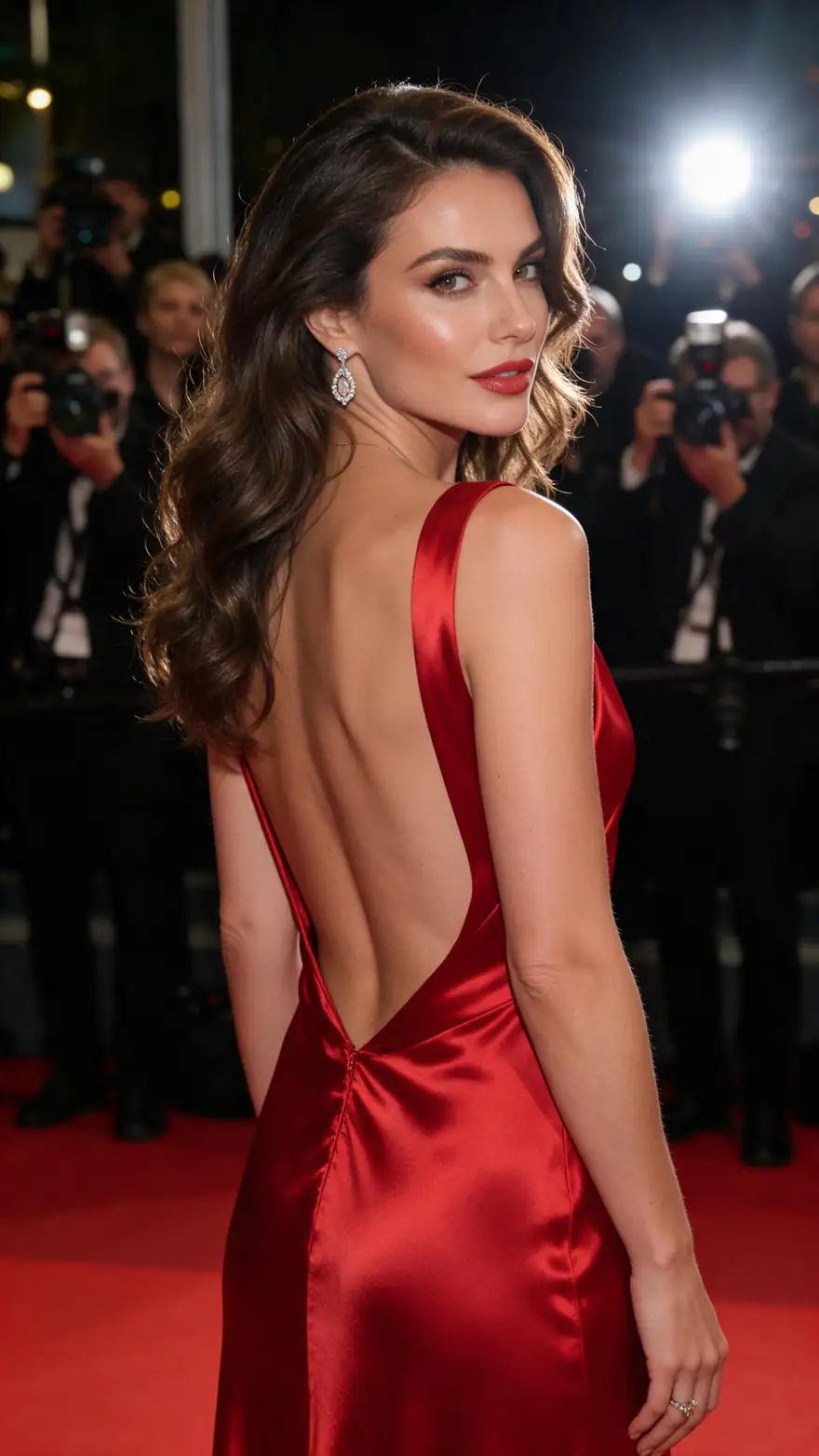
Glamour
Red carpet
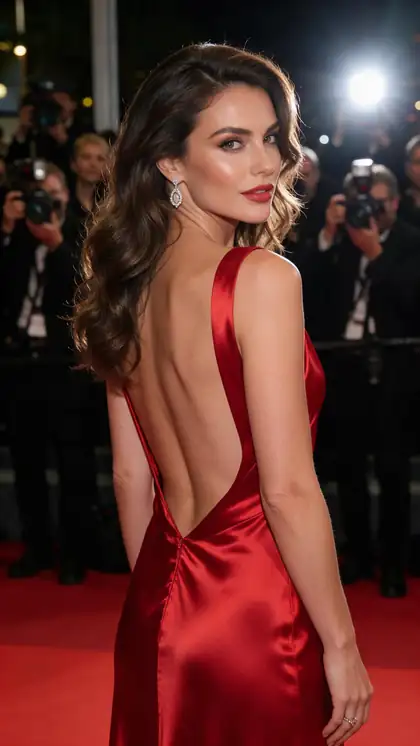
She turns slowly toward the cameras, flashes pop, the silk gown ripples
Quick answer
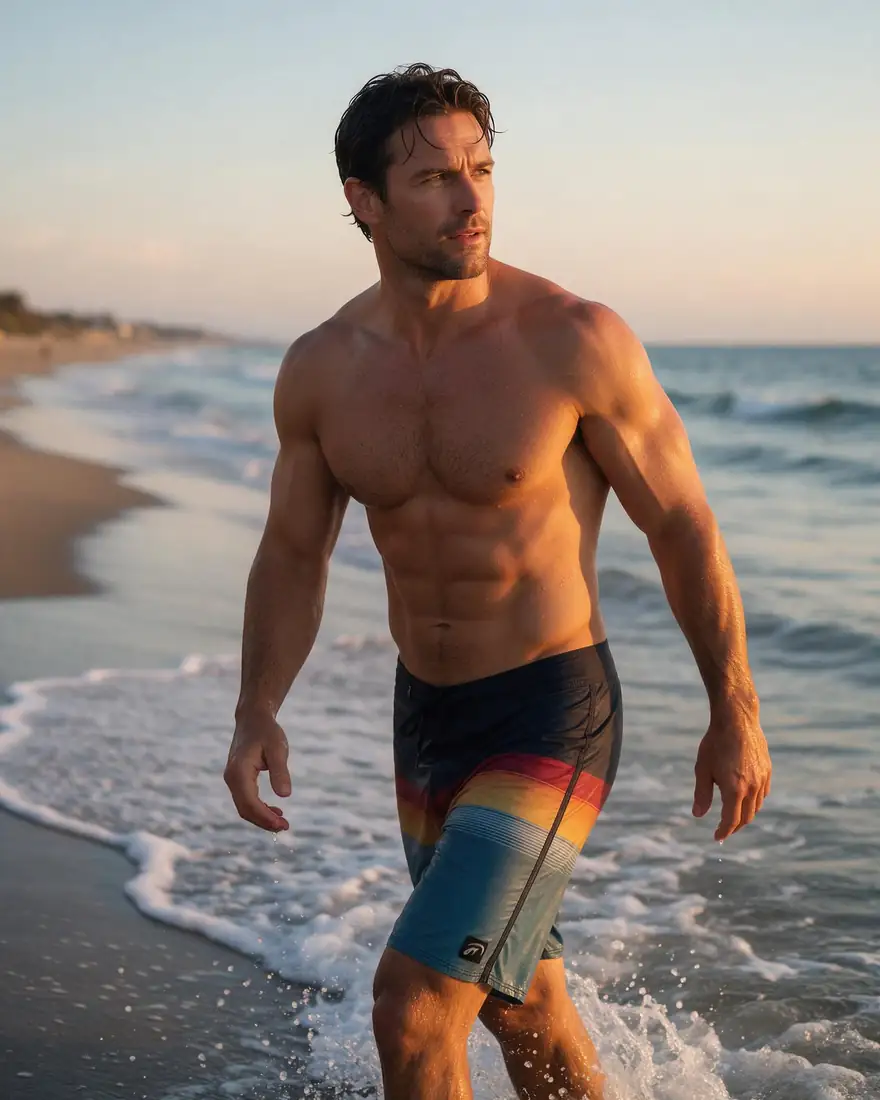
Kenerate's sexy AI video generator makes glamour, dance and fashion clips of fictional adults from a start image — a red-carpet turn, a salsa spin, a slow walk out of the ocean. Pick a Spicy video model (Wan 3, Wan 2.7, Wan 2.2, Seedance 2.5, Spicy V1, Ken 1), describe the motion and generate a clip of up to 30 seconds — with sound on Seedance 2.5 and Wan 3 Spicy. It's for adults 18+; minors are blocked on every model.
Updated 27 September 2026 · specs read from Kenerate's code
Short answers
Start from a glamorous image of a fictional adult, pick a Spicy video model, and describe one confident action — a turn, a spin, a walk.
Video on Kenerate is part of the paid credit packs. The free sign-up credits work on image models, so you can make and check your start image first.
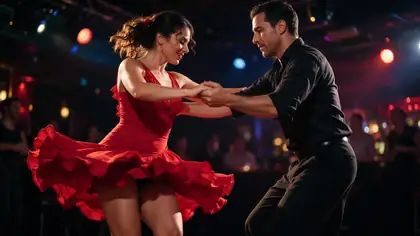
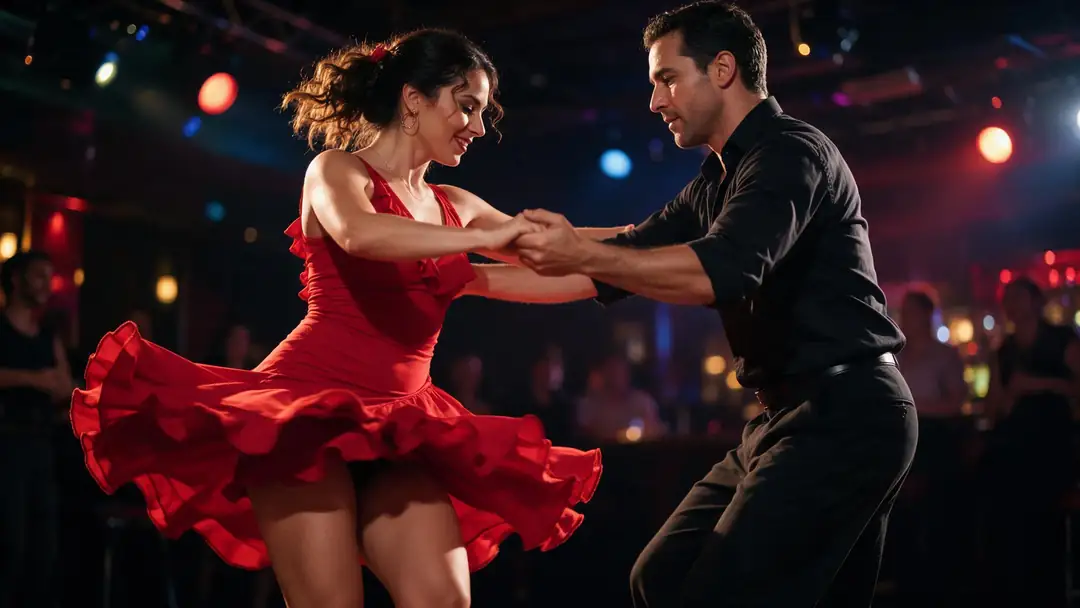
Yes — describe the dance move in the motion prompt, like the salsa example. Seedance 2.5 Spicy adds music and sound.
Yes — any fictional adult, like the beach example above.
Start images
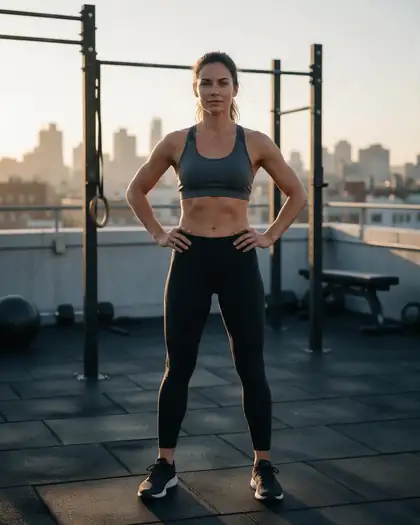
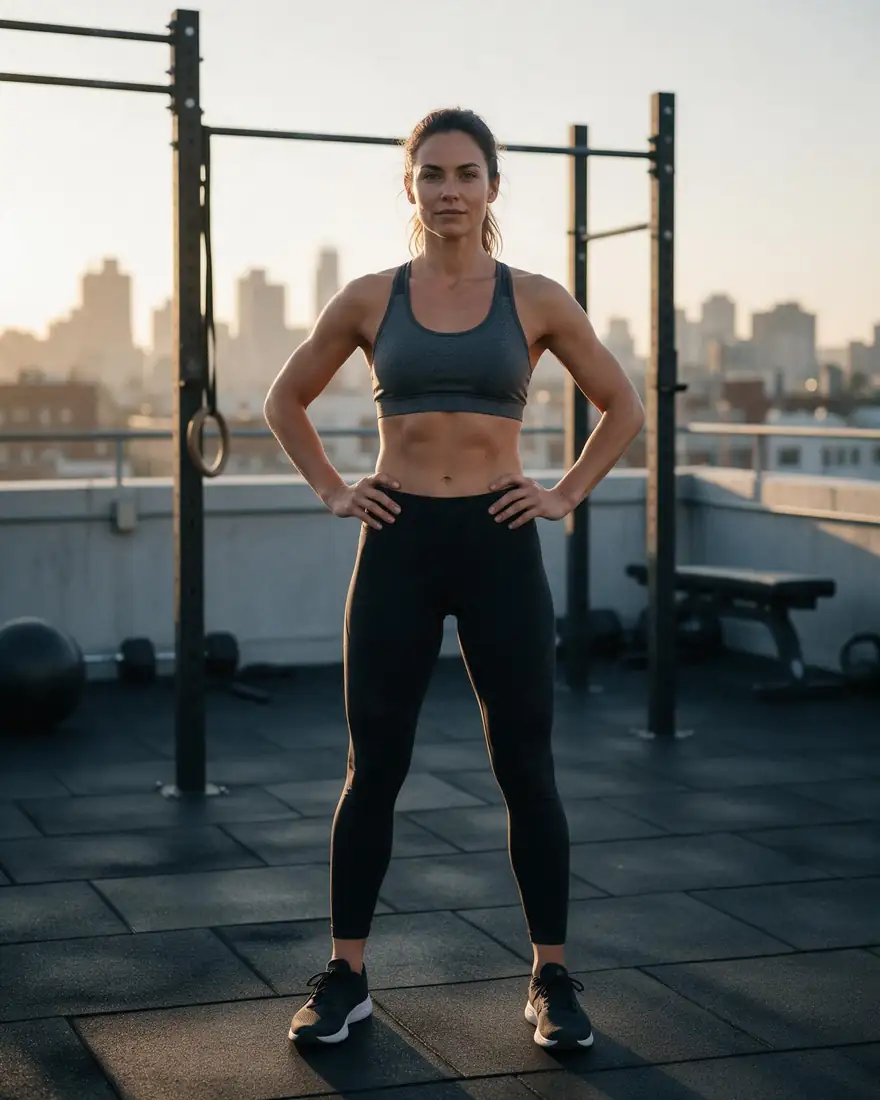
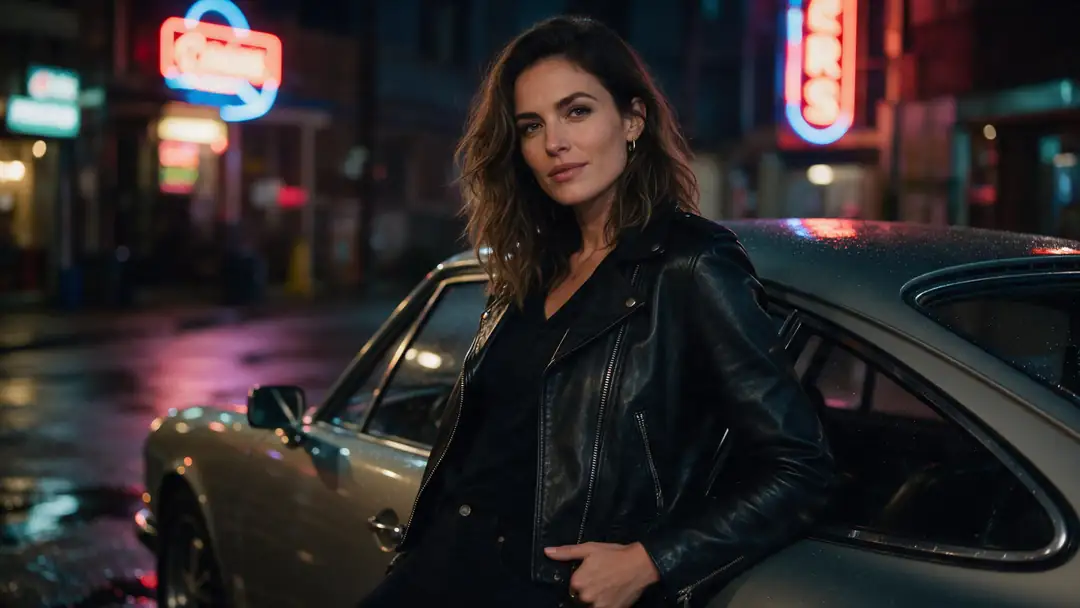
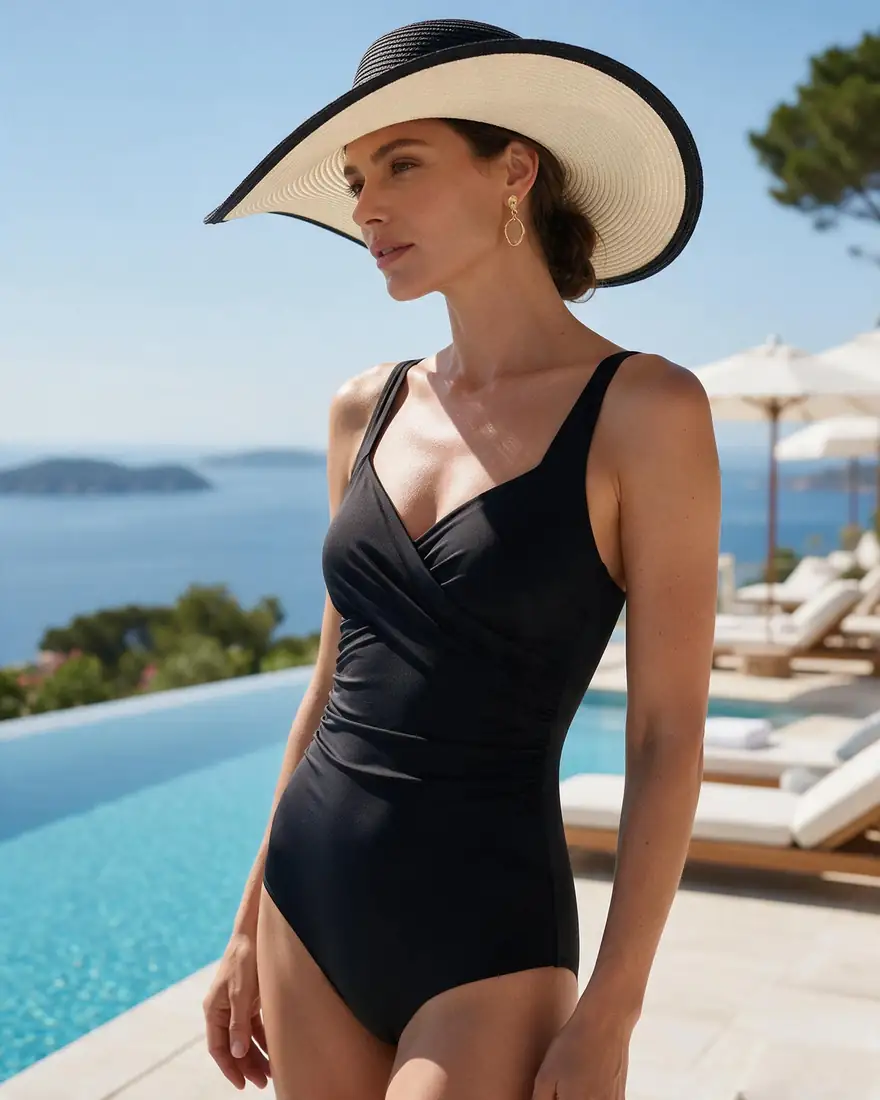
Real Seedream 5.0 Pro start images (SFW) with motion prompts.
Real Seedream 5.0 Pro images (SFW). Open one for its image prompt, a motion prompt and the model to use.
How it works
A confident start image, one line of motion, the right model.
01
Seedream 5.0 Pro at 2K — or upload your own photo.
02
She turns slowly toward the cameras, flashes pop, the silk gown ripples
03
Up to 30 s · up to 1080p · with sound. Long clips up to 30 s, with sound.
Choose a model
Length, resolution, sound and end-frame control — straight from the video studio's model list.
Model picker
ByteDance
Seedance 2.5 Spicy
The top Spicy tier: up to 4K and 30 seconds, with sound.
Compare
Specs read from the video studio's own model list.
Tips
What worked best for us.
Step by step
Models
What each model does best. Open any one straight in the video studio.
Lightricks
Spicy V1 (LTX 2.3)
Clips up to 20 s — a light model for testing ideas
3–20 sup to 1080pno sound
Open Spicy V1WaveSpeed AI
Wan 2.2 Spicy
Quick 5–8 s drafts
5–8 sup to 720pno sound
Open Wan 2.2 SpicyAlibaba
Wan 3 Spicy
Long clips up to 30 s, with sound
2–30 sup to 1080psoundend frame
Open Wan 3 SpicyAlibaba
Wan 2.7 Spicy
Balanced everyday clips at 720p or 1080p
5–15 sup to 1080pno sound
Open Wan 2.7 SpicyKenerate AI
Ken 1 Spicy
Kenerate's own model — start and end frame control
3–15 sup to 1080pno soundend frame
Open Ken 1 SpicyByteDance
Seedance 2.5 Spicy
The top tier — up to 4K and 30 s, with sound
4–30 sup to 4Ksoundend frame
Open Seedance 2.5 SpicyAdult clips for adults 18+, about fictional adults.
Adult prompts are for adults. Every character you create must be a fictional adult.
Kenerate's prompt filter blocks prompts involving minors on every model, and it can't be switched off. Sexual images of real people aren't allowed.
Results flagged as adult are shown blurred in your gallery grid.
Turn on Private in Advanced settings to keep a generation out of the public feed.
Make the start image first — then animate it with the model that fits the shot.
In depth
What the models can do, how to prompt them, and what isn't allowed.
Glamour is about the look — outfit, light, pose. Getting that right in a still first, then adding one movement, gives cleaner results than asking a model to invent both at once.
FAQ
5 questions
Start from a glamorous image of a fictional adult, pick a Spicy video model, and describe one confident action — a turn, a spin, a walk.
Video on Kenerate is part of the paid credit packs. The free sign-up credits work on image models, so you can make and check your start image first.
Yes — describe the dance move in the motion prompt, like the salsa example. Seedance 2.5 Spicy adds music and sound.
Yes — any fictional adult, like the beach example above.
Prompts involving minors are blocked on every model. Sexual content of real people isn't allowed.
Explore
Generators, tools, models and guides — one studio, one credit balance.
Written by the Kenerate AI team
We build and run Kenerate's video studio. Every image here is a real Seedream 5.0 Pro output; model specs and limits were read from the app's code; facts about other tools link to their own pages. Last updated 27 September 2026. Corrections: hello@kenerateai.com.
Sources
Ready when you are
Adults 18+ only. Minors are always blocked.