



Skip to content
18+ · 14 Spicy image-to-video models · up to 30 s

Uncensored Image to Video animate any image — 18+

Turn a still into a moving clip without the filters mainstream video apps add. Kenerate's Spicy models animate your image — up to 30 seconds with sound, or 4K on Seedance 2.5 Spicy.

  • 14 Spicy models
  • Up to 30 s with sound
  • Up to 4K
  • Minors never allowed
Spicy models
14
Longest clip
30 s
Top resolution
4K
Antique mirror
Scene 1 / 5

Candlelight

Antique mirror

She turns from the mirror toward the camera with a slow smile, candle flames flicker, slow push-in

Wan 3 SpicyAnimate

Quick answer

Uncensored image to video means animating a picture with a model that accepts adult content. Mainstream video tools — Runway, Luma, Kling, Pika — ban sexual content in their policies. On Kenerate, 14 Spicy image-to-video models are for adults 18+: Wan 3, Wan 3 Prime, Wan 2.7, Wan 2.2, Seedance 2.5, Seedance 2, 2 Fast, 2 Mini and 1.5 Pro, MiniMax H3 and H3 Pro, Vidu Q3, Ken 1 and Spicy V1 (LTX 2.3). Upload a start image, describe the motion and pick a model: Wan 3 Spicy and Seedance 2.5 Spicy run up to 30 seconds with sound, Seedance 2.5 Spicy goes up to 4K, and Wan 3, Seedance and Ken 1 take an end frame. Video needs a credit pack. Prompts involving minors are blocked, and sexual content of real people without consent isn't allowed.

Updated 28 September 2026 · specs read from Kenerate's code

  • Spicy models14
  • Longest clip30 s
  • Top resolution4K
  • InputYour image

Short answers

What people ask first

  • Is there an uncensored image to video AI?

    Yes — Kenerate's 14 Spicy models animate images with adult content allowed, for adults 18+.

  • Is it free?

    Video models need a credit pack; on the free plan the video studio is locked. The 25 free sign-up credits work on image models, so you can make and check your start image first.

  • Which model is best?

    Seedance 2.5 Spicy for up to 4K and 30 s with sound; Wan 3 Spicy for 30 s at 1080p with sound; Spicy V1 to test ideas.

  • Can I animate my own photo?

    Yes — upload it as the start image. Images of other real people in sexual content aren't allowed.

Start images

Start images you can animate

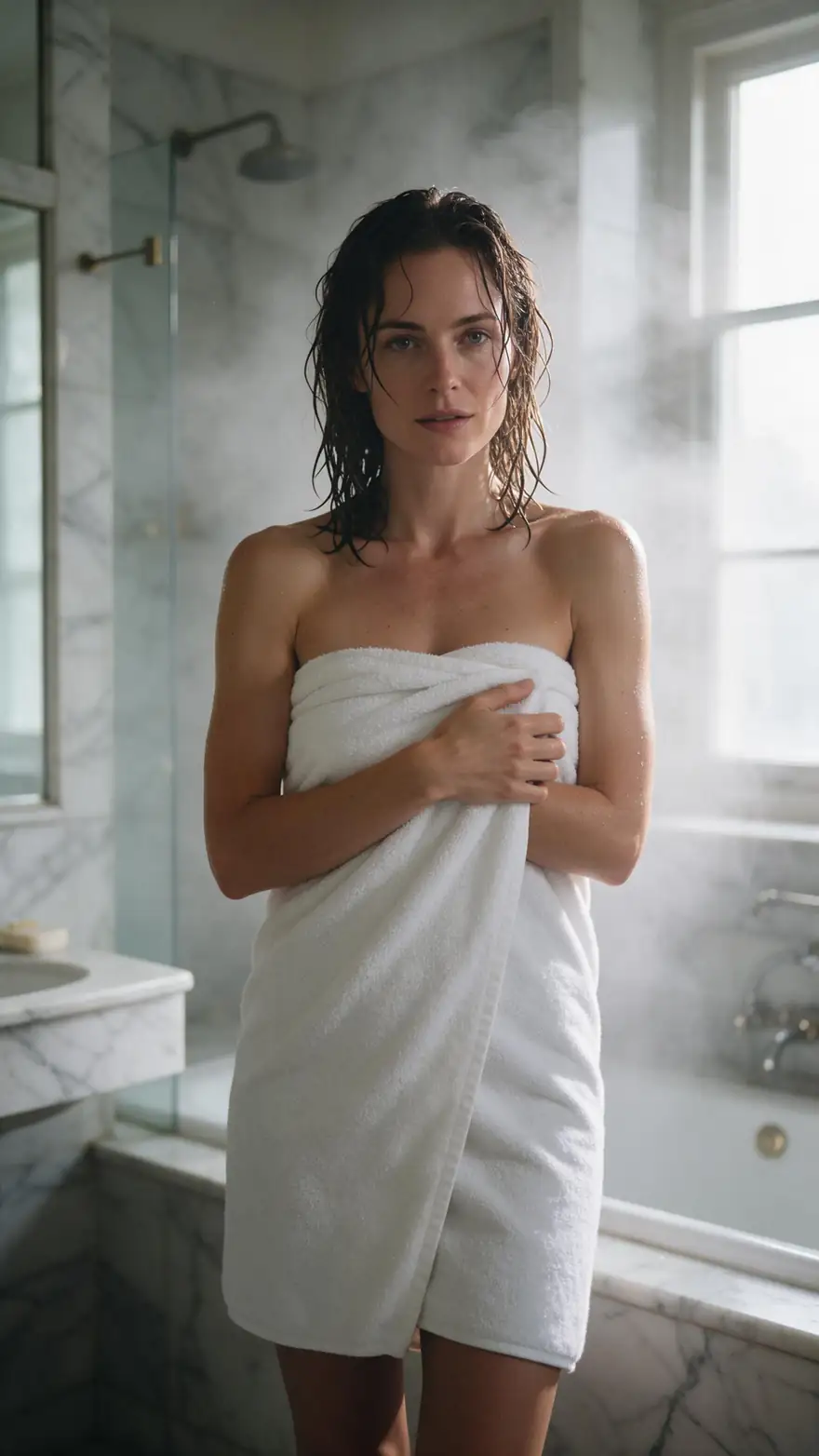
Real Seedream 5.0 Pro stills (SFW), each with a motion prompt and the Spicy model we'd use.

Real Seedream 5.0 Pro images (SFW). Open one for its image prompt, a motion prompt and the model to use.

Antique mirror
Start image

How it works

From image to uncensored clip

The image sets the look; the motion prompt says what moves.

  1. 01

    Start image

    Seedream 5.0 Pro at 2K — or upload your own photo.

  2. 02

    Motion prompt

    She turns from the mirror toward the camera with a slow smile, candle flames flicker, slow push-in

  3. 03

    Wan 3 Spicy

    Up to 30 s · up to 1080p · with sound. Long clips up to 30 s, with sound.

Animate this scene

Choose a model

Pick by what matters, then compare

Length, resolution, sound and end-frame control — straight from the video studio's model list.

Model picker

What matters most?

ByteDance

Seedance 2.5 Spicy

The top Spicy tier: up to 4K and 30 seconds, with sound.

Up to
4K
Longest
30 s
Sound
Yes
Open Seedance 2.5 Spicy

Compare

Two models, side by side

Clip length
2–30 s
4–30 s
Resolution
480p · 720p · 1080p
480p · 720p · 1080p · 4K
Sound
End frame
Made by
Alibaba
ByteDance
Best for
Long clips up to 30 s, with sound
The top tier — up to 4K and 30 s, with sound

Specs read from the video studio's own model list.

Compared

Which video tools allow adult image to video?

From each company's own policy page, 28 Sep 2026. Kenerate is our product.

Which video tools allow adult image to video?
Kenerate (Spicy)RunwayLumaKlingPika
Adult contentAllowed for adults 18+Bans sexually explicit content and adult nudityBans nudity and adult contentBans sexual acts and pornographyBans obscene and extreme sexual content
Image to videoYes — 14 Spicy modelsYesYesYesYes
Longest clip30 sNot stated in launch post5–10 s (20 s with Modify)15 sDepends on the model

Sources linked below.

Tips

Better image-to-video clips

What worked in our tests.

  • Use a sharp image with the subject fully in frame.
  • Describe motion only — the image already sets the look.
  • One action and one camera move per clip.
  • Use an end frame to control the final pose.
  • Test on Spicy V1, finish on Wan 3 or Seedance 2.5.
  • Only fictional adults, or yourself.

Step by step

How to use the uncensored image to video ai

  1. Step 1: Sign in (18+ only)

    Spicy models are for adults 18+ and need a credit pack.
  2. Step 2: Pick a start image

    Upload your own, or make one with Seedream 5.0 Pro at 2K.
  3. Step 3: Choose a Spicy model and write the motion

    Wan 3 Spicy for long clips with sound, Spicy V1 to test ideas, Seedance 2.5 Spicy for up to 4K.
  4. Step 4: Pick length and resolution

    Start with 5 s at 720p; go longer or 1080p once you like the result.

Models

Spicy image-to-video models

What each model does best. Open any one straight in the video studio.

  • ByteDance

    Seedance 2.5 Spicy

    The top tier — up to 4K and 30 s, with sound

    4–30 sup to 4Ksoundend frame

    Open Seedance 2.5 Spicy
  • Alibaba

    Wan 3 Spicy

    Long clips up to 30 s, with sound

    2–30 sup to 1080psoundend frame

    Open Wan 3 Spicy
  • Alibaba

    Wan 3 Prime Spicy

    Wan 3's highest-quality tier, up to 30 s with sound

    2–30 sup to 1080psoundend frame

    Open Wan 3 Prime Spicy
  • Alibaba

    Wan 2.7 Spicy

    Balanced everyday clips at 720p or 1080p

    5–15 sup to 1080pno sound

    Open Wan 2.7 Spicy
  • Kenerate AI

    Ken 1 Spicy

    Kenerate's own model — start and end frame control

    3–15 sup to 1080pno soundend frame

    Open Ken 1 Spicy
  • ByteDance

    Seedance 2 Spicy

    Full Seedance 2 quality — cinematic motion with sound

    4–15 sup to 4Ksoundend frame

    Open Seedance 2 Spicy
  • ByteDance

    Seedance 2 Fast Spicy

    Seedance 2 tuned for faster renders

    4–15 sup to 4Ksoundend frame

    Open Seedance 2 Fast Spicy
  • ByteDance

    Seedance 2 Mini Spicy

    The compact Seedance 2 tier, up to 4K with sound

    4–15 sup to 4Ksoundend frame

    Open Seedance 2 Mini Spicy
  • ByteDance

    Seedance 1.5 Spicy

    Joint audio and video from ByteDance's Seedance 1.5 Pro

    4–12 sup to 1080psoundend frame

    Open Seedance 1.5 Spicy
  • WaveSpeed AI

    Wan 2.2 Spicy

    Quick 5–8 s drafts

    5–8 sup to 720pno sound

    Open Wan 2.2 Spicy
  • Lightricks

    Spicy V1 (LTX 2.3)

    Clips up to 20 s — a light model for testing ideas

    3–20 sup to 1080pno sound

    Open Spicy V1

Rules and privacy

Uncensored, not unregulated: adults 18+, fictional adults or yourself.

  • 18+ and fictional adults only

    Adult prompts are for adults. Every character you create must be a fictional adult.

  • Blocked and not allowed

    Kenerate's prompt filter blocks prompts involving minors on every model, and it can't be switched off. Sexual images of real people aren't allowed.

  • Blurred by default

    Results flagged as adult are shown blurred in your gallery grid.

  • Private switch

    Turn on Private in Advanced settings to keep a generation out of the public feed.

Make the start image first — then animate it with the model that fits the shot.

In depth

Uncensored Image to Video AI, explained

What the models can do, how to prompt them, and what isn't allowed.

Why uncensored image to video starts from a picture

The Spicy endpoints are image to video: the start image fixes the character, outfit and setting, and the prompt only describes movement. That keeps results predictable — and you can check the image before you spend a video render.

Choosing a Spicy model

Seedance 2.5 Spicy is the top tier — up to 4K and 30 seconds with sound. Wan 3 Spicy runs 30 seconds at 1080p with sound and an end frame. Wan 2.7 Spicy makes 5–15-second clips at 720p or 1080p; Spicy V1 is a light model for tests.


Sources

    FAQ

    Uncensored Image to Video AI questions

    7 questions

    Still stuck?

    A real person answers — usually within a day.

    01

    Is there an uncensored image to video AI?

    Yes — Kenerate's 14 Spicy models animate images with adult content allowed, for adults 18+.

    02

    Is it free?

    Video models need a credit pack; on the free plan the video studio is locked. The 25 free sign-up credits work on image models, so you can make and check your start image first.

    03

    Which model is best?

    Seedance 2.5 Spicy for up to 4K and 30 s with sound; Wan 3 Spicy for 30 s at 1080p with sound; Spicy V1 to test ideas.

    04

    Can I animate my own photo?

    Yes — upload it as the start image. Images of other real people in sexual content aren't allowed.

    05

    Can I do it from text only?

    No — the Spicy models are image to video; on Wan 3 Spicy a prompt alone runs as plain Wan 3 text to video.

    06

    Why do Runway and Luma refuse?

    Their usage policies ban sexually explicit content, so their filters refuse adult image to video.

    07

    What isn't allowed?

    Prompts involving minors are blocked on every model. Sexual content of real people without consent isn't allowed.

    See more of Kenerate AI in your Google resultsAdd kenerateai.com as a preferred source — Google shows more from your preferred sources in Top Stories and AI answers.

    Explore

    Every Kenerate video tool

    Generators, tools, models and guides — one studio, one credit balance.

    Written by the Kenerate AI team

    We build and run Kenerate's video studio. Every image here is a real Seedream 5.0 Pro output; model specs and limits were read from the app's code; facts about other tools link to their own pages. Last updated 28 September 2026. Corrections: hello@kenerateai.com.

    Sources

    Ready when you are

    Try the uncensored image to video ai

    Adults 18+ only. Minors are always blocked.

    • 25 free credits
    • No watermark
    • Credits never expire