

Skip to content
Kling 3.0 Motion + 11 more engines · free plan

AI Motion Control — copy any move onto your character

Upload a character image and a reference video, and motion control moves your character exactly like the person in the video — dance, gestures, expressions. 12 engines, including Kling 3.0 Motion, and it works on the free plan.

  • Character + reference video
  • Kling 3.0 Pro Motion
  • 12 engines
  • Works on the free plan
Engines
12
Kling 3.0 reference
3–30 s
Longest reference
2 min · SCAIL 2
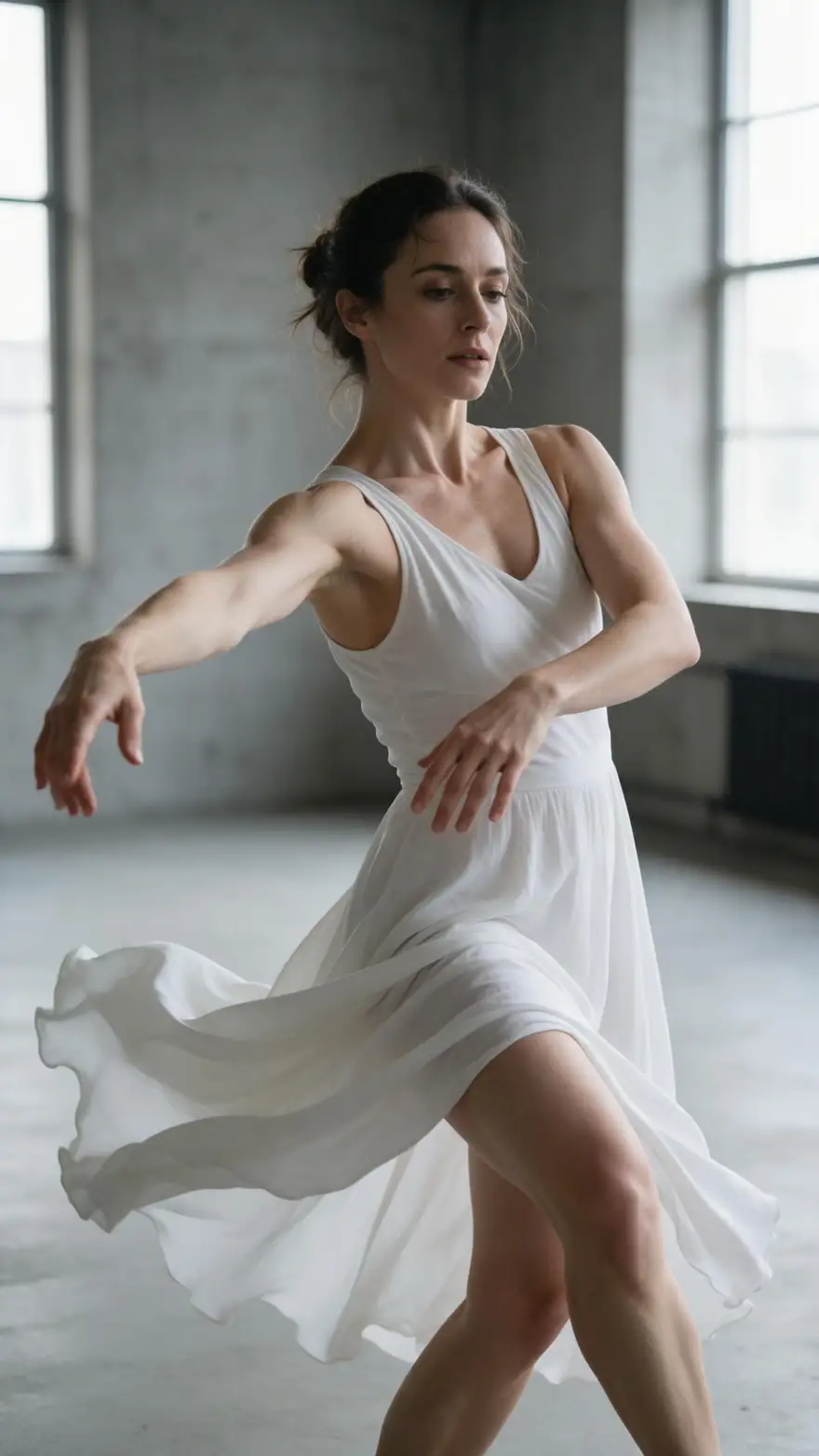
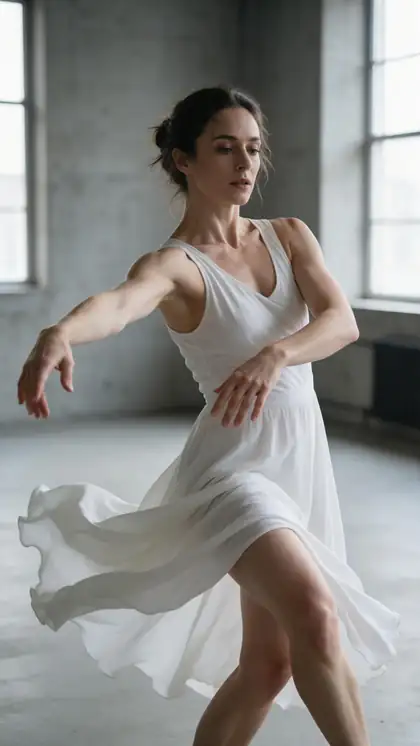
Contemporary dancer
Real clip 1 / 5

Dance

Contemporary dancer

She performs a flowing contemporary dance, a slow spin with arms sweeping, the white dress swirling, soft piano music

Wan 3 · 5 s · 720p · with soundAnimate

Quick answer

AI motion control (also called motion transfer) takes one character image and one reference video, and makes the character perform the same movement, gestures and expressions as the person in the video. Kenerate's motion tool runs 12 engines, including Kling 3.0 Pro Motion and Kling 3.0 Motion (reference clips of 3–30 seconds, up to 100 MB), SCAIL 2 (clips up to 2 minutes), Wan 2.2 Animate 2, DreamActor v2, PixVerse Mimic and LTX-2 Control for pose, depth or edge guidance. The output follows the length of your reference clip, and it works on the free plan with sign-up credits.

Updated 27 September 2026 · specs read from Kenerate's code

  • Engines12
  • Kling 3.0 reference3–30 s
  • Longest reference2 min · SCAIL 2
  • Free planYes

Short answers

What people ask first

  • What is Kling Motion Control?

    Kling's feature that moves a character from a still image exactly like the person in a reference video — body, gestures and facial expressions. Kenerate runs Kling 3.0 Pro Motion and Kling 3.0 Motion in its motion tool.

  • How long can the reference video be?

    3–30 seconds on Kling 3.0 (up to 100 MB). SCAIL 2, Wan 2.2 Animate 2 and SteadyDancer take clips up to 2 minutes; DreamActor v2 and PixVerse Mimic up to 30 seconds.

  • Does it copy facial expressions?

    Yes on engines built for it — Kling describes Motion Control as controlling both movement and facial expressions. DreamActor v2 is also focused on faces.

  • Why is my output shorter than my reference?

    The output follows the reference clip, but some engines trim it: Kenerate Motion uses the first 20 seconds and Kling's 'matches image' mode is limited to 10 seconds. Kling also notes fast or complex motion can shorten the result.

Real clips

Characters in motion

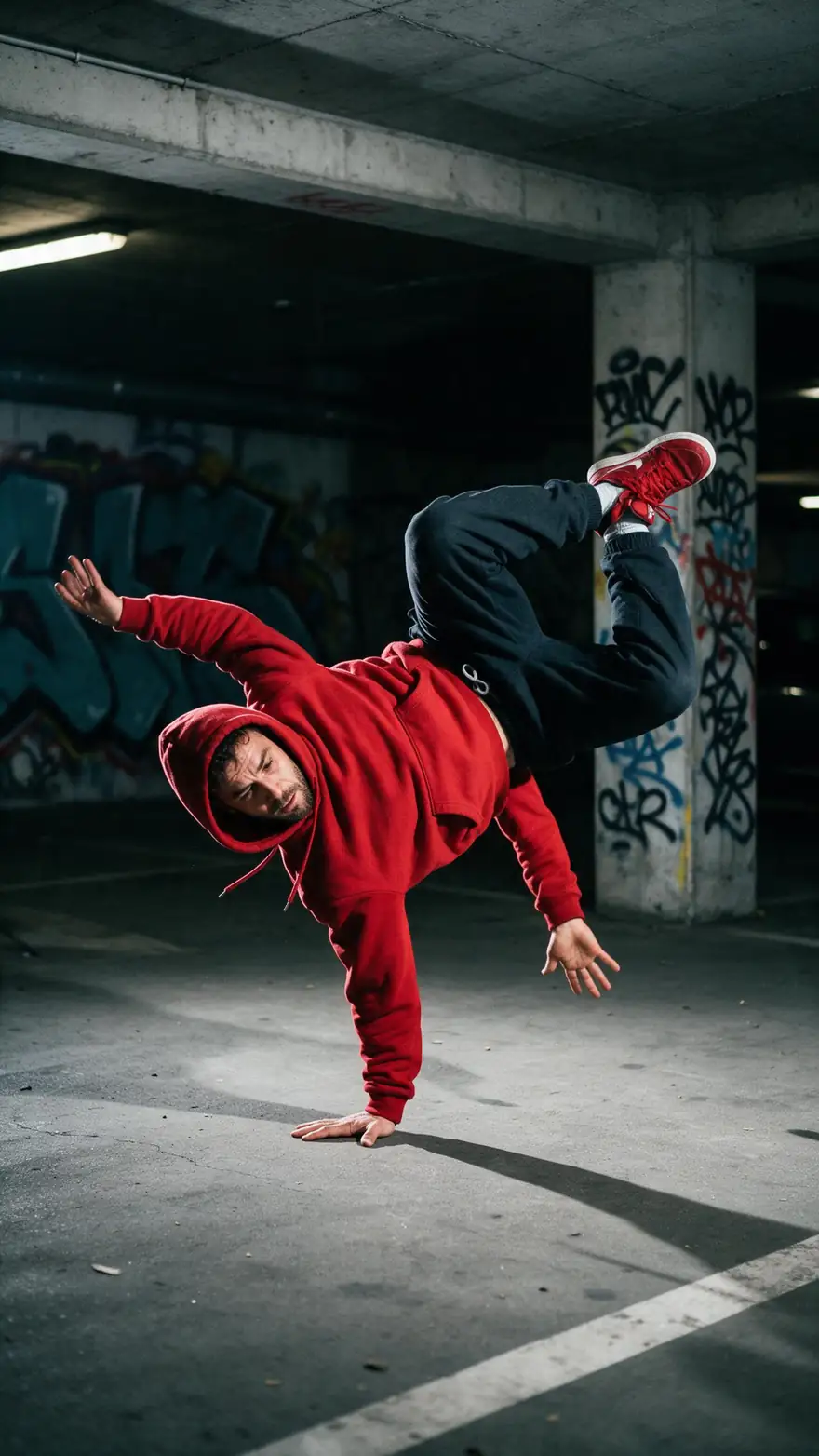
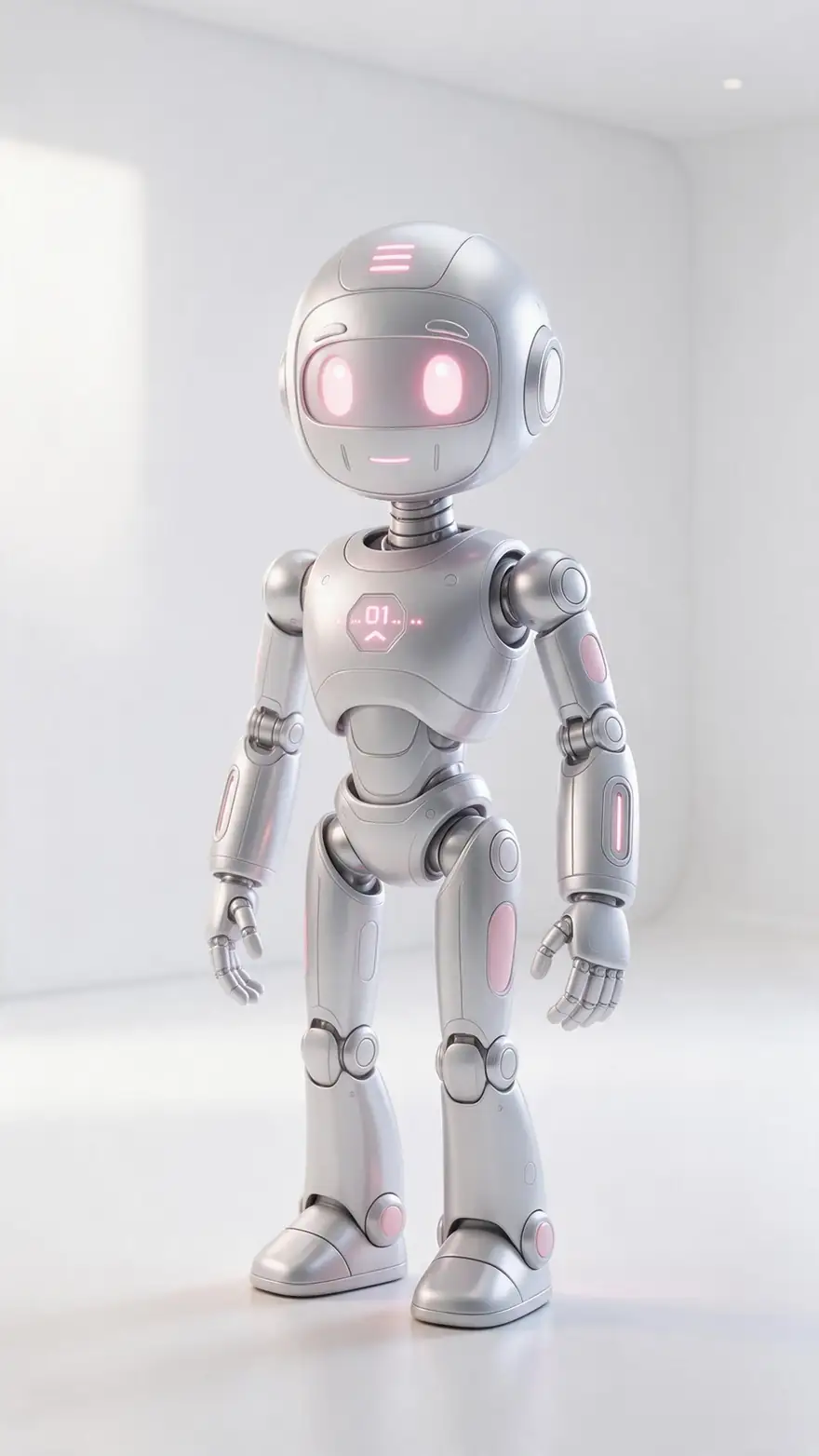
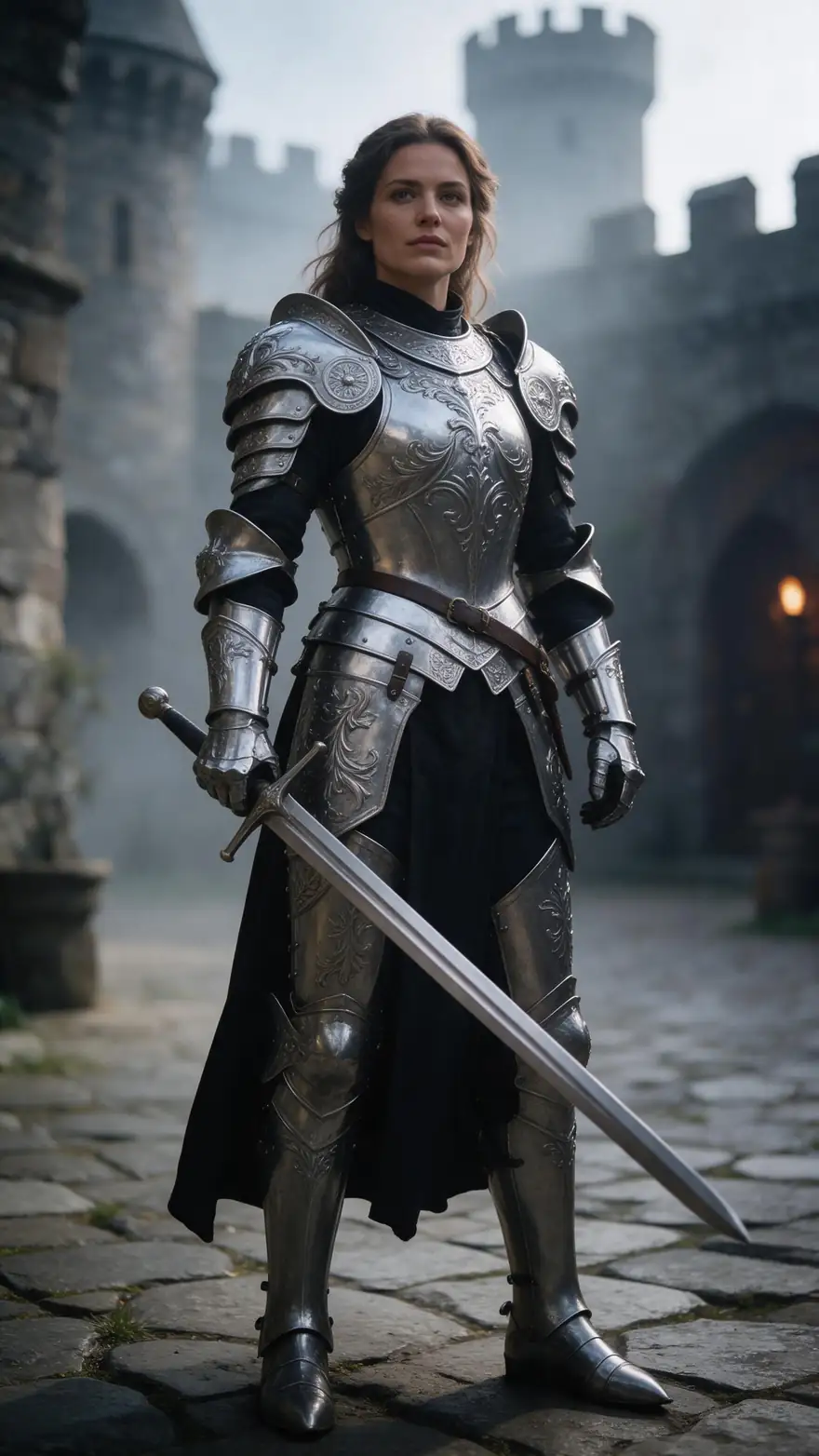
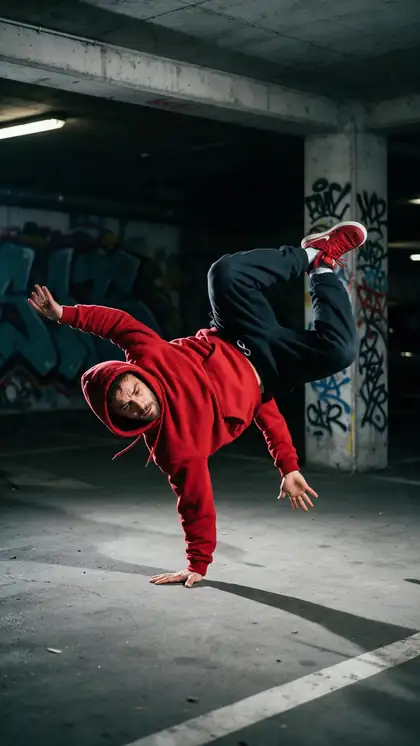
Real Wan 3 clips from full-body Seedream 5.0 Pro characters. In the motion tool, the movement comes from your reference video instead of a prompt.

Real Wan 3 clips (5 s, 720p) from Seedream 5.0 Pro stills. Open one to watch with sound and copy both prompts.

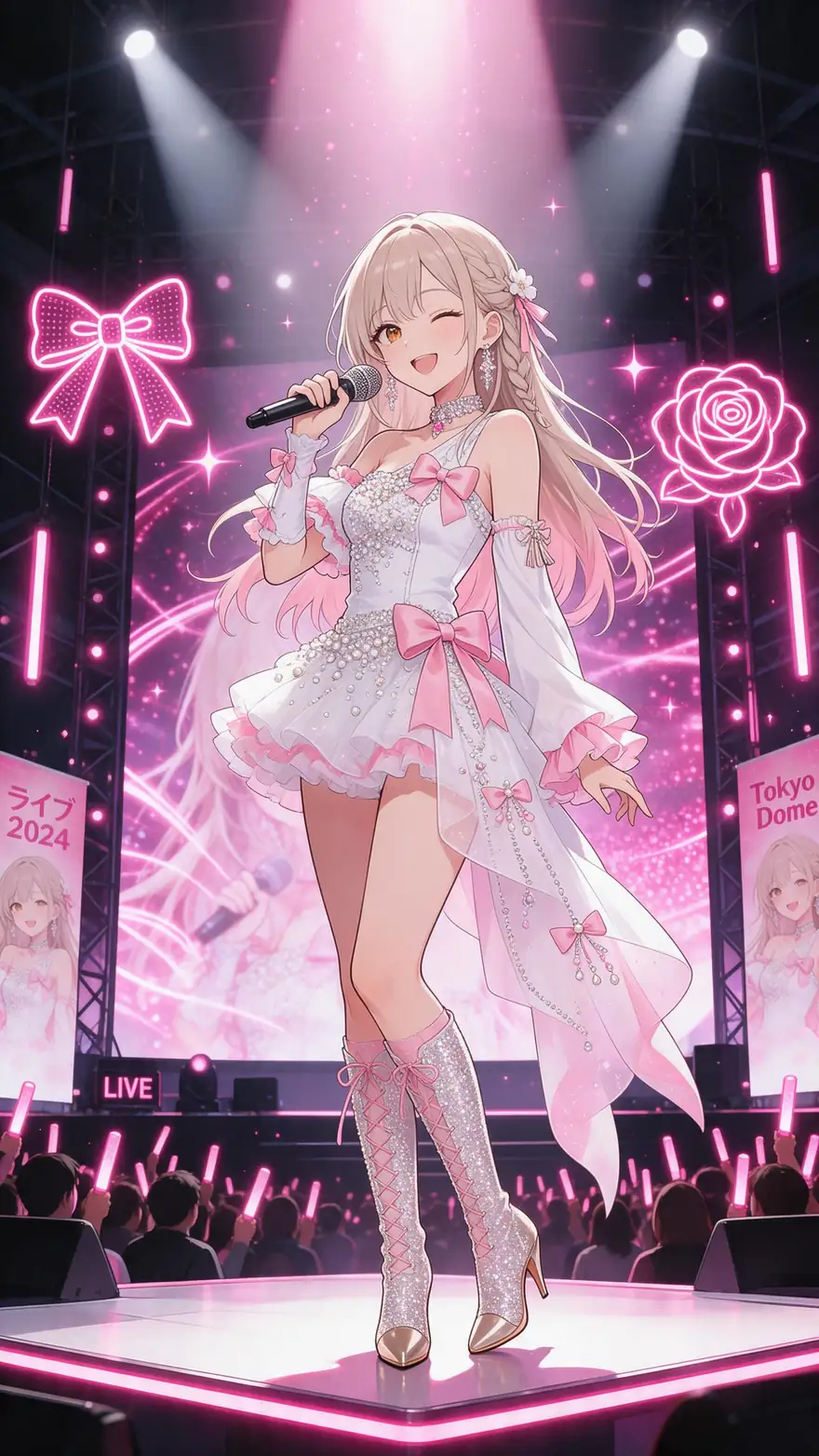
Start image for Contemporary dancer
Result · start image top right

How it works

Image + reference video = your character, moving

The character image sets the look; the reference video sets every move.

  1. 01

    Start image

    Seedream 5.0 Pro at 2K — or upload your own photo.

  2. 02

    Motion prompt

    She performs a flowing contemporary dance, a slow spin with arms sweeping, the white dress swirling, soft piano music

  3. 03

    Wan 3

    Wan 3 · 5 s · 720p · with sound. The clip on the left is the real result.

Animate this scene

Tips

Cleaner motion transfer

What the engines — and Kling's own guide — recommend.

  • Match the framing: full-body image for a full-body dance video.
  • Use a reference clip with no cuts and a steady camera.
  • Keep the character's proportions close to the dancer's.
  • Kling 3.0 'matches video' copies camera and orientation; 'matches image' keeps your photo's pose (max 10 s).
  • Short, clear moves transfer better than fast blurry ones.
  • Only use photos of people who agreed to it.

Step by step

How to use the ai motion control

  1. Step 1: Open the motion tool

    Sign in — motion control works on the free plan with sign-up credits.
  2. Step 2: Upload the character image

    A clear full-body shot works best. For Kling 3.0: JPG or PNG, at least 300 px, up to 10 MB.
  3. Step 3: Upload the reference video

    The move you want copied. Kling 3.0 takes 3–30 s (up to 100 MB); SCAIL 2 up to 2 minutes.
  4. Step 4: Pick an engine and generate

    Kling 3.0 Pro Motion for detail, SCAIL 2 for long clips, LTX-2 Control for pose or depth guidance.

Engines

12 motion engines in one tool

From the motion tool's engine list. The output follows the length of your reference clip.

  • Kuaishou

    Kling 3.0 Pro MotionKling

    Detailed body and face motion

    You give it
    Image + 3–30 s video
    You get
    Keeps the clip's sound
    Open Kling 3.0 Pro Motion
  • Kuaishou

    Kling 3.0 Motion

    Kling motion, standard tier

    You give it
    Image + 3–30 s video
    You get
    Keeps the clip's sound
    Open Kling 3.0 Motion
  • WaveSpeed

    SCAIL 2Default

    Long clips; animate or replace a person

    You give it
    Image + video up to 2 min
    You get
    480p or 720p
    Open SCAIL 2
  • Alibaba

    Wan 2.2 Animate 2

    Open Wan animation model

    You give it
    Image + 3 s–2 min video
    You get
    480p or 720p
    Open Wan 2.2 Animate 2
  • Alibaba

    Wan 2.2 Fun Control

    Control-guided Wan motion

    You give it
    Image + video up to 2 min
    You get
    480p or 720p
    Open Wan 2.2 Fun Control
  • Kenerate

    Kenerate Motion

    1080p motion transfer

    You give it
    Image + video (first 20 s)
    You get
    720p or 1080p · 24/48 fps
    Open Kenerate Motion
  • ByteDance

    DreamActor v2

    Expressive faces, no prompt needed

    You give it
    Image + video up to 30 s
    You get
    Engine decides
    Open DreamActor v2
  • PixVerse

    PixVerse Mimic

    Quick mimic clips

    You give it
    Image + video up to 30 s
    You get
    360p–720p
    Open PixVerse Mimic
  • Lightricks

    LTX-2 Control

    Pose, depth or edge guidance

    You give it
    Video up to 20 s (+ optional image)
    You get
    480p–1080p
    Open LTX-2 Control
  • WaveSpeed

    SteadyDancer

    Steady dance transfers

    You give it
    Image + video up to 2 min
    You get
    480p or 720p
    Open SteadyDancer

The examples above were made with Wan 3 image to video from one prompt each. The motion tool uses your reference video for the movement.

Every clip on this page started as one still image. Make yours, then animate it.

In depth

AI Motion Control, explained

What the models can do, how to prompt them, and what isn't allowed.

How motion transfer works

The engine tracks the pose, hands and face of the person in the reference video frame by frame, then renders your character doing the same thing. Wan2.2-Animate describes two modes: animating a character image from a reference video, or replacing the person in the original video while matching its lighting.

Kling Motion Control in short

Kling's guide asks for a character image and a motion reference of 3–30 seconds. 'Matches video' follows the reference's movement, expressions and camera; 'matches image' keeps the orientation of your photo. Kling recommends a reference with no cuts or camera moves, and matching proportions between image and video.

Other tools that do it

Runway's Act-Two uses a driving performance video of 3–30 seconds and a character image or video. Viggle offers dance templates from one photo. On Kenerate the same idea runs on 12 engines in one tool.
Sources

    FAQ

    AI Motion Control questions

    7 questions

    Still stuck?

    A real person answers — usually within a day.

    01

    What is Kling Motion Control?

    Kling's feature that moves a character from a still image exactly like the person in a reference video — body, gestures and facial expressions. Kenerate runs Kling 3.0 Pro Motion and Kling 3.0 Motion in its motion tool.

    02

    How long can the reference video be?

    3–30 seconds on Kling 3.0 (up to 100 MB). SCAIL 2, Wan 2.2 Animate 2 and SteadyDancer take clips up to 2 minutes; DreamActor v2 and PixVerse Mimic up to 30 seconds.

    03

    Does it copy facial expressions?

    Yes on engines built for it — Kling describes Motion Control as controlling both movement and facial expressions. DreamActor v2 is also focused on faces.

    04

    Why is my output shorter than my reference?

    The output follows the reference clip, but some engines trim it: Kenerate Motion uses the first 20 seconds and Kling's 'matches image' mode is limited to 10 seconds. Kling also notes fast or complex motion can shorten the result.

    05

    Is AI motion control free?

    The motion tool works on the free plan — sign up and use your free credits. Bigger jobs use one-time credit packs that never expire.

    06

    What's the difference from image to video?

    Image to video invents the movement from a prompt (like the examples on this page). Motion control copies the movement from a real reference video, so you get the exact dance or gesture.

    07

    Can I use someone else's photo?

    Only with their permission. Use your own photos, characters you made, or people who agreed to it.

    See more of Kenerate AI in your Google resultsAdd kenerateai.com as a preferred source — Google shows more from your preferred sources in Top Stories and AI answers.

    Explore

    Every Kenerate video tool

    Generators, tools, models and guides — one studio, one credit balance.

    Written by the Kenerate AI team

    We build and run Kenerate's video studio. Every clip here is a real, unedited Wan 3 output (5 s, 720p) and every start image a real Seedream 5.0 Pro output; model specs and limits were read from the app's code; facts about other tools link to their own pages. Last updated 27 September 2026. Corrections: hello@kenerateai.com.

    Sources

    Ready when you are

    Try the ai motion control

    One studio for images and video.

    • 25 free credits
    • No watermark
    • Credits never expire