


Skip to content
One photo of two people · Wan 3 · with sound

AI Kiss Video Generator — romantic kiss and hug clips

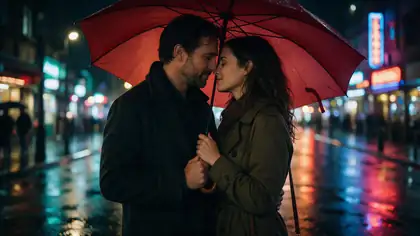
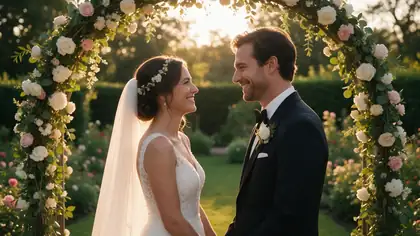
Turn a photo of two people into a sweet kiss or a warm hug — on a Paris bridge, under the rain, at a wedding. Wan 3 animates the moment in 5 to 30 seconds, with sound.

  • One photo of two people
  • Kiss or hug
  • Wan 3 with sound
  • Up to 30 s
Photo needed
1 with both people
Wan 3 length
2–30 s
Sound
Yes
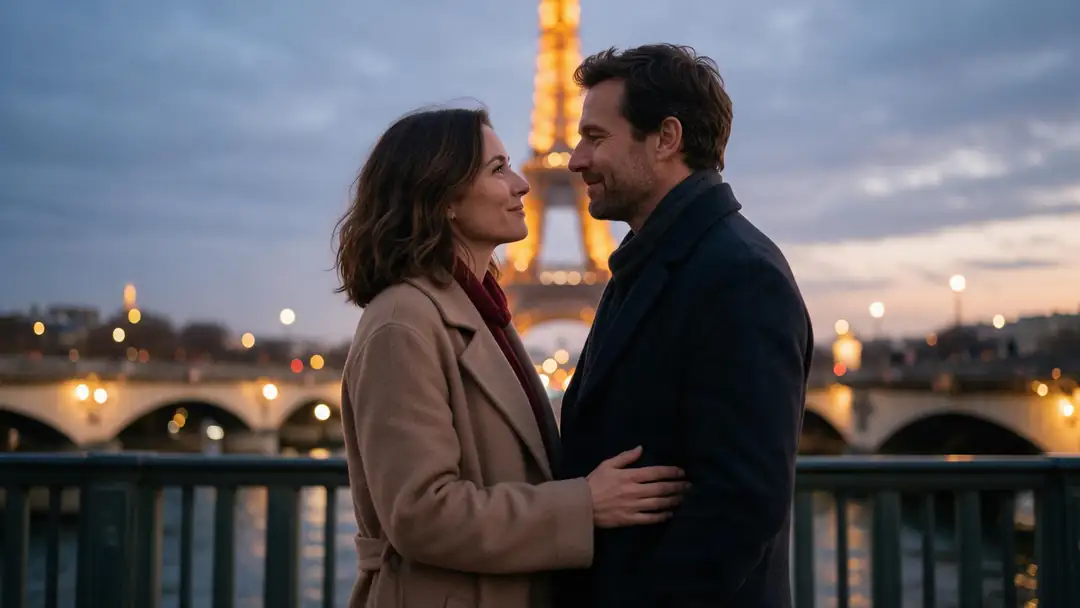
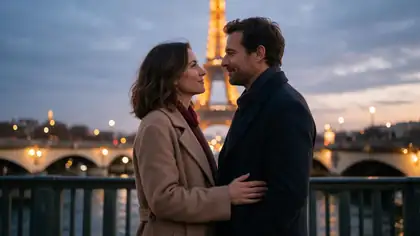
Paris bridge kiss
Real clip 1 / 5

Kiss

Paris bridge kiss

The couple leans in and shares a gentle kiss on the bridge, the city lights twinkle behind them, slow push-in, soft romantic music

Wan 3 · 5 s · 720p · with soundAnimate

Quick answer

An AI kiss video generator turns one photo of two people into a short clip of them kissing or hugging. On Kenerate you upload the photo — or make one with Seedream 5.0 Pro — describe the moment ("they lean in and share a gentle kiss") and animate it with Wan 3 (2–30 s, up to 1080p, with sound) or Seedance 2.5 (up to 4K). The examples here are real 5-second Wan 3 clips at 720p. Only use photos of people who agreed to it — and never celebrities.

Updated 27 September 2026 · specs read from Kenerate's code

  • Photo needed1 with both people
  • Wan 3 length2–30 s
  • SoundYes
  • Hug clipsYes

Short answers

What people ask first

  • How do I make an AI kiss video?

    Upload one photo with both people close together, describe the kiss ('they lean in and share a gentle kiss'), and animate it with Wan 3 or Seedance 2.5 in the video studio.

  • Can I use two separate photos?

    Kenerate animates one photo. Put both people in one picture first — for example, make the scene with Seedream 5.0 Pro — then animate it.

  • Can it make hug videos too?

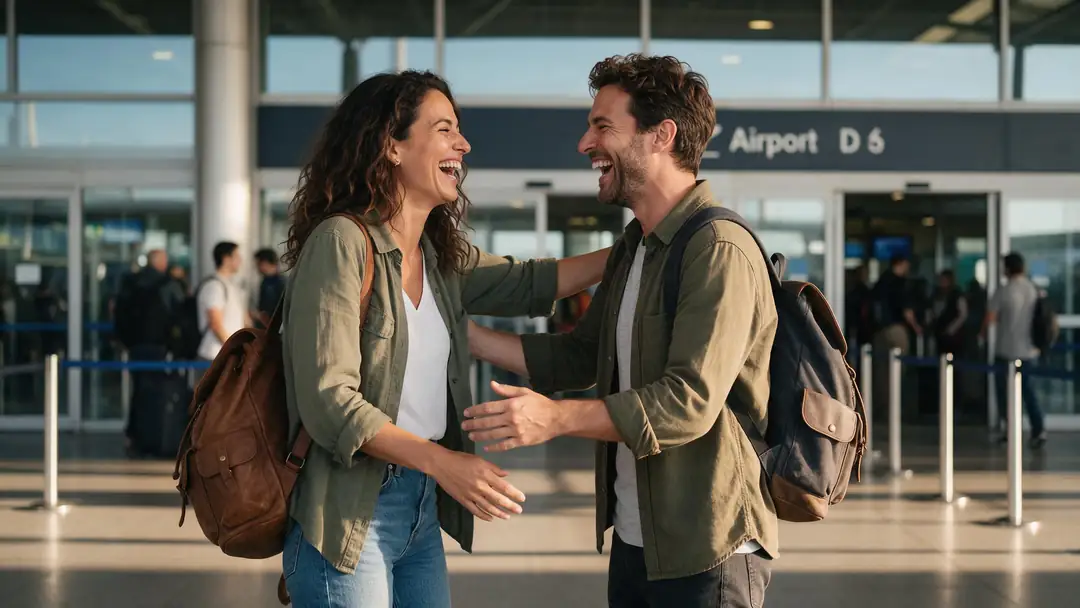
    Yes — describe the hug instead, like the airport example: 'the two friends rush together and share a big hug'.

  • How long is the clip?

    2–30 seconds on Wan 3 and 4–30 seconds on Seedance 2.5. The examples here are 5 seconds at 720p.

Real clips

Kiss and hug clips

Real 5-second Wan 3 clips with sound, each from one Seedream 5.0 Pro photo of two fictional adults.

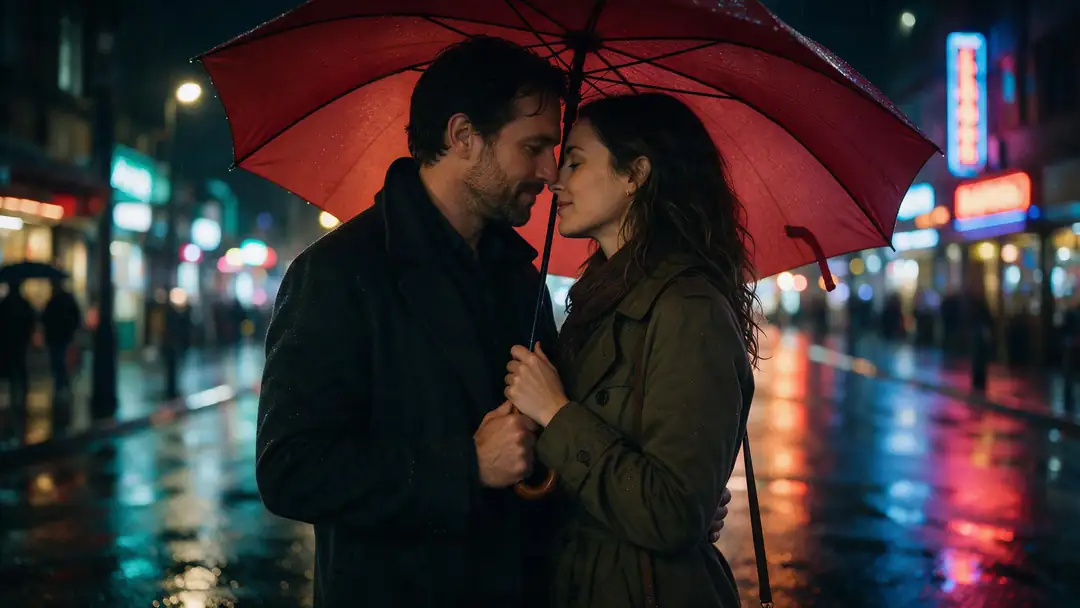
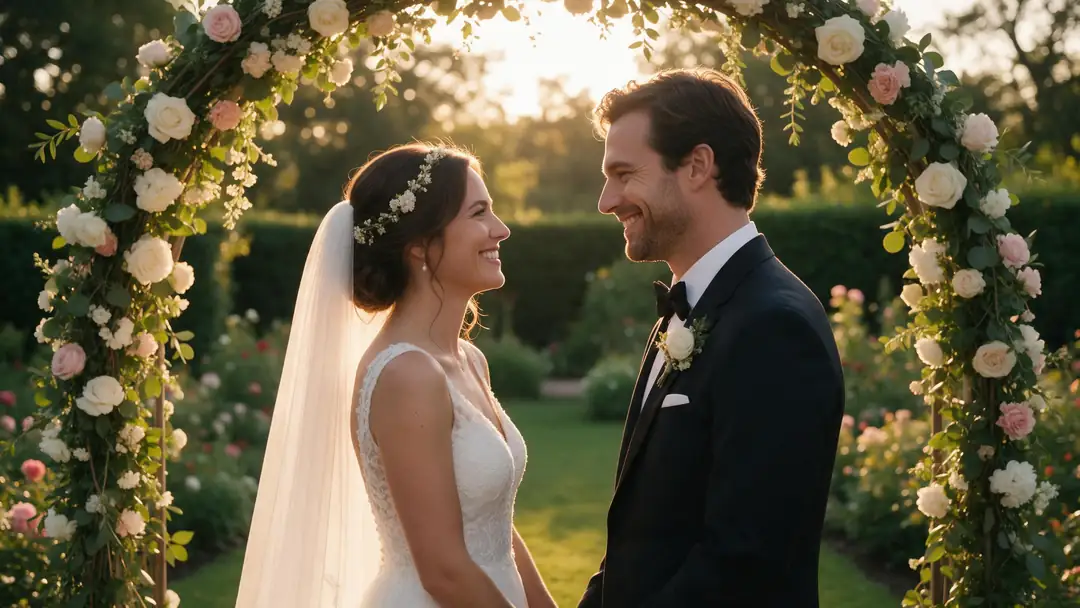
Real Wan 3 clips (5 s, 720p) from Seedream 5.0 Pro stills. Open one to watch with sound and copy both prompts.

Start image for Paris bridge kiss
Result · start image top right

How it works

One photo of two people, one moment

The photo sets the couple and the place; the prompt describes the kiss or hug.

  1. 01

    Start image

    Seedream 5.0 Pro at 2K — or upload your own photo.

  2. 02

    Motion prompt

    The couple leans in and shares a gentle kiss on the bridge, the city lights twinkle behind them, slow push-in, soft romantic music

  3. 03

    Wan 3

    Wan 3 · 5 s · 720p · with sound. The clip on the left is the real result.

Animate this scene

Tips

Kiss clips that feel natural

What made the best results.

  • Start from a photo where the two people are already close.
  • Describe a slow, gentle lean-in — fast moves look awkward.
  • Add a camera move: 'slow push-in' makes it cinematic.
  • Describe the sound: rain, music, applause.
  • For hugs, say who moves first and how they hold each other.
  • Only use photos of people who agreed — never celebrities or exes.

Step by step

How to use the ai kiss video generator

  1. Step 1: Get a photo of both people

    Faces close and visible, facing each other. Upload one, or make it with Seedream 5.0 Pro.
  2. Step 2: Open the video studio

    Pick Wan 3 — or Seedance 2.5 for up to 4K.
  3. Step 3: Describe the moment

    'They lean in and share a gentle kiss, slow push-in' or 'the friends rush together for a big hug'.
  4. Step 4: Pick length and generate

    Start with 5 s at 720p; go up to 30 s or 1080p once you like it.

Engines

Models for kiss and hug clips

Image-to-video models in the video studio that work from one photo of two people.

  • Alibaba

    Wan 3Used here

    Natural kisses and hugs with sound

    You give it
    Photo + prompt (+ end frame)
    You get
    2–30 s · up to 1080p · sound
    Open Wan 3
  • Alibaba

    Wan 3 Prime

    Wan 3's higher-quality tier

    You give it
    Photo + prompt (+ end frame)
    You get
    2–30 s · up to 1080p · sound
    Open Wan 3 Prime
  • ByteDance

    Seedance 2.5

    Highest resolution

    You give it
    Photo + prompt (+ end frame)
    You get
    4–30 s · up to 4K · sound
    Open Seedance 2.5
  • ByteDance

    Seedance 2.0

    Seedance 2 quality

    You give it
    Photo + prompt (+ end frame)
    You get
    4–15 s · up to 4K · sound
    Open Seedance 2.0

The examples above were made with Wan 3 image to video from one prompt each.

Every clip on this page started as one still image. Make yours, then animate it.

In depth

AI Kiss Video Generator, explained

What the models can do, how to prompt them, and what isn't allowed.

How kiss and hug generators work

Most apps run a preset template on an image-to-video model: one photo with two people (or two photos merged first) plus a fixed motion. Vidu's hug tool, for example, takes one image with two people or two images of the same aspect ratio. On Kenerate you write the motion yourself, so any kiss, hug or moment works.

Consent comes first

Only animate people who agreed to it. PixVerse's terms ban sexual or suggestive content of real people without consent and ask for permission for recognisable people; Kenerate doesn't allow sexual content of real people either.
Sources

    FAQ

    AI Kiss Video Generator questions

    7 questions

    Still stuck?

    A real person answers — usually within a day.

    01

    How do I make an AI kiss video?

    Upload one photo with both people close together, describe the kiss ('they lean in and share a gentle kiss'), and animate it with Wan 3 or Seedance 2.5 in the video studio.

    02

    Can I use two separate photos?

    Kenerate animates one photo. Put both people in one picture first — for example, make the scene with Seedream 5.0 Pro — then animate it.

    03

    Can it make hug videos too?

    Yes — describe the hug instead, like the airport example: 'the two friends rush together and share a big hug'.

    04

    How long is the clip?

    2–30 seconds on Wan 3 and 4–30 seconds on Seedance 2.5. The examples here are 5 seconds at 720p.

    05

    Does it add sound?

    Yes — Wan 3 and Seedance generate sound. Describe it: rain, music, applause.

    06

    Is the AI kiss video generator free?

    Video generation runs on Kenerate's credit packs. The free sign-up credits work on image models, so you can make the photo first.

    07

    Can I make a kiss video of someone else?

    Only with their consent — and never celebrities. Tools like PixVerse ban sexual or suggestive content of real people made without consent, and so does Kenerate.

    See more of Kenerate AI in your Google resultsAdd kenerateai.com as a preferred source — Google shows more from your preferred sources in Top Stories and AI answers.

    Explore

    Every Kenerate video tool

    Generators, tools, models and guides — one studio, one credit balance.

    Written by the Kenerate AI team

    We build and run Kenerate's video studio. Every clip here is a real, unedited Wan 3 output (5 s, 720p) and every start image a real Seedream 5.0 Pro output; model specs and limits were read from the app's code; facts about other tools link to their own pages. Last updated 27 September 2026. Corrections: hello@kenerateai.com.

    Sources

    Ready when you are

    Try the ai kiss video generator

    One studio for images and video.

    • 25 free credits
    • No watermark
    • Credits never expire