MiniMax H3 Pro · H3 · Hailuo 2.3 · Hailuo 02 · Ken 1
Hailuo AI Video Generator — MiniMax H3 and Hailuo video
Run MiniMax's video models — the new MiniMax H3 with up to 2K and 9 reference images, plus Hailuo 2.3 and 02 — in one studio, without a Hailuo account. Weighing Hailuo's own app against Kenerate instead? See Hailuo AI vs Kenerate.

- MiniMax H3 (July 2026)
- Up to 2K
- 9 image + 3 video refs
- No Hailuo account
Updated by the Kenerate AI team




Made with Kenerate


On this page
Quick answer

What is Hailuo AI?
Hailuo AI is the video app from MiniMax, a Shanghai AI company; its newest model, MiniMax H3 (31 July 2026, after Hailuo 01 and 02), makes 4–15 second clips at up to 2K with native stereo audio. In Kenerate AI's studio you can run six versions without the Hailuo app, including MiniMax H3 Pro with image, video and audio references.
Key facts
- Longest clip
- 15 s · H3
- Top resolution
- 2K · H3 Pro
- References
- 9 img · 3 video · 3 audio
- Versions here
- 6
- Models here
- H3 Pro, H3, Hailuo 2.3 Pro, 02 Pro/Standard, Ken 1
Real demo
MiniMax H3 Pro vs Wan 3 — same image, same prompt
Switch between the two and turn the sound on. Same start image and motion prompt, two models.
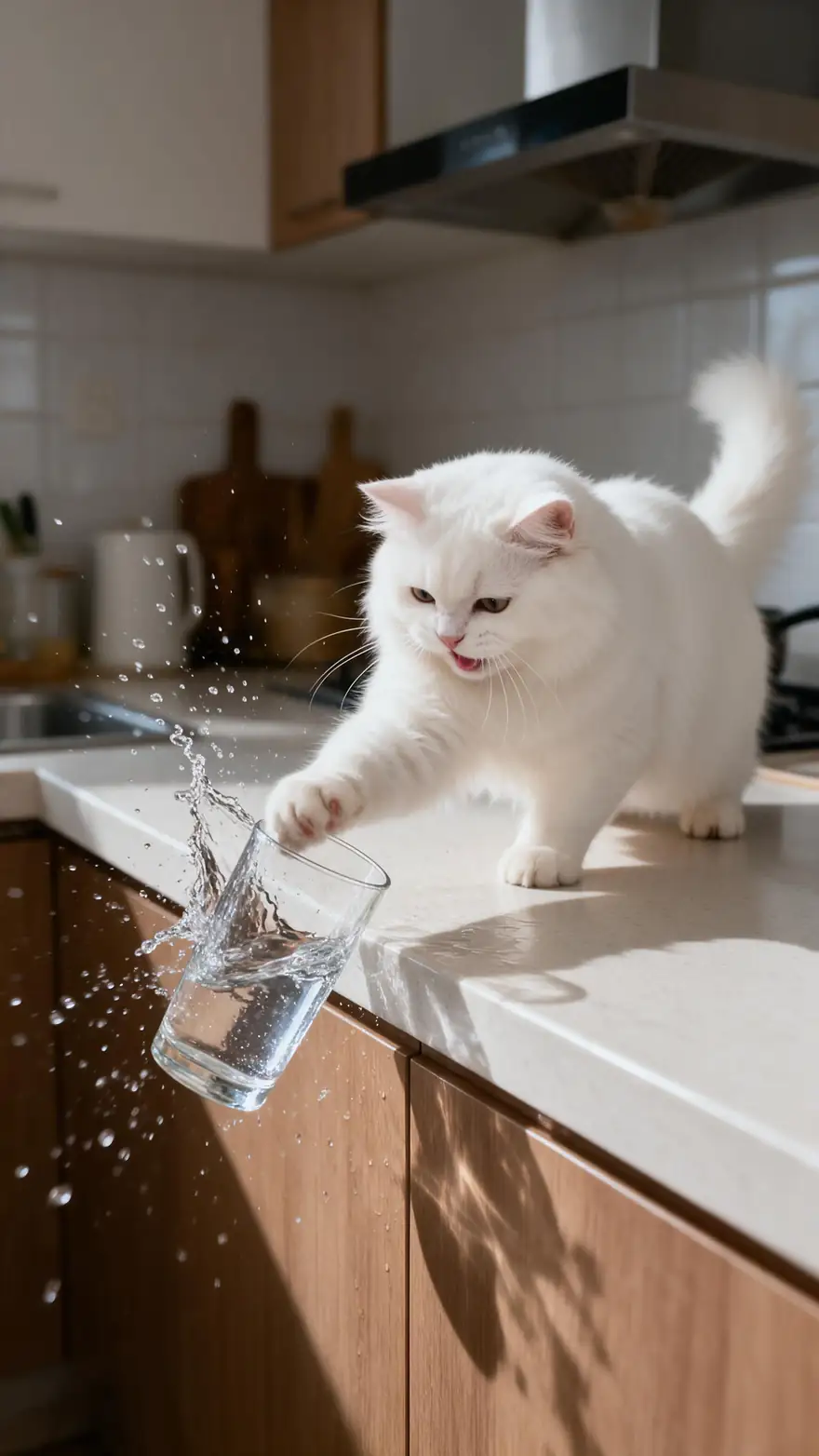
- MiniMax H3 Pro. MiniMax H3 Pro image to video, 5 s at 768p.
- Wan 3. Wan 3 image to video, 5 s at 720p with sound.
Both are unedited outputs from Kenerate's video studio.
Try MiniMax H3 ProReal results
Real MiniMax H3 Pro clips
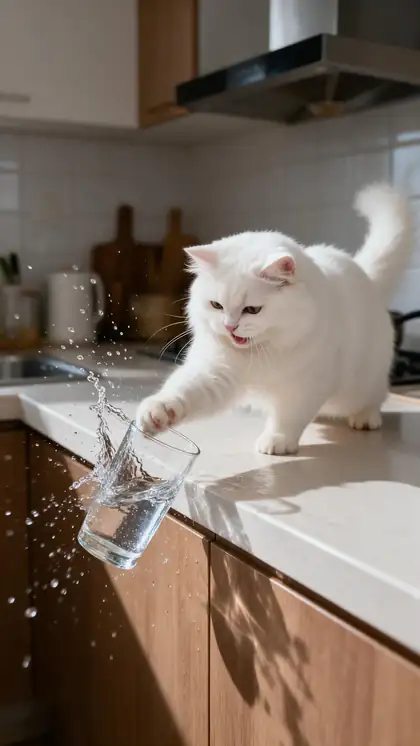
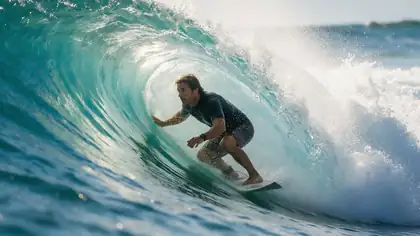
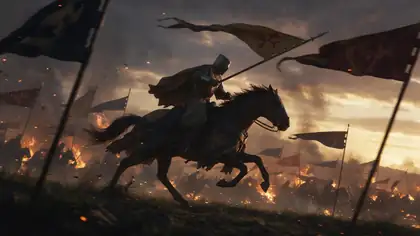
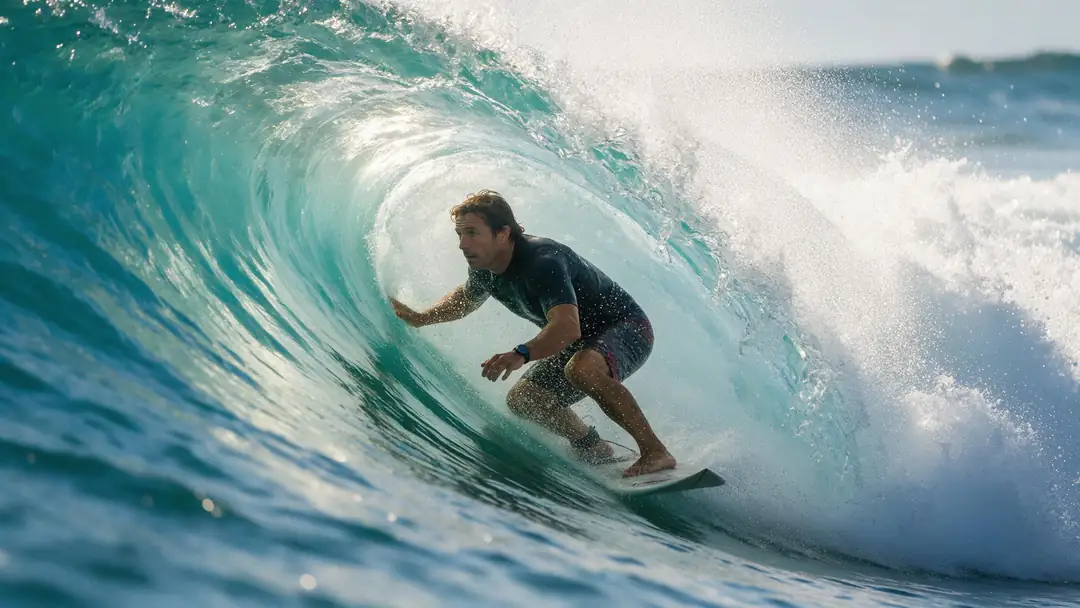
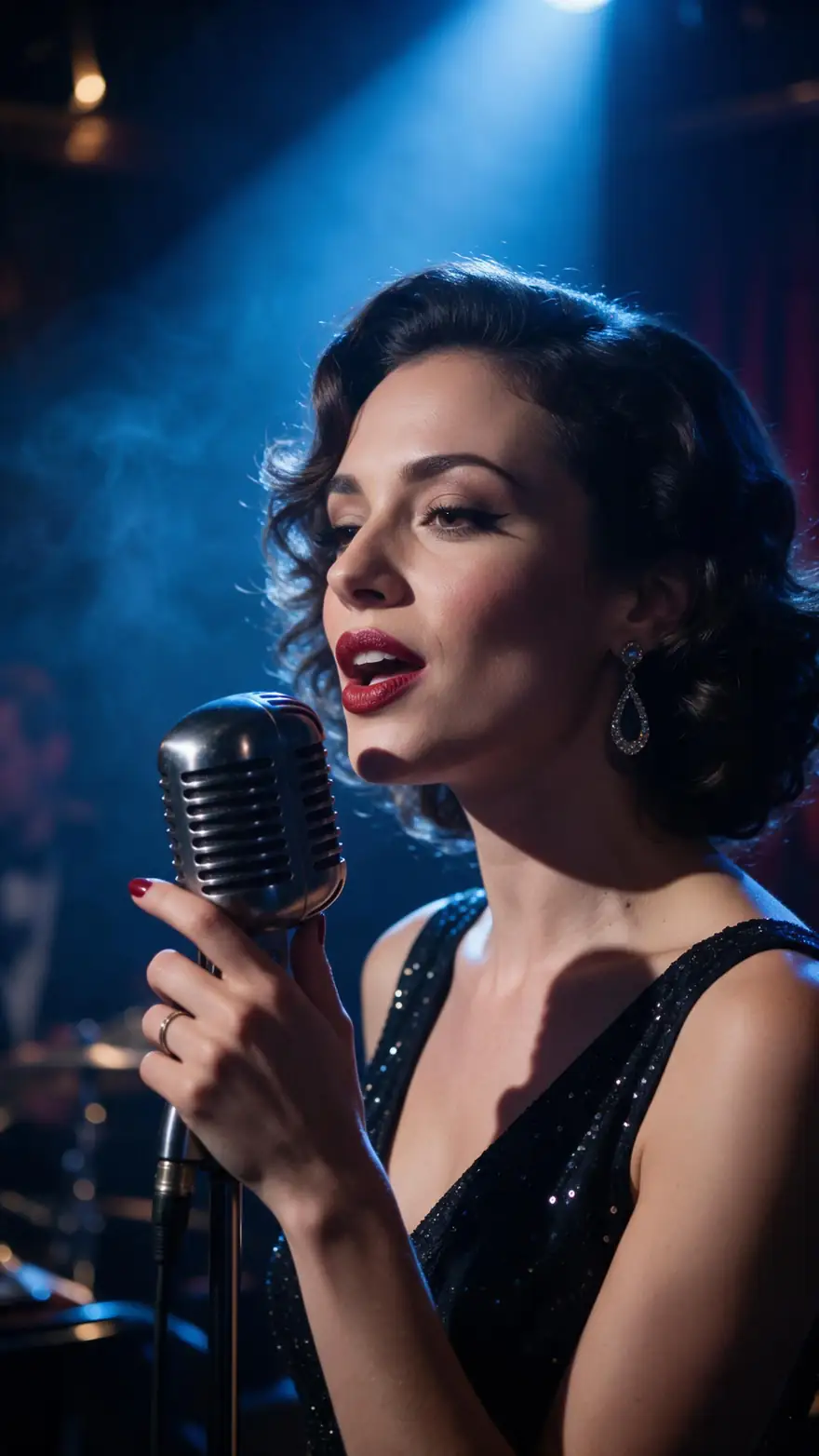
Five MiniMax H3 Pro image-to-video clips (5 s, 768p), each from a Seedream 5.0 Pro still.
Real MiniMax H3 Pro clips (5 s, 768p). Open one to copy both prompts.
How to
How to use the Hailuo AI (MiniMax) video generator
- Time needed
- Steps
- 4 steps
Step 1
Open the video studio
Pick MiniMax H3 Pro, H3, Hailuo 2.3 Pro, Hailuo 02 or Ken 1.
Step 2
Start from text, an image or references
H3 takes up to 9 images, 3 videos and 3 audio clips.
Step 3
Describe the action
Hailuo is strong on body motion and expressions.
Step 4
Pick length and resolution
4–15 s at 768p or 2K on H3 Pro; 6 s on Hailuo 02 Pro and 2.3 Pro.
See it in the app

Open Video Studio in Text to Video mode and write the shot — subject, action, camera move and light.


Watch the tour · 1:19
Text, image & reference to video, models, edit, extend & chat
Chapters
Engines
MiniMax and Hailuo versions in the studio
From the studio's own model list.
- Newest
MiniMax
MiniMax H3 Pro
- Input
- Text, image (+ end frame) or 9 img + 3 video + 3 audio
- Output
- 4–15 s · 768p or 2K
Open MiniMax H3 ProBest for
2K clips from references
MiniMax
MiniMax H3
- Input
- Text, image or references
- Output
- 3–15 s · 480p or 768p
Open MiniMax H3Best for
Faster H3 clips
Kenerate AI (on MiniMax H3)
Ken 1
- Input
- Text, image or references
- Output
- 3–15 s · up to 1080p
Open Ken 1Best for
Kenerate's own tuning
MiniMax
Hailuo 2.3 Pro
- Input
- Text or image
- Output
- 6 s
Open Hailuo 2.3 ProBest for
Body motion and expressions
MiniMax
Hailuo 02 Pro
- Input
- Text or image (+ end frame)
- Output
- 6 s
Open Hailuo 02 ProBest for
Start-to-end transitions
MiniMax
Hailuo 02 Standard
- Input
- Text or image (+ end frame)
- Output
- 6 or 10 s
Open Hailuo 02 StandardBest for
Longer Hailuo 02 clips
The clips above were made with MiniMax H3 Pro; the comparison uses Wan 3.
Tips
Hailuo tips
What worked in our tests.
Describe body motion and facial expression clearly.
Use an end frame on H3 Pro for exact final poses.
Draft at 768p, finish at 2K.
Ken 1 runs on H3 with its own tuning — try both.
Use references to keep a character across shots.
Real people need their permission.
Example uses
How creators use Hailuo AI (MiniMax) video generator
Illustrative examples of typical workflows, not customer reviews.

Fantasy author
A fantasy author could turn cover art into a short trailer shot, using an end frame on H3 Pro to land the exact final pose.

Sci-fi concept artist
A concept artist could animate a matte painting into a gliding camera move, drafting at 768p and finishing at 2K.
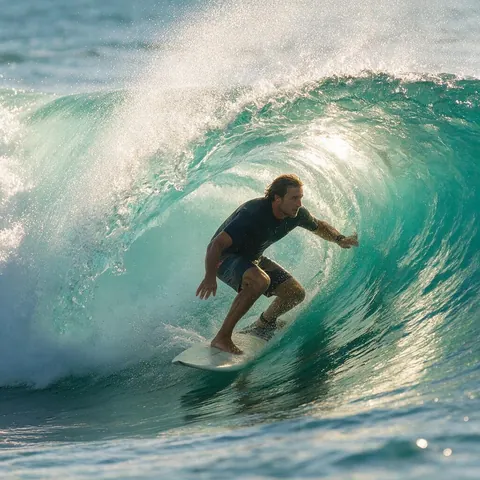
Surf filmmaker
A surf filmmaker could feed several reference stills to keep the same rider across shots, relying on Hailuo's strength with body motion.
FAQ
Hailuo AI (MiniMax) Video Generator questions
8 questions

What is Hailuo AI?
MiniMax's video app and model family: Hailuo 02, Hailuo 2.3 and MiniMax H3, its July 2026 model.
Link to this answerWhat is MiniMax H3?
MiniMax's July 2026 video model: 4–15 s clips at up to 2K with native stereo audio, taking up to 9 images, 3 videos and 3 audio clips as references. MiniMax released its weights under a community licence.
Link to this answerIs Hailuo AI free?
Hailuo's own app gives new accounts a one-time welcome credit pack, and free downloads are watermarked, per its payment policy. In Kenerate's studio it runs on one-time credit packs that never expire.
Link to this answerHow long can Hailuo videos be?
Up to 15 seconds on MiniMax H3; 6 seconds on Hailuo 2.3 Pro and Hailuo 02 Pro, and 6 or 10 seconds on Hailuo 02 Standard.
Link to this answerIs Hailuo AI safe?
Hailuo comes from MiniMax, a Shanghai AI company, and on Kenerate its models run in the browser studio with nothing to install. Safe use is mostly about what you upload and ask for: prompts involving minors are blocked, real people can't be shown without their consent, and you should only use start images and references you have the rights to.
Link to this answerDoes Hailuo AI have restrictions?
Yes. Hailuo's terms bar sexually explicit content, and on Kenerate the Hailuo and MiniMax models also follow Kenerate's content rules: nothing involving minors and no real people without consent. There are length limits too — up to 15 seconds on MiniMax H3, 6 seconds on Hailuo 2.3 Pro and Hailuo 02 Pro, and 6 or 10 seconds on Hailuo 02 Standard — and 2K is the top resolution, on H3 Pro.
Link to this answerWhat's the difference between Hailuo 02 and 2.3?
Hailuo 2.3 (October 2025) improved body motion, micro-expressions and stylised looks like anime and ink wash over Hailuo 02 (June 2025).
Link to this answerWhat is Ken 1?
Kenerate's own video model, built on MiniMax H3 with its own tuning.
Link to this answerIn depth
Hailuo AI (MiniMax) Video Generator, explained
Hailuo, version by version
Hailuo 02 (18 June 2025) brought native 1080p with a new architecture. Hailuo 2.3 (28 October 2025) improved physical action and micro-expressions. MiniMax H3 (31 July 2026) moved to 15-second 2K clips with native audio and multi-reference input.
Explore
Every Kenerate video tool
Generators, tools, models and guides — all in one studio.
By the Kenerate AI teamLast updated and reviewed
Sources: Kenerate video studio · MiniMax — H3 · MiniMax — Hailuo 2.3 · MiniMax — Hailuo 02 · Hailuo — payment policy · Hailuo — terms of service

Try the Hailuo AI (MiniMax) video generator
One studio for images and video.
Tried it? Tell us how it went