




Skip to content
Talking photo · lip sync · dubbing · image to video

A2E alternative — talking avatars, lip sync and 50+ video models

A2E bundles avatars, talking photos, lip sync and face swap. Kenerate covers the avatar side — 18 talking-photo and lip-sync engines, dubbing and 50+ video models — but not face swap.

  • 24 talking & lip-sync engines
  • Up to 10-min talking clips
  • Dubbing and subtitles
  • No face swap
Talking clips
Up to 10 min
Engines
Kenerate Avatar, Kling, OmniHuman +
Face swap
Not on Kenerate
Onboarding welcome
Real clip 1 / 5

Presenter

Onboarding welcome

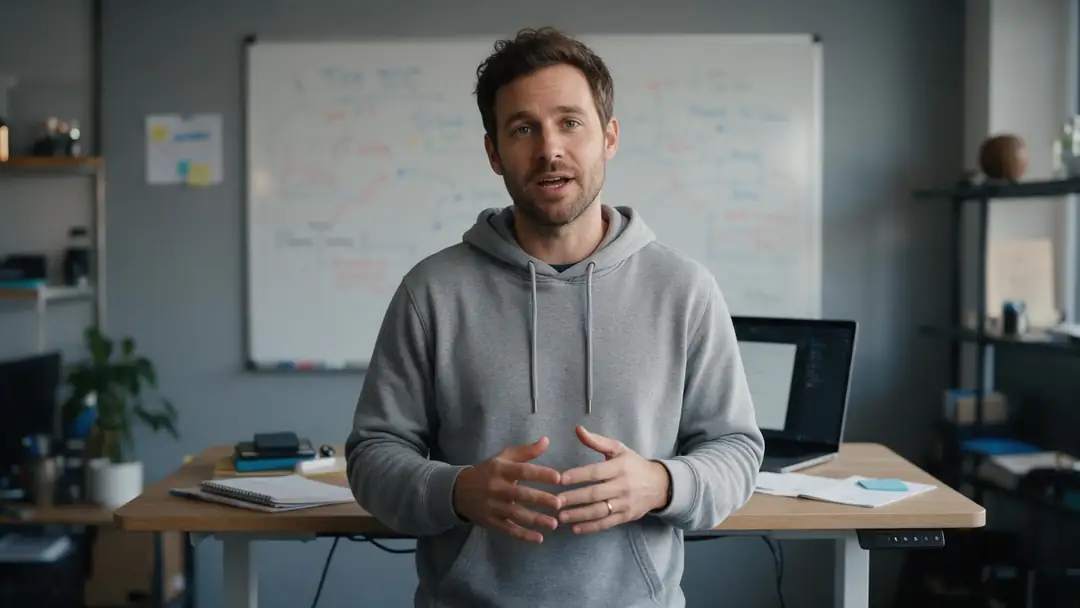
She smiles and says to the camera: "Welcome to the team. Here's everything you need for your first week." Office ambience

Wan 3 · 5 s · 720p · with soundAnimate

Quick answer

A2E (a2e.ai) offers AI avatars, talking photos, lip sync, face and head swap, voice cloning and image to video through third-party models, with 100 sign-up credits plus 30 a day; its terms ban nudity and adult content. Kenerate as an alternative: a talking-photo tool with engines like Kenerate Avatar (up to 10 min at 1080p), Kling Avatar 2, OmniHuman 1.5, InfiniteTalk and HeyGen presenters; video lip sync (VEED Lipsync 2, Sync 3, LatentSync); ElevenLabs dubbing; auto subtitles; and 50+ video models. What Kenerate doesn't have: face swap. The five talking clips below are Wan 3 outputs with generated speech.

Updated 27 September 2026 · specs read from Kenerate's code

  • Talking clipsUp to 10 min
  • EnginesKenerate Avatar, Kling, OmniHuman +
  • Face swapNot on Kenerate
  • Free credits25 at sign-up

Short answers

What people ask first

  • What is the best A2E alternative?

    For talking avatars, lip sync and dubbing, Kenerate covers it with 24 engines and 50+ video models. If you need face swap, Kenerate doesn't offer it.

  • Does Kenerate have face swap?

    No. Kenerate has talking photos, lip sync, dubbing and video models, but no face-swap tool.

  • Is A2E free?

    A2E gives 100 credits at sign-up plus 30 a day, per its homepage. Kenerate gives 25 at sign-up, which work on the talking-photo tool.

  • Does A2E allow NSFW?

    No — A2E's terms ban nudity and adult content.

Real clips

Talking clips from one photo

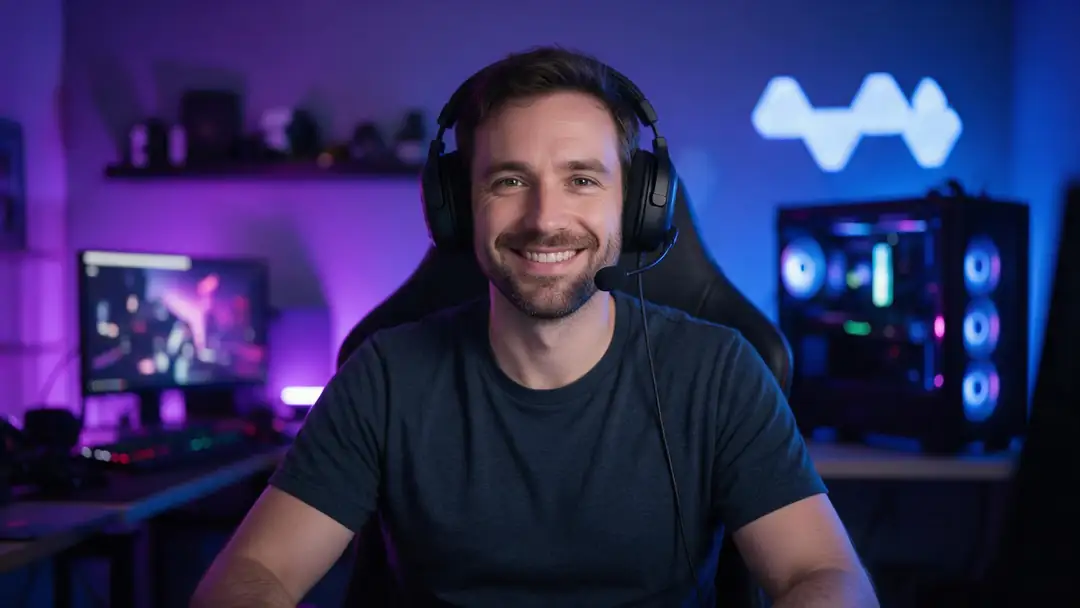
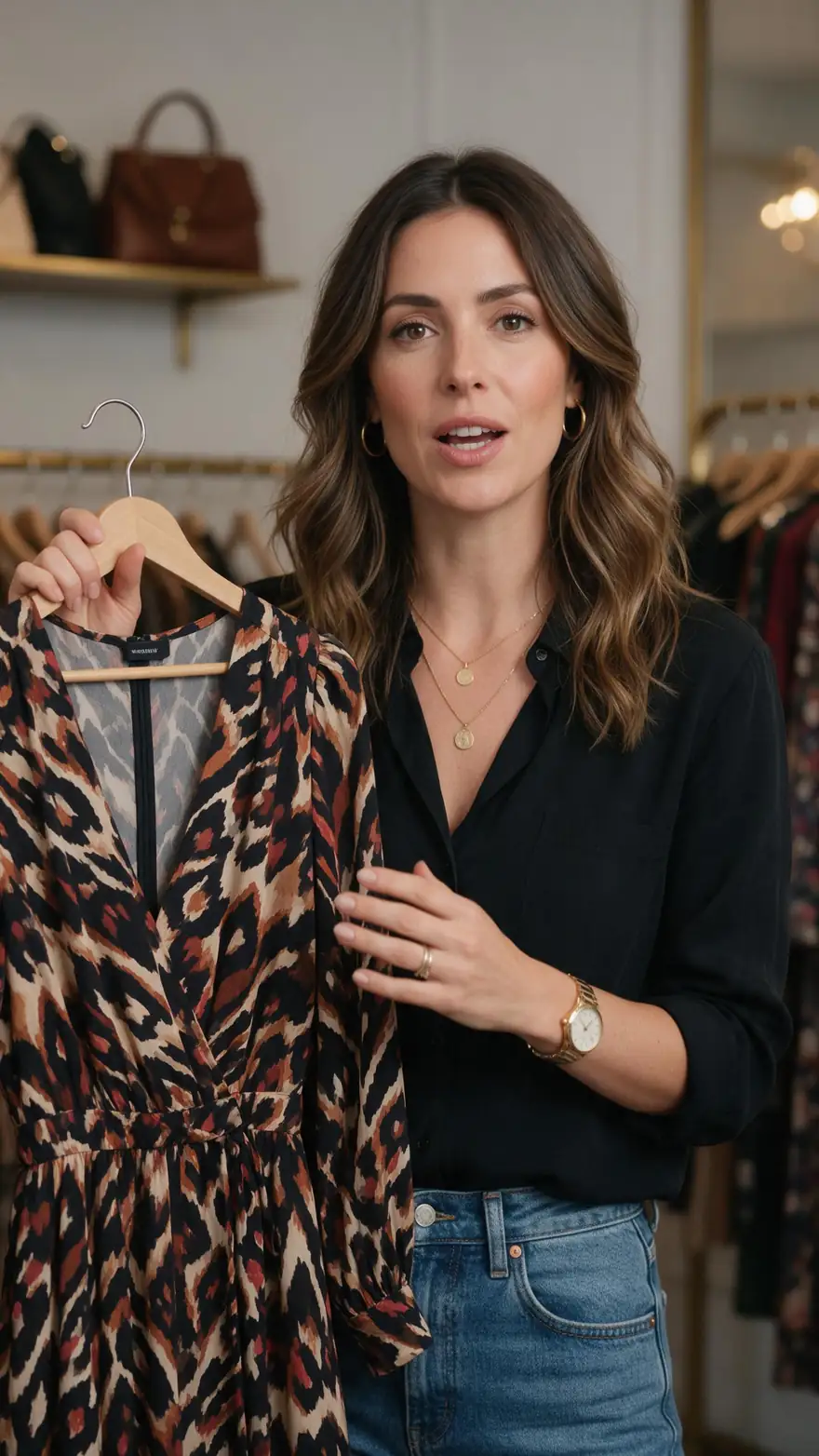
Five Wan 3 clips (5 s, 720p) with generated speech — for longer scripts, the talking-photo tool runs up to 10 minutes.

Real Wan 3 clips with speech. Open one to copy both prompts.

Start image for Onboarding welcome
Result · start image top right

How it works

A talking clip in three steps

Photo, script, engine.

  1. 01

    Start image

    Seedream 5.0 Pro at 2K — or upload your own photo.

  2. 02

    Motion prompt

    She smiles and says to the camera: "Welcome to the team. Here's everything you need for your first week." Office ambience

  3. 03

    Wan 3

    Wan 3 · 5 s · 720p · with sound. The clip on the left is the real result.

Animate this scene

Compared

A2E vs Kenerate

From A2E's own homepage and terms, 28 Sep 2026. Kenerate is our product.

A2E vs Kenerate
Kenerate AIA2E
Talking photo / avatarYes — Kenerate Avatar, Kling Avatar 2, OmniHuman 1.5, InfiniteTalk, HeyGen presenters and moreYes — AI avatar, talking photo, talking video
Lip syncYes — VEED Lipsync 2, Sync 3, LatentSync and moreYes
Face / head swapNoYes
VoiceElevenLabs dubbing; TTS in the talking-photo toolVoice clone, 50+ languages
Image to video50+ models incl. Seedance 2.5, Wan 3, Kling 3.0, Veo 3.1Via Seedance, Wan 3, Kling, MiniMax H3, Veo 3.1, Sora 2
Free credits25 at sign-up (images and tools)100 at sign-up + 30 a day
Adult contentAllowed for adults 18+ on Spicy video modelsTerms ban nudity and adult content

Sources linked below. Plans change often — check A2E's site.

Tips

Avatar clips that look natural

What worked in our tests.

  • Front-facing photo, mouth closed, good light.
  • Short sentences with natural pauses.
  • Use your own recorded audio for the most natural voice.
  • Pick 1080p Kenerate Avatar for courses and explainers.
  • Dub before you add subtitles.
  • Only your own face, or a fictional one — never someone else's.

Step by step

How to use the a2e alternative

  1. Step 1: Pick a photo

    A clear, front-facing portrait — or make one with Seedream 5.0 Pro.
  2. Step 2: Add the script or audio

    Type it or upload your own voice.
  3. Step 3: Pick an engine

    Kenerate Avatar for 1080p and long takes; Kling Avatar 2 or OmniHuman for expression.
  4. Step 4: Translate or caption

    Dub it with ElevenLabs, then add subtitles.

Engines

Kenerate's avatar and voice tools

From the app's own model lists.

  • Kenerate

    Kenerate AvatarFree credits

    Long presenter videos

    You give it
    Photo + script or audio
    You get
    Up to 10 min · 720p or 1080p
    Open Kenerate Avatar
  • Kuaishou

    Kling Avatar 2 Pro

    Realistic expressions

    You give it
    Photo + audio
    You get
    Up to 5 min
    Open Kling Avatar 2 Pro
  • ByteDance

    OmniHuman 1.5

    Expressive full-body

    You give it
    Photo + audio
    You get
    Up to 60 s
    Open OmniHuman 1.5
  • HeyGen

    HeyGen Presenters

    Ready-made presenters

    You give it
    Stock presenter + script
    You get
    Up to 10 min · up to 4K
    Open HeyGen Presenters
  • VEED

    VEED Lipsync 2

    Lip-syncing existing footage

    You give it
    Video + new audio
    You get
    Re-synced video
    Open VEED Lipsync 2
  • ElevenLabs

    Dubbing

    Voice translation

    You give it
    Clip with speech
    You get
    Same clip, new language
    Open Dubbing

Kenerate has no face-swap tool.

Every clip on this page started as one still image. Make yours, then animate it.

In depth

A2E Alternative, explained

What the models can do, how to prompt them, and what isn't allowed.

Avatars vs video models

Talking-photo engines lip-sync a portrait to a script, for long, to-camera clips. Video models like Wan 3 make short scenes with generated speech. The clips above are Wan 3; for a two-minute explainer, use the talking-photo tool.

Sources

    FAQ

    A2E Alternative questions

    5 questions

    Still stuck?

    A real person answers — usually within a day.

    01

    What is the best A2E alternative?

    For talking avatars, lip sync and dubbing, Kenerate covers it with 24 engines and 50+ video models. If you need face swap, Kenerate doesn't offer it.

    02

    Does Kenerate have face swap?

    No. Kenerate has talking photos, lip sync, dubbing and video models, but no face-swap tool.

    03

    Is A2E free?

    A2E gives 100 credits at sign-up plus 30 a day, per its homepage. Kenerate gives 25 at sign-up, which work on the talking-photo tool.

    04

    Does A2E allow NSFW?

    No — A2E's terms ban nudity and adult content.

    05

    How long can a talking clip be?

    Up to 10 minutes with Kenerate Avatar at up to 1080p.

    See more of Kenerate AI in your Google resultsAdd kenerateai.com as a preferred source — Google shows more from your preferred sources in Top Stories and AI answers.

    Explore

    Every Kenerate video tool

    Generators, tools, models and guides — one studio, one credit balance.

    Written by the Kenerate AI team

    We build and run Kenerate's video studio. Every clip here is a real, unedited Wan 3 output (5 s, 720p) and every start image a real Seedream 5.0 Pro output; model specs and limits were read from the app's code; facts about other tools link to their own pages. Last updated 27 September 2026. Corrections: hello@kenerateai.com.

    Sources

    Ready when you are

    Try the a2e alternative

    One studio for images and video.

    • 25 free credits
    • No watermark
    • Credits never expire