

Skip to content
19 lip-sync engines · free plan · up to 10 min

Talking Photo AI — make any picture talk

Upload a portrait and a voice track, and the AI moves the lips, face and head in sync with the audio. 19 engines — Kling Avatar, OmniHuman 1.5, InfiniteTalk, HeyGen — with speech up to 10 minutes, on the free plan.

  • Photo + your audio
  • 19 engines
  • Up to 10 min of speech
  • Two-speaker engines
Engines
19
Longest speech
10 min
Two speakers
Yes
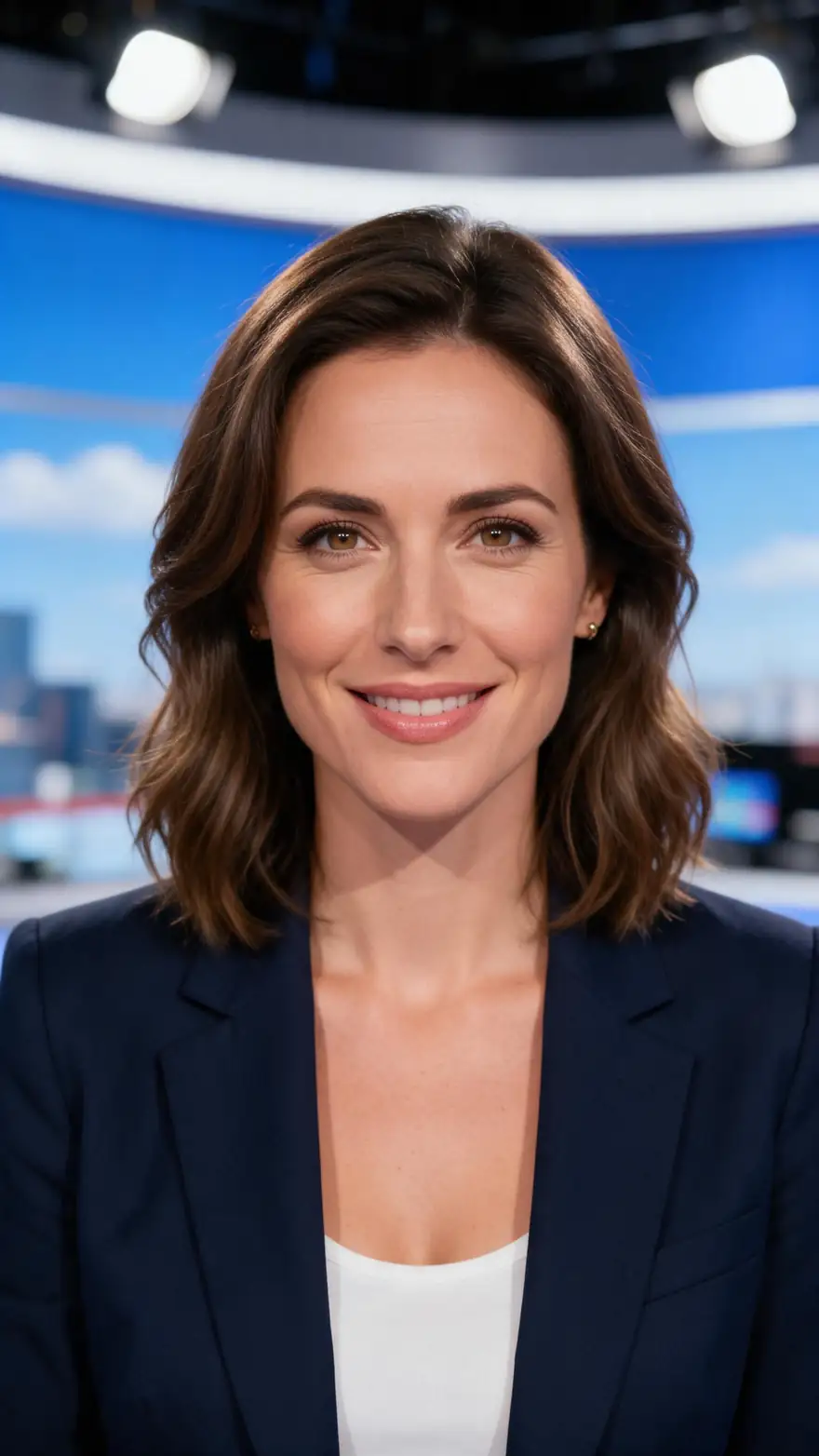
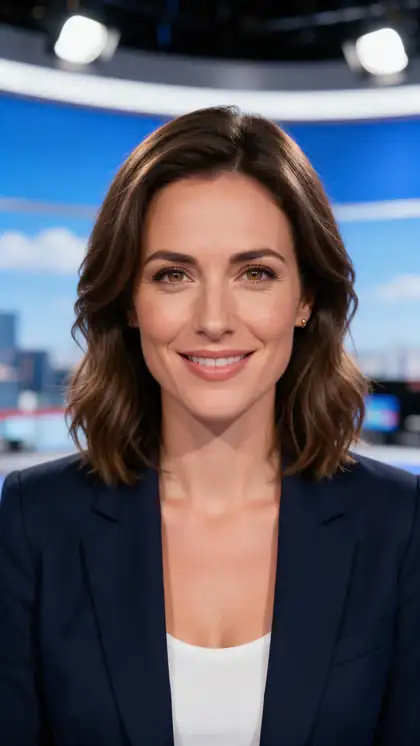
News presenter
Real clip 1 / 5

Presenter

News presenter

She looks into the camera and says with a warm smile: "Good evening, and welcome to tonight's update." Natural head movement, clear speech

Wan 3 · 5 s · 720p · with soundAnimate

Quick answer

A talking photo AI animates a single portrait so its lips, face and head move in sync with audio. In Kenerate's Avatar Talk you upload a photo and a voice track — MP3 or WAV upload, a mic recording, or a clip from your library — and pick one of 19 engines: Kenerate Avatar (720p/1080p), InfiniteTalk and Kling Avatar (up to 10 minutes of speech), OmniHuman 1.5, Sync Labs Lipsync-3, and two-speaker engines like InfiniteTalk Multi. Need a script read aloud? Write it in Voice Studio first. It works on the free plan with sign-up credits.

Updated 27 September 2026 · specs read from Kenerate's code

  • Engines19
  • Longest speech10 min
  • Two speakersYes
  • Free planYes

Short answers

What people ask first

  • How do I make a picture talk?

    Open Avatar Talk, upload a portrait, add a voice track (upload, record or pick from your library) and generate. The engine moves the lips, face and head in sync with the audio.

  • Can I make a photo sing?

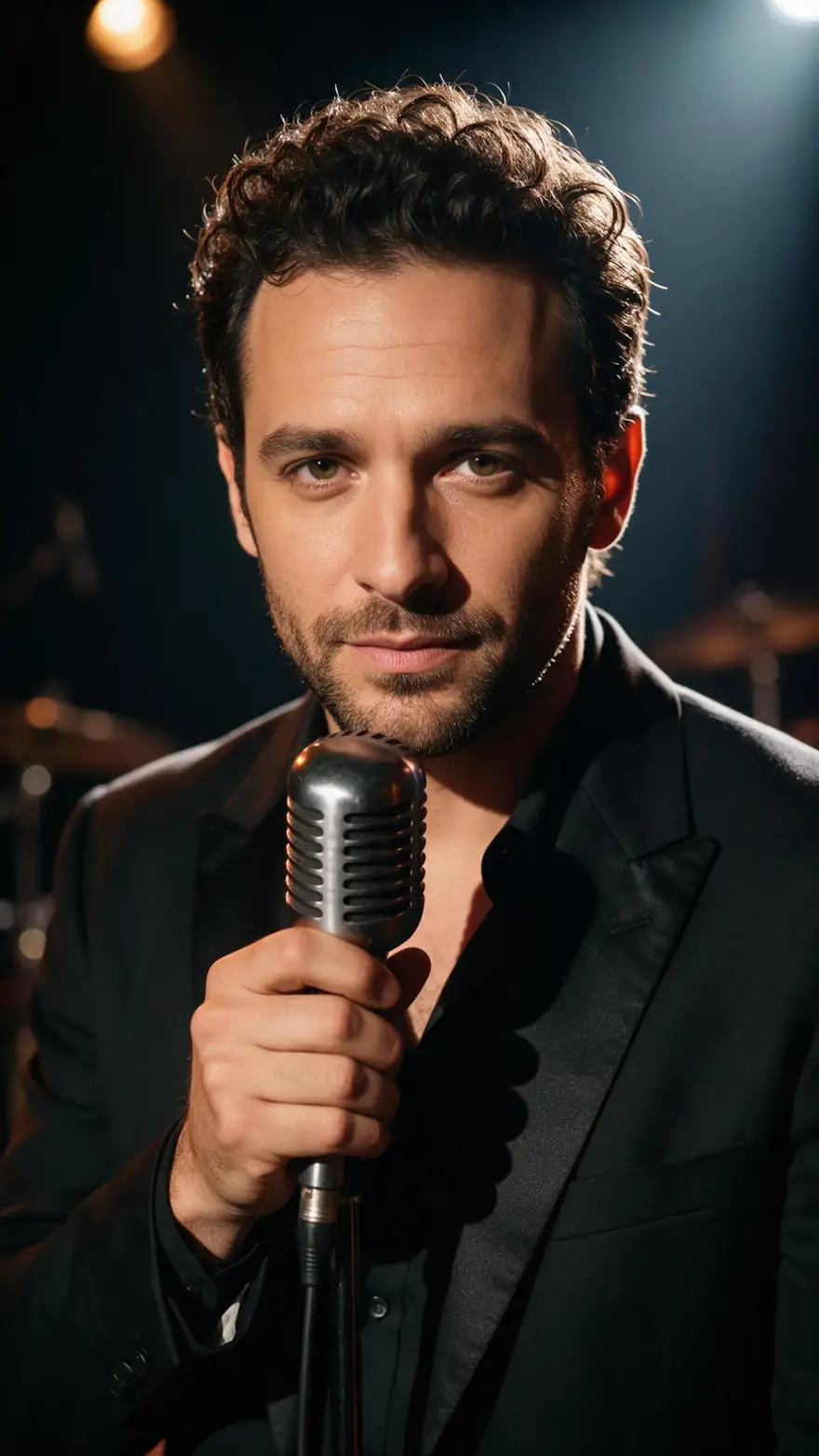
    Yes — upload the vocal track as the audio. ByteDance shows its OmniHuman model animating singing from a single image; InfiniteTalk takes tracks up to 10 minutes.

  • Can I use my own voice?

    Yes — record it on the mic or upload an MP3 or WAV. To have a script read aloud, make the voice in Voice Studio and use that file.

  • What kind of photo works best?

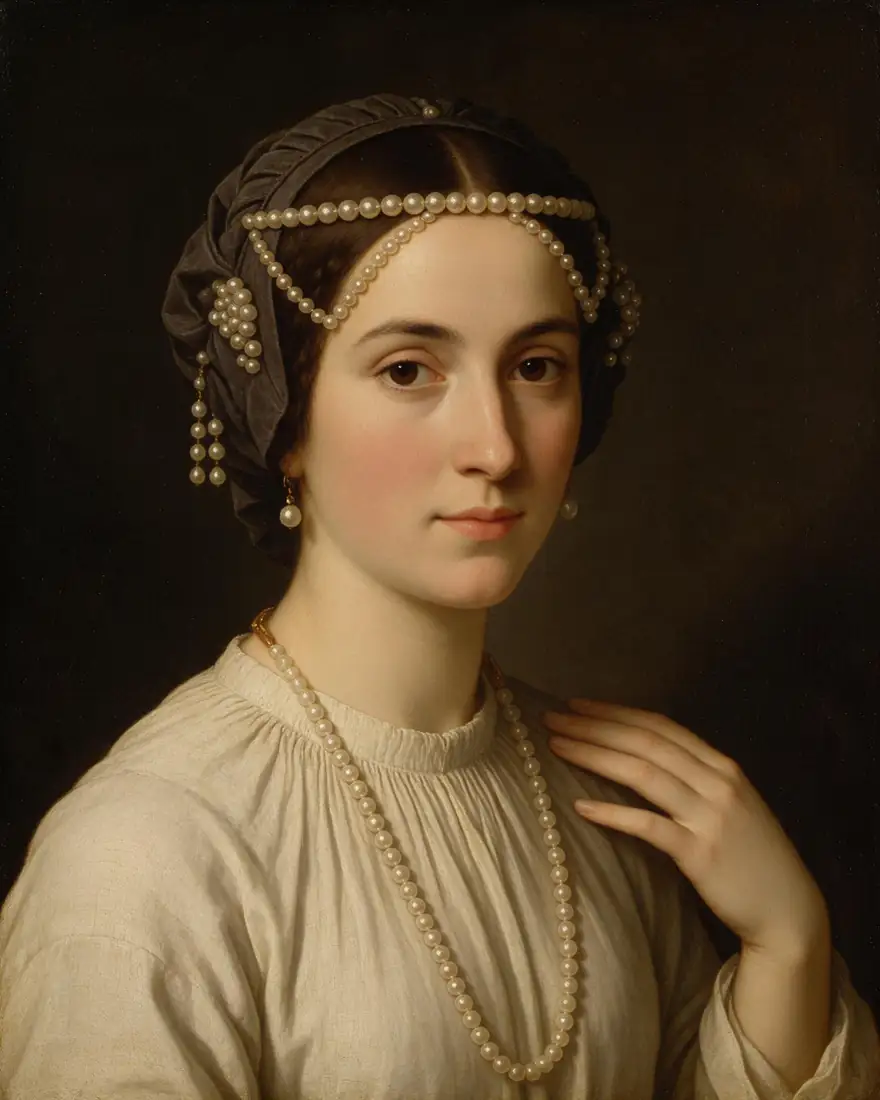
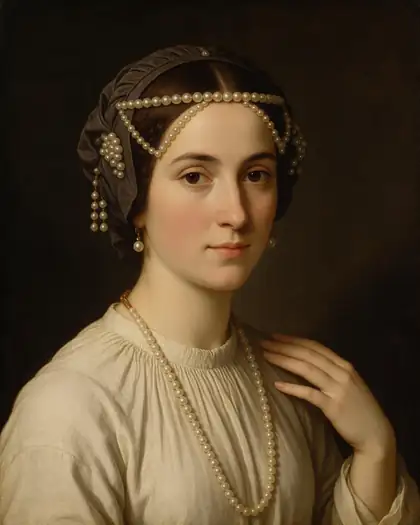
    A face looking at the camera, mouth closed, nothing covering it, with head and shoulders in frame. Paintings, cartoons and 3D characters work too.

Real clips

Photos that talk

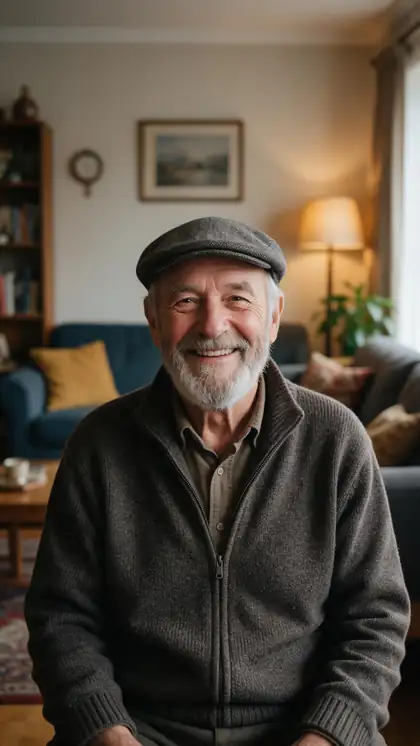
Real Wan 3 clips with generated voices, from Seedream 5.0 Pro portraits. In Avatar Talk you bring your own audio for exact words.

Real Wan 3 clips (5 s, 720p) from Seedream 5.0 Pro stills. Open one to watch with sound and copy both prompts.

Start image for News presenter
Result · start image top right

How it works

One photo, one voice track, one talking video

The photo sets the face; the audio drives every lip movement.

  1. 01

    Start image

    Seedream 5.0 Pro at 2K — or upload your own photo.

  2. 02

    Motion prompt

    She looks into the camera and says with a warm smile: "Good evening, and welcome to tonight's update." Natural head movement, clear speech

  3. 03

    Wan 3

    Wan 3 · 5 s · 720p · with sound. The clip on the left is the real result.

Animate this scene

Tips

Photos that talk naturally

What works best across the engines.

  • Face the camera, mouth closed, nothing covering the face.
  • Head-and-shoulders framing gives the most natural lip sync.
  • Use clean audio with no music under the voice.
  • Split very long scripts into chapters.
  • For singing, upload the vocal track without music underneath.
  • Only animate photos you have permission to use.

Step by step

How to use the talking photo ai

  1. Step 1: Open Avatar Talk

    Sign in — it works on the free plan with sign-up credits.
  2. Step 2: Upload a portrait

    Facing the camera, face clearly visible, up to 20 MB. Cartoons and paintings work too.
  3. Step 3: Add the voice

    Upload MP3/WAV (up to 50 MB), record on the mic, or pick from your library. Need text read aloud? Make it in Voice Studio first.
  4. Step 4: Pick an engine and generate

    Kenerate Avatar for 1080p, InfiniteTalk or Kling Avatar for long speeches, a Multi engine for two speakers.

Engines

19 engines for talking photos

From Avatar Talk's engine list: how much speech each takes and what it's best at.

  • Kenerate

    Kenerate AvatarDefault

    Sharp 1080p talking photos

    You give it
    Photo + up to 10 min audio
    You get
    720p or 1080p
    Open Kenerate Avatar
  • WaveSpeed

    InfiniteTalk

    Long speeches

    You give it
    Photo + up to 10 min audio
    You get
    480p or 720p
    Open InfiniteTalk
  • WaveSpeed

    InfiniteTalk Multi2 speakers

    Two people talking

    You give it
    Photo of two + two voices
    You get
    480p or 720p
    Open InfiniteTalk Multi
  • Kuaishou

    Kling Avatar 2 Pro

    Expressive presenters

    You give it
    Photo + up to 5 min audio
    You get
    Engine decides
    Open Kling Avatar 2 Pro
  • Kuaishou

    Kling Avatar 1 Pro

    Long Kling avatar videos

    You give it
    Photo + up to 10 min audio
    You get
    Engine decides
    Open Kling Avatar 1 Pro
  • ByteDance

    OmniHuman 1.5

    Portrait to full body, singing

    You give it
    Photo + up to 60 s audio
    You get
    Engine decides
    Open OmniHuman 1.5
  • Sync Labs

    Lipsync-3

    Precise lip sync

    You give it
    Photo + up to 5 min audio
    You get
    Engine decides
    Open Lipsync-3
  • Meituan

    LongCat Avatar

    Natural head motion

    You give it
    Photo + up to 2 min audio
    You get
    480p or 720p
    Open LongCat Avatar
  • VEED

    Fabric 1.0

    Social clips

    You give it
    Photo + up to 5 min audio
    You get
    480p or 720p
    Open Fabric 1.0
  • HeyGen

    HeyGen Avatar

    No photo needed

    You give it
    Audio + one of 500 stock presenters
    You get
    720p, 1080p or 4K
    Open HeyGen Avatar

The examples above were made with Wan 3 image to video from one prompt each. Avatar Talk uses your own audio, so the words are exactly yours.

Every clip on this page started as one still image. Make yours, then animate it.

In depth

Talking Photo AI, explained

What the models can do, how to prompt them, and what isn't allowed.

How talking photos work

The engine turns the audio into mouth shapes and facial motion, then animates your portrait frame by frame to match — adding blinks and head movement so it doesn't look frozen. ByteDance's OmniHuman animates a single image from audio, video or both, from portrait to full body.

Talking photo vs AI presenter

A talking photo animates your own picture. HeyGen-style presenters use a stock avatar instead — Kenerate's HeyGen Avatar engine offers 500 of them, so you only need the audio.

Photo checklist

D-ID recommends a camera-facing medium shot with a neutral expression and mouth closed, the face at least 200 × 200 px, and nothing covering it. The same rules help every engine.
Sources

    FAQ

    Talking Photo AI questions

    7 questions

    Still stuck?

    A real person answers — usually within a day.

    01

    How do I make a picture talk?

    Open Avatar Talk, upload a portrait, add a voice track (upload, record or pick from your library) and generate. The engine moves the lips, face and head in sync with the audio.

    02

    Can I make a photo sing?

    Yes — upload the vocal track as the audio. ByteDance shows its OmniHuman model animating singing from a single image; InfiniteTalk takes tracks up to 10 minutes.

    03

    Can I use my own voice?

    Yes — record it on the mic or upload an MP3 or WAV. To have a script read aloud, make the voice in Voice Studio and use that file.

    04

    What kind of photo works best?

    A face looking at the camera, mouth closed, nothing covering it, with head and shoulders in frame. Paintings, cartoons and 3D characters work too.

    05

    How long can a talking photo video be?

    Up to 10 minutes of speech on Kenerate Avatar, InfiniteTalk and Kling Avatar 1 Pro; 5 minutes on Kling Avatar 2, Lipsync-3 and Fabric; 60 seconds on OmniHuman 1.5.

    06

    Is talking photo AI free?

    Avatar Talk works on the free plan — use your free sign-up credits. Longer videos use one-time credit packs that never expire.

    07

    Can I make a celebrity's photo talk?

    No. Only animate photos of yourself, characters you made, or people who agreed to it.

    See more of Kenerate AI in your Google resultsAdd kenerateai.com as a preferred source — Google shows more from your preferred sources in Top Stories and AI answers.

    Explore

    Every Kenerate video tool

    Generators, tools, models and guides — one studio, one credit balance.

    Written by the Kenerate AI team

    We build and run Kenerate's video studio. Every clip here is a real, unedited Wan 3 output (5 s, 720p) and every start image a real Seedream 5.0 Pro output; model specs and limits were read from the app's code; facts about other tools link to their own pages. Last updated 27 September 2026. Corrections: hello@kenerateai.com.

    Sources

    Ready when you are

    Try the talking photo ai

    One studio for images and video.

    • 25 free credits
    • No watermark
    • Credits never expire