Old photos · pets · travel · food · Wan 3 with sound
Photo to Video AI — turn any photo into a moving video
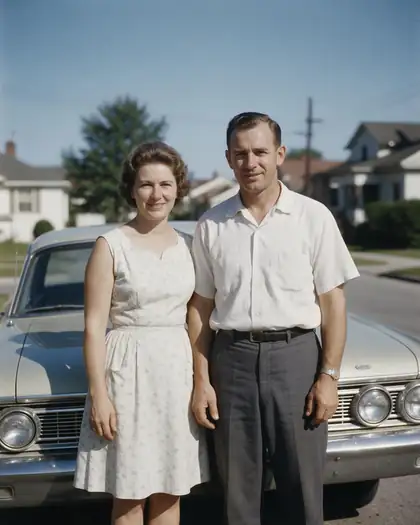
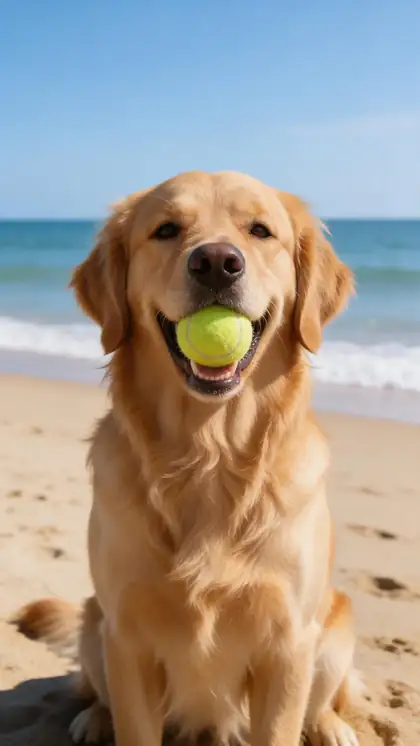
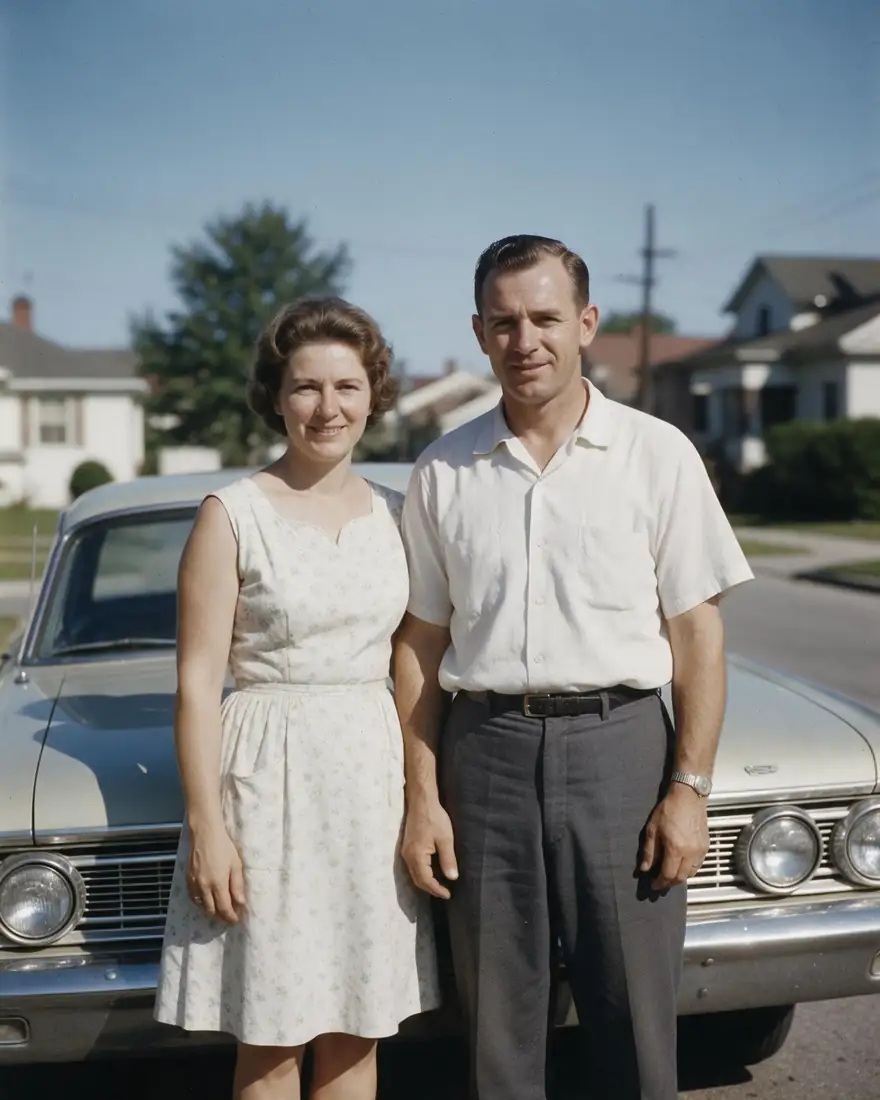
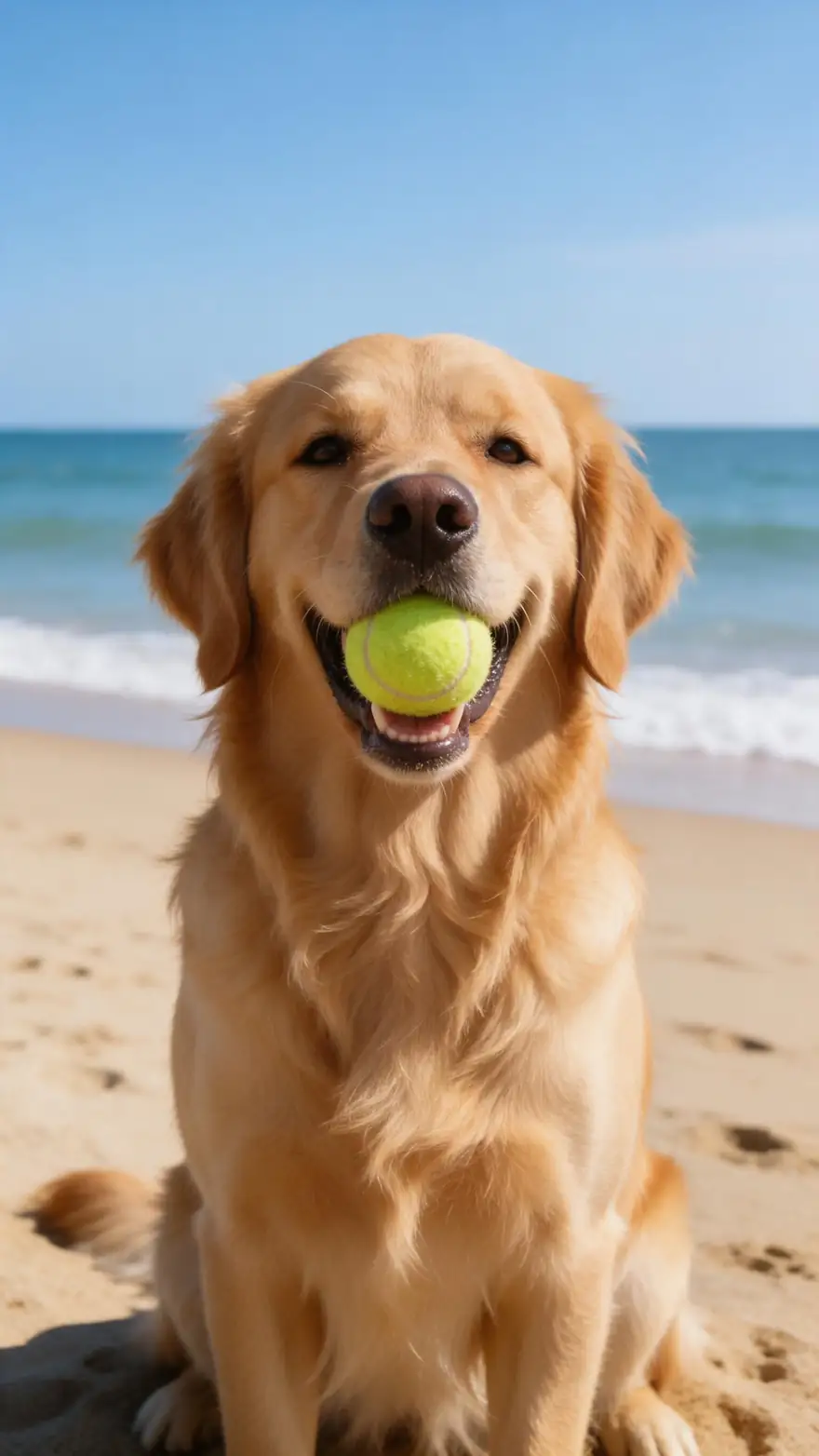
Photo to video AI turns an everyday photo into a real video — grandparents waving from a 1960s snapshot, your dog barking on the beach, steam rising off a latte. Upload it, say what should move, done. Animating a painting, anime art or a product shot instead? Image to video AI covers those, with start and end frames.
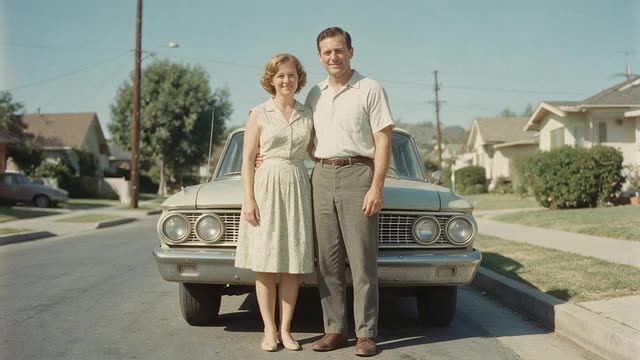
- Any photo
- Real motion, not a slideshow
- Sound included
- Talking photos on the free plan
Updated by the Kenerate AI team
Made with Kenerate

On this page
Quick answer
What is photo to video AI?
Photo to video AI turns one photo into a video of up to 30 seconds: people, pets, water and hair move, and the camera can move too, unlike a slideshow of stills. On Kenerate AI you upload the photo, describe the motion and animate it with Wan 3 (with sound), Kling 3.0, Veo 3.1 or Seedance 2.5.
Key facts
- Photos in
- 1 per clip
- Longest clip
- 30 s
- Sound
- Yes
- Talking photos
- Free plan
- Models
- Wan 3, Kling 3.0, Veo 3.1, Seedance 2.5
Real results
Everyday photos, moving
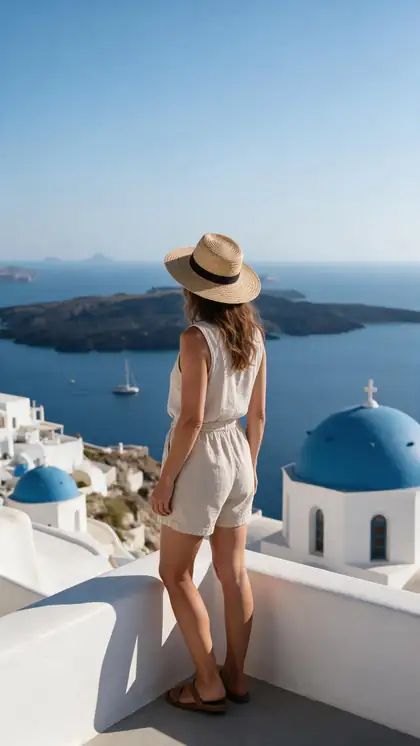
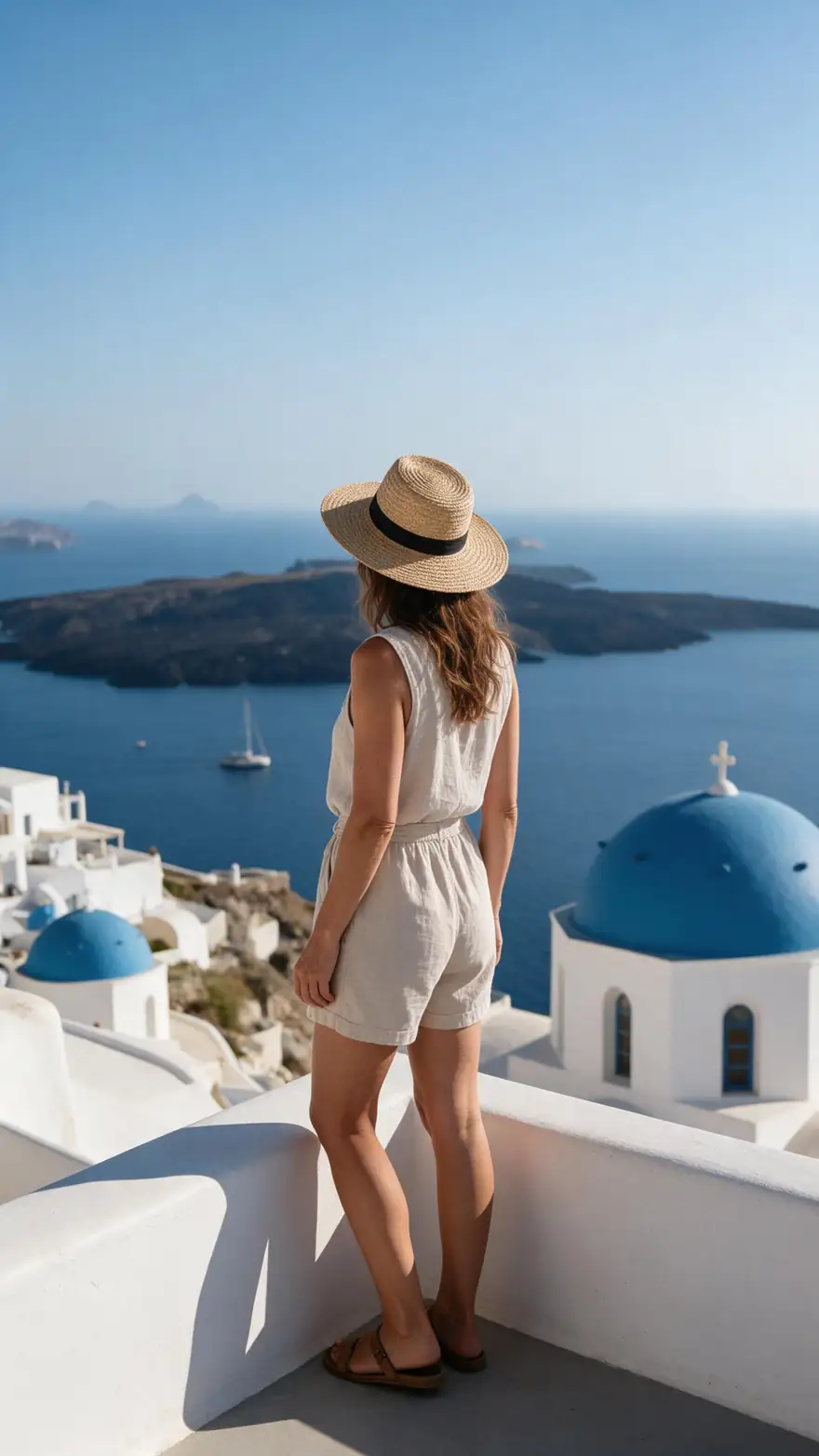
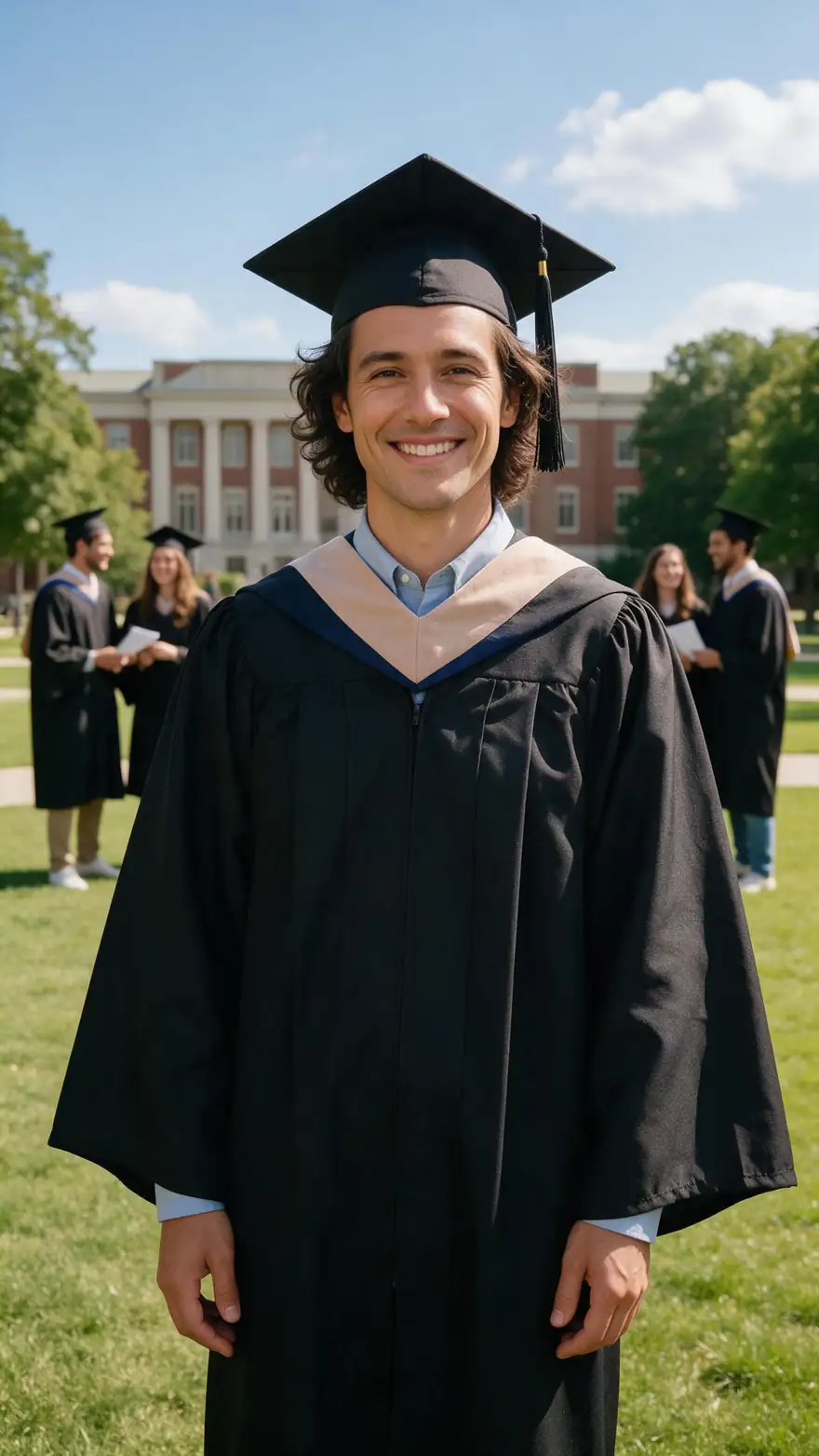
Real 5-second Wan 3 clips at 720p with sound, each from one photo (made with Seedream 5.0 Pro for this page).
How to
How to use the photo to video AI generator
- Time needed
- Steps
- 4 steps
Step 1
Upload the photo
Phone photos work. For old prints, scan them sharp; restore them first if they're damaged.
Step 2
Describe what should move
People waving, a dog barking, steam rising — plus a camera move if you like.
Step 3
Pick a model
Wan 3 for up to 30 s with sound, Kling 3.0 for expressive faces, Veo 3.1 for cinematic 4K.
Step 4
Generate and share
9:16 for Reels and TikTok, 16:9 for YouTube and TV.
See it in the app

Open Video Studio in Text to Video mode and write the shot — subject, action, camera move and light.


Watch the tour · 1:19
Text, image & reference to video, models, edit, extend & chat
Chapters
Checked 6 October 2026
Photo to video AI vs a slideshow vs a talking photo
Three ways to make a video from photos, and what each is best for.
| AI photo to video | Slideshow | Talking photo (Avatar Talk) | |
|---|---|---|---|
| What moves | People, pets, water, hair and the camera | Nothing — pans, zooms and transitions over stills | Lips, face and head, synced to a voice |
| Photos per video | 1 per clip (some models also take an end frame) | As many as you like | 1 photo plus your audio |
| Sound | Generated from the prompt (Wan 3, Kling 3.0, Veo 3.1, Seedance 2.5) | Your music track | Your voice track |
| Best for | Bringing one moment back to life | Albums, birthdays and memorials | Making a photo speak or sing |
Slideshows are not a Kenerate feature; AI clips and talking photos are.
Sources: Kenerate video studio · Google — Photos 'Photo to video' with Veo · Google — Veo image to video
Engines
Models for photo to video
From the studio's own list — all take your photo as the first frame.
- Used here

Alibaba
Wan 3
- Input
- Text, image or up to 10 refs
- Output
- 2–30 s · 480p–1080p · sound
Open Wan 3Best for
Long clips with sound, start + end frame
Kuaishou
Kling 3.0 Pro
- Input
- Text or image (+ end frame)
- Output
- 3–15 s · sound
Open Kling 3.0 ProBest for
Expressive motion; 4K version too
Google
Veo 3.1
- Input
- Text, image or 3 ref images
- Output
- 4, 6 or 8 s · up to 4K · sound
Open Veo 3.1Best for
Cinematic shots with sound

ByteDance
Seedance 2.5
- Input
- Text, image or up to 30 ref images
- Output
- 4–30 s · up to 4K · sound
Open Seedance 2.5Best for
Longest 4K clips, multi-shot
Vidu
Vidu Q3 Pro
- Input
- Text or image (+ end frame)
- Output
- 1–16 s · up to 1080p · sound
Open Vidu Q3 ProBest for
Start-to-end-frame transitions
Alibaba
Happy Horse 1.1
- Input
- Text, image or 9 refs
- Output
- 3–15 s · 720p or 1080p
Open Happy Horse 1.1Best for
Quick everyday clips
All models (7)
- Free plan
19 engines
Avatar Talk
- Input
- Photo + your audio
- Output
- Lip-synced talking video
Open Avatar TalkBest for
Making a photo talk or sing
The examples above were made with Wan 3. For talking photos, Avatar Talk works on the free plan.
Tips
Photos that come alive
What worked in our tests.
Keep motion small and natural for family photos.
Restore or upscale a damaged old photo first.
Name the sound: waves, laughter, a dog barking.
Pick the ratio of the photo to avoid cropping.
Want the person to talk? Use Avatar Talk with your audio.
Only animate photos of people who'd be happy to see it.
Example uses
How creators use photo to video AI generator
Illustrative examples of typical workflows, not customer reviews.
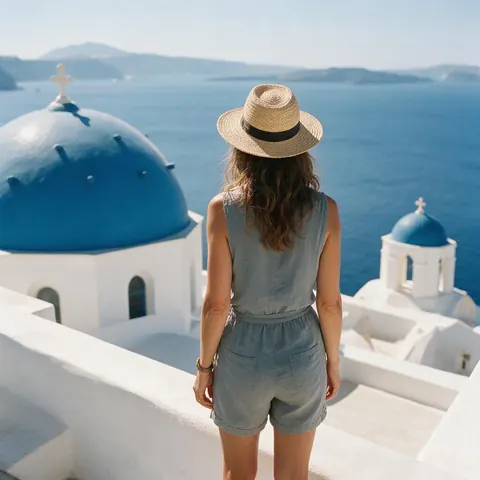
Traveller
A traveller can turn a terrace photo into a clip where the sea breeze moves her hat and the water sparkles.
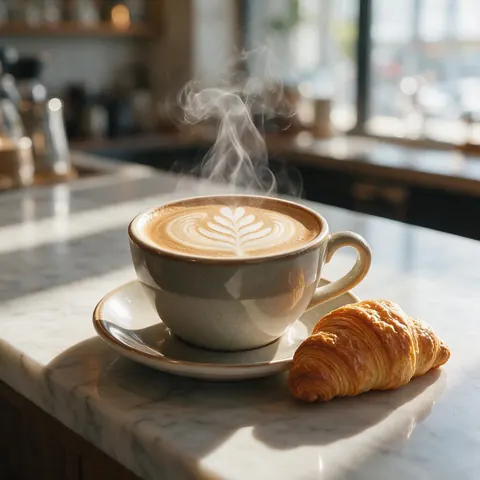
Cafe owner
A cafe owner can animate a latte photo with rising steam for a social post.
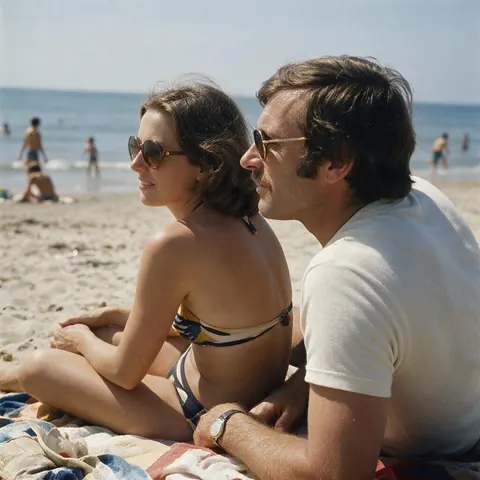
Family archivist
Someone can restore an old print first, then animate a small, natural motion like a wave or a smile.
FAQ
Photo to Video AI Generator questions
8 questions
How do I turn a photo into a video with AI?
Upload the photo to the video studio, describe what should move (a wave, a dog barking, steam rising, a slow camera push), pick a model like Wan 3 and generate. AI animates one photo per clip; to play many photos in a row, a slideshow app is the better tool.
Link to this answerIs photo to video AI free?
Talking photos (Avatar Talk) work on the free plan with sign-up credits. Other photo to video models run on one-time credit packs that never expire — no subscription required.
Link to this answerWhich photo to video AI is best?
It depends on the photo. Wan 3 for clips up to 30 s with sound, Kling 3.0 for expressive faces and motion, Veo 3.1 for cinematic shots up to 4K, Seedance 2.5 for long 4K multi-shot clips, and Avatar Talk when the person should speak or sing.
Link to this answerHow long can a photo to video clip be?
Wan 3 makes 2–30 s at 480p to 1080p in 16:9, 9:16, 1:1, 4:3 or 3:4. Seedance 2.5 goes to 30 s up to 4K, Kling 3.0 Pro 3–15 s, and Veo 3.1 4, 6 or 8 s up to 4K.
Link to this answerCan I animate old family photos?
Yes — keep the motion gentle (a smile, a wave) and restore damaged prints first so the model has a clean image to work from.
Link to this answerWhy does my photo drift or look unnatural?
Big changes — new people, new places, fast action — make the model invent more and the photo drifts from the original. Ask for small, realistic motion, name one subject and one camera move, and match the photo's ratio so nothing is cropped.
Link to this answerCan I make a photo talk?
Yes — use Avatar Talk: upload the photo and a voice track, and it syncs the lips. It works on the free plan.
Link to this answerCan I add music or sound?
Wan 3, Kling 3.0, Veo 3.1 and Seedance generate sound — describe it in the prompt.
Link to this answerIn depth
Photo to Video AI Generator, explained
On this page
Photo to video vs slideshow
A slideshow shows several photos in order with pans, zooms and music — the photos themselves never move. AI photo to video makes new frames: the subject, hair, water and camera actually move. Use a slideshow for an album, AI animation to bring one moment back to life.
Writing the motion prompt
Describe the photo you already have only briefly — the model can see it. Spend the words on what changes: who moves and how, one camera move, and the sound.
- Subject: "she turns and smiles at the camera"
- Camera: "slow push in" or "static shot"
- Sound: "waves and wind", "applause", "a dog barking"
Old photos
Scan the print as sharp as you can and fix scratches first — Kenerate's photo restoration tool helps. Then ask for a small, natural motion; the older the photo, the gentler the movement should be.
AI photo to video
The same thing, word order swapped: one photo becomes the first frame and the model generates the motion that follows. On Kenerate that is the image to video mode of the video studio.
Photo to video AI free
Talking photos are on the free plan with sign-up credits. Full photo animation uses one-time credit packs that never expire, with no subscription.
Old photo to video
Scan the print sharp, restore it if it is scratched, then ask for gentle motion — a smile, a wave, a head turn. Big moves make old faces drift.
Picture to video
Any still works — phone photos, scans, AI images. For paintings, anime art or product shots with a set start and end frame, see image to video AI.
Explore
Every Kenerate video tool
Generators, tools, models and guides — all in one studio.