Effects vs named models · honest comparison
Joyfun AI vs Kenerate — effects app or model studio?
Joyfun AI is a no-sign-up effects site — dance, hug and face-swap videos. Kenerate is a studio of 50+ named video models. Here's what each actually offers, from their own pages.

- Named, current models
- Dance, hug and kiss clips
- No face swap on Kenerate
- You own what you make
Updated by the Kenerate AI team




Made with Kenerate





On this page
Quick answer

Joyfun AI or Kenerate: which should you use?
Joyfun AI offers AI video effects like dance, kiss and hug clips, plus face swap, and claims it's free with no sign-up; its operator isn't named. Kenerate AI runs 50+ named video models, makes effect-style clips from a prompt, and adds talking photos, dubbing and image editing, but no face swap.
Key facts
- Joyfun
- Effects + face swap
- Kenerate
- 50+ named models
- Face swap on Kenerate
- No
- Sign-up
- Kenerate: yes · Joyfun: not required (its claim)
- Model examples
- Wan 3, Seedance 2.5, Kling 3.0, Veo 3.1
Real results
Effect-style clips from a prompt
Five Wan 3 clips (5 s, 720p, with sound) — dance, hug, cheers — made from an image and one line of motion, no template needed.
Real Wan 3 clips. Open one to copy both prompts.
How to
How to use Kenerate Video Studio
- Time needed
- Steps
- 4 steps
Step 1
Make or upload a photo
Of fictional people, or of you and friends who agree.
Step 2
Describe the effect
'They run and hug, spinning around', 'they dance and laugh'.
Step 3
Pick a model
Wan 3 for sound, Seedance 2.5 for polish, Grok for speed.
Step 4
Share
Add subtitles or upscale if you need to.
See it in the app

Open Video Studio in Text to Video mode and write the shot — subject, action, camera move and light.


Watch the tour · 1:19
Text, image & reference to video, models, edit, extend & chat
Chapters
Checked 28 October 2026
Joyfun AI vs Kenerate
From Joyfun's own homepage and terms, 28 Sep 2026. Kenerate is our product.
| Kenerate AI | Joyfun AI | |
|---|---|---|
| What it is | Studio of 50+ named image and video models | AI effects and face-swap site |
| Video models | Wan 3, Seedance 2.5, Kling 3.0, Veo 3.1, MiniMax H3 and more, chosen by you | Claims Kling 3.0 Omni, Veo 3.1, Seedance 2.0 (unconfirmed) |
| Effects | From a prompt — dance, hug, kiss — on any model | Templates: dance, kissing and more |
| Face swap | No | Yes, photo and video |
| Free | 25 sign-up credits for images and tools; video needs a paid plan | Claims free, unlimited, no watermark, no sign-up |
| Operator | Kenerate AI | Not named on the site |
| Ownership | Terms give you ownership, commercial use allowed | See its terms |
Joyfun's model and 'free unlimited' claims are its own; we couldn't confirm them. Sources linked below.
Sources: Kenerate video studio · Joyfun AI — home · Joyfun AI — terms of service
Engines
Models for effect-style clips
From the studio's own model list.
- Used here
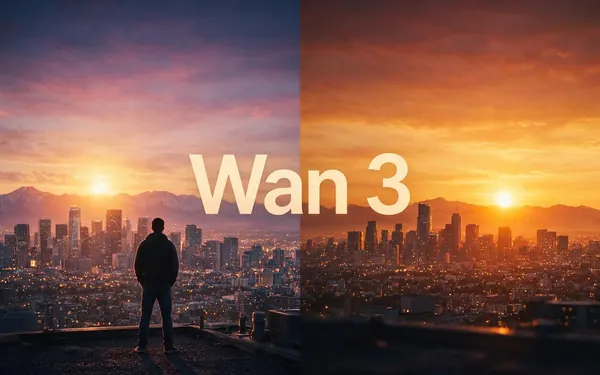
Alibaba
Wan 3
- Input
- Image or text
- Output
- 2–30 s · up to 1080p · sound
Open Wan 3Best for
Effects with sound
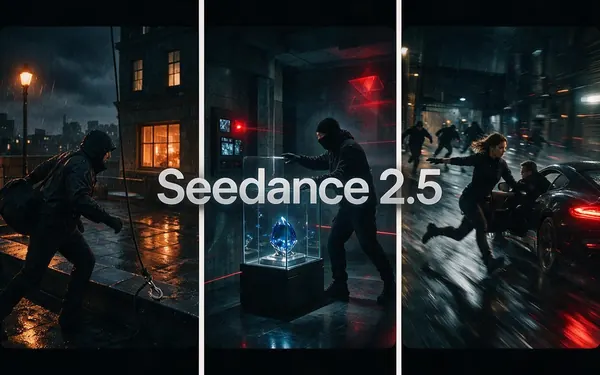
ByteDance
Seedance 2.5
- Input
- Image, text or references
- Output
- Up to 30 s · up to 4K · sound
Open Seedance 2.5Best for
Polished, multi-shot clips

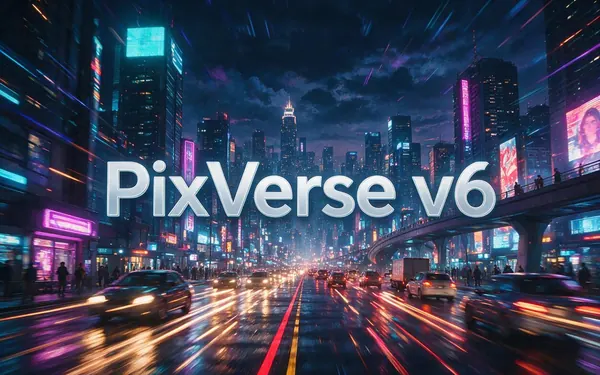
PixVerse
PixVerse v6
- Input
- Image, text or 10 references
- Output
- 1–15 s · up to 1080p · sound
Open PixVerse v6Best for
Playful effects
The gallery uses Wan 3.
Tips
Effect clips that feel real
From our tests.
One clear action per clip: hug, spin, high-five.
Describe the sound: laughter, cheers, music.
Use a photo where everyone is fully in frame.
Only use photos of people who agree to it.
For a kiss clip, see the AI kiss video page.
Keep it fictional or consensual — always.
Example uses
How creators use Joyfun AI vs Kenerate
Illustrative examples of typical workflows, not customer reviews.

Social media creator
A creator can make a reunion clip from one photo and a line like 'they run and hug, spinning around' instead of a fixed template.

Sports content creator
A sports creator can describe one clear action, like a mid-air high-five, and add the sound of sneakers on the court.
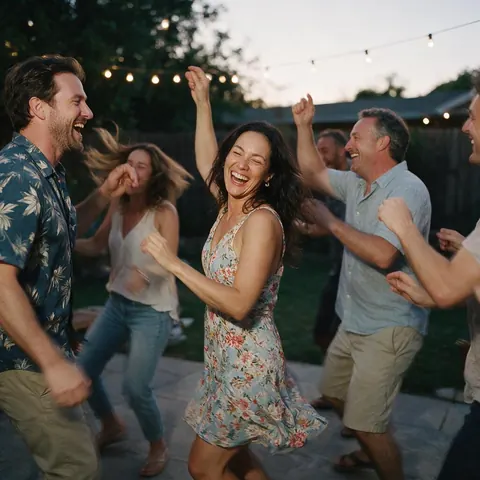
Party videographer
A videographer can pick a model for sound or polish and turn party photos into short effect-style clips.
FAQ
Joyfun AI vs Kenerate questions

Is Joyfun AI free?
Joyfun's homepage says it's free and unlimited with no watermark or sign-up; we couldn't confirm that. Kenerate gives 25 sign-up credits; video needs a paid plan, with one-time credit packs from $15 for 1,300 credits.
Link to this answerDoes Kenerate have face swap?
No. Kenerate has no face-swap tool.
Link to this answerWhich models does Joyfun use?
Joyfun's homepage names Kling 3.0 Omni, Veo 3.1, Seedance 2.0 and others; it doesn't say how they're accessed. Kenerate lists every model it runs in the studio.
Link to this answerCan I use Kenerate clips commercially?
Yes. Kenerate's Terms say you own what you generate, including video, and can use it for commercial work.
Link to this answerCan I make dance or hug videos on Kenerate?
Yes — describe the action on any video model, like the five clips above.
Link to this answerIn depth
Joyfun AI vs Kenerate, explained
Templates vs prompts
Effects sites give you fixed templates — pick 'hug', get a hug. A model studio takes a prompt, so the action, camera and sound are yours to describe. Templates are faster for one-offs; prompts give you control and repeatability.
Explore
Every Kenerate video tool
Generators, tools, models and guides — all in one studio.
By the Kenerate AI teamLast updated and reviewed
Sources: Kenerate video studio · Joyfun AI — home · Joyfun AI — terms of service