Skip to content
Wan 3 reference to video · talking photo · Seedream 5.0 Pro

AI Influencer Video Generator — one character, every scene

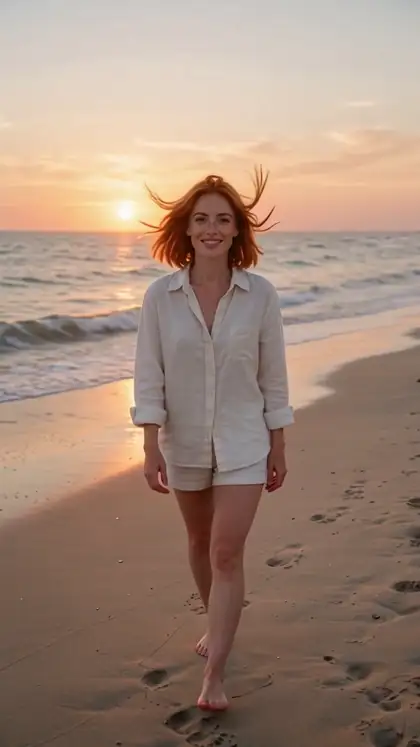
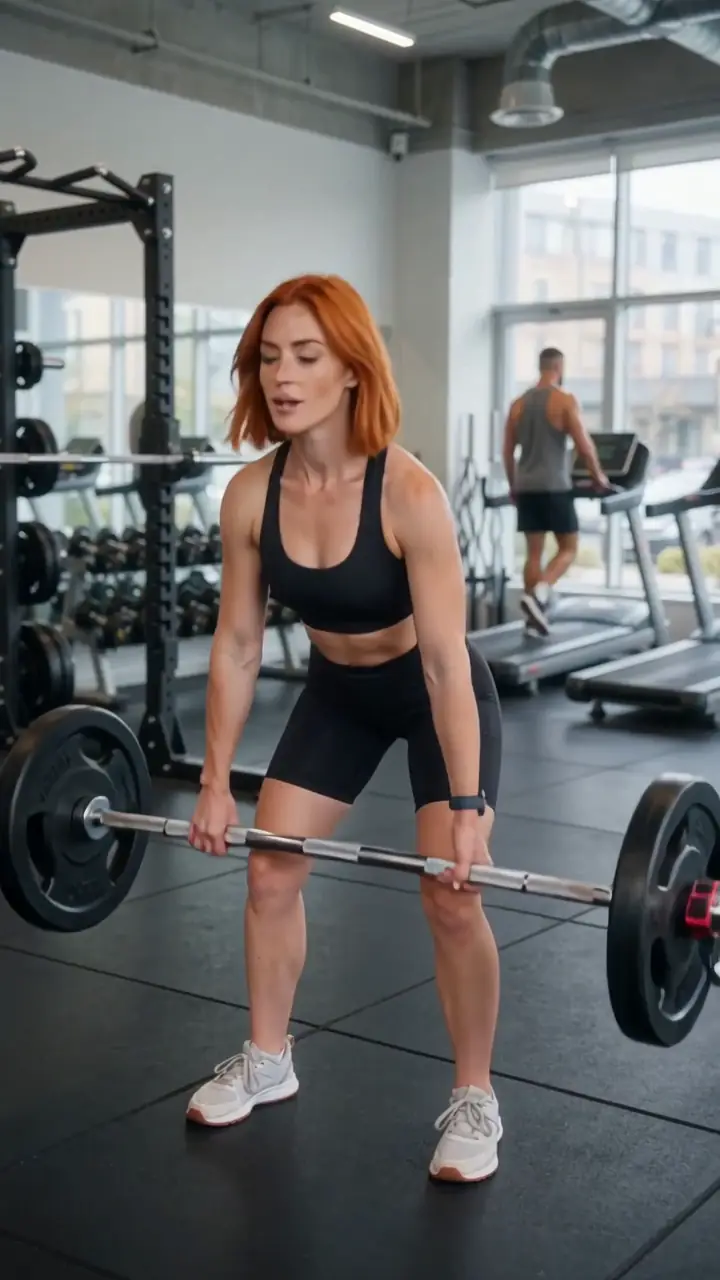
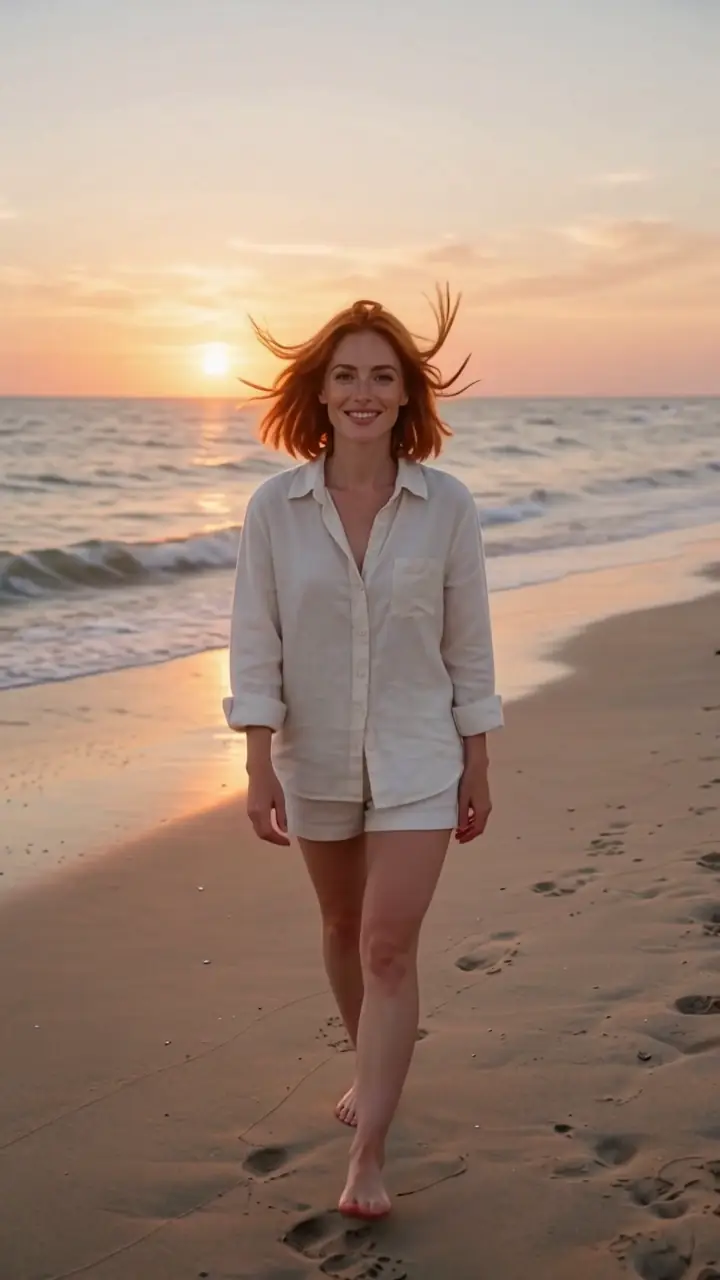
Design a fictional influencer once, then put her in any scene — cafe, gym, beach, city — with the same face every time. Every clip here came from one reference photo.

  • Same face in every clip
  • Talks with sound
  • Any scene from text
  • Fictional characters only
Reference images
Up to 10 · Wan 3
Longest clip
30 s with sound
Talking clips
Up to 10 min
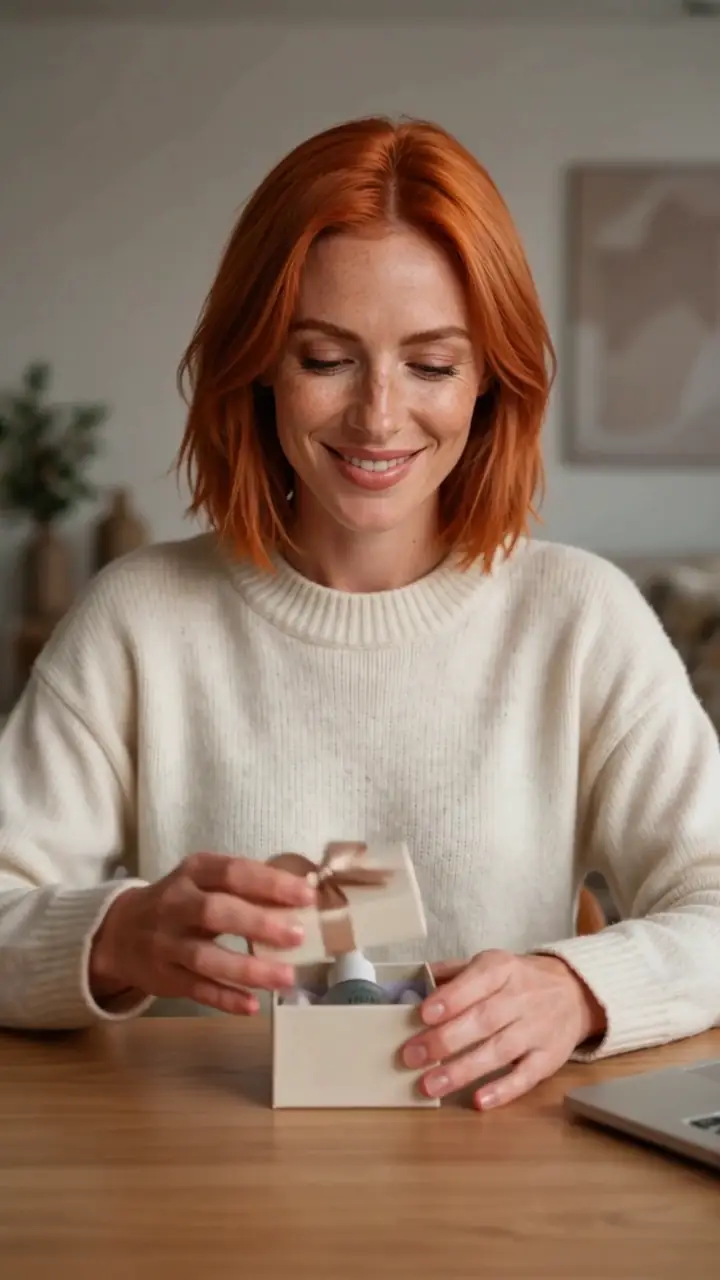
Morning coffee
Real clip 1 / 5

Talking

Morning coffee

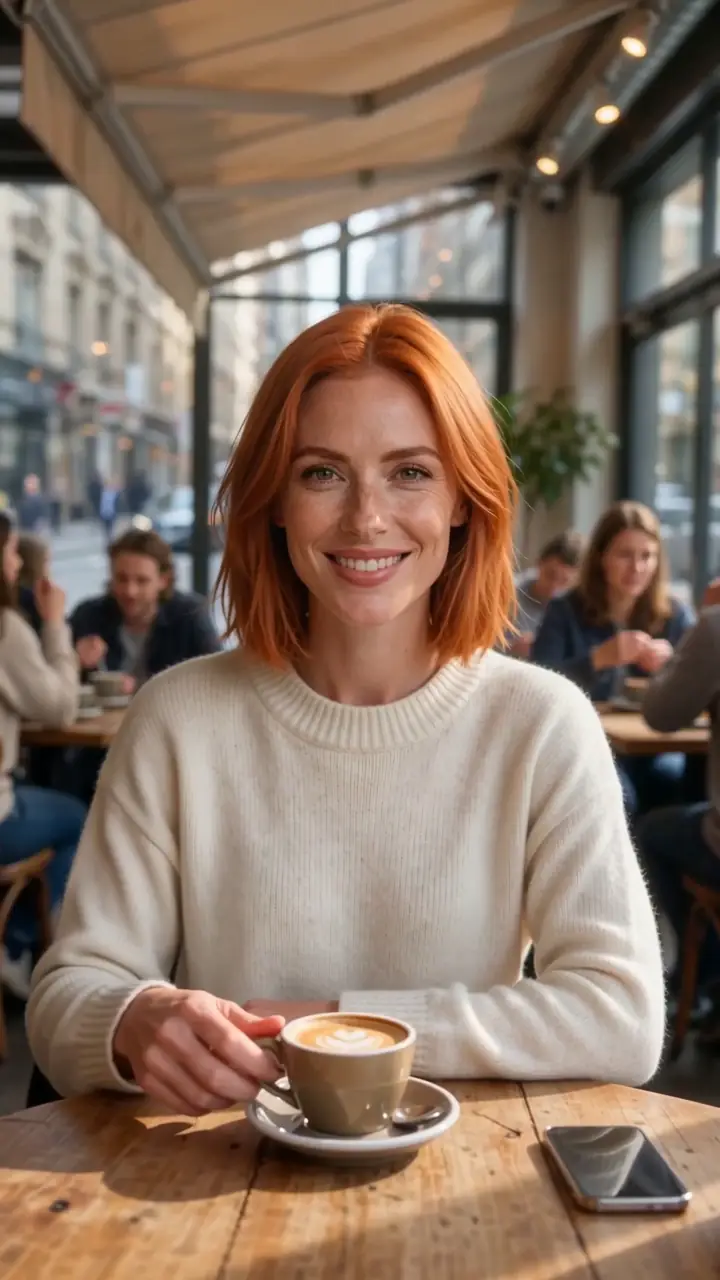
Image 1 sits at a sunny cafe table, lifts a latte toward the camera and says: "Morning! Here's what I'm working on today." Cafe chatter

Wan 3 reference to video · 5 s · 720p · with soundAnimate

Quick answer

An AI influencer video generator keeps one character consistent across many clips. On Kenerate: 1 · Design her with Seedream 5.0 Pro (one clear portrait). 2 · Make scenes with reference to video — give the portrait as Image 1 and describe the scene; Wan 3 takes up to 10 reference images and makes up to 30 seconds with sound, including speech; Seedance 2.5 takes up to 30. 3 · Talking-head posts: the talking-photo tool lip-syncs her portrait to a script, up to 10 minutes. All five clips below are real Wan 3 outputs from one reference photo. Only fictional characters — or yourself.

Updated 27 September 2026 · specs read from Kenerate's code

  • Reference imagesUp to 10 · Wan 3
  • Longest clip30 s with sound
  • Talking clipsUp to 10 min
  • CharacterFictional only

Short answers

What people ask first

  • How do I make an AI influencer video?

    Design one portrait, then use reference to video with that portrait as Image 1 for every scene. Add speech in the prompt; Wan 3 generates the voice.

  • How do I keep the same face?

    Reuse the same reference portrait for every clip and call her 'Image 1'. Add outfit references as Image 2, 3.

  • Can the influencer talk?

    Yes — Wan 3 generates speech from the prompt (the cafe and unboxing clips above), and the talking-photo tool lip-syncs a script for up to 10 minutes.

  • Is it free?

    Reference to video needs a credit pack. The 25 free sign-up credits work on Seedream images and on the talking-photo tool.

Real clips

One reference photo, five clips

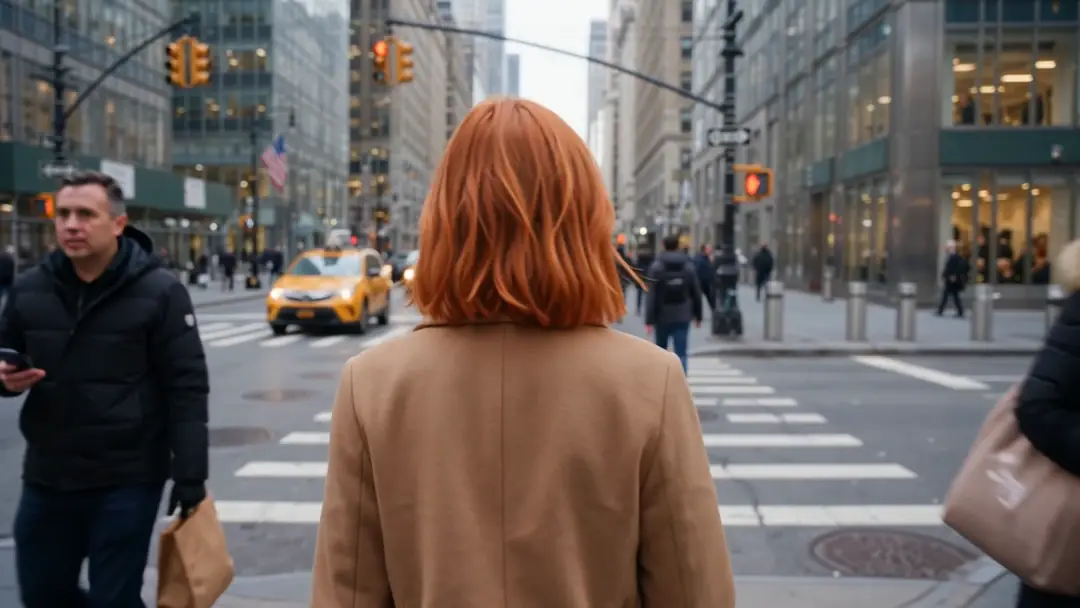
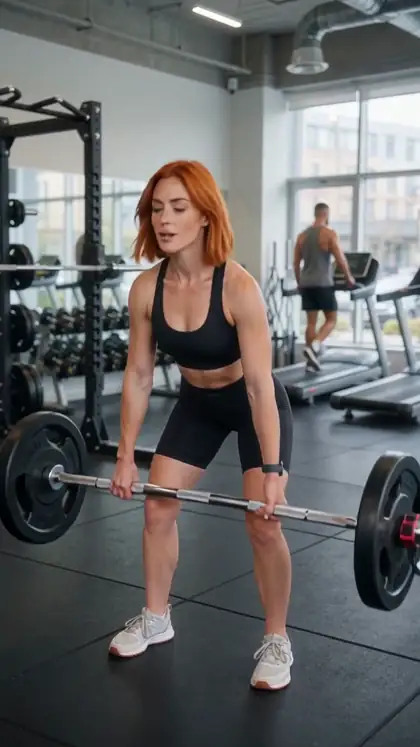
Every clip is Wan 3 reference to video (5 s, 720p, with sound) from the same Seedream 5.0 Pro portrait.

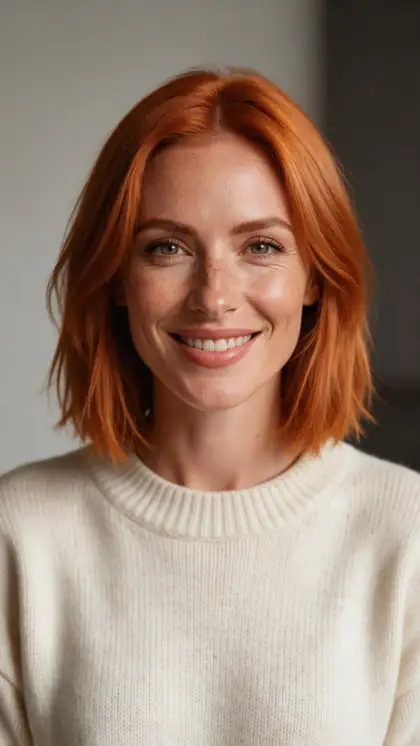
Reference: the portrait top-left. Scene and dialogue come from the prompt.

Reference image if-ava
Result · references top right

How it works

An influencer clip in three steps

One portrait, a scene prompt, reference to video.

  1. 01

    Reference images

    One clean image per character or product — here made with Seedream 5.0 Pro.

  2. 02

    Prompt that names them

    Image 1 sits at a sunny cafe table, lifts a latte toward the camera and says: "Morning! Here's what I'm working on today." Cafe chatter

Try it

Tips

Keeping her consistent

What worked in our tests.

  • Use one sharp, front-facing portrait as Image 1 every time.
  • Add a second reference for a signature outfit.
  • Refer to her as 'Image 1' in the prompt.
  • Keep lines short — one sentence per 5 seconds.
  • Use the talking-photo tool for long talking-head posts.
  • Fictional characters only; label AI content where platforms require it.

Step by step

How to use the ai influencer video generator

  1. Step 1: Design the character

    Make one clear, front-facing portrait with Seedream 5.0 Pro.
  2. Step 2: Open reference to video

    Pick Wan 3 (10 images) or Seedance 2.5 (30) and add the portrait as Image 1.
  3. Step 3: Describe the scene and the line

    'Image 1 sits at a cafe and says: …' — Wan 3 adds the voice and sound.
  4. Step 4: Post consistently

    Reuse the same portrait for every clip; add outfit images as Image 2, 3…

Engines

Tools for an AI influencer

From the studio's own model lists.

  • ByteDance

    Seedream 5.0 ProStep 1

    Designing the character

    You give it
    A description
    You get
    2K portrait
    Open Seedream 5.0 Pro
  • Alibaba

    Wan 3 reference to videoUsed here

    Scenes with speech

    You give it
    Up to 10 images, 5 videos, 5 audio
    You get
    2–30 s · up to 1080p · sound
    Open Wan 3 reference to video
  • ByteDance

    Seedance 2.5 reference to video

    Many references, 4K

    You give it
    Up to 30 images, 3 videos, 10 audio
    You get
    Up to 30 s · up to 4K · sound
    Open Seedance 2.5 reference to video
  • MiniMax

    MiniMax H3 Pro

    2K character clips

    You give it
    Up to 9 images, 3 videos, 3 audio
    You get
    4–15 s · 768p or 2K
    Open MiniMax H3 Pro
  • Kenerate

    Kenerate Avatar (talking photo)

    Long talking-head posts

    You give it
    Portrait + script or audio
    You get
    Up to 10 min · 720p or 1080p
    Open Kenerate Avatar (talking photo)

The clips above use Wan 3 reference to video.

Every clip on this page started as one still image. Make yours, then animate it.

In depth

AI Influencer Video Generator, explained

What the models can do, how to prompt them, and what isn't allowed.

Why reference to video, not image to video

Image to video starts from one frame, so the scene is fixed by that image. Reference to video treats the portrait as an identity and lets the prompt set any scene — cafe, gym, city — while keeping the face. That's what makes a series of posts possible.

Talking heads vs scenes

Short scenes with a line or two work well in Wan 3. Long, to-camera posts — tutorials, reviews — are better in the talking-photo tool, which lip-syncs a full script to the portrait.

Sources

    FAQ

    AI Influencer Video Generator questions

    6 questions

    Still stuck?

    A real person answers — usually within a day.

    01

    How do I make an AI influencer video?

    Design one portrait, then use reference to video with that portrait as Image 1 for every scene. Add speech in the prompt; Wan 3 generates the voice.

    02

    How do I keep the same face?

    Reuse the same reference portrait for every clip and call her 'Image 1'. Add outfit references as Image 2, 3.

    03

    Can the influencer talk?

    Yes — Wan 3 generates speech from the prompt (the cafe and unboxing clips above), and the talking-photo tool lip-syncs a script for up to 10 minutes.

    04

    Is it free?

    Reference to video needs a credit pack. The 25 free sign-up credits work on Seedream images and on the talking-photo tool.

    05

    Can I copy a real influencer?

    No. Use fictional characters, or yourself — never another person's face without permission.

    06

    Do I need to label AI influencer content?

    Many platforms require AI-generated content to be labelled; check each platform's rules.

    See more of Kenerate AI in your Google resultsAdd kenerateai.com as a preferred source — Google shows more from your preferred sources in Top Stories and AI answers.

    Explore

    Every Kenerate video tool

    Generators, tools, models and guides — one studio, one credit balance.

    Written by the Kenerate AI team

    We build and run Kenerate's video studio. Every clip here is a real, unedited Wan 3 output (5 s, 720p) and every start image a real Seedream 5.0 Pro output; model specs and limits were read from the app's code; facts about other tools link to their own pages. Last updated 27 September 2026. Corrections: hello@kenerateai.com.

    Sources

    Ready when you are

    Try the ai influencer video generator

    One studio for images and video.

    • 25 free credits
    • No watermark
    • Credits never expire