
Why start from a packshot
A clean white-background photo gives the model an exact reference of your product. It then builds the scene around it rather than inventing the product.
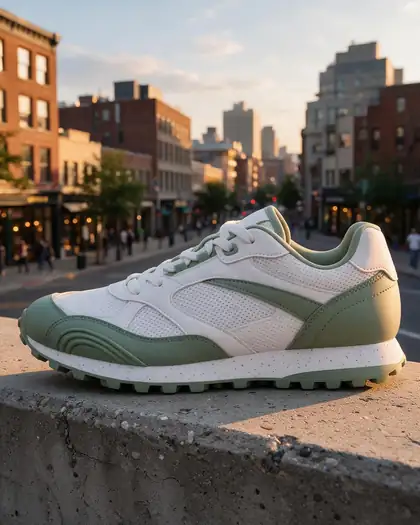
Upload a plain product photo and describe the scene — stones and water, a city street, a cozy nightstand — and get an ad-ready product photo with your product unchanged.
Quick answer
Updated
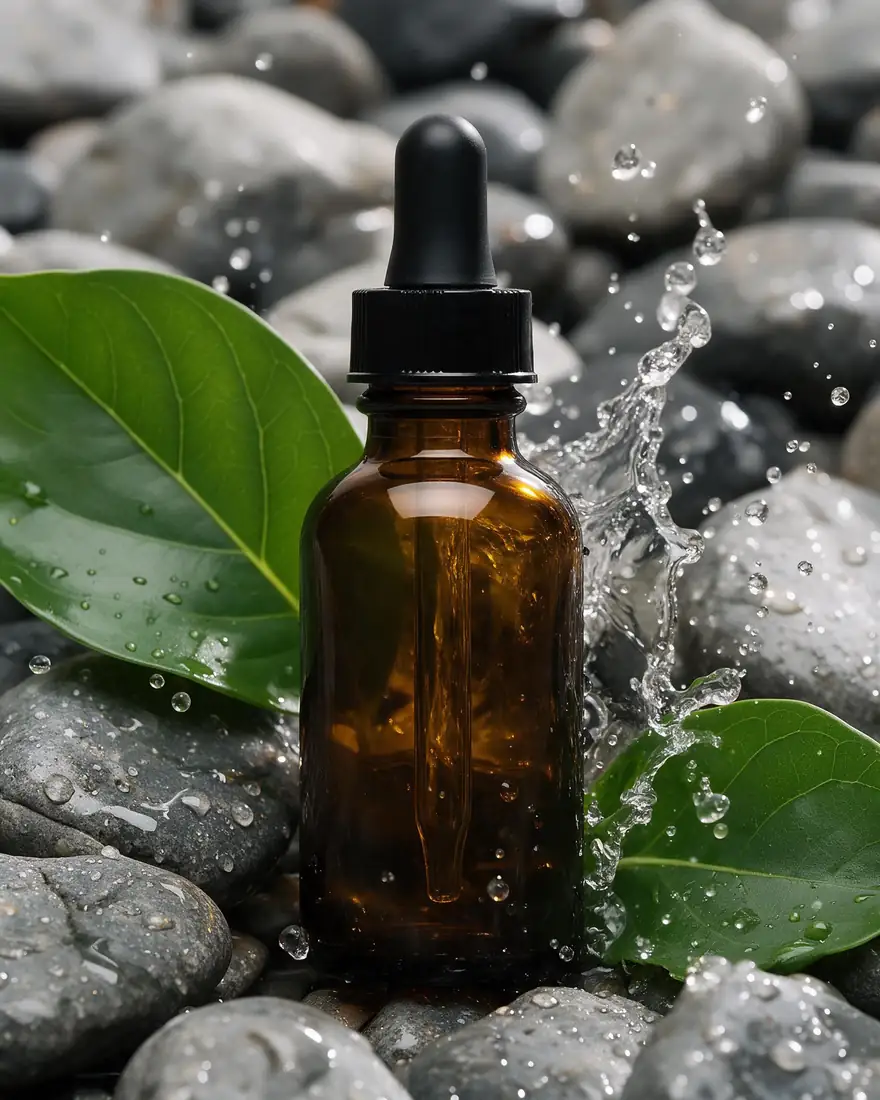
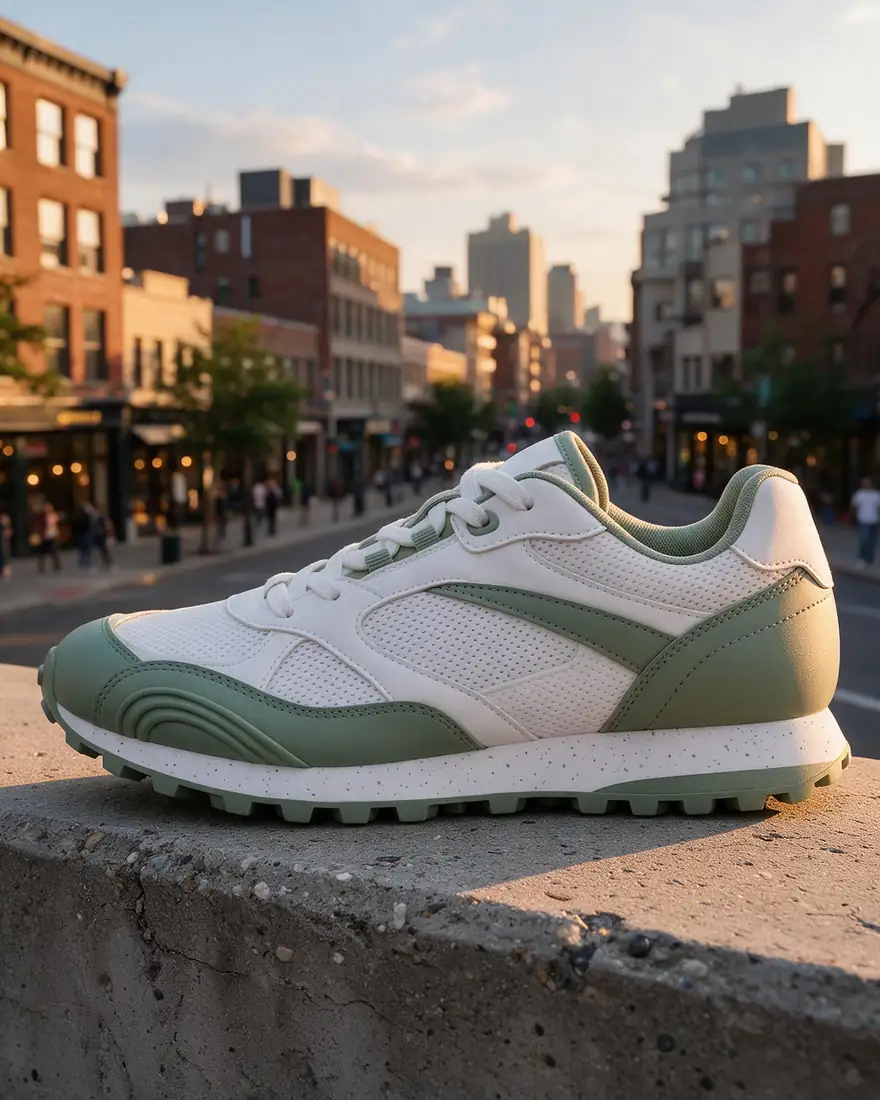
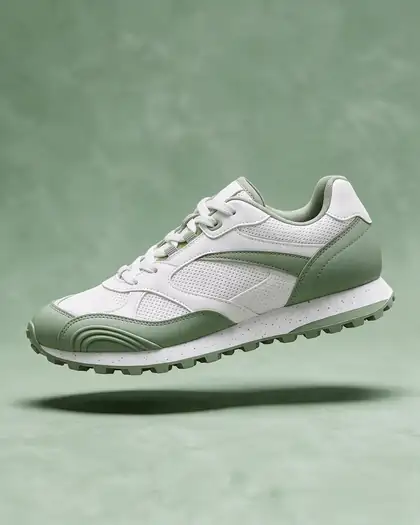
Kenerate's AI product photo generator turns a plain white-background packshot into styled product photos — lifestyle scenes, studio ads, flat lays, floating shots — while keeping the product the same. In our tests Seedream 5.0 Pro (up to 2K, up to 10 references) placed a serum bottle, a sneaker and a candle into six scenes without changing their shape or colour. Say “keep the product exactly the same” in every prompt. A free account gets 25 credits.
Gallery
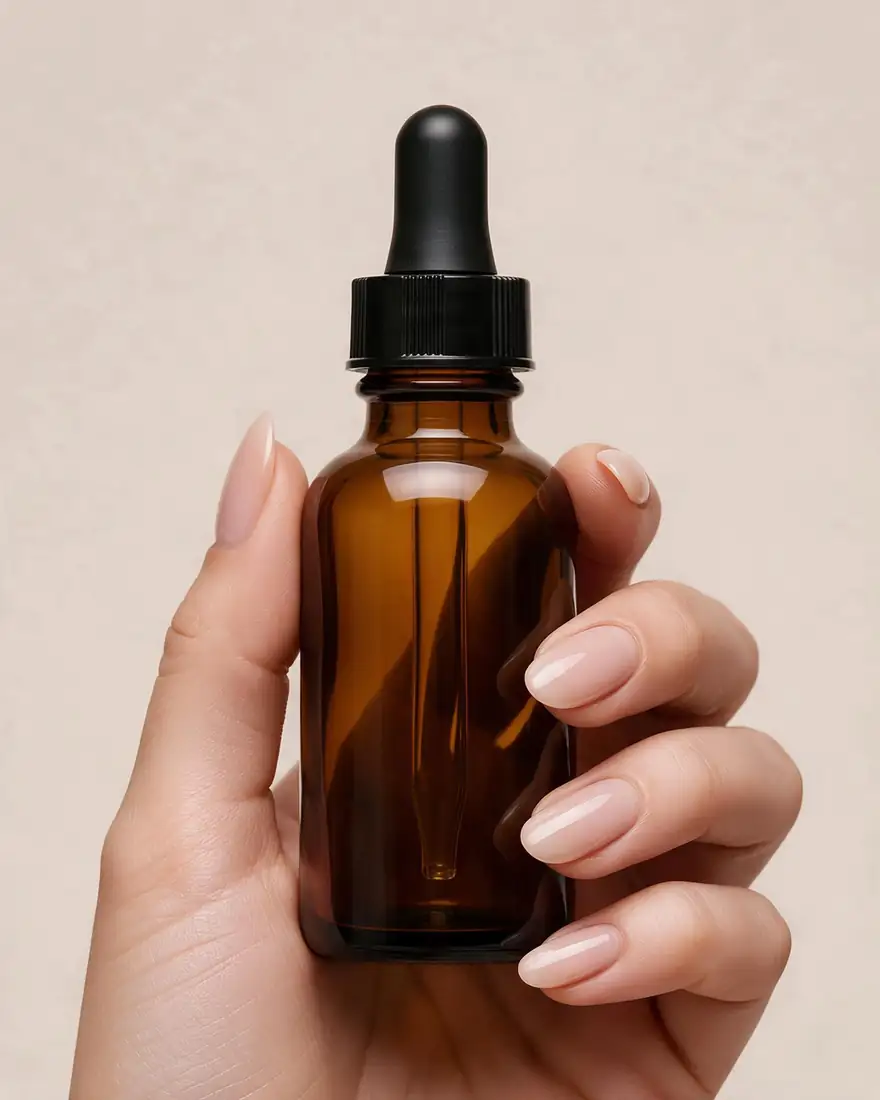
Real Seedream 5.0 Pro edits. Each started from a white-background packshot of a fictional product.
Same prompt
The plain photo and two scenes made from it.
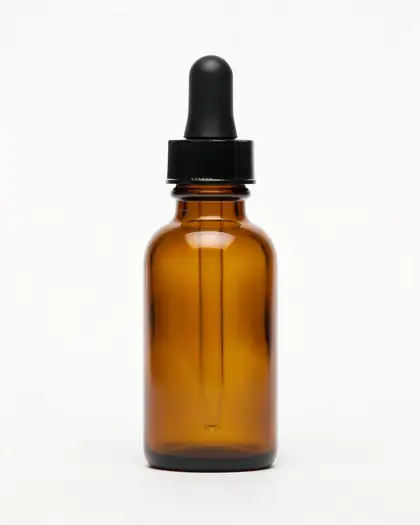


Place this serum bottle on wet grey river stones with a splash of water and green leaves, soft natural light, premium skincare ad. Keep the bottle exactly the same.
Tips
What worked in our tests.
How to
Models
What each model is good at. Open any one straight in the generator.
Make your first one — 25 free credits on sign-up.
Start free
The same credits work in every Kenerate tool.
Test on your own images before you buy anything.
One-time packs — use them this week or next year.
Nothing to cancel. Free results download clean.
The same credits work across images, video, voice and 3D.
In depth
What works, what to avoid, and how to pick a model.
A clean white-background photo gives the model an exact reference of your product. It then builds the scene around it rather than inventing the product.
We only publish real, verified reviews — never invented quotes. Send a line about your result (and whether we may quote you), and it will appear here.
FAQ
5 questions
Yes. Upload a packshot and describe the scene; Seedream 5.0 Pro kept the product unchanged in our tests.
Ask to “keep the product exactly the same” and check fine details like labels before publishing.
A new account gets 25 free credits on sign-up to test. Seedream 5.0 Pro needs a one-time credit pack; credits never expire.
Edit Studio's AI Background tool replaces a photo's background in one step and keeps the original size.
Yes — hands and lifestyle shots work; use your own model's photo if you need a specific face.
Explore
Generators, design tools, photo edits, models and comparisons — all in one studio, on one credit balance.
Written by the Kenerate AI team
We build and run the Kenerate generator. Every example is a real output of the model named under it; models and presets were checked against the app's code. Last updated 27 September 2026. Corrections: hello@kenerateai.com.
Sources
Ready when you are
25 free credits on sign-up. No watermark.