

Skip to content
Kling 3.0 Pro · 3.0 Standard · 3.0 4K · 2.6 · 2.1 · 2.0

Kling AI — Kling 3.0 video with sound

Kuaishou's Kling makes expressive, physics-heavy video — martial arts, fashion, animals. Run Kling 3.0 (up to 15 s with sound, a 4K version too) and earlier Kling models in one studio.

  • Kling 3.0 · up to 15 s
  • Native sound
  • 4K version
  • Start + end frame
Longest clip
15 s · 3.0
Sound
Yes · 3.0, 2.6 Pro
4K
Kling 3.0 4K
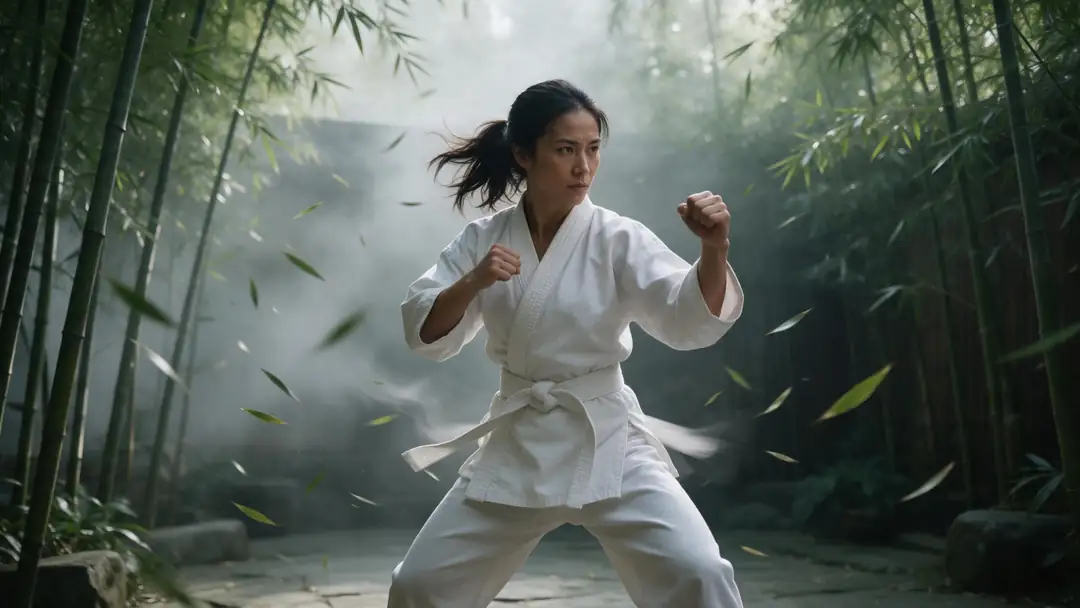
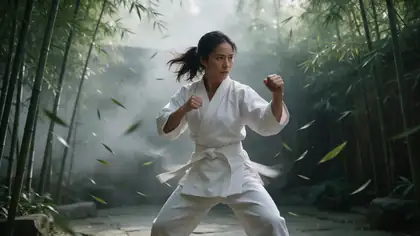
Bamboo kung fu
Real clip 1 / 5

Action

Bamboo kung fu

She performs a fast martial arts sequence, a spinning kick and a palm strike, bamboo leaves swirling around her, whoosh of movement

Kling 3.0 Pro · 5 s · 1080p · with soundAnimate

Quick answer

Kling AI is Kuaishou's video model. Kling 3.0 (5 February 2026) makes 3–15 second clips with native audio — voices, singing, effects — plus multi-shot storyboards and consistent characters in Kuaishou's own app. In Kenerate's studio you can run Kling 3.0 Pro, 3.0 Standard and 3.0 4K, plus 2.6 Pro/Standard, 2.1 Master and 2.0 Master — text or image to video, with start and end frames on most. Kling's motion control runs in Kenerate's motion tool on the free plan. The clips here are real Kling 3.0 Pro outputs.

Updated 27 September 2026 · specs read from Kenerate's code

  • Longest clip15 s · 3.0
  • SoundYes · 3.0, 2.6 Pro
  • 4KKling 3.0 4K
  • Versions here7

Real demo

Kling 3.0 Pro vs Wan 3 — same image, same prompt

Switch between the two and turn the sound on. Same start image and motion prompt, two models.

  • Kling 3.0 Pro. Kling 3.0 Pro image to video, 5 s at 1080p with sound.
  • Wan 3. Wan 3 image to video, 5 s at 720p with sound.

Both are unedited outputs from Kenerate's video studio.

Try Kling 3.0 Pro

Short answers

What people ask first

  • What is Kling AI?

    Kuaishou's AI video model. Kling 3.0 (February 2026) makes 3–15 second clips with native audio, multi-shot storyboards and consistent characters.

  • Is Kling AI free?

    Kling's own app gives subscribers daily credits during events, per its credit policy. On Kenerate, Kling video runs on one-time credit packs that never expire; Kling motion control works on the free plan.

  • What's the difference between Kling 2.1 and 3.0?

    Kling 2.1 made silent 5–10 second clips; Kling 3.0 makes up to 15 seconds with native audio, multi-shot storyboards and better character consistency.

  • Does Kling 3.0 make sound?

    Yes — Kling 3.0 and 2.6 Pro generate audio with the video.

Real clips

Real Kling 3.0 clips

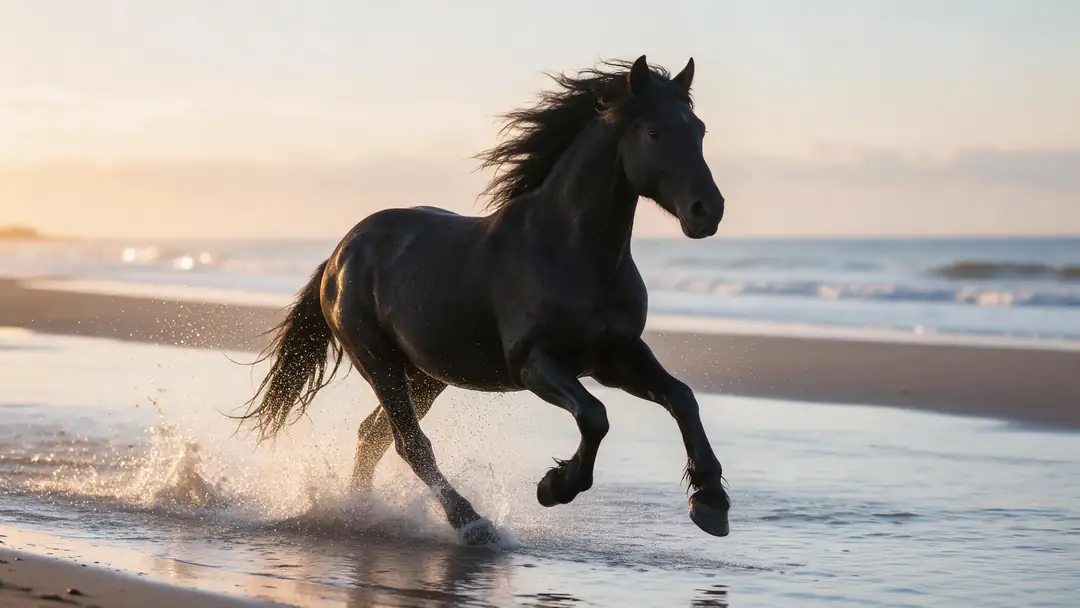
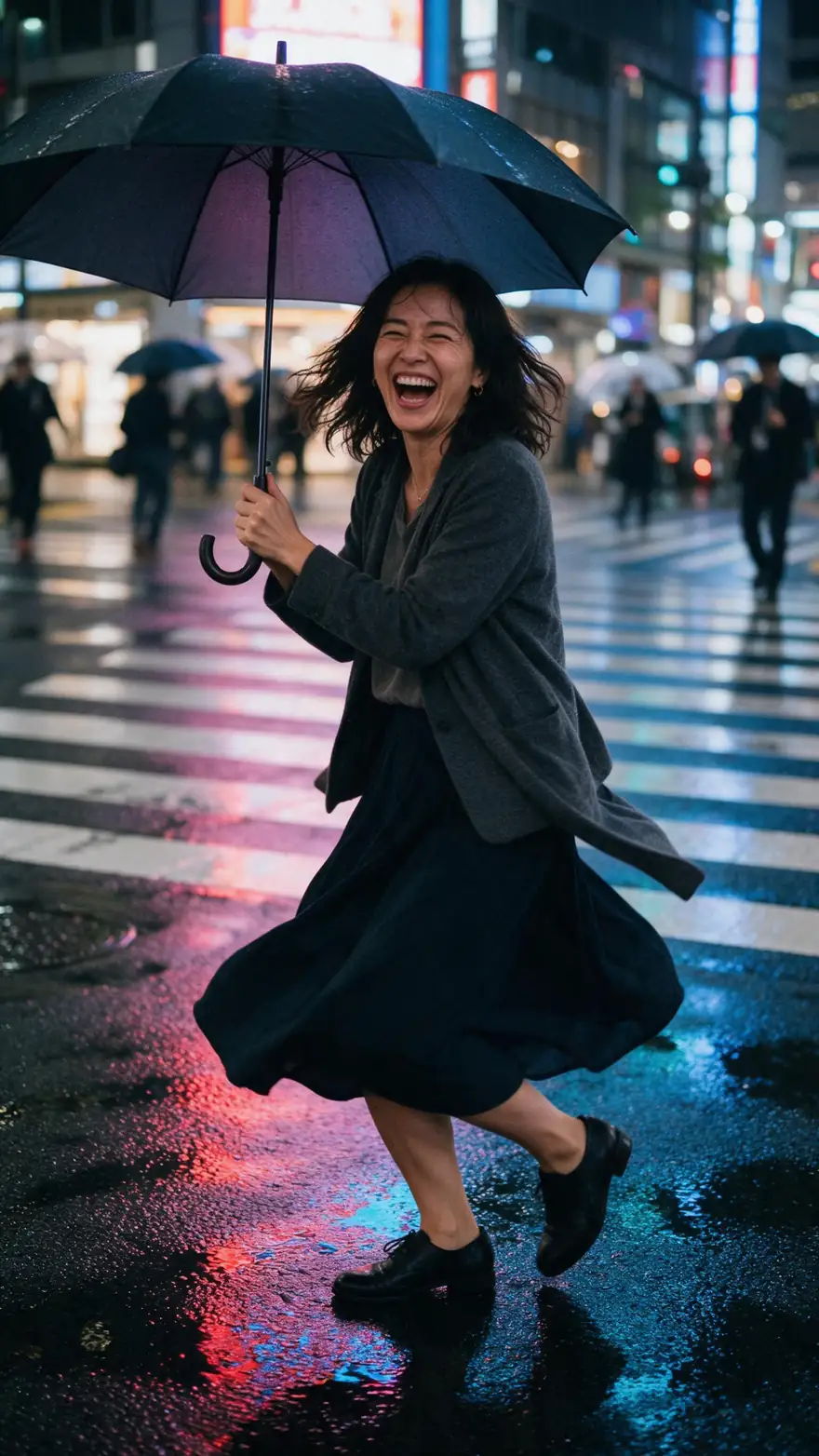
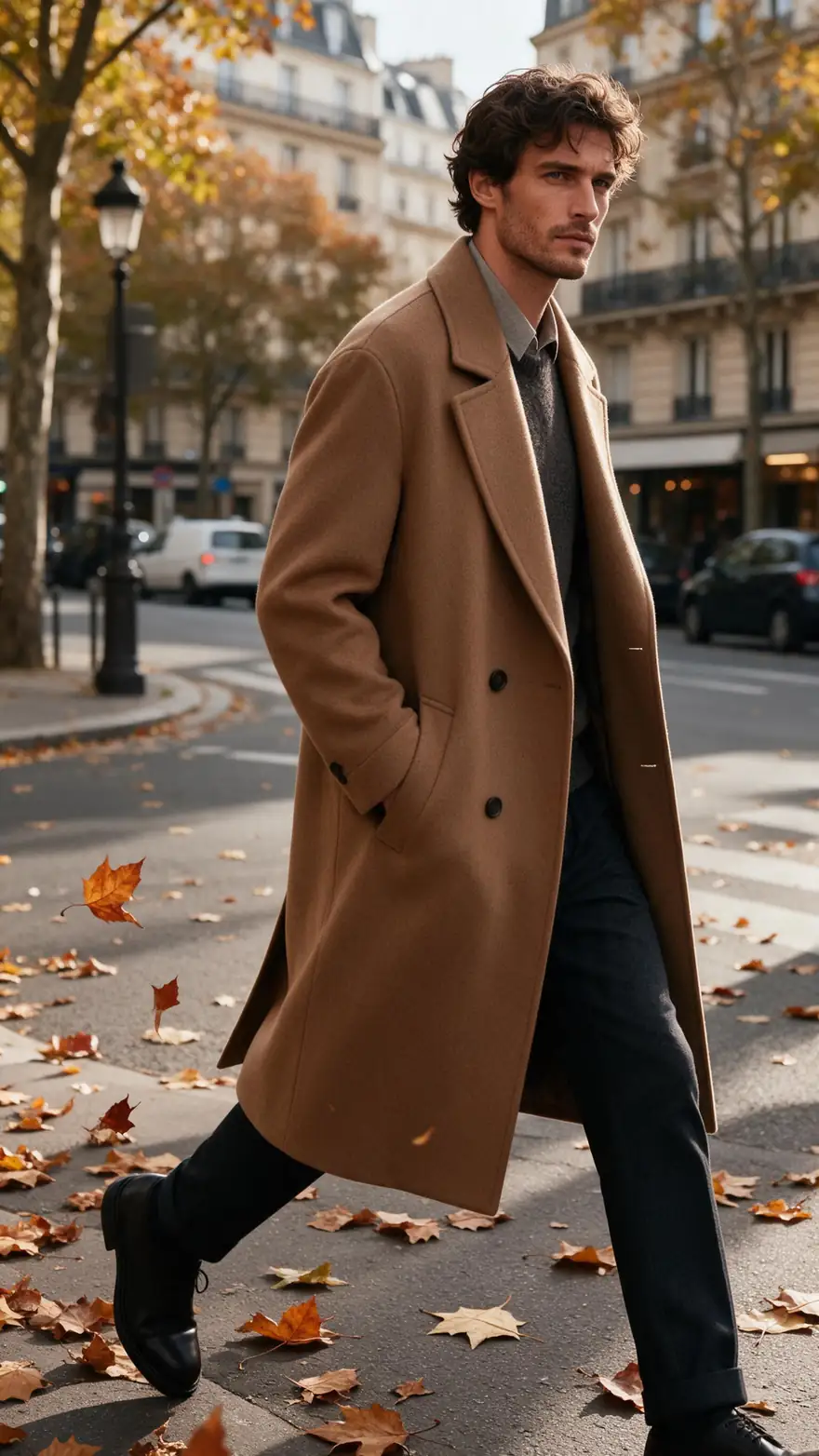
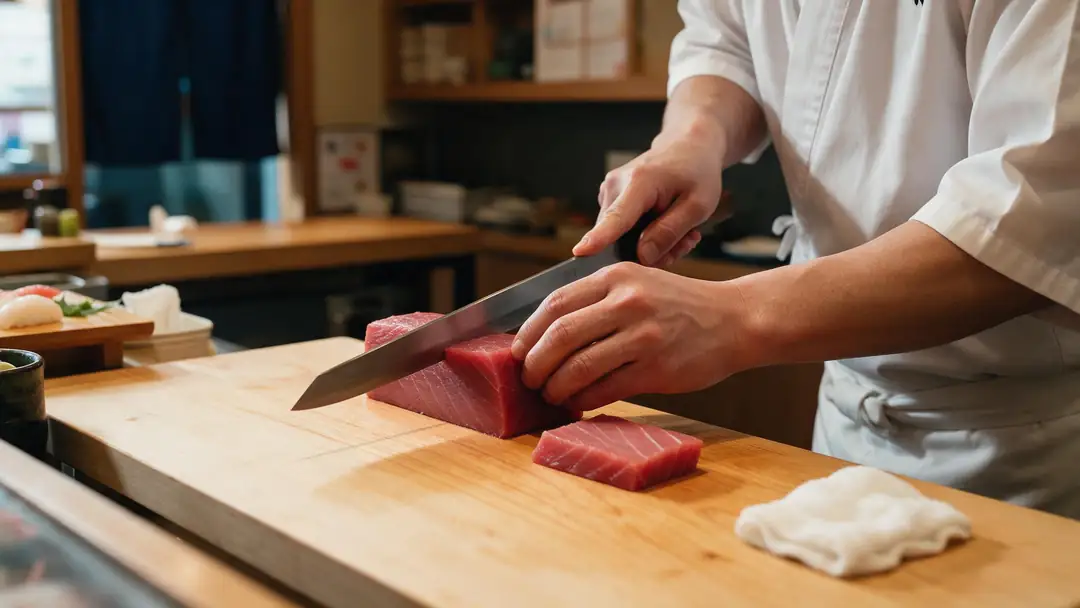
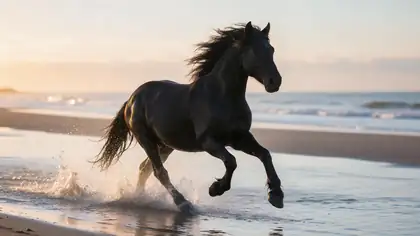
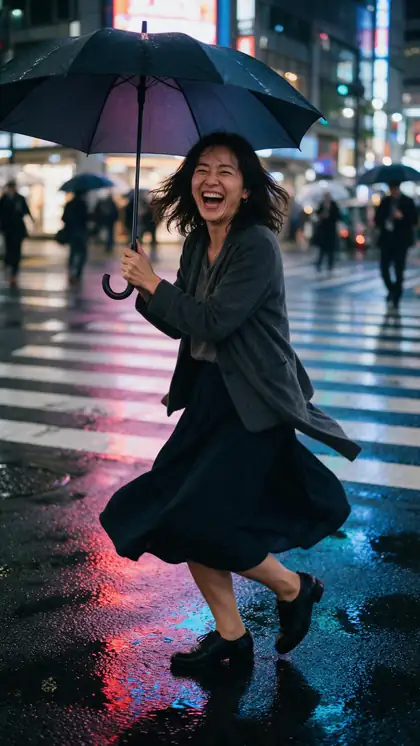
Five Kling 3.0 Pro image-to-video clips (5 s, 1080p, with sound) — martial arts, horses, rain, fashion and knife work.

Real Kling 3.0 Pro clips (5 s, 1080p, with sound). Open one to copy both prompts.

Start image for Bamboo kung fu
Result · start image top right

How it works

A Kling clip in three steps

Start image, a motion prompt, Kling 3.0 Pro.

  1. 01

    Start image

    Seedream 5.0 Pro at 2K — or upload your own photo.

  2. 02

    Motion prompt

    She performs a fast martial arts sequence, a spinning kick and a palm strike, bamboo leaves swirling around her, whoosh of movement

  3. 03

    Kling 3.0 Pro

    Kling 3.0 Pro · 5 s · 1080p · with sound. The clip on the left is the real result.

Animate this scene

Tips

Kling tips

From Kling's prompt guide and our tests.

  • Subject, action, setting, camera, lighting, mood.
  • Name camera moves plainly: slow push-in, orbit.
  • Use an end frame for exact final poses.
  • 3.0 4K for finals, 3.0 Standard for drafts.
  • Copy a real dance with Kling motion control.
  • Real people need their permission.

Step by step

How to use the kling ai video generator

  1. Step 1: Open the video studio

    Pick Kling 3.0 Pro, 3.0 Standard or 3.0 4K — or an earlier Kling.
  2. Step 2: Start from text or an image

    Add an end frame to control the last pose.
  3. Step 3: Describe the motion

    Kling shines on fast, physical action — say it clearly.
  4. Step 4: Pick 3–15 s and generate

    Turn sound on for 3.0 and 2.6 Pro.

Engines

Kling versions in the studio

From the studio's own model list.

  • Kuaishou

    Kling 3.0 ProUsed here

    Expressive, physical motion

    You give it
    Text or image (+ end frame)
    You get
    3–15 s · sound
    Open Kling 3.0 Pro
  • Kuaishou

    Kling 3.0 4K

    4K finals

    You give it
    Text or image (+ end frame)
    You get
    3–15 s · 4K · sound
    Open Kling 3.0 4K
  • Kuaishou

    Kling 3.0 Standard

    Drafts

    You give it
    Text or image (+ end frame)
    You get
    3–15 s · sound
    Open Kling 3.0 Standard
  • Kuaishou

    Kling 2.6 Pro

    The first Kling with audio

    You give it
    Text or image (+ end frame)
    You get
    5 or 10 s · sound
    Open Kling 2.6 Pro
  • Kuaishou

    Kling 2.1 Master

    Silent clips

    You give it
    Text or image
    You get
    5 or 10 s
    Open Kling 2.1 Master
  • Kuaishou

    Kling 3.0 motion controlFree plan

    Copying a real dance or move

    You give it
    Photo + 3–30 s reference video
    You get
    Your character, moving
    Open Kling 3.0 motion control

The clips above were made with Kling 3.0 Pro; the comparison uses Wan 3.

Every clip on this page started as one still image. Make yours, then animate it.

In depth

Kling AI Video Generator, explained

What the models can do, how to prompt them, and what isn't allowed.

Kling, version by version

Kling 1.0 launched in June 2024; 2.0 in April 2025; 2.1 in May 2025 with a Master tier; 2.5 Turbo in September 2025; O1, a unified generate-and-edit model, in December 2025; 2.6 — the first Kling with native audio — in December 2025; and the 3.0 series on 5 February 2026.

What Kling 3.0 added

Up to 15-second clips, native audio in English, Chinese, Japanese, Korean and Spanish, multi-shot storyboards of up to six shots, and Elements with voices for consistent characters (in Kuaishou's own app).
Sources

    FAQ

    Kling AI Video Generator questions

    7 questions

    Still stuck?

    A real person answers — usually within a day.

    01

    What is Kling AI?

    Kuaishou's AI video model. Kling 3.0 (February 2026) makes 3–15 second clips with native audio, multi-shot storyboards and consistent characters.

    02

    Is Kling AI free?

    Kling's own app gives subscribers daily credits during events, per its credit policy. On Kenerate, Kling video runs on one-time credit packs that never expire; Kling motion control works on the free plan.

    03

    What's the difference between Kling 2.1 and 3.0?

    Kling 2.1 made silent 5–10 second clips; Kling 3.0 makes up to 15 seconds with native audio, multi-shot storyboards and better character consistency.

    04

    Does Kling 3.0 make sound?

    Yes — Kling 3.0 and 2.6 Pro generate audio with the video.

    05

    Can Kling make 4K video?

    Yes — Kling 3.0 4K in Kenerate's studio outputs 4K.

    06

    How long can Kling videos be?

    3–15 seconds on Kling 3.0; 5 or 10 seconds on 2.6, 2.1 and 2.0.

    07

    Does Kling allow NSFW?

    No — Kling's community guidelines ban sexual content. See our Kling AI NSFW page for adults-only alternatives.

    See more of Kenerate AI in your Google resultsAdd kenerateai.com as a preferred source — Google shows more from your preferred sources in Top Stories and AI answers.

    Explore

    Every Kenerate video tool

    Generators, tools, models and guides — one studio, one credit balance.

    Written by the Kenerate AI team

    We build and run Kenerate's video studio. Every clip here is a real, unedited Wan 3 output (5 s, 720p) and every start image a real Seedream 5.0 Pro output; model specs and limits were read from the app's code; facts about other tools link to their own pages. Last updated 27 September 2026. Corrections: hello@kenerateai.com.

    Sources

    Ready when you are

    Try the kling ai video generator

    One studio for images and video.

    • 25 free credits
    • No watermark
    • Credits never expire