What “uncensored” means on Kenerate
Most image models reach you through a provider — OpenAI, Google, ByteDance, Alibaba — and each provider runs its own safety system. Kenerate doesn't add a second filter for adult themes, but it can't switch a provider's filter off, so closed models may still decline explicit prompts.
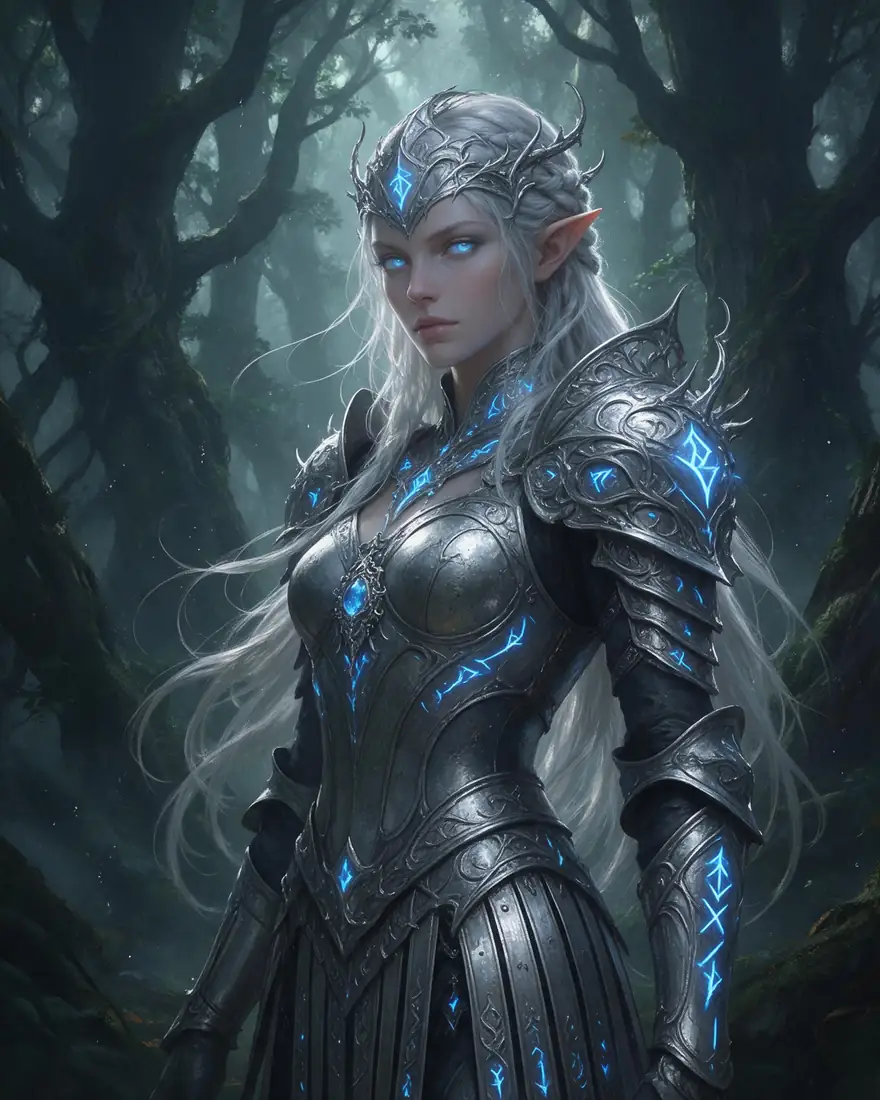
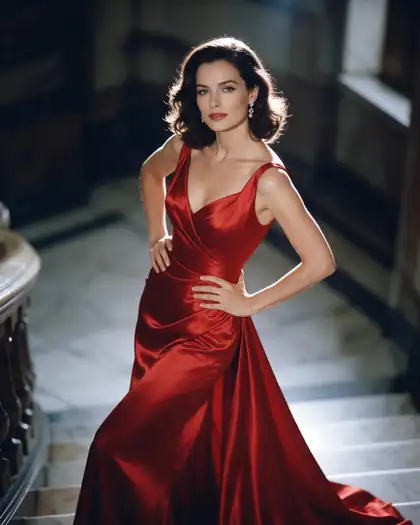
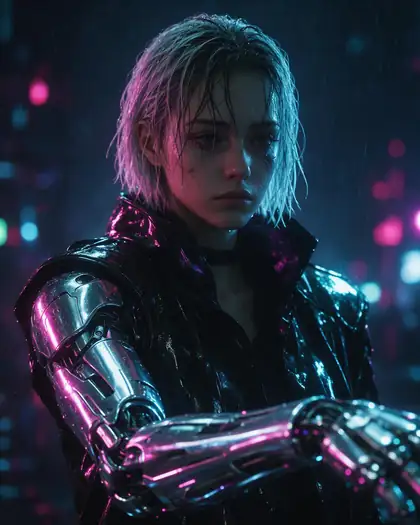
Open models behave differently. Chroma is an 8.9-billion-parameter model based on FLUX.1 [schnell], released under the Apache 2.0 licence; its authors describe it as fully uncensored and trained on a curated set of about 5 million images spanning photos, anime and art [1]. That is why it carries the Uncensored tag in the model picker.
What is always blocked
Kenerate's prompt filter blocks prompts involving minors — child-related words and any age under 18 — on every model, with no setting to turn it off. Sexual images of real, identifiable people are not allowed either: create fictional adults only.
How to write prompts that work
The models respond to specifics, not to “make it sexy”. A strong adult-art prompt covers:
- Subject: a fictional adult, with age cues like “woman in her 30s”, plus outfit, pose and expression.
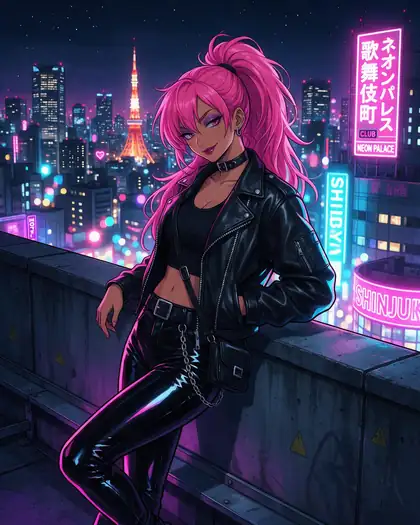
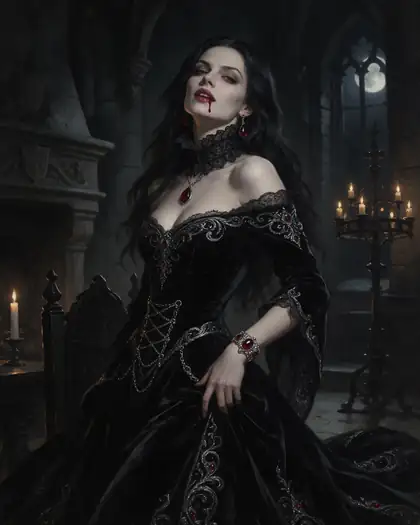
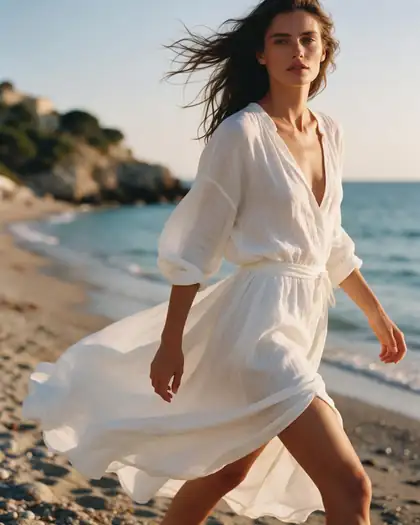
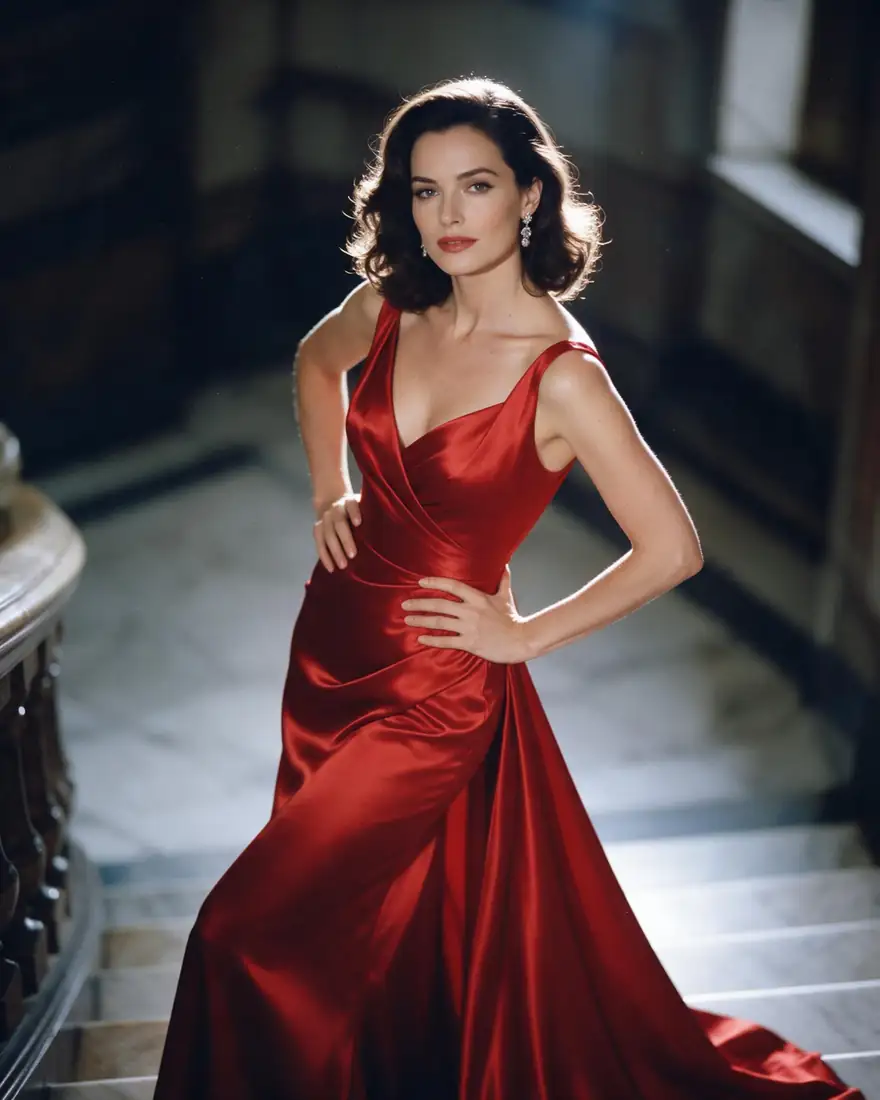
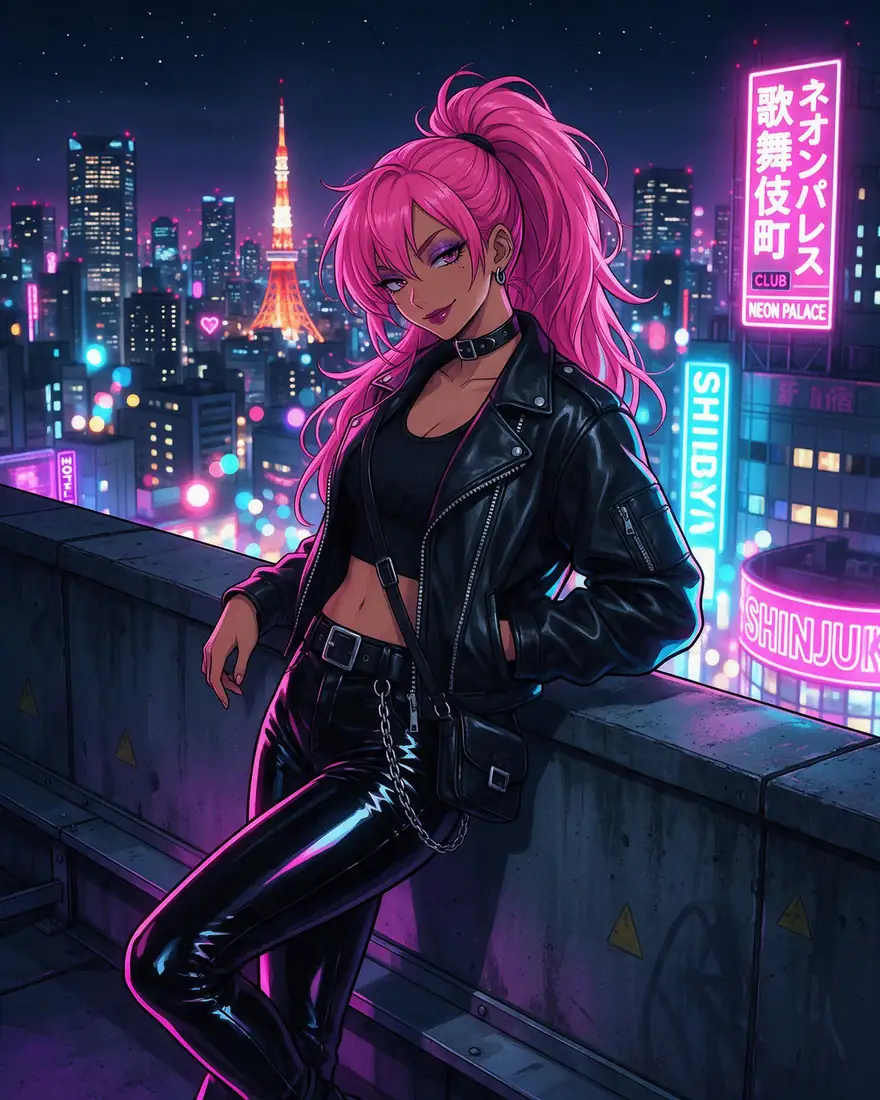
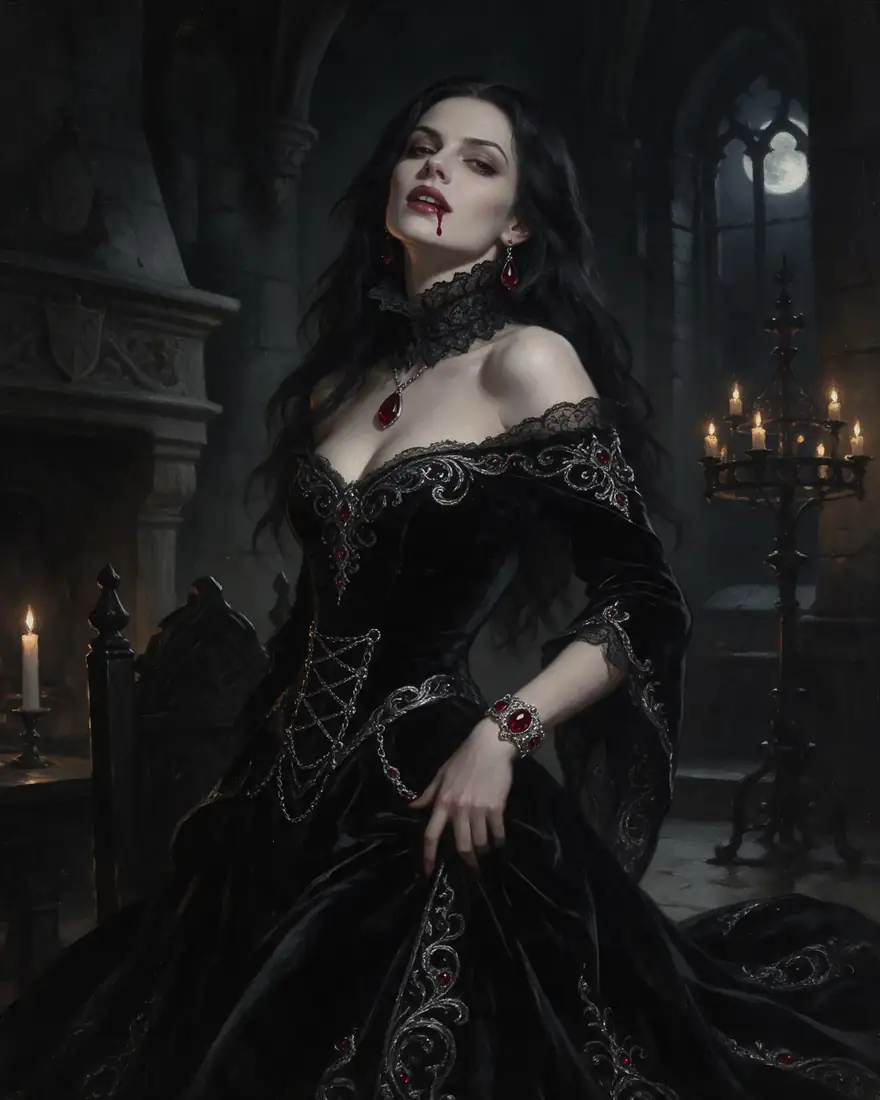
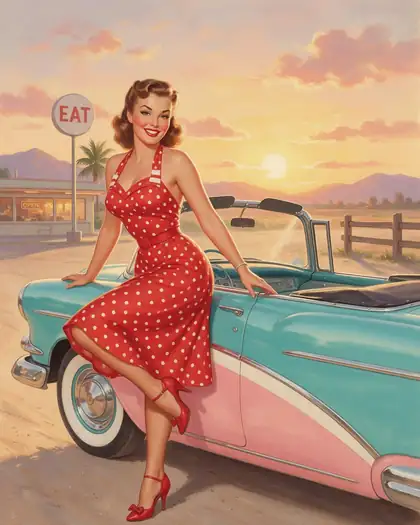
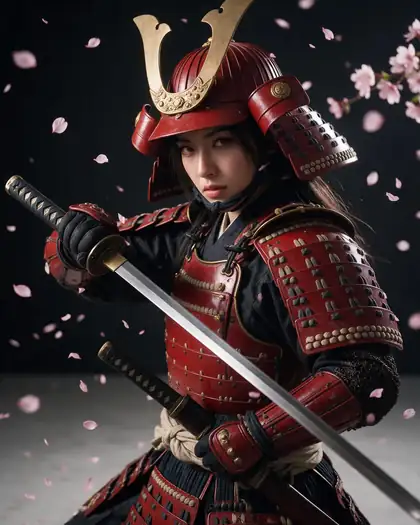
- Style: photoreal, anime, oil painting, 3D render, pin-up illustration.
- Light and camera: golden hour, rim light, 85 mm lens, film grain, shallow depth of field.
- Setting: bedroom, beach, studio backdrop, fantasy castle.
- Use Enhance to expand a short idea, and keep the seed when you find a look you want to repeat.
Keeping your images private
Turn on Private in Advanced settings and the image stays out of the public community feed. Adult-flagged results are shown blurred in your own gallery grid, and generations are kept for 7 days unless you save them to the cloud — so download what you want to keep.