

Your brand name · clean vector style
AI Logo Generator Free — your brand name spelled right
Describe your brand online and get logo ideas with the name spelled right — minimal marks, mascots, emblems and wordmarks. Recraft V4.1 for design-grade logos, GPT Image 2 for mascots and badges.
- Brand name spelled right
- Minimal to mascot
- Free credits
- No watermark
Updated by the Kenerate AI team




Made with Kenerate
On this page
Quick answer

What is an AI logo generator?
An AI logo generator turns a description of your brand into logo concepts — minimal marks, wordmarks, emblems and mascots — with the brand name spelled correctly. Kenerate AI runs Recraft V4.1 and two other logo models in the browser, free to start, with no watermark. It suits founders, small businesses, streamers and side projects that need a logo direction fast.
Key facts
- Best for logos
- Recraft V4.1
- Fast drafts
- Recraft V4.1 Flash
- Mascots
- GPT Image 2
- Logo styles
- Minimal · wordmark · emblem · mascot
- Free start
- Starter credits
- Watermark
- None
Gallery
AI logos for fictional brands
Real Recraft V4.1 and GPT Image 2 outputs. Every brand name was spelled correctly.
Same prompt
Which is the best AI logo generator model?
One coffee-brand prompt on Recraft V4.1, V4.1 Flash and GPT Image 2.
PromptMinimal logo for a fictional coffee brand 'LUNA ROAST' with a crescent moon and coffee bean, flat vector, two colours, white background
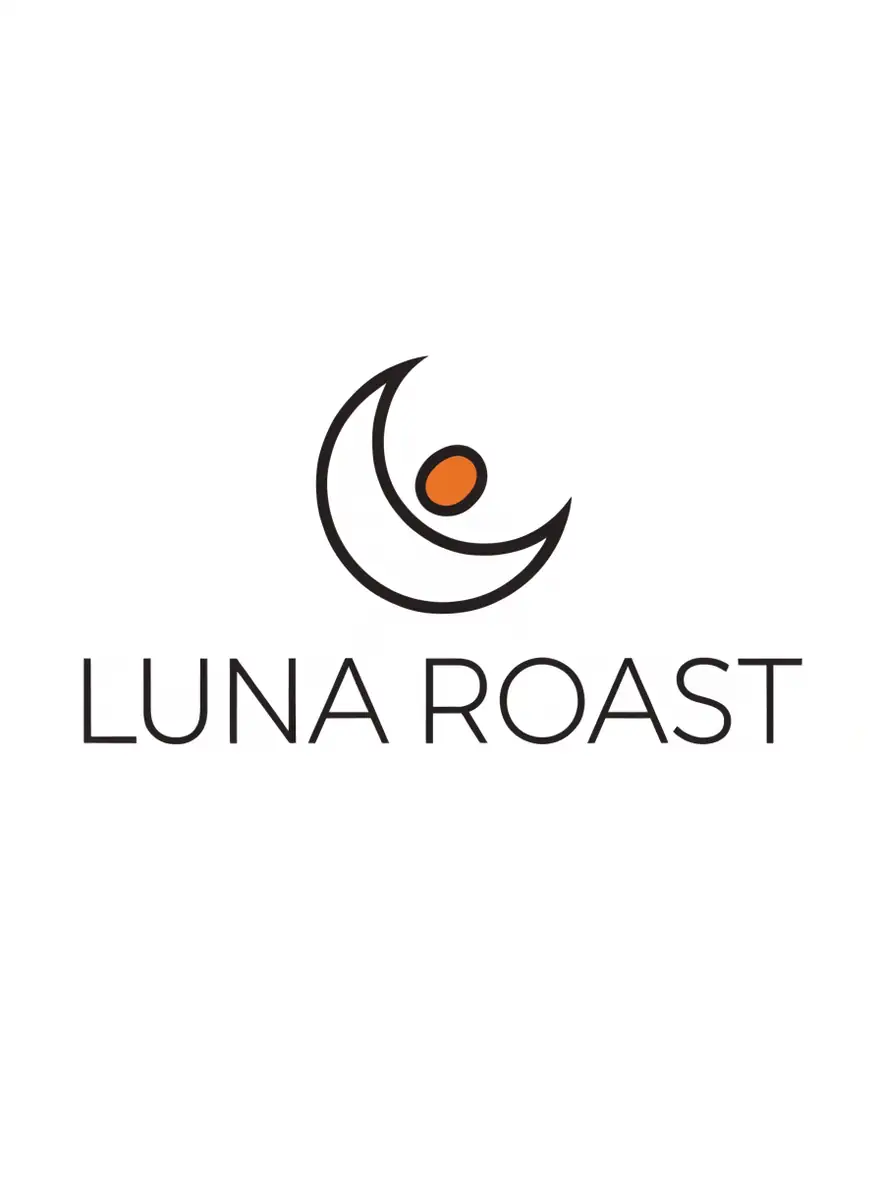 Recraft V4.1Design-grade logos
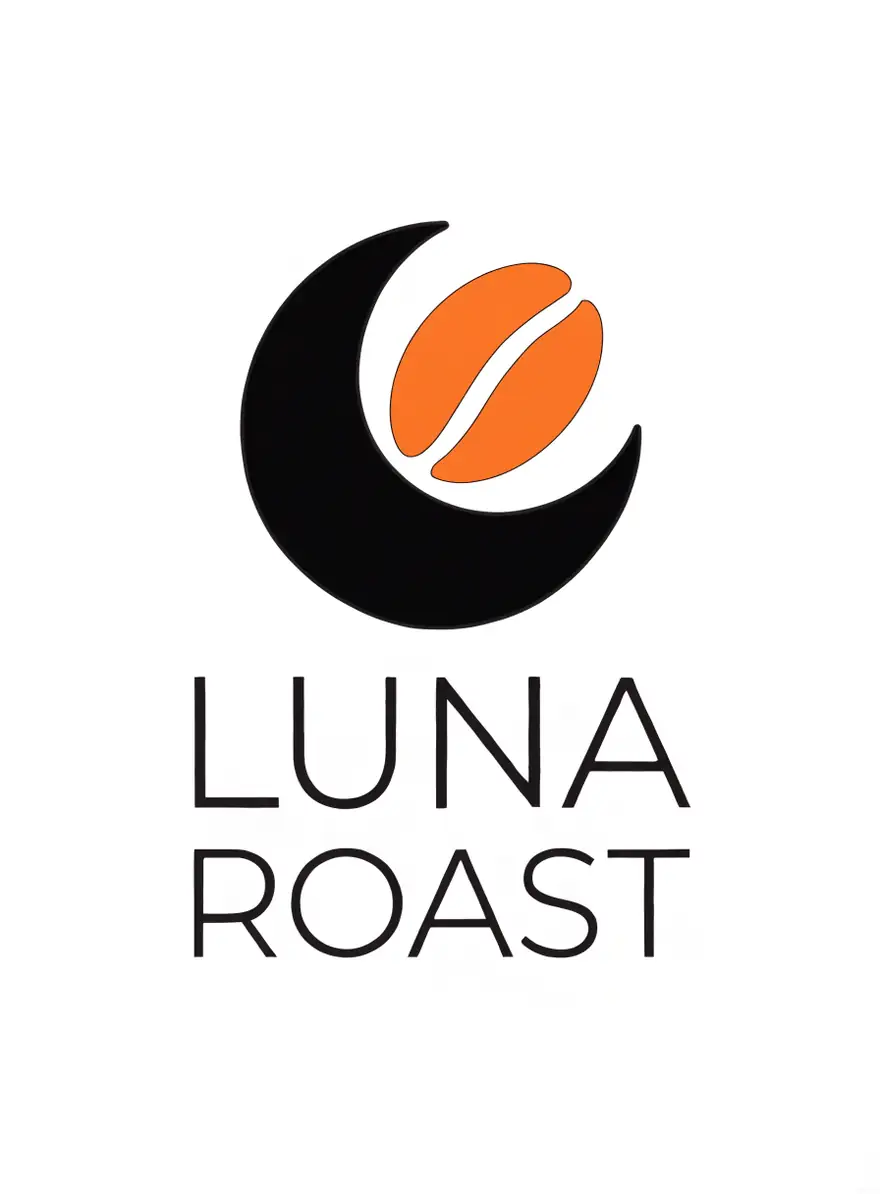 Recraft V4.1 FlashFast drafts
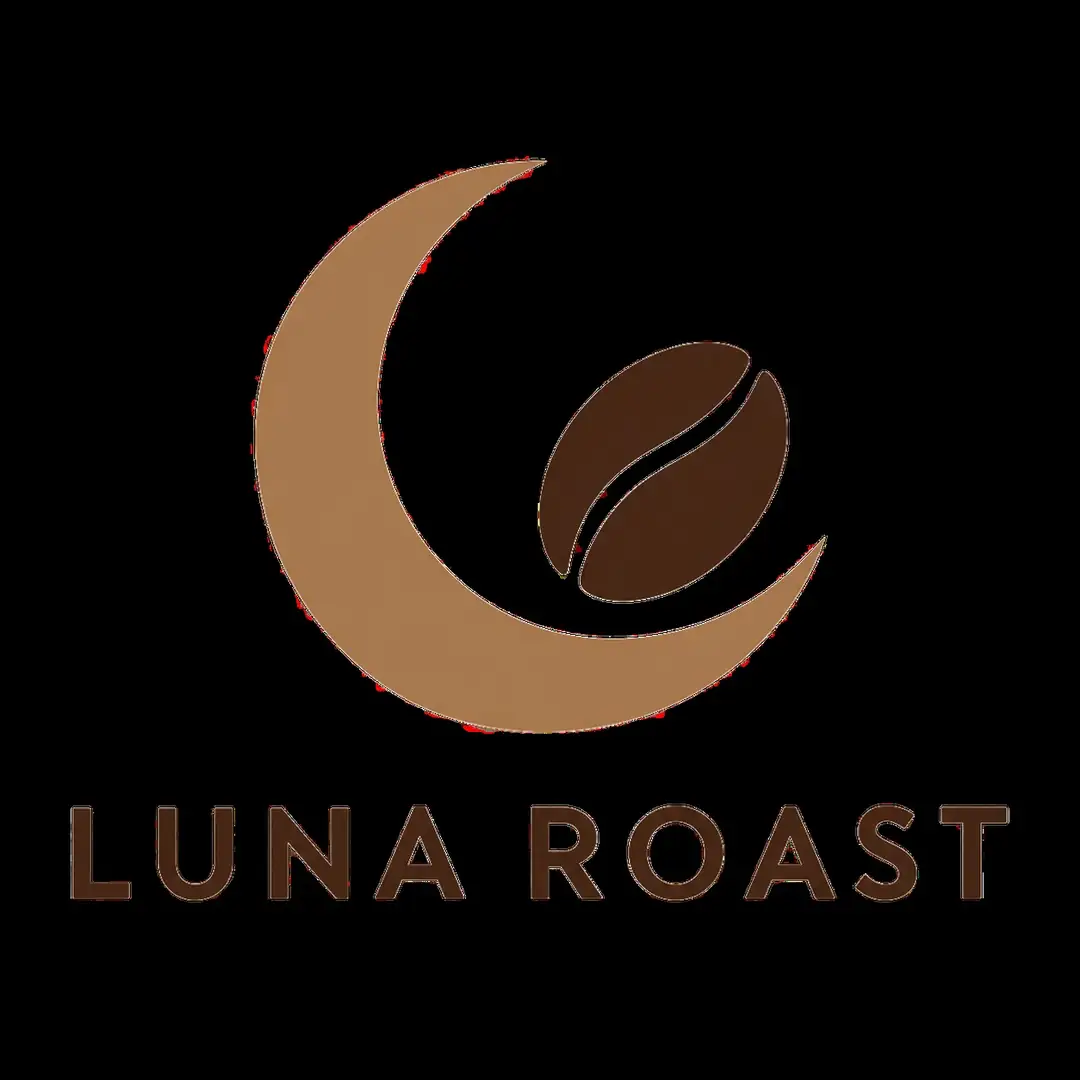 GPT Image 2Most reliable text
How to
How to use the AI logo generator
- Time needed
- Steps
- 4 steps
Step 1
Pick Recraft V4.1
Or Flash for fast drafts; GPT Image 2 for mascots.
Step 2
Describe the brand
Name in quotes, symbol, style, colours.
Step 3
Generate a few
Shortlist your favourites and refine the prompt.
Step 4
Download
No watermark. Remove the background in Edit Studio if needed.
See it in the app

Open Edit Studio and upload an image, or pick one from your history.


Watch the tour · 2:01
AI Edit, Magic Eraser, Change Region, light, style, expand, camera angle & chat edits
Chapters
Tips
Brief it like a designer
Logos work best with a short, specific brief.
Brand name in quotes: 'GOLDEN CRUMB'.
One symbol idea: a wheat stalk, a mountain, a heart.
A style: minimal, emblem, mascot, wordmark, vintage badge.
Two or three colours, and a plain background.
Generate several and shortlist — then refine one.
Check trademarks and have a designer vectorise the final mark.
Models
Models for logos
What each model is good at. Open any one straight in the generator.
Example uses
How creators use AI logo generator
Illustrative examples of typical workflows, not customer reviews.
Bakery owner
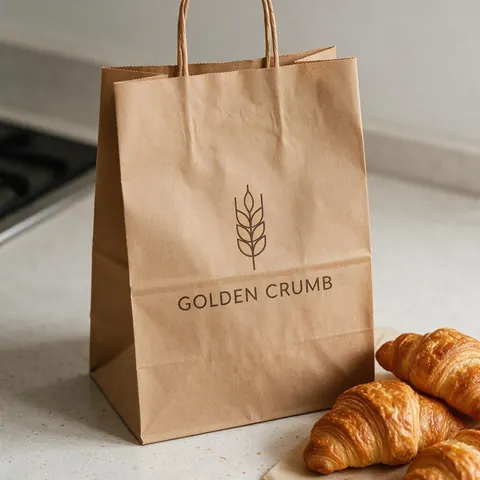
A bakery owner can describe a symbol and colours and get a logo concept with the shop name spelled right.
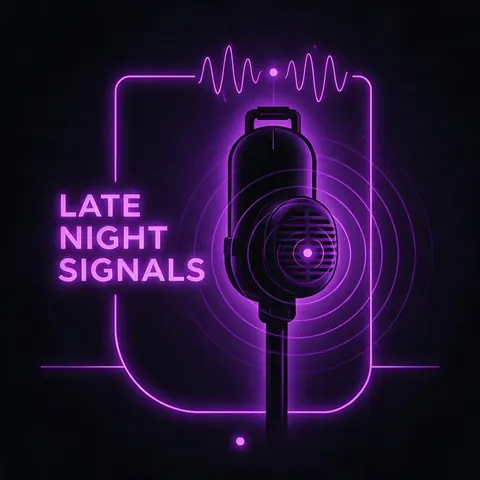
Podcast host
A podcast host can try neon and retro badge styles for a show logo in minutes.
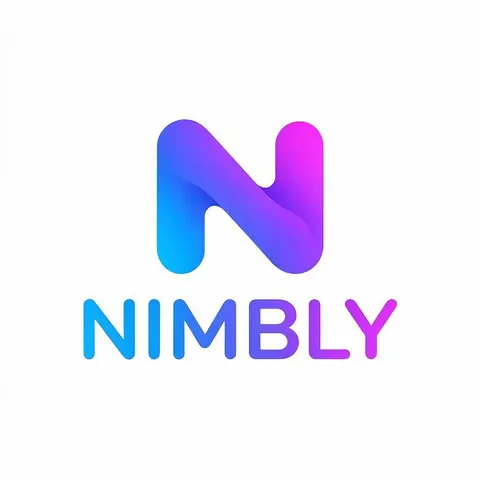
Startup founder
A founder can shortlist minimal marks, then hand the chosen one to a designer to vectorise.
FAQ
AI Logo Generator questions

Can AI make a logo?
Yes. Describe the brand name in quotes, a symbol, a style and one or two colours, and the model returns logo concepts with the name spelled out. AI is fastest at exploring directions, so generate several styles, shortlist the ones you like, then refine the prompt — or hand the best one to a designer for a vector master file.
Link to this answerIs the AI logo generator free?
Yes, to start. A new Kenerate account gets free starter credits on sign-up for the free-plan models, so you can test logo ideas before paying anything. Recraft V4.1 needs a one-time credit pack rather than a subscription, and credits you buy never expire. Downloads carry no watermark on any plan.
Link to this answerWhich model is best for logos?
Recraft V4.1 made the cleanest, most design-ready logos in our tests. Use Recraft V4.1 Flash for quick drafts while you explore directions, and GPT Image 2 for detailed mascots, badges and esports-style marks, where its text is the most reliable. You can run one prompt on all three models and compare the results side by side.
Link to this answerWhat is the best free AI logo generator?
Kenerate is free to start: a new account gets starter credits for the free-plan models, Qwen Image 3.0 and the Flux 2 family, so you can test logo prompts at no cost, and downloads carry no watermark. For the cleanest, most design-ready logos in our tests, Recraft V4.1 is the best pick; it needs a one-time credit pack, and credits never expire.
Link to this answerCan I get a transparent background?
Yes. Generate the logo on a plain, solid background, then open it in Edit Studio and use Remove BG to cut it out as a transparent PNG. Or pick GPT Image 1.5 and switch on Transparent background before you generate. Simple, flat designs with one or two colours give the cleanest edges.
Link to this answerCan I trademark an AI logo?
Possibly, but check first. Search trademark availability for your name and mark in every country where you trade, because an AI concept can resemble existing logos. For a mark you plan to register, have a designer refine and vectorise the final logo so you hold a clean, original master file. This is general guidance, not legal advice.
Link to this answerIn depth
AI Logo Generator, explained
What works, what to avoid, and how to pick a model.
Concepts first, polish after
AI is fastest at exploring directions: ten styles for one brand in a few minutes. Pick the direction you like, then refine the prompt — or hand it to a designer to turn into a vector master file.
What makes a logo work
It reads at small sizes, uses one or two colours, and has a single clear idea. Ask for “simple, flat, two colours” to keep AI logos usable.
By the Kenerate AI teamLast updated and reviewed
We build and run the Kenerate generator. Every example is a real output of the model named under it; models and presets were checked against the app's code.
