

Skip to content
Google · Gemini 3.1 Flash Image

Nano Banana 2 — Google's Gemini image model

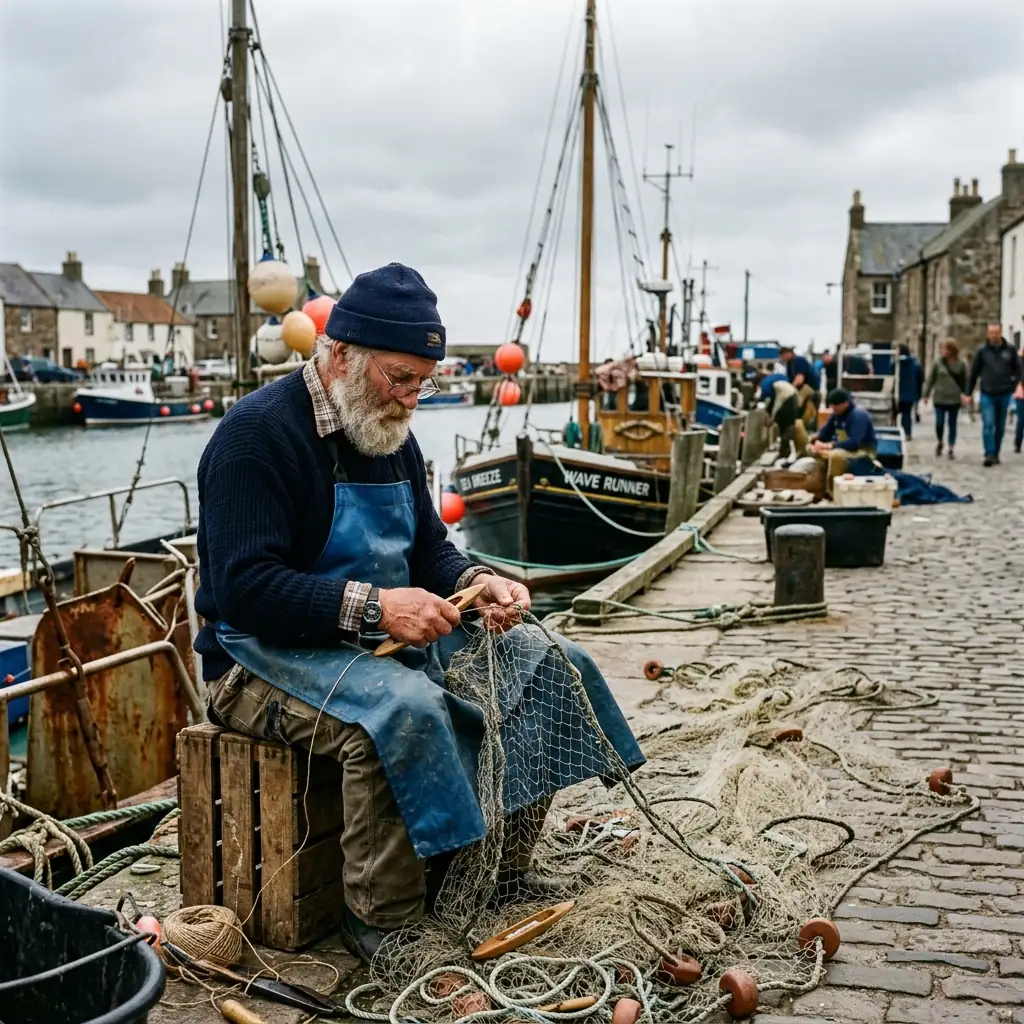
Nano Banana 2 is Google's image generation and editing model, built on Gemini 3.1 Flash Image. On Kenerate it costs 14 credits (Fast: 8) and takes up to 14 reference images.

  • Real outputs
  • Official sources
  • 25 free credits
  • No watermark

Quick answer

Updated

Nano Banana 2 is Google's image generation and editing model, built on Gemini 3.1 Flash Image and announced on 26 February 2026. Google highlights web-grounded world knowledge, text rendering and translation, and consistency across up to 5 characters and 14 objects. On Kenerate it costs 14 credits (Nano Banana 2 Fast: 8), and takes up to 14 reference images. In our tests on Kenerate it returned square 1K images whatever size was picked — a fix for size and resolution is in progress.

Maker
Google
Announced
26 Feb 2026
On Kenerate
14 credits · Fast 8
References
Up to 14

About the model

What is Nano Banana 2?

Facts from the maker's own announcement and repository, linked below.

Nano Banana 2 facts
MakerGoogle (Gemini)
Built onGemini 3.1 Flash Image
Announced26 February 2026
Google's highlightsWeb-grounded world knowledge, text rendering and translation, consistency for up to 5 characters and 14 objects, 512 px to 4K
On KenerateNano Banana 2 (14 credits) and Nano Banana 2 Fast (8), up to 14 references; square 1K output in our tests (size support being fixed)

Same prompt

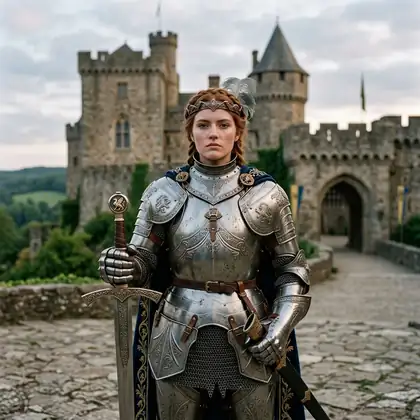
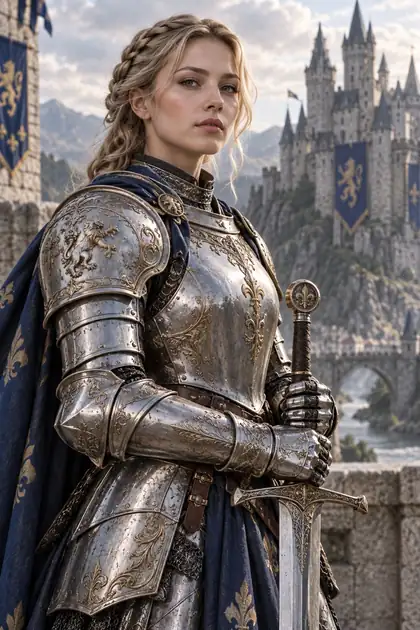
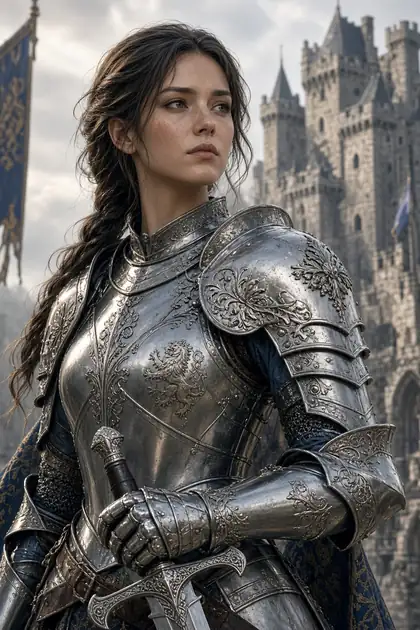
Nano Banana 2 vs GPT Image 2 vs Grok Imagine 2.0 vs Seedream 5.0 Pro

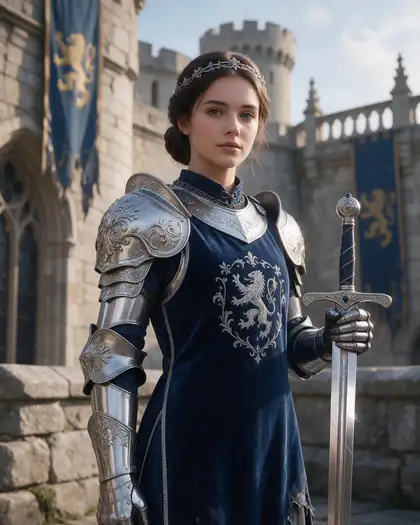
The same prompt on four closed models in /app/image.

  • Same prompt on Nano Banana 2
    Nano Banana 214 credits
  • Same prompt on GPT Image 2
    GPT Image 218 credits · medium
  • Same prompt on Grok Imagine 2.0
    Grok Imagine 2.015 credits
  • Same prompt on Seedream 5.0 Pro
    Seedream 5.0 Pro27 credits · 2K
Prompt
Portrait of a female knight in ornate silver armor holding a sword, castle background, detailed, soft light

Models

Nano Banana 2 on Kenerate

Every version in the generator, and what each is good at.

Nano Banana 2 on Kenerate
ModelReference imagesMax sizeGood forOpen
Nano Banana 2GoogleUp to 141K (square today)Text, edits, many referencesOpen
Nano Banana 2 FastGoogleUp to 141536 pxFaster, cheaperOpen

From our tests

Strengths and limits

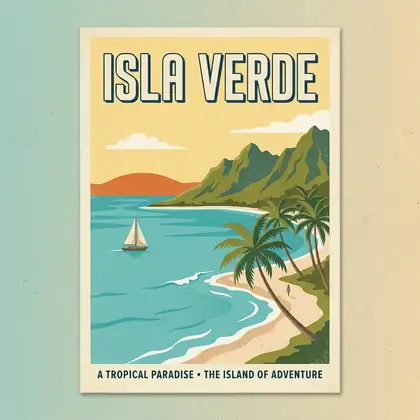
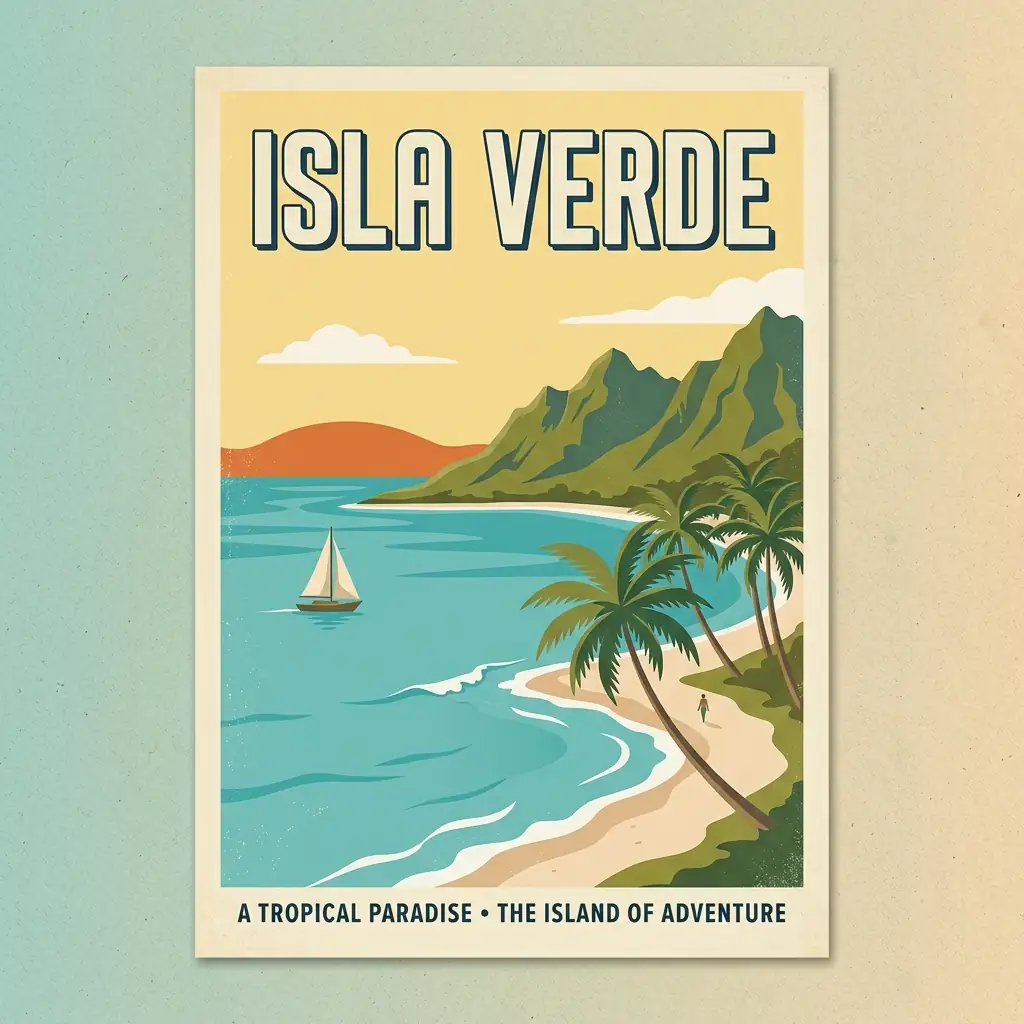
  • Clean text in posters and infographics, first try, in our tests.
  • Up to 14 reference images — combine people, products and places in one edit.
  • Edits that keep face, pose and light when you say so (see the gown edit).
  • Fast version at 8 credits for drafts.
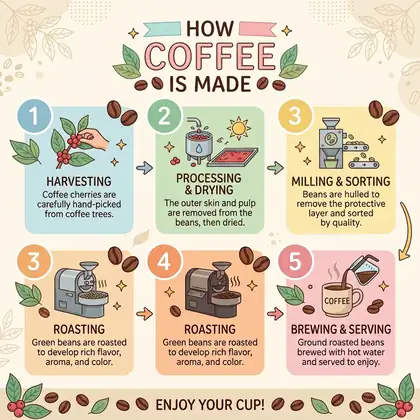
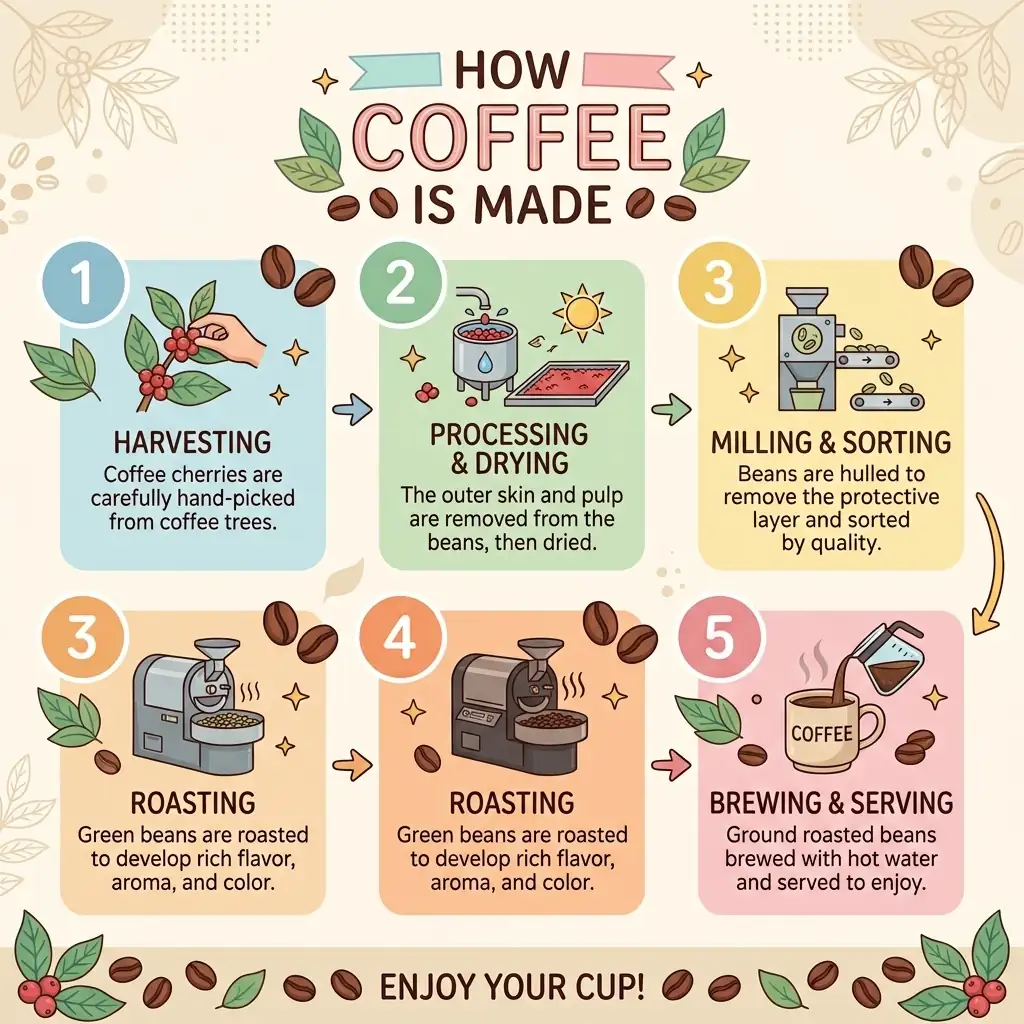
  • Long layouts can slip: our infographic repeated one step title — check text before you publish.
  • On Kenerate it currently returns square images whatever size you pick (a fix is in progress) — crop, or use Seedream 5.0 Lite for other shapes and 4K.
  • Closed model: Google's filter applies and may refuse some prompts.

Nano Banana 2 keeps Google's content filter, so explicit prompts are refused. For adult art, use open models on the uncensored AI image generator (18+).

How to

How to use Nano Banana 2 on Kenerate

  1. Step 1: Open Nano Banana 2

    Pick it in /app/image — or Nano Banana 2 Fast for drafts. Any credit pack unlocks it.
  2. Step 2: Write the prompt

    Put exact text in quotes and say where it goes.
  3. Step 3: Add references

    Upload up to 14 images and say which one gives what.
  4. Step 4: Download

    No watermark. Upscale for print sizes.

Try Nano Banana 2 on your own prompt — 25 free credits on sign-up.

In depth

Nano Banana 2, in depth

Background, how to prompt it, and when to pick something else.

What Google says Nano Banana 2 adds

From Google's announcement [1]:

  • World knowledge grounded in real-time web search.
  • Precise text rendering and translation inside images.
  • Subject consistency for up to 5 characters and 14 objects.
  • Better instruction following and photorealistic lighting.

When to pick Nano Banana 2

Pick it for images with text, product shots, and edits that combine many references. For the most polished portraits pick Seedream 5.0 Pro; for dense text and UI mock-ups, compare with GPT Image 2; for cheap drafts, Flux 2 Dev.
Tried it? Tell us how it went

We only publish real, verified reviews — never invented quotes. Send a line about your result (and whether we may quote you), and it will appear here.

Send a review

FAQ

Nano Banana 2 questions

6 questions

Still stuck?

A real person answers — usually within a day.

01

What is Nano Banana 2?

Google's image generation and editing model, built on Gemini 3.1 Flash Image and announced on 26 February 2026.

02

Is Nano Banana 2 the same as Gemini image generation?

Nano Banana is Google's name for its Gemini image models; Nano Banana 2 is built on Gemini 3.1 Flash Image.

03

How much does Nano Banana 2 cost on Kenerate?

14 credits an image (about 16¢ on the $15 pack), or 8 for Nano Banana 2 Fast. It isn't on the free plan.

04

How many reference images can I use?

Up to 14 on Kenerate.

05

Can Nano Banana 2 do 4K?

Google's model supports up to 4K. On Kenerate it currently returns square 1K images while size support is being fixed; upscale the result for larger sizes.

06

Can it write text in images?

Yes — it's one of its strengths. Put the exact words in quotes.

See more of Kenerate AI in your Google resultsAdd kenerateai.com as a preferred source — Google shows more from your preferred sources in Top Stories and AI answers.

Explore

Every Kenerate image tool

Generators, design tools, photo edits, models and comparisons — all in one studio, on one credit balance.

Written by the Kenerate AI team

We run these models in the Kenerate generator. Model facts come from the makers' own pages; specs and limits were checked against our code; the examples are our own outputs. Last updated 27 September 2026. Corrections: hello@kenerateai.com.

Sources

Ready when you are

Try Nano Banana 2

25 free credits on sign-up. No watermark.

  • 25 free credits
  • No watermark
  • Credits never expire