



How image to image works
Classic image-to-image, described in the SDEdit paper, adds noise to your picture and then lets the model remove it while following your prompt [1]. The more noise, the more the model is free to change; the less, the more your original survives. That trade-off is what the strength setting controls.
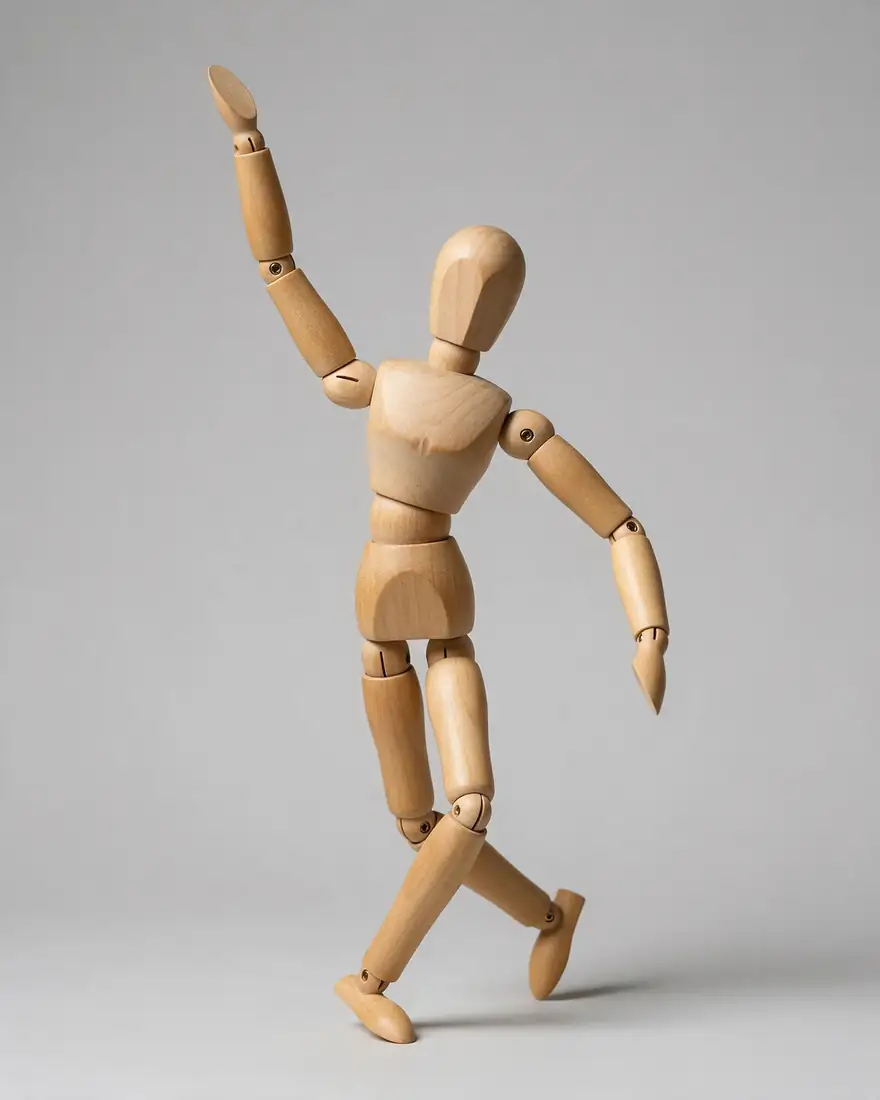
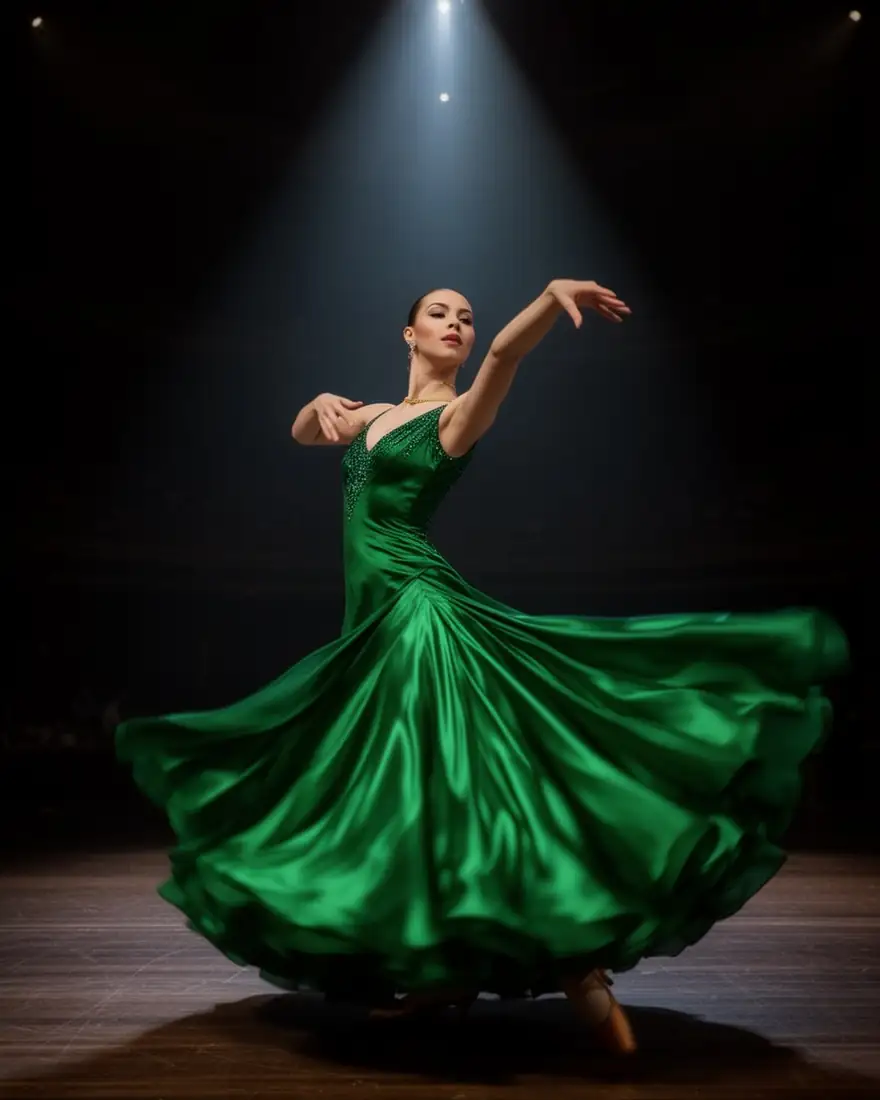
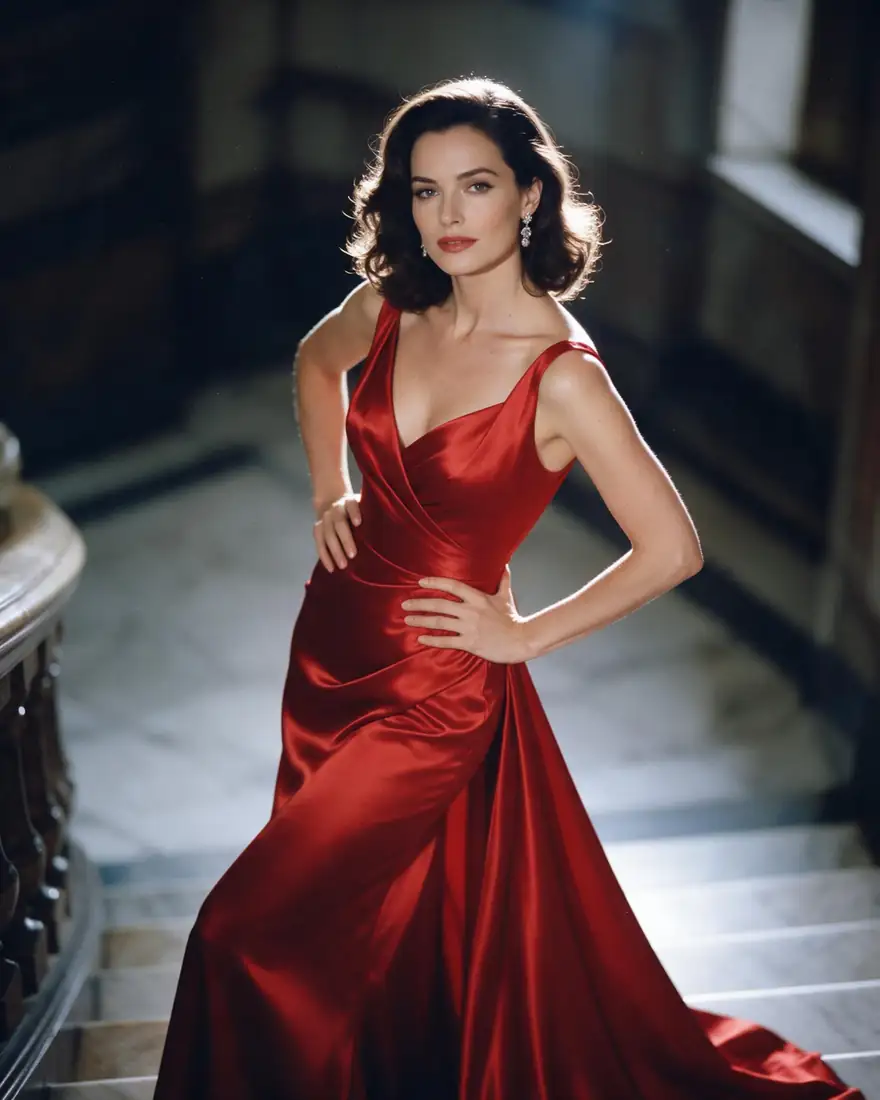
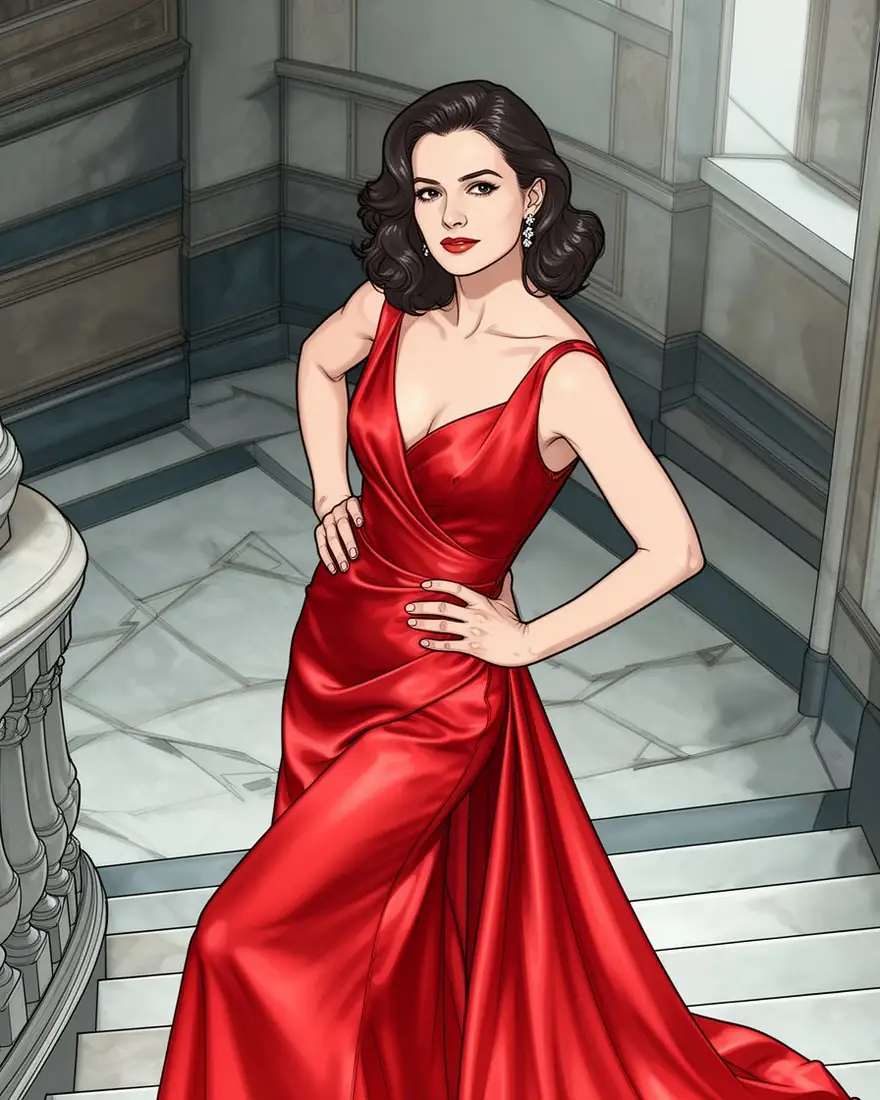
Newer models such as Flux 2, Qwen Image, Seedream and GPT Image work differently: they read your images as references and draw a new image that follows them. They keep a pose, a face or a layout without a noise setting, and several can take more than one reference at once.
What we saw when we tested strength
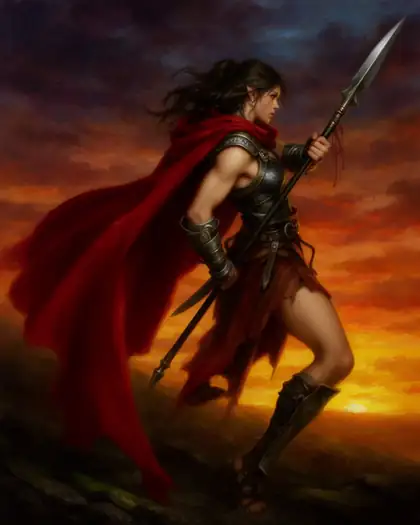
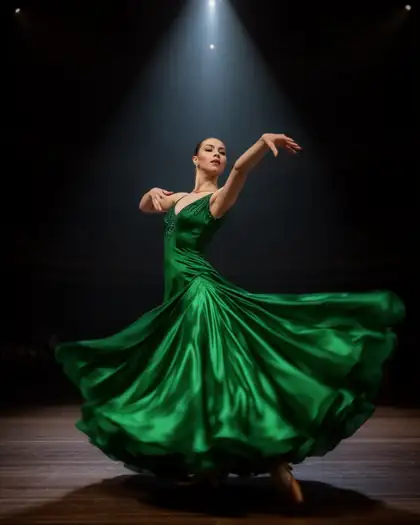
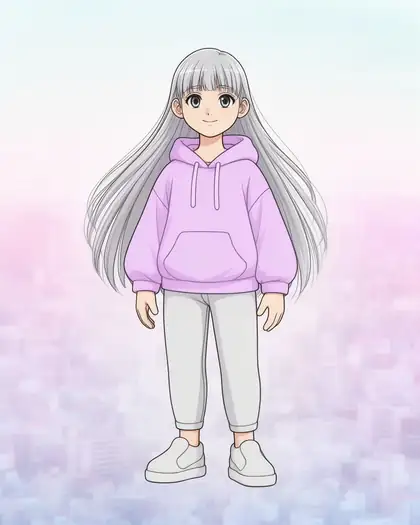
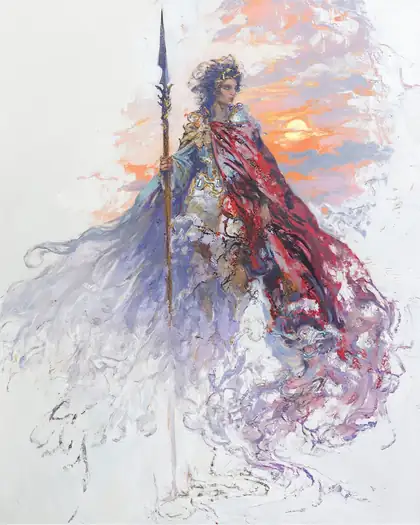
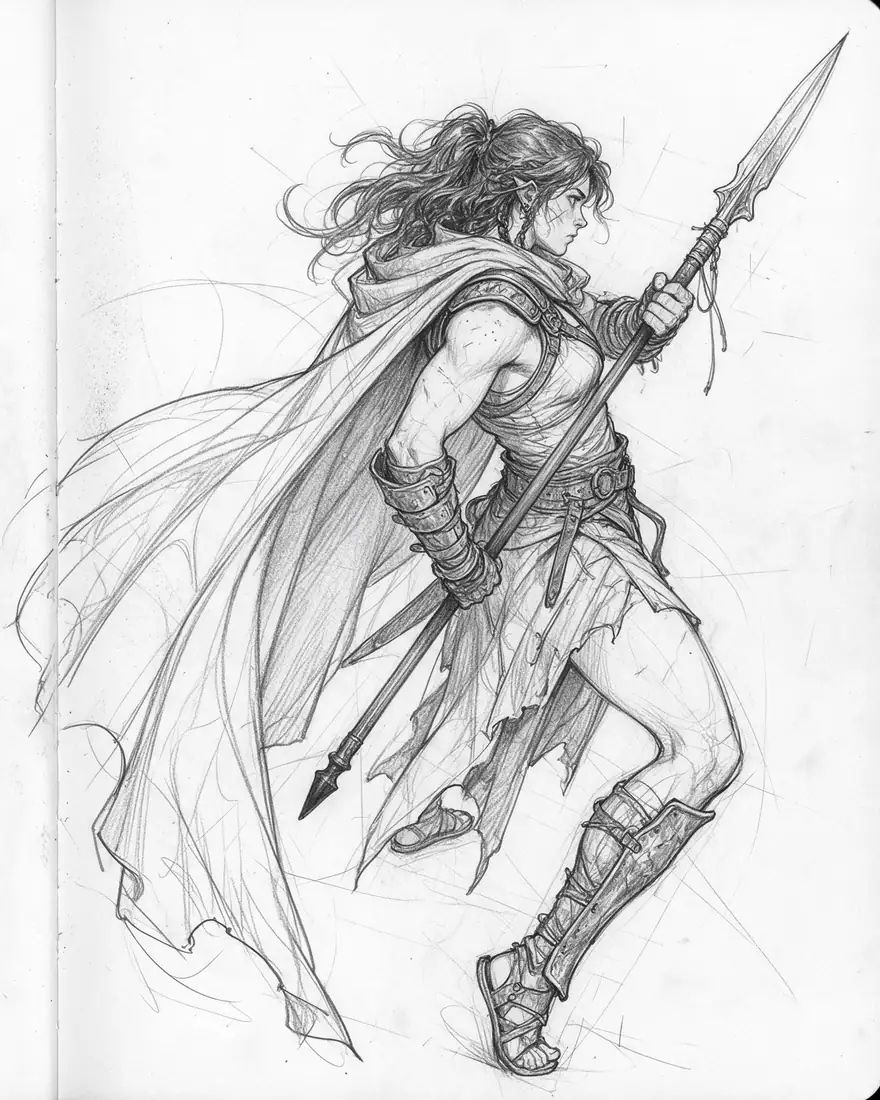
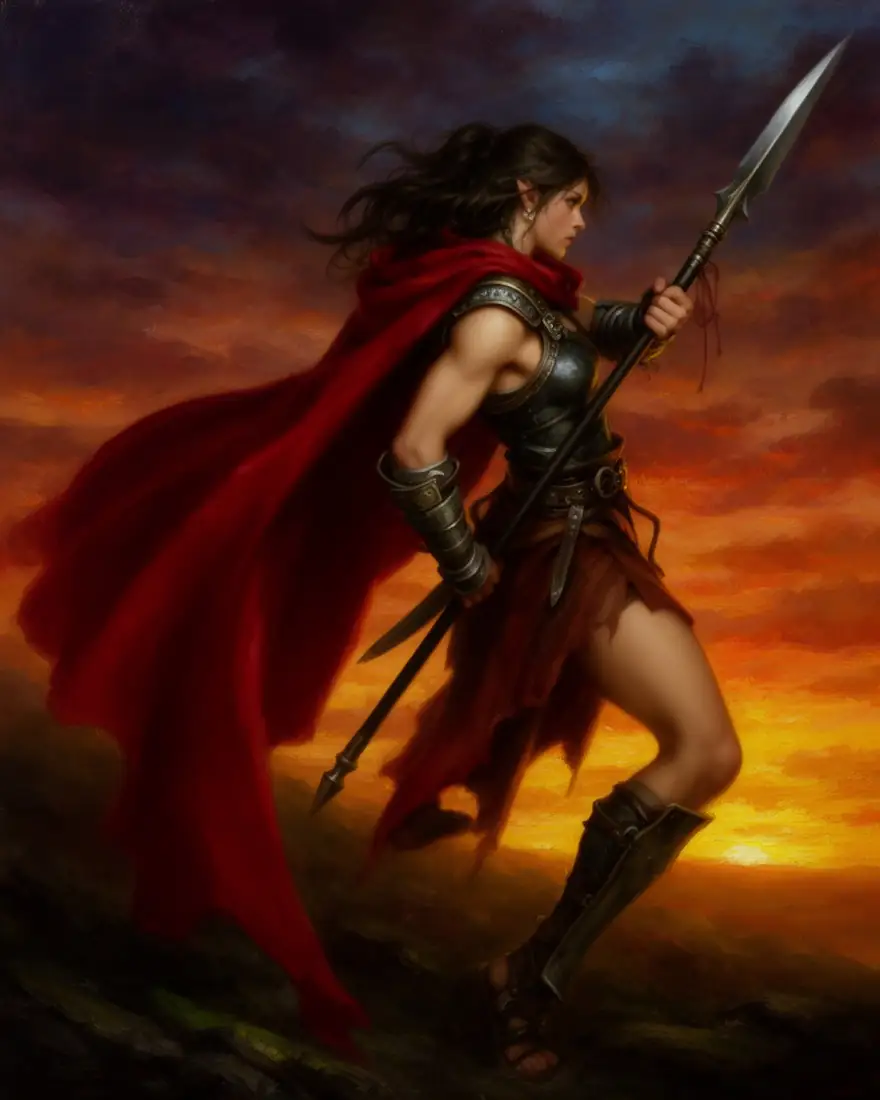
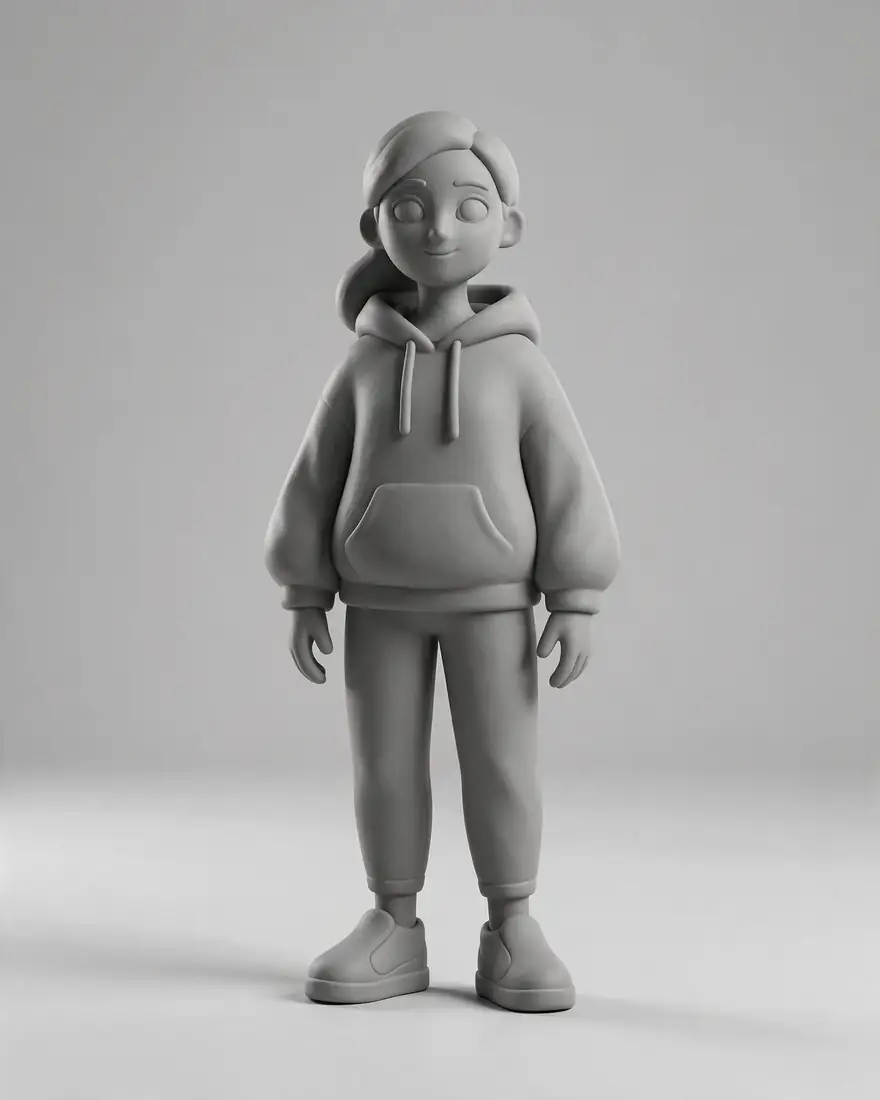
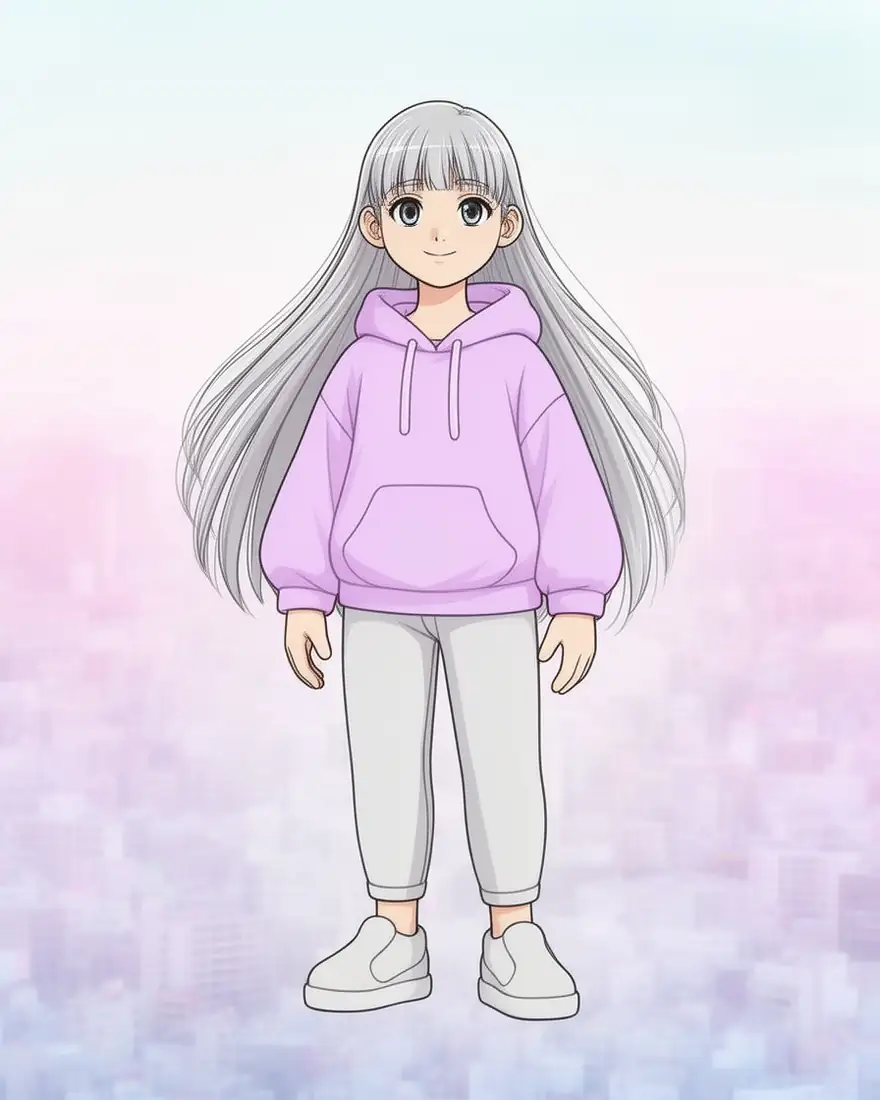
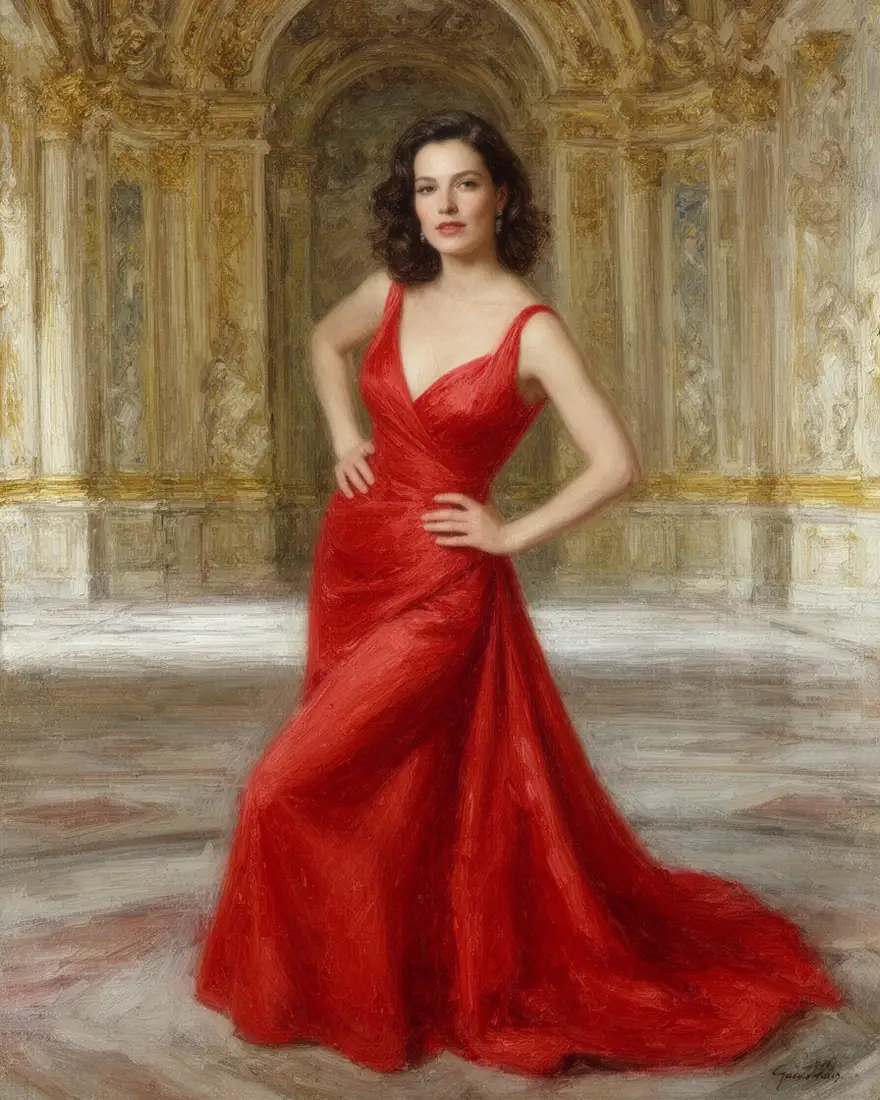
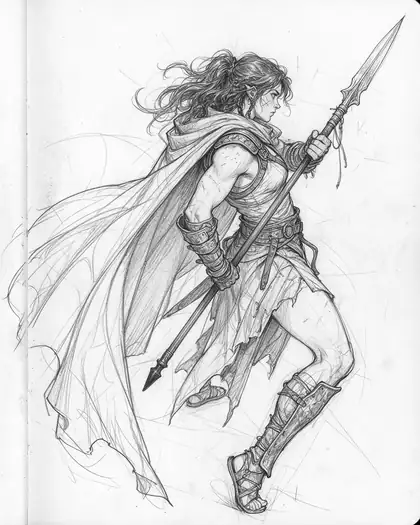
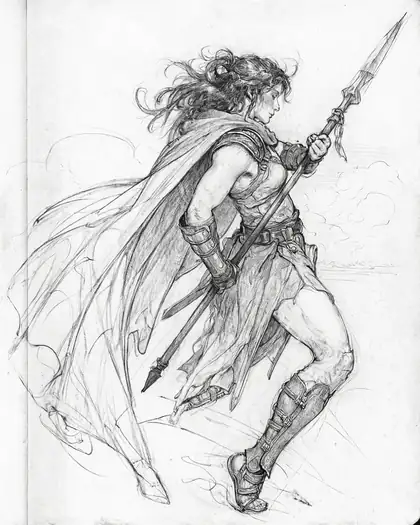
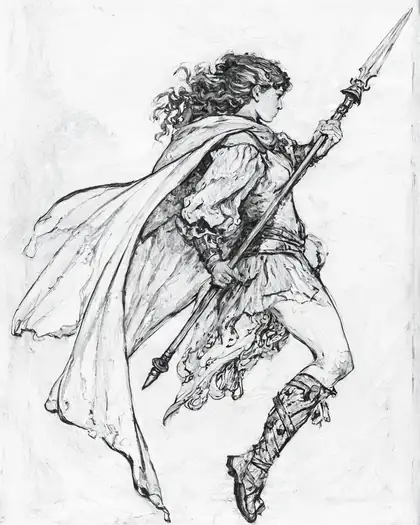
We ran the same sketch and prompt through Z Image Base at 35 %, 60 % and 85 % strength. At 35 % and 60 % it stayed a pencil drawing, only cleaner; at 85 % it became a full-colour painting. Flux 2 Dev, by contrast, returned nearly the same finished painting at every setting — it follows the prompt and the reference rather than a noise level.
- To keep your image and just refine it: Z Image Base, strength 30–60 %.
- To restyle it completely: Z Image Base at 80 %+, or Flux 2 Dev.
- To keep a pose but change everything else: Flux 2 Dev with “same pose” in the prompt.
Prompts that keep what matters
Reference models change what you don't pin down. Name what should stay:
- “Same pose”, “same composition”, “same woman and dress”.
- Then the change: medium (oil painting, anime, 3D render), outfit, setting, light.
- With several references, say which image gives what: “the character from image 1 in the room from image 2”.
Where the limits come from
Kenerate runs one check on every prompt: prompts involving minors are blocked on all models. Open models — Flux 2 Dev, Flux 2 Klein and Z Image Base — have no provider filter on top. Closed models (Seedream, GPT Image, Nano Banana) keep their providers' safety systems and may refuse adult edits.