

Alibaba's Tongyi Lab (Tongyi-MAI)
Z-Image — Alibaba Tongyi's fast 6B image model
Z-Image is a 6-billion-parameter open image model from Alibaba's Tongyi Lab. On Kenerate, Z Image Base remixes an uploaded image with a strength slider.
- Architecture
- 6B-parameter single-stream diffusion transformer
- Released
- Z-Image-Turbo November 2025; Z-Image January 2026
- Weights
- Open (Apache 2.0)
- Maker's highlights
- Photorealism, English and Chinese text rendering, instruction following, fits 16 GB consumer GPUs
- On Kenerate
- Z Image Base — up to 2048 px, one reference with a strength slider
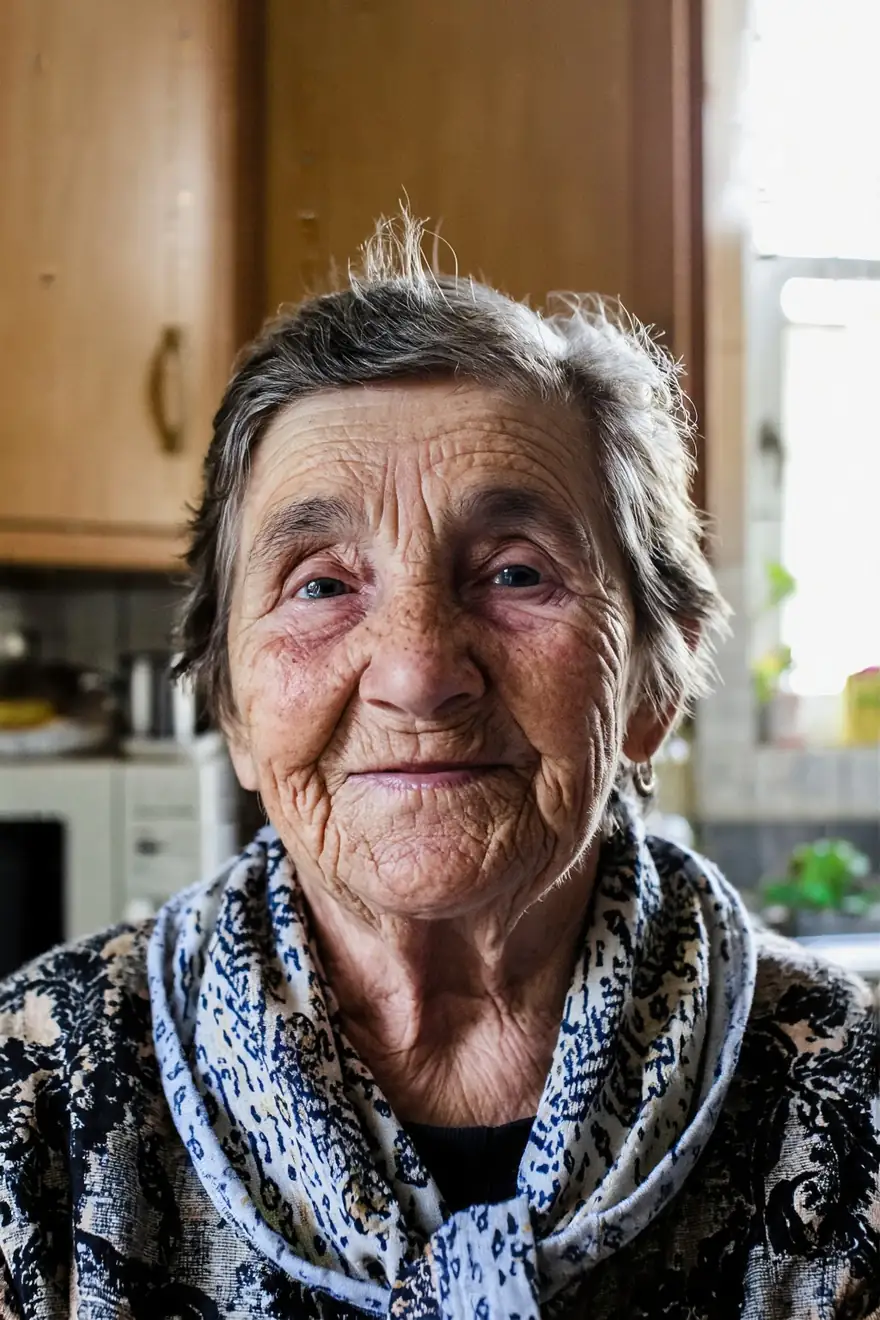
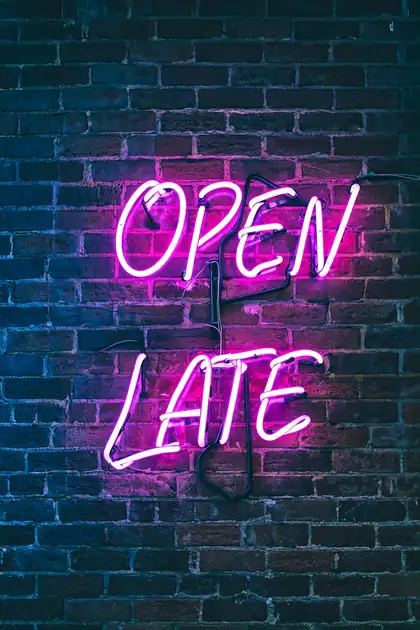
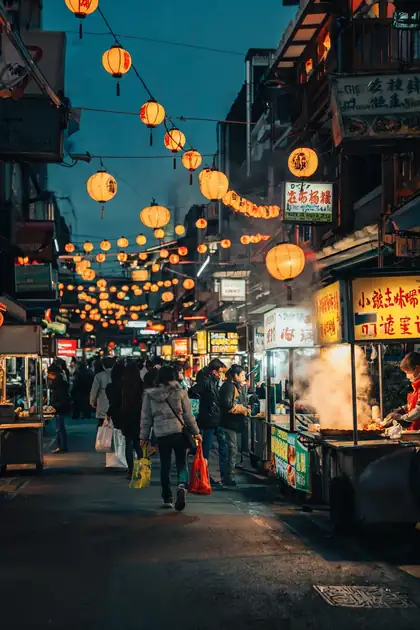

- Real outputs
- Official sources
- Free to start
- No watermark
Updated by the Kenerate AI team




Made with Kenerate
On this page
What is Z-Image?

What is Z-Image?
Z-Image is an open image model family from Alibaba's Tongyi Lab, built on a single-stream diffusion transformer for photoreal images and released from November 2025. On Kenerate AI, Z Image Base makes cheap photoreal drafts and remixes one uploaded image with a strength slider — higher strength changes more.
Key facts
- Maker
- Alibaba Tongyi Lab
- Size
- 6B parameters
- Weights
- Open · Apache 2.0
- Z-Image-Turbo
- Nov 2025
- Z-Image
- Jan 2026
- On Kenerate
- Z Image Base · 2048 px
- Image to image
- 1 reference · strength slider
- Runs on
- 16 GB consumer GPUs
Gallery
Z-Image examples
Real outputs made on Kenerate. Open any image to copy its prompt and run it yourself.
Same prompt
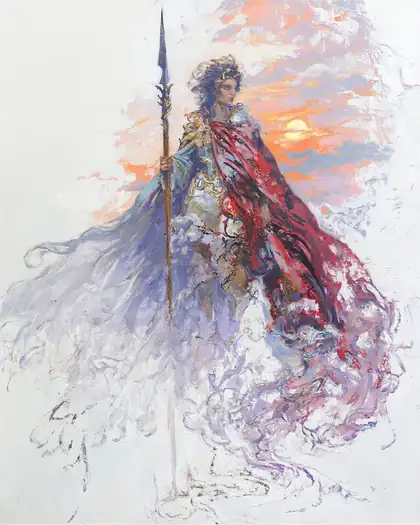
Z Image Base strength test: 35 %, 60 %, 85 %
The same pencil sketch and prompt at three Reference strength settings. Higher means more change.
PromptFinished fantasy oil painting of a warrior woman holding a spear with a flowing crimson cape, dramatic sunset sky, rich colors
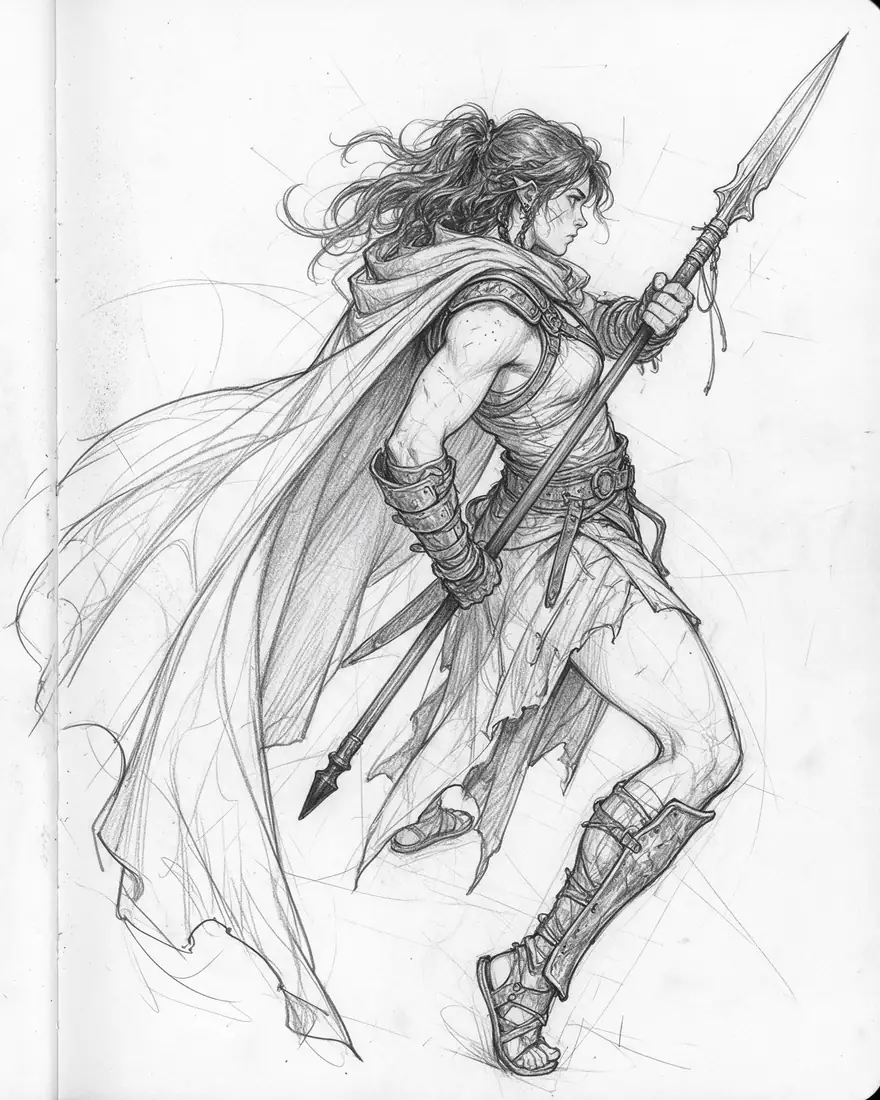 Your imagePencil sketch
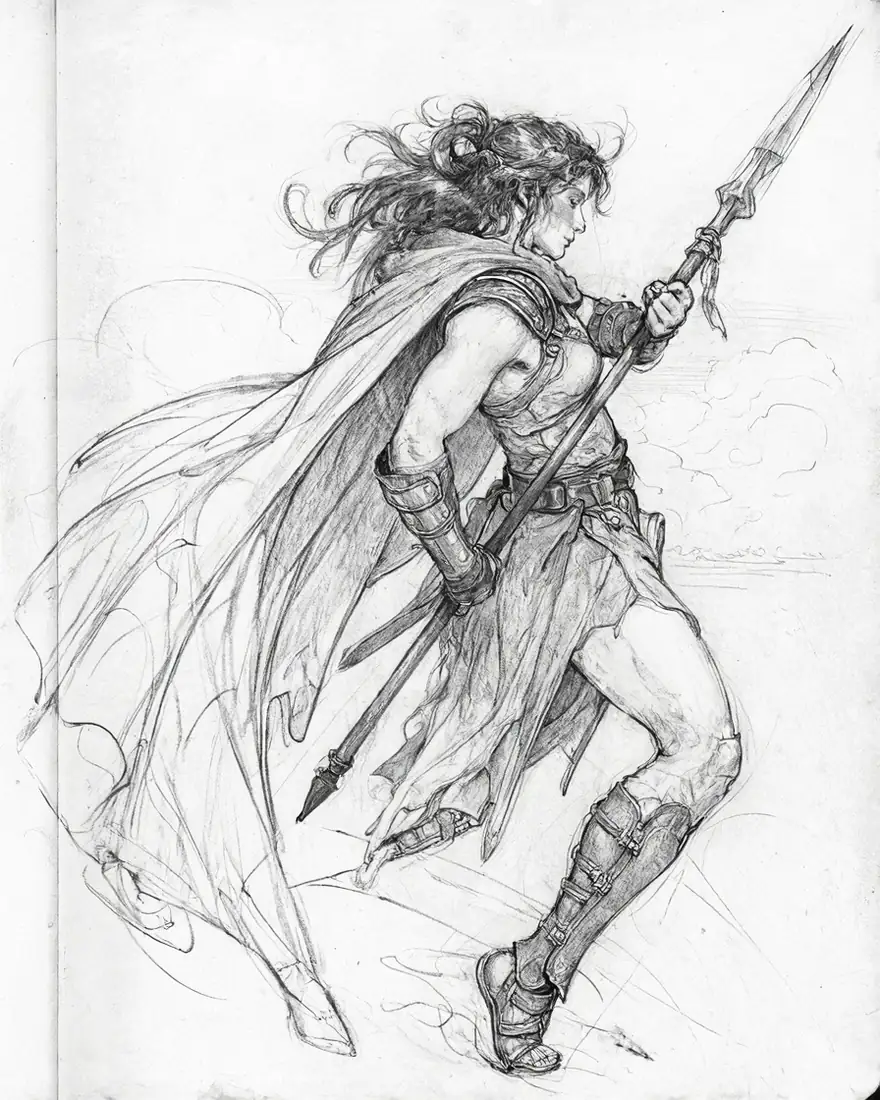 35 % strengthCleaner sketch
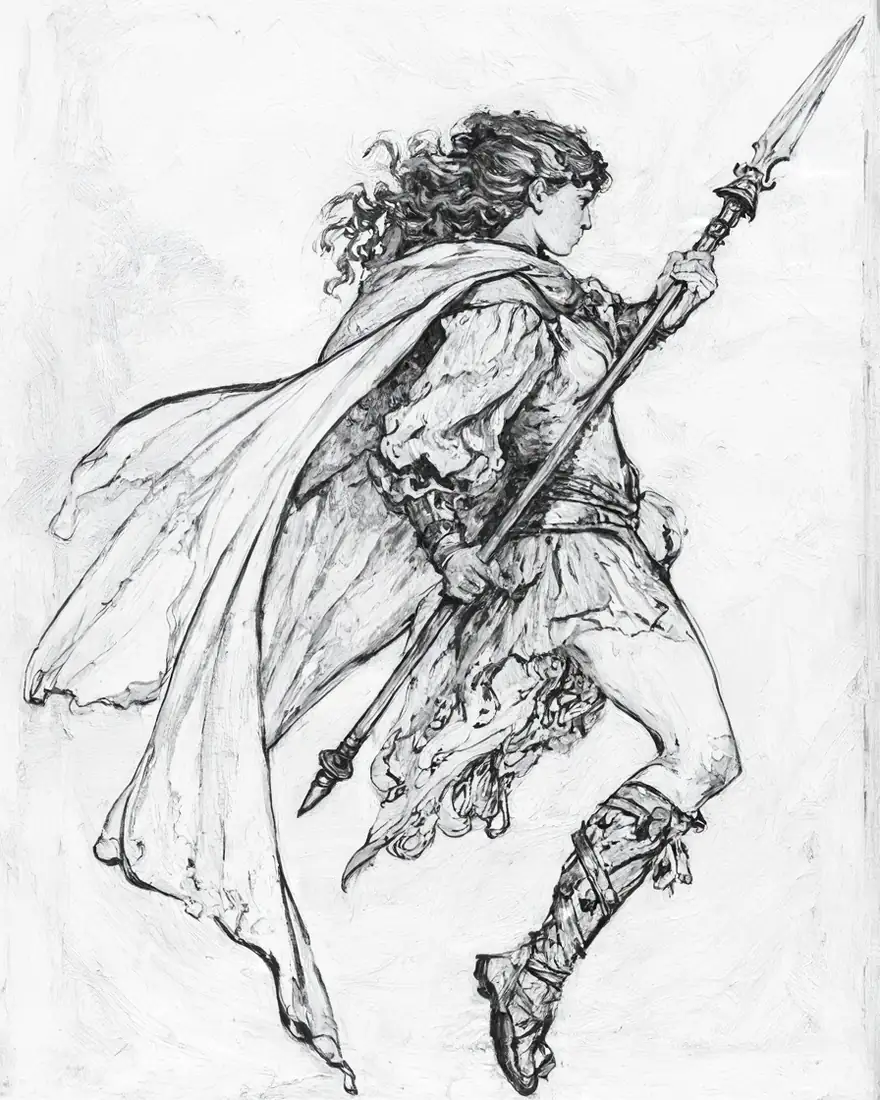 60 % strengthInked drawing
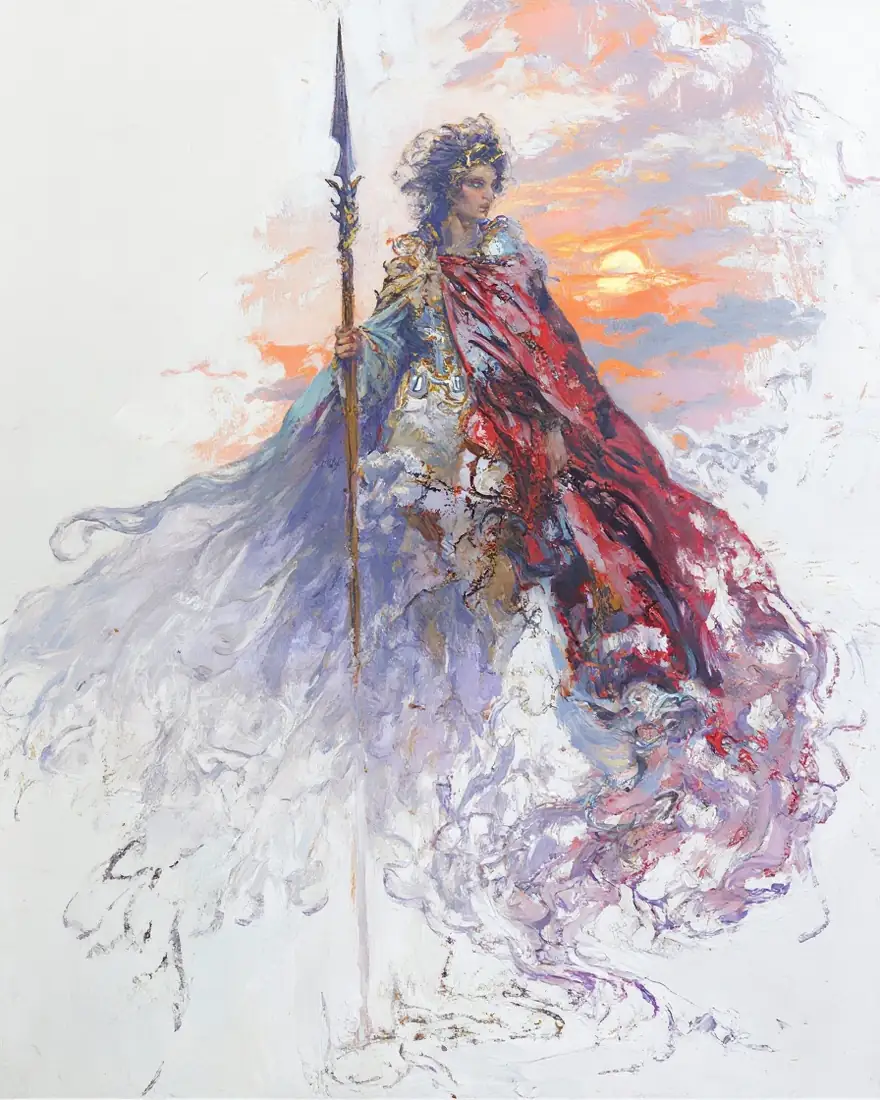 85 % strengthFull-colour painting
Models
Z-Image on Kenerate
Every version in the generator, and what each is good at.
Alibaba Tongyi Lab
Z Image Base
- Reference images
- 1 (with strength)
- Output
- Up to 2048 px
Open Z Image BaseBest for
Cheap photoreal drafts; image remix
From our tests
Strengths and limits
Good at

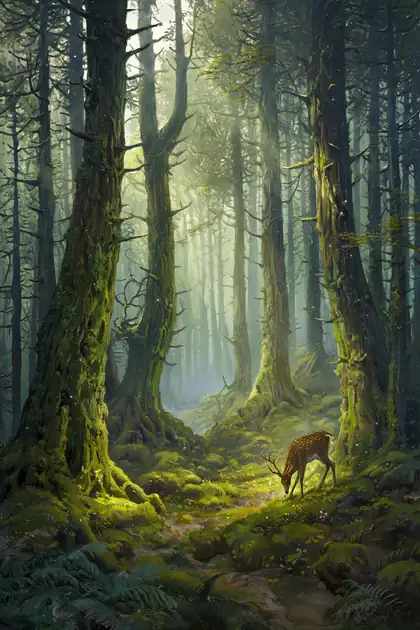
- Photoreal faces and textures at a low price — the kitchen portrait and sleeping cat are typical.
- Rendered the neon 'OPEN LATE' sign correctly on the first try.
- A strength slider that really works for image to image: 35 % keeps your image, 85 % repaints it.
- Up to 2048 px.
Limits
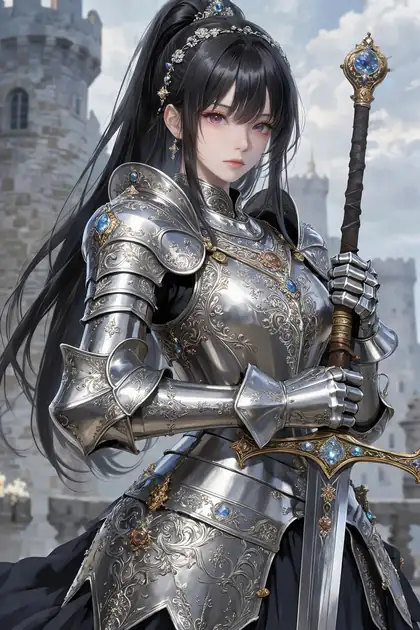
- Leans to an anime look on some fantasy prompts (see the knight) — add “photorealistic” to steer it.
- One reference image only; for combining images use Seedream 5.0 Pro, Nano Banana 2 or GPT Image 2.
- Not on the free plan — any credit pack unlocks it.
How to
How to use Z-Image on Kenerate
Step 1
Open Z Image Base
Pick it in /app/image. Any credit pack unlocks it.
Step 2
Write the prompt
Plain sentences work; say “photorealistic” for photos.
Step 3
Remix an image (optional)
Upload one image and set Reference strength in Advanced settings — lower keeps more.
Step 4
Download
Up to 2048 px, no watermark.
See it in the app

Open Image Studio and type what you want to see — subject, style, lighting and mood.


Watch the tour · 1:23
Prompts, styles, references, edit, Arena & chat
Chapters
Example uses
How creators use Z-Image
Illustrative examples of typical workflows, not customer reviews.
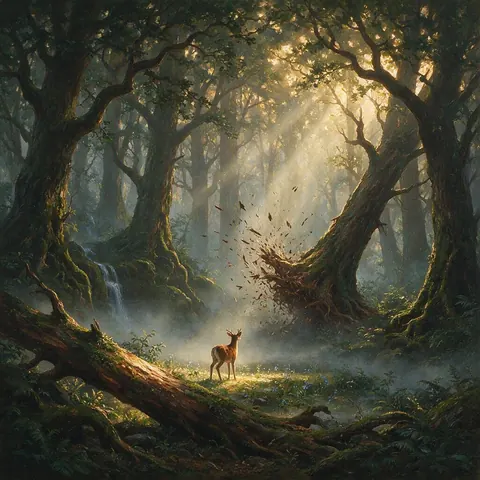
Concept artist
A concept artist could upload a rough pencil sketch and raise the strength slider until it becomes a painted scene, using lower settings when only cleaner line work is needed.
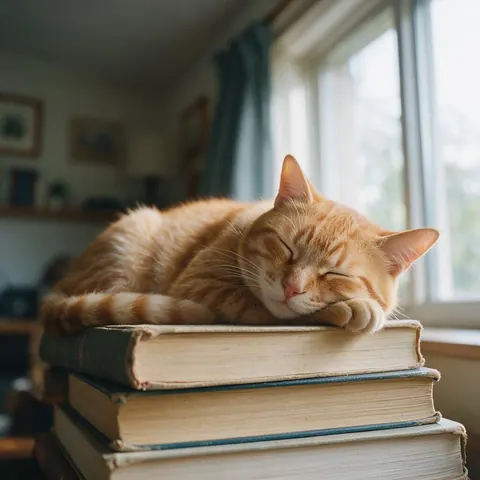
Pet blogger
A pet blogger could make cheap photoreal drafts of cosy animal scenes for posts before choosing a final image.
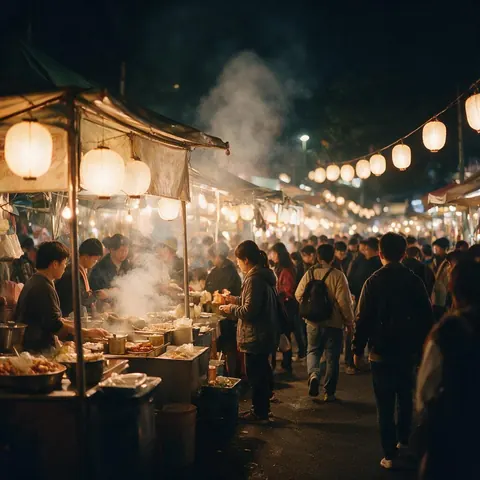
Travel blogger
A travel blogger could draft atmospheric street scenes at up to 2048 px, adding 'photorealistic' to keep the look true to life.
FAQ
Z-Image questions

What is Z-Image?
Z-Image is an open 6-billion-parameter image model family from Alibaba's Tongyi Lab, built on a single-stream diffusion transformer. Z-Image-Turbo was released in November 2025 and Z-Image in January 2026. Its maker highlights photorealism, English and Chinese text rendering and instruction following, and says it fits 16 GB consumer GPUs. On Kenerate it runs as Z Image Base, up to 2048 px.
Link to this answerHow much does Z-Image cost on Kenerate?
It is credit-based, and the cost of each image is shown before you generate. Credits come in one-time packs that never expire, with no subscription required, and current packs are on /pricing. Z-Image is not on the free plan, but any credit pack unlocks it, and it is one of the cheaper ways to make photoreal drafts on Kenerate.
Link to this answerIs Z-Image open source?
Yes. Tongyi Lab released the Z-Image weights under the Apache 2.0 licence, so you can download and run the model yourself. Its single-stream design at 6 billion parameters keeps it small enough for 16 GB consumer GPUs. If you would rather not set it up locally, Z Image Base runs in the browser on Kenerate, up to 2048 px with no watermark.
Link to this answerHow does the strength slider work on Z Image Base?
It appears under Advanced settings when you upload an image, from 10 to 100 %, with 75 % as the default. Lower values keep more of your image; higher values change more. In our test with a pencil sketch, 35 % gave a cleaner sketch, 60 % inked it, and 85 % turned it into a full-colour painting. Z Image Base takes one reference image.
Link to this answerCan Z-Image write text?
Short text, yes. Our neon 'OPEN LATE' sign came out correctly on the first try, and its maker highlights English and Chinese text rendering. Keep each text block short and put the exact words in quotes. For long text, posters or text-heavy designs, GPT Image 2 is stronger, so switch models for those jobs.
Link to this answerIn depth
Z-Image, in depth
Background, how to prompt it, and when to pick something else.
What makes Z-Image different
Most large image models use two streams for text and image. Z-Image uses a single-stream diffusion transformer at 6 billion parameters, which keeps it small enough for 16 GB consumer GPUs while producing photoreal results [1].
When to pick Z Image Base
Pick it for cheap photoreal drafts and for image-to-image where you want control over how much changes. For polished finals switch to Seedream 5.0 Pro; for text-heavy designs, GPT Image 2.
By the Kenerate AI teamLast updated and reviewed
We run these models in the Kenerate generator. Model facts come from the makers' own pages; specs and limits were checked against our code; the examples are our own outputs.
Sources: Tongyi-MAI — Z-Image (GitHub)
