
From MAI-Image-1 to 2.5
When to pick MAI Image
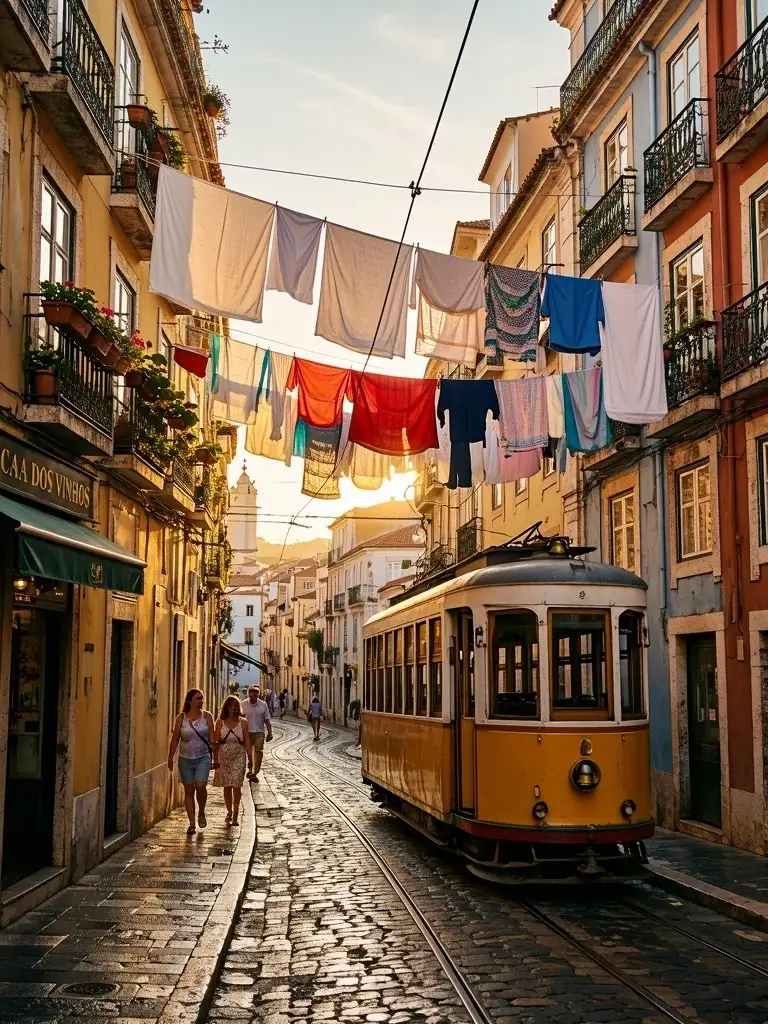
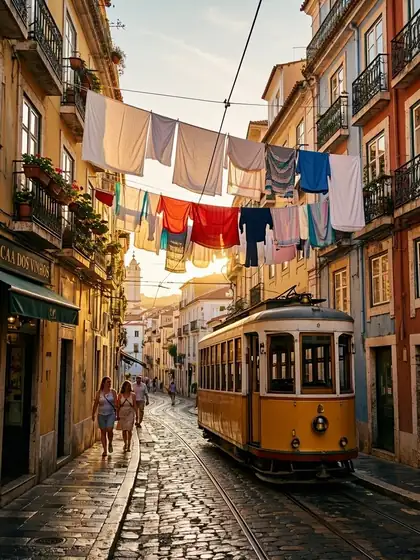
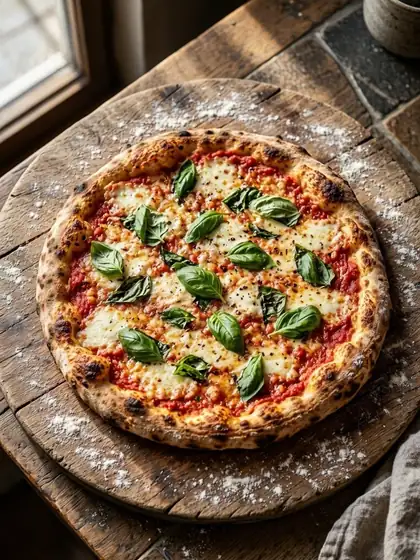
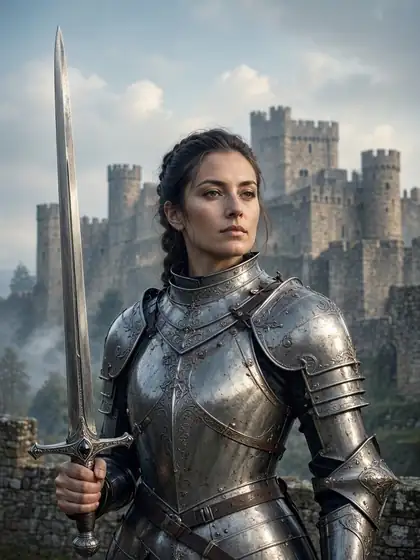
Pick it for natural, photographic images — people, places, food — especially in wide banner ratios. For text-heavy graphics use GPT Image 2 or Recraft.
MAI-Image-2.5 is Microsoft AI's in-house image model — the default in Bing Image Creator since July 2026. On Kenerate: MAI Image 2.5 for 15 credits and MAI Image 2.5 Pro for 54, pay per image.
Quick answer
Updated
MAI-Image is Microsoft AI's in-house image model family. MAI-Image-1 arrived in October 2025 and powered Bing Image Creator from November 2025; MAI-Image-2.5 launched on 2 June 2026, and since 23 July 2026 it is the default model in Bing Image Creator. Microsoft highlights text rendering, localised edits and consistent faces. On Kenerate: MAI Image 2.5 costs 15 credits and MAI Image 2.5 Pro 54, each with one reference image for edits.
About the model
Facts from the maker's own announcement and repository, linked below.
| Maker | Microsoft AI |
|---|---|
| MAI-Image-1 | 13 October 2025 — in Bing Image Creator from 4 November 2025 |
| MAI-Image-2.5 | 2 June 2026 — text rendering, localised edits, consistent faces across edits |
| Bing Image Creator | MAI-Image-2.5 is the default model since 23 July 2026 |
| MAI-Image-2.5 Pro | Microsoft's highest-fidelity model — hero images, detailed editing, precise text |
| On Kenerate | MAI Image 2.5 (15, edit 17.4) and 2.5 Pro (54, edit 87), 1 reference |
Gallery
Real outputs made on Kenerate. Open any image to copy its prompt and run it yourself.
Same prompt
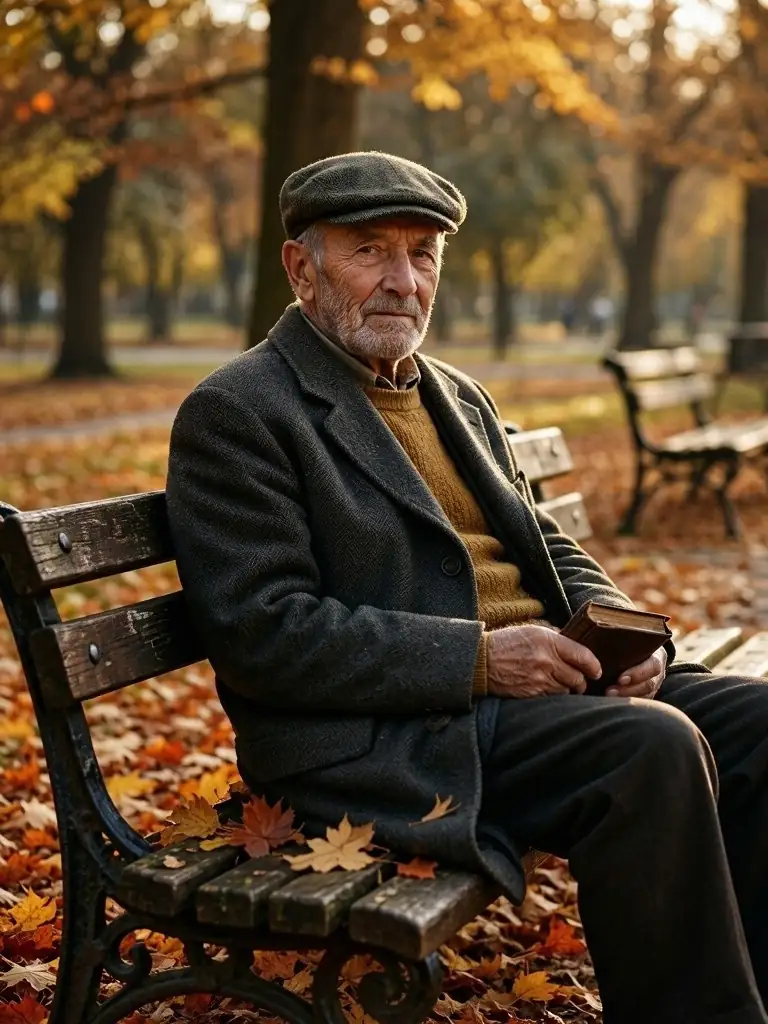
The same portrait prompt on both Microsoft models.
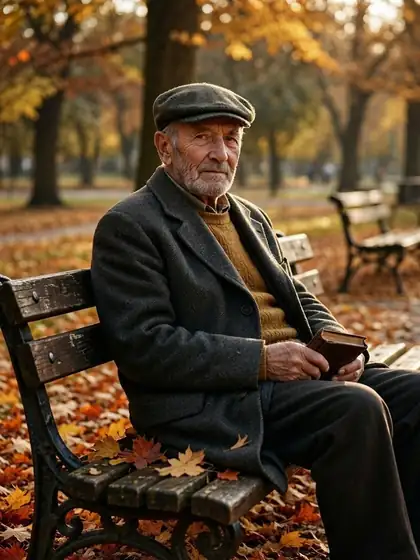
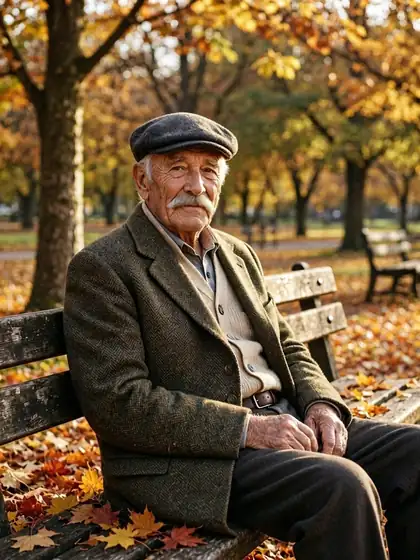
Natural light portrait of an elderly man with a flat cap on a park bench, autumn leaves, 85mm
Models
Every version in the generator, and what each is good at.
From our tests
MAI Image runs through Microsoft's API with its own content rules. For adult art, use open models on the uncensored AI image generator (18+).
How to
Try MAI Image on your own prompt — 25 free credits on sign-up.
In depth
Background, how to prompt it, and when to pick something else.
Pick it for natural, photographic images — people, places, food — especially in wide banner ratios. For text-heavy graphics use GPT Image 2 or Recraft.
We only publish real, verified reviews — never invented quotes. Send a line about your result (and whether we may quote you), and it will appear here.
FAQ
4 questions
Microsoft AI's in-house image model, launched on 2 June 2026 and the default model in Bing Image Creator since 23 July 2026.
Bing Image Creator's default is MAI-Image-2.5. Kenerate offers MAI Image 2.5 and 2.5 Pro through Microsoft's API, pay per image.
MAI Image 2.5 is 15 credits (17.4 for an edit); MAI Image 2.5 Pro is 54 (87 for an edit).
Yes — upload one reference image and describe the change.
Explore
Generators, design tools, photo edits, models and comparisons — all in one studio, on one credit balance.
Written by the Kenerate AI team
We run these models in the Kenerate generator. Model facts come from the makers' own pages; specs and limits were checked against our code; the examples are our own outputs. Last updated 27 September 2026. Corrections: hello@kenerateai.com.
Ready when you are
25 free credits on sign-up. No watermark.