

Tencent Hunyuan
Hunyuan Image 3.0 — Tencent's 80B open image model
HunyuanImage 3.0 is Tencent's open image model — an 80-billion-parameter mixture of experts with strong world knowledge. On Kenerate: Hunyuan Image 3, 2.1 and 3 Instruct for edits.
- HunyuanImage 3.0
- 28 September 2025 — 80B total parameters, 13B active, 64 experts; open weights
- Instruct
- 26 January 2026 — instruction-following edit model (plus an 8-step distilled version)
- Tencent's highlights
- Reasoning and world knowledge, prompt adherence, photorealism
- On Kenerate
- Hunyuan Image 3, Hunyuan Image 2.1 (native 2K), Hunyuan Image 3 Instruct (2 refs)
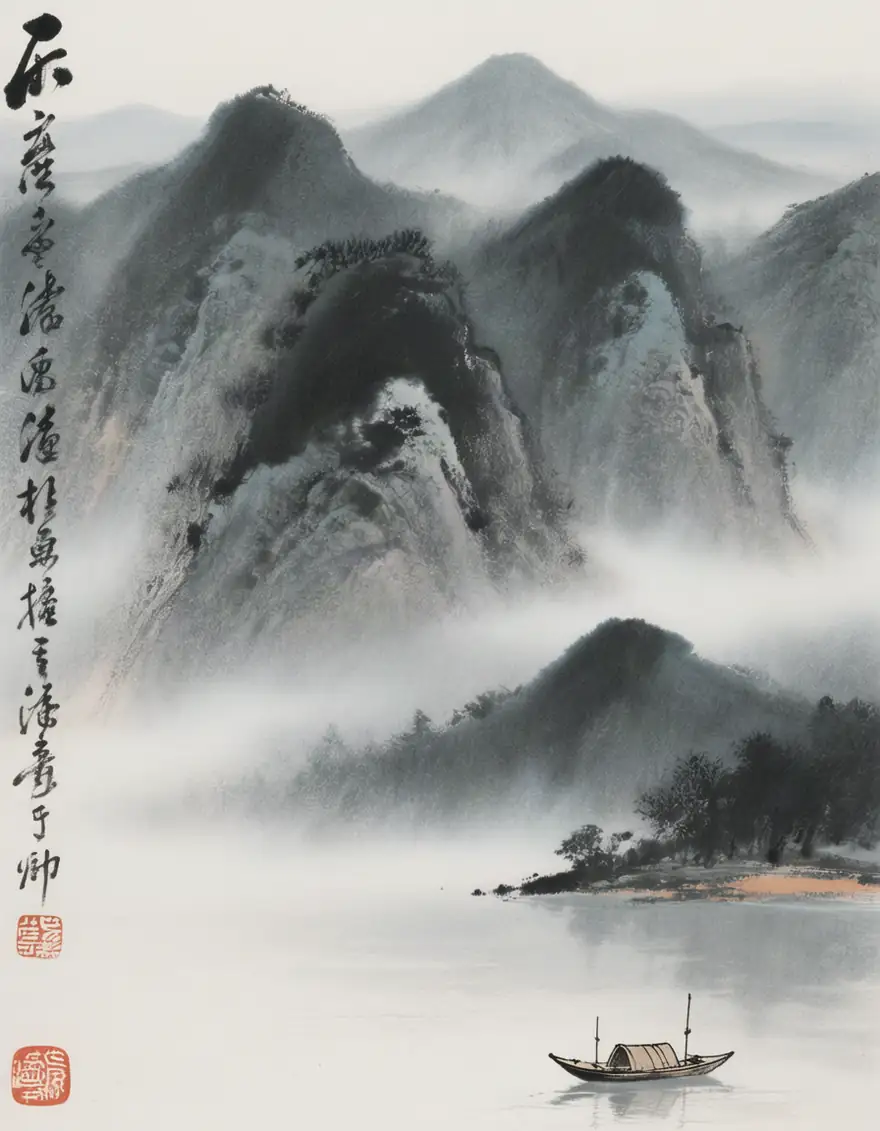
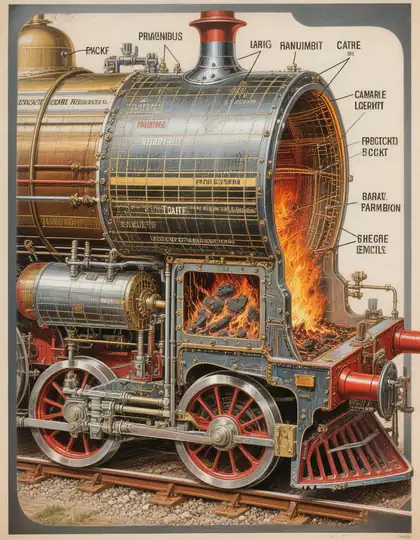
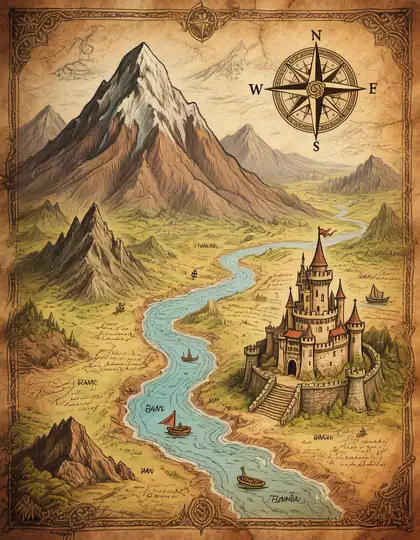
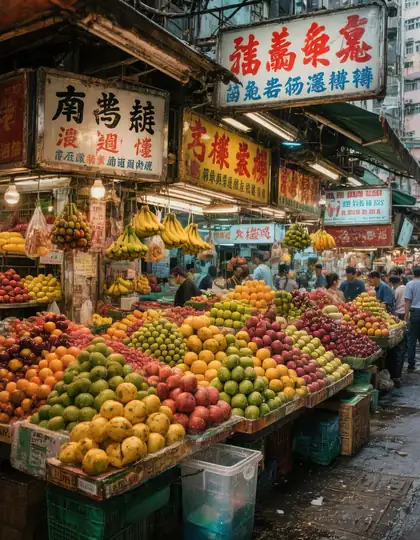
- Real outputs
- Official sources
- Free to start
- No watermark
Updated by the Kenerate AI team




Made with Kenerate
On this page
What is Hunyuan Image?

What is Hunyuan Image?
Hunyuan Image is Tencent's image model series, best known for HunyuanImage 3.0, released on 28 September 2025 as an open mixture-of-experts model that handles text and images together and draws on strong world knowledge. Tencent calls it the largest open-source image MoE. Kenerate AI runs it in the browser, alongside an Instruct version for edits.
Key facts
- Maker
- Tencent Hunyuan
- Released
- 28 Sep 2025
- Size
- 80B MoE, 13B active
- Experts
- 64
- Instruct (edits)
- 26 Jan 2026
- Weights
- Open · Tencent community licence
- On Kenerate
- Image 3 · 2.1 · 3 Instruct
- References
- Up to 2 on 3 Instruct
Gallery
Hunyuan Image examples
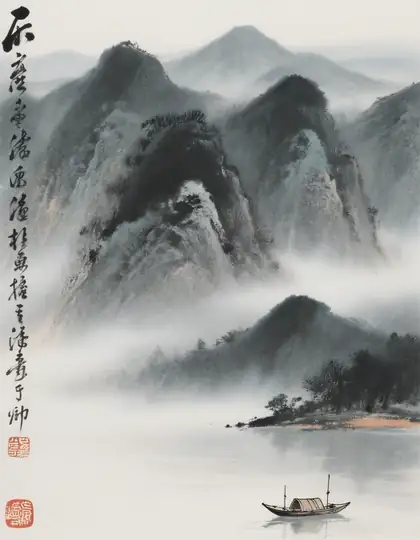
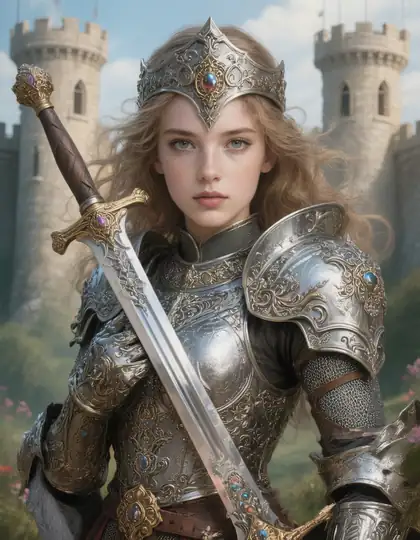
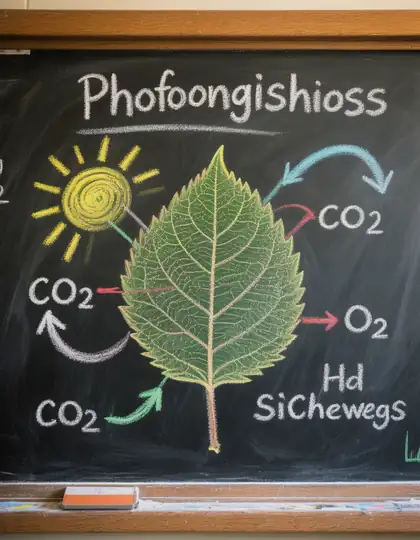
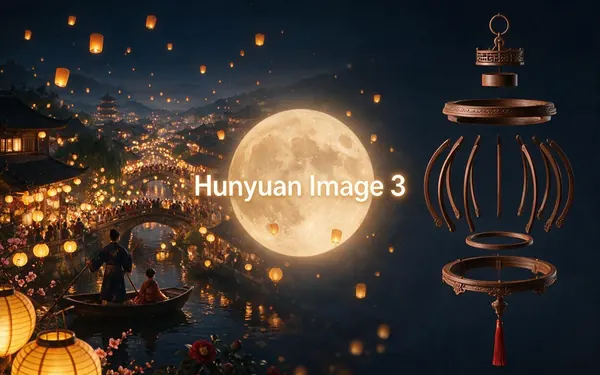
Real outputs made on Kenerate. Open any image to copy its prompt and run it yourself.
Models
Hunyuan Image on Kenerate
Every version in the generator, and what each is good at.
Tencent
Hunyuan Image 3
- Output
- Up to 1536 px
Open Hunyuan Image 3Best for
World knowledge, culture, diagrams
Tencent
Hunyuan Image 3 Instruct
- Reference images
- Up to 2
- Output
- Up to 1536 px
Open Hunyuan Image 3 InstructBest for
Strongest instruction following
From our tests
Strengths and limits
Good at

- Cultural and technical subjects: the ink wash painting with calligraphy and the locomotive cutaway were convincing.
- Detailed illustrated maps and scenes from a single sentence.
- Hunyuan Image 2.1 renders native 2K cheaply.
Limits
- Long English text can garble: our chalkboard diagram's heading came out as nonsense.
- Hunyuan Image 3 and especially Instruct cost more than most models.
- For readable text, use GPT Image 2 or Recraft.
How to
How to use Hunyuan Image on Kenerate
Step 1
Open Hunyuan Image
Pick Hunyuan Image 3 or 2.1 in /app/image. Any credit pack unlocks it.
Step 2
Describe a rich scene
It shines with cultural, historical and technical detail.
Step 3
Edit with Instruct
Upload up to 2 images to Hunyuan Image 3 Instruct and describe the change.
Step 4
Check any text
Proofread labels and headings before using the image.
See it in the app

Open Image Studio and type what you want to see — subject, style, lighting and mood.


Watch the tour · 1:23
Prompts, styles, references, edit, Arena & chat
Chapters
Example uses
How creators use Hunyuan Image
Illustrative examples of typical workflows, not customer reviews.
Travel writer
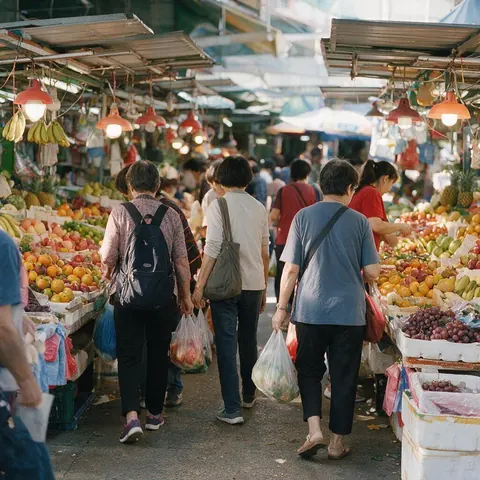
A travel writer could ask for a documentary-style scene of a real kind of place and get a busy, detailed photo from one sentence.
Science explainer
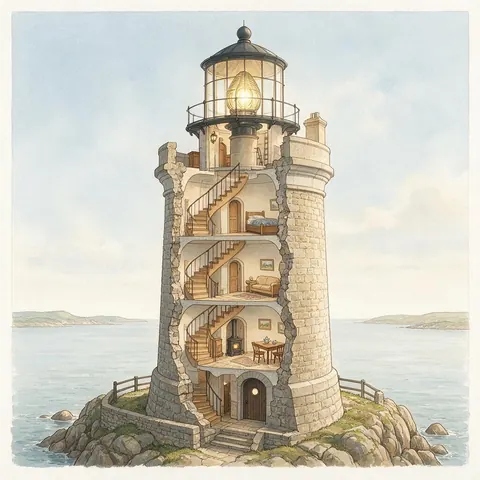
A science explainer could use its world knowledge for technical cutaways, then add labels separately since long text can garble.
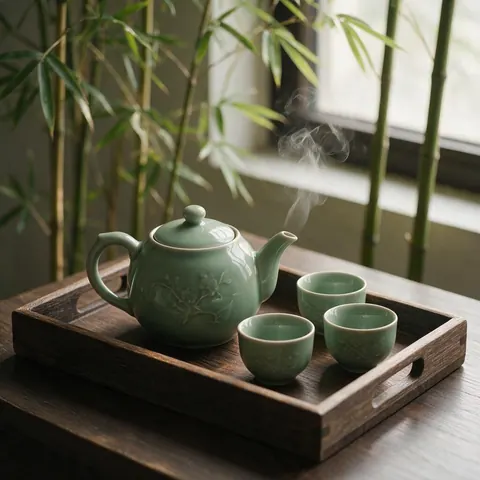
Tea shop owner
A tea shop owner could make culturally detailed scenes, like a traditional tea set, for menus and posts.
FAQ
Hunyuan Image questions

What is HunyuanImage 3.0?
HunyuanImage 3.0 is Tencent's open image model, released on 28 September 2025. It is an autoregressive mixture-of-experts network with 64 experts, 80 billion parameters in total and about 13 billion active per token, modelling text and images together. That size gives it strong world knowledge, and an Instruct editing version followed on 26 January 2026.
Link to this answerHow much does Hunyuan cost on Kenerate?
It costs credits per image, shown before you generate. Hunyuan Image 2.1 uses the fewest and renders native 2K, while Hunyuan Image 3 Instruct uses the most. Credits come in one-time packs that never expire, with no subscription required; see /pricing. Hunyuan is not on the free plan, so test ideas on 2.1 before moving to 3 or Instruct.
Link to this answerIs HunyuanImage 3.0 open source?
Its weights are open. Tencent released HunyuanImage 3.0 on GitHub and Hugging Face under its own community licence, so read those terms before building the weights into your own product. On Kenerate you can use Hunyuan Image 3, 2.1 and 3 Instruct in the browser without downloading anything.
Link to this answerIs it good at text?
Mixed. In our tests short Chinese calligraphy in an ink wash painting looked right, but a longer English chalkboard heading came out garbled, and we show that image above. Proofread labels and headings before using an image. For readable text, GPT Image 2 or Recraft is the better pick.
Link to this answerIn depth
Hunyuan Image, in depth
Background, how to prompt it, and when to pick something else.
A mixture-of-experts image model
HunyuanImage 3.0 models text and images together in one autoregressive mixture-of-experts network: 64 experts, 80B parameters in total and about 13B active per token [1]. That size is where its world knowledge comes from.
When to pick Hunyuan
Pick it for scenes that need knowledge — traditional art forms, historical settings, technical cutaways, maps. For clean text, pick GPT Image 2; for cheap drafts, Flux 2 Dev.
By the Kenerate AI teamLast updated and reviewed
We run these models in the Kenerate generator. Model facts come from the makers' own pages; specs and limits were checked against our code; the examples are our own outputs.
