

Title and author spelled right
AI Book Cover Generator
Describe your book — genre, title, author name, mood — and get a cover with the typography already set. Thrillers, fantasy, romance, kids' books, non-fiction.
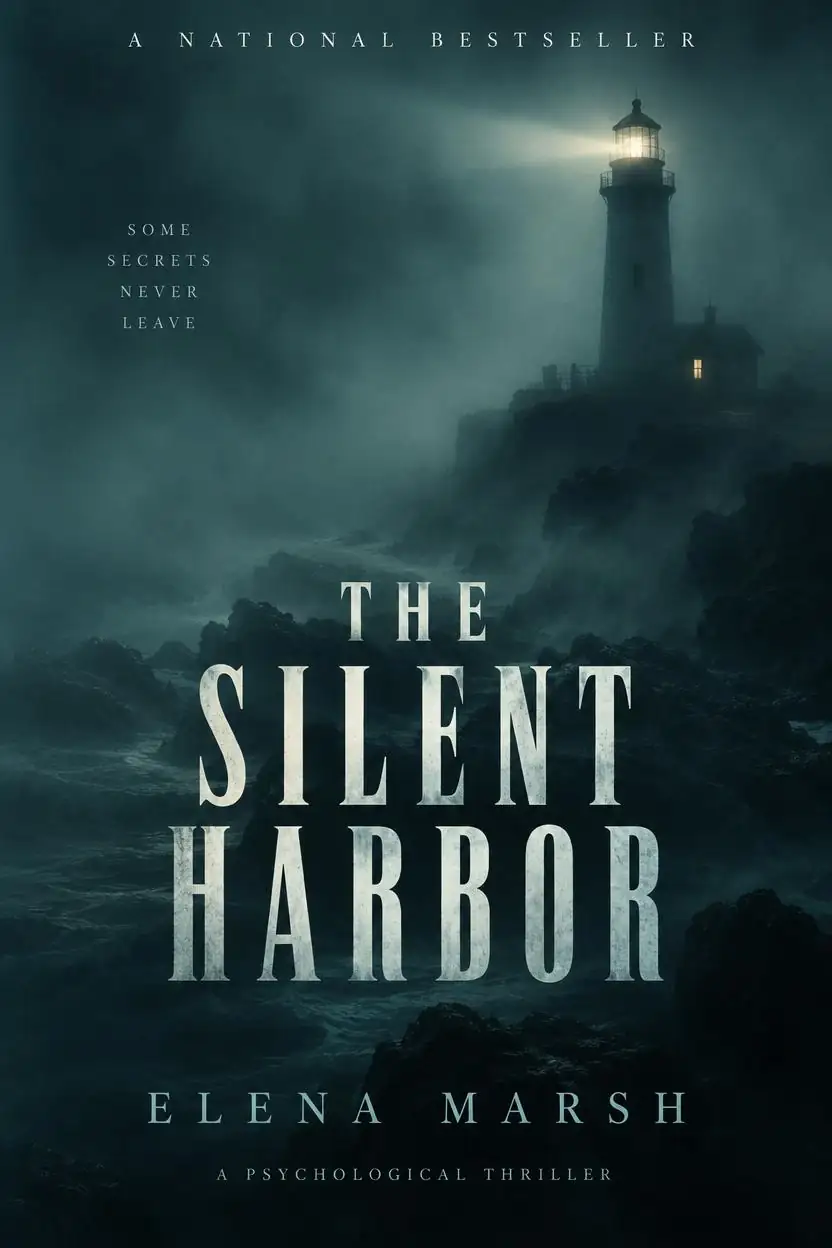
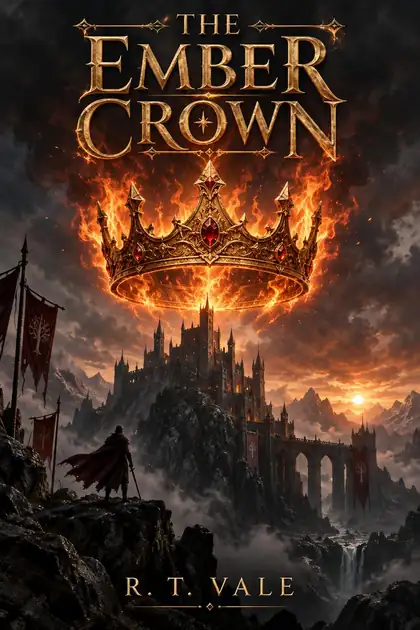

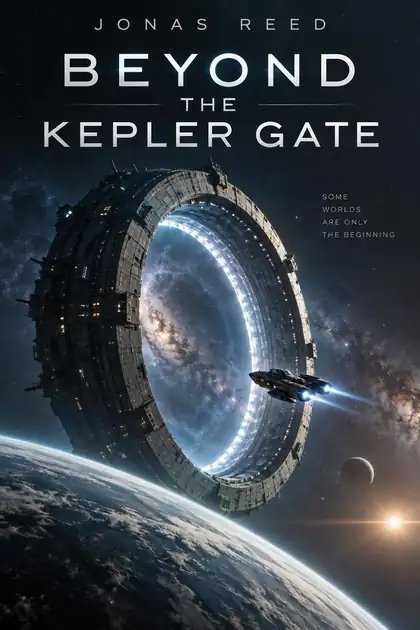
- Title and author on the cover
- Every genre
- 2:3 book shape
- No watermark
Updated by the Kenerate AI team




Made with Kenerate
On this page
Quick answer

What is an AI book cover generator?
An AI book cover generator designs a book cover with the title and author name set — you describe the genre, image and type style, with the words in quotes. Kenerate AI runs GPT Image 2.5 Sunburst, which spelled every title and author correctly across six genres in our tests. It suits self-publishing authors and writers testing cover ideas.
Key facts
- Best model
- GPT Image 2.5 Sunburst
- Alternative
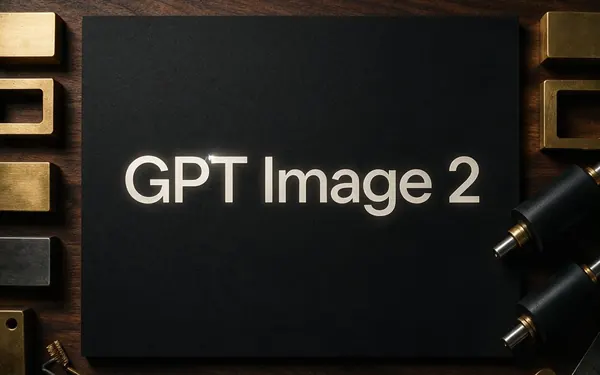
- GPT Image 2
- Max size
- 4K
- Genres tested
- 6
- Shape
- 2:3
- Free start
- Starter credits
- Watermark
- None
Gallery
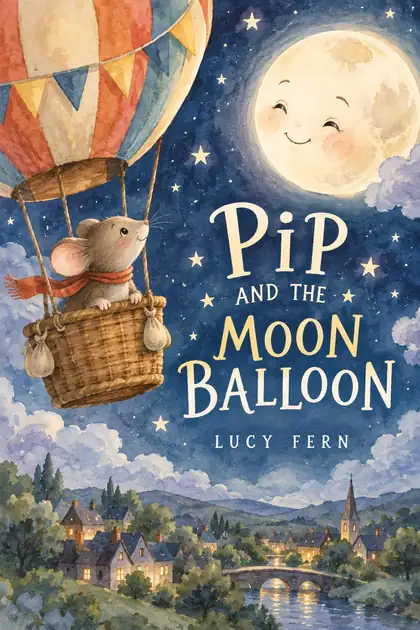
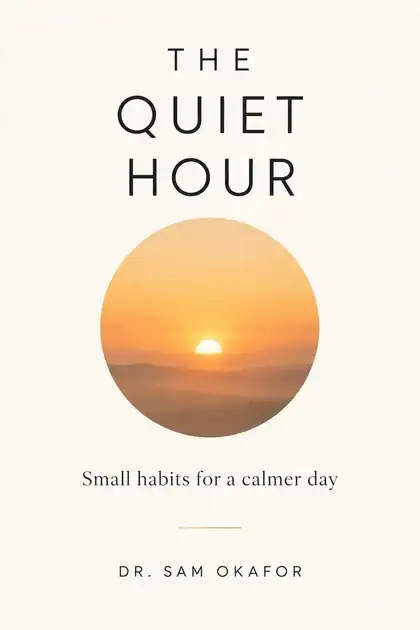
AI book covers in six genres
Real GPT Image 2.5 Sunburst outputs. Titles and authors are fictional.
How to
How to use the AI book cover generator
- Time needed
- Steps
- 4 steps
Step 1
Pick GPT Image 2.5 Sunburst
In /app/image, ratio 2:3.
Step 2
Describe the cover
Genre, title and author in quotes, image, type style.
Step 3
Make a few versions
Change the image or type and compare.
Step 4
Download and upscale
Upscale before sending to print.
See it in the app

Open Image Studio and type what you want to see — subject, style, lighting and mood.


Watch the tour · 1:23
Prompts, styles, references, edit, Arena & chat
Chapters
Tips
Covers that look published
What worked in our tests.
Put the title and author name in quotes.
Name the genre — readers judge it in a second.
Describe one strong central image.
Name the type: bold condensed serif, elegant script, hand-lettered.
Use 2:3 portrait, the standard book shape.
Check the printer's size and bleed before you upload a print cover.
Models
Models for book covers
What each model is good at. Open any one straight in the generator.

OpenAI
GPT Image 2.5 Sunburst
- Reference images
- Up to 16
- Output
- 1K–4K
Open GPT Image 2.5 SunburstBest for
Accurate text in images

ByteDance
Seedream 5.0 Pro
- Reference images
- Up to 10
- Output
- 2K
Open Seedream 5.0 ProBest for
Keeps faces best in our tests
Example uses
How creators use AI book cover generator
Illustrative examples of typical workflows, not customer reviews.
Self-publishing novelist
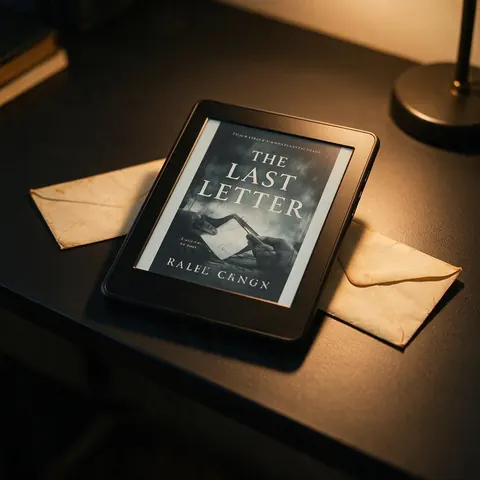
A self-published author can describe the genre, title and author name in quotes and get a 2:3 cover with the type already set.
Non-fiction author
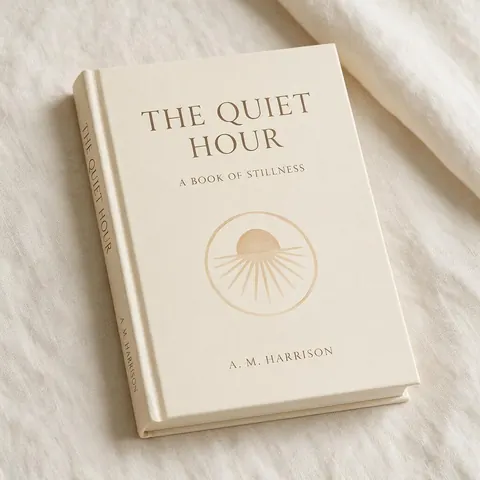
A non-fiction author can get a minimal cover with a clean title and subtitle, then upscale it for print.
Poet
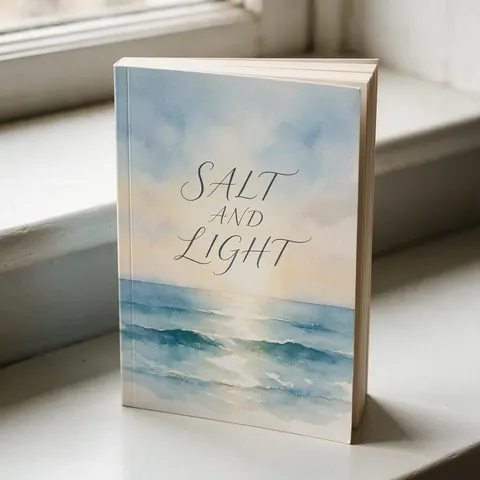
A poet can try different images and type styles for a small poetry collection and compare them side by side.
FAQ
AI Book Cover Generator questions

Can AI make a book cover with the title on it?
Yes. Put the title and author name in quotes, name the genre and type style, and describe one strong central image. GPT Image 2.5 Sunburst spelled the title and author correctly in all six of our tests, from a thriller to a picture book. GPT Image 2 is the alternative, and both models output from 1K up to 4K.
Link to this answerWhat size is a book cover?
Most front covers are 2:3 portrait, the standard book shape, so set that ratio before you generate. Print covers also need a spine and a back cover, so check your printer's template, size and bleed, then upscale the front cover before uploading. Downloads carry no watermark, so the file is ready to drop into the template.
Link to this answerIs it free?
Yes, to start. The AI book cover generator runs online, and a new Kenerate account gets free starter credits on sign-up to test with. GPT Image 2.5 Sunburst needs a one-time credit pack rather than a subscription, and credits you buy never expire. Covers download with no watermark, so you can compare a few versions and keep the best one.
Link to this answerCan I use AI covers for self-publishing?
It depends on your platform. Read your publishing platform's rules on AI-generated content before you upload. Kenerate covers carry no watermark, and our examples use fictional titles and authors only. Use your own title and original ideas rather than copying existing covers. For print, check the printer's size and bleed too. This is general guidance, not legal advice.
Link to this answerCan I use my own photo on the cover?
Yes. Upload the photo as a reference and describe the cover around it — genre, title and author in quotes, and the type style. GPT Image 2.5 Sunburst and GPT Image 2 each accept up to 16 reference images. Only use photos you took or have permission to use, and upscale the finished cover before sending it to print.
Link to this answerIn depth
AI Book Cover Generator, explained
What works, what to avoid, and how to pick a model.
Genre signals
Thrillers lean on dark palettes and bold condensed type, romance on warm light and script, fantasy on ornate lettering and a central object. Naming the genre gives the model all of these cues at once.
Which model makes the best AI book cover?
For covers with a title and author name, GPT Image 2.5 Sunburst — it spelled both correctly in all six of our genre tests. GPT Image 2 is the alternative for text, and Seedream 5.0 Pro suits photographic covers built around a face.
By the Kenerate AI teamLast updated and reviewed
We build and run the Kenerate generator. Every example is a real output of the model named under it; models and presets were checked against the app's code.
