


Skip to content
Transparent background · 3 speeds

AI Sticker Generator

Describe a sticker and get it on a transparent background, ready for WhatsApp, Telegram, Discord or print. Use the AI Sticker tool in Edit Studio, or GPT Image 1.5 with Transparent background in the generator.

  • Transparent PNG
  • Turbo, Balanced or Quality
  • 25 free credits
  • No watermark

Quick answer

Updated

Kenerate's AI sticker generator turns a short description into a sticker on a transparent background. The AI Sticker tool in Edit Studio has three speeds — Turbo, Balanced and Quality; in the generator, GPT Image 1.5 with Transparent background switched on saves a PNG too. Remove BG turns any photo into a sticker. A free account gets 25 credits.

Background
Transparent PNG
AI Sticker
Turbo · Balanced · Quality
Photo to sticker
Remove BG
Free start
25 credits

Tips

How to write a sticker prompt

Short prompts work best for stickers.

  • Say “sticker” and a style: kawaii, chibi, vintage badge, bold outlines.
  • Ask for a “white die-cut border” for a classic sticker look.
  • One character or object per sticker.
  • Keep text to one short word, in quotes: 'GROW'.
  • Use bright, flat colours — they read at small sizes.
  • Use Balanced or Quality speed for detailed designs.

How to

How to use the ai sticker generator

  1. Step 1: Open Edit Studio

    Go to /app/edit and pick the AI Sticker tool. Sign in free for 25 credits.
  2. Step 2: Describe the sticker

    Character or object, style, and any short text in quotes.
  3. Step 3: Pick a speed

    Turbo for simple designs, Balanced or Quality for more detail.
  4. Step 4: Download the PNG

    The background is transparent — drop it into your sticker app or print file.

Models

Sticker tools on Kenerate

What each model is good at. Open any one straight in the generator.

Sticker tools on Kenerate
ModelReference imagesMax sizeGood forOpen
AI Sticker · TurboEdit Studio (Ideogram 3)—1:1 transparentFast, great for simple designsOpen
AI Sticker · BalancedEdit Studio (Ideogram 3)—1:1 transparentMore detailOpen
AI Sticker · QualityEdit Studio (Ideogram 3)—1:1 transparentMost detailOpen
GPT Image 1.5 · transparentOpenAIUp to 101024–1536 pxTurn on Transparent background in Advanced settingsOpen
Remove BGEdit Studio1 imageKeeps sizeTurn any image into a stickerOpen

Make your first one — 25 free credits on sign-up.

Start free

Start free, top up only when you need to

The same credits work in every Kenerate tool.

  • 25 free credits on sign-up

    Test on your own images before you buy anything.

  • Credits never expire

    One-time packs — use them this week or next year.

  • No subscription, no watermark

    Nothing to cancel. Free results download clean.

  • One balance, every tool

    The same credits work across images, video, voice and 3D.

In depth

AI Sticker Generator, explained

What works, what to avoid, and how to pick a model.

Why a dedicated sticker model

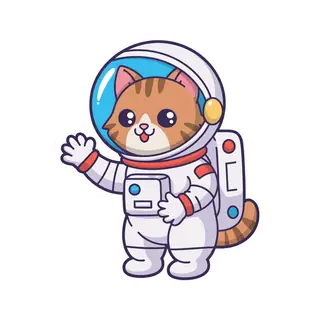
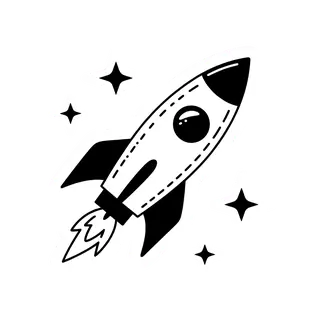
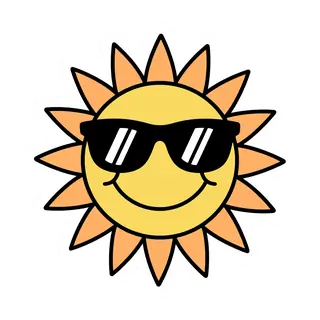
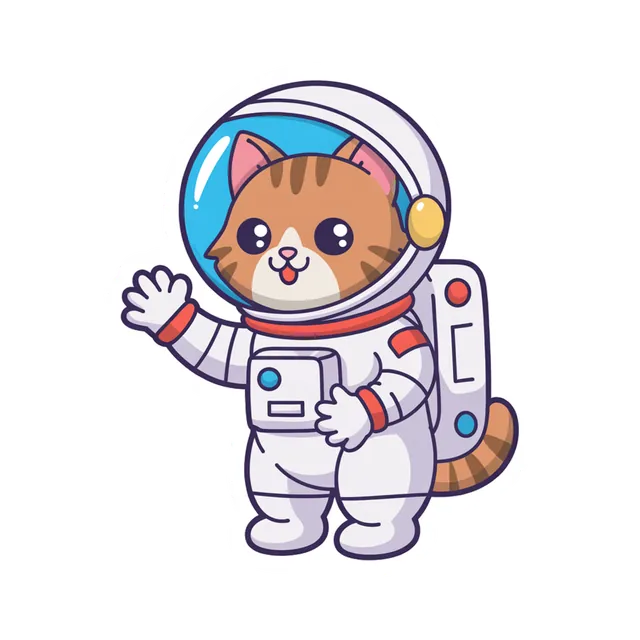
Regular image models paint a background behind everything, so you'd need a second step to cut it out. The AI Sticker tool generates on a transparent background from the start, with clean edges around the design — which is why the examples here drop straight onto any colour.

Stickers from photos

For a sticker of your pet, your product or your own face, start from a photo instead: Remove BG cuts the subject out, and the result works like any other sticker.

Sources

    Tried it? Tell us how it went

    We only publish real, verified reviews — never invented quotes. Send a line about your result (and whether we may quote you), and it will appear here.

    Send a review

    FAQ

    AI Sticker Generator questions

    6 questions

    Still stuck?

    A real person answers — usually within a day.

    01

    What is an AI sticker generator?

    A tool that makes a sticker from a text description — a character or object with a transparent background, ready to use in chat apps or to print.

    02

    Do the stickers have a transparent background?

    Yes. The AI Sticker tool generates on a transparent background, so you get a PNG with no white box.

    03

    Is the AI sticker generator free?

    A new account gets 25 free credits on sign-up to test the AI Sticker tool. Bigger jobs use one-time credit packs that never expire — no subscription.

    04

    Can I make stickers in the image generator?

    Yes. Pick GPT Image 1.5 in /app/image and switch on Transparent background under Advanced settings — it always saves a PNG.

    05

    Can I turn my own photo into a sticker?

    Yes — use Remove BG in Edit Studio to cut out the subject, then download the transparent PNG.

    06

    Can I make WhatsApp or Telegram stickers?

    Yes. Download the transparent PNG and add it with your sticker app of choice; most accept square images like these.

    See more of Kenerate AI in your Google resultsAdd kenerateai.com as a preferred source — Google shows more from your preferred sources in Top Stories and AI answers.

    Explore

    Every Kenerate image tool

    Generators, design tools, photo edits, models and comparisons — all in one studio, on one credit balance.

    Written by the Kenerate AI team

    We build and run the Kenerate generator. Every example is a real output of the model named under it; models and presets were checked against the app's code. Last updated 27 September 2026. Corrections: hello@kenerateai.com.

    Sources

      Ready when you are

      Try the ai sticker generator

      25 free credits on sign-up. No watermark.

      • 25 free credits
      • No watermark
      • Credits never expire