

Flat vector clipart · white or transparent
AI Clipart Generator
Type what you need — a birthday cake, a school apple, travel icons — and this AI clipart generator turns the text into clean flat-vector clipart. Remove the background in one click for a transparent PNG.
- Flat vector style
- Transparent in one click
- Free credits
- No watermark
Updated by the Kenerate AI team




Made with Kenerate

On this page
Quick answer

What is an AI clipart generator?
An AI clipart generator turns a text description into clean, flat-vector clipart — seasonal, school, party, travel or plant themes — that you can make into a transparent PNG in one click. Kenerate AI runs Recraft V4.1, which made crisp clipart with bold outlines in our tests. It suits teachers, party planners and small businesses making worksheets, invitations and slides.
Key facts
- Best model
- Recraft V4.1
- Drafts
- Recraft V4.1 Flash
- Themes
- Seasonal · school · party · travel
- Transparent
- Remove BG in Edit Studio
- Alt transparent
- GPT Image 1.5 option
- Free start
- Starter credits
- Watermark
- None
Gallery
AI clipart in flat vector style
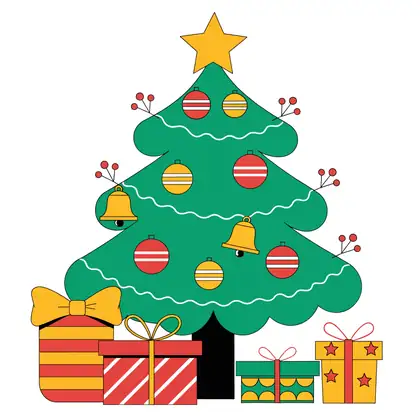
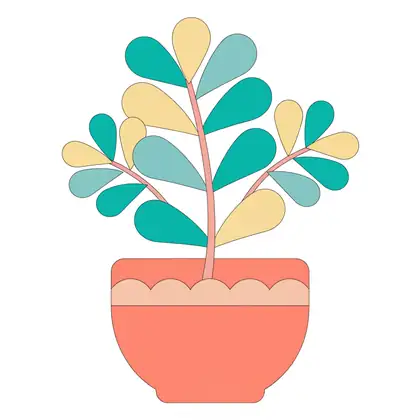
Real Recraft V4.1 outputs on white backgrounds. Open any one to copy the prompt.
How to
How to use the AI clipart generator
- Time needed
- Steps
- 4 steps
Step 1
Pick Recraft V4.1
In /app/image. Any credit pack unlocks it; use Flash for drafts.
Step 2
Describe the clipart
Subject, theme, “flat vector, white background”.
Step 3
Make it transparent
Remove BG in Edit Studio.
Step 4
Download
PNG, no watermark.
See it in the app

Open Edit Studio and upload an image, or pick one from your history.


Watch the tour · 2:01
AI Edit, Magic Eraser, Change Region, light, style, expand, camera angle & chat edits
Chapters
Tips
Clipart that's easy to reuse
What worked in our tests.
Say “clipart, flat vector, white background”.
Ask for bold outlines so it reads at small sizes.
Name a theme: seasonal, school, party, travel.
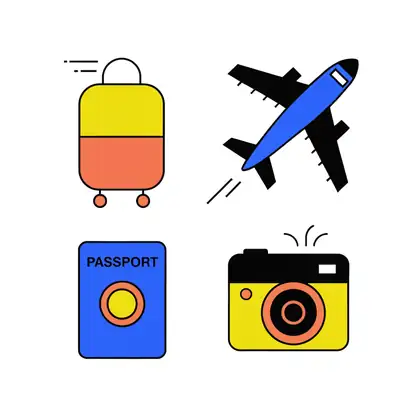
For sets, list the items: suitcase, airplane, passport, camera.
Keep colours bright and few.
Remove the background for a transparent PNG.
Models
Models for clipart
What each model is good at. Open any one straight in the generator.
OpenAI
GPT Image 1.5
- Reference images
- Up to 10
- Output
- 1024–1536 px
Open GPT Image 1.5Best for
Transparent background option
Example uses
How creators use AI clipart generator
Illustrative examples of typical workflows, not customer reviews.
Teacher
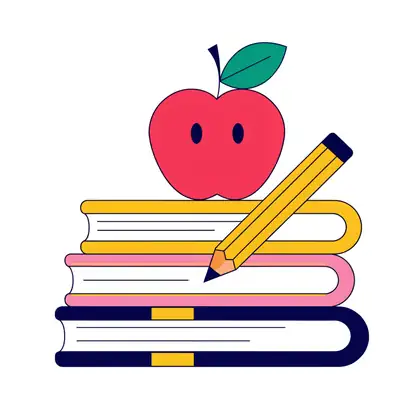
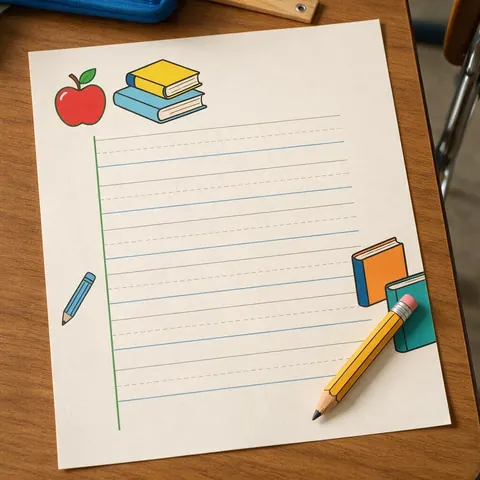
A teacher makes school-themed clipart for worksheets and removes the background so it sits on any colour.
Party planner
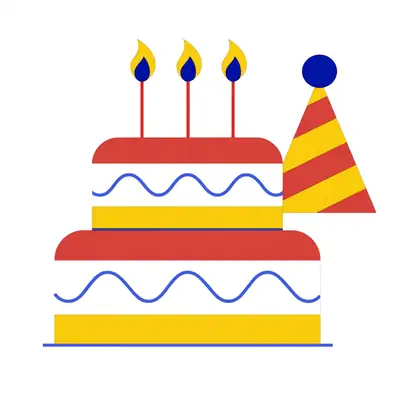
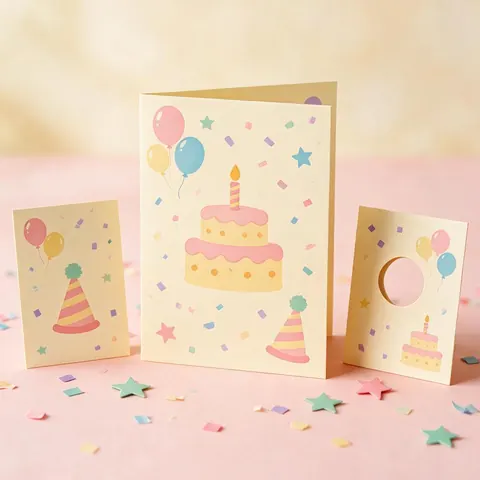
A party planner generates matching birthday clipart for invitations and table cards.

Travel blogger
A blogger lists items in one prompt to get a matching travel icon set for slides.
FAQ
AI Clipart Generator questions

Can AI make clipart?
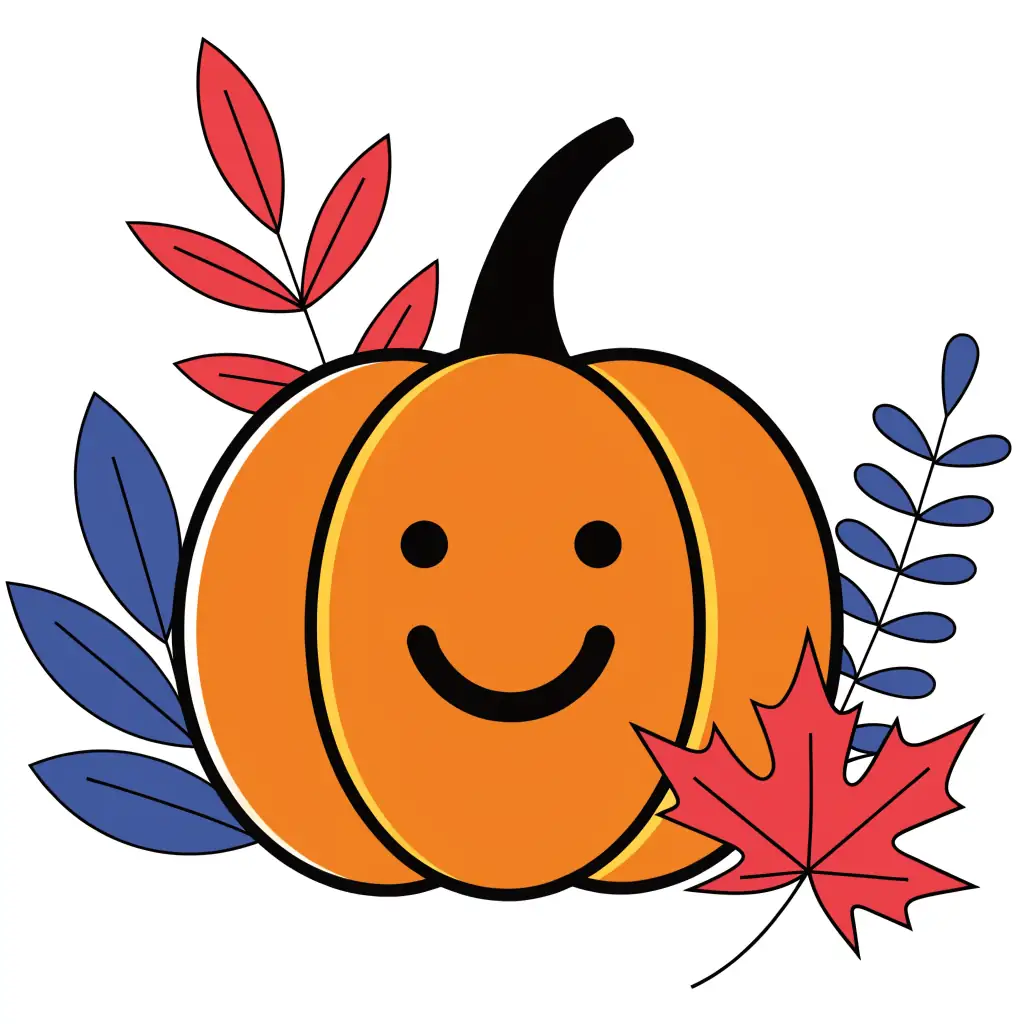
Yes. Describe the object and add “clipart, flat vector, white background”; Recraft V4.1 made clean clipart with bold outlines in our tests, from an autumn pumpkin to a birthday cake. Ask for bold outlines so it reads at small sizes, keep colours bright and few, and use Recraft V4.1 Flash for quick drafts first.
Link to this answerCan I get transparent clipart?
Yes. Generate the clipart on a white background, then use Remove BG in Edit Studio to get a transparent PNG in one click. Alternatively, generate with GPT Image 1.5 and switch on its Transparent background option. Either way the PNG downloads with no watermark, ready to drop onto worksheets, invitations or slides.
Link to this answerIs it free?
Yes, to start. A new Kenerate account gets free starter credits on sign-up for free-plan models such as Flux 2 Dev. Recraft V4.1 and Recraft V4.1 Flash need a one-time credit pack rather than a subscription, and credits you buy never expire. Clipart downloads as a PNG with no watermark.
Link to this answerCan I make a matching set?
Yes. List the items in one prompt — “suitcase, airplane, passport, camera” — as in the travel icon set on this page, or reuse the same style words for each item you generate separately. Flat shapes and bold outlines look consistent across a set, so keep the palette and outline instructions identical every time.
Link to this answerIn depth
AI Clipart Generator, explained
What works, what to avoid, and how to pick a model.
On this page
Why flat vector
Flat shapes and bold outlines print cleanly, scale down well and look consistent across a set — the qualities clipart needs for worksheets, invitations and slides. Flat vector is the style; the download is a PNG image, not an SVG file.
Which model is best for clipart?
Recraft V4.1 for finished clipart with bold outlines, Recraft V4.1 Flash for quick drafts, and GPT Image 1.5 when you want the transparent background straight from the generator.
Clipart, sticker or emoji?
Clipart is flat artwork for worksheets, invitations and slides. For a die-cut sticker generated straight onto a transparent background, use the AI sticker generator; for one expressive reaction icon for Slack or Discord, use the AI emoji generator.
By the Kenerate AI teamLast updated and reviewed
We build and run the Kenerate generator. Every example is a real output of the model named under it; models and presets were checked against the app's code.
