


Skip to content
16:9 · bold text · 4 variants

AI Thumbnail Generator

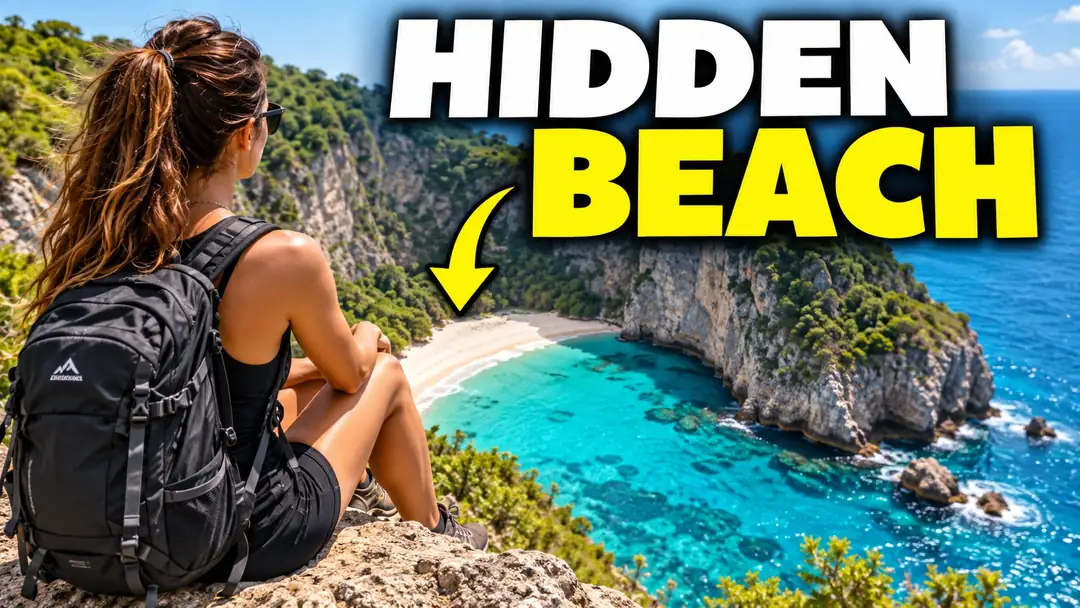
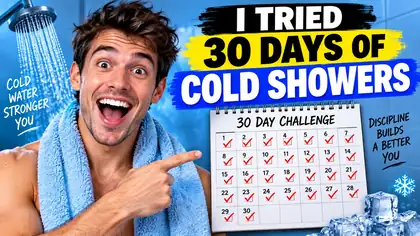
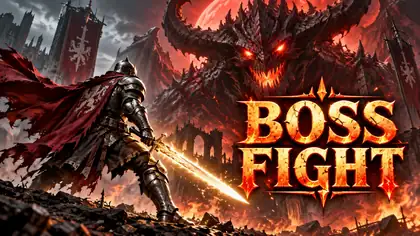
Describe your video and get click-worthy 16:9 thumbnails with big, readable text. The Thumbnail preset makes four variants at once so you can pick the best.

  • Thumbnail preset: 4 variants
  • Bold readable text
  • 25 free credits
  • No watermark

Quick answer

Updated

Kenerate's AI thumbnail generator makes 16:9 video thumbnails with big, readable text from a description. The Thumbnail preset generates four variants per click so you can pick the one that reads best on a phone. GPT Image 2 (16:9 up to 4K) was the most reliable with text in our tests; Qwen Image 3.0 (free plan) also handles text. A free account gets 25 credits.

Shape
16:9
Preset
4 variants per click
Best text
GPT Image 2
Free start
25 credits

Same prompt

GPT Image 2 vs Seedream 5.0 Pro

The same cooking thumbnail on two models. GPT Image 2 added an extra line of text on its own; Seedream kept just the title.

  • Same prompt on GPT Image 2
    GPT Image 2Most reliable text · 1K
  • Same prompt on Seedream 5.0 Pro
    Seedream 5.0 ProPolished photos · 2K
Prompt
YouTube thumbnail: a steaming bowl of ramen close-up with bold text '5-MINUTE RAMEN', warm colors, shallow depth of field

Tips

What makes a thumbnail get clicked

Rules of thumb for small screens.

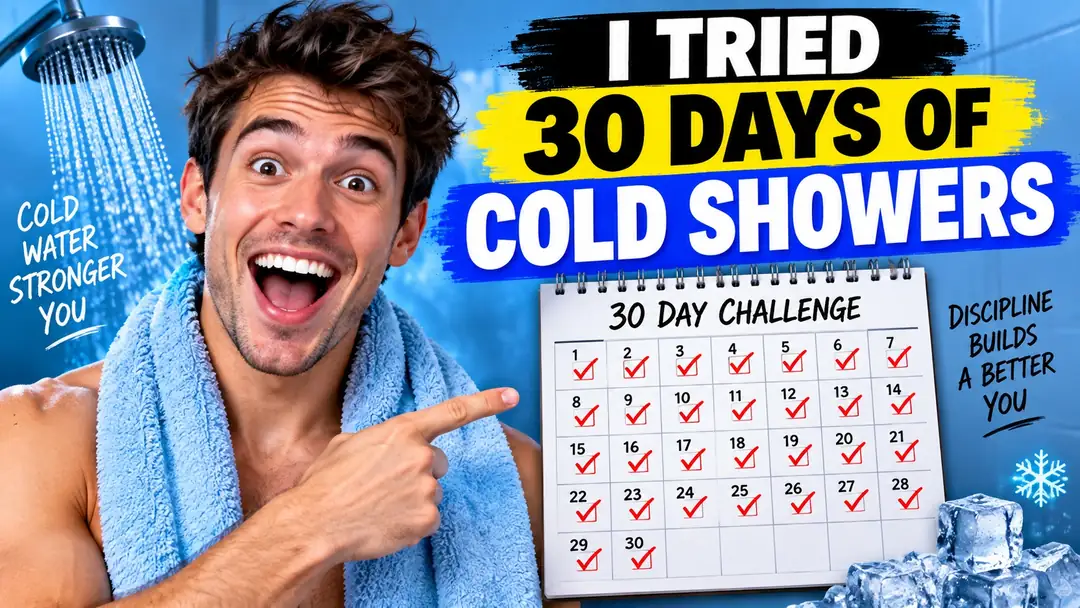
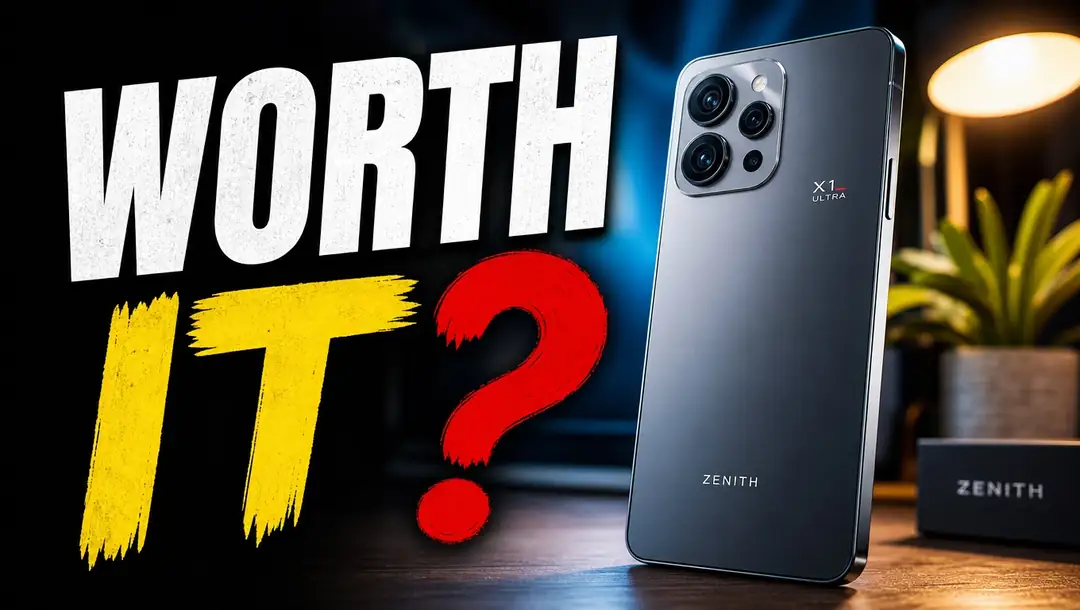
  • Three to five words of text, huge and high-contrast.
  • One face or one object, big in the frame.
  • A strong emotion or a question: 'WORTH IT?'.
  • Bright colours that stand out from the platform's background.
  • Leave the bottom-right corner clear — video length covers it.
  • Make four variants and pick the clearest at phone size.

How to

How to use the ai thumbnail generator

  1. Step 1: Pick the Thumbnail preset

    In /app/image choose Thumbnail — 16:9, four variants per click.
  2. Step 2: Pick a model

    GPT Image 2 for the most reliable text; Grok Imagine Image for image-only drafts.
  3. Step 3: Write the thumbnail

    Subject, emotion, and the exact words in quotes.
  4. Step 4: Choose and download

    Pick the best of four and download without a watermark.

Models

Models for thumbnails

What each model is good at. Open any one straight in the generator.

Models for thumbnails
ModelReference imagesMax sizeGood forOpen
GPT Image 2OpenAIUp to 1616:9 1K–4KMost reliable textOpen
Seedream 5.0 ProByteDanceUp to 1016:9 2KPolished photosOpen
Qwen Image 3.0AlibabaFree planUp to 316:9 1K–2KText; free planOpen
Grok Imagine ImagexAI120:9 to 9:20Image-only draftsOpen

Make your first one — 25 free credits on sign-up.

Start free

Start free, top up only when you need to

The same credits work in every Kenerate tool.

  • 25 free credits on sign-up

    Test on your own images before you buy anything.

  • Credits never expire

    One-time packs — use them this week or next year.

  • No subscription, no watermark

    Nothing to cancel. Free results download clean.

  • One balance, every tool

    The same credits work across images, video, voice and 3D.

In depth

AI Thumbnail Generator, explained

What works, what to avoid, and how to pick a model.

Design for a phone screen

Most thumbnails are seen at the size of a thumbnail — a few centimetres across on a phone. Anything that isn't big, bright and simple disappears. That's why good thumbnails use one subject, few words and strong contrast.

Test variants, not just prompts

Because the preset makes four variants at once, you can compare framing and text placement side by side. Pick the one that still reads when you shrink it, and keep its prompt and seed for the next video to build a consistent channel look.
Sources

    Tried it? Tell us how it went

    We only publish real, verified reviews — never invented quotes. Send a line about your result (and whether we may quote you), and it will appear here.

    Send a review

    FAQ

    AI Thumbnail Generator questions

    5 questions

    Still stuck?

    A real person answers — usually within a day.

    01

    What is an AI thumbnail generator?

    A tool that makes video thumbnails from a description — the right 16:9 shape, a clear subject and bold text.

    02

    Can AI write the text on my thumbnail?

    Yes. Put the words in quotes. GPT Image 2 was the most reliable in our tests; keep it to three to five words.

    03

    Is the AI thumbnail generator free?

    A new account gets 25 free credits on sign-up to test, and Qwen Image 3.0 is on the free plan. Bigger jobs use one-time credit packs that never expire — no subscription.

    04

    Can I put my own face on the thumbnail?

    Yes — upload your photo as a reference to GPT Image 2 or Seedream 5.0 Pro and describe the scene. Only use your own photo or one you have permission to use.

    05

    What size is a YouTube thumbnail?

    16:9 — 1280×720 is the usual minimum. The Thumbnail preset generates at 16:9.

    See more of Kenerate AI in your Google resultsAdd kenerateai.com as a preferred source — Google shows more from your preferred sources in Top Stories and AI answers.

    Explore

    Every Kenerate image tool

    Generators, design tools, photo edits, models and comparisons — all in one studio, on one credit balance.

    Written by the Kenerate AI team

    We build and run the Kenerate generator. Every example is a real output of the model named under it; models and presets were checked against the app's code. Last updated 27 September 2026. Corrections: hello@kenerateai.com.

    Sources

      Ready when you are

      Try the ai thumbnail generator

      25 free credits on sign-up. No watermark.

      • 25 free credits
      • No watermark
      • Credits never expire