

Skip to content
Photoreal · up to 4K

Realistic AI Image Generator

Photographic images from a text prompt — portraits, street, fashion and product shots — with Seedream 5.0 Pro, GPT Image 2, Phota and free-plan Flux 2 Dev.

  • Most realistic models
  • Up to 4K
  • 25 free credits
  • No watermark

Quick answer

Updated

Kenerate's realistic AI image generator makes photographic images from a text prompt with the most realistic models in one place: Seedream 5.0 Pro (2K), GPT Image 2 (up to 4K), Nano Banana 2 and Phota, a model built for photorealism. Flux 2 Dev and Qwen Image 3.0 are realistic free-plan options. A free account gets 25 credits and downloads have no watermark.

Most realistic
Seedream 5.0 Pro · GPT Image 2
Free-plan options
Flux 2 Dev · Qwen Image 3.0
Up to
4K
Free start
25 credits

Real prompts

Realistic AI photos and their prompts

Real Seedream 5.0 Pro outputs. Notice the prompts: a light source, a lens, a place.

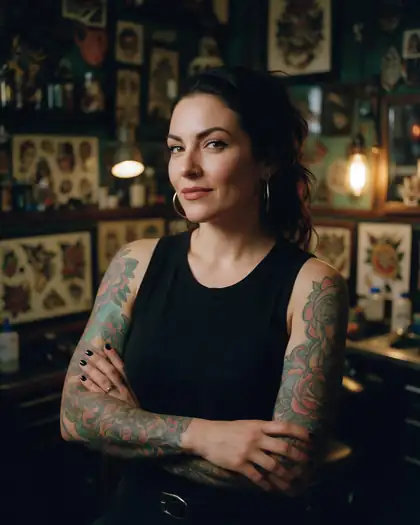
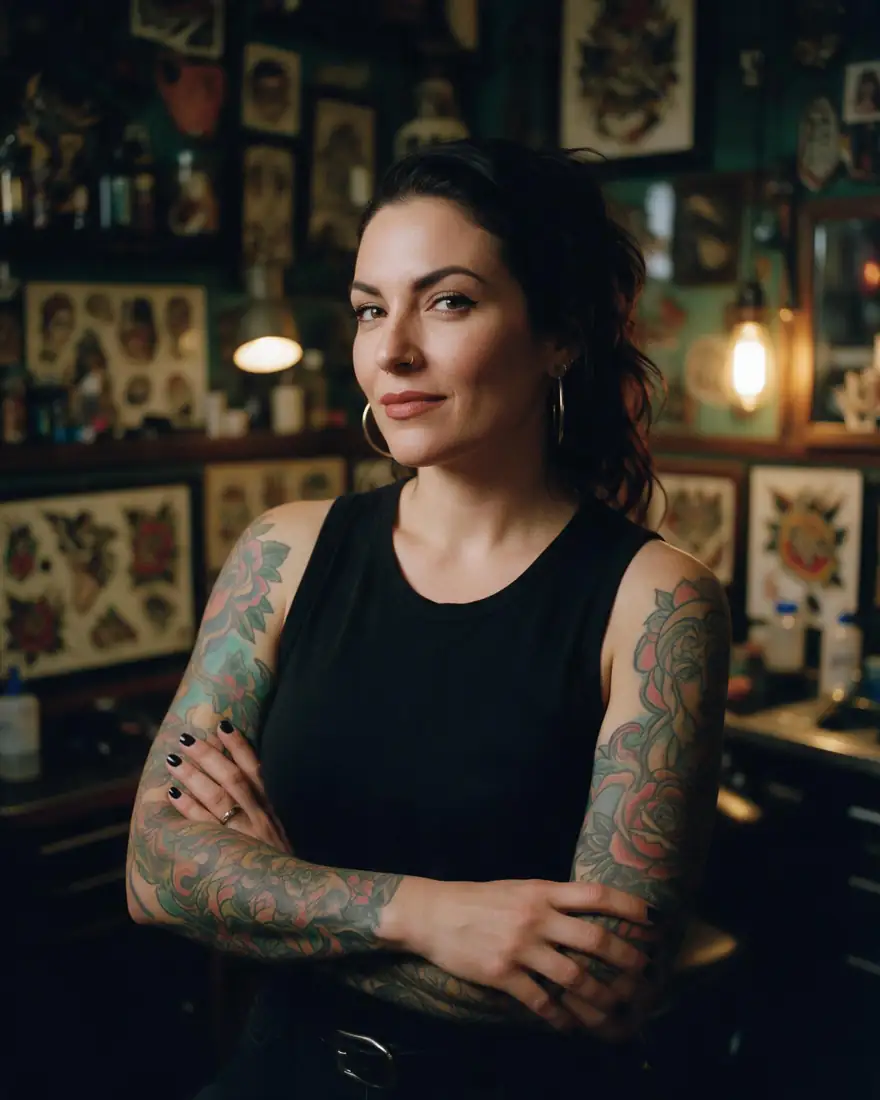
  1. Tattoo parlour

    01Portrait

    Name the light source

    “Moody tungsten light” gives shadows a direction and colour — the biggest single realism boost.

    Prompt
    Portrait of a confident woman with colourful sleeve tattoos in a vintage tattoo parlour, moody tungsten light, 35mm film grain

    Seedream 5.0 Pro · 2K

    Use this prompt
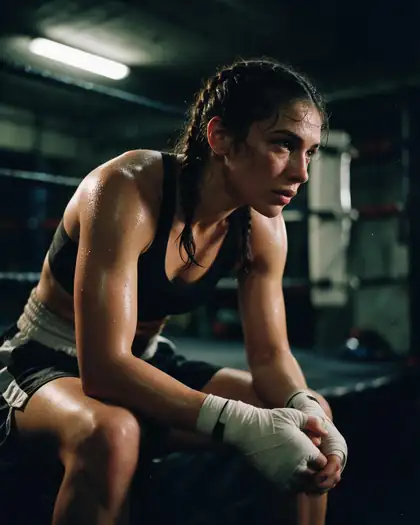
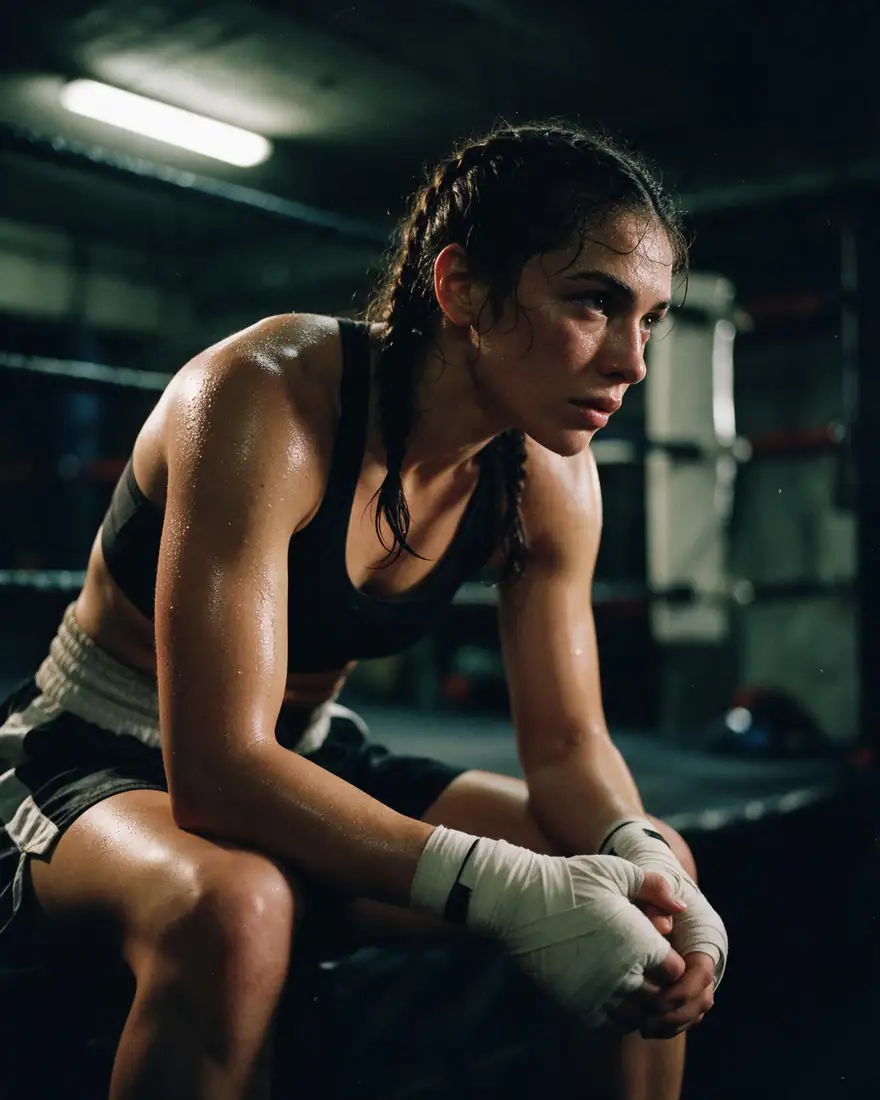
  2. Underground boxer

    02Sport

    Pick a lens and a film

    “35mm film” adds grain and a natural field of view instead of the glossy AI look.

    Prompt
    Gritty photograph of a female boxer with taped hands resting in a dim underground gym, sweat, dramatic side light, 35mm film

    Seedream 5.0 Pro · 2K

    Use this prompt
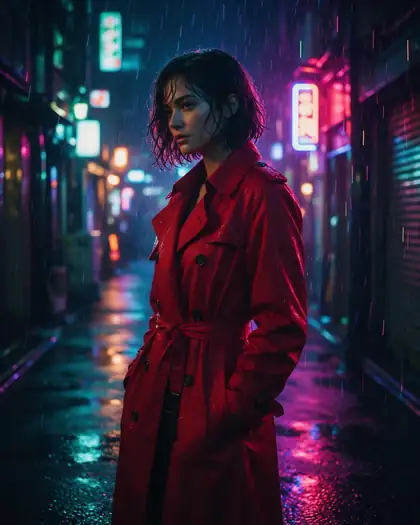
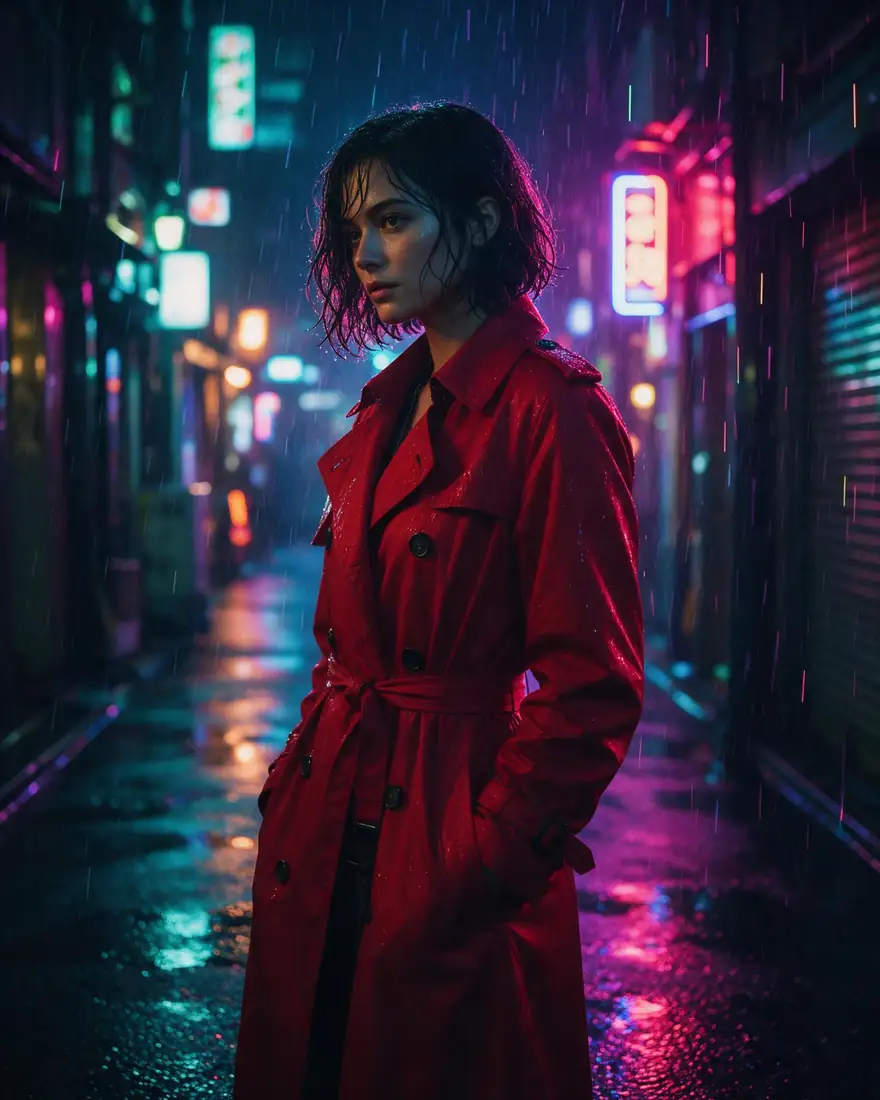
  3. Neon rain

    03Street

    Put the subject somewhere real

    Wet asphalt, reflections and signs make a scene believable.

    Prompt
    Cinematic photo of a woman in a red trench coat under neon rain in a Tokyo alley, reflections on wet asphalt, 50mm

    Seedream 5.0 Pro · 2K

    Use this prompt

Free-plan models

How realistic are the free models?

The same prompts on the three free-plan models most people start with.

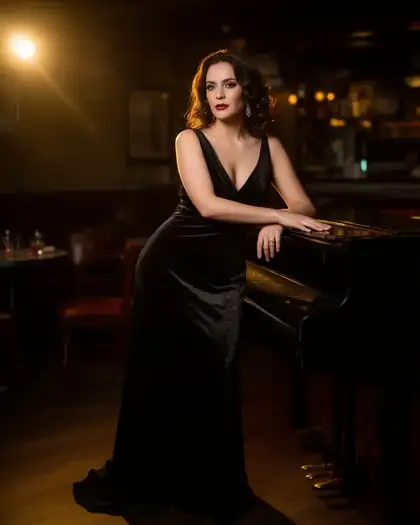
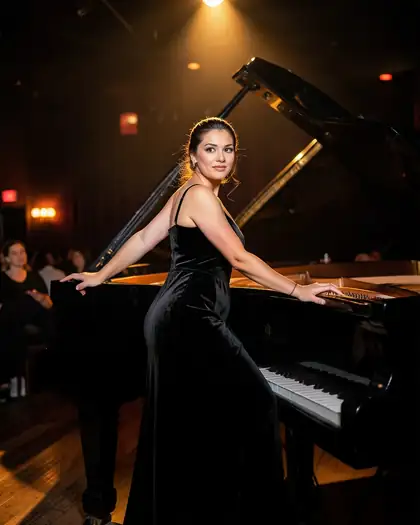
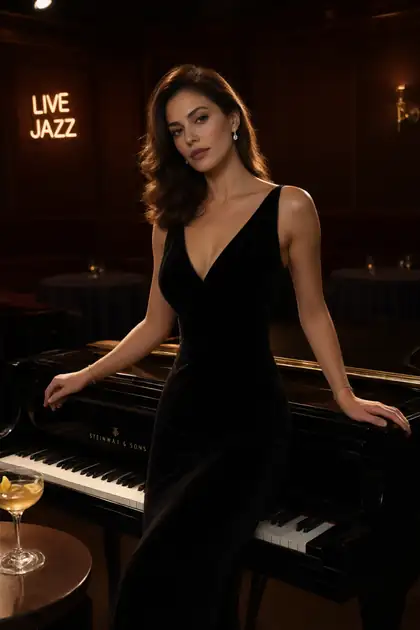
Jazz lounge portrait

  • Jazz lounge portrait made with Flux 2 Dev
    Flux 2 DevFree plan
  • Jazz lounge portrait made with Flux 2 Klein
    Flux 2 KleinFree plan
  • Jazz lounge portrait made with Qwen Image 3.0
    Qwen Image 3.0Free plan
Prompt
Glamour photo of a woman in a black velvet evening dress leaning on a grand piano in a dim jazz lounge, warm spotlight, 50mm

Beach candid

  • Beach candid made with Flux 2 Dev
    Flux 2 DevFree plan
  • Beach candid made with Flux 2 Klein
    Flux 2 KleinFree plan
  • Beach candid made with Qwen Image 3.0
    Qwen Image 3.0Free plan
Prompt
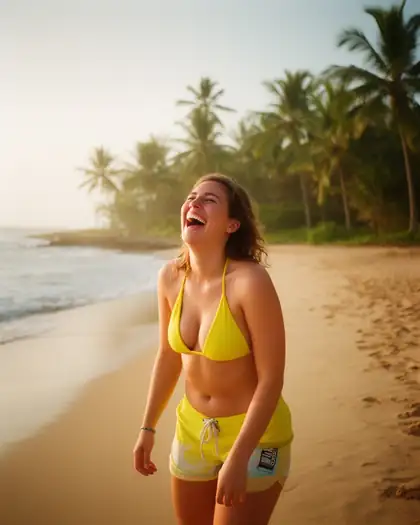
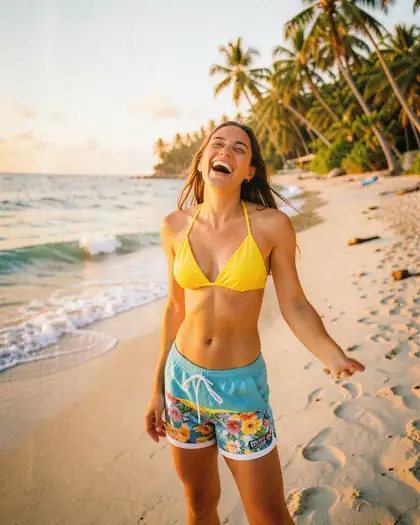
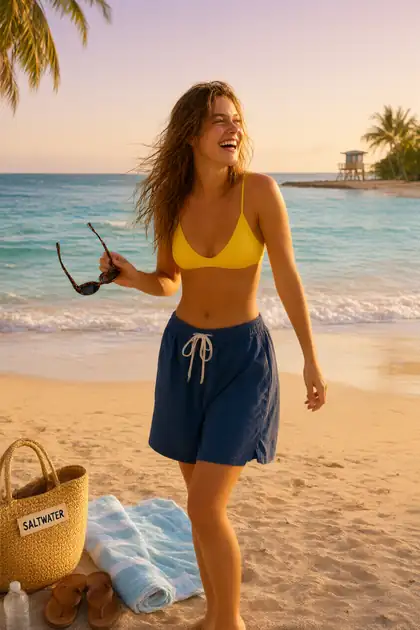
Candid photo of a woman in a yellow bikini top and board shorts laughing on a tropical beach, golden hour, film grain

How to

How to generate realistic AI images

Four steps to photos that don't look generated.

  1. Step 1: Pick a photoreal model

    Seedream 5.0 Pro or GPT Image 2 for the most realism; Flux 2 Dev (free plan) for drafts.
  2. Step 2: Describe it like a photographer

    Subject and action, place, time of day, light source, lens and film — “50mm, golden hour, film grain”.
  3. Step 3: Add small imperfections

    Natural skin texture, flyaway hair, a slightly busy background — perfection looks fake.
  4. Step 4: Upscale if you need print size

    Download without a watermark, or upscale up to 4K with the Image Upscaler.

Models

The most realistic models

Max size, reference images and what each model is best at. Open any model straight in the generator.

The most realistic models
ModelReference imagesMax sizeGood forOpen
Seedream 5.0 ProByteDanceUp to 102KMost convincing portraitsOpen
GPT Image 2OpenAIUp to 16Up to 4KRealistic photos with textOpen
Nano Banana 2GoogleUp to 141K (square today)Many reference imagesOpen
PhotaPhotoreal modelUp to 101K or 4KBuilt for photorealismOpen
Qwen Image 3.0AlibabaFree planUp to 32KRealistic, free planOpen
Flux 2 DevBlack Forest LabsFree planUp to 32048 pxRealistic drafts, free planOpen

Make a photo that doesn't look AI — 25 free credits on sign-up.

In depth

Realistic AI images, explained

Why AI photos look fake, how to prompt like a photographer, and which model to pick.

Why some AI photos look fake

Most “AI look” comes from the same few habits:

  • Perfect, poreless skin and symmetrical faces.
  • Light with no source — everything evenly bright.
  • Backgrounds that are too clean or too blurred.
  • Prompts full of hype words (8K, masterpiece, ultra detailed) instead of photo details.

Prompt like a photographer

Describe how the photo was taken: where the light comes from (window, street lamp, low sun), the lens (35mm street, 50mm everyday, 85mm portrait), and the medium (digital, film, Polaroid). Add a small real-world detail — a coffee cup, rain on glass, wind in the hair — and let the model fill in the rest.

Which model when

Our picks after testing:

  • Portraits and fashion: Seedream 5.0 Pro at 2K.
  • Photos with readable text, signs or products: GPT Image 2.
  • Many references for the same face or product: Nano Banana 2 (up to 14) or GPT Image 2 (up to 16).
  • Free drafts: Flux 2 Dev and Qwen Image 3.0.

Sources

    Tried it? Tell us how it went

    We only publish real, verified reviews — never invented quotes. Send a line about your result (and whether we may quote you), and it will appear here.

    Send a review

    FAQ

    Realistic AI image generator questions

    6 questions

    Still stuck?

    A real person answers — usually within a day.

    01

    What is the most realistic AI image generator?

    It depends on the subject. On Kenerate, Seedream 5.0 Pro and GPT Image 2 give the most convincing photos; Phota is built for photorealism at 1K or 4K; Flux 2 Dev and Qwen Image 3.0 are the most realistic free-plan models.

    02

    Is there a free realistic AI image generator?

    Yes, to start. A free account gets 25 free credits to test with, and Flux 2 Dev and Qwen Image 3.0 are both free-plan models. Bigger jobs use one-time credit packs that never expire.

    03

    How do I make AI images look more realistic?

    Write like a photographer: a real light source, a lens (35mm, 50mm, 85mm), film grain, natural skin texture and a believable setting. Avoid stacking words like “ultra realistic 8K masterpiece”.

    04

    Can it make realistic portraits of real people?

    Don't use real people's names or photos to create images of them. Describe a fictional person instead.

    05

    What resolution can I get?

    Seedream 5.0 Pro renders at 2K, GPT Image 2 and Phota up to 4K. The Image Upscaler enlarges any image up to 4K.

    06

    Does it add a watermark?

    No. Images download without a watermark.

    See more of Kenerate AI in your Google resultsAdd kenerateai.com as a preferred source — Google shows more from your preferred sources in Top Stories and AI answers.

    Explore

    Every Kenerate image tool

    Generators, design tools, photo edits, models and comparisons — all in one studio, on one credit balance.

    Written by the Kenerate AI team

    We build and run the Kenerate image generator. Every example is a real output of the model named under it; model facts were checked against the app's code. Last updated 27 September 2026. Corrections: hello@kenerateai.com.

    Sources

      Ready when you are

      Photos from a sentence

      25 free credits on sign-up. Up to 4K. No watermark.

      • 25 free credits
      • No watermark
      • Credits never expire