

Black Forest Labs
Flux 2 — Dev, Klein, Pro, Max & more on one page
FLUX.2 is Black Forest Labs' Flux AI image generation and editing family. Kenerate runs nine versions, from Flux 2 Dev and Klein on the free plan to Flux 2 Max.
- Announced
- FLUX.2 on 25 November 2025; FLUX.2 [klein] on 15 January 2026
- Flux 2 Dev
- 32B-parameter flow-matching model; open weights, non-commercial licence
- Flux 2 Klein
- 4B (Apache 2.0) and 9B (non-commercial), built for speed
- Abilities
- Text to image, single- and multi-reference editing
- On Kenerate
- Dev, Klein, Klein Base 4B/9B, Flash, Turbo, Pro, Flex, Max
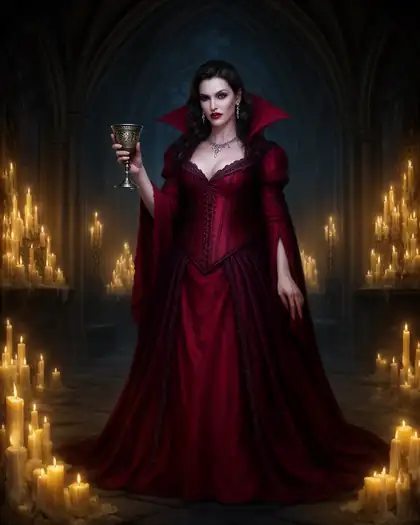
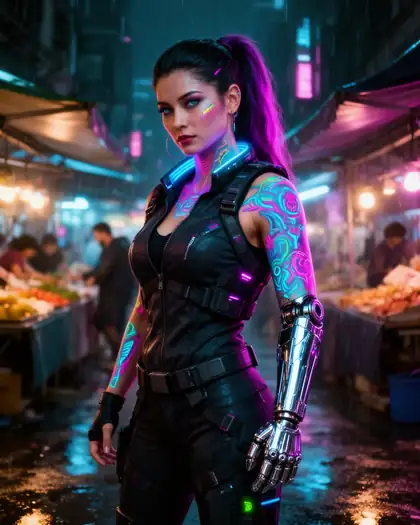
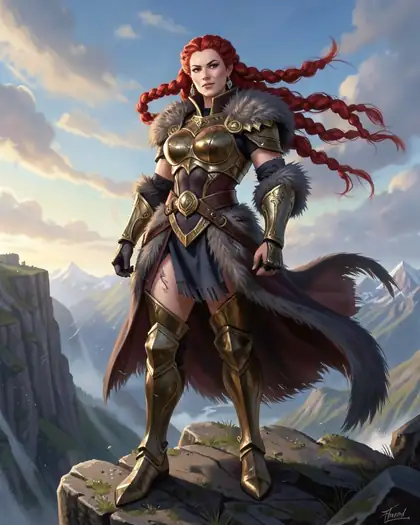
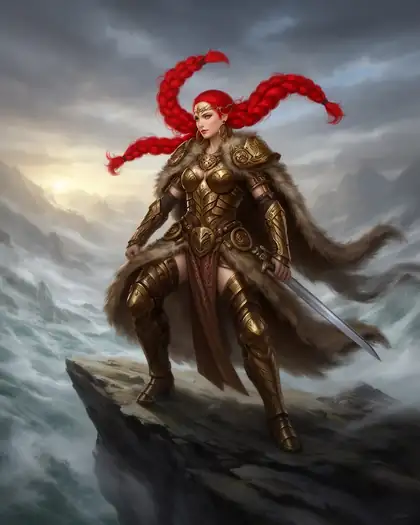
- Real outputs
- Official sources
- Free to start
- No watermark
Updated by the Kenerate AI team




Made with Kenerate




On this page
What is Flux 2?

What is Flux 2?
Flux 2 (FLUX.2) is Black Forest Labs' family of image generation and editing models, announced on 25 November 2025, with versions from small, fast drafts to high-fidelity finals. Every version handles text to image plus single- and multi-reference editing. Kenerate AI runs nine versions in the browser, with Flux 2 Dev on the free plan.
Key facts
- Maker
- Black Forest Labs
- Announced
- 25 Nov 2025
- Flux 2 Dev
- 32B · open weights, non-commercial
- Flux 2 Klein
- 4B (Apache 2.0) · 9B
- Klein released
- 15 Jan 2026
- Free plan
- Dev, Klein, Turbo, Flash
- References
- Up to 3 (4 on Flash, Turbo)
- On Kenerate
- 9 versions
Gallery
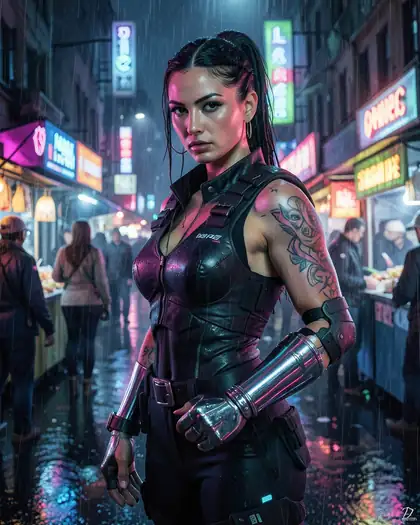
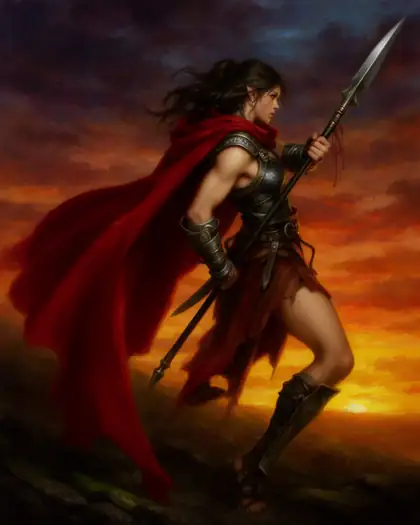
Flux 2 examples
Real outputs made on Kenerate. Open any image to copy its prompt and run it yourself.
Same prompt
Flux 2 Dev vs Flux 2 Klein vs Qwen Image 3.0
The same prompt on three free-plan models. Dev gives the richest light; Klein is fastest; Qwen Image 3.0 adds more scene detail.
PromptGlamour photo of a woman in a black velvet evening dress leaning on a grand piano in a dim jazz lounge, warm spotlight, 50mm
 Flux 2 DevFree plan
 Flux 2 KleinFree plan
 Qwen Image 3.0Free plan
Models
Flux 2 on Kenerate
Every version in the generator, and what each is good at.
- Free plan
Black Forest Labs
Flux 2 Dev
- Reference images
- Up to 3
- Output
- 2048 px
Open Flux 2 DevBest for
Best value all-rounder
- Free plan
Black Forest Labs
Flux 2 Klein
- Reference images
- Up to 3
- Output
- 1536 px
Open Flux 2 KleinBest for
Fast 4B drafts
- Free plan
- Free plan
Black Forest Labs
Flux 2 Klein Base 4B
- Reference images
- Up to 3
- Output
- —
Open Flux 2 Klein Base 4BBest for
Undistilled base
Black Forest Labs
Flux 2 Klein Base 9B
- Reference images
- Up to 3
- Output
- —
Open Flux 2 Klein Base 9BBest for
More detail than 4B
All models (9)
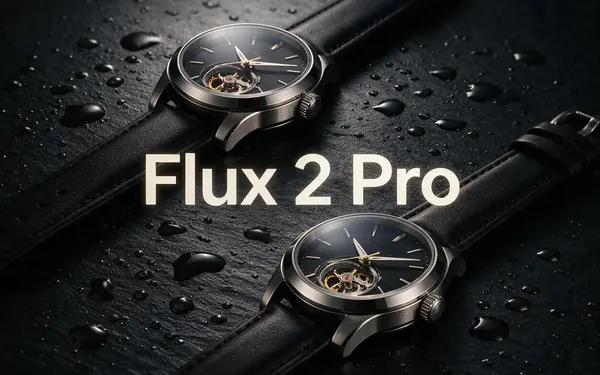
Black Forest Labs
Flux 2 Pro
- Reference images
- Up to 3
- Output
- 2048 px
Open Flux 2 ProBest for
Professional quality
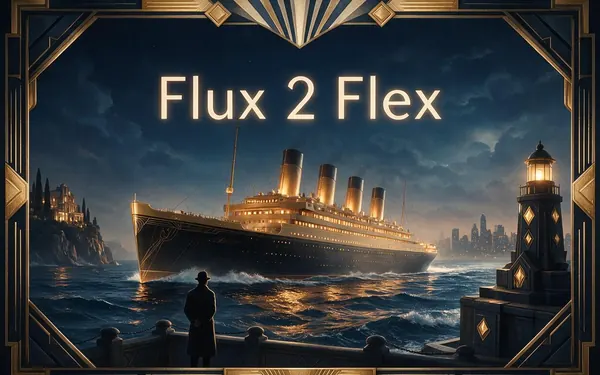
Black Forest Labs
Flux 2 Flex
- Reference images
- Up to 3
- Output
- —
Open Flux 2 FlexBest for
Typography and fine detail
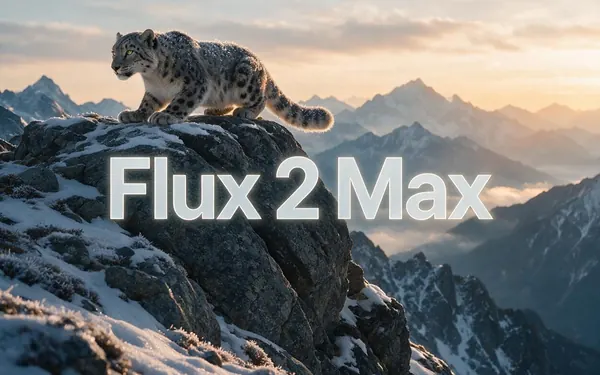
From our tests
Strengths and limits
Good at

- The cheapest good-looking images in the generator: Dev and Klein, on the free plan.
- Natural light and skin in photo prompts; handles fantasy and dark art well.
- Reference-based editing: a sketch or 3D blockout becomes a finished image with “same pose”.
- Nine versions from quick drafts to Max, so you can draft cheap and finish high.
Limits
- In our test, Flux 2 Dev's edit endpoint ignored the strength setting — use Z Image Base when you need that control.
- Up to 3 references on Dev (4 on Flash and Turbo) — fewer than Seedream (10) or GPT Image 2 (16).
- Less polished than Seedream 5.0 Pro on close-up portraits.
How to
How to use Flux 2 on Kenerate
Step 1
Open Flux 2 in the generator
Pick Flux 2 Dev or Klein in /app/image — both are on the free plan; sign in free for starter credits.
Step 2
Write the prompt
Medium, subject, setting, light and camera. Flux 2 reads full sentences.
Step 3
Add references for edits
Upload up to 3 images and say what to keep — “same pose”, “same composition”.
Step 4
Upgrade for the final
Re-run your best prompt on Flux 2 Pro or Max when you need more detail.
See it in the app

Open Image Studio and type what you want to see — subject, style, lighting and mood.


Watch the tour · 1:23
Prompts, styles, references, edit, Arena & chat
Chapters
Example uses
How creators use Flux 2
Illustrative examples of typical workflows, not customer reviews.
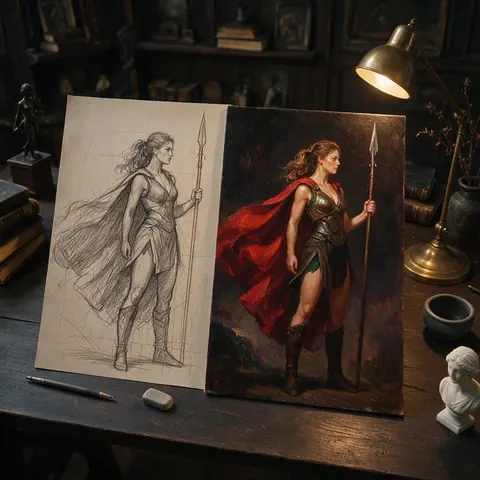
Concept artist
A concept artist could upload a rough sketch to Flux 2 Dev, ask for the same pose, and get a finished painting to show a client.
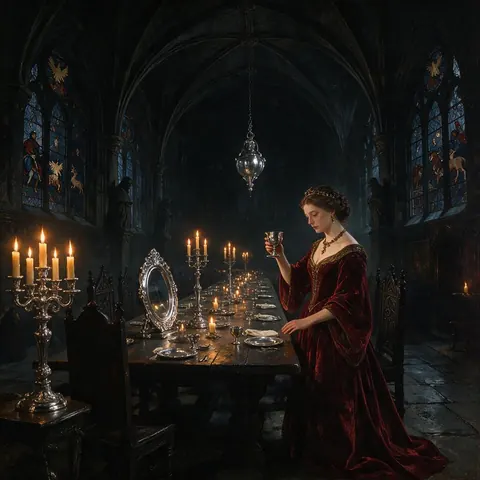
Dark fantasy illustrator
A dark fantasy illustrator could test gothic scenes on the free plan before re-running the best one on a higher Flux 2 version.
FAQ
Flux 2 questions

What is Flux 2?
Flux 2 (FLUX.2) is Black Forest Labs' family of image generation and editing models, announced on 25 November 2025. It includes Dev, Klein, Pro, Flex and Max versions, and every version supports text to image plus single- and multi-reference editing. Dev is a 32-billion-parameter open-weights model; the compact Klein models followed on 15 January 2026.
Link to this answerIs Flux 2 free?
Yes, to start. Flux 2 Dev, Klein, Flash and Turbo are on Kenerate's free plan, and every new account gets free starter credits on sign-up to try them. Pro, Flex, Max and the Klein Base versions need a one-time credit pack, with no subscription required, and credits never expire. Downloads have no watermark.
Link to this answerWhat's the difference between Flux 2 Dev and Klein?
Dev is the 32-billion-parameter open model under a non-commercial licence and the quality sweet spot; Klein is a smaller family built for speed, in 4B (Apache 2.0) and 9B (non-commercial) sizes. In our same-prompt test, Dev gave the richest light and Klein was fastest. On Kenerate both are on the free plan and take up to 3 references.
Link to this answerCan Flux 2 edit images?
Yes. Every Flux 2 version supports single- and multi-reference editing. On Kenerate, Flux 2 Dev takes up to 3 reference images, and Flash and Turbo take up to 4. Upload a sketch or 3D blockout and say what to keep, such as “same pose”. In our test Dev's edit ignored the strength setting, so use Z Image Base when you need that control.
Link to this answerIs there a Flux 3?
Yes, for video. Black Forest Labs announced the FLUX 3 family on 23 July 2026, and FLUX 3 Video — 5–20 second clips with sound — runs on Kenerate now. For images, FLUX.2 (announced November 2025) is still the family you can use: Kenerate runs nine FLUX.2 versions, from Dev and Klein on the free plan up to Flux 2 Max for the highest fidelity, and lists each one on this page.
Link to this answerCan I run Flux 2 locally?
Some versions, yes. Flux 2 Dev is a 32-billion-parameter open-weights model under a non-commercial licence, and Flux 2 Klein comes as open 4B (Apache 2.0) and 9B (non-commercial) models, so you can download and run them yourself. On Kenerate all nine versions run in the browser with no install, with Dev and Klein on the free plan.
Link to this answerIn depth
Flux 2, in depth
Background, how to prompt it, and when to pick something else.
The FLUX.2 family
Black Forest Labs announced FLUX.2 in November 2025 with Pro, Flex, Dev and Klein models, and released the compact Klein models in January 2026 [2]. Every version supports text to image plus single- and multi-reference editing [1].
- Dev — 32B open weights, the quality/price sweet spot.
- Klein 4B / 9B — small and fast; Base versions are undistilled for fine-tuning.
- Pro, Flex, Max — hosted versions for higher fidelity and typography.
Drafting cheap, finishing high
Because Dev and Klein sit on the free plan, a common workflow is to explore ideas there, keep the seed and prompt you like, and re-run the final on Flux 2 Pro, Max or Seedream 5.0 Pro.
By the Kenerate AI teamLast updated and reviewed
We run these models in the Kenerate generator. Model facts come from the makers' own pages; specs and limits were checked against our code; the examples are our own outputs.
Sources: Black Forest Labs — FLUX.2 official inference repository (GitHub) · Flux (text-to-image model) — Wikipedia
