Skip to content
Free AI image upscaler · 25 free credits

Upscale any image with AI — up to 8K

Turn small, soft or pixelated pictures into big, sharp files. Seven AI engines in one tool — from a fast Real-ESRGAN upscale to 128 MP prints and old-photo restoration. No watermark, no subscription.

  • No watermark
  • 2K, 4K, 8K or up to 128 MP
  • Photos, AI art & anime
  • 7 AI engines
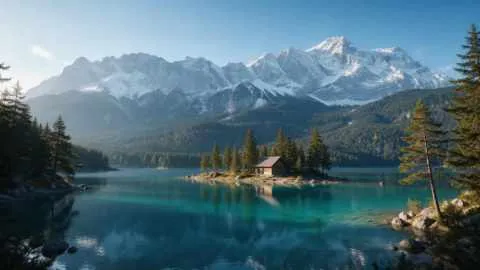
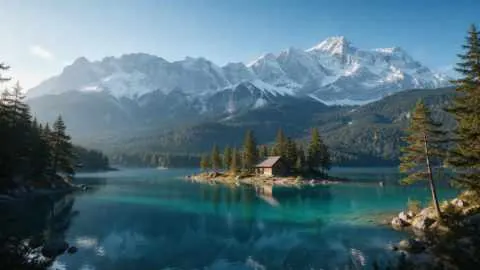
Turquoise alpine lake below snowy mountains with a wooden cabin — original 480 px JPEG
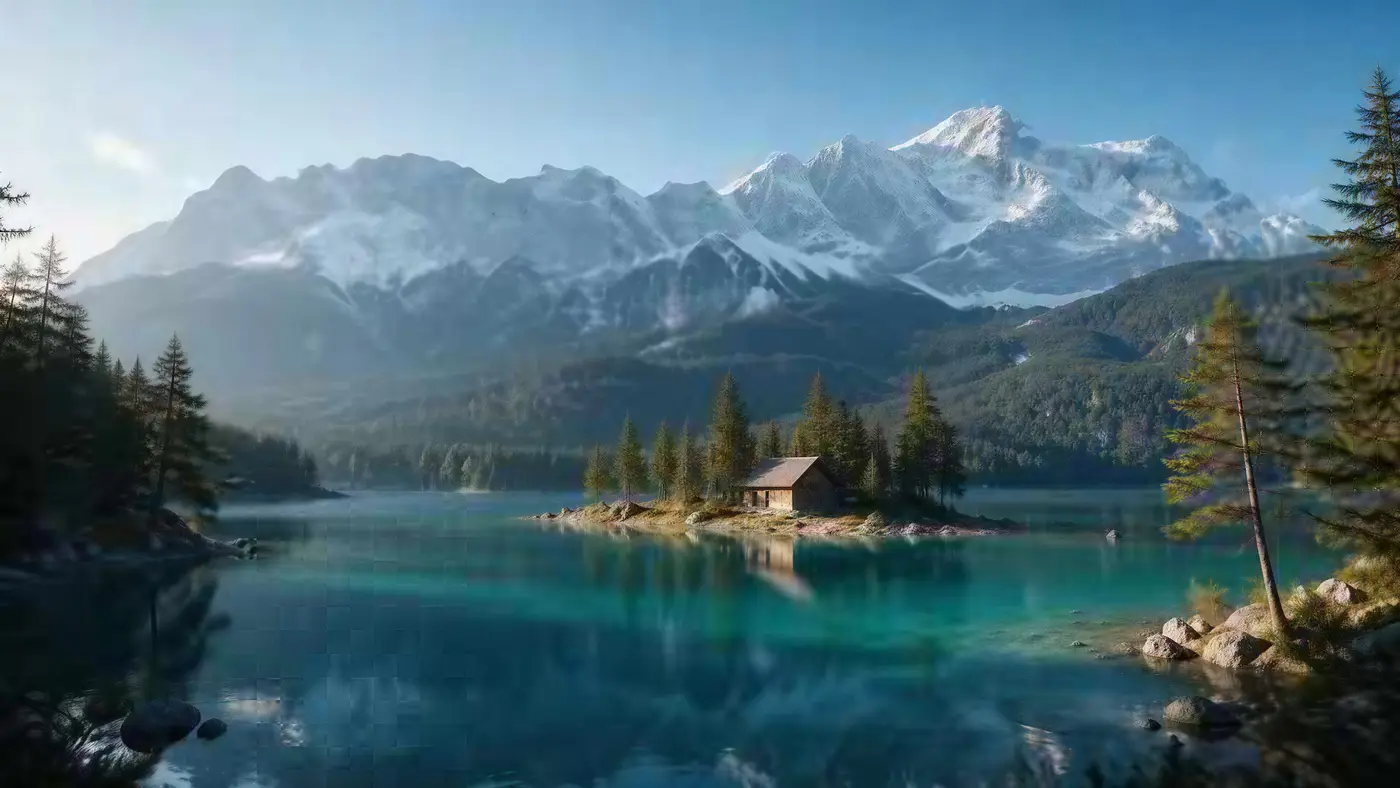
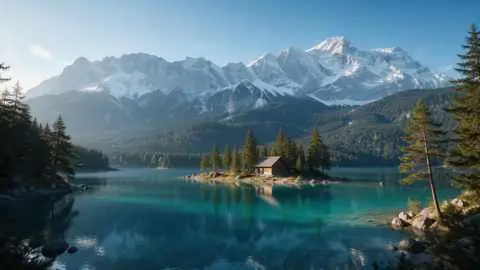
Turquoise alpine lake below snowy mountains with a wooden cabin — after Image Upscaler
BEFORE · 480 px JPEGAFTER · 4K · 5461 × 3072

Image Upscaler480 px JPEG → 4K · 5461 × 3072

Try this photo
  • Real-ESRGAN
  • Image Upscaler 2K · 4K · 8K
  • Kenerate Upscale · 128 MP
  • Ultimate Upscaler
  • Clarity Pro
  • Phota Enhance
  • Recraft Creative
Landscape to 4K — after Image Upscaler
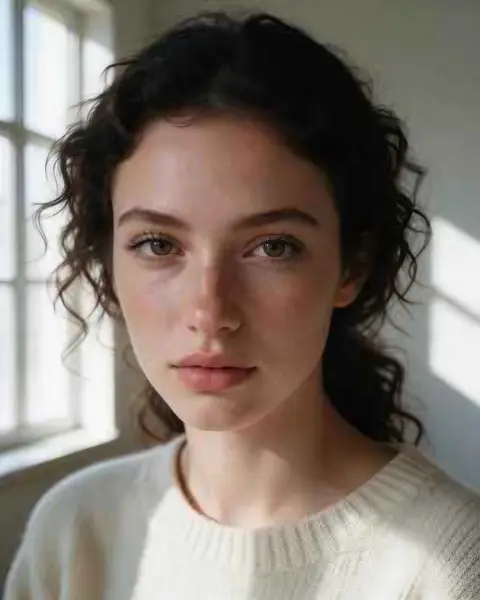
Tiny portrait — after Image Upscaler
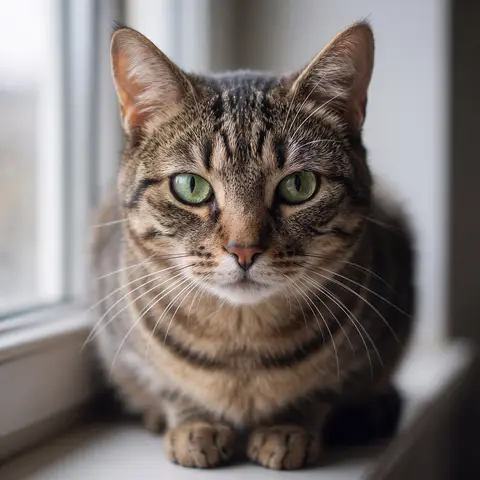
Blurry pet photo — after Phota Enhance
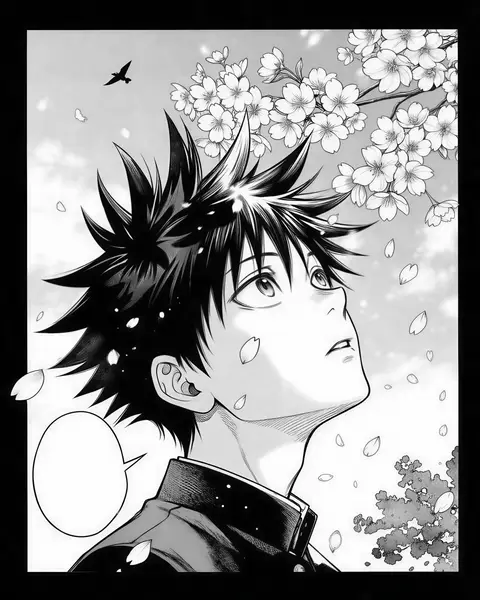
Anime art — after Real-ESRGAN
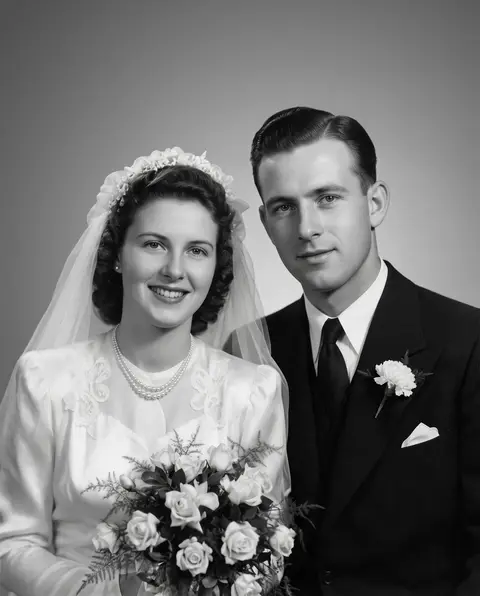
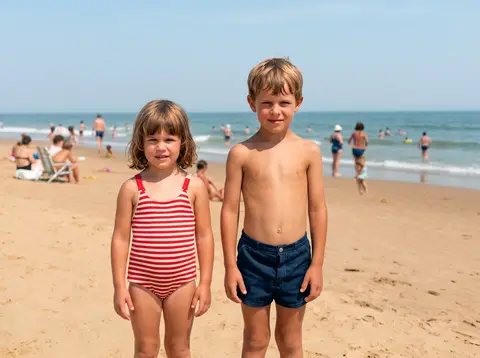
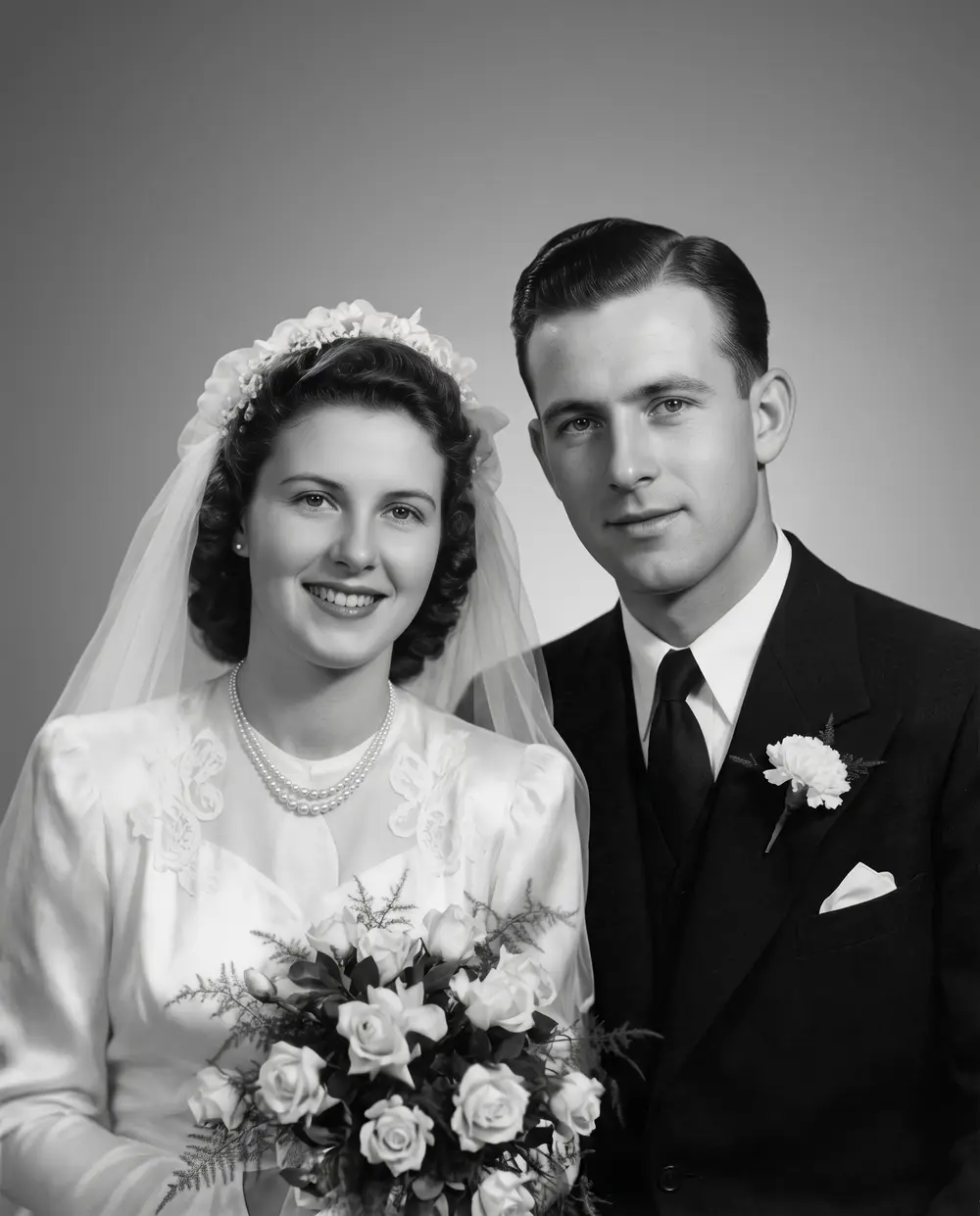
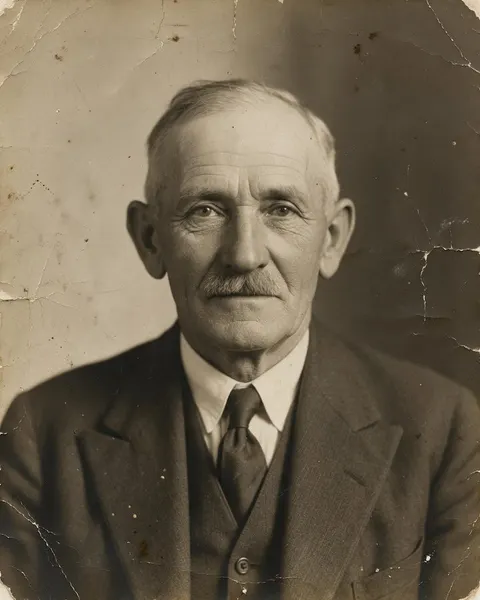
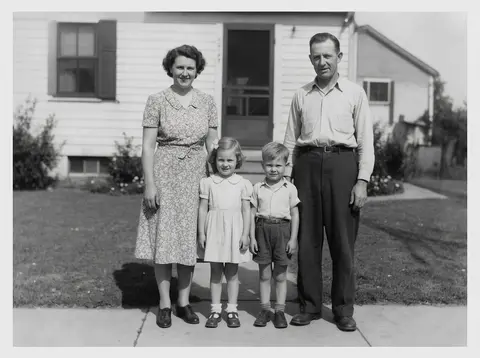
1950s family print — after Phota Enhance
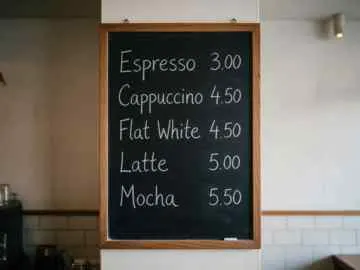
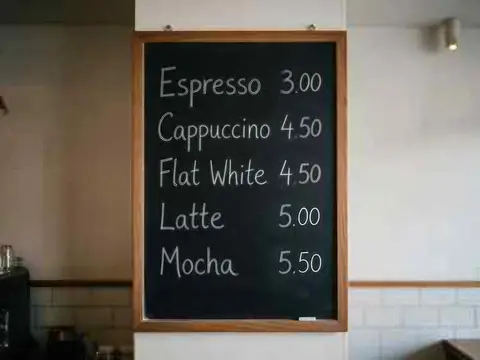
Text on a menu — after Image Upscaler
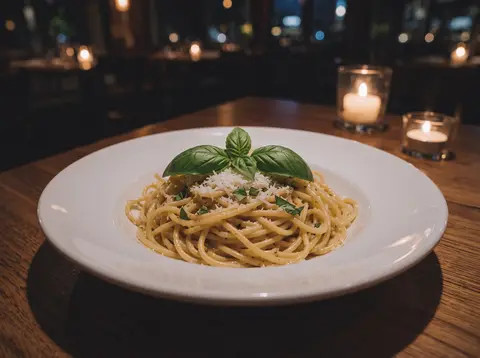
Grainy night shot — after Phota Enhance
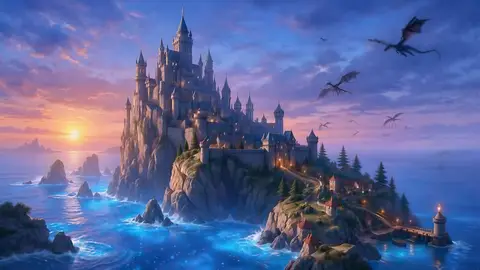
AI concept art — after Ultimate Upscaler
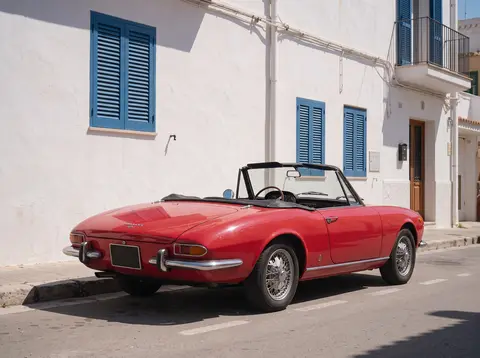
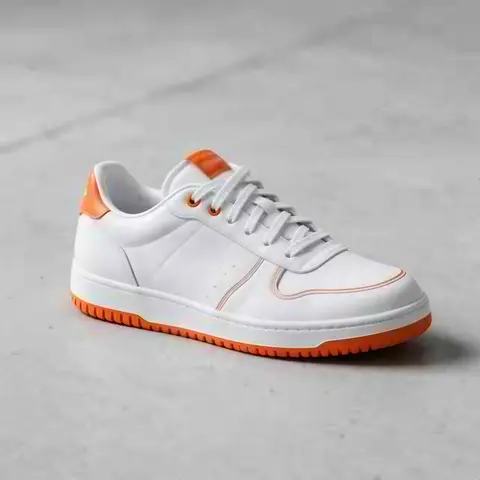
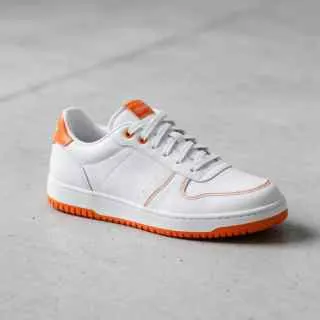
Product shot — after Real-ESRGAN
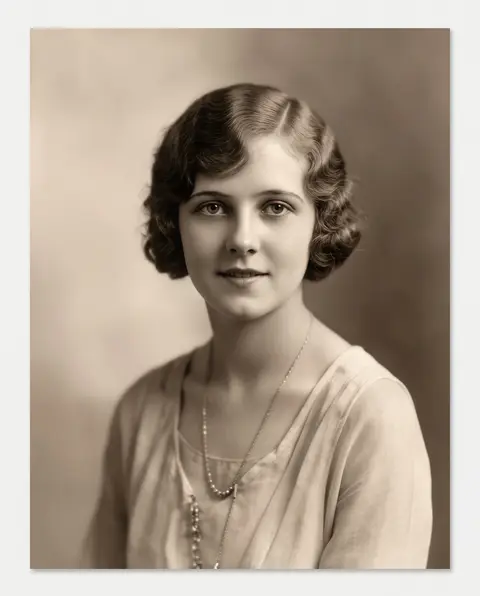
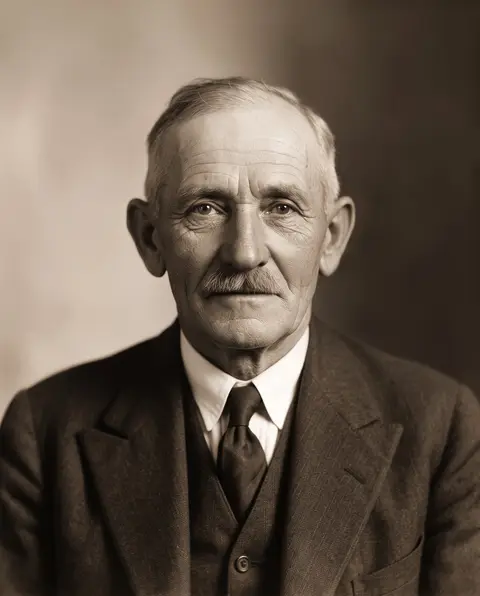
1930s portrait — after Phota Enhance
Landscape to 4K — after Image Upscaler
Tiny portrait — after Image Upscaler
Blurry pet photo — after Phota Enhance
Anime art — after Real-ESRGAN
1950s family print — after Phota Enhance
Text on a menu — after Image Upscaler
Grainy night shot — after Phota Enhance
AI concept art — after Ultimate Upscaler
Product shot — after Real-ESRGAN
1930s portrait — after Phota Enhance

Quick answer

Updated

Kenerate AI's image upscaler is a free-to-start online tool that makes a picture bigger and sharper with AI. It has seven engines: Real-ESRGAN (the fast default), Image Upscaler for 2K, 4K or 8K, Kenerate Upscale for an exact size up to 128 MP, Clarity Pro for creative detail, Phota Enhance for old and blurry photos, plus Ultimate and Recraft. New accounts get 25 free credits and there is no watermark.

Speed
About 15–80 seconds per image
Free to start
25 credits on sign-up, no watermark
Max size
8K, or up to 128 MP
Engines
7 — faithful, creative and restore

Real results

See what it does to real photos

Every slider is a real Kenerate output from the bad input on the left. Drag to compare, then try the same photo.

  1. Turquoise alpine lake below snowy mountains with a wooden cabin — before
    Turquoise alpine lake below snowy mountains with a wooden cabin — after
    BeforeAfter

    01Upscale to 4K

    A tiny landscape, wallpaper-sized

    480 px in, 5461 × 3072 out. Trees, snow and the cabin sharpen instead of smearing.

    Image Upscaler · 480 px JPEG → 4K · 5461 × 3072

    Try it now
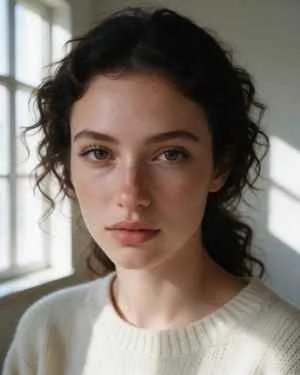
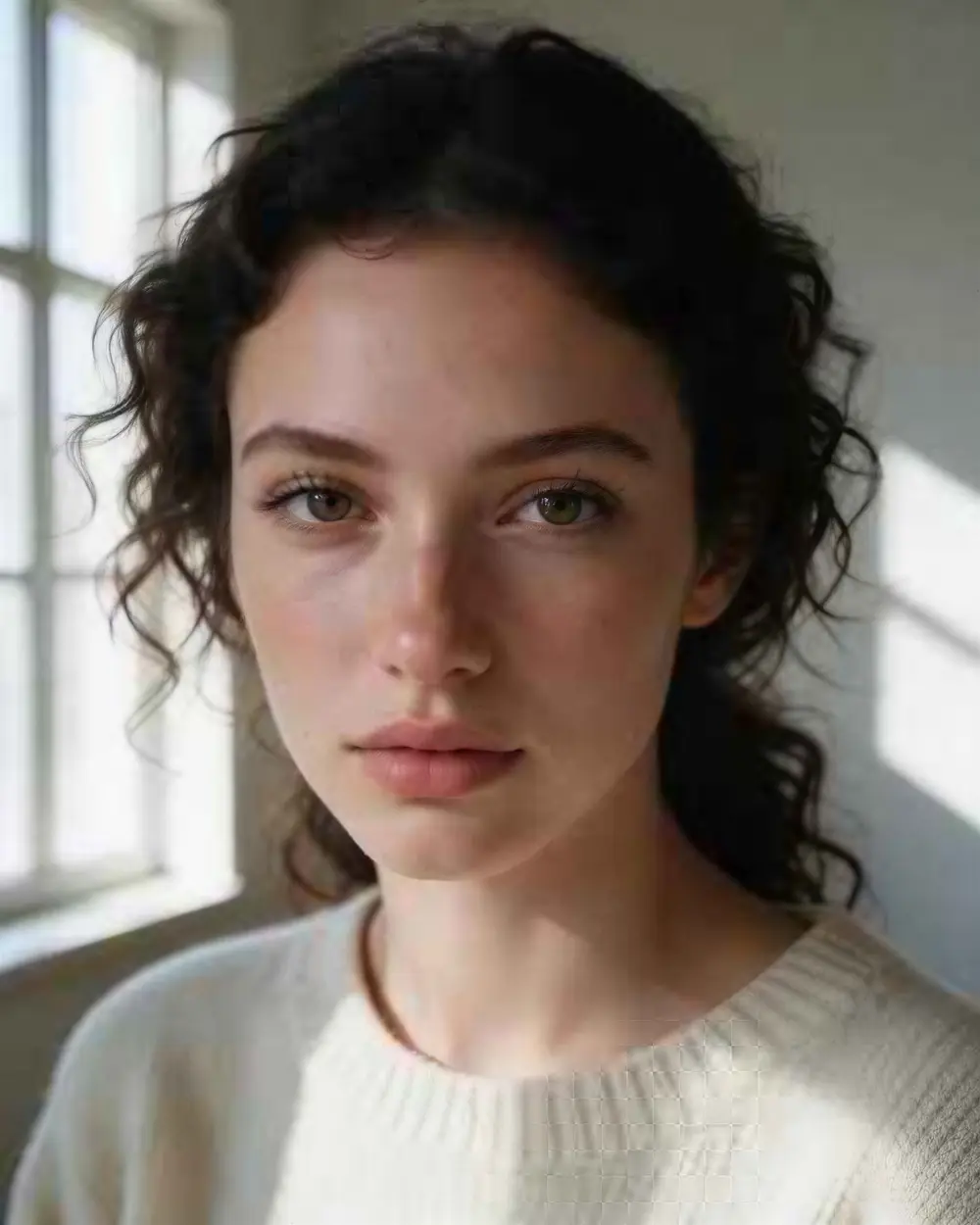
  2. Close-up portrait of a young woman with freckles and dark curly hair — before
    Close-up portrait of a young woman with freckles and dark curly hair — after
    BeforeAfter

    02Low resolution

    A 300-pixel portrait, now 4K

    Skin, lashes and curls come back sharp — and it's still the same person. A faithful upscale, not a new face.

    Image Upscaler · 300 px JPEG → 4K · 3664 × 4579

    Try it now
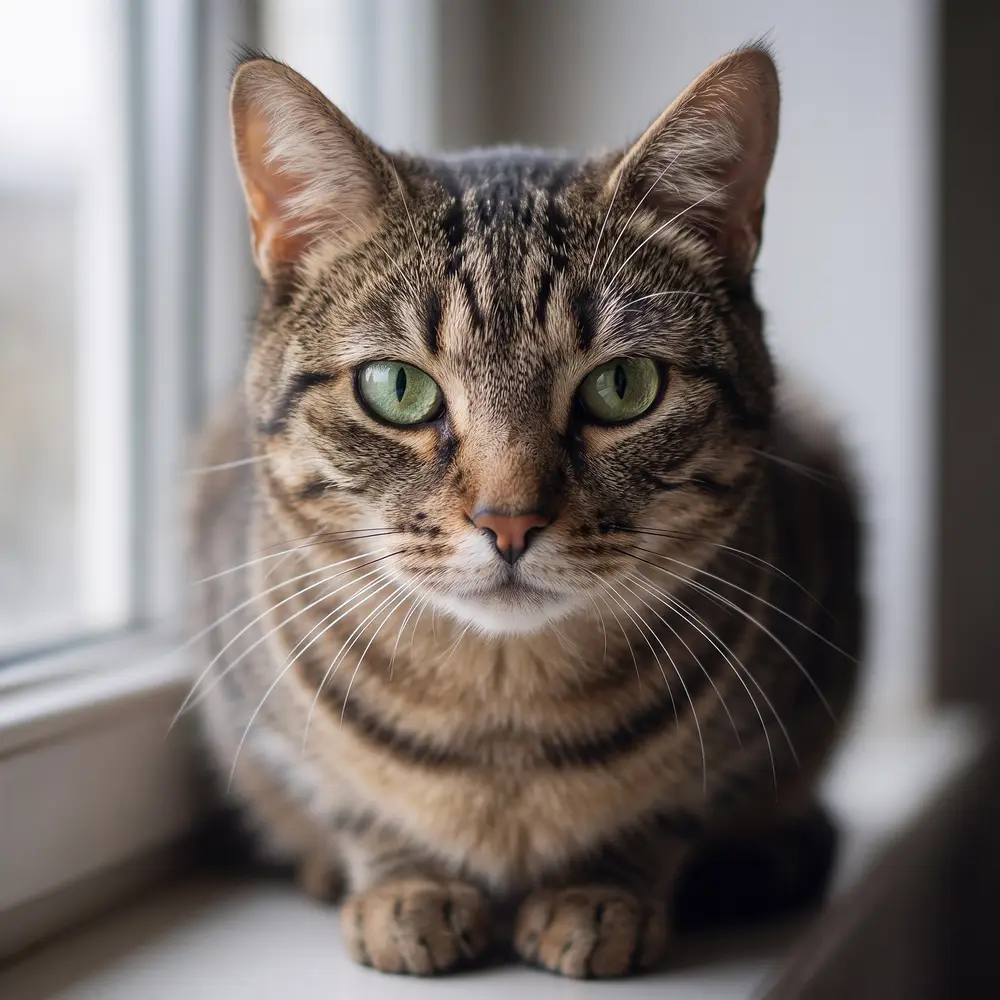
  3. Tabby cat with green eyes on a windowsill — before
    Tabby cat with green eyes on a windowsill — after
    BeforeAfter

    03Blurry photos

    Out of focus? Fur and whiskers return

    Phota Enhance rebuilds the detail a missed focus smeared — eyes, whiskers, every stripe.

    Phota Enhance · 720 px, out of focus → 2048 px, sharp

    Try it now
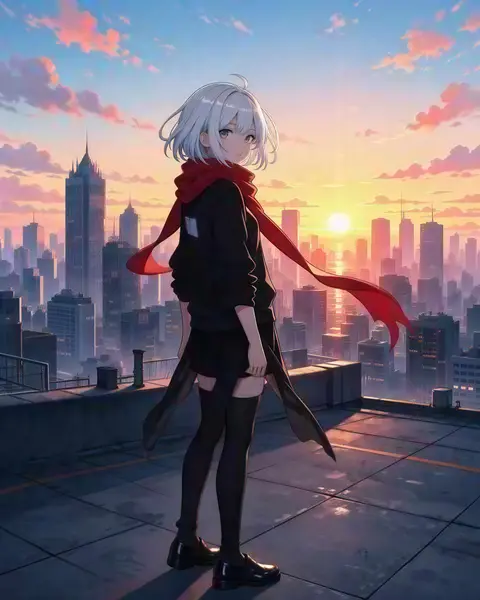
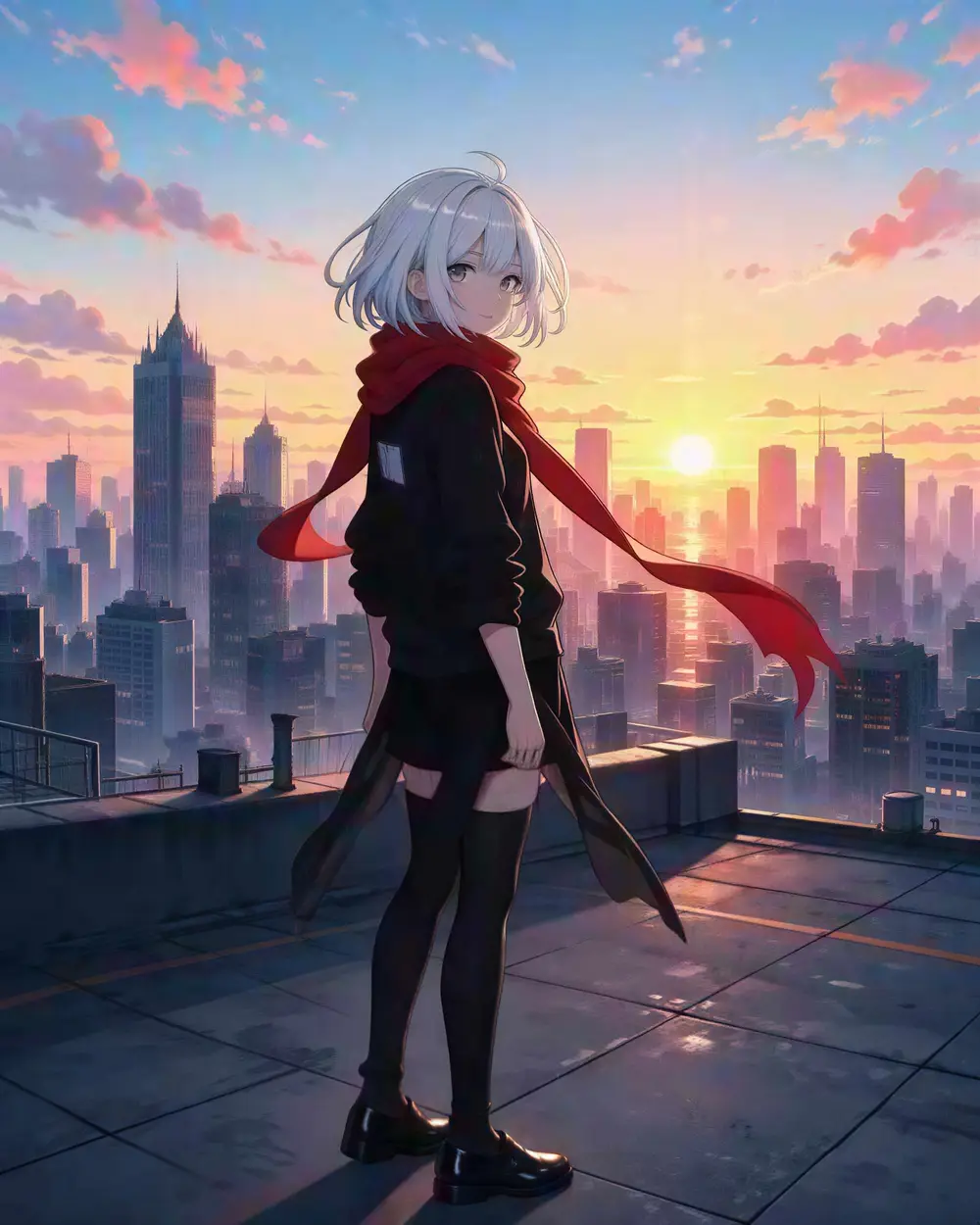
  4. Anime girl with silver hair and a red scarf on a rooftop at sunset — before
    Anime girl with silver hair and a red scarf on a rooftop at sunset — after
    BeforeAfter

    04Anime & illustration

    Line art that stays crisp

    Outlines stay dark and clean, flat colours stay flat — no grey mush around every edge.

    Real-ESRGAN · 300 px → 1832 × 2290

    Try it now

How it works

How to upscale an image with AI

Three steps and usually under a minute.

  1. Add an image

    Upload a JPG, PNG or WEBP up to 25 MB — a photo, a product shot, a screenshot or AI art — or try one of the samples.

  2. Pick an engine and a size

    Real-ESRGAN is the fast default. Choose Image Upscaler for 2K, 4K or 8K, Kenerate Upscale for an exact size up to 128 MP, Clarity Pro to add new detail, or Phota Enhance to repair old and blurry photos.

  3. Compare and download

    Drag the slider to check the result against the original, then download it — no watermark. Send it on to Edit Studio or the background remover if you need to.

Real results

What can an AI upscaler fix?

Every card is a real Kenerate output from the bad input shown in the slider above. Tap one to try the same image.

At 100%

What does the upscale look like at 100%?

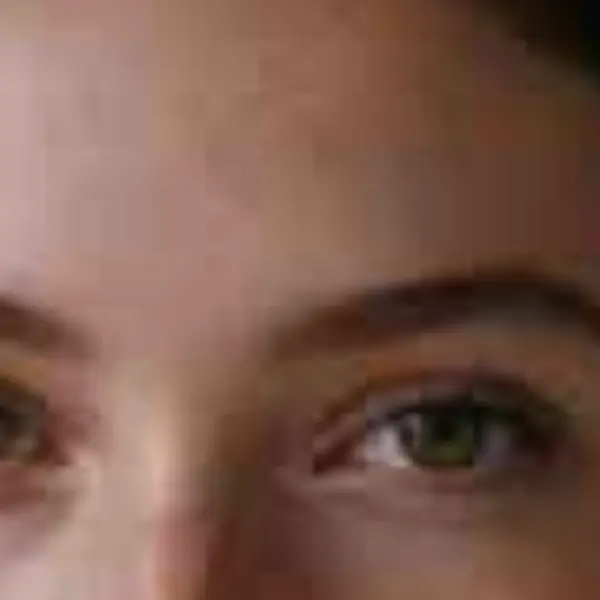
Zoomed in on the same area: the original simply stretched, next to the real Kenerate result.

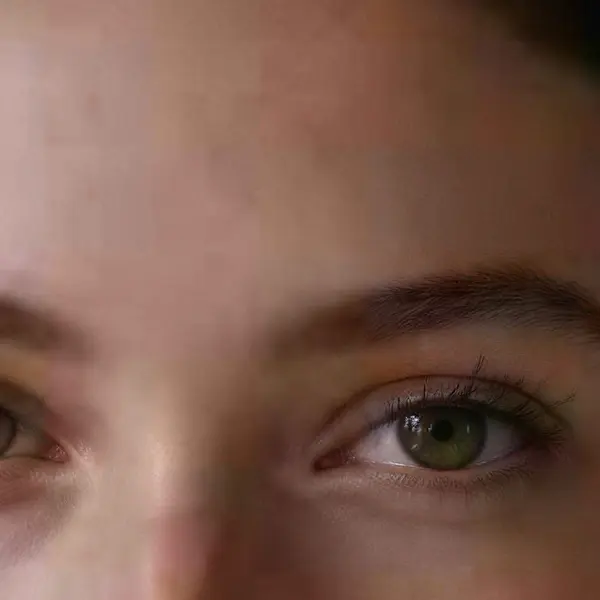
  • Close-up portrait of a young woman with freckles and dark curly hair — the 300 px JPEG original stretched to the same size (bicubic)
    Stretched
    Close-up portrait of a young woman with freckles and dark curly hair — the same crop after Image Upscaler
    Image Upscaler

    Tiny portrait · 300 px JPEG → 4K · 3664 × 4579

  • Turquoise alpine lake below snowy mountains with a wooden cabin — the 480 px JPEG original stretched to the same size (bicubic)
    Stretched
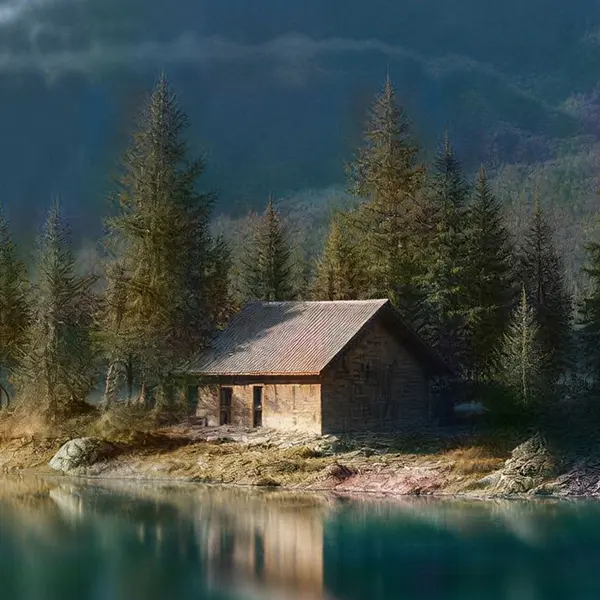
    Turquoise alpine lake below snowy mountains with a wooden cabin — the same crop after Image Upscaler
    Image Upscaler

    Landscape to 4K · 480 px JPEG → 4K · 5461 × 3072

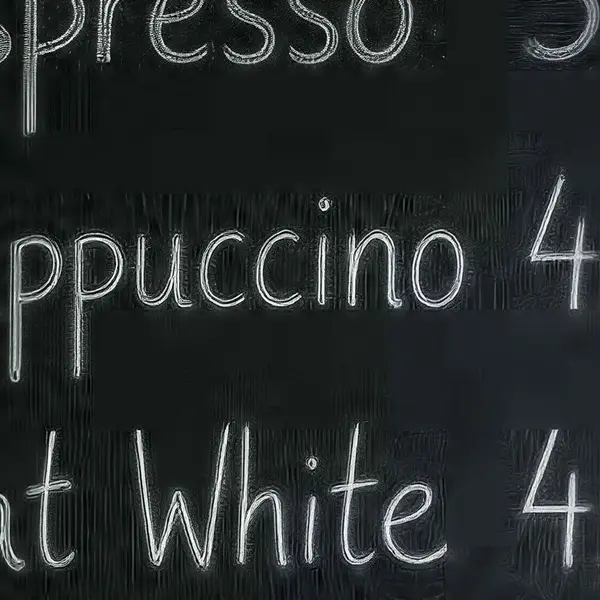
  • Cafe chalkboard menu listing coffee drinks and prices — the 360 px JPEG original stretched to the same size (bicubic)
    Stretched
    Cafe chalkboard menu listing coffee drinks and prices — the same crop after Image Upscaler
    Image Upscaler

    Text on a menu · 360 px JPEG → 4K · 4730 × 3547

  • Fantasy castle on a cliff above a glowing sea with dragons — the 512 px render original stretched to the same size (bicubic)
    Stretched
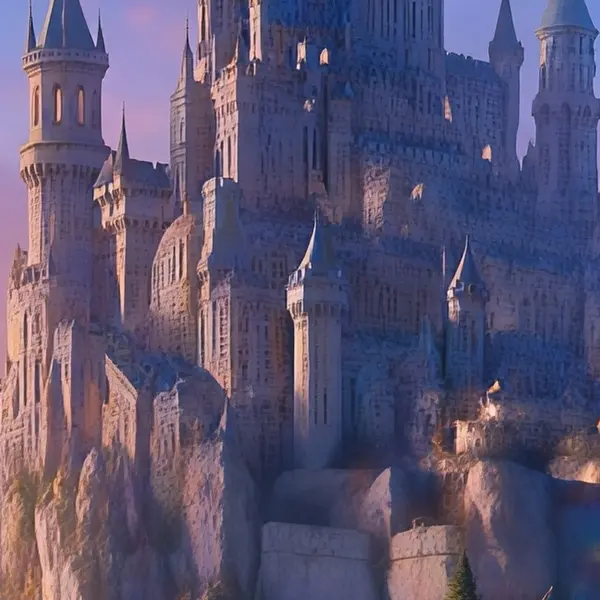
    Fantasy castle on a cliff above a glowing sea with dragons — the same crop after Ultimate Upscaler
    Ultimate Upscaler

    AI concept art · 512 px render → 4K · 5461 × 3072

Left: the original enlarged with ordinary bicubic resizing. Right: the same area of the real Kenerate output. Both crops are shown at the same size.

Seven engines

Which AI upscaler engines can I use?

Seven engines, one tool. Start with the default and only switch when the picture needs it.

  • FaithfulDEFAULT

    Real-ESRGAN

    Classic super-resolution — sharper edges, less noise, bigger image.

    Best for: Quick clean-ups of AI renders, web images and product shots.

    Larger, sharper copy ~25s per image

    Use
  • Faithful

    Kenerate Upscale

    Pick the exact size in megapixels — up to 128 MP, very fast.

    Best for: E-commerce and design assets at a precise size, fast.

    Up to 128 MP ~14s per image

    Use
  • Faithful

    Image Upscaler

    Straight upscale to 2K, 4K or 8K that keeps the original texture.

    Best for: Everyday photos and AI art to a standard size.

    Up to 8K ~45s per image

    Use
  • Faithful

    Ultimate Upscaler

    Higher-quality 2K / 4K / 8K upscale for pro restoration.

    Best for: Marketing assets and photo restoration where fine detail matters.

    Up to 8K ~19s per image

    Use
  • Creative

    Clarity Pro

    Up to 16× with a creativity dial — stay true or invent fine detail.

    Best for: Portraits and campaign visuals for print; keeps identity, adds detail.

    Up to 64 MP ~81s per image

    Use
  • Restore

    Phota Enhance

    Restores old, blurry or damaged photos and rebuilds lost detail, up to 4K.

    Best for: Old family photos, archives and low-res pictures you want to print.

    Restored · up to 4K ~37s per image

    Use
  • Creative

    Recraft Creative

    Refines skin, hair and fabric texture — a polish pass, it keeps the size.

    Best for: Portraits and product shots that need richer texture rather than more pixels.

    Same size · richer texture ~29s per image

    Use
New accounts get 25 free credits to try the engines on their own images.

Have an image ready? Try it with your 25 free credits.

Choosing

Which AI upscaler engine should I use?

  • Everyday photos, screenshots, web images → Real-ESRGAN. The default. Fast (about 25 s) and faithful.
  • A fixed size like 4K or 8K → Image Upscaler. Pick 2K, 4K or 8K; good for wallpapers, slides and prints.
  • An exact print size → Kenerate Upscale. Choose 4 to 128 megapixels; the tool shows the pixel size your image will come out at.
  • Portraits and campaign visuals that need extra detail → Clarity Pro. The creativity dial goes from “stay true” (−10) to “invent detail” (+10). Keep it low for faces.
  • Old, blurry, grainy or damaged photos → Phota Enhance. It repairs as well as enlarges. See photo restoration.
  • Skin, hair and fabric that look flat → Recraft Creative. A texture pass that keeps the size.

Faithful vs creative upscaling

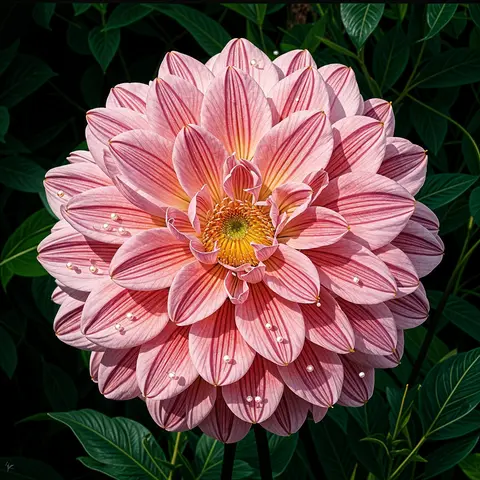
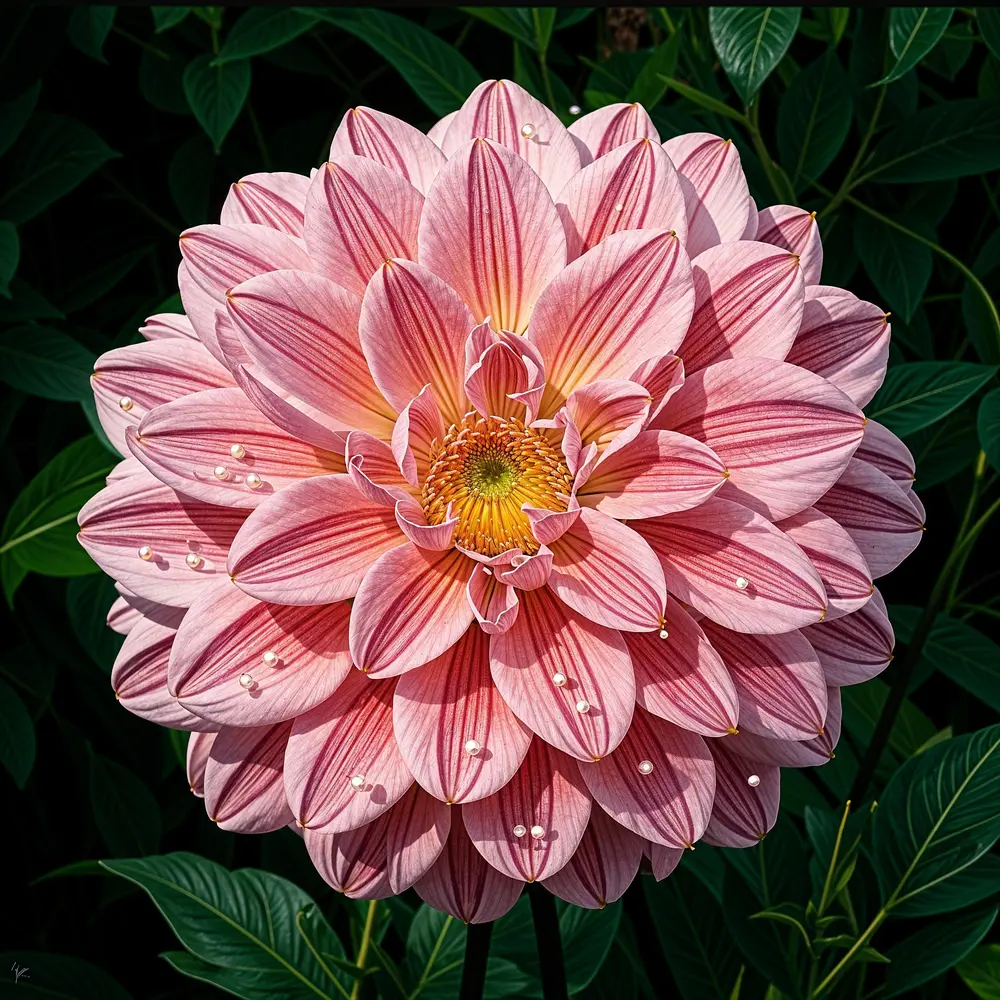
A faithful upscaler adds pixels and sharpens what is already there, so the picture stays the same picture. A creative upscaler uses a generative model to paint in new fine detail. That can look stunning — see the pixelated dahlia below, rebuilt from a 112-pixel original — but it is new detail, not recovered detail, so use it for art and marketing rather than evidence, documents or product labels.

Look closer

A 112-pixel flower, rebuilt

Clarity Pro at creativity +6 on a heavily pixelated macro. The petals and droplets are new detail painted in by the model — the right tool when you want a beautiful image, not an exact one.

  • Blocky pixels turned into smooth petals
  • Droplets and veins added by the model
  • Keep the creativity dial low when accuracy matters

Move your pointer over the image to zoom in.

Pink dahlia with water droplets on a dark background — 112 px, blown up in, 4 MP · creativity +6 out with Clarity Pro.

Popular jobs

What people upscale

Checked 26 September 2026

Online AI upscaler vs desktop app vs Photoshop vs a normal resize

Four ways to make an image bigger, and what each one is good at.

  • Kenerate AIthis tool

    Adds detail
    Yes — 7 AI engines
    Max size
    8K or 128 MP
    Needs
    A browser
    Old-photo repair
    Phota Enhance
    Creative detail
    Clarity Pro, Recraft
  • Upscaylfree desktop app

    Adds detail
    Yes — AI models
    Max size
    Set by your GPU memory
    Needs
    Install + a Vulkan GPU
    Old-photo repair
    No
    Creative detail
    No
  • PhotoshopCamera Raw Super Resolution

    Adds detail
    Yes — 2× only
    Max size
    2× width and height
    Needs
    A Photoshop plan
    Old-photo repair
    No
    Creative detail
    No
  • Normal resizePaint, Preview, Canva

    Adds detail
    No, just blurs
    Max size
    Any, but soft
    Needs
    Nothing
    Old-photo repair
    No
    Creative detail
    No
Upscayl requirements from its GitHub README; Photoshop Super Resolution doubles the width and height of a photo in Camera Raw. More choices on the Topaz Labs alternative and Magnific alternative pages.

Use cases

How people use the upscaler

Three common jobs, with the real before and after.

  • Online seller

    Marketplace listings

    Supplier photos arrive at 320 px. A quick Real-ESRGAN pass makes them big enough for zoom-on-hover without re-shooting the product.

    320 px → 2048 px · Real-ESRGAN

  • Family historian

    Old photo archive

    Scans grandparents' prints once, then runs each one through Phota Enhance to remove scratches and fading before printing copies for the family.

    Scanned print → restored · Phota Enhance

  • Café owner

    Menus & signage

    The only photo of the old chalkboard menu was a tiny web image. Upscaled to 4K, it is sharp enough for a printed poster.

    360 px → 4K · Image Upscaler

Example workflows built on real Kenerate outputs — not customer reviews.

In depth

How AI image upscaling works

From bicubic resizing to Real-ESRGAN and diffusion upscalers — what actually happens to your pixels, with sources.

Why a normal resize makes pictures blurry

Classic resizing — nearest-neighbour, bilinear, bicubic (Keys, 1981) and Lanczos (Duchon, 1979) — creates each new pixel as a weighted average of the pixels around it [1][2]. No new fine detail is created, so when you enlarge, edges are simply spread across more pixels and the image looks soft. Nearest-neighbour keeps hard edges but turns curves into visible blocks; Lanczos is sharper than bicubic but can add halos (ringing) along edges [3].

There is also a hard limit: a sampled image only holds detail up to half its sampling rate (Shannon's sampling theorem) [4]. Many different sharp images shrink to the same small one, so any upscaler has to choose a plausible answer rather than recover the true one.

How AI super-resolution learned to add detail

SRCNN (Dong, Loy, He and Tang, ECCV 2014) is widely cited as the first deep-learning super-resolution network: one small convolutional network learns the whole mapping from low- to high-resolution [5]. SRGAN (Ledig et al., CVPR 2017) added a perceptual loss and an adversarial (GAN) loss and produced the first photo-realistic 4× results [6]; ESRGAN (Wang et al., 2018) improved it and won the PIRM2018 super-resolution challenge — while noting that GAN-hallucinated details can come with artefacts [7].

Real-ESRGAN (Wang, Xie, Dong and Shan, ICCV Workshops 2021) — the default engine in Kenerate's upscaler — was trained on synthetic “high-order” degradations: blur, noise, resizing and JPEG compression applied, then applied again, so it copes with messy real-world photos instead of clean lab images [8]. It is open source under the BSD-3-Clause licence and has a smaller model tuned for anime [9].

Faithful vs creative: the perception–distortion trade-off

Blau and Michaeli (CVPR 2018) proved that no restoration method can be both maximally faithful to the true pixels and maximally natural-looking — improving one eventually costs the other [10]. That is why Kenerate offers both kinds of engine.

Faithful engines (Real-ESRGAN, Image Upscaler, Kenerate Upscale, Ultimate) stay close to the input. Creative engines are closer to diffusion upscalers such as Stability AI's SD x4 upscaler [11], StableSR [12] and SUPIR [13], which regenerate detail from a learned image prior; StableSR even exposes a single dial to balance quality and fidelity — the same idea as Clarity Pro's creativity slider.

Why upscaled faces and text need a second look

In June 2020 the PULSE face “depixelizer” (Menon et al., CVPR 2020) turned a pixelated photo of Barack Obama into a white man, because it searched a face generator for any face that matched the pixels — not the real person [14][15]. In 2024 a Washington State court excluded AI-“enhanced” video from a criminal trial, finding it showed what the model “thought should be shown” [16].

The lesson for everyday use: AI upscaling is excellent for making photos, products and artwork look better, but it is not evidence. Keep faithful engines for anything factual, compare faces and text at 100%, and keep your original file.
Start free

Start free, top up only when you need to

25 free credits on sign-up. The same credits work in every Kenerate tool.

  • 25 free credits on sign-up

    Test on your own images before you buy anything.

  • Credits never expire

    One-time packs — use them this week or next year.

  • No subscription, no watermark

    Nothing to cancel. Free results download clean.

  • One balance, every tool

    The same credits work across images, video, voice and 3D.

Tried it? Tell us how it went

We only publish real, verified reviews — never invented quotes. Send a line about your result (and whether we may quote you), and it will appear here.

Send a review

FAQ

AI image upscaler questions

10 questions

Still stuck?

A real person answers — usually within a day.

01

Is the Kenerate AI image upscaler free?

It is free to start: new accounts get 25 free credits on sign-up to test the engines on your own images. Bigger jobs use one-time credit packs that never expire — no subscription, no watermark.

02

What is the best AI image upscaler?

It depends on the picture. For everyday photos, screenshots and AI renders a faithful engine such as Real-ESRGAN or Image Upscaler is best because it keeps the image as it is. For faces and campaign visuals where you want extra fine detail, a creative upscaler like Clarity Pro is better. For old, blurry or damaged photos use a restoration model like Phota Enhance. Kenerate has all three in one tool, so you can try more than one on the same image.

03

How big can I upscale an image?

Image Upscaler and Ultimate output 2K, 4K or 8K. Kenerate Upscale lets you pick an exact size from 4 to 128 megapixels, and Clarity Pro goes up to 64 megapixels.

04

Does upscaling add real detail?

A faithful upscaler rebuilds edges and textures that are implied by the pixels you already have, so the result looks sharper than a normal resize. It cannot recover detail that was never captured. Creative engines (Clarity Pro, Recraft) can invent new fine detail — which looks great but may change small things like skin texture or tiny text, so check the result.

05

Which upscaler should I use for faces?

Start with Image Upscaler or Real-ESRGAN, which keep the face as it is. If the photo is old or out of focus, use Phota Enhance. Clarity Pro adds the most detail but, with the creativity dial high, it can change features — keep it near 0 for portraits.

06

Can I upscale anime and illustrations?

Yes. Real-ESRGAN keeps clean line art and flat colours, which is what you want for anime, manga, logos and cartoons.

07

What file types can I upload and download?

Upload JPG, PNG or WEBP up to 25 MB. Most engines let you download PNG, JPG or WEBP.

08

Is there a watermark?

No. Results from free and paid credits are the same clean file.

09

Can I use the upscaled images commercially?

Yes, as long as you have the rights to the original image. You own your results.

10

How long does it take?

About 15 to 80 seconds depending on the engine: Kenerate Upscale is the fastest (~14 s), Real-ESRGAN about 25 s, Clarity Pro about 80 s.

Every pixel, rebuilt. Up to 128 MP.

Seven engines in one browser tool — faithful, creative and restoration — up to 8K or 128 MP.

AI engines
7
AI engines
Largest output
128 MP
Largest output
Free credits to start
25
Free credits to start
Straight upscale to
8K
Straight upscale to

Explore the toolkit

More upscale, enhance and restore tools

Every Kenerate page for making images bigger, sharper, cleaner and older photos new again.

Written by the Kenerate AI team

We build and run the Kenerate image upscaler; every example on this page is a real output of the tool from the input shown. Last updated 26 September 2026. Corrections: hello@kenerateai.com.

Sources

Ready when you are

Upscale your first image free

25 free credits on sign-up. No watermark, no subscription.

  • 25 free credits
  • No watermark
  • Credits never expire