

Recraft
Recraft AI V4.1 — the design-first image model
Recraft is an image model built for designers — logos, packaging, posters and illustrations with clean typography. Kenerate runs seven Recraft versions, from V4.1 Flash to V4.1 Pro.
- Recraft V4
- 17 February 2026 — V4 (1024 px) and V4 Pro (2048 px), plus Vector versions that output editable SVG on Recraft's own site
- Recraft V4.1
- 14 May 2026 — V4.1, V4.1 Vector and V4.1 Utility
- Recraft's focus
- Design taste and typography “as a structural component of the composition”
- On Kenerate
- V4.1 Flash, V4.1, V4.1 Pro, V4, V4 Pro, V3 and 20B — raster images (PNG/JPG)
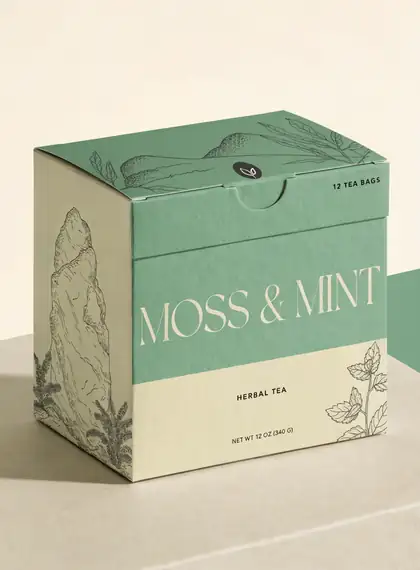
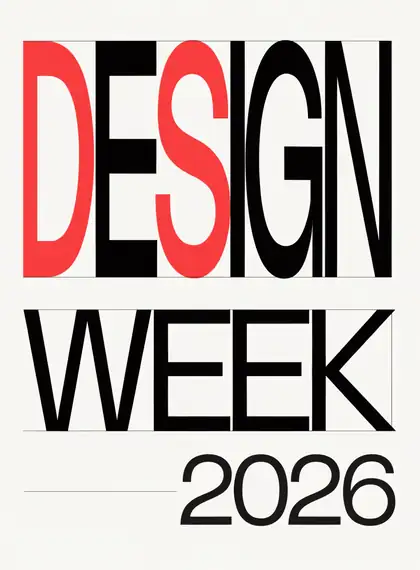
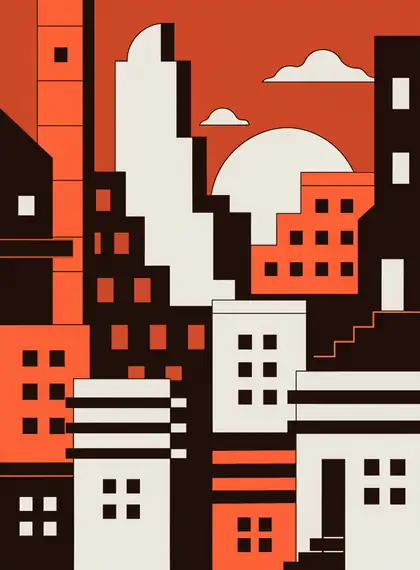
- Real outputs
- Official sources
- Free to start
- No watermark
Updated by the Kenerate AI team




Made with Kenerate
On this page
What is Recraft?

What is Recraft?
Recraft is a design-first image model family from Recraft AI, made for logos, packaging, posters and vector-style illustration with accurate typography; V4.1 launched on 14 May 2026. It treats typography as part of the composition; in our tests, brand names were spelled right every time. Kenerate AI runs seven Recraft versions, including V4.1 Flash for drafts.
Key facts
- Maker
- Recraft
- V4.1
- 14 May 2026
- V4
- 17 Feb 2026
- Best at
- Logos, packaging, type
- On Kenerate
- 7 versions · V4.1 Flash to Pro
- V4 Pro size
- 2048 px
- References
- None on Kenerate
- Output
- PNG/JPG (SVG on Recraft's site)
Gallery
Recraft examples
Real outputs made on Kenerate. Open any image to copy its prompt and run it yourself.
Same prompt
Recraft V4.1 vs V4.1 Flash
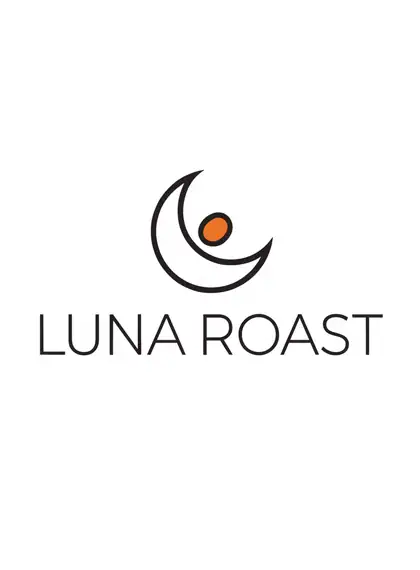
The same logo prompt on V4.1 and the cheaper Flash — both spelled the brand correctly.
PromptMinimal logo for a fictional coffee brand 'LUNA ROAST' with a crescent moon and coffee bean, flat vector, two colours, white background
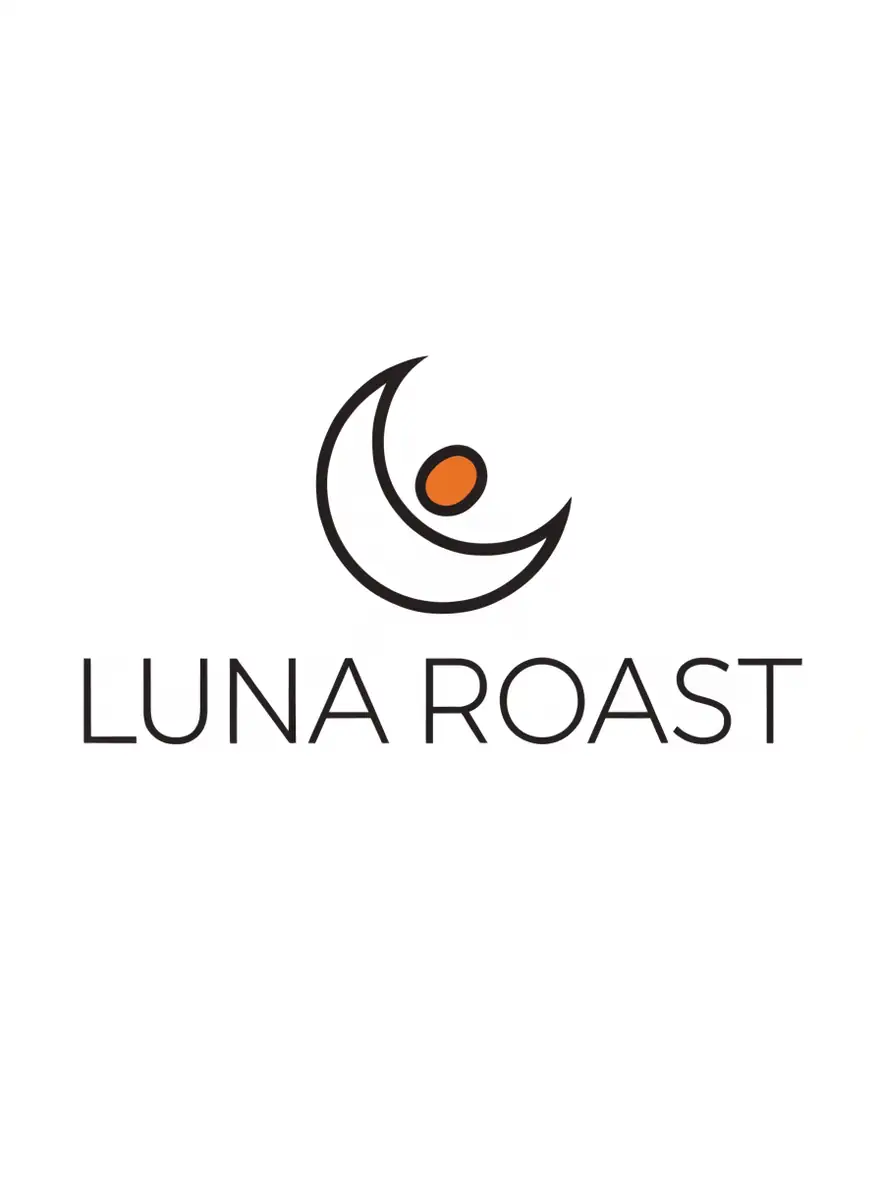 Recraft V4.1Logos, posters, layouts
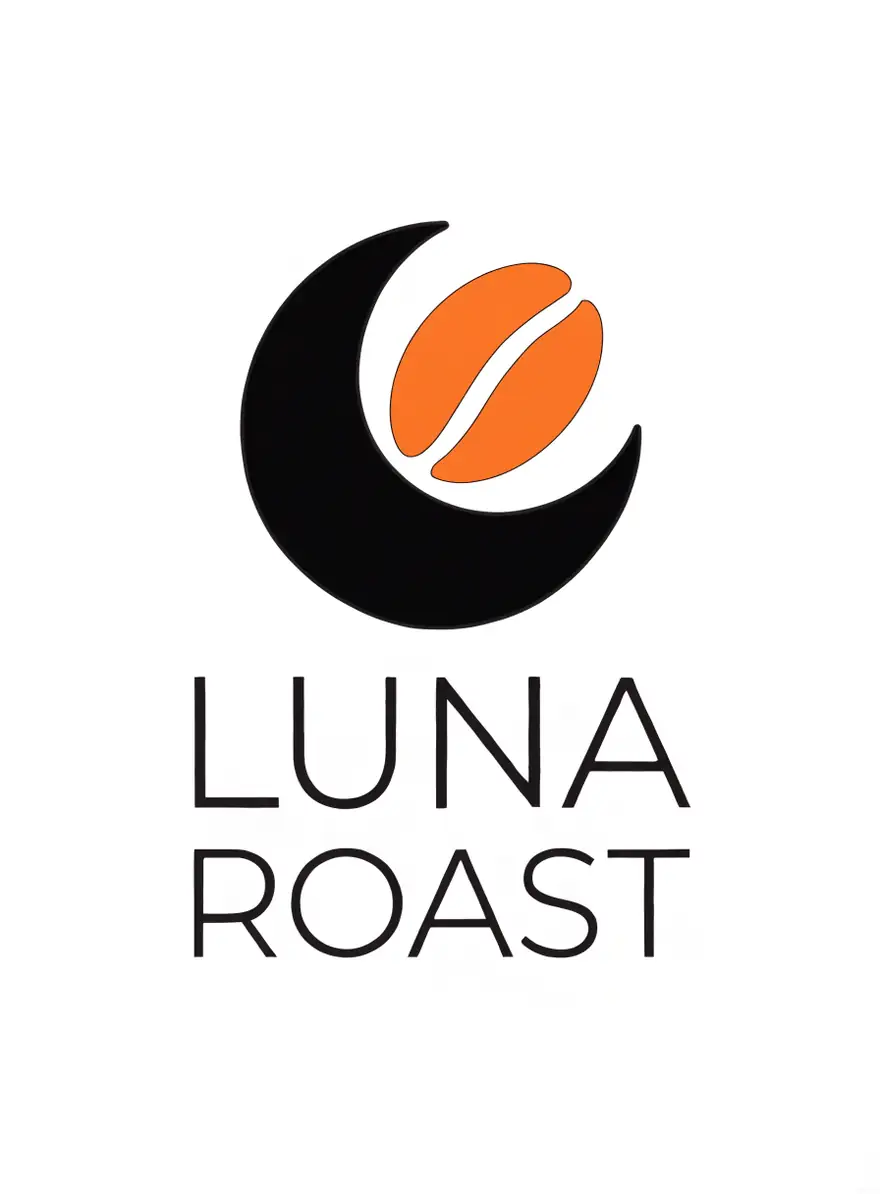 Recraft V4.1 FlashFastest
Models
Recraft on Kenerate
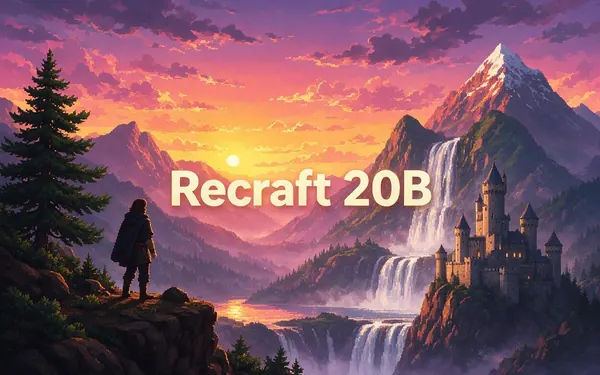
Every version in the generator, and what each is good at.
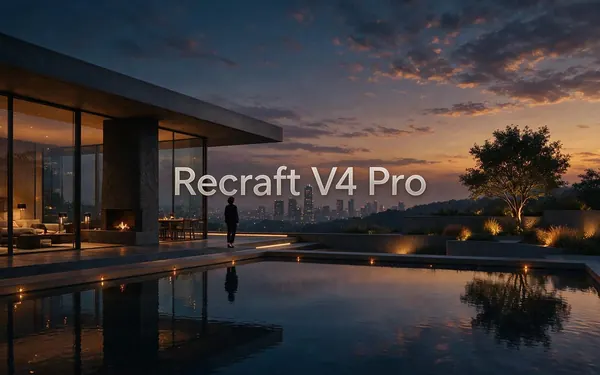
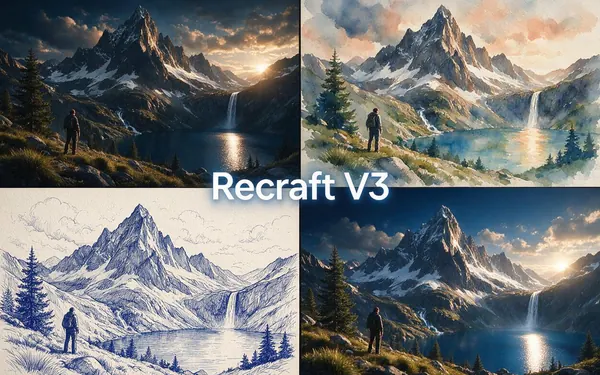
All models (7)
From our tests
Strengths and limits
Good at

- Clean, brand-ready logos and packaging — the brand names were spelled right every time in our tests.
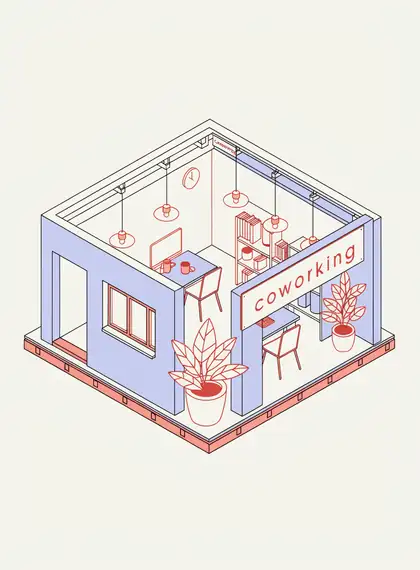
- Real graphic-design sense: Swiss grids, limited palettes, isometric and flat vector styles.
- V4.1 Flash does solid, cheap logo drafts.
Limits
- No reference images on Kenerate — for edits use Seedream, GPT Image 2 or Nano Banana 2.
- Kenerate returns raster images; Recraft's editable SVG output is on Recraft's own site.
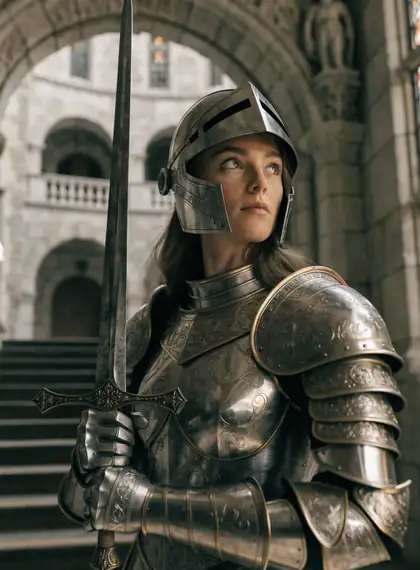
- Photos look more illustrated than on Seedream or GPT Image 2 (see the knight).
How to
How to use Recraft on Kenerate
Step 1
Open Recraft
Pick Recraft V4.1 (or Flash for drafts) in /app/image. Any credit pack unlocks it.
Step 2
Brief it like a designer
Brand name in quotes, style (flat vector, Swiss grid), palette, and what it's for.
Step 3
Pick a ratio
Square for logos, 3:4 for posters and packaging.
Step 4
Go Pro for print
Re-run the final on V4.1 Pro or V4 Pro for high resolution.
See it in the app

Open Image Studio and type what you want to see — subject, style, lighting and mood.


Watch the tour · 1:23
Prompts, styles, references, edit, Arena & chat
Chapters
Example uses
How creators use Recraft
Illustrative examples of typical workflows, not customer reviews.
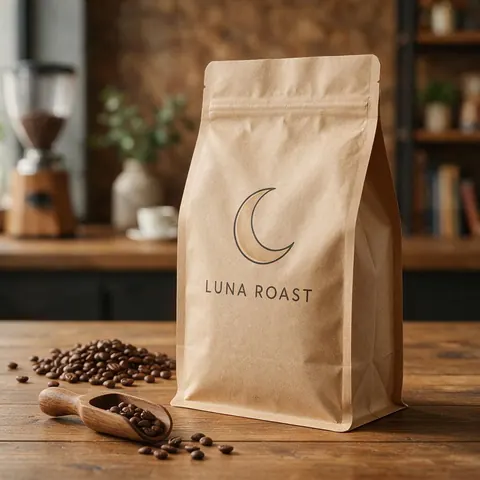
Small coffee roaster
A roaster could try logo ideas with the name spelled right on V4.1 Flash, then refine the keeper on V4.1.
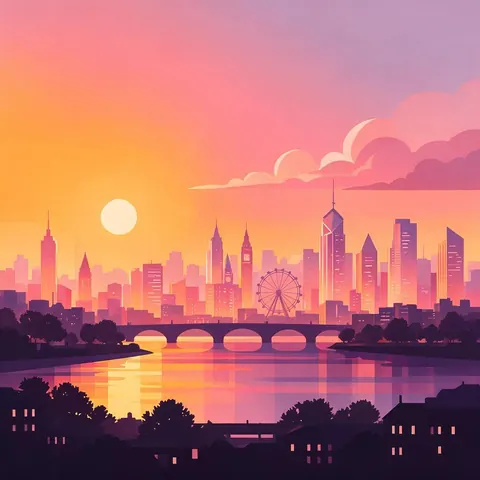
Illustrator
An illustrator could make flat vector scenes with a limited palette for editorial work.
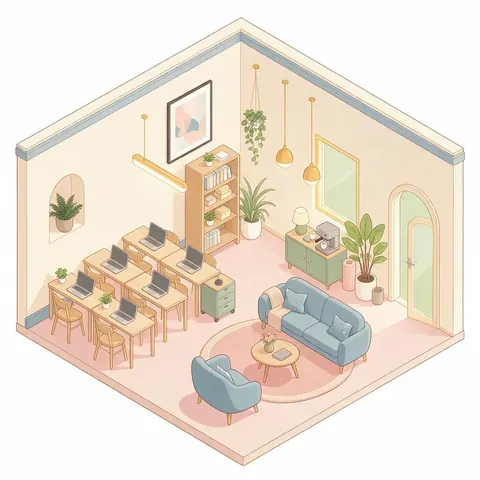
Startup marketer
A marketer could make clean isometric illustrations for a landing page.
FAQ
Recraft questions

What is Recraft?
Recraft is a design-first image model family from Recraft, built for logos, packaging, posters and illustrations with accurate typography. Recraft V4 launched on 17 February 2026 with a 2048 px Pro version, and V4.1 followed on 14 May 2026. Recraft treats typography as part of the composition. Kenerate runs seven versions: V4.1 Flash, V4.1, V4.1 Pro, V4, V4 Pro, V3 and Recraft 20B.
Link to this answerHow much does Recraft cost on Kenerate?
It is credit-based, and the cost of each image is shown before you generate. V4.1 Flash uses the fewest credits and the Pro versions the most, so draft on Flash and re-run only finals on Pro. There is no subscription required: credits come in one-time packs that never expire (see /pricing). Recraft is not on the free plan.
Link to this answerCan Recraft make logos?
Yes, it is one of its strengths. In our tests Recraft made clean, brand-ready logos and spelled the brand name right every time. Put the brand name in quotes and describe the mark, style and palette, such as a flat vector or Swiss-grid look. Use a square ratio for logos, and draft on V4.1 Flash before finalising on V4.1.
Link to this answerDoes Kenerate export SVG from Recraft?
No. On Kenerate, Recraft returns raster images as PNG or JPG. Recraft's Vector versions, which output editable SVG, are available on Recraft's own site. For a logo you need as a vector, refine the concept on Kenerate first, then vectorise the final design or recreate it with a Recraft Vector version on Recraft's site.
Link to this answerCan I edit images with Recraft here?
No. Recraft takes no reference images on Kenerate, so it only creates new images from a text prompt. For edits, use Seedream 5.0 Pro, GPT Image 2 or Nano Banana 2, which accept reference images. A practical workflow is to design a logo or poster on Recraft, then edit it or place it into a scene with one of those models.
Link to this answerIn depth
Recraft, in depth
Background, how to prompt it, and when to pick something else.
Built for design, not just pictures
Which Recraft to pick
Draft logos and layouts on V4.1 Flash, finalise on V4.1, and use a Pro version only when you need print resolution. Recraft 20B's 26 preset styles are handy for quick stylised assets.
By the Kenerate AI teamLast updated and reviewed
We run these models in the Kenerate generator. Model facts come from the makers' own pages; specs and limits were checked against our code; the examples are our own outputs.
Sources: Recraft — Introducing Recraft V4 · Recraft — Recraft V4.1
