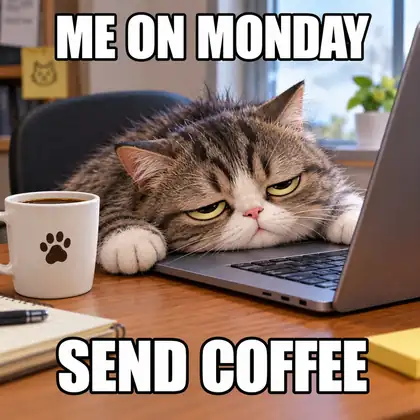
Original memes · captions in the image
AI Meme Generator
Describe the joke and get an original meme image with the caption built in — top and bottom text, bold meme font. No templates to hunt for.
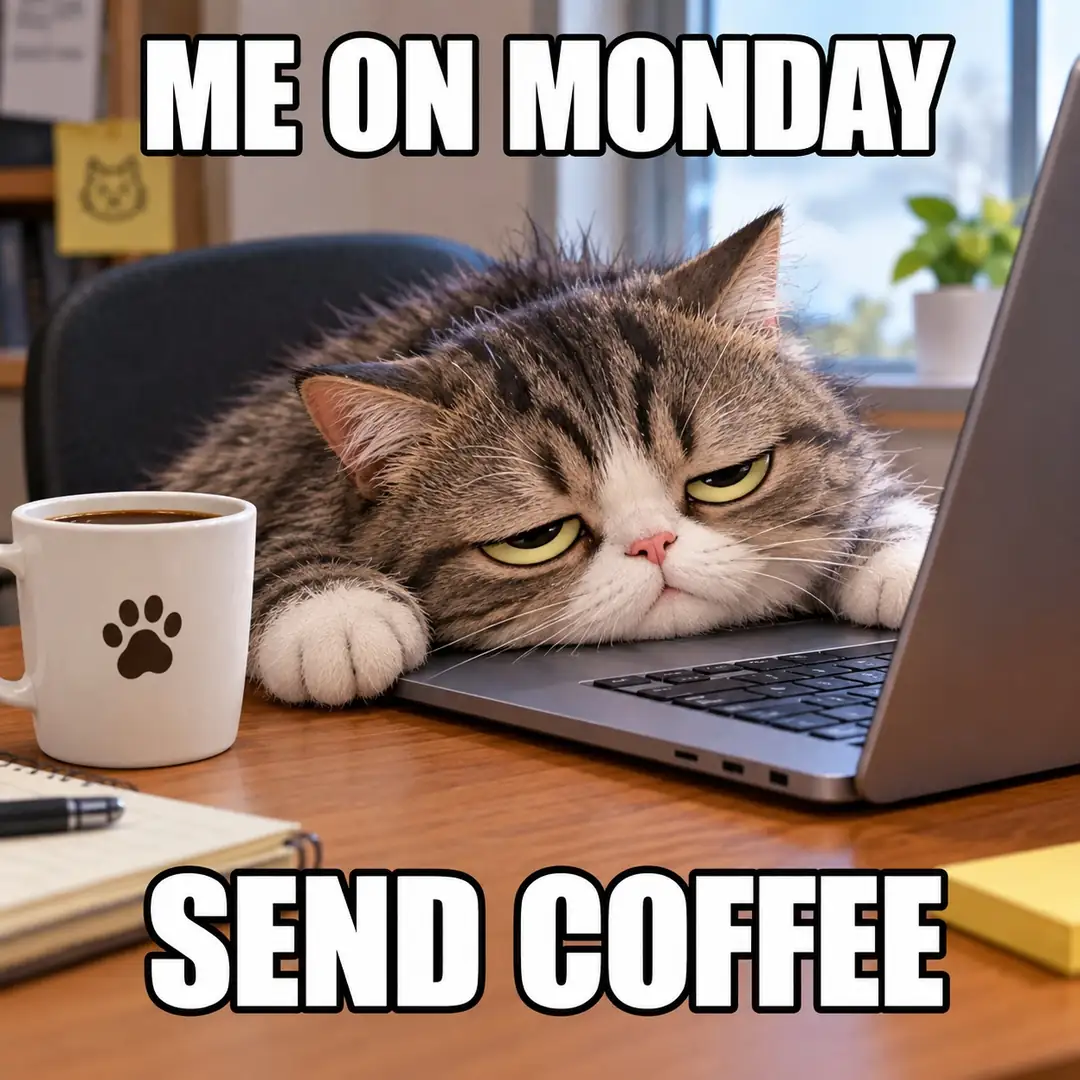
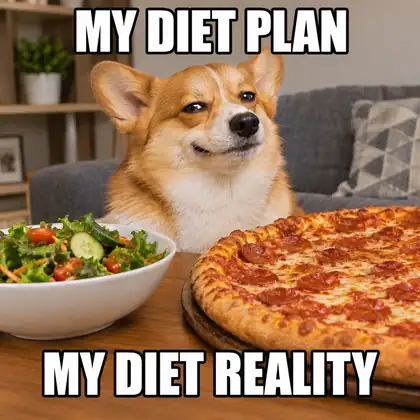
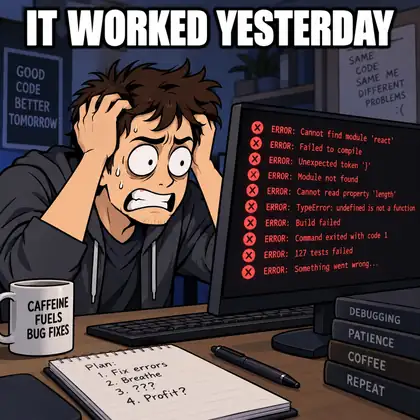
- Captions in the image
- Original scenes
- Free credits
- No watermark
Updated by the Kenerate AI team




On this page
Quick answer

What is an AI meme generator?
An AI meme generator turns a joke you describe into an original meme image with the caption written into the picture — no template needed. Kenerate AI runs GPT Image 2, which spelled every caption right in our tests; Qwen Image 3.0 is the free-plan option. It suits creators, social media managers and group chats that want a custom meme fast.
Key facts
- Best for captions
- GPT Image 2
- Free-plan option
- Qwen Image 3.0
- Templates needed
- None
- Caption
- In the image · top and bottom
- Free start
- Starter credits
- Watermark
- None
Gallery
Original AI memes
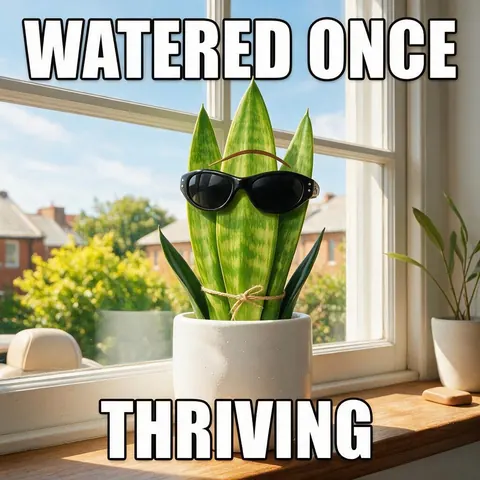
Real GPT Image 2 outputs — scene and caption generated together.
How to
How to use the AI meme generator
- Time needed
- Steps
- 4 steps
Step 1
Pick GPT Image 2
In /app/image. Qwen Image 3.0 is the free-plan option.
Step 2
Describe the scene
A character in a relatable situation.
Step 3
Add the caption
Top and bottom text in quotes.
Step 4
Download and share
Square, no watermark.
See it in the app

Open Image Studio and type what you want to see — subject, style, lighting and mood.


Watch the tour · 1:23
Prompts, styles, references, edit, Arena & chat
Chapters
Tips
Memes that land
What worked in our tests.
Put the exact caption in quotes and say top or bottom.
Ask for “white impact-style meme font”.
Keep captions short — five words or fewer per line.
Use animals and cartoon characters rather than real people.
One clear situation per meme.
Don't imitate real people or copyrighted characters.
Models
Models for memes
What each model is good at. Open any one straight in the generator.
- Free plan

Alibaba
Qwen Image 3.0
- Reference images
- Up to 3
- Output
- 1K or 2K
Open Qwen Image 3.0Best for
Text; free plan
Example uses
How creators use AI meme generator
Illustrative examples of typical workflows, not customer reviews.
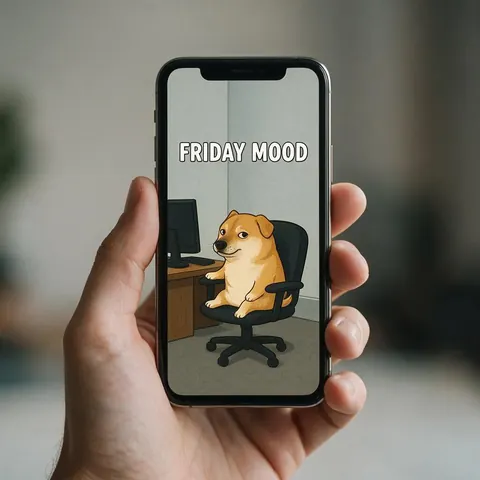
Social media manager
A social media manager describes a relatable office joke and gets an original meme without hunting for templates.
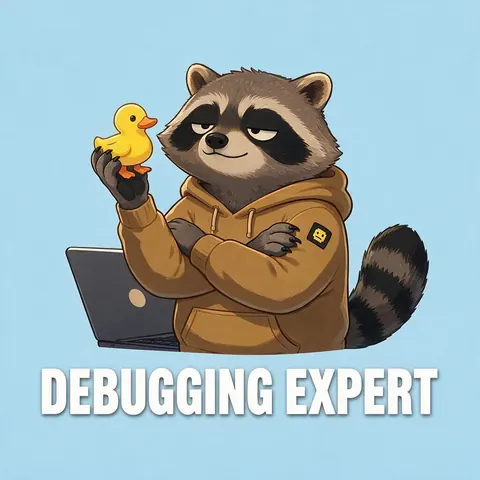
Developer community host
A community host makes original coding memes with animal characters instead of real people.
Small brand marketer
A marketer writes a short caption about the product and posts a playful meme in the brand's voice.
FAQ
AI Meme Generator questions

Can AI make memes?
Yes. Describe the scene and put the exact caption in quotes, saying whether it goes at the top or bottom. GPT Image 2 wrote every caption correctly in our tests, and Qwen Image 3.0 on the free plan also handles short text. Keep each caption line to five words or fewer and ask for white impact-style meme font for the classic look.
Link to this answerIs the AI meme generator free?
Yes, to start. A new Kenerate account gets free starter credits on sign-up, and Qwen Image 3.0 is on the free plan and handles short caption text. For bigger jobs, one-time credit packs replace a subscription, and credits never expire. It runs online in your browser, and downloads have no watermark, so a test meme is ready to share.
Link to this answerWhich model is best for AI memes?
GPT Image 2 was the most reliable in our tests: it wrote every caption on this page correctly, top and bottom, in a classic meme font. Qwen Image 3.0 is the free-plan pick and handles short captions, and Nano Banana 2 also renders text well but outputs square images for now. Keep captions to five words or fewer per line on any model.
Link to this answerCan I use famous meme templates?
No, this tool makes original images instead of copying templates. Describe your own scene — an animal or cartoon character in a relatable situation — plus the caption, and the picture is generated to fit the joke exactly. Avoid imitating real people or copyrighted characters; animals and cartoon characters work well and keep the meme your own.
Link to this answerCan I add text to my own photo?
Yes. Upload your photo in the AI image editor and ask to add the caption at the top or bottom, with the exact words in quotes. GPT Image 2 is the most reliable model for text in images and accepts up to 16 reference images. Ask for white impact-style meme font and keep each line short so the caption stays readable.
Link to this answerIn depth
AI Meme Generator, explained
What works, what to avoid, and how to pick a model.
Custom memes: why generate the scene too
Classic meme tools overlay text on a fixed template. Generating the scene lets the picture fit the joke exactly — and keeps it original.
By the Kenerate AI teamLast updated and reviewed
We build and run the Kenerate generator. Every example is a real output of the model named under it; models and presets were checked against the app's code.