

Skip to content
2 to 16 images · one result

AI Image Combiner

Merge two or more images into one: a product into a scene, an outfit onto a person, a subject into another style. Say which image gives what — the model does the rest.

  • Up to 16 images
  • Relit to match
  • 25 free credits
  • No watermark

Quick answer

Updated

Kenerate's AI image combiner merges 2 to 16 images into one new image from a prompt — put a product into a scene, an outfit onto a person, or a subject into another style. Use Seedream 5.0 Pro (up to 10 images, at 2K), Nano Banana 2 (up to 14) or GPT Image 2 (up to 16). Refer to images by number and say what to keep. A free account gets 25 credits; downloads have no watermark.

Most images
16 (GPT Image 2)
Seedream 5.0 Pro
10 images
Nano Banana 2
14 images
Free start
25 credits

Real combines

Images in, one image out

Every result is a real Seedream 5.0 Pro combine at 2K, made from our own images.

  1. Product into a scene

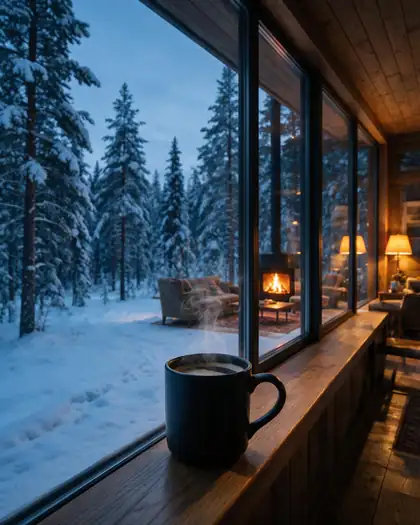
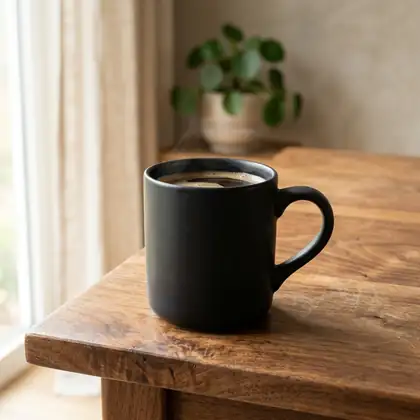
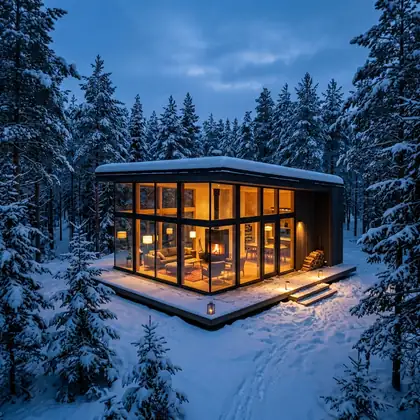
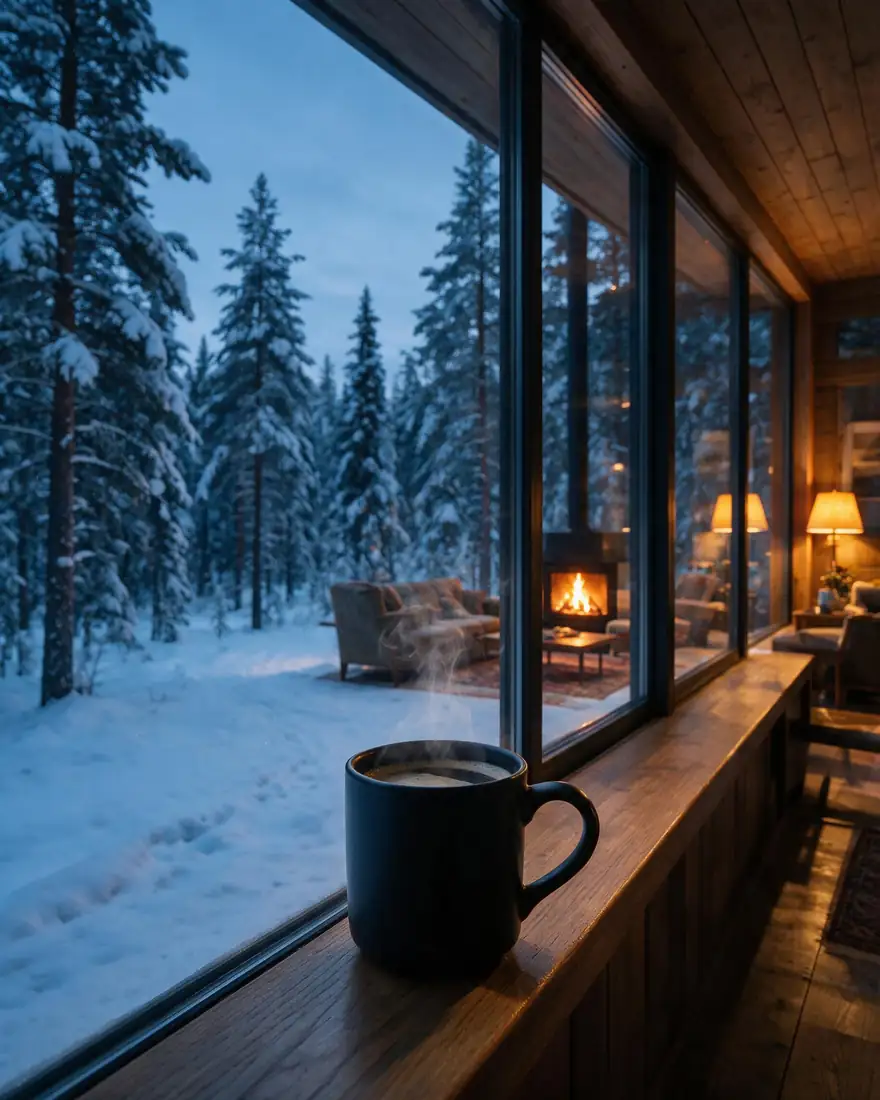
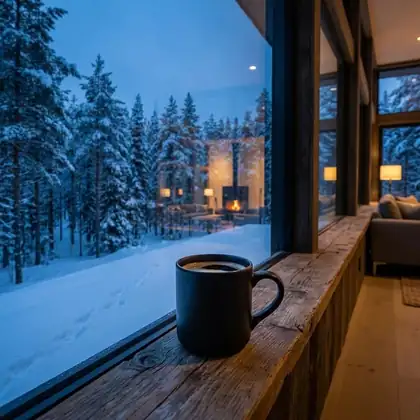
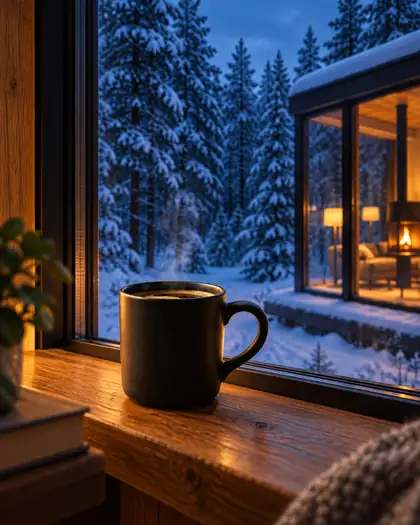
    A studio mug shot and a cabin photo become one lifestyle image — same blue-hour light.

    Input image 1
    Image 1
    Input image 2
    Image 2
    Combined result: Product into a scene
    Prompt
    Place the black ceramic mug from image 1 on the wooden windowsill inside the glass cabin from image 2, with the snowy forest visible through the window, same blue-hour light.
    Try this combine →
  2. Outfit from one photo, person from another

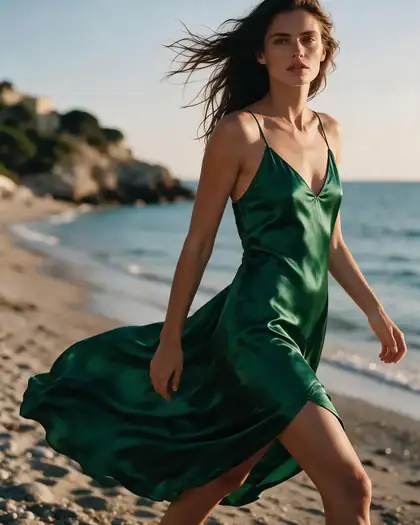
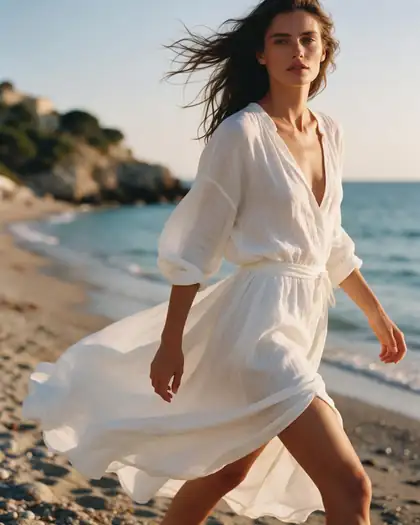
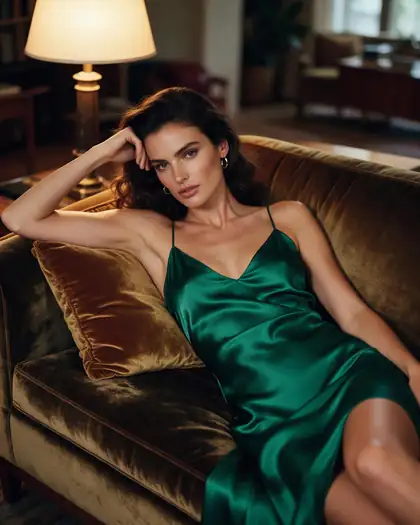
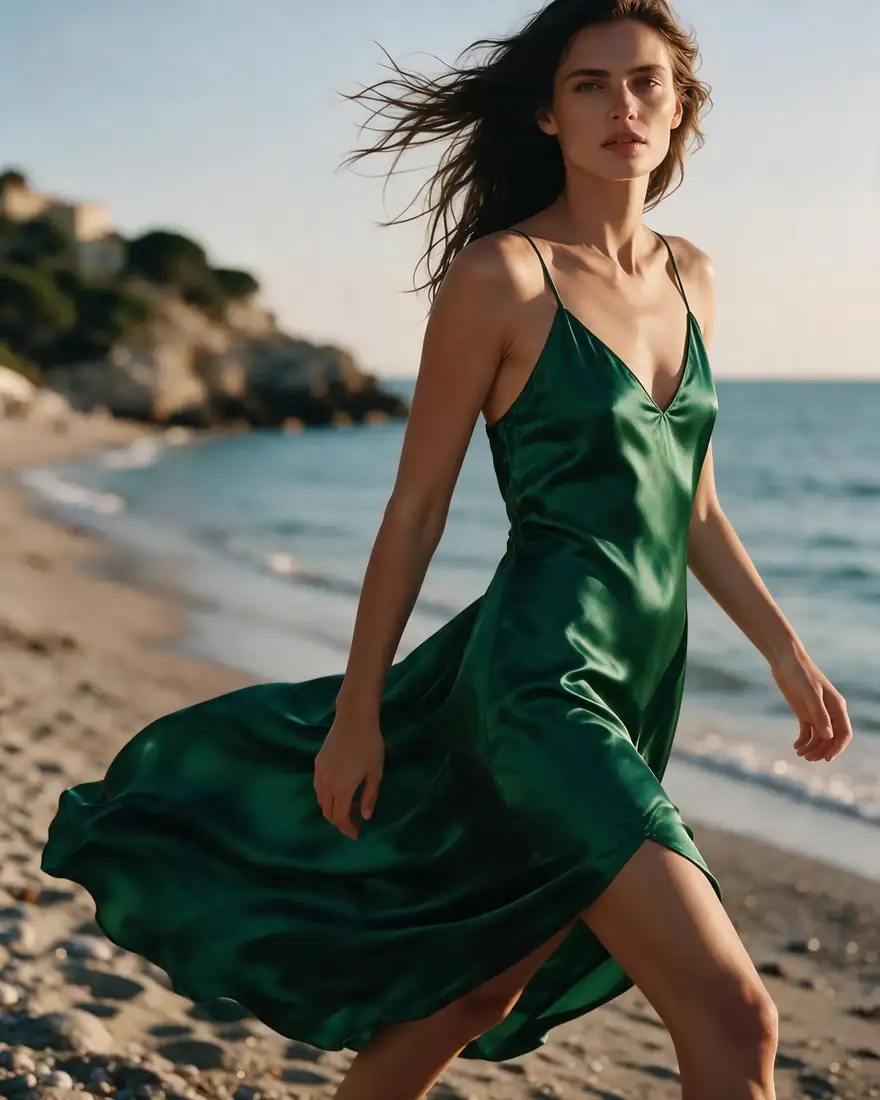
    The woman and the beach from image 1, the emerald dress from image 2.

    Input image 1
    Image 1
    Input image 2
    Image 2
    Combined result: Outfit from one photo, person from another
    Prompt
    Dress the woman from image 1 in the emerald silk slip dress from image 2. Keep her face, hair, pose and the beach at golden hour.
    Try this combine →
  3. Subject from one, style from another

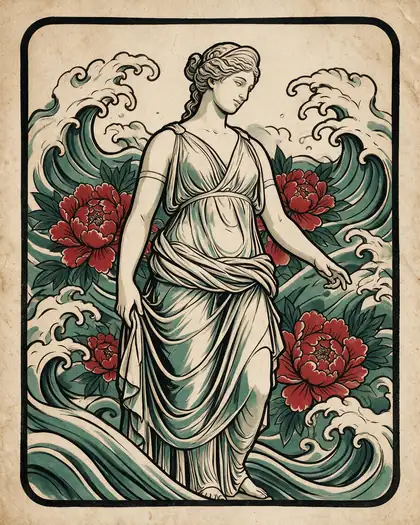
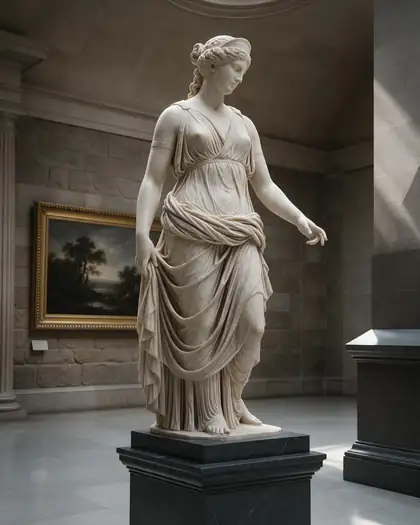
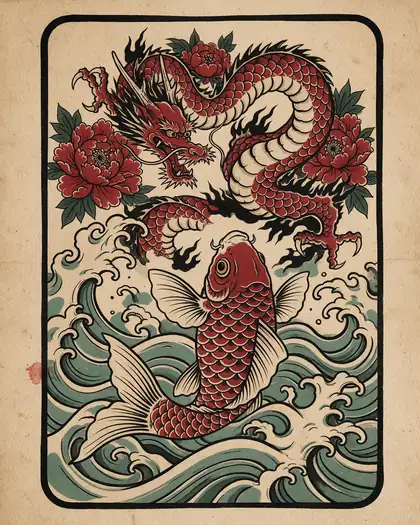
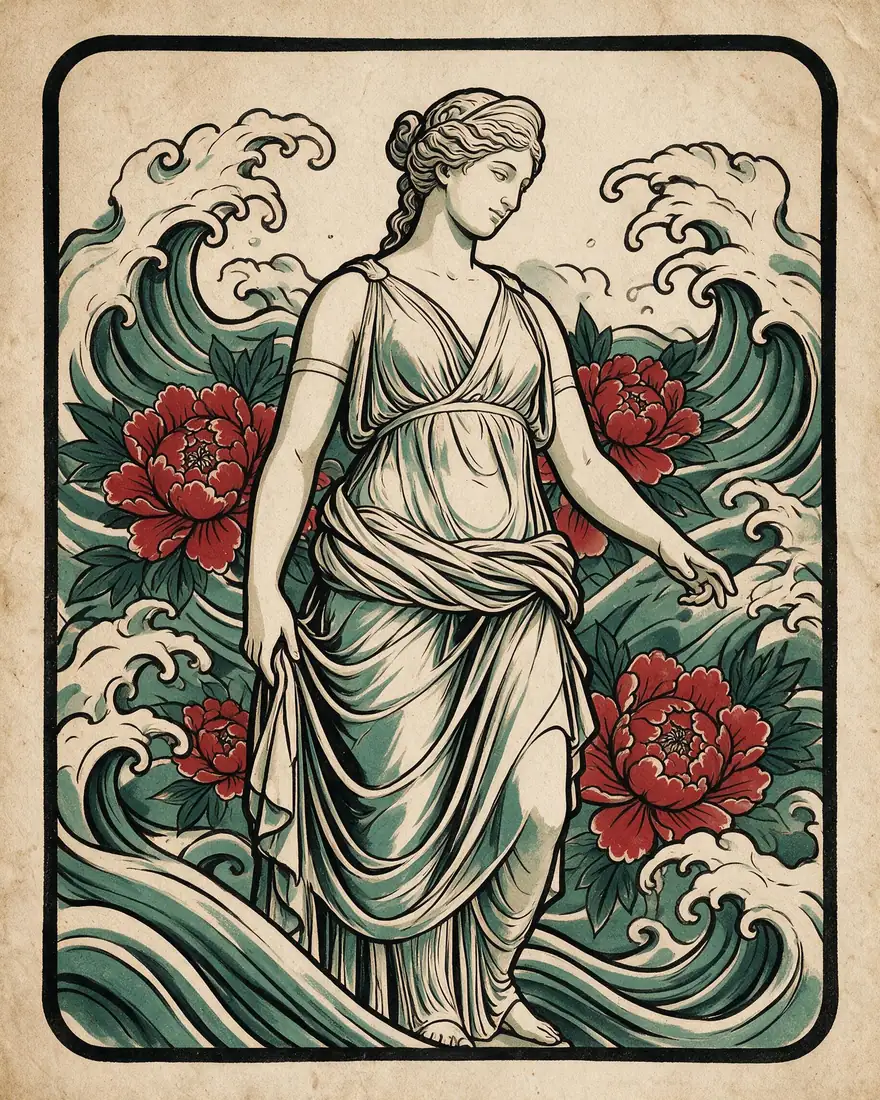
    A marble statue redrawn in the tattoo-flash style of the second image.

    Input image 1
    Image 1
    Input image 2
    Image 2
    Combined result: Subject from one, style from another
    Prompt
    Redraw the marble goddess statue from image 1 in the Japanese tattoo-flash art style of image 2: bold black ink, flat red and teal colors, waves and peonies around her, aged paper.
    Try this combine →
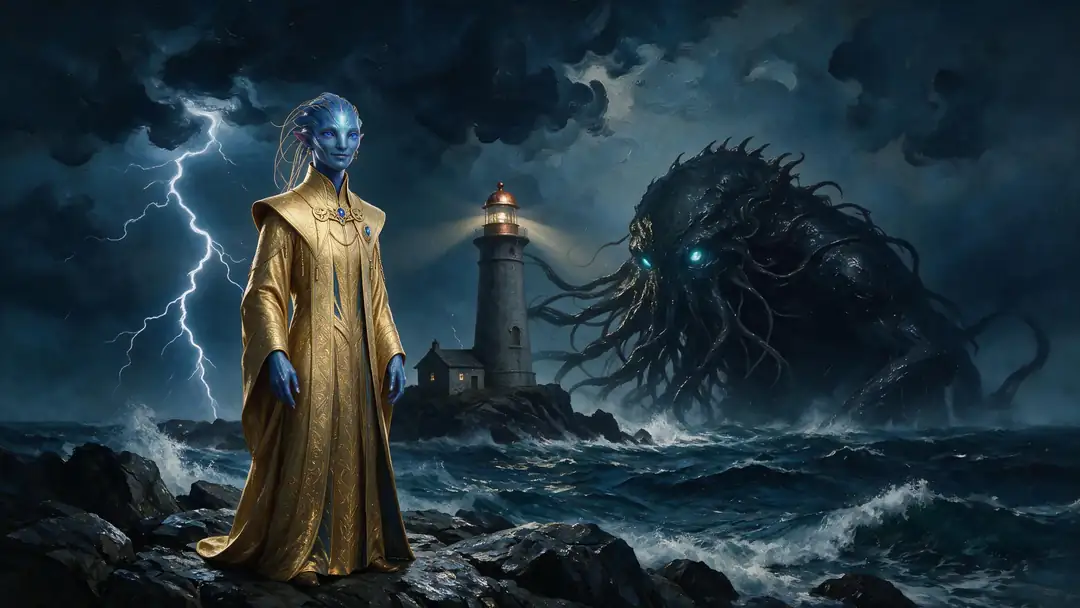
  4. Character into a new world

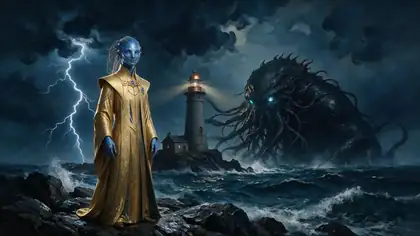
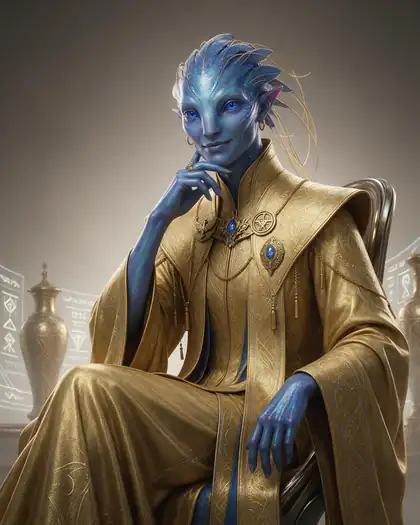
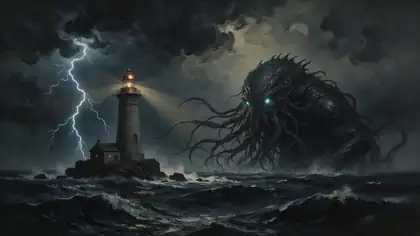
    A portrait and a landscape painting merged into one storm-lit scene.

    Input image 1
    Image 1
    Input image 2
    Image 2
    Combined result: Character into a new world
    Prompt
    Put the alien diplomat from image 1 standing on the rocky shore in the stormy scene from image 2, with the lighthouse and the sea creature behind, lightning lighting their golden robes.
    Try this combine →
  5. Three images, one scene

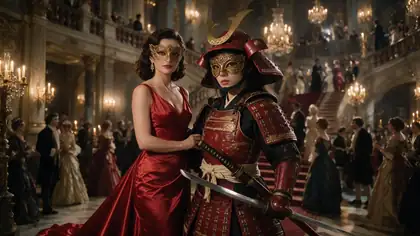
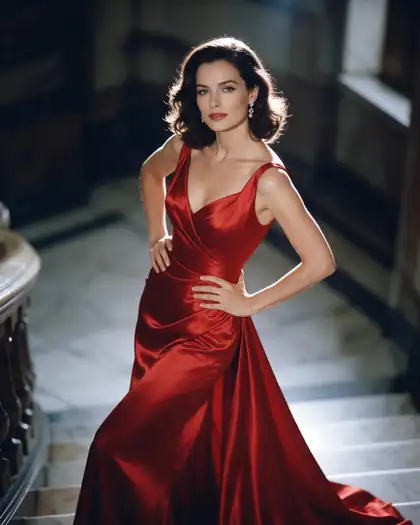
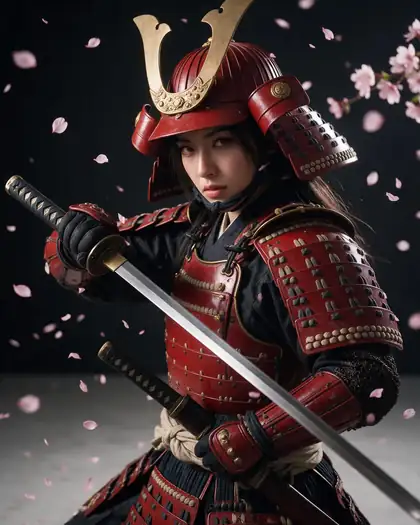
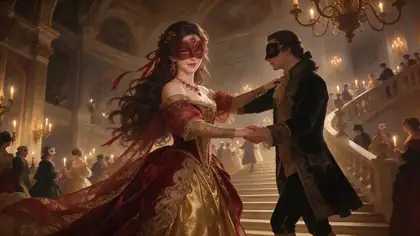
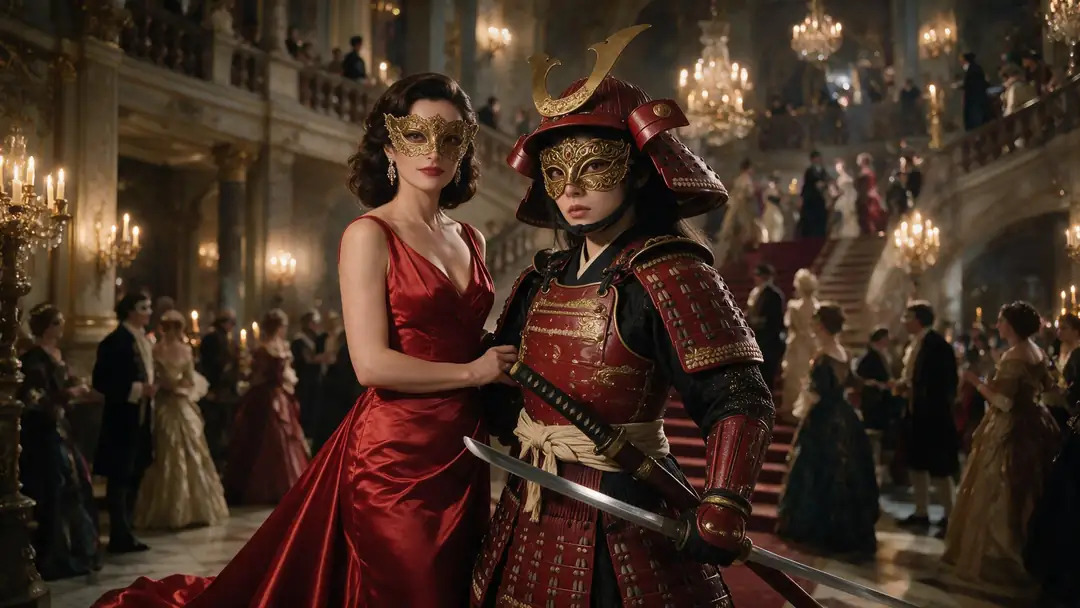
    Two characters from two images, placed in the ballroom from a third.

    Input image 1
    Image 1
    Input image 2
    Image 2
    Input image 3
    Image 3
    Combined result: Three images, one scene
    Prompt
    The woman in the red gown from image 1 and the female samurai from image 2 standing together at the masquerade ball from image 3, both wearing ornate gold masks, candlelight.
    Try this combine →
  6. Pet into a place

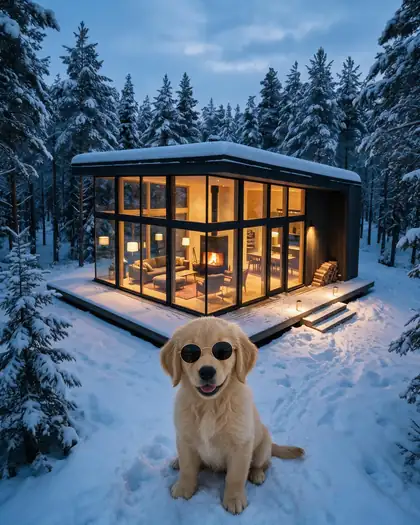
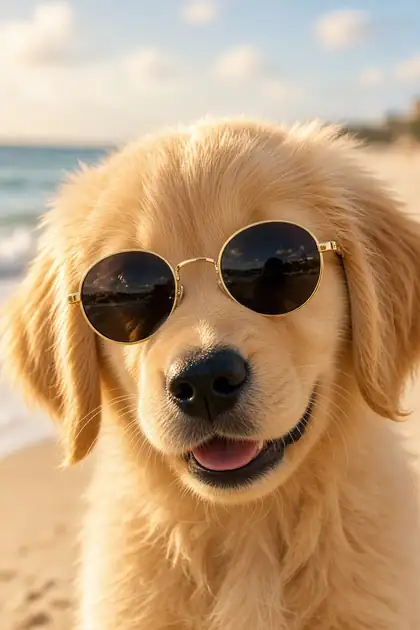
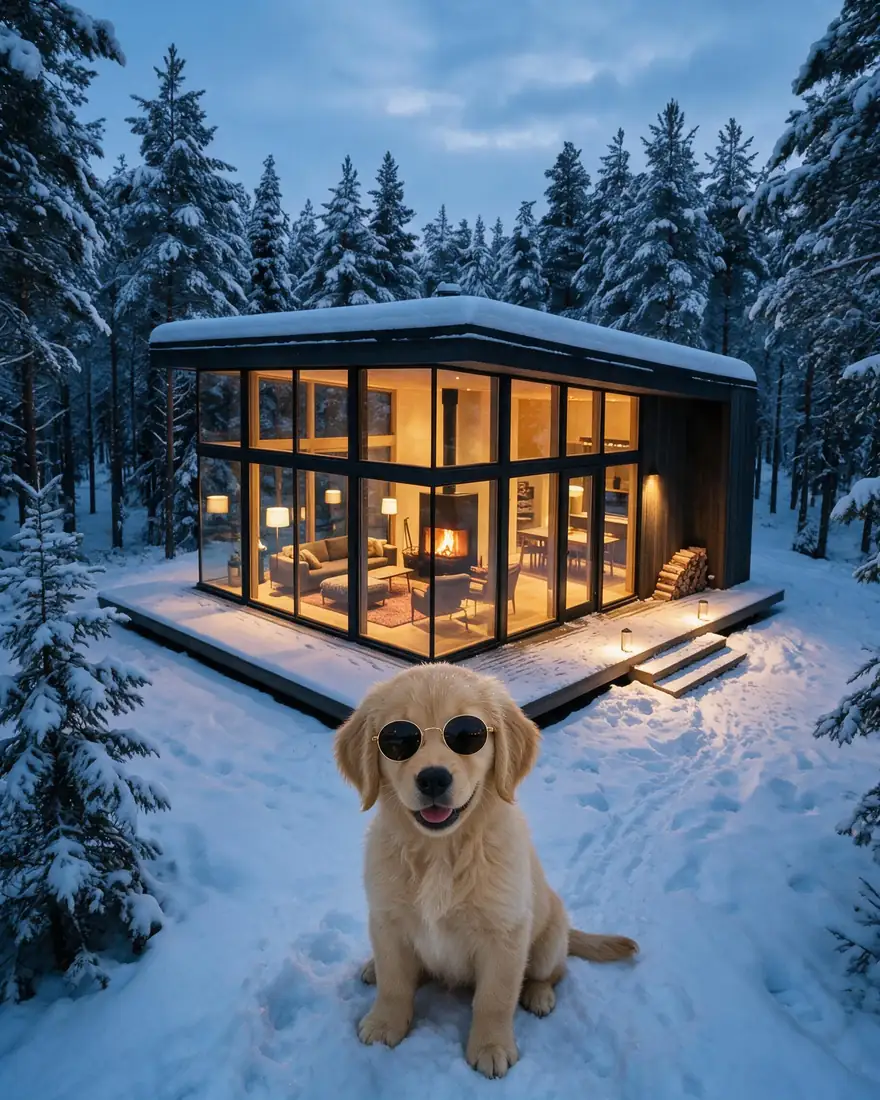
    The puppy and the cabin came through — but the sunglasses were lost. Name small details twice if they matter.

    Input image 1
    Image 1
    Input image 2
    Image 2
    Combined result: Pet into a place
    Prompt
    Place the golden retriever puppy with sunglasses from image 1 sitting in the snow in front of the glass cabin from image 2 at blue hour.
    Try this combine →

Same combine, three models

Seedream vs Nano Banana 2 vs GPT Image 2

The mug-in-the-cabin combine with the same two images on each multi-reference model.

Input: mugInput: cabin
  • Combined with Seedream 5.0 Pro
    Seedream 5.0 Pro2K
  • Combined with Nano Banana 2
    Nano Banana 2Up to 14 images
  • Combined with GPT Image 2
    GPT Image 2Up to 16 images

How to

How to combine images with AI

Four steps.

  1. Step 1: Upload your images

    In /app/image, add 2 or more images to a multi-reference model — Seedream 5.0 Pro (10), Nano Banana 2 (14) or GPT Image 2 (16).
  2. Step 2: Say what comes from where

    Refer to images by number: “the mug from image 1 on the windowsill of image 2”.
  3. Step 3: Say what to keep

    Light, faces, pose, style — anything you don't pin down may change.
  4. Step 4: Generate and compare

    Try the same combine on two models; pick the best. No watermark.

Models

Models that combine images

How many images each model takes at once.

Models that combine images
ModelReference imagesMax sizeGood forOpen
GPT Image 2OpenAIUp to 161K–4KMost images; best with textOpen
Nano Banana 2GoogleUp to 141K (square today)Up to 14 referencesOpen
Seedream 5.0 ProByteDanceUp to 102KMost finished resultsOpen
Qwen Image 3.0AlibabaFree planUp to 32KFree planOpen
Flux 2 DevBlack Forest LabsFree planUp to 32048 pxFree planOpen

Upload two images and combine them — 25 free credits on sign-up.

Start free

Start combining images free

25 free credits on sign-up, then one-time credit packs shared across every Kenerate tool. Credits never expire.

  • 25 free credits on sign-up

    Test on your own images before you buy anything.

  • Credits never expire

    One-time packs — use them this week or next year.

  • No subscription, no watermark

    Nothing to cancel. Free results download clean.

  • One balance, every tool

    The same credits work across images, video, voice and 3D.

In depth

Combining images with AI, explained

How multi-reference models work, and a prompt pattern that keeps what matters.

How multi-reference models combine images

Older tools stitched layers together. Multi-reference models instead read every image you upload and draw a new picture that uses what you point to — the subject of one, the setting of another, the style of a third — and relight it so it looks like one photo.

A prompt pattern that works

Most good combine prompts follow this order:

  • What goes where: “the mug from image 1 on the windowsill in image 2”.
  • What must stay: “keep her face, hair and pose”.
  • The light and mood of the final scene: “same blue-hour light”.
  • Any small detail that matters, named explicitly.

Sources

    Tried it? Tell us how it went

    We only publish real, verified reviews — never invented quotes. Send a line about your result (and whether we may quote you), and it will appear here.

    Send a review

    FAQ

    AI image combiner questions

    6 questions

    Still stuck?

    A real person answers — usually within a day.

    01

    What is an AI image combiner?

    A tool that merges two or more images into one new image from a prompt — a product into a scene, an outfit onto a person, a subject into another style.

    02

    How many images can I combine?

    Up to 16 with GPT Image 2, 14 with Nano Banana 2 and 10 with Seedream 5.0 Pro. Flux 2 Dev and Qwen Image 3.0 take up to 3.

    03

    Is it free?

    You can start free: a new account gets 25 credits, and Flux 2 Dev and Qwen Image 3.0 (up to 3 images each) are on the free plan. Seedream, Nano Banana 2 and GPT Image 2 need a one-time credit pack; credits never expire.

    04

    Which model combines images best?

    In our test all three multi-reference models placed the mug in the cabin convincingly. Seedream 5.0 Pro gave the most finished 2K result; GPT Image 2 is best when text is involved; Nano Banana 2 takes up to 14 references.

    05

    Why did a detail disappear?

    Models can drop small details — our puppy lost its sunglasses. Mention important details again in the prompt, or re-run with a different seed.

    06

    Can I combine photos of real people?

    Only with their permission, and never to create sexual or misleading images of real people.

    See more of Kenerate AI in your Google resultsAdd kenerateai.com as a preferred source — Google shows more from your preferred sources in Top Stories and AI answers.

    Explore

    Every Kenerate image tool

    Generators, design tools, photo edits, models and comparisons — all in one studio, on one credit balance.

    Written by the Kenerate AI team

    We build and run the Kenerate generator. Every combine is a real output of the model named, from our own images; limits were checked against the app's code. Last updated 27 September 2026. Corrections: hello@kenerateai.com.

    Sources

      Ready when you are

      Two images. One picture.

      25 free credits on sign-up. No watermark.

      • 25 free credits
      • No watermark
      • Credits never expire