Skip to content
Any style · try it on your skin

AI Tattoo Generator

Describe a tattoo idea and get finished designs in any style — fine line, traditional, Japanese, blackwork, watercolor. Then preview it on a photo of your own arm before you book.

  • 8+ tattoo styles
  • Try-on preview
  • 25 free credits
  • No watermark

Quick answer

Updated

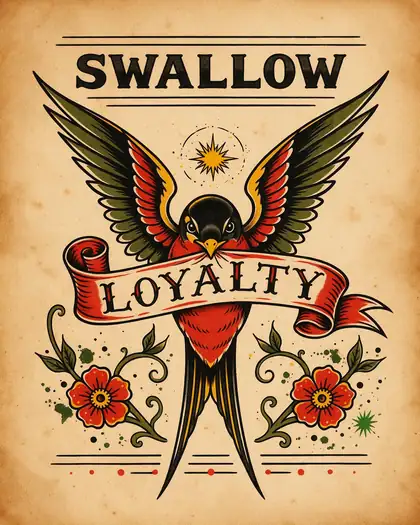
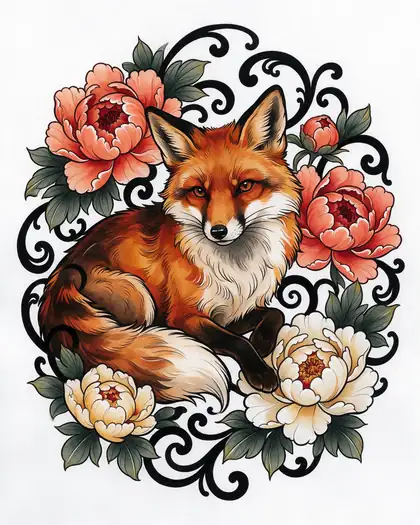
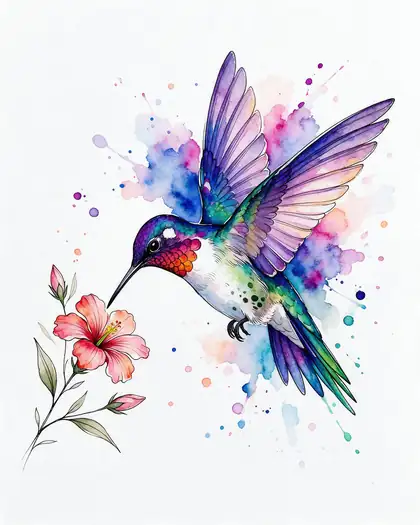
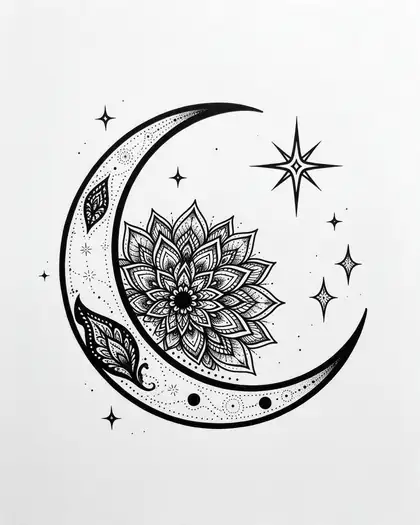
Kenerate's AI tattoo generator turns a tattoo idea into finished designs in any style — fine line, American traditional, Japanese, geometric, watercolor, blackwork, minimalist and neo-traditional. Describe the subject, style and placement; Seedream 5.0 Pro (up to 2K) gave the cleanest linework in our tests, and Flux 2 Dev (free plan) is good for quick drafts. Upload a photo of your arm plus a design to preview it on your skin. A free account gets 25 credits.

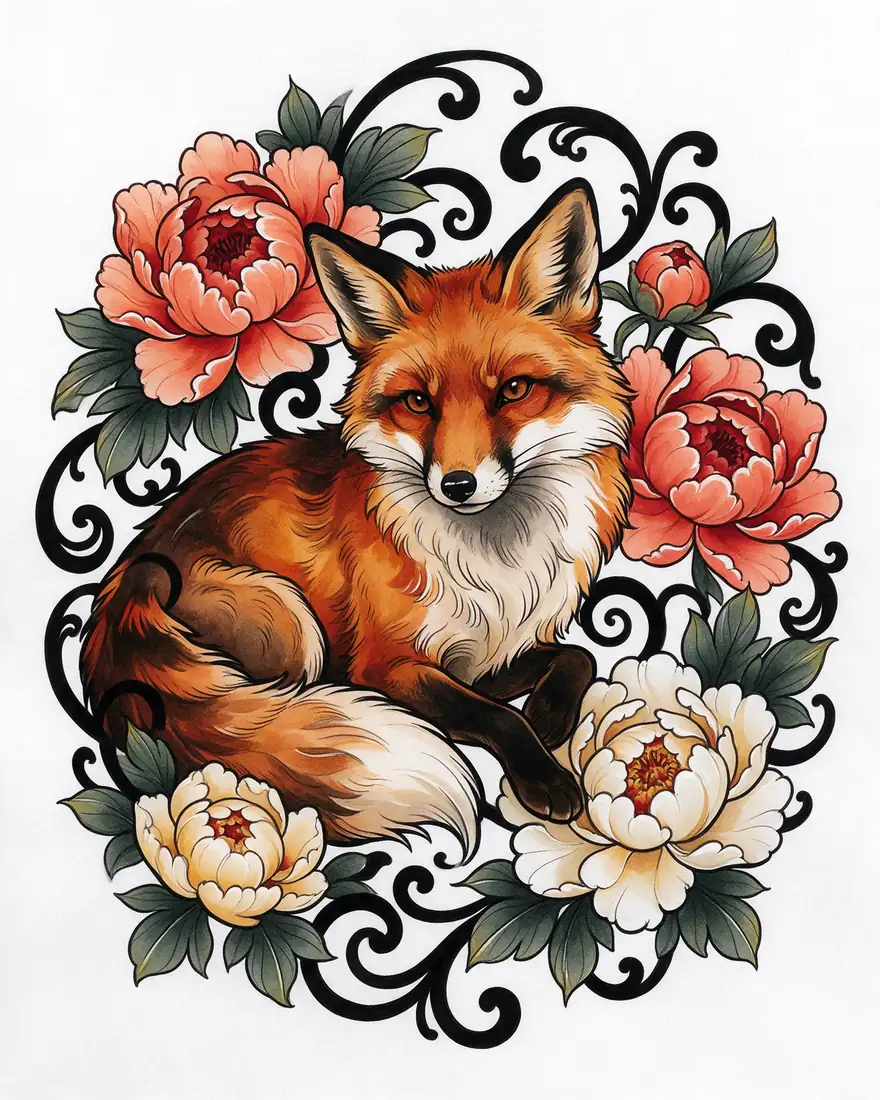
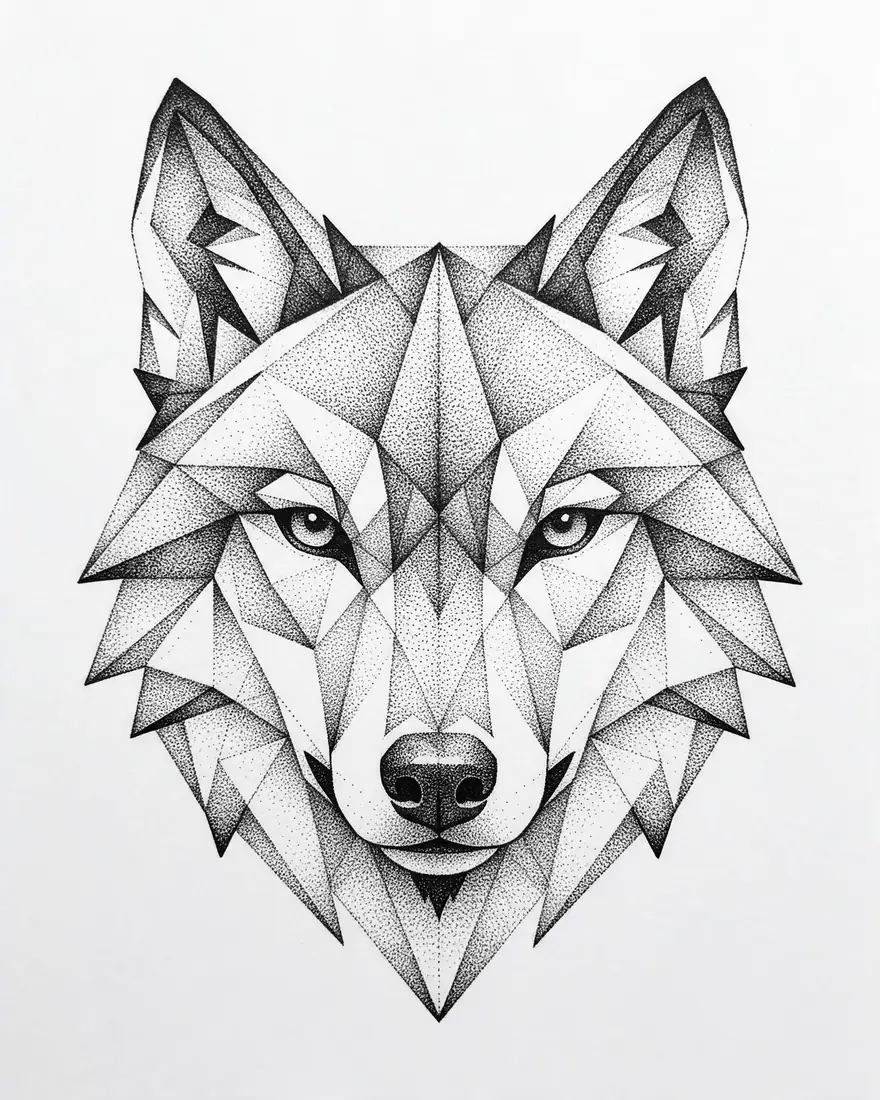
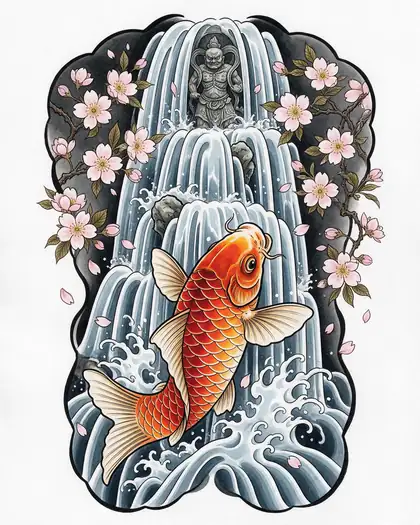
Styles
8+ shown here
Best linework
Seedream 5.0 Pro
Free-plan drafts
Flux 2 Dev
Try-on
2-image edit

Same prompt

Preview a tattoo on your own skin

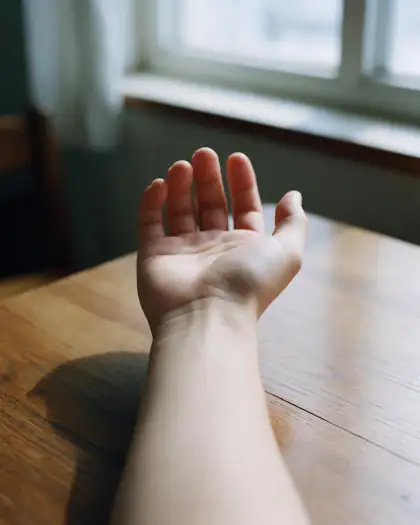
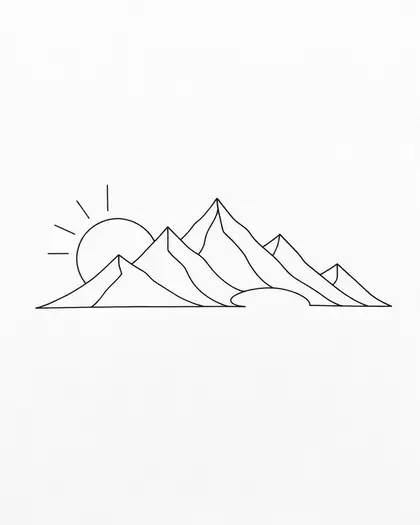
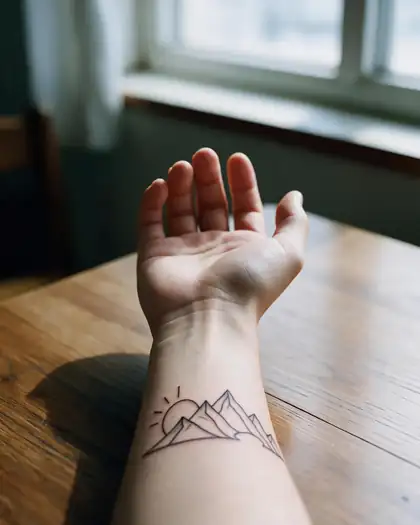
Upload a photo of the spot and your design, and describe where it goes. Here: a bare forearm + the mountain line design = a realistic preview (Seedream 5.0 Pro edit).

  • Same prompt on Image 1: your arm
    Image 1: your armYour photo
  • Same prompt on Image 2: the design
    Image 2: the designMade above
  • Same prompt on Result
    ResultSeedream 5.0 Pro edit
Prompt
Put the mountain line tattoo from image 2 on the inner forearm in image 1 as a realistic fresh black-ink tattoo, following the skin's curve. Keep the arm, table and light the same.

Tips

Prompts that give tattoo-ready designs

Write like you'd brief a tattoo artist.

  • Name the style first: fine line, traditional, irezumi, blackwork, watercolor.
  • Say “tattoo design on white paper” to get clean flash, not a photo.
  • Mention colour: black ink only, black and grey, or full colour.
  • Describe the shape for the placement: round, tall and narrow, wrap-around.
  • Keep small designs simple — fine detail blurs as tattoos age.
  • Take the design to your artist; they'll adapt it to your skin.

How to

How to use the ai tattoo generator

  1. Step 1: Describe the idea

    Subject, style, colour and where it will go on the body.
  2. Step 2: Generate a few versions

    Draft on Flux 2 Dev (free plan), finish on Seedream 5.0 Pro for clean lines.
  3. Step 3: Preview it on your skin

    Upload a photo of the spot plus the design, and say where to place it.
  4. Step 4: Take it to your artist

    Download without a watermark and use it as a reference.

Models

Models for tattoo designs

What each model is good at. Open any one straight in the generator.

Models for tattoo designs
ModelReference imagesMax sizeGood forOpen
Seedream 5.0 ProByteDanceUp to 102KCleanest linework; try-on editsOpen
GPT Image 2OpenAIUp to 161K–4KLettering and script tattoosOpen
ChromaOpen model—1536 pxStyle explorationOpen
Flux 2 DevBlack Forest LabsFree planUp to 32048 pxFree-plan draftsOpen

Make your first one — 25 free credits on sign-up.

Start free

Start free, top up only when you need to

The same credits work in every Kenerate tool.

  • 25 free credits on sign-up

    Test on your own images before you buy anything.

  • Credits never expire

    One-time packs — use them this week or next year.

  • No subscription, no watermark

    Nothing to cancel. Free results download clean.

  • One balance, every tool

    The same credits work across images, video, voice and 3D.

In depth

AI Tattoo Generator, explained

What works, what to avoid, and how to pick a model.

From idea to flash

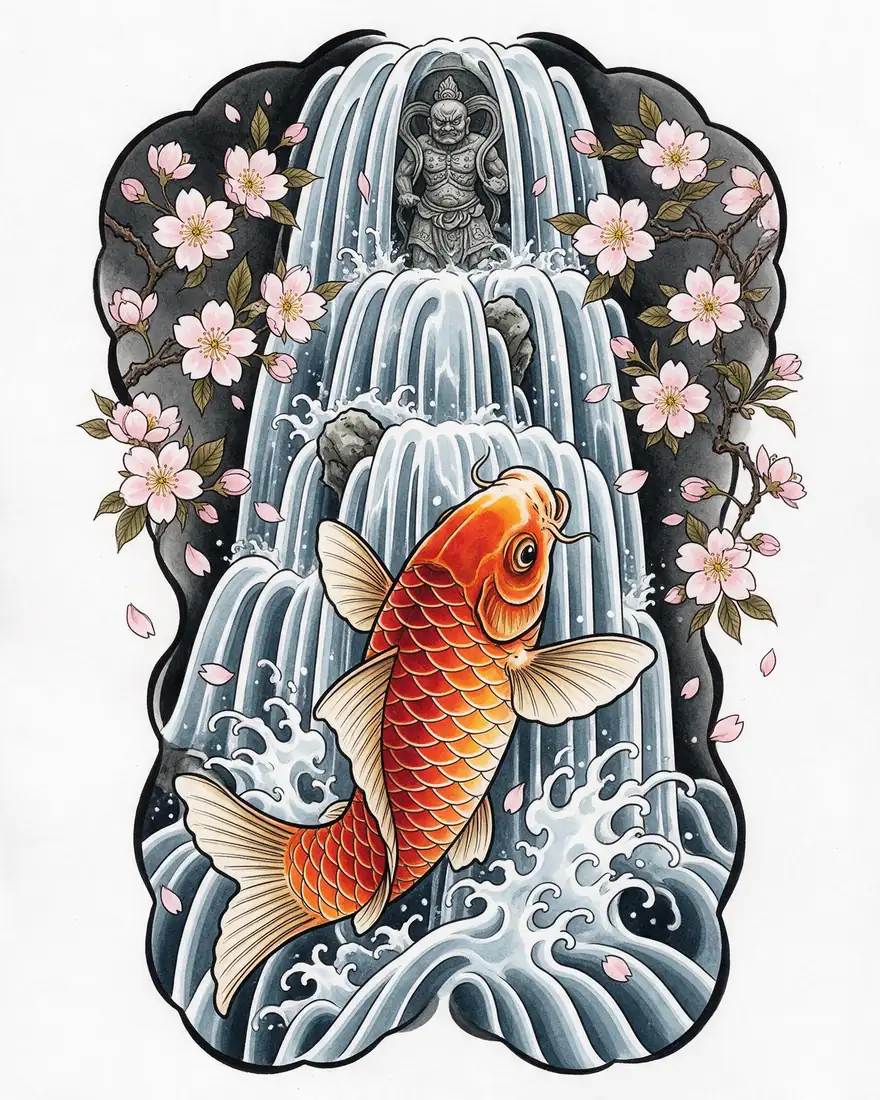
Tattoo flash is a clean design on paper — no skin, no background. Asking for “tattoo design on white paper” steers the model to flash, which is easiest for an artist to adapt. Name a tradition (irezumi, American traditional) to get its line weight and palette.

Designing for the body

A design that looks great on screen can age badly on skin:

  • Tiny, dense detail blurs over years — keep small tattoos simple.
  • Fine line work needs space between lines.
  • Bold outlines and solid black hold up best.
  • Always let a professional artist finalise size and placement.
Sources

    Tried it? Tell us how it went

    We only publish real, verified reviews — never invented quotes. Send a line about your result (and whether we may quote you), and it will appear here.

    Send a review

    FAQ

    AI Tattoo Generator questions

    5 questions

    Still stuck?

    A real person answers — usually within a day.

    01

    Can AI design a tattoo?

    Yes. Describe the subject, style and colour and the generator makes finished designs you can take to a tattoo artist as a reference.

    02

    Is the AI tattoo generator free?

    A new account gets 25 free credits on sign-up to test, and Flux 2 Dev is on the free plan. Seedream 5.0 Pro, which gave the cleanest linework, needs a one-time credit pack; credits never expire.

    03

    Can I see the tattoo on my body before getting it?

    Yes. Upload a photo of the spot and your design to Seedream 5.0 Pro and describe the placement — like the forearm preview on this page.

    04

    Which tattoo styles can it make?

    Fine line, American traditional, Japanese irezumi, geometric, watercolor, blackwork, minimalist, neo-traditional, script and more — name the style in the prompt.

    05

    Can I get a stencil?

    Ask for “black linework only on white paper”. Your artist will still make the final stencil for your skin.

    See more of Kenerate AI in your Google resultsAdd kenerateai.com as a preferred source — Google shows more from your preferred sources in Top Stories and AI answers.

    Explore

    Every Kenerate image tool

    Generators, design tools, photo edits, models and comparisons — all in one studio, on one credit balance.

    Written by the Kenerate AI team

    We build and run the Kenerate generator. Every example is a real output of the model named under it; models and presets were checked against the app's code. Last updated 27 September 2026. Corrections: hello@kenerateai.com.

    Sources

      Ready when you are

      Try the ai tattoo generator

      25 free credits on sign-up. No watermark.

      • 25 free credits
      • No watermark
      • Credits never expire